Cctv Camera Power Supply Box
Looking for a reliable way to power your surveillance system? A CCTV camera power supply box is the heart of any stable installation, delivering clean, consistent voltage to every camera. In this guide we break down the different types, how to choose the right one, and step‑by‑step wiring tips so you can set up a rock‑solid system without a hitch.
Key Takeaways
- Choose the right voltage: Match the box to your camera’s power requirements (12 V, 24 V, or PoE).
- Size matters: Count cameras, future expansion, and power budget before buying.
- Safety first: Look for overload protection, proper grounding, and IP‑rated enclosures.
- Installation tips: Use cable trays, label wires, and test voltage at each camera.
- Maintenance: Regularly inspect connections and clean dust from the box to avoid overheating.
- Smart options: Consider remote monitoring or UPS backup for critical sites.
- Cost vs. quality: A higher‑priced box often means better durability and fewer failures.
📑 Table of Contents
- Introduction: Why a Power Supply Box Is the Unsung Hero of Your CCTV System
- 1. Types of CCTV Camera Power Supply Boxes
- 2. How to Size Your Power Supply Box Correctly
- 3. Key Features to Look For
- 4. Step‑by‑Step Installation Guide
- 5. Maintenance and Troubleshooting
- 6. Buying Guide: Top Picks for 2024
- Conclusion: Power Your Peace of Mind
Introduction: Why a Power Supply Box Is the Unsung Hero of Your CCTV System
Imagine you’ve spent weeks choosing the perfect cameras, mounting them at the right angles, and running the video cables back to the recorder. Then, one rainy night, the feed goes dark. The culprit? A weak or faulty power source. That’s where a CCTV camera power supply box steps in. It gathers power from the mains, converts it to the exact voltage your cameras need, and distributes it safely.
In everyday language, think of the power supply box as the “heart” of a surveillance system. It pumps clean electricity to each camera, keeping the pulse steady no matter what the weather throws at it. This article will walk you through everything from basic concepts to advanced troubleshooting, all in a friendly, easy‑to‑read style.
1. Types of CCTV Camera Power Supply Boxes
1.1 Linear Power Supplies
Linear supplies are the classic choice. They use a transformer, a rectifier, and a large filter capacitor to turn AC into smooth DC. They’re bulky but deliver very low ripple, which is great for analog cameras that are sensitive to noise.
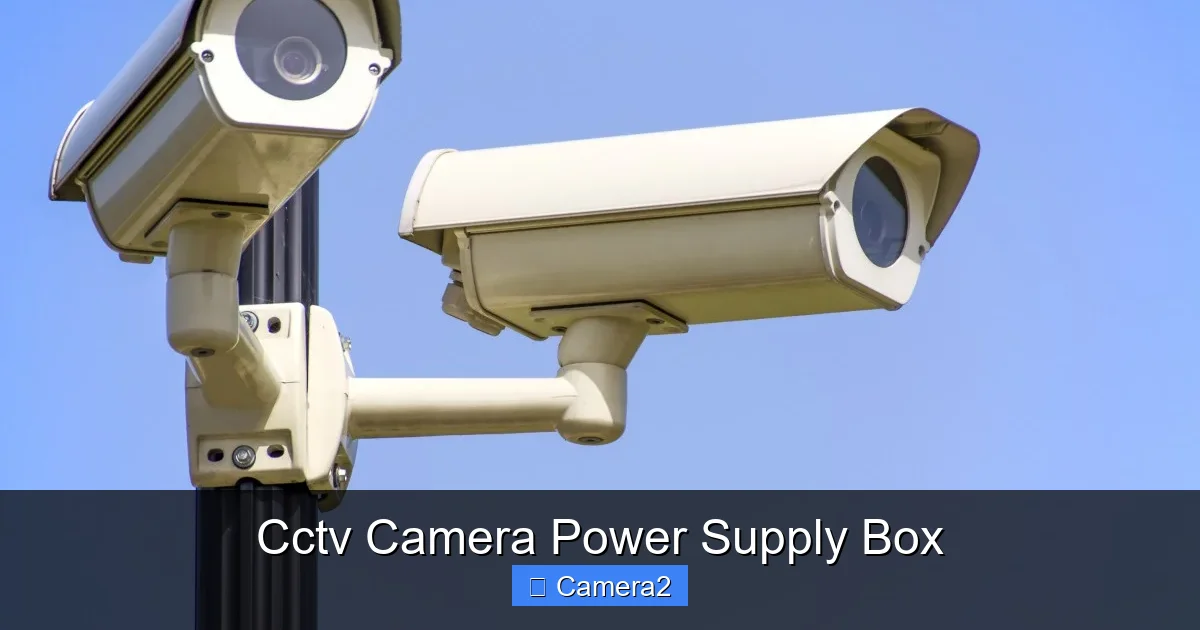
Visual guide about Cctv Camera Power Supply Box
Image source: c.pxhere.com
1.2 Switch‑Mode Power Supplies (SMPS)
SMPS units are lighter, more efficient, and can handle a wider voltage range. They work by chopping the input voltage at high frequencies, then smoothing it out. Most modern CCTV camera power supply boxes on the market are SMPS because they generate less heat and are easier to mount.
1.3 PoE (Power over Ethernet) Injectors and Switches
If you’re using IP cameras, a PoE injector or PoE‑enabled switch can replace a traditional box. It sends power and data over the same Ethernet cable, simplifying wiring. However, you still need a power supply box to feed the PoE switch if it isn’t plug‑in ready.
1.4 Solar‑Powered Boxes
For remote locations—think wildlife monitoring or a birdhouse with a solar powered camera—solar panels paired with a charge controller act as a mini power supply box. They store energy in a battery and release a steady 12 V to the camera.
2. How to Size Your Power Supply Box Correctly
2.1 Count Your Cameras
Start by listing every camera you plan to connect. Write down each model’s voltage (usually 12 V or 24 V) and current draw (in milliamps, mA). The total current is the sum of all cameras.
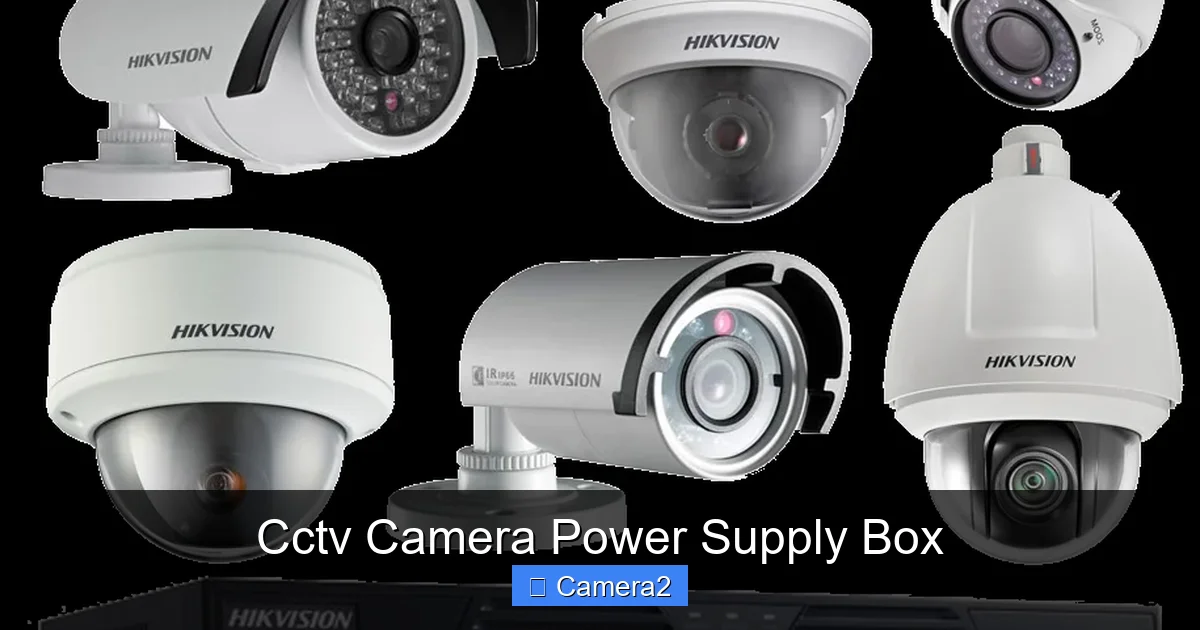
Visual guide about Cctv Camera Power Supply Box
Image source: freepngimg.com
2.2 Add a Safety Margin
Never run a box at 100 % capacity. Add 20‑30 % extra headroom to accommodate future expansion and to keep the unit cool. For example, if your cameras need 5 A total, choose a box rated for at least 6 A.
2.3 Consider Cable Length and Voltage Drop
Long cable runs cause voltage drop, especially with thin wires. Use the formula Vdrop = I × R × L (where R is resistance per foot). If the drop exceeds 10 % of the nominal voltage, either use thicker cables or a higher‑capacity supply.
2.4 Example Calculation
Suppose you have eight 12 V cameras, each drawing 300 mA.
- Total current = 8 × 0.3 A = 2.4 A
- Add 25 % safety margin → 2.4 A × 1.25 = 3 A
- Select a 12 V, 3 A (or higher) power supply box.
3. Key Features to Look For
3.1 Overload and Short‑Circuit Protection
A good box will automatically shut off if it detects a current surge. This protects both the supply and the cameras.
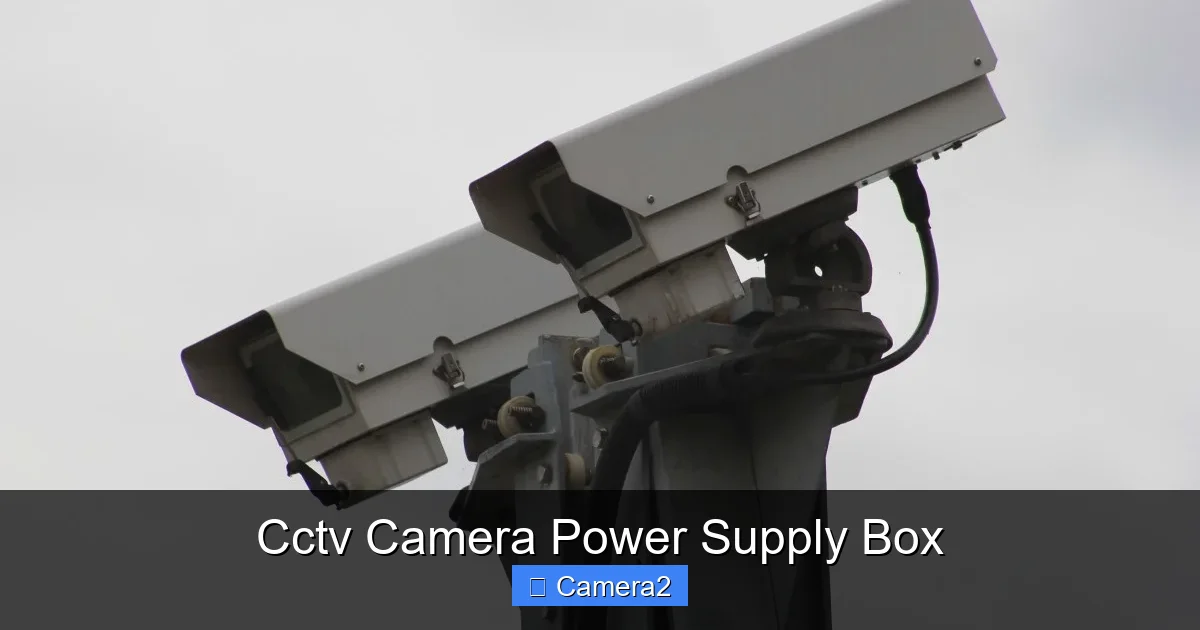
Visual guide about Cctv Camera Power Supply Box
Image source: c.pxhere.com
3.2 IP Rating
Since the box is often mounted outdoors or in a vented closet, an IP65 or higher rating ensures protection against dust and rain.
3.3 Temperature Management
Heat sinks, fan‑assisted cooling, or built‑in thermal cut‑offs extend the life of the unit. Look for a spec sheet that lists operating temperature range.
3.4 Expandability
Some boxes come with extra terminals or modular slots, making it easy to add more cameras later without swapping the whole unit.
3.5 Remote Monitoring
Advanced models have status LEDs, LCD panels, or even web interfaces that let you see voltage, current, and fault conditions from a smartphone.
4. Step‑by‑Step Installation Guide
4.1 Planning the Layout
Before you even open the box, sketch a wiring diagram. Mark where each camera will sit, the path of the power cable, and where the box will be mounted—ideally near the NVR or DVR for short runs.
4.2 Mounting the Box
- Choose a location with good ventilation and easy access.
- Secure the box with screws or brackets, following the manufacturer’s mounting holes.
- Run a ground wire from the box’s grounding screw to a metal pipe or grounding rod.
4.3 Wiring the Cameras
- Strip the ends of the power cable (usually 2‑wire or 4‑wire for PoE).
- Connect the positive (+) lead to the “+V” terminal on the box and the negative (–) to “GND”.
- Label each wire with the camera name or number for future troubleshooting.
- Use cable ties or a cable tray to keep bundles neat.
4.4 Testing Before Finalizing
Plug the box into a protected AC outlet, turn it on, and use a multimeter to verify 12 V (or 24 V) at each camera’s connector. If any reading is off, re‑check connections and look for loose terminals.
4.5 Securing and Protecting
Once everything checks out, close the enclosure, seal any gaps with silicone, and attach a lockable cover if the box is in a public area.
5. Maintenance and Troubleshooting
5.1 Routine Checks
Every 3–6 months, open the box and:
- Inspect for corrosion or loose screws.
- Clean dust with compressed air.
- Verify that the fan (if present) spins freely.
5.2 Common Problems and Fixes
Problem: One camera goes dark while others stay on.
Solution: Check the specific cable and connector for breaks. Use a multimeter to test voltage at the camera’s input.
Problem: All cameras flicker at night.
Solution: The supply may be overloaded. Reduce load or upgrade to a higher‑amp box.
5.3 When to Replace the Box
If you notice persistent overheating, blown fuses, or intermittent power loss despite clean connections, it’s time for a new CCTV camera power supply box. Investing in a higher‑quality unit can save you from repeated camera replacements.
6. Buying Guide: Top Picks for 2024
6.1 Budget Friendly – 12 V 2 A Box
Ideal for small home setups with 2‑3 cameras. Look for an IP65 rating and built‑in overload protection.
6.2 Mid‑Range – 24 V 5 A Modular Box
Great for medium‑size businesses. Features include removable terminal blocks, a small LCD panel, and a fan‑assisted cooling system.
6.3 Premium – 12 V 10 A PoE‑Ready Box with Remote Monitoring
Best for large commercial installations. Comes with a web dashboard, UPS backup, and SNMP alerts. Pair it with a 16 Channel Security Camera System for a complete solution.
6.4 Solar Option – Solar Panel + Charge Controller Kit
Perfect for remote wildlife stations or a birdhouse with solar powered camera. Ensure the panel’s wattage exceeds the total camera load by at least 30 %.
Conclusion: Power Your Peace of Mind
Choosing the right CCTV camera power supply box isn’t just a technical detail; it’s the foundation of a reliable security system. By understanding the types, sizing correctly, installing with care, and performing regular maintenance, you’ll keep your cameras alive and your property safe for years to come. Remember, a well‑powered camera is a happy camera, and a happy camera means you never miss a moment that matters.
Frequently Asked Questions
What voltage do most CCTV cameras require?
Most analog CCTV cameras run on 12 V DC, while some newer PTZ or infrared models use 24 V. Always check the camera’s spec sheet before buying a power supply box.
Can I use a regular AC‑DC adapter instead of a power supply box?
For a single camera, a dedicated adapter works, but for multiple cameras a power supply box offers centralized protection, overload safety, and easier wiring.
Do I need a UPS for my power supply box?
If your site experiences frequent power cuts, a UPS (Uninterruptible Power Supply) keeps the box running and prevents loss of footage during outages.
How far can I run power cables without voltage drop?
With 12 V systems, keep runs under 100 ft using 18‑AWG wire. For longer distances, use thicker wire or a higher‑voltage supply with a step‑down regulator.
Is a PoE injector the same as a power supply box?
Not exactly. A PoE injector provides power over Ethernet to a single IP camera, while a power supply box distributes power to multiple cameras, often analog, via separate cables.
Where should I mount the power supply box for best performance?
Mount it in a ventilated, dry location close to the cameras or NVR. Avoid direct sunlight and extreme temperatures, and ensure it’s grounded to prevent electrical hazards.