Red Light on Camera Meaning
Ever wondered why your camera’s red light flickers on and off? It’s not a glitch—it’s a safety feature, a recording indicator, or a power‑saving cue. This article breaks down every meaning, shows you how to respond, and gives handy tips to keep shooting smoothly.
Key Takeaways
- Safety indicator: Most red lights signal that the camera is recording or about to record.
- Power‑saving mode: A steady red may mean the device is in standby to conserve battery.
- Flash warning: Some cameras flash a red LED before the main flash fires.
- Connectivity cue: Red can show Wi‑Fi or Bluetooth pairing status.
- Legal relevance: Red‑light recordings can become evidence in traffic‑camera cases.
- Troubleshooting tip: If the red stays on constantly, check firmware or battery health.
- Pro tip: Use the red‑light indicator to manage privacy and avoid unwanted recording.
📑 Table of Contents
- Introduction: Why the Red Light Matters
- 1. The Red Light as a Recording Indicator
- 2. Red Light for Power‑Saving and Standby Modes
- 3. Red Light as a Flash Pre‑Cue
- 4. Connectivity and Status Signals
- 5. Legal and Privacy Implications
- 6. Troubleshooting Common Red Light Issues
- Conclusion: Mastering the Red Light
Introduction: Why the Red Light Matters
Imagine you’re setting up a DSLR for a night shoot. You press the power button, and a tiny red LED glows. You pause. “Is it recording? Is it dead?” That little light can feel like a mystery, especially if you’re new to cameras.
In reality, the red light is one of the most useful signals a camera gives you. It tells you when the sensor is active, when the battery is low, and even when the device is trying to talk to your phone. Understanding the red light on camera meaning helps you avoid missed shots, protect privacy, and keep your gear in good shape.
1. The Red Light as a Recording Indicator
What It Looks Like
Most camcorders, action cams, and many smartphones use a red LED that glows or blinks while the device records video. The light is usually placed near the lens or on the side of the body.
Why Manufacturers Use It
Legal rules in many countries require a visible cue when a camera is recording. The red light satisfies that rule and also reminds the user that they are capturing audio, which can affect battery life.
Practical Example
When you start filming with a GoPro, the red light at the front turns solid. If you forget to stop recording, the light stays on, warning you that you’re still using storage and power. Turn it off, and the light disappears.
Tip: Use It to Manage Storage
Keep an eye on the red light during long events. If it’s on for hours, you may need extra memory cards or a larger battery.
2. Red Light for Power‑Saving and Standby Modes
Steady vs. Blinking
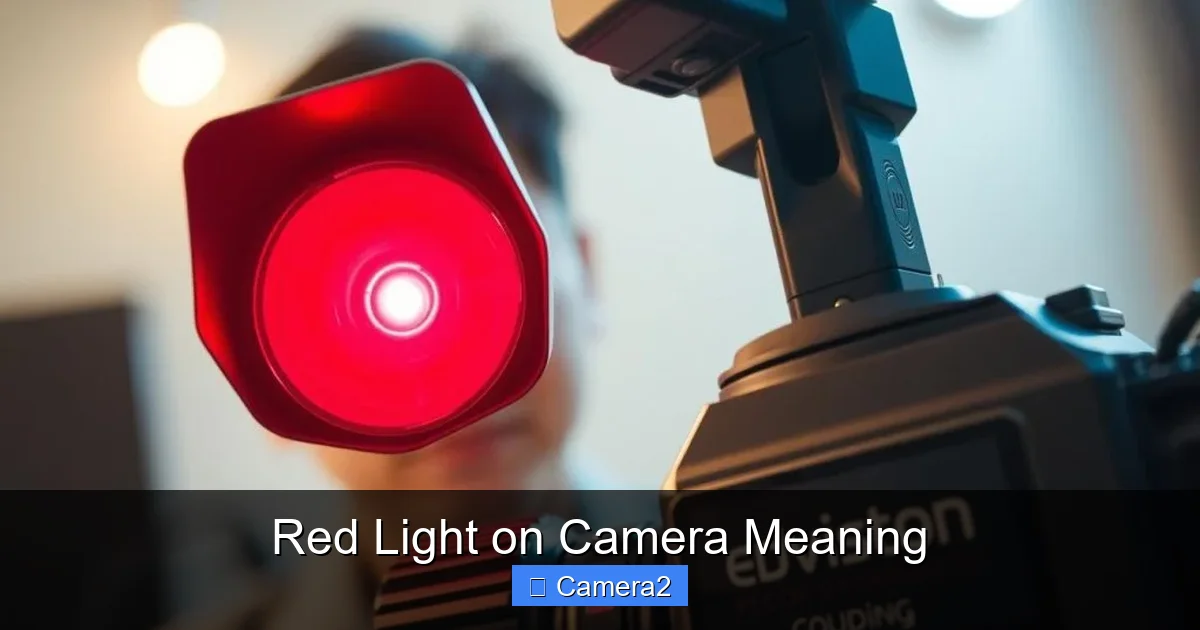
A steady red often means the camera is in a low‑power “sleep” state. A slow blink can indicate that the device is charging or waiting for a command.
Visual guide about Red Light on Camera Meaning
Image source: cctvmaintenance.com.sg
When It Happens
Compact point‑and‑shoot cameras and some mirrorless models dim the LCD and keep a red LED on to show they’re still ready to shoot quickly.
Example: Smartphone Camera
On many Android phones, opening the camera app briefly lights a red LED to let the sensor warm up. After a few seconds, the light turns off, signaling the phone is ready.
Tip: Extend Battery Life
If you see a constant red light and you’re not recording, press the power button to fully shut down the camera. This can add minutes—or even hours—to your battery life.
3. Red Light as a Flash Pre‑Cue
What It Means
Some cameras flash a red LED just before the main flash fires. This helps the sensor calibrate exposure, especially in low‑light situations.
Link to Related Content
For a deeper dive on flash behavior, read our article Does A Red Light Camera Flash. It explains how the pre‑flash works and why you might see a red glow before the big burst.
Real‑World Scenario
When photographing a birthday cake in a dim room, the camera may emit a quick red pulse. The main flash follows milliseconds later, giving you a well‑exposed shot without harsh shadows.
Tip: Reduce Red‑Flash Distractions
If the pre‑flash is too noticeable (for example, during a surprise party), switch to a continuous LED light or use a manual flash that doesn’t rely on the red cue.
4. Connectivity and Status Signals
Wi‑Fi and Bluetooth
Modern cameras that pair with smartphones often use a red LED to show they’re searching for a network or have a connection issue.
Example: Action Camera Pairing
When you try to link a new GoPro to your phone, the red light will blink rapidly. Once paired, it turns solid green (or another color), letting you know the connection succeeded.
Tip: Reset the Connection
If the red light keeps blinking and won’t settle, turn the camera off, wait ten seconds, and power it back on. This often clears the pairing cache.
5. Legal and Privacy Implications
Red Light as Evidence
In traffic‑camera cases, a red recording light can become a key piece of evidence. It proves that a camera captured a vehicle running a red light.
Internal Link Example
Learn how such footage is used in court by checking out Do Red Light Camera Tickets Go On Your Record. The article explains the legal weight of recorded video.
Privacy Concerns
When using a hidden camera, the red LED can betray your presence. Many devices offer a “stealth mode” that disables the light, but be aware of local laws before you turn it off.
Tip: Stay Informed
Before setting up a security cam in a public area, check municipal regulations. Some cities require the red light to stay on at all times.
6. Troubleshooting Common Red Light Issues
Problem: Light Stays On After Power Off
This can indicate a firmware glitch. Try resetting the camera to factory settings or updating the software.
Problem: Light Flickers Randomly
Flickering may mean the battery is low or the sensor is overheating. Let the camera cool down and replace the battery if needed.
Problem: No Light at All
If the LED never lights, the camera might be in “silent mode” or the LED itself could be defective. Refer to the user manual for LED troubleshooting steps.
Tip: Keep Firmware Updated
Manufacturers often release updates that fix LED behavior. Check the support page regularly.
Conclusion: Mastering the Red Light
The red light on camera meaning is simple once you know the cues: recording, standby, flash warning, connectivity, or legal evidence. By paying attention to the color, pattern, and timing of the light, you can avoid missed shots, extend battery life, and stay on the right side of the law.
Next time you see that tiny red glow, you’ll know exactly what it’s telling you—no more guessing, just smooth shooting.
Frequently Asked Questions
What does a solid red light on my camera mean?
A solid red usually indicates that the camera is either recording video or in a low‑power standby mode, depending on the model.
Why does my camera’s red light blink before the flash?
The blinking red is a pre‑flash that helps the sensor set the correct exposure, especially in low‑light environments.
Can I turn off the red recording indicator?
Some cameras let you disable the indicator in the settings, but be aware that in many regions it’s required by law to stay on.
Is a red light on a security camera a privacy violation?
In most places, a visible red light is required for public surveillance. Hiding it may breach local privacy regulations.
My camera’s red light stays on even when it’s off. What should I do?
Try a hard reset: power off, remove the battery (if possible), wait a few seconds, then power back on. Updating firmware can also help.
Does the red light affect battery life?
Yes, a constantly lit red LED draws power. Turn off the camera completely when not in use to conserve battery.