Photoshop Cc 2020 System Requirements
Photoshop CC 2020 system requirements define the minimum and recommended hardware you need for smooth editing. Adobe recommends at least 8GB of RAM, an Intel or AMD processor with 64-bit support, and a GPU with at least 2GB of VRAM. Meeting these specs ensures fast performance, fewer crashes, and better workflow for all your photo editing projects.
Are you planning to install Photoshop CC 2020 System Requirements on your computer but not sure if your machine can handle it? You are not alone. Many users jump into downloading Adobe Photoshop without checking whether their PC or Mac meets the necessary specs. The result? Frustrating lag, crashes, and a wasted afternoon. This guide breaks down everything you need to know about the Photoshop CC 2020 system requirements in simple, clear terms. By the end, you will know exactly what hardware you need and how to get the most out of your editing experience.
Adobe Photoshop CC 2020 is a powerful tool for photo editing, graphic design, and digital art. But power comes with demands. The software requires a decent processor, enough memory, a capable graphics card, and sufficient storage. Whether you are a beginner or a seasoned designer, understanding these Photoshop CC 2020 system requirements before installation saves time, money, and headaches. Let us walk through each component step by step.
Key Takeaways
- Minimum RAM: 8GB is the bare minimum, but 16GB or more is recommended for heavy editing
- Processor Matters: A multi-core Intel or AMD processor with 64-bit support is essential
- GPU Requirements: A dedicated graphics card with at least 2GB VRAM boosts performance significantly
- Storage Space: You need at least 3.1GB for installation plus additional space for scratch disks
- Operating System: Windows 10 (64-bit) or macOS 10.13 and later are required
- Display: A 1280 x 800 display with 100% UI scaling is the recommended minimum
- SSD Advantage: Using an SSD instead of an HDD dramatically improves load times and responsiveness
📑 Table of Contents
- Minimum System Requirements for Photoshop CC 2020
- Recommended System Requirements for Photoshop CC 2020
- Processor and RAM: The Heart of Photoshop Performance
- Graphics Card and GPU Requirements
- Storage and Hard Drive Requirements
- Operating System and Display Requirements
- Common Mistakes When Checking System Requirements
- Expert Tips for Optimizing Photoshop Performance
- Final Thoughts on Photoshop CC 2020 System Requirements
Minimum System Requirements for Photoshop CC 2020
Adobe has set clear baseline specs for running Photoshop CC 2020. These are the minimum system requirements that allow the software to function. However, meeting only the minimum does not guarantee a smooth experience. Think of these as the starting line, not the finish line.
- Operating System: Windows 10 (64-bit) version 1803 or later, macOS 10.13 (High Sierra) or later
- Processor: Intel or AMD processor with 64-bit support, 2 GHz or faster
- RAM: 8GB minimum
- GPU: 2GB of VRAM, DirectX 12 compatible
- Hard Drive Space: 3.1GB for installation, additional free space required during use
- Display: 1280 x 800 resolution with 100% UI scaling at 100%
- Internet: Required for software activation and subscription validation
These Photoshop CC 2020 system requirements are the absolute floor. If your computer barely meets these specs, you will be able to open the software and do basic edits. But as soon as you work with large files, use multiple layers, or run filters, you will likely notice slowdowns. For a better experience, always aim for the recommended specs, which we cover next.
Recommended System Requirements for Photoshop CC 2020
The recommended specs are where you want your computer to be. These Photoshop CC 2020 system requirements ensure a fluid, responsive editing experience even with demanding tasks.
- Operating System: Windows 10 (64-bit) version 1903 or later, macOS 10.14 (Mojave) or later
- Processor: Intel or AMD multi-core processor, 3 GHz or faster
- RAM: 16GB or more
- GPU: 4GB or more of VRAM, DirectX 12 compatible
- Hard Drive Space: SSD with at least 20GB of free space
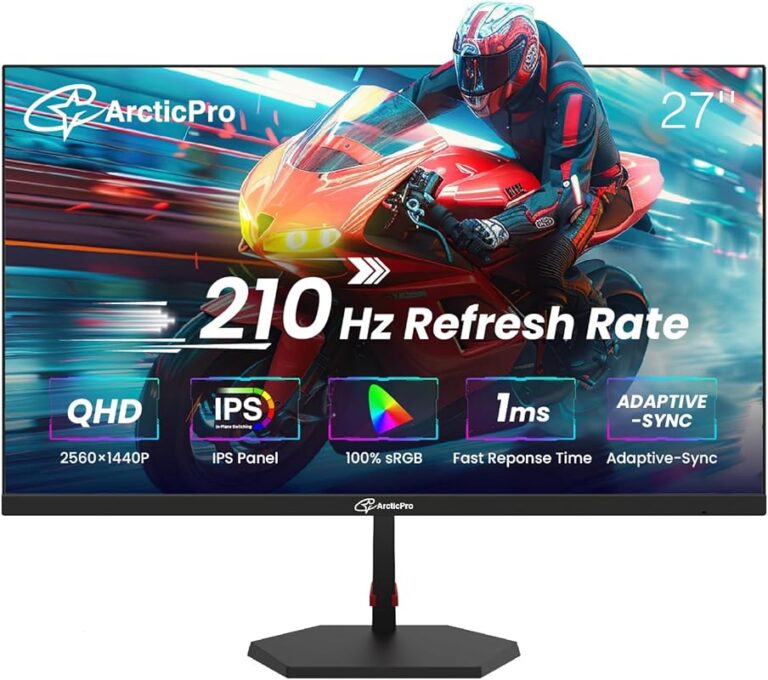
- Display: 1920 x 1080 or higher resolution
When your hardware meets or exceeds these recommendations, Photoshop CC 2020 runs like a dream. Filters apply quickly, large files load without freezing, and multitasking between Adobe apps feels seamless. If you are building or buying a new machine, these are the numbers to target.
Processor and RAM: The Heart of Photoshop Performance
The processor and RAM are arguably the two most critical components for Photoshop CC 2020 system requirements. They handle the heavy lifting of image processing, layer rendering, and filter application.
Processor Requirements
Adobe recommends a multi-core processor running at 3 GHz or faster for the best experience. The processor handles calculations for every action you take in Photoshop. When you adjust brightness, apply a blur, or merge layers, the processor does the math. A faster processor means quicker results and less waiting.
For those using older hardware, a 2 GHz dual-core processor will get the job done for basic tasks. But for anything beyond simple edits, a quad-core or higher processor makes a noticeable difference. If you are shopping for a new PC, look at models with Intel Core i7 or AMD Ryzen 7 processors. These chips handle Photoshop CC 2020 system requirements with ease and leave headroom for other tasks.
RAM Requirements
RAM is where Photoshop stores active data while you work. The more RAM you have, the more data Photoshop can hold in memory instead of swapping to your hard drive. This is a huge factor in performance.
- 8GB RAM: Enough for basic edits, small files, and simple workflows
- 16GB RAM: The sweet spot for most users. Handles large files and multitasking well
- 32GB RAM or more: Ideal for professional designers working with complex compositions
If your computer has less than 8GB of RAM, you will likely experience slowdowns and crashes with Photoshop CC 2020. Upgrading your RAM is one of the most cost-effective ways to improve performance. For detailed guidance on choosing the right system, check out our guide on the best operating system for gaming PC, which also covers RAM and processor recommendations.
Graphics Card and GPU Requirements
Photoshop CC 2020 relies heavily on the graphics card for rendering, especially when using features like Liquify, blur galleries, and Content-Aware Fill. The GPU handles the visual heavy lifting that the processor alone cannot manage efficiently.
Minimum GPU Specs
At minimum, Adobe requires a GPU with 2GB of VRAM that supports DirectX 12. This is enough for basic editing but will struggle with advanced features and large canvases.
Recommended GPU Specs
For a smooth experience, Adobe recommends a GPU with 4GB or more of VRAM. Cards like the NVIDIA GeForce GTX 1660, RTX 2060, or AMD Radeon RX 5600 are excellent choices. These graphics cards handle complex filters and large files without breaking a sweat.
Why GPU Matters
Without a dedicated GPU, Photoshop falls back on the CPU for rendering. This works, but it is much slower. You will notice lag when zooming, panning, and applying filters. A dedicated graphics card offloads these tasks and frees up your processor for other work.
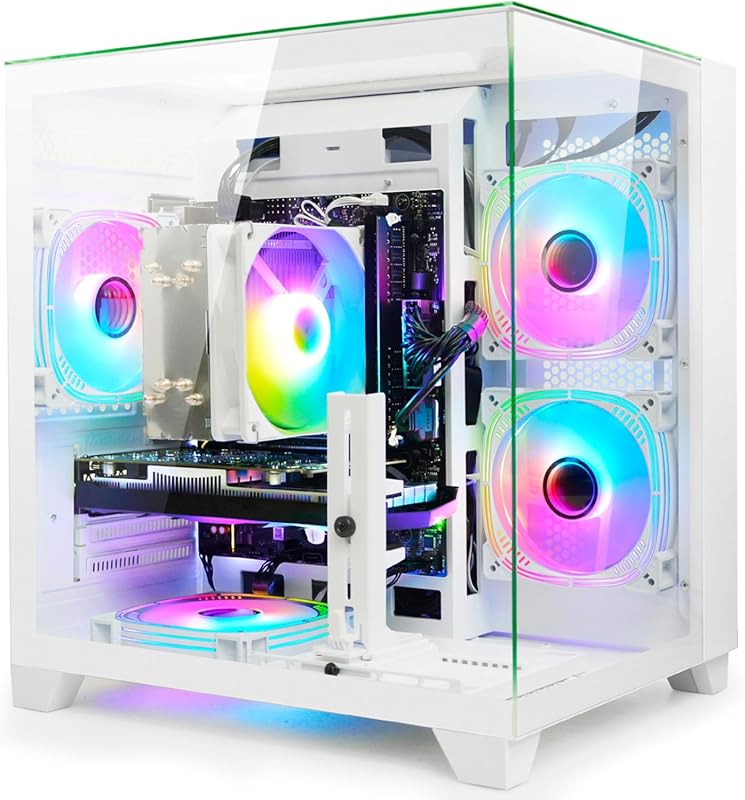
If you are also interested in cooling solutions for your setup, you might want to explore the best cooling system for PC to keep your hardware running at optimal temperatures during long editing sessions.
Storage and Hard Drive Requirements
Storage plays a critical role in how Photoshop CC 2020 performs. Adobe requires at least 3.1GB of free space for installation. But that is just the beginning.
SSD vs HDD for Photoshop
Using an SSD (Solid State Drive) instead of an HDD (Hard Disk Drive) is one of the biggest upgrades you can make. SSDs load files faster, save projects quicker, and reduce the time Photoshop takes to start up. If you are currently using an HDD, upgrading to an SSD will feel like a completely new computer.
Scratch Disk Considerations
Photoshop uses a scratch disk as virtual memory when your RAM is full. The scratch disk needs to be fast and have plenty of free space. Adobe recommends keeping at least 20% of your drive free at all times for optimal scratch disk performance.
For those working with large volumes of image files, having a separate drive dedicated to your scratch disk and project files makes a significant difference in speed and stability.
Operating System and Display Requirements
The operating system and display are two often-overlooked components of the Photoshop CC 2020 system requirements. Both directly impact your editing experience.
Operating System Compatibility
Photoshop CC 2020 supports Windows 10 (64-bit) version 1803 and later, as well as macOS 10.13 and later. Always keep your operating system updated to the latest version. Updates include performance improvements, security patches, and compatibility fixes that help Photoshop run better.
Display Resolution
A 1280 x 800 display is the minimum, but a 1920 x 1080 or higher resolution screen is strongly recommended. Higher resolution displays show more detail, make precise edits easier, and reduce eye strain during long sessions. If you are shopping for a new laptop, consider models with at least Full HD resolution for a comfortable editing experience.
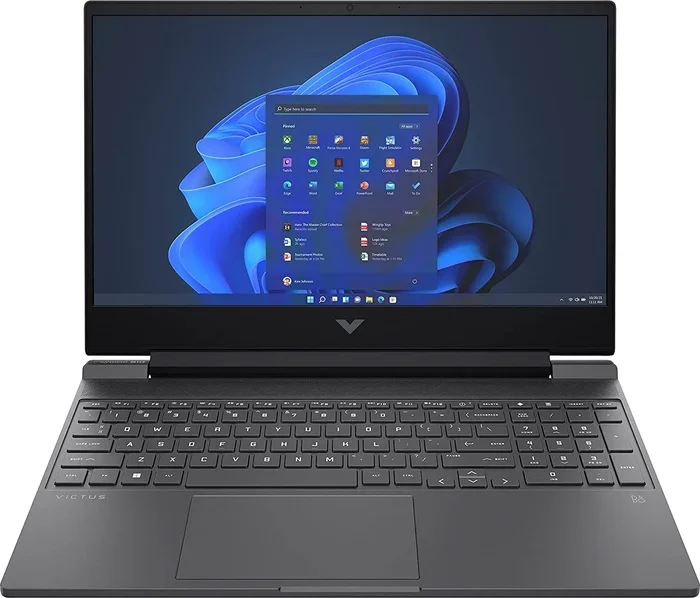
For budget-friendly laptop options that can handle Photoshop CC 2020, you might find our guide on the best laptop under 20000 in India 2020 helpful for finding a machine that balances cost and performance.
Common Mistakes When Checking System Requirements
Many users make avoidable mistakes when evaluating whether their computer can run Photoshop CC 2020. Here are the most common pitfalls:
- Ignoring VRAM: People often focus only on RAM and forget about the graphics card. A dedicated GPU with sufficient VRAM is essential for smooth performance.
- Using an HDD as the main drive: HDDs are too slow for modern Photoshop workflows. An SSD is a must for fast load times and responsive editing.
- Not checking for 64-bit support: Photoshop CC 2020 only runs on 64-bit operating systems. If your OS is 32-bit, you will not be able to install it.
- Overlooking free disk space: Installation requires 3.1GB, but you need much more free space for projects, scratch disks, and updates.
- Assuming minimum specs are enough: Meeting the minimum requirements only gets the software running. For a good experience, you need the recommended specs.
Avoiding these mistakes ensures you get the most out of Photoshop CC 2020 system requirements and set yourself up for a smooth editing workflow from day one.
Expert Tips for Optimizing Photoshop Performance
Once your system meets the Photoshop CC 2020 system requirements, you can take additional steps to squeeze out even better performance.
- Purge frequently: Use Edit > Purge to clear undo histories and clipboard data that eat up memory
- Adjust performance settings: Go to Edit > Preferences > Performance and allocate more RAM to Photoshop
- Use smart objects: They reduce file size and make non-destructive editing faster
- Limit history states: Reducing the number of history states saves RAM and speeds up performance
- Keep drivers updated: Updated GPU drivers improve compatibility and performance with Photoshop
These small tweaks add up to a noticeably faster and more stable Photoshop experience. You do not need expensive hardware upgrades to get better performance. Sometimes, just adjusting a few settings makes all the difference.
Final Thoughts on Photoshop CC 2020 System Requirements
Understanding the Photoshop CC 2020 system requirements is the first step toward a great editing experience. Whether you are a casual user or a professional designer, having the right hardware makes everything smoother and more enjoyable. Start by checking your current specs against the minimum and recommended requirements outlined in this guide.
If your system falls short, consider upgrading the components that matter most. Prioritize RAM, then the processor, then the graphics card. Each upgrade brings you closer to a seamless Photoshop experience. And remember, meeting the recommended specs is always better than just scraping by with the minimum.
Take the time to evaluate your setup, make any necessary upgrades, and then dive into your creative work with confidence. Photoshop CC 2020 system requirements are not just numbers on a page. They are the foundation of a smooth, productive editing journey.
Frequently Asked Questions
Can Photoshop CC 2020 run on 4GB of RAM?
No, Adobe’s minimum requirement is 8GB of RAM. Running Photoshop CC 2020 on 4GB will likely result in constant crashes, slow performance, and an inability to work with anything beyond very small files. Upgrading to at least 8GB is strongly recommended for any usable experience.
Is Photoshop CC 2020 compatible with Windows 11?
Yes, Photoshop CC 2020 works on Windows 11 since it supports Windows 10 (64-bit) version 1803 and later, and Windows 11 is backward compatible. However, always ensure your Adobe software is updated to the latest version for the best compatibility and performance on newer operating systems.
Do I need a dedicated graphics card for Photoshop CC 2020?
A dedicated graphics card is not strictly required, but it is highly recommended. The minimum spec calls for a GPU with 2GB of VRAM. Without a dedicated GPU, Photoshop relies on your processor for rendering, which leads to slower performance, especially when using advanced features like Liquify and Content-Aware Fill.
Can I use Photoshop CC 2020 on a Mac with 8GB RAM?
Yes, 8GB of RAM meets the minimum requirement for macOS. However, for a smoother experience, especially when working with large files or multiple applications, 16GB or more is recommended. Mac users should also ensure their system is running macOS 10.13 or later.
How much free hard drive space do I need besides the 3.1GB for installation?
Beyond the 3.1GB needed for installation, you should have at least 20GB of free space for optimal performance. This accounts for scratch disk usage, project files, temporary files, and future updates. Using an SSD with ample free space significantly improves Photoshop’s speed and stability.
What is the best processor for Photoshop CC 2020?
Adobe recommends a multi-core Intel or AMD processor running at 3 GHz or faster. Top choices include the Intel Core i7 and i9 series, as well as AMD Ryzen 7 and Ryzen 9 processors. These chips deliver the multi-threaded performance that Photoshop relies on for filters, rendering, and multitasking.