32 Gb Ram Refurbished Laptop
A 32 GB RAM refurbished laptop delivers near-desktop power for demanding tasks at a smart price. It’s the sweet spot for professionals, creators, and power users who run heavy software, countless browser tabs, and virtual machines without slowdowns. By choosing a certified refurbished model, you get rigorous testing, a warranty, and significant savings over new, making high-performance computing accessible.
Remember that feeling? Your laptop fan is screaming, the cursor is spinning, and you’re just trying to open one more browser tab while your video renders in the background. It’s the universal sign of a memory crunch. For years, 8GB was the standard, and 16GB was the “power user” sweet spot. But in 2024 and beyond, for a specific, growing group of users, even 16GB is starting to feel cramped. Enter the 32 GB RAM refurbished laptop: a powerhouse configuration that was once the exclusive domain of high-end desktop workstations and flagship laptops, now available at a fraction of the cost through the smart, sustainable refurbished market. This isn’t about buying a slow, outdated machine; it’s about strategically acquiring a tool with the muscle to handle today’s most demanding tasks and tomorrow’s innovations, all without the new-car-smell price tag.
Let’s be clear: a 32 GB RAM refurbished laptop is not for everyone. If you mainly browse the web, check email, and stream Netflix, 8GB is plenty. But if your work or passion involves creative suites, scientific computing, virtual machines, or serious gaming with streaming, that 32GB of memory is like upgrading from a scooter to a freight train. The challenge has always been the cost. A new laptop with 32GB RAM often starts well over $1,500 and can soar past $3,000. That’s where the magic of the refurbished market comes in. You can find ex-corporate fleet models, returned demo units, and manufacturer-certified refurbs with 32GB RAM for 30-50% less than their original MSRP. But navigating this market requires knowledge. What does “refurbished” really mean? How do you verify the RAM? What are the pitfalls? This guide will walk you through every step, turning you from a cautious shopper into a confident buyer ready to land a performance bargain.
Key Takeaways
- 32GB RAM is the professional multitasking sweet spot: It eliminates bottlenecks for video editing, 3D rendering, software development, and running multiple heavy applications simultaneously, far surpassing standard 8GB or 16GB configurations.
- Refurbished ≠ Used: Certified refurbished laptops are professionally restored, rigorously tested, and often come with a warranty, offering reliability and value that cheap, untested used laptops cannot match.
- Ideal for specific power users: This setup is perfect for video editors, data scientists, engineers, serious gamers who stream, and anyone who refuses to close browser tabs. Casual users likely won’t need this much RAM.
- Check the RAM type and upgradeability: Ensure it’s fast DDR4 or DDR5. Crucially, verify if the RAM is soldered (fixed) or has empty slots for future upgrades, as many modern ultrabooks solder memory directly to the motherboard.
- Buy from reputable sources: Prioritize manufacturer refurbished programs (e.g., Dell Outlet, Apple Refurbished) or highly-rated, specialist refurbishers who provide detailed condition reports and a minimum 1-year warranty.
- Future-proof your investment: As software and operating systems become more demanding, 32GB provides headroom for 3-5 years, protecting your purchase from rapid obsolescence compared to 8GB or 16GB systems.
- Balance your entire spec sheet: A 32GB RAM laptop is only as good as its other components. Pair it with a fast SSD (NVMe preferred), a capable CPU (Intel i7/i9 or AMD Ryzen 7/9), and a good GPU for the best experience.
📑 Table of Contents
- Demystifying RAM: Why 32GB is the New Power User Standard
- The Refurbished Advantage: Unlocking Premium Performance at a Discount
- Who is the 32GB RAM Refurbished Laptop For? (And Who Isn’t)
- Your Ultimate Buying Checklist: What to Look For (and Avoid)
- Future-Proofing Your Investment: Making 32GB Last
- Conclusion: The Smartest Tech Buy You’ll Make This Year
Demystifying RAM: Why 32GB is the New Power User Standard
Before we dive into refurbished deals, let’s establish why 32GB of RAM matters. RAM (Random Access Memory) is your computer’s short-term workspace. Think of it like a large, clear desk. The bigger the desk, the more projects (applications, files, browser tabs) you can have open and actively working on without having to constantly shuffle things into a slow, long-term storage closet (your hard drive or SSD).
RAM vs. Storage: The Workspace vs. Warehouse Analogy
It’s crucial to distinguish RAM from your SSD or hard drive. Your 1TB SSD is the massive warehouse where everything is stored permanently. When you launch a program, the operating system copies the necessary parts from the warehouse (SSD) onto your desk (RAM) for quick access. The more RAM you have, the more it can keep “on the desk” for instant recall. If your desk (RAM) is too small, the system has to constantly move things back to the warehouse (SSD), causing that frustrating lag and spinner. A 32GB desk is enormous for a laptop, allowing colossal projects to live in fast memory.
The Multitasking Monster: Running It All at Once
This is where 32GB truly shines. Modern web browsers, especially with dozens of tabs, are infamous RAM hogs. Add a full Adobe Creative Cloud suite (Photoshop, Premiere Pro, After Effects), a few Docker containers for development, a virtual machine running a different OS, and perhaps Spotify and Discord in the background. A system with 16GB will start to sweat, swapping data to the SSD and slowing down. A 32GB system handles this scenario with ease. You’re not just “not closing things”; you’re maintaining a fluid, responsive environment where switching between any of these tasks feels instantaneous. For content creators, this means scrubbing through 4K video in Premiere while having reference materials and communication apps open. For developers, it means running a local database, a web server, an IDE, and multiple browser windows for testing without a hiccup.
32GB vs. 16GB: Is It Overkill or Essential?
For the average user, 16GB remains the excellent sweet spot. The jump to 32GB is a specialized upgrade. The tangible benefits appear in specific scenarios:
- Professional Video & Photo Editing: 4K/8K footage, complex After Effects compositions, and large Photoshop files with hundreds of layers eat RAM for breakfast. 32GB+ is often recommended by Adobe themselves for serious work.
- 3D Modeling & Rendering: Software like Blender, Cinema 4D, and CAD applications use RAM to store scene geometry, textures, and simulation data. Complex scenes can easily consume 20GB+.
- Software Development & Data Science: Running local Kubernetes clusters, multiple virtual machines (for testing different OS environments), large datasets in Python/R, and IDEs like Visual Studio or IntelliJ benefit hugely from abundant RAM.
- High-End Gaming + Streaming: Modern games at high settings can use 8-12GB on their own. If you’re simultaneously streaming via OBS, capturing gameplay, and running Discord/chat apps, 16GB becomes a limit. 32GB provides smooth, stutter-free performance for both the game and the streaming software.
- “Never Close Anything” Multitaskers: Power users who simply refuse to close browser tabs (think 50+), have multiple Office documents, communication apps, and media players running will notice a dramatic improvement in system responsiveness.
The key takeaway: 32GB is about eliminating the *anxiety* of running out of memory. It’s about workflow fluidity and future-proofing. As software bloat is a persistent trend, that 32GB today will feel like 16GB does today in just a few years.
The Refurbished Advantage: Unlocking Premium Performance at a Discount
Now that we’ve established the “why,” let’s tackle the “how.” Buying refurbished is the most effective way to access 32GB RAM laptops without the new price. But the term “refurbished” is used loosely. Understanding the tiers is critical to a safe and satisfying purchase.
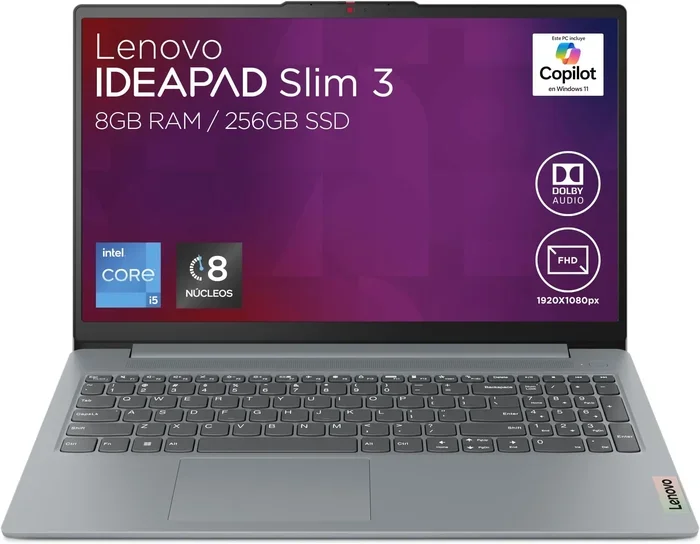
Visual guide about 32 Gb Ram Refurbished Laptop
Image source: 5.imimg.com
Refurbished vs. Used vs. Renewed: Knowing the Difference
Used / Pre-Owned: This is typically a private sale or a basic resale by a non-specialist. The laptop is sold “as-is.” There’s no formal testing, no warranty (unless it’s still under the original manufacturer’s), and the condition is subjective. Buying a used 32GB RAM laptop is a gamble. The RAM could be failing, the battery worn out, and there’s no recourse if it dies in a month. High risk.
Refurbished (The Good Kind): This is what we focus on. A professional refurbisher (either the original manufacturer or a certified third-party) takes a returned, leased, or trade-in unit. They perform a comprehensive process:
- Diagnostic Testing: Full hardware scan of every component—CPU, GPU, RAM (with memory stress tests like MemTest86), storage, ports, battery, display, keyboard, webcam, etc.
- Repair & Replacement: Any faulty part is replaced with a working component. This includes bad RAM sticks, swollen batteries, cracked screens, or malfunctioning keyboards.
- Cleaning: The laptop is thoroughly cleaned internally (dust removal is crucial for thermals) and externally.
- Reinstallation: The operating system is wiped and a fresh, licensed copy is installed. All necessary drivers are loaded.
- Final Certification: The unit passes a final quality assurance check and is graded for cosmetic condition (e.g., “Like New,” “Very Good,” “Good”).
Manufacturer Refurbished / “Renewed”: This is the gold standard. Companies like Apple, Dell, Lenovo, HP, and Microsoft have official outlet stores. Their refurbished process is essentially identical to building a new laptop, often using new parts for any replacements. They offer the same warranty as new products (typically 1-year) and the peace of mind that comes with the original brand. This is the safest, albeit sometimes slightly more expensive, route.
The Real Financial and Environmental Savings
Let’s talk numbers. A new Dell XPS 15 with 32GB RAM and an i7 processor might cost $2,200. The same model, 1-2 years old, in Dell’s official Outlet refurbished store, could be $1,300-$1,600. That’s $600-$900 back in your pocket for a machine with identical core specs. The savings are even more dramatic on business-class laptops like Lenovo ThinkPads or Dell Latitudes, which are built to heavier durability standards and are widely available through corporate lease returns. You’re not getting a compromised product; you’re getting a product that was over-engineered for business durability, now available at a consumer-friendly price. Environmentally, you’re extending the useful life of a complex electronic device, reducing e-waste and the carbon footprint associated with manufacturing a new laptop from scratch.
Who is the 32GB RAM Refurbished Laptop For? (And Who Isn’t)
This is the most important question. Buying a 32GB laptop is a specific tool for a specific job. Getting one when you don’t need it is wasted money. Getting one when you do need it is transformative.
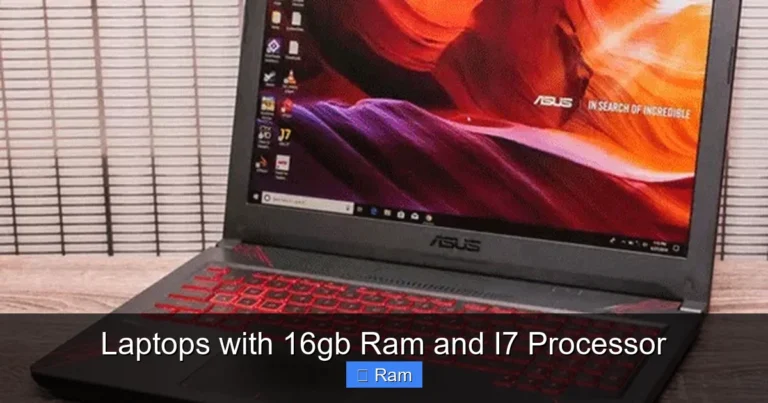
Visual guide about 32 Gb Ram Refurbished Laptop
Image source: evetech.co.za
The Ideal Candidate: Power Professionals & Enthusiasts
If your daily workflow involves any of the following, 32GB is a serious productivity booster:
- Video Editors & Motion Graphics Artists: Working with 4K/6K/8K footage, multi-cam syncing, heavy After Effects particle systems, and DaVinci Resolve color grading with OpenCL.
- 3D Artists & Engineers: Blender sculpting with high-poly meshes, complex CAD assemblies in SolidWorks or AutoCAD, architectural visualizations with high-resolution textures.
- Software Developers & DevOps: Running local development stacks (Docker, Kubernetes), multiple IDEs, emulators (Android Studio), and virtual machines for testing different environments.
- Data Scientists & Analysts: Loading large CSV/Parquet datasets (10GB+) into pandas/R, running machine learning models locally, using Jupyter notebooks with multiple kernels.
- Music Producers: Large orchestral sample libraries (Kontakt, Spitfire) that load tens of gigabytes of samples into RAM for playback without disk streaming.
- Serious Gamers & Streamers: Playing modern AAA titles at high settings while simultaneously capturing, encoding, and streaming via OBS Studio, with overlays and alerts.
- Researchers & Academics: Running statistical software (SPSS, Stata), qualitative analysis tools, or managing vast literature databases and PDFs simultaneously.
For these users, the time saved from not waiting for renders, not crashing from memory exhaustion, and not having to meticulously manage open applications translates directly into money saved (billable hours) or creative flow preserved.
The “Maybe Later” Crowd: Who Should Stick with 16GB
If your use case is primarily:
- Web browsing, email, social media, online shopping.
- Office productivity (Word, Excel, PowerPoint with moderate datasets).
- 1080p video playback and casual media consumption.
- Light photo editing (basic adjustments in Lightroom or GIMP).
- Indie or older games (pre-2020 titles).
- General college work and writing.
Then 16GB is more than sufficient, and you’d be better off allocating that budget towards a better CPU, GPU, or a larger/faster SSD. The 32GB upgrade is a premium for a specific need. Don’t pay for performance you won’t utilize.
Your Ultimate Buying Checklist: What to Look For (and Avoid)
You’ve decided 32GB is right for you. Now, how do you vet a refurbished laptop? This checklist is your defense against a bad purchase.
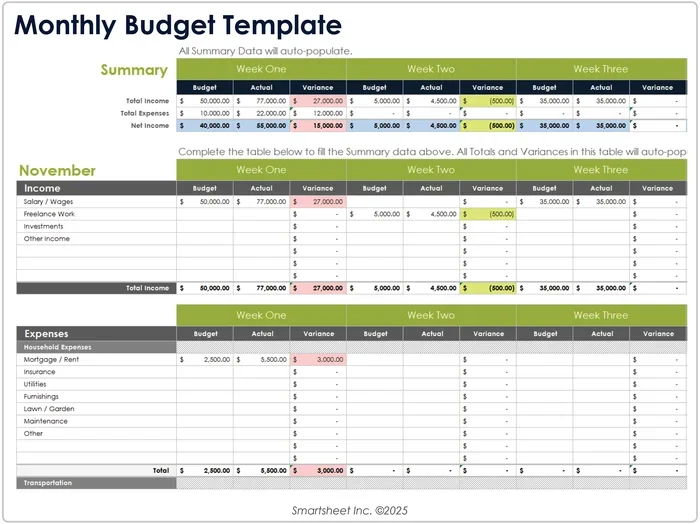
Visual guide about 32 Gb Ram Refurbished Laptop
Image source: virtualizationhowto.com
The Non-Negotiables: Warranty, Seller Reputation, and Return Policy
This is your first and last line of defense.
- Warranty: Never buy a refurbished laptop without a warranty. A minimum of 90 days is standard, but 1-year is the benchmark for reputable sellers (and standard with manufacturer refurbs). The warranty should cover all parts and labor.
- Seller: Prioritize in this order: 1) The Original Equipment Manufacturer (OEM) outlet (Dell Outlet, Apple Refurbished, Lenovo Outlet, HP Renew). 2) Large, established refurbishers with millions of reviews and transparent processes (e.g., Back Market, Gazelle for certain brands). 3) Highly-rated, specialized refurbishers on eBay or Amazon with detailed feedback specifically about RAM/performance. Avoid generic “We refurbish computers” sites with no clear history.
- Return Policy: You should have at least 14-30 days to test the laptop thoroughly in your own environment. This is your chance to run stress tests, check all ports, and ensure the display is perfect.
- Condition Grading: Understand what “Grade A,” “Excellent,” “Good” means for that seller. Does it mean no scratches, or just no deep scratches? Good sellers provide detailed photos and descriptions.
Digging Into the Specs: Beyond the RAM Number
The listing says “32GB RAM.” That’s step one. Now, ask:
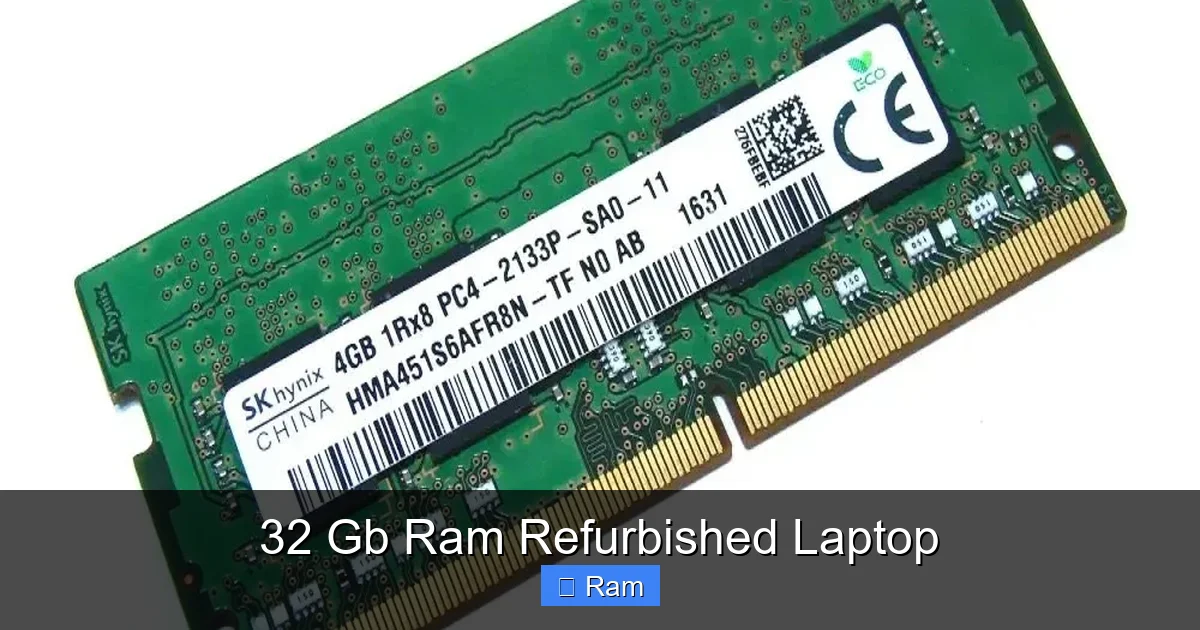
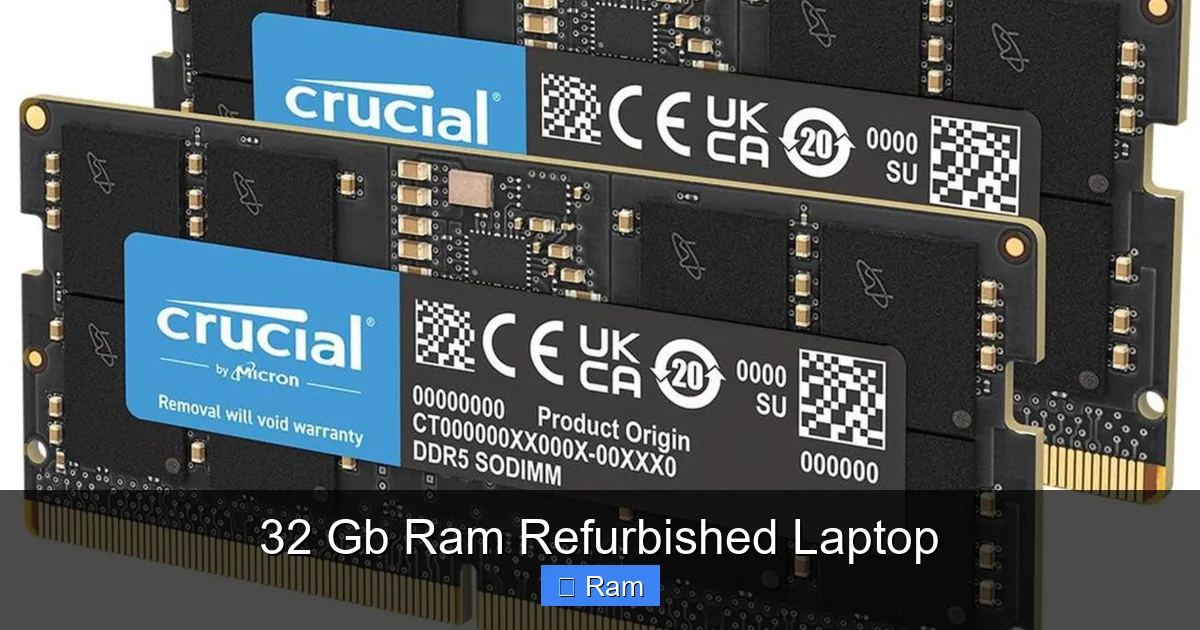
- RAM Type & Speed: Is it DDR4 or DDR5? DDR5 is newer and faster (starts at 4800 MT/s vs. DDR4’s 2666-3200 MT/s common in older models). The speed (e.g., 3200MHz, 4800MHz) matters for performance, especially with integrated graphics or in CPU-bound tasks. Listings should specify.
- RAM Configuration: Is it 2x16GB (dual-channel, ideal for performance) or 1x32GB (slightly slower but leaves a slot empty)? Dual-channel (two sticks) doubles the data bandwidth to the CPU, offering a noticeable performance uplift in many applications. Prefer 2x16GB.
- Is the RAM Soldered? This is critical. Many slim laptops (especially MacBooks, Dell XPS, some Lenovo Yoga models) have the RAM soldered directly to the motherboard. You cannot upgrade it later. If you buy one with 32GB, that’s it forever. If you want future upgradeability, look for business-class laptops like ThinkPads (T, X1 series), Dell Latitudes, or HP EliteBooks, which often have at least one accessible slot. The listing or spec sheet should state “User-upgradable memory” or show empty slots in images.
- The Rest of the System: 32GB on a weak CPU (e.g., old dual-core i3) or with a slow SATA SSD is a wasted investment. Ensure a balanced build:
- CPU: Intel Core i7/i9 (8th Gen or newer) or AMD Ryzen 7/9 (3000 series or newer).
- Storage: NVMe PCIe SSD (512GB minimum, 1TB+ recommended). Avoid SATA SSDs or, god forbid, hard drives.
- GPU: For your use case, do you need a dedicated GPU? For video editing/3D/gaming, yes—look for Nvidia GTX/RTX or AMD Radeon Pro/RX. For coding and general multitasking, modern integrated graphics (Intel Iris Xe, AMD Radeon Graphics) with 32GB RAM are still very capable.
- Battery Health: Refurbishers should test and report battery cycle count and health (wear percentage). Anything over 20% wear or 500+ cycles is a red flag. A new battery is a significant added cost ($100-$200).
Practical Pre-Purchase and Post-Delivery Tests
When the laptop arrives:
- Visual & Physical Inspection: Check the chassis for cracks, screen for dead pixels (use a white/black background test), keyboard for sticky keys, and all ports with a USB drive or charger.
- Verify the RAM: This is your one non-negotiable check. On Windows, press Ctrl+Shift+Esc to open Task Manager, go to the “Performance” tab, and click “Memory.” It should clearly state “32.0 GB” and show the speed (e.g., 3200 MHz) and form factor (1 of 2 slots used). You can also use a free tool like CPU-Z to see the exact RAM type and size per stick. If it shows less than 32GB, the listing is fraudulent.
- Stress Test: Run a memory test. Windows has a built-in “Windows Memory Diagnostic” (search for it). For a more thorough test, download MemTest86, create a bootable USB, and run it for at least 2 passes (several hours). It should report zero errors. Any errors mean faulty RAM.
- Benchmark: Run a quick benchmark like Cinebench R23 (CPU) or 3DMark (GPU) to verify performance is in line with the specs. Compare scores online to expected results for that CPU/GPU combo.
Future-Proofing Your Investment: Making 32GB Last
You’ve done the research, found a stellar deal on a certified refurbished ThinkPad T14 with 32GB DDR4, an i7, and a 1TB NVMe SSD. How do you ensure it remains a powerhouse for years?
Understanding the RAM Ceiling: Is 32GB Enough for the Future?
Current trends suggest 32GB is the new 16GB. Operating systems (Windows 11, macOS Sonoma) and background services are becoming more memory-intensive. The rise of AI tools that run locally (like Stable Diffusion for image generation, large language models) can demand 8GB+ just for the model. Browser engines are getting more complex. For a professional workflow, 32GB provides a comfortable 3-5 year horizon before it becomes the new minimum recommended. If your budget allows and the laptop has an empty slot, buying a 32GB configuration (2x16GB) now is smarter than buying 16GB and upgrading later, as RAM prices can fluctuate and you ensure you get matched, dual-channel sticks.
The Upgrade Path: Planning for What You Can Change
When you buy, think about what you *can’t* easily change later. In most modern laptops, these are soldered and fixed:
- CPU & GPU: Almost always soldered. You are locked into the performance tier you buy.
- RAM: Increasingly soldered, especially in thin-and-lights. This is why the upgradeability check in the previous section is vital.
- Storage: This is almost always upgradeable! Most laptops have at least one M.2 NVMe slot. Use this to your advantage. Buy the cheapest RAM configuration you can find (if it’s upgradeable) and add your own 32GB kit later? Only if the price difference is massive and you’re comfortable installing RAM yourself. But for a hassle-free experience, buying the full 32GB pre-configured is simpler.
Therefore, when choosing a refurbished model, prioritize the CPU and GPU first, then RAM capacity and upgradeability, then storage (which you can always add). A future-proof laptop is one where the core compute components (CPU/GPU) are strong, and the RAM is sufficient for your projected needs.
Software & Workflow Optimization: Squeezing Every Drop
Hardware is only half the battle. To maximize your 32GB investment:
- Use a RAM Cache for Video Editing: In Premiere Pro or DaVinci Resolve, allocate a large portion of your RAM (e.g., 16-24GB) as a cache for rendered previews. This makes timeline scrubbing buttery smooth.
- Manage Browser Tabs: Even with 32GB, 500 open tabs is inefficient. Use tab suspender extensions (like The Great Suspender) for tabs you haven’t touched in hours.
- Virtual Machine Best Practices: When running VMs, allocate only the RAM they truly need (e.g., 8GB for a Linux test VM), leaving plenty for your host OS. Don’t give a VM 24GB if it only uses 4GB.
- Monitor Usage: Use Task Manager or a tool like RAMMap to see what’s actually using your memory. Sometimes a single buggy application can leak RAM. A restart can free it up temporarily.
By combining powerful, abundant hardware with smart software practices, your 32GB RAM refurbished laptop will feel fast and capable for the entirety of its useful life.
Conclusion: The Smartest Tech Buy You’ll Make This Year
The quest for a 32 GB RAM laptop doesn’t have to be a luxury reserved for those with unlimited budgets. The refurbished market has democratized high-performance computing, offering a sustainable, cost-effective path to machines that can genuinely enhance productivity and creativity. A 32 GB RAM refurbished laptop represents the pinnacle of this value proposition: it’s a tool that eliminates the digital friction that stifles flow, allowing you to work, create, and play without compromise.
Success hinges on being an informed buyer. Understand your true needs—if you’re a power user, 32GB is transformative. If not, save the money. Then, shop smart: chase manufacturer refurbished programs first, always demand a robust warranty, and meticulously verify the RAM configuration and overall specs upon arrival. Treat the purchase not as a compromise, but as a strategic acquisition of enterprise-grade hardware at a consumer-friendly price. You’re not buying a “used” laptop; you’re buying a professionally restored, performance-tested tool ready for years of heavy lifting. In a world of planned obsolescence and soaring tech prices, that’s not just a good deal—it’s a brilliant one.
Frequently Asked Questions
Is a refurbished laptop with 32GB RAM reliable for professional work?
Yes, if purchased from a reputable source. Manufacturer-refurbished models undergo rigorous testing with replacement of any faulty parts, including RAM, and come with a warranty. This makes them highly reliable for demanding professional tasks like video editing or coding, offering new-like performance at a lower cost.
Can I upgrade the RAM myself later if I buy a refurbished model?
It depends entirely on the specific laptop model. Many modern ultrabooks and MacBooks have RAM soldered to the motherboard, making upgrades impossible. Business-class laptops like Lenovo ThinkPads or Dell Latitudes often have at least one accessible slot. Always check the technical specifications or product manual for “upgradable memory” before purchasing, especially if you want the option to add more RAM later.
Will a 32GB RAM refurbished laptop come with a new battery?
Quality refurbishers test battery health and cycle count. A good seller will replace the battery if its health is below a certain threshold (often <80% or >500 cycles). However, this isn’t universal. Always check the listing for battery health percentage or cycle count, and ask the seller directly if a new battery was installed. A worn battery is a common hidden cost in older laptops.
Is 32GB of RAM overkill for gaming?
For single-player gaming alone, 16GB is currently the sweet spot. However, 32GB becomes essential if you game while streaming (using OBS), running Discord, and having many browser tabs open. For modern AAA games at high settings, 32GB provides a smooth, stutter-free experience and future-proofs your system for next-gen titles that may demand more memory.
What’s the biggest risk when buying a 32GB RAM refurbished laptop?
The biggest risk is purchasing from an uncertified seller who does not properly test components. This can lead to latent RAM failures, a worn-out battery, or a damaged display that only appears after the return window. Mitigate this by buying only from sources that offer a clear warranty (1-year preferred), a generous return policy (14-30 days), and provide detailed condition reports with photos.
Should I buy a refurbished laptop with 32GB RAM or a new one with 16GB for the same price?
For a power user, the 32GB refurbished is almost always the better choice. The performance gain from abundant RAM for multitasking and heavy applications is immediately tangible and will extend the usable life of the laptop by years. A new laptop with 16GB will feel the memory pressure much sooner. Invest in the RAM capacity first; you can often add storage later, but you usually cannot upgrade the CPU or GPU.