Choosing a laptop with an Intel Core i7 processor and 16GB of RAM is a classic recipe for strong, all-around performance. Lenovo, as a top manufacturer, offers many models fitting this powerful spec sheet across its ThinkPad, Yoga, and IdeaPad lines. This combination excels at demanding tasks like video editing, software development, and heavy multitasking, providing a smooth experience for professionals and power users. The key is matching the specific Lenovo model’s build quality, display, and ports to your primary use case, not just the core specs.
Key Takeaways
- The i7/16GB Combo is a Sweet Spot: This pairing handles nearly all consumer and professional workloads with ease, from everyday productivity to moderate content creation and gaming.
- Lenovo Offers This Spec Across All Lines: You can find this configuration in business-focused ThinkPads, versatile 2-in-1 Yogas, and consumer IdeaPads, each with different price points and features.
- Generation Matters More Than Core Count: A newer generation Intel Core i7 (e.g., 13th/14th Gen) with fewer cores often outperforms an older generation i7 with more cores due to architectural improvements and efficiency.
- 16GB RAM is the New Standard for Power: For future-proofing and serious multitasking (100+ browser tabs, virtual machines, large datasets), 16GB is the recommended minimum, not a luxury.
- Other Specs Are Equally Important: Don’t ignore the SSD speed (NVMe vs SATA), display quality (resolution, color gamut), build materials, and port selection, as they define the real-world user experience.
- Upgradeability Varies Widely: Many modern Lenovo laptops solder RAM to the motherboard. If you think you might need 32GB later, prioritize models with user-accessible RAM slots.
- Use Case Dictates the Best Model: A programmer needs a great keyboard (ThinkPad), a student might prefer a 2-in-1 (Yoga), and a home user could opt for a value-packed IdeaPad—all with the same i7/16GB heart.
📑 Table of Contents
Decoding the Power Duo: Intel Core i7 and 16GB RAM
So, you’re looking at a laptop spec sheet and you see the magic words: “Intel Core i7” and “16GB RAM.” It sounds powerful, it sounds capable, and it probably sounds expensive. But what does it actually mean for your daily life? Let’s break it down in plain English, friend.
Think of the Intel Core i7 processor as the laptop’s brain. It’s the component that crunches numbers, runs your applications, and manages all the tasks you throw at it. An i7 sits comfortably in Intel’s high-performance tier, above the efficient i5 and the basic i3. It’s designed for “prosumers” and professionals—people who do more than just web browsing and document editing. It has more “cores” (think of them as brain lobes working in parallel) and higher clock speeds, allowing it to handle complex calculations, render video, compile code, and keep dozens of applications running smoothly without breaking a sweat. The generation (like 12th, 13th, or 14th Gen) is crucial; each new generation brings better performance per watt, meaning more speed and better battery life.
Now, 16GB of RAM (Random Access Memory) is the laptop’s short-term workspace. When you open a program, it loads from your slow storage drive into this lightning-fast RAM so the CPU can access it quickly. More RAM means you can have more programs, more browser tabs, and larger files open simultaneously without your system slowing to a crawl as it starts swapping data to the much slower SSD or hard drive. EightGB is the bare minimum for modern Windows/macOS. 16GB is the comfortable, future-proof standard for anyone who multitasks seriously. It’s the difference between a smooth, responsive feel and that frustrating spinning wheel of death when you have too much open.
Why This Combination is the “Goldilocks” Zone for Most
For years, the advice was simple: get an i5 and 8GB RAM. That’s still fine for basic use. But for anyone who means business—the freelance graphic designer, the engineering student, the data analyst, the avid photographer—the i7/16GB combo hits the sweet spot. It provides ample headroom. You’re not buying the absolute top-tier, heat-spewing, battery-draining monster chip (that’s the i9 or HX-series), but you’re getting a processor that will feel fast for 4-5 years. Paired with 16GB RAM, you can run a virtual machine for testing software, have 50 Chrome tabs open with your project management tool, a Spotify playlist, and a Slack window—all while a Photoshop file is saving in the background. It’s about eliminating bottlenecks. Your CPU isn’t waiting for data from RAM, and your RAM isn’t overflowing onto the SSD.
Lenovo’s Arsenal: Where to Find the i7/16GB Combo
This is where it gets fun. Lenovo doesn’t just make one laptop; they have an entire family of laptops, each with a different personality. The glorious thing is that across their major lines—ThinkPad, Yoga, IdeaPad, and even some Legion gaming models—you can almost always find a configuration with an Intel Core i7 processor and 16GB of RAM. The choice isn’t about *if* you can get the specs, but *which Lenovo experience* you want with those specs.
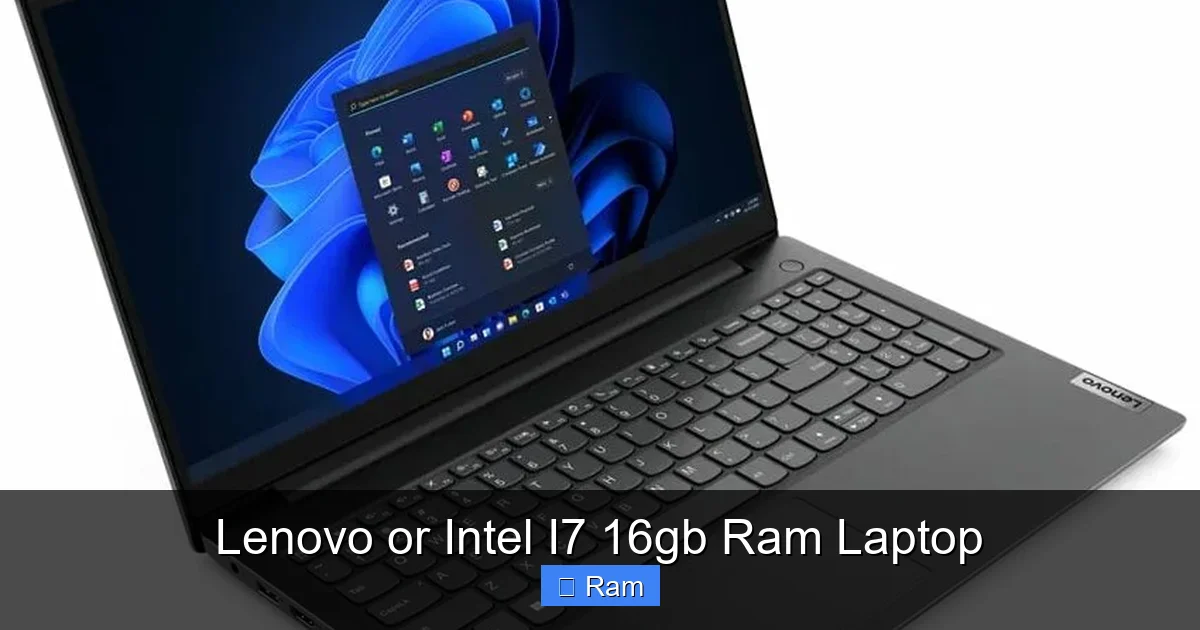
Visual guide about Lenovo or Intel I7 16gb Ram Laptop
Image source: laptopmedia.com
ThinkPad: The Unbreakable Workhorse
If your laptop is a tool for earning a living, the ThinkPad is the legendary choice. Famous for their best-in-class keyboards (with that iconic TrackPoint nub), military-grade durability (MIL-SPEC tested), and premium business features, ThinkPads are the tanks of the laptop world. Models like the ThinkPad T-series (e.g., T14, T16) are the quintessential business ultrabooks. They’re relatively lightweight, have fantastic build quality, and offer great battery life. The ThinkPad X1 Carbon is the pinnacle: incredibly light, with a stunning display and all the connectivity you need. You’ll pay a premium for the ThinkPad badge, the superior keyboard, and the legendary reliability. For a developer, writer, consultant, or analyst who lives in spreadsheets and documents, this is the top tier.
Yoga: The Versatile 2-in-1 Convertible
Need more flexibility? The Yoga line is Lenovo’s flagship 2-in-1. The hinge rotates a full 360 degrees, letting you use it as a traditional laptop, a tent for presentations, a stand for watching movies, or a tablet for note-taking (often with a pen). Models like the Yoga 9i or Yoga 7i are premium convertibles with beautiful OLED displays, while the Yoga 6 offers a more affordable entry with AMD Ryzen options (but Intel i7/16GB configs exist). The Yoga is for the creative professional who sketches, the student who takes handwritten notes, or anyone who values touchscreen utility. The trade-off is often slightly less upgradeability and sometimes a slightly softer keyboard feel compared to a ThinkPad, but the versatility is unmatched.
IdeaPad: The Value-Packed Mainstream Choice
This is where you get the most laptop for your dollar. The IdeaPad family (like the IdeaPad 5, IdeaPad Slim 5, or IdeaPad Gaming 3) is aimed at students, home users, and budget-conscious professionals. You’ll find excellent i7/16GB configurations here at prices that often undercut the ThinkPad and Yoga lines. Build quality is good (often aluminum tops), but not quite as robust as a T-series. Keyboards are still very good. This is the sweet spot for a college student in engineering who needs to run CAD software, a photographer editing large RAW files on a budget, or a family’s shared computer that needs to handle everything. You sacrifice some of the premium refinements (like superior speaker systems or the absolute best trackpads) but get 90% of the performance for 70% of the price.
Legion: The Gaming & Creator Powerhouse
Don’t forget Lenovo Legion! While known for gaming, their laptops (like the Legion 5 or Legion Pro 5) are fantastic creator workstations. They pair powerful Intel i7 (or AMD Ryzen 7) H-series processors (which are more powerful than the U-series in thin-and-lights) with dedicated NVIDIA RTX graphics and, of course, 16GB RAM is a common starting point. If your “work” involves 3D rendering, video effects, or you just want to game at high settings after hours, a Legion with an i7/16GB/RTX combo is a massively capable machine. They are thicker and heavier, with shorter battery life, but they deliver desktop-rivaling performance in a portable package.
Performance in the Real World: What Can You Actually DO?
Specs are just numbers until you apply them. Let’s walk through a day in the life of an i7/16GB Lenovo laptop.
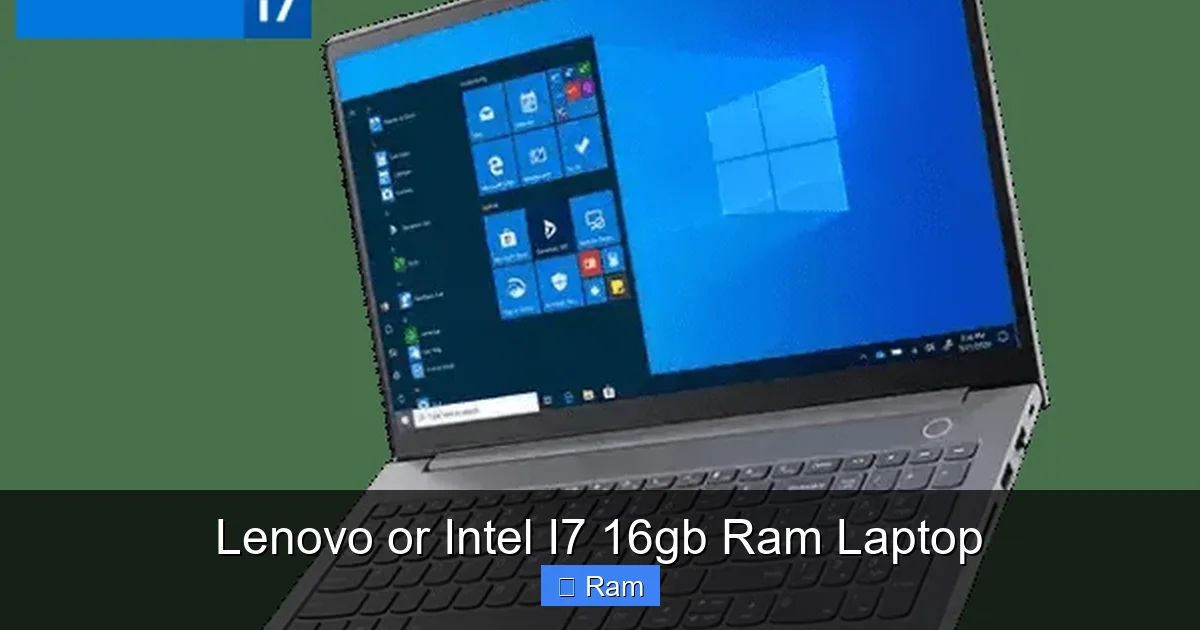
Visual guide about Lenovo or Intel I7 16gb Ram Laptop
Image source: foreteconline.com
The Multitasking Maestro
This is where 16GB RAM shines. Imagine you’re a project manager. You have Microsoft Teams running for calls, 30+ tabs open in Chrome (with your project dashboard, research, and email), a large Excel file with pivot tables, a PDF document, and Spotify in the background. On an 8GB system, switching between these would cause stutters and loading delays as the system churns. On your i7/16GB Lenovo, it’s seamless. The CPU has the power to manage all these processes, and the 16GB RAM gives each its own ample space to live without stepping on each other’s toes. You can alt-tab instantly, and everything stays responsive. For students writing a thesis with 50 research tabs, a Word document, and a citation manager open, the experience is similarly buttery smooth.
The Content Creator’s Companion
For photo editing in Adobe Lightroom or Photoshop, an i7 handles the preview generation and filter application quickly. 16GB RAM is critical here because a single high-resolution photo (especially from a modern 45MP+ camera) can eat 1-2GB of RAM when opened. Working on multiple images or using complex layers and filters in Photoshop can easily consume 8-12GB. With 16GB, you have room to spare. For video editing, the requirement jumps. 1080p editing is comfortable. 4K editing is very doable on an i7 with 16GB RAM, especially if your software (like DaVinci Resolve or Premiere Pro) is using the integrated Intel Iris Xe graphics for some acceleration. However, for heavy 4K/8K timelines with multiple effects, you’ll want to look at models with a dedicated GPU (like those in the Legion or Yoga Pro lines), as the GPU offloads much of the rendering work. The i7/16GB combo is a fantastic *starting point* for serious creators.
The Developer’s & Data Analyst’s Engine
Running a local development environment with a database (PostgreSQL/MySQL), a backend server (Node.js, Django), a frontend build process, and an IDE (VS Code, IntelliJ) is memory-hungry. Each of these services can consume 1-2GB of RAM. 16GB gives you a comfortable buffer. You can also run a lightweight virtual machine (VM) or Docker containers for testing without your host OS grinding to a halt. For data analysis in Python (Pandas) or R, working with large datasets (millions of rows) requires RAM to hold the data in memory for fast manipulation. An i7 provides the CPU grunt for complex calculations and model training (though for serious machine learning, a powerful GPU becomes essential). The combination turns a laptop into a genuine mobile workstation.
The Casual Gamer’s Unexpected Ally
Here’s a secret: you don’t need a $2,500 gaming laptop to enjoy many games. An i7 with integrated Intel Iris Xe graphics (found in most thin-and-light Lenovo models) can run esports titles like Valorant, CS:GO, League of Legends, and Dota 2 at 1080p with medium settings and perfectly playable frame rates (60+ FPS). It can also handle older AAA titles or less demanding indie games. For modern, graphics-intensive AAA games at high settings, you will need a laptop with a dedicated NVIDIA or AMD GPU. But if your gaming is casual and interspersed with work, an i7/16GB Yoga or IdeaPad will surprise you with its capabilities, saving you from buying a separate, bulky gaming rig.
Your Buying Guide: Picking the Right Lenovo Model
You’ve decided the i7/16GB combo is for you. Now, which Lenovo? Ask yourself these questions.
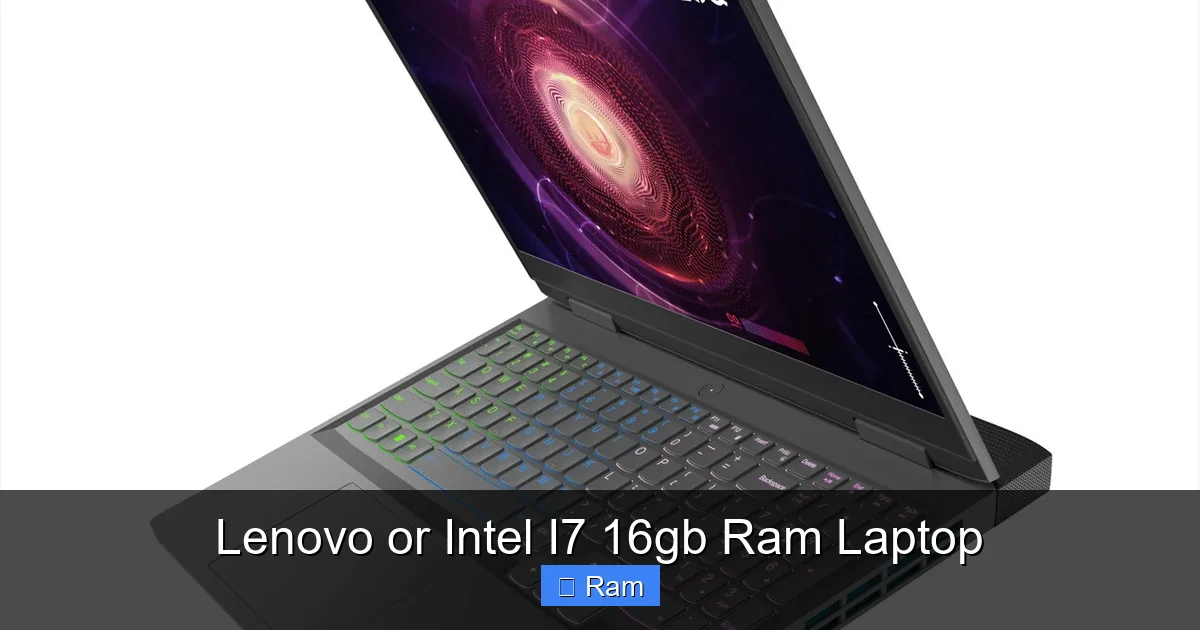
Visual guide about Lenovo or Intel I7 16gb Ram Laptop
Image source: cdn11.bigcommerce.com
Question 1: What’s My Primary Use & Environment?
- Office/Corporate/Heavy Typing: ThinkPad T-series or X1 Carbon. Prioritize the legendary keyboard, durability, and business-grade service/support.
- Student/General Use with Flexibility: Yoga 7i or 9i. The 2-in-1 form factor is invaluable for note-taking and media consumption. Great all-rounder.
- Budget-Conscious Power User: IdeaPad 5/Slim 5. You get 90% of the performance for less. Check reviews for specific model build quality.
- Content Creation/Gaming: Lenovo Legion 5/Pro 5. Get the H-series i7 (more cores, higher power) and, crucially, a dedicated NVIDIA RTX GPU (4050, 4060, 4070). This is a different performance class.
Question 2: What Display Do I Need?
Don’t just glance at the size. Look at the resolution (Full HD / 1920×1080 is standard and fine for most; consider 2560×1440/QHD for more screen real estate and sharper text) and the panel type. IPS panels offer great color and viewing angles. OLED panels (found on premium Yogas and some ThinkPads) offer incredible contrast and color but can be more expensive and may have burn-in risk with static elements. For photo/video work, look for 100% sRGB or DCI-P3 color gamut coverage. For coding, a matte (anti-glare) screen is easier on the eyes in bright environments.
Question 3: How Important is Portability & Battery Life?
An i7 U-series processor (in thin-and-lights like most Yogas and IdeaPads) is optimized for efficiency and will get 8-12+ hours of real-world battery life. An i7 H-series processor (in performance laptops like the Legion or some ThinkPad P-series) is much more powerful but will drain the battery in 3-5 hours under load. Decide: do you need all-day unplugged mobility, or will you be near an outlet most of the time? Weight and thickness follow the same rule. The thinnest, lightest i7/16GB laptops will be in the Yoga and high-end IdeaPad lines.
Question 4: Is RAM Upgradeability in My Future?
This is a critical, often overlooked question. To achieve slim designs, many modern Lenovo laptops (especially Yogas and premium IdeaPads) have the RAM soldered directly to the motherboard. This means what you buy is what you’re stuck with forever. If you buy 16GB today, you cannot upgrade to 32GB in three years. ThinkPads (T-series, P-series) and many Legion models are the exceptions—they often have at least one accessible SODIMM slot, allowing you to add more RAM later. If you think your needs might grow (running heavier VMs, larger datasets), seek out a model with user-upgradeable RAM. Check the technical specifications or “Hardware Maintenance Manual” on Lenovo’s support site before buying.
Optimizing Your Purchase: Practical Tips & Common Pitfalls
You’ve narrowed it down to a model. Before you click “buy,” here are some final tips to seal the deal and avoid regret.
The SSD is the Silent Partner
An i7 and 16GB RAM will feel fast booting and loading apps if paired with a fast NVMe PCIe SSD. Avoid any configuration that still uses a slower SATA SSD or, heaven forbid, a hard disk drive (HDD). The difference in OS boot time, app launch, and file transfer speeds between a SATA SSD and an NVMe SSD is noticeable. Ensure the spec sheet says “NVMe,” “PCIe,” or “SSD” without “SATA” qualifier. Also, check the storage capacity. 512GB is a good starting point, but 1TB gives you much more breathing room for games, video projects, and virtual machines without constant storage management.
Thermals and Throttling: The Hidden Bottleneck
A powerful i7 generates heat. In a thin laptop, that heat can cause “thermal throttling,” where the processor intentionally slows itself down to avoid melting. This means you might get peak performance for 10 minutes during a render, then a significant speed drop. This is more common in ultra-thin designs than in larger laptops with better cooling (like ThinkPad T-series or Legion). Read professional and user reviews that mention thermals and sustained performance. Look for terms like “cool under load” or “maintains clock speeds.” A laptop that can keep its i7 cool will deliver consistent performance you paid for.
Don’t Overpay for the “i7” Label
Here’s a pro tip: sometimes, a higher-tier Intel Core i5 from the latest generation can match or even beat an older-generation Intel Core i7 in real-world performance, especially in tasks that don’t use all cores. Always compare the specific processor model numbers (e.g., i7-1360P vs. i5-1340P). A newer architecture (like Intel’s 13th Gen “Raptor Lake”) brings huge gains in multi-threaded performance and efficiency. If you find a great deal on a newer i5 with 16GB RAM, it might be a smarter buy than an older i7. Use a site like Notebookcheck.net to compare CPU benchmarks.
The Peripherals Matter: Keyboard, Trackpad, Ports
Your hands will be on the keyboard and trackpad all day. If you’re a writer or coder, the ThinkPad keyboard is non-negotiable. For others, read reviews about keyboard travel and feel. The trackpad should be precise and have good palm rejection. On the connectivity side, count your ports. Do you need USB-A for old peripherals? HDMI for a projector? An SD card reader for your camera? Many modern ultrabooks are ditching these for USB-C/Thunderbolt 4. Ensure the laptop has the ports you need, or be prepared to carry a dongle.
Future-Proofing Your Investment
Technology marches on. You’re spending a good chunk of change, so how do you make sure this laptop stays relevant?
RAM is the Easiest to Outgrow
Software and operating systems become more demanding over time. What was 16GB of “more than enough” in 2023 might be “the comfortable minimum” in 2027. As mentioned, if you suspect this might be a long-term keeper (4+ years), hunting for a model with a user-accessible RAM slot is the single best future-proofing move you can make. You can buy with 16GB today and pop in another 16GB stick for 32GB total later for under $100.
CPU Upgradeability is a Myth
Accept it: the CPU is soldered. You cannot upgrade it. This makes choosing the right CPU generation at purchase your only shot. The advice is to buy the newest generation you can afford within your budget. The performance and efficiency gains from one generation to the next are significant. A 14th Gen i7 will be more future-proof than a 12th Gen i7, all else being equal.
Consider the Ecosystem & Support
Lenovo offers varying warranty lengths (typically 1-year base). Consider extending it, especially for a business-critical machine. ThinkPad owners often have access to better on-site service and dedicated support channels. Also, think about software. Lenovo Vantage is their utility for updates and system tuning—it’s useful but can be a bit naggy. Some business models come with less pre-installed “bloatware.”
Ultimately, a well-chosen Lenovo laptop with an Intel i7 processor and 16GB of RAM is a powerhouse that will serve you diligently. It’s a tool that removes limitations, letting you focus on your work, your creativity, or your entertainment without the annoying friction of a sluggish machine. Do your homework on the specific model line, read a few trusted reviews, and you’ll have a portable partner that feels fast and capable for years to come.
Frequently Asked Questions
Is an Intel i7 with 16GB RAM overkill for a student?
Not necessarily. For a student in liberal arts using mainly Word and web research, an i5/8GB is sufficient. However, for students in engineering, architecture, computer science, or design who run CAD, simulation software, IDEs, or virtual machines, the i7/16GB combo is a smart investment that will handle demanding coursework without frustration and last through their entire degree.
Should I choose a Lenovo with an Intel i7 or an AMD Ryzen 7?
Both are excellent. Modern AMD Ryzen 7 processors often offer better multi-core performance and battery life at similar price points. Intel’s 13th/14th Gen i7s sometimes have an edge in single-threaded tasks and certain professional applications optimized for Intel. Compare specific model benchmarks. If you find a Lenovo Yoga or IdeaPad with a Ryzen 7 and 16GB RAM for less than an equivalent Intel i7 model, the Ryzen is likely the better value.
Can I upgrade the RAM in a Lenovo i7 laptop myself?
It depends entirely on the model. Many consumer models (Yogas, most IdeaPads) have soldered RAM and no upgrade slots. Most business ThinkPads (T-series, P-series) and gaming Legions have at least one accessible slot. Always check the specific model’s technical specifications or hardware maintenance manual on Lenovo’s website before purchasing if upgradeability is important to you.
Is 16GB RAM enough for video editing?
For 1080p editing, 16GB is generally sufficient. For 4K editing, 16GB is the bare minimum and can be tight with complex timelines, multiple effects, and multiple applications open. For smooth 4K and especially 8K work, 32GB is strongly recommended. Also, ensure your laptop has a dedicated GPU (NVIDIA RTX or AMD Radeon) for hardware-accelerated rendering, as the GPU is often more critical than RAM for video editing performance.
What’s the difference between an i7-U series and i7-H series in Lenovo laptops?
The suffix matters. An i7-1360U is a “U-series” chip designed for ultra-thin, light laptops. It has a lower power draw (15-28W), great battery life, and good performance for everyday tasks but fewer cores. An i7-13700H is an “H-series” chip for performance laptops. It has a much higher power draw (45W+), more cores, significantly higher performance for rendering, compiling, and heavy tasks, but much shorter battery life. The U-series is in Yogas and thin IdeaPads; the H-series is in Legions, thicker ThinkPads, and some high-end IdeaPads.
Are there any downsides to a Lenovo laptop with these specs?
The main downsides are cost and potential bloatware. The i7/16GB configuration is a premium spec, so the laptop will cost more than base models. Some Lenovo consumer models (IdeaPad, Yoga) come with pre-installed trial software (“bloatware”) that can slow down the system out of the box; a clean Windows install is often recommended. Also, as mentioned, the powerful specs in a thin chassis can lead to fan noise and heat during heavy workloads. Always read reviews about thermals and noise for the specific model you’re considering.