A 1TB SSD 32GB RAM laptop represents the pinnacle of mobile computing for power users. This combination eliminates storage bottlenecks and memory constraints, enabling seamless multitasking, lightning-fast load times, and effortless handling of professional-grade applications. It’s a future-proof investment for creators, developers, and engineers, though it comes at a premium cost and may be overkill for casual browsing. Ultimately, this spec sheet is for those who demand absolute, uncompromising performance from their portable machine.
Key Takeaways
- Storage & Speed Synergy: The 1TB NVMe SSD provides blistering read/write speeds and ample space, while 32GB of RAM allows for massive, active working sets, creating a system that rarely, if ever, stutters.
- Target Audience: This configuration is built for professional video editors, 3D artists, software developers compiling large codebases, data scientists, and serious gamers who mod heavily or stream.
- Future-Proofing: 32GB of RAM is quickly becoming the new baseline for professional creative and technical work, ensuring your laptop remains viable for 4-5 years without feeling sluggish.
- Cost vs. Need: The price jump from 16GB to 32GB RAM and a 512GB to 1TB SSD is significant. For web browsing, office work, and light media consumption, it’s unnecessary overkill.
- Not Just About Capacity: The *type* of SSD (NVMe PCIe Gen4 vs. Gen3) and RAM speed (DDR4 vs. DDR5) drastically affect performance. A fast 512GB Gen4 SSD can sometimes feel snappier than a slower 1TB Gen3 drive.
- Upgradeability Matters: Many modern laptops solder RAM to the motherboard. If you think you might need more later, prioritize models with user-upgradeable RAM slots, even if it means a slightly bulkier chassis.
- Thermal & Battery Trade-offs: High-performance components generate more heat and drain batteries faster. Expect shorter unplugged runtime compared to ultrabooks with less powerful specs.
📑 Table of Contents
- Decoding the Dream Spec: What Does “1TB SSD 32GB RAM” Actually Mean?
- The Unbeatable Performance Synergy: Why These Two Specs Belong Together
- Who Is This Laptop *Actually* For? (The Ideal User Profile)
- The Buying Guide: What to Look For Beyond the Core Specs
- Cost vs. Value: Is the Premium Justified?
- Future-Proofing Your Investment: What 2027 Might Demand
- Conclusion: The Final Verdict on the 1TB SSD 32GB RAM Laptop
Decoding the Dream Spec: What Does “1TB SSD 32GB RAM” Actually Mean?
Let’s cut through the marketing jargon. When you see a laptop advertised with a 1TB SSD and 32GB of RAM, you’re looking at a machine engineered for a specific, high-octane purpose. It’s not the average student’s laptop or the casual browser’s companion. It’s a portable workstation. The “1TB” refers to the storage drive, almost certainly a modern NVMe solid-state drive, replacing the old, spinning hard disk. This isn’t just about having space for more files; it’s about speed. An NVMe SSD connects directly to the motherboard’s high-speed PCIe lanes, offering read and write speeds that are 5 to 10 times faster than a SATA SSD and dozens of times faster than a traditional HDD. This means your operating system boots in seconds, applications launch instantly, and large files—like a 50GB video project—transfer in the blink of an eye.
The “32GB RAM” part is equally, if not more, critical. RAM (Random Access Memory) is your computer’s short-term workspace. When you open an application, it loads from the slow storage drive into the fast RAM. The more RAM you have, the more applications and data you can keep “awake” and ready to use simultaneously. Eight GB is the bare minimum for modern computing. Sixteen GB is the sweet spot for most power users and gamers. Thirty-two gigabytes is the entry point for true professional workloads. It allows you to have hundreds of Chrome tabs open, a massive Photoshop file, a virtual machine running, and a development environment all active at once without your system gasping for air and swapping data to the much slower SSD. Together, this duo eliminates two of the most common system bottlenecks: storage I/O and memory capacity.
The Unbeatable Performance Synergy: Why These Two Specs Belong Together
Think of your laptop as a kitchen. The SSD is your pantry—it stores all the ingredients (your data and programs). The RAM is your counter space—it’s where you actively chop, mix, and cook (process information). If you have a huge pantry (1TB SSD) but a tiny counter (8GB RAM), you’re constantly running back and forth to the pantry, slowing down your cooking. If you have a massive counter (32GB RAM) but a tiny, slow pantry (256GB HDD), it takes forever to get your ingredients in the first place. The 1TB SSD and 32GB RAM combination gives you both a cavernous, well-organized pantry and an expansive, efficient counter space.
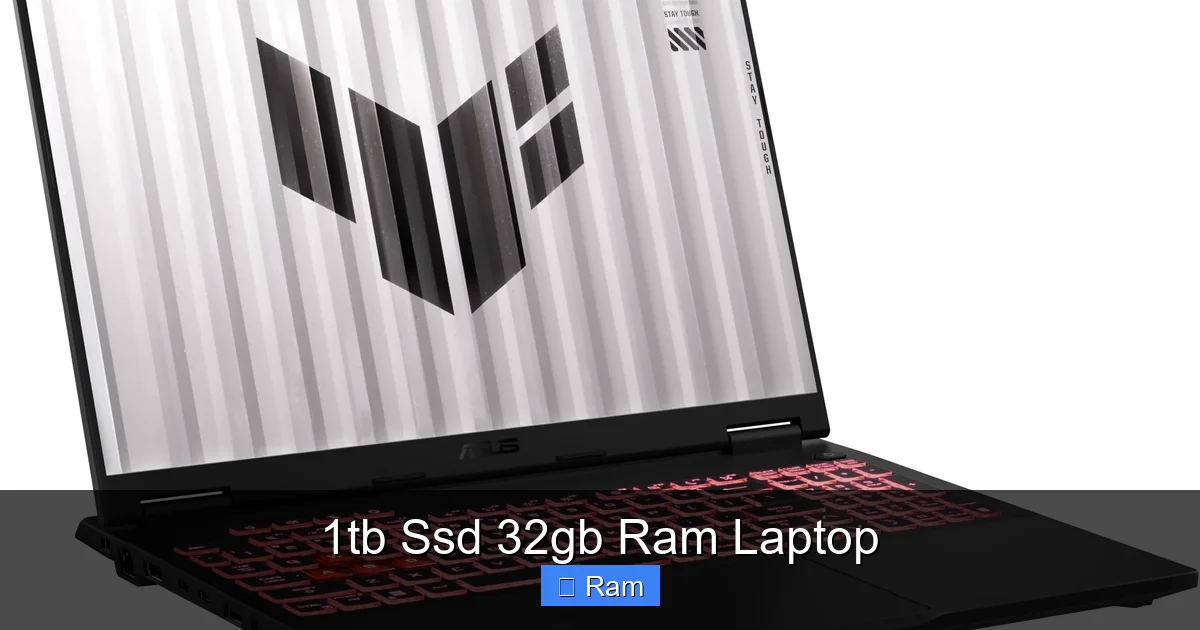
Visual guide about 1tb Ssd 32gb Ram Laptop
Image source: m.media-amazon.com
Real-World Multitasking: A Day in the Life
For a video editor, this means loading a 4K project with multiple layers and effects from the SSD into RAM, then having enough RAM left over to run After Effects for motion graphics, keep Adobe Bridge open for asset browsing, and have Spotify playing in the background—all without a single hiccup. For a software developer, it means running a local server, a database, an IDE like Visual Studio Code, multiple terminal windows, and Docker containers all at once. The system feels responsive because it never has to pause to shuffle data between RAM and the SSD. That shuffling, called “swapping” or “paging,” is what causes the spinning beach ball of death or the “Not Responding” window. With this spec pair, those become rare memories.
Gaming and Creative Work: No Compromises
While a dedicated GPU is king for gaming frame rates, the CPU and RAM handle game logic, asset streaming, and background tasks. Modern games, especially open-world titles, constantly stream textures and assets from storage. A fast 1TB SSD means no pop-in textures and near-instant loading screens. Thirty-two GB of RAM ensures that the game and your Discord chat, streaming software, and web browser for wiki lookups all coexist peacefully. For creators in Blender, DaVinci Resolve, or CAD software, large project files and complex scenes are kept readily accessible in RAM, drastically improving viewport performance and reducing render prep times.
Who Is This Laptop *Actually* For? (The Ideal User Profile)
This is the most important question. Buying a 1TB SSD 32GB RAM laptop is a statement. It says, “My time is valuable, and my workflow cannot tolerate waiting.” It is not for everyone. So, who is the “everyone” it *is* for?
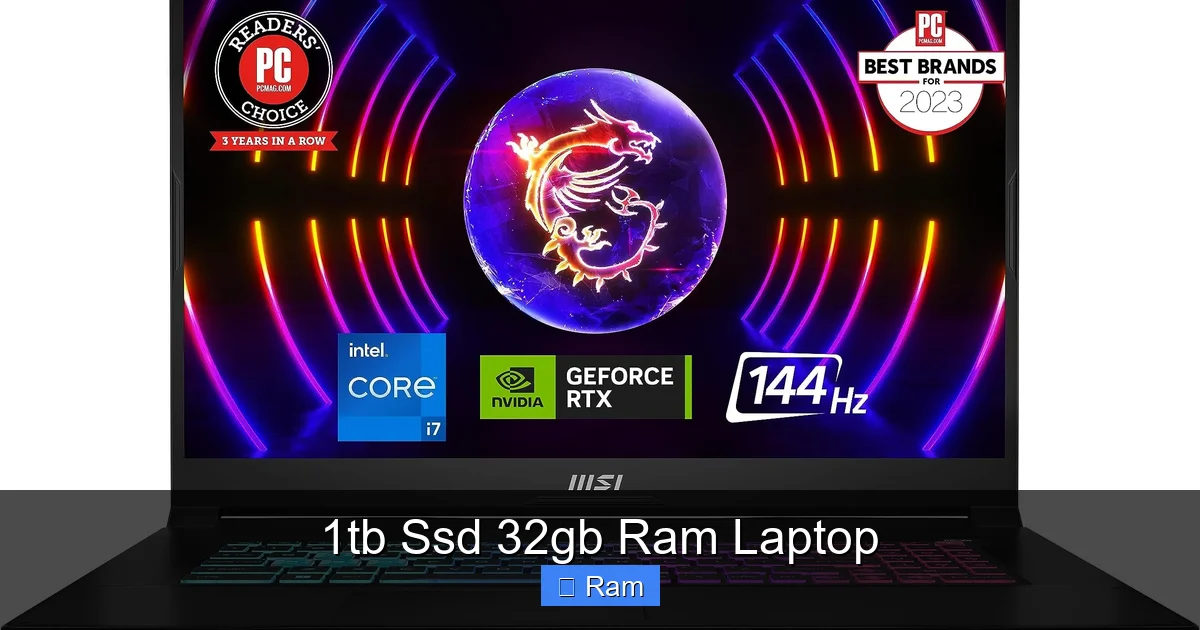
Visual guide about 1tb Ssd 32gb Ram Laptop
Image source: m.media-amazon.com
- Professional Video & Audio Editors: Working with 4K, 6K, or RAW footage requires immense memory to hold multiple high-resolution clips, effects, and audio tracks. The 1TB SSD stores massive project files and media libraries, while 32GB RAM keeps the timeline scrubbing smoothly.
- 3D Artists & Animators: Sculpting in ZBrush, texturing in Substance Painter, and rendering viewports in Blender are RAM-hungry tasks. Complex scenes can easily consume 16GB+. Thirty-two GB provides headroom for intricate work without constant crashes or slowdowns.
- Software Engineers & Data Scientists: Running virtual machines (each needing its own allocated RAM), local Kubernetes clusters, large datasets in Python/R, and multiple IDE instances demands a memory pool. The fast SSD ensures quick environment boot-ups and data access.
- Architects & Engineers: Using AutoCAD, Revit, or SolidWorks with large, multi-disciplinary BIM models requires both fast storage for loading massive assemblies and ample RAM to manipulate them in real-time.
- Serious Enthusiast Gamers & Streamers: If you game at high resolutions while streaming at 1080p/60fps, encoding video, and running overlay software, 16GB is the minimum. 32GB provides a comfortable buffer, ensuring your stream doesn’t stutter because the game ate all the memory.
Conversely, if your primary activities are web browsing, office documents, email, streaming Netflix, and playing lightweight indie games, a 1TB SSD 32GB RAM laptop is monumental overkill. You would be paying a significant premium for performance you will never utilize. A 512GB SSD and 16GB RAM machine would serve you perfectly for years.
The Buying Guide: What to Look For Beyond the Core Specs
You’ve decided this powerhouse is for you. Excellent. But the label “1TB SSD 32GB RAM” is just the starting point. The *quality* and *configuration* of those components matter immensely. Here’s your checklist.
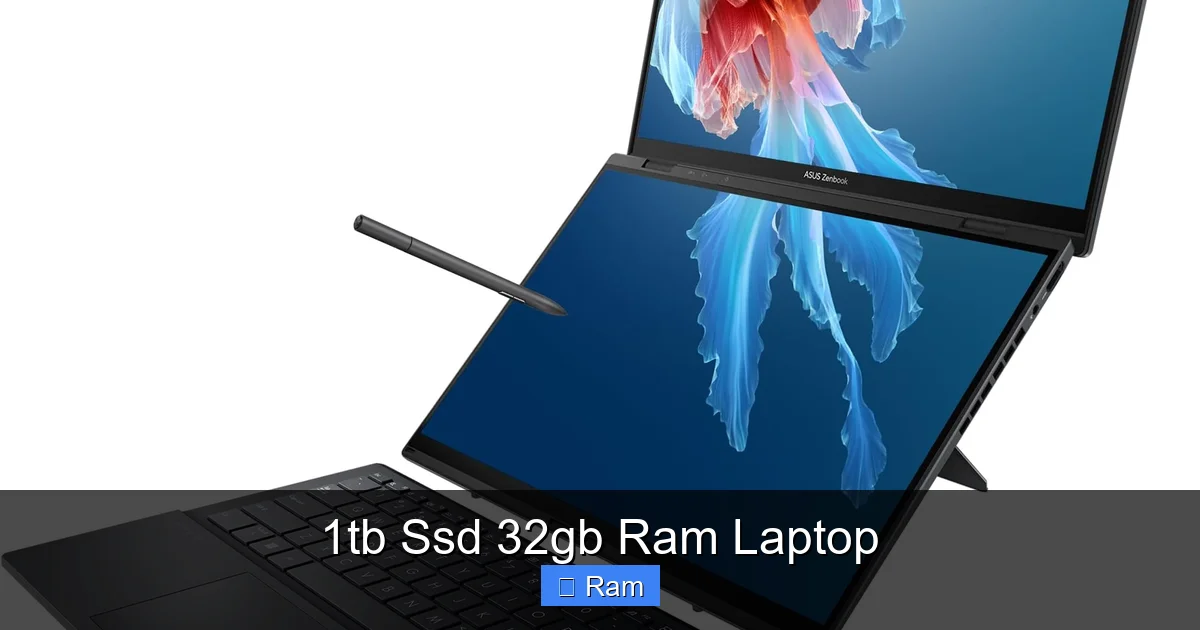
Visual guide about 1tb Ssd 32gb Ram Laptop
Image source: m.media-amazon.com
SSD: NVMe is Non-Negotiable, But Generation Matters
Ensure the 1TB drive is an NVMe PCIe SSD, not a SATA SSD. The difference is night and day. Within NVMe, check the generation. PCIe 4.0 (Gen4) drives offer up to twice the sequential read/write speeds of PCIe 3.0 (Gen3) drives—around 7,000 MB/s vs. 3,500 MB/s. For most tasks, the real-world difference is subtle, but for constantly moving multi-gigabyte files (raw video, large game assets), Gen4 is a tangible timesaver. Also, check if there’s a second M.2 slot. A 1TB drive is great, but the ability to add a second 1TB or 2TB SSD later is a huge win for future storage expansion.
RAM: Speed, Timings, and the Soldered Dilemma
RAM is described by its speed (e.g., 3200MHz, 4800MHz) and timings (e.g., CL16, CL22). Higher speed and lower timings are better, but the jump from 2400MHz to 3200MHz is more meaningful than from 4800MHz to 6000MHz for most productivity apps. The bigger issue is soldered vs. upgradeable. In the pursuit of thinness, many manufacturers solder the RAM chips directly to the motherboard. If you buy a 32GB model, you are locked into that forever. If you buy a 16GB model with two slots, you could potentially upgrade to 32GB yourself later for cheaper. For a 1TB SSD 32GB RAM laptop, you must verify this. If you anticipate needing 64GB in 3 years, a soldered 32GB model is a dead end. Prioritize models with at least one empty SO-DIMM slot.
The Rest of the Package: CPU, GPU, Display, and Cooling
This powerful RAM/SSD combo needs a worthy partner. You’ll want a current-generation, high-core-count CPU like an Intel Core i7/i9 H-series or AMD Ryzen 7/9 H-series. Pair it with a dedicated GPU—NVIDIA RTX 4060/4070 or AMD Radeon RX 7600S/7700S and up—for creative acceleration and gaming. Don’t neglect the display: a 100% sRGB or P3 color gamut, high brightness (300+ nits), and a matte finish reduce eye strain during long sessions. Finally, investigate the cooling solution. A laptop with these specs will run hot. Look for reviews that mention thermal performance and fan noise under load. A system that throttles due to poor cooling will negate the advantage of your great specs.
Cost vs. Value: Is the Premium Justified?
There’s no way around it: a laptop with a 1TB SSD and 32GB of RAM commands a high price. You’re paying for performance headroom, premium build materials, advanced cooling, and professional-grade components. The question is whether that cost delivers value *for your specific use case*.
Let’s do a quick hypothetical. A capable 15-inch creative laptop with a 512GB SSD and 16GB RAM might start at $1,200. To jump to a 1TB SSD and 32GB RAM, you’re often looking at a $300-$600 premium, putting you in the $1,500-$1,800+ range. That’s a 25-50% increase. You must ask yourself: will that extra 16GB of RAM and 512GB of storage *directly enable me to earn money or complete work I couldn’t do before*? For a professional, the answer is often yes. Faster project turnaround means more billable hours. For a student or hobbyist, the answer is likely no. The value is in the utility, not the prestige of the numbers. Also, consider the total cost of ownership. A more powerful machine today may last a year or two longer before feeling obsolete, potentially offering better long-term value.
Future-Proofing Your Investment: What 2027 Might Demand
Technology marches on. What’s elite today is mainstream tomorrow. Investing in a 1TB SSD 32GB RAM laptop is, at its heart, an act of future-proofing. Let’s project forward.
Operating systems and applications are becoming more memory-intensive. Windows 11 and macOS Sonoma are already more demanding than their predecessors. The rise of AI is a huge factor. Local AI tools, from Stable Diffusion for image generation to large language model (LLM) chatbots you run on your own machine, can consume 8GB-16GB+ of RAM *on their own*. Having 32GB means you can run these AI assistants while continuing your normal workflow. Similarly, game developers are leveraging more system memory for higher-resolution textures and complex simulations. A 1TB SSD will feel the pressure as game install sizes balloon past 150GB for a single title. That extra 512GB or 1TB of space becomes a necessity, not a luxury.
By choosing this spec today, you’re buying a buffer. You’re accepting that you may not need 32GB for your current Photoshop project, but you’re ensuring that when the next version of that software or a new, revolutionary tool arrives, your laptop won’t be the bottleneck. It’s a peace-of-mind purchase. The key is to balance this foresight with your immediate budget. If you can stretch for it, the future will thank you. If the stretch is too great, a 16GB/512GB model with an upgradeable RAM slot is a smarter compromise—you get the performance now and the path to 32GB later when prices drop and your needs grow.
Conclusion: The Final Verdict on the 1TB SSD 32GB RAM Laptop
The 1TB SSD 32GB RAM laptop is not a product; it’s a category. It’s the culmination of mobile computing power aimed squarely at professionals and enthusiasts who treat their laptop as a primary tool, not a secondary device. The synergy between vast, fast storage and a generous memory pool creates an environment where the machine disappears. You stop thinking about loading bars, spinning cursors, and application crashes. You simply work, create, or play without interruption. That frictionless experience is the true value proposition.
However, this power comes at a cost—both financial and in terms of portability trade-offs like battery life and heat. The ultimate decision rests on a brutally honest assessment of your workflow. If you find yourself regularly closing applications to free up memory, waiting for large files to copy, or dreaming of a faster workflow, then this specification is your answer. It is an investment in your productivity and sanity. If your needs are modest, you are far better off allocating that budget towards a better display, a lighter chassis, or a more powerful GPU in a lower RAM/storage configuration. For the right user, though, the 1TB SSD and 32GB RAM combination isn’t just a nice-to-have; it’s the essential foundation of a truly modern, no-compromise mobile powerhouse.
Frequently Asked Questions
Is 32GB of RAM overkill for a laptop in 2024?
For general use like web browsing, office work, and casual gaming, yes, 16GB is sufficient. However, for professional creative work (4K video, 3D rendering), software development with virtual machines, and intensive multitasking, 32GB is becoming the new necessary standard to avoid slowdowns and ensure smooth workflow.
Should I prioritize a larger SSD or faster RAM?
For most professional workflows, prioritize the 32GB RAM first. RAM is harder to upgrade later (often soldered), and running out of memory causes severe system-wide slowdowns. A fast 512GB SSD is often enough for the OS and core apps; you can use external drives for archive storage. But if your projects are huge (e.g., video assets), the 1TB SSD becomes critical.
Will this much RAM and a fast SSD kill my battery life?
Yes, significantly. High-performance components consume more power. While modern power management helps, a laptop with a 45W+ CPU, a dGPU, and 32GB of RAM will have notably shorter unplugged runtime (often 4-6 hours under mixed use) compared to an ultrabook with 16GB RAM and a low-power CPU (8-12+ hours). Expect to be near an outlet for heavy work.
Can I upgrade the RAM or SSD myself later?
It depends entirely on the model. Many thin-and-light laptops solder both components. Some gaming and workstation laptops have one or two accessible SO-DIMM slots and an extra M.2 slot. Always check the manufacturer’s specs or teardown reviews before buying if upgradeability is a priority for your 1TB SSD 32GB RAM laptop.
What’s the real-world difference between a Gen3 and Gen4 1TB SSD?
In everyday tasks like booting Windows or launching apps, the difference is often negligible (fractions of a second). The gap becomes noticeable when moving very large files—like transferring a 100GB game library or working with multi-gigabyte raw video files. Gen4 drives can be twice as fast in these sequential read/write operations, shaving minutes off large transfers.
Are there any downsides to having so much RAM?
Beyond cost and potential minor battery impact, there are few. Some very old or poorly optimized applications might have issues with >16GB, but this is exceedingly rare in 2024. The main “downside” is that you may become less tolerant of any system lag, as your expectations for seamless performance will be permanently raised!