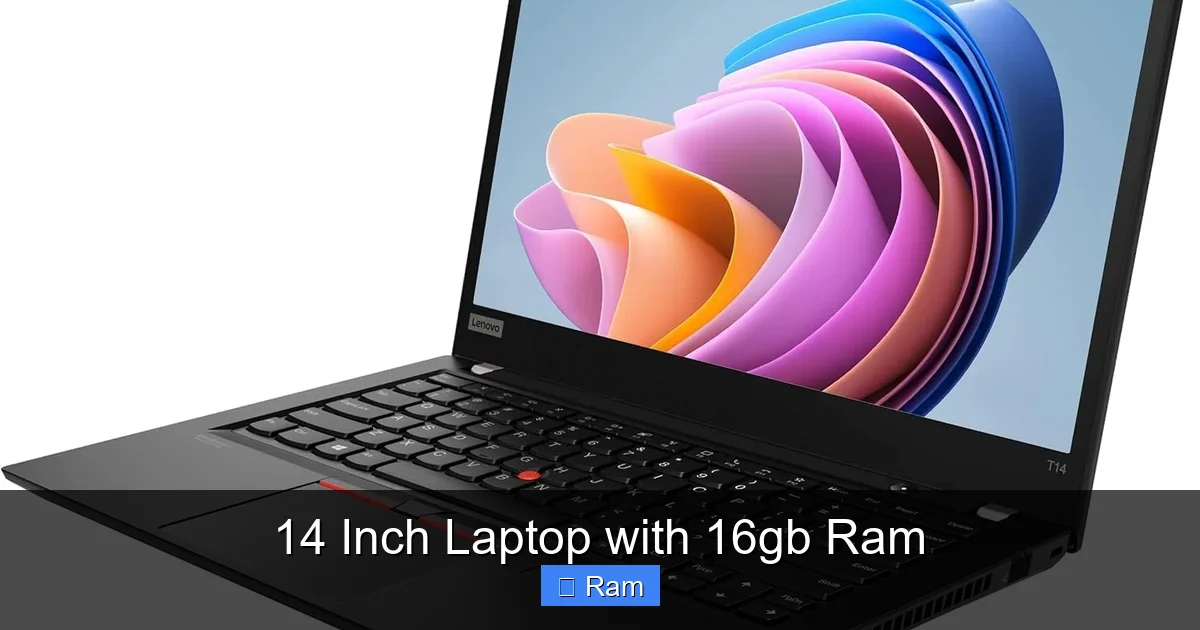
14 Inch Laptop with 16gb Ram
Looking for a compact powerhouse? A 14‑inch laptop with 16 GB RAM delivers desktop‑level speed in a portable package. Whether you’re a student, creator, or professional, this guide walks you through the top models, key features, and buying tips so you can choose the perfect machine with confidence.
Key Takeaways
- Performance: 16 GB RAM ensures smooth multitasking, fast app launches, and smooth video editing on a 14‑inch chassis.
- Portability: 14‑inch laptops typically weigh 2.5‑3.5 lb, making them ideal for commuters and frequent travelers.
- Display Quality: Look for at least a 1080p IPS panel; higher refresh rates benefit gamers and designers.
- Battery Life: Aim for 8‑12 hours on a single charge to stay productive all day.
- Upgrade Path: Some models let you add storage or replace the SSD, extending the laptop’s lifespan.
- Price Range: Expect $900‑$1,800 for a well‑balanced 14‑inch laptop with 16 GB RAM.
- Best Use Cases: From coding and graphics work to light gaming, a 14‑inch/16 GB combo covers most everyday tasks.
📑 Table of Contents
- Why a 14‑Inch Laptop with 16 GB RAM Is a Sweet Spot
- Choosing the Right Processor
- Display Matters More Than You Think
- Storage Options: SSDs Over HDDs
- Battery Life: How Long Will It Really Last?
- Top 5 14‑Inch Laptops with 16 GB RAM in 2024
- How to Future‑Proof Your Purchase
- Practical Tips for Getting the Most Out of 16 GB RAM
- Conclusion: Is a 14‑Inch Laptop with 16 GB RAM Right for You?
Why a 14‑Inch Laptop with 16 GB RAM Is a Sweet Spot
When you shop for a laptop, size, speed, and price are the three big questions. A 14‑inch screen hits the sweet spot between the ultra‑portable 13‑inch notebooks and the larger 15‑inch workhorses. Add 16 GB of RAM, and you get the memory you need for modern software without paying the premium of high‑end 17‑inch machines.
Think of it like a compact car with a turbo engine. It’s small enough to zip through city traffic, yet powerful enough to cruise on the highway. In the laptop world, that means you can run multiple browser tabs, edit 4K video, and launch a virtual machine without the dreaded lag.
Choosing the Right Processor
Intel vs. AMD – Who Wins?
Both Intel’s 12th/13th‑gen Core i5/i7 and AMD’s Ryzen 5/7 6000‑series CPUs pair beautifully with 16 GB RAM. Intel chips excel in single‑core tasks like gaming, while AMD often offers better multi‑core performance for rendering and coding. Your choice should match your primary workload.
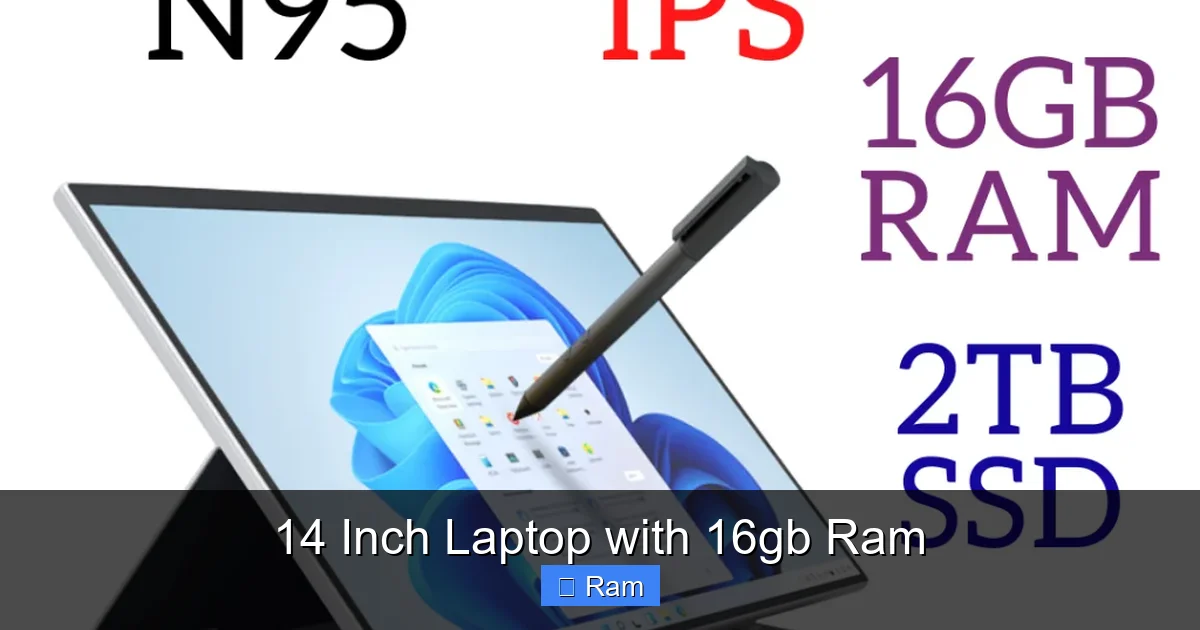
Visual guide about 14 Inch Laptop with 16gb Ram
Image source: down-my.img.susercontent.com
Core Count and Clock Speed
Look for at least six cores and a base clock of 2.5 GHz or higher. Higher boost clocks (up to 4.8 GHz) give a noticeable bump when you need extra horsepower for tasks like compiling code or exporting video.
Display Matters More Than You Think
Resolution and Panel Type
A 1080p (1920×1080) IPS panel is the baseline for crisp text and accurate colors. If your budget allows, a 2.5K (2560×1440) or 3K OLED screen adds extra screen real‑estate and richer hues—great for photo editing and media consumption.
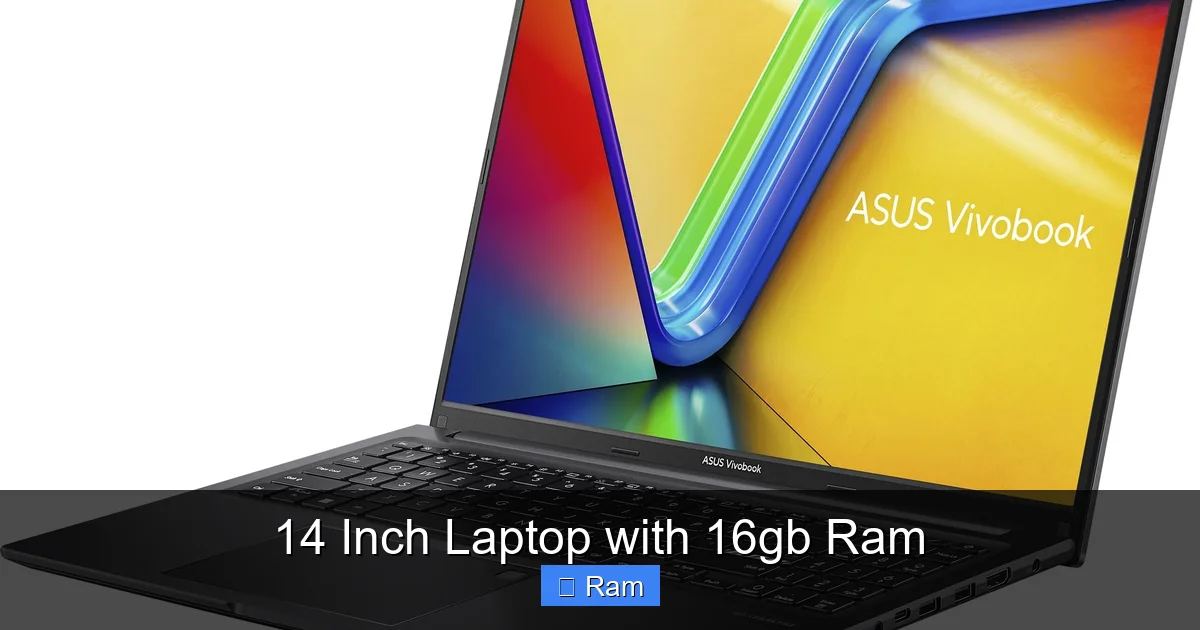
Visual guide about 14 Inch Laptop with 16gb Ram
Image source: laptopmedia.com
Refresh Rate and Brightness
Standard 60 Hz panels are fine for office work, but a 120 Hz or 144 Hz display smooths out motion in games and makes scrolling feel buttery. Aim for 300 nits brightness if you work outdoors or near windows.
Storage Options: SSDs Over HDDs
Why NVMe Beats SATA
NVMe SSDs use the PCIe bus, delivering read/write speeds of 2‑3 GB/s—far faster than SATA SSDs (500‑600 MB/s). Faster storage means quicker boot times, rapid file transfers, and smoother application launches.
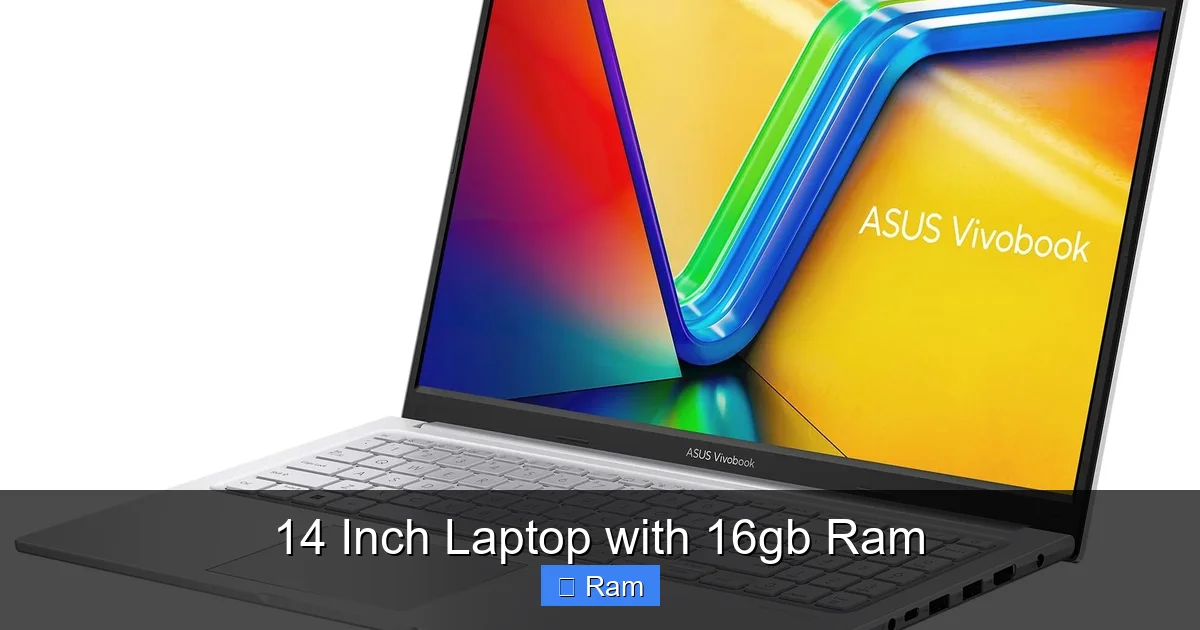
Visual guide about 14 Inch Laptop with 16gb Ram
Image source: laptopmedia.com
Capacity Planning
For most users, 512 GB is a comfortable starting point. If you store lots of media or large project files, consider 1 TB or a laptop with an extra M.2 slot for future expansion.
Battery Life: How Long Will It Really Last?
Real‑World Expectations
Manufacturers quote ideal conditions; in practice, a 14‑inch laptop with 16 GB RAM and an efficient CPU should give you 8‑12 hours of mixed usage—emails, web browsing, and a bit of video streaming.
Power‑Saving Tips
- Use the built‑in “Battery Saver” mode when unplugged.
- Dim the display to 70‑80% brightness.
- Close background apps that you don’t need.
Top 5 14‑Inch Laptops with 16 GB RAM in 2024
1. Dell XPS 14 (2024 Refresh)
Why it shines: Premium aluminum chassis, 13.9‑inch 3K OLED, 12th‑gen Intel i7, 16 GB LPDDR5, 1 TB NVMe. Battery lasts up to 11 hours. Ideal for designers who need color accuracy.
2. Lenovo ThinkPad X1 Carbon Gen 11
Why it shines: Business‑grade durability, 14‑inch 1080p IPS, AMD Ryzen 7 7840U, 16 GB RAM, 512 GB SSD. Excellent keyboard and optional LTE.
3. ASUS ZenBook 14 UX3404
Why it shines: Slim 0.55‑inch profile, 14‑inch 2.8K NanoEdge, Intel i5‑1340P, 16 GB RAM, 512 GB SSD, 67 Wh battery—great value for students.
4. HP Spectre x360 14
Why it shines: 2‑in‑1 convertible, 13.5‑inch 3K OLED, Intel i7‑1360P, 16 GB RAM, 1 TB SSD, stylus included. Perfect for note‑takers and artists.
5. Acer Swift 3 (SF314‑59)
Why it shines: Budget‑friendly, 14‑inch 1080p IPS, AMD Ryzen 7 7840U, 16 GB RAM, 512 GB SSD, 48 Wh battery—solid all‑rounder under $900.
How to Future‑Proof Your Purchase
Upgradeability
Some 14‑inch models let you replace the SSD or add a second M.2 drive. Check the service manual before buying if you plan to upgrade later.
Software Support
Ensure the laptop receives at least five years of BIOS and driver updates. This matters for security and compatibility with new operating systems.
Practical Tips for Getting the Most Out of 16 GB RAM
Optimize Startup Programs
Disable unnecessary apps from launching at boot. This frees up RAM and speeds up login.
Use Virtual Desktops Wisely
Windows 11 lets you create multiple desktops. Keep only the needed apps open on each to avoid memory bloat.
Leverage Cloud Storage
Storing large files in OneDrive or Google Drive reduces local storage pressure, keeping your SSD fast and RAM free for active tasks.
Conclusion: Is a 14‑Inch Laptop with 16 GB RAM Right for You?
If you value a balance of portability, power, and price, the answer is a resounding yes. Modern 14‑inch laptops equipped with 16 GB of RAM handle everything from demanding creative work to everyday multitasking without breaking the bank. By focusing on CPU choice, display quality, SSD speed, and battery life, you can pick a model that fits your lifestyle and budget. Remember to check upgrade options and warranty length to keep your device relevant for years to come. Happy hunting!
Frequently Asked Questions
What can I realistically do with 16 GB RAM on a 14‑inch laptop?
You can run multiple heavy applications simultaneously—like Photoshop, Chrome with many tabs, and a virtual machine—without noticeable slowdowns.
Is a 14‑inch laptop with 16 GB RAM suitable for gaming?
Yes, for most modern titles at medium settings. Pair it with a dedicated GPU (e.g., NVIDIA RTX 3050) and a 120 Hz display for the best experience.
Will the battery last all day with 16 GB RAM?
Battery life depends on the CPU and screen, but a well‑optimized 14‑inch model typically offers 8‑12 hours of mixed use.
Can I upgrade the RAM later?
Some ultrabooks have soldered RAM, making upgrades impossible. Check the specifications; models with SO-DIMM slots allow future upgrades.
Do I need a dedicated graphics card?
If your work is mostly office tasks, web browsing, or media consumption, integrated graphics are sufficient. For video editing or gaming, a dedicated GPU adds a performance boost.
How much should I expect to pay?
Quality 14‑inch laptops with 16 GB RAM range from $900 for budget-friendly options to $1,800 for premium models with OLED screens and high‑end CPUs.


2 Comments