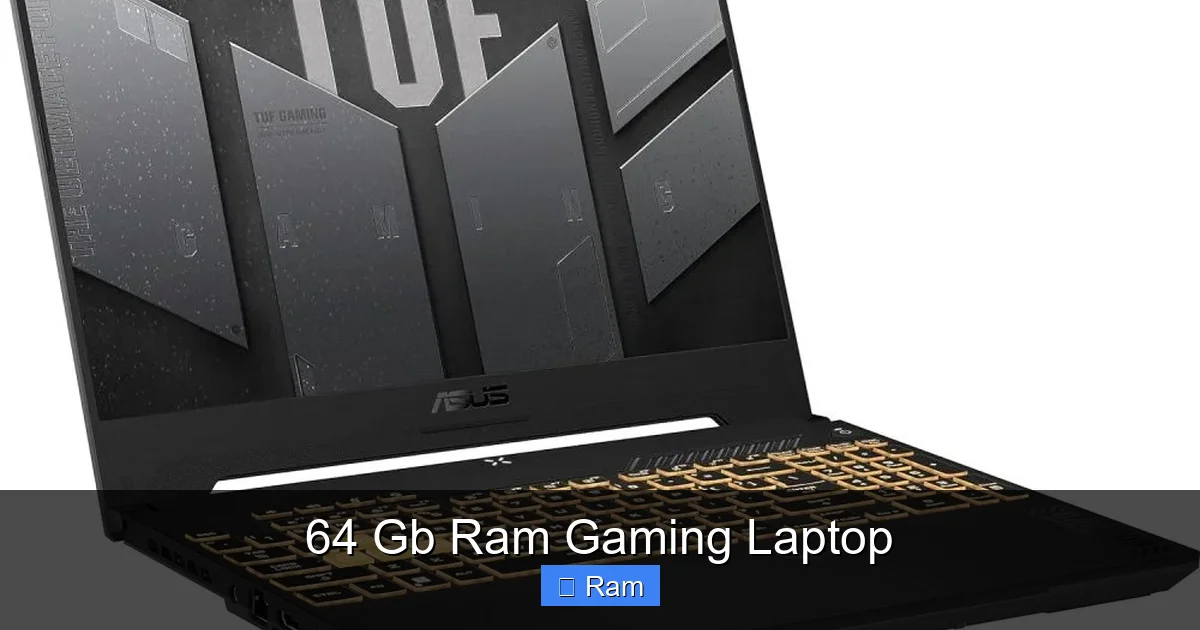
64 Gb Ram Gaming Laptop
A 64 GB RAM gaming laptop represents the absolute peak of mobile computing power, far beyond typical gaming needs. It’s designed for a niche elite: competitive esports professionals, hardcore content creators editing 8K video, and engineers running massive simulations who also game. For the vast majority of gamers, 32 GB is more than sufficient, making 64 GB configurations a significant investment in future-proofing and specialized, RAM-intensive workflows. This guide cuts through the hype to explain who truly needs this much memory, the tangible benefits, and how to choose the right powerhouse laptop for your specific, demanding tasks.
You’re scrolling through laptop specs, and you see it: a stunning gaming machine with an RTX 4090 GPU, a blistering 240Hz display, and then… 64 GB of RAM. Your first thought might be, “Why? Do I need that much memory just to play games?” The answer is a fascinating dive into the evolving world of high-performance computing, where the lines between gaming, content creation, and professional work are blurring faster than ever. A 64 GB RAM gaming laptop isn’t about playing “Call of Duty” at 200 FPS with extra memory; it’s about building a mobile powerhouse that can handle an entirely different class of workload without breaking a sweat.
Let’s be clear upfront: for the average gamer, 16 GB is the comfortable minimum, and 32 GB is the gold standard for next-gen titles and smooth multitasking. So why does 64 GB exist, and who is it for? This article is your definitive guide. We’ll unpack the real-world scenarios where 64 GB transforms from a spec-sheet novelty to a critical productivity tool. We’ll explore the hardware ecosystem that makes it worthwhile, the significant financial trade-offs involved, and provide a clear framework to decide if this extreme configuration belongs in your next laptop purchase. Whether you’re a streamer editing 4K footage on the fly, a developer running multiple virtual machines, or a competitive gamer who refuses to close a single browser tab, understanding the 64 GB RAM gaming laptop landscape is key to making a smart, future-proof investment.
Key Takeaways
- Niche Superiority: 64 GB RAM is overkill for 99% of modern games but is essential for professional workloads like 3D animation, 4K/8K video editing, virtual machine hosting, and scientific computing that also require gaming-grade GPU power.
- Performance Ceiling: The primary benefit is eliminating system slowdowns from RAM exhaustion, allowing seamless switching between a game, dozens of browser tabs, Discord, streaming software, and heavy creative apps simultaneously without a hitch.
- Future-Proofing Investment: As game assets and creative software demands grow, 64 GB provides a multi-year buffer, ensuring your high-end laptop remains capable without needing a RAM upgrade, which is often impossible in modern laptops.
- Cost & Compromise: The cost is substantial, often adding $300-$800+ over a 32 GB model. This budget could be better spent on a faster GPU, higher-tier CPU, or larger/faster SSD for pure gaming performance.
- Hardware Synergy Required: To leverage 64 GB effectively, you must pair it with a top-tier mobile CPU (like an Intel Core i9 or AMD Ryzen 9) and a powerful GPU (RTX 4080/4090 or equivalent). Underpowered components will create bottlenecks.
- Upgradeability is Rare: Most modern gaming laptops solder RAM to the motherboard. A 64 GB configuration at purchase is almost always a permanent decision. Consider if your future needs truly justify the locked-in cost.
- Alternatives Exist: For most, a 32 GB (2×16 GB) kit offers the sweet spot. For extreme needs, a desktop PC provides cheaper, more upgradeable 64 GB+ paths. A 64 GB laptop is a specialized tool, not a general recommendation.
📑 Table of Contents
Who Actually Needs 64 GB of RAM in a Gaming Laptop?
The most important question isn’t “What can it do?” but “Who needs it?” The market for a 64 GB RAM gaming laptop is a narrow, specialized corridor. It’s not for the mainstream. It’s for the power user for whom time is the ultimate currency, and system slowdowns are an unacceptable waste of it.
The Hybrid Creator-Gamer
This is the primary audience. Think of a YouTuber or Twitch streamer who records gameplay in 4K, simultaneously runs OBS for streaming, has Premiere Pro or DaVinci Resolve open for quick clip editing, maintains 50+ Chrome tabs for research, and still wants to jump into a game of “Cyberpunk 2077” during a break. Each of these apps is a RAM hog. Modern video editing software, especially when working with high-resolution footage and multiple effects, can easily consume 20-30 GB on its own. Adding a game (8-12 GB), the OS, and background processes can push a 32 GB system to its limits, causing stutters, slow preview renders, and frustrating load times. Here, 64 GB creates a vast, uninterrupted memory pool. The system never needs to swap data to the slower SSD, maintaining peak responsiveness across all applications, all at once.
The Professional on the Move
Architects using BIM software, engineers running CFD simulations, data scientists working with large datasets, and developers compiling massive codebases or running multiple Docker containers—these professionals need laptop-level performance but often can’t be tied to a desktop workstation. Many of these applications are designed to use as much RAM as you can throw at them. A 64 GB gaming laptop provides the mobile GPU acceleration (for rendering, ML tasks) they need, paired with the massive memory capacity their software demands. The “gaming” label is almost incidental; they’re buying the specs, and the high-refresh display is a bonus.
The Extreme Competitive Gamer & Enthusiast
This user is less about creating and more about eliminating every possible variable. For professional esports players in games like “Valorant” or “CS:GO,” every frame and every millisecond of system consistency counts. While these games don’t use 64 GB, the player’s ecosystem does. They might have a game, a coaching tool, team communication software, a browser with dozens of tabs open for stats and strats, and background overlays. The goal is a perfectly stable, stutter-free experience 100% of the time. 64 GB guarantees that RAM is never the source of a micro-stutter or hitched frame, removing one potential variable from the performance equation. It’s peace of mind through overkill.
For everyone else—the single-player gamer who closes everything before launching a game, the casual user, the student—64 GB is an expensive solution to a problem you don’t have. You would see zero in-game FPS benefit over 32 GB. Your money is better spent on a better GPU or a faster SSD.
The Performance Deep Dive: What Does 64 GB Actually Change?
Understanding the tangible impact requires looking beyond the marketing number. RAM’s role is to be the short-term, ultra-fast workspace for your CPU and GPU. When it fills up, the system starts using your SSD as “virtual memory,” which is orders of magnitude slower. The key benefit of 64 GB is eliminating this swap entirely in even the most demanding multitasking scenarios.
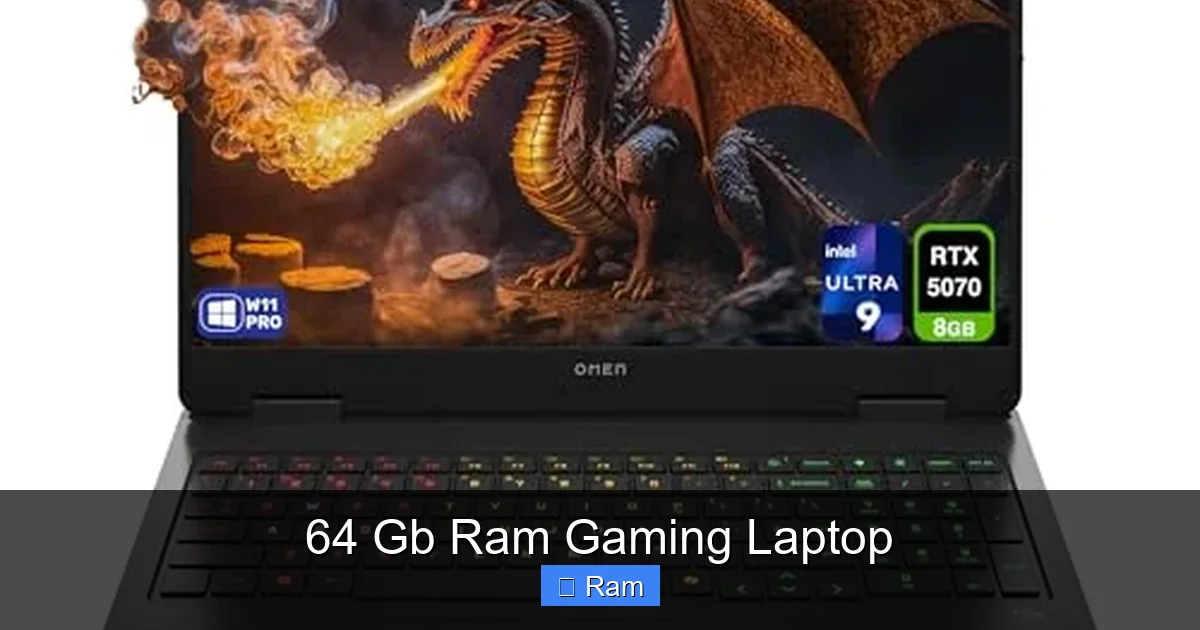
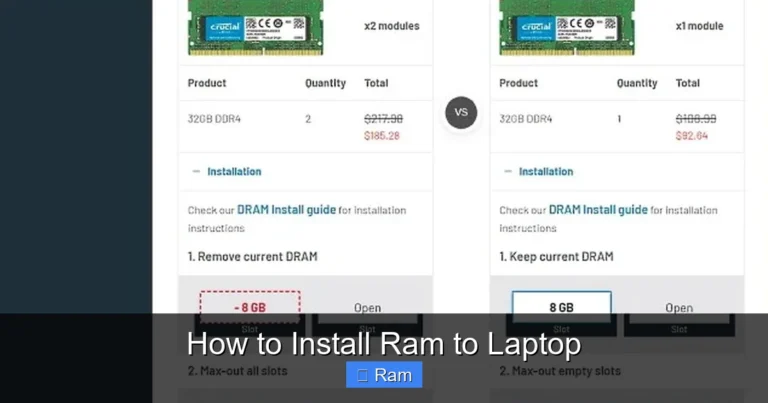
Visual guide about 64 Gb Ram Gaming Laptop
Image source: m.media-amazon.com
Multitasking Without Compromise
This is the most noticeable day-to-day improvement. With 64 GB, you can have a game running, a 4K video rendering in the background, a virtual machine with a Linux OS booted, and 100 Chrome tabs open—and the system will feel as responsive as if you were just browsing the web. There is no “ sluggishness” when alt-tabbing, no delay in opening new applications. For the hybrid user, this is transformative. It turns the laptop from a device that requires careful management into a true all-in-one workstation you can forget about.
Professional Application Performance
In RAM-bound software, the difference is stark. Applications like Adobe After Effects (with complex compositions), Blender (for large scenes), or MATLAB (for big data) will see significant speed improvements. More RAM allows these programs to keep more assets, caches, and simulation data in fast memory, drastically reducing render times and preview lag. For a professional, shaving minutes or even hours off a project’s timeline with a memory upgrade has a direct, calculable ROI. The 64 GB RAM gaming laptop becomes a revenue-generating tool.
The Myth of Gaming FPS Gains
Let’s kill this myth clearly: Adding RAM beyond what a game requires does not increase average FPS in a typical gaming scenario. Modern games are optimized for 16-32 GB. If a game uses 12 GB at 1440p ultra settings, jumping from 32 GB to 64 GB will not make it run faster. The GPU and CPU are the limiting factors. However, there are two critical exceptions where you might see an indirect benefit:
- Open-World Games with Fast Travel: Games like “Red Dead Redemption 2” or “Elden Ring” load vast worlds. More RAM can sometimes allow the game to hold more world data in memory, potentially reducing pop-in and load times between areas, but this is highly engine-dependent and not guaranteed.
- Modding: Heavily modded games (like “Skyrim” or “Minecraft” with resource packs) can exceed standard RAM usage. Here, 64 GB prevents crashes and stutters caused by running out of memory, providing a smoother experience with extensive mods.
For 99% of gamers, the FPS argument for 64 GB is nonexistent. The value is purely in the multitasking and professional application realm.
The Hardware Ecosystem: Why 64 GB Needs a Supporting Cast
Slapping 64 GB of slow RAM into a mid-range laptop is a colossal waste of money. To justify this configuration, every other major component must be top-tier. A 64 GB RAM gaming laptop is always part of a flagship or near-flagship package.
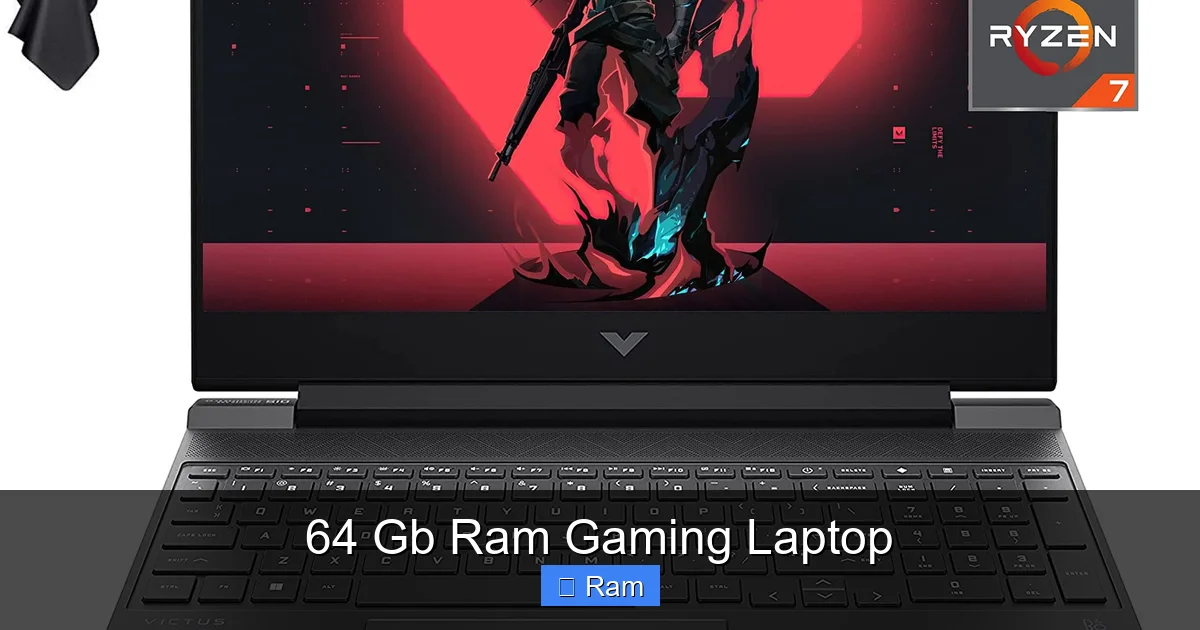
Visual guide about 64 Gb Ram Gaming Laptop
Image source: m.media-amazon.com
The CPU: The Traffic Cop
You need a CPU with enough memory channels and processing power to feed that massive RAM pool. Look for Intel’s Core i9 HX-series (like the 13980HX or 14900HX) or AMD’s Ryzen 9 HX-series (like the 7945HX). These are desktop-class chips repackaged for laptops, with 8-24 cores and support for high-speed, dual-channel (or sometimes quad-channel) memory configurations. A weaker CPU (like an i7 or Ryzen 7) will become a bottleneck before the RAM capacity is even fully utilized, especially in professional tasks that rely on multi-core performance. The CPU and RAM must be a matched pair; one cannot shine without the other in this high-end context.
The GPU: The Workhorse
If you’re spending for 64 GB, you’re almost certainly getting an NVIDIA RTX 4080 or 4090, or an AMD Radeon RX 7900 XT. These GPUs have their own large VRAM pools (16 GB for the 4090 laptop, 12-16 GB for others), which is separate from system RAM. The system RAM is for the CPU and general system tasks, while VRAM is for the GPU’s textures and assets. For gaming, VRAM is often the more critical spec for high-resolution textures. For creative work, both matter: system RAM for the application itself, GPU VRAM for the viewport and GPU-accelerated effects. A 64 GB RAM gaming laptop with an RTX 4060 would be a bizarre, unbalanced mismatch. The GPU must be in the highest tier to complement the memory.
The Storage & Cooling: The Unsung Heroes
With all this data flying around, you need blisteringly fast storage. A PCIe 4.0 NVMe SSD (or PCIe 5.0 where available) with read/write speeds over 7,000 MB/s is a must to feed the CPU and load assets quickly from the “RAM warehouse.” Furthermore, a 64 GB configuration typically comes with the laptop’s most robust cooling solution. These systems run hotter and consume more power. You’ll find larger vapor chambers, more heat pipes, and fans with higher static pressure. A thermally throttled CPU or GPU will negate any benefit from the extra RAM. Always check reviews for the specific model’s thermal performance.
The Cost vs. Value Equation: Is It Worth the Premium?
Here’s the cold, hard truth: upgrading from 32 GB to 64 GB in a new gaming laptop is one of the least cost-effective performance upgrades you can make. The price delta is enormous.
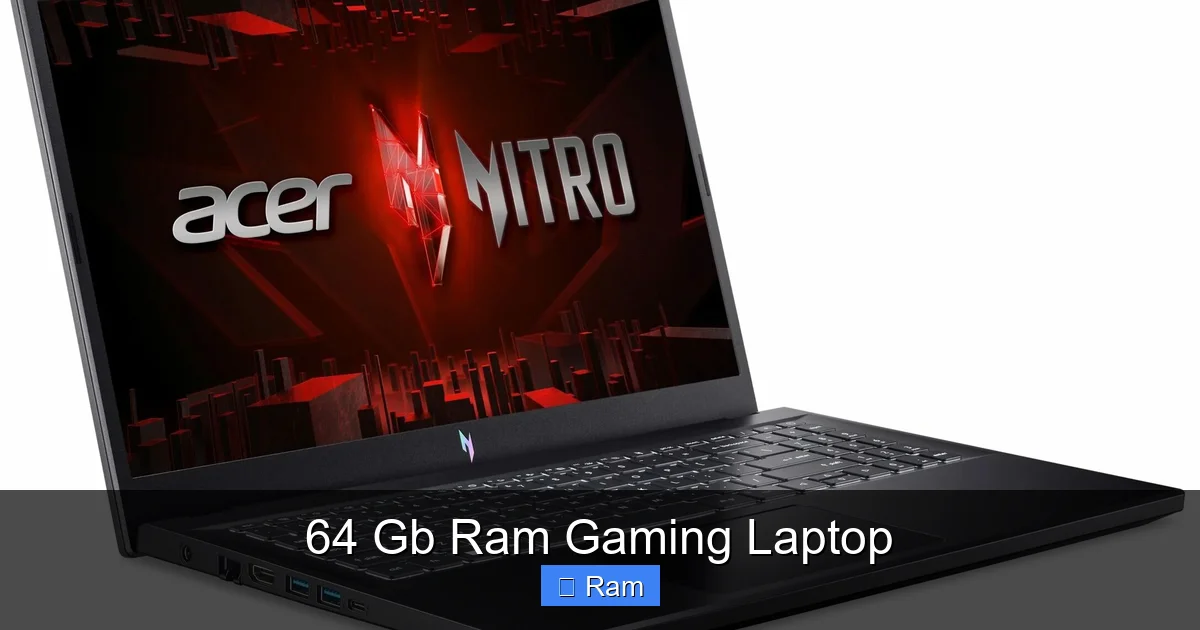
Visual guide about 64 Gb Ram Gaming Laptop
Image source: laptopmedia.com
The Price Hike Reality
Manufacturers price RAM upgrades astronomically. A configuration jump from 32 GB (2×16 GB) to 64 GB (2×32 GB) in a flagship laptop like an ASUS ROG Strix Scar or MSI Titan GT can cost between $400 and $1,000. This is because they are selling pre-configured, often soldered, high-capacity kits at a huge markup. For context, you could buy a 64 GB (2×32 GB) DDR5 kit online for $200-$300. The laptop manufacturer is charging a massive premium for convenience and integration.
Value Scenario Analysis
Let’s analyze when this cost is justified:
- For the Hybrid Creator-Gamer: If your livelihood depends on seamless switching between a RAM-intensive creative app and gaming/streaming, the time saved and frustration avoided can absolutely justify a $500 premium. Your laptop is your primary income tool.
- For the Professional: If a project that would take 4 hours with 32 GB takes 3 hours with 64 GB, and you bill $100/hour, that’s $100 saved per project. Over months, the ROI is clear.
- For the Pure Gamer: Almost never. That $500-$1,000 is better spent on a laptop with a better GPU (e.g., jumping from an RTX 4080 to a 4090), a larger/faster SSD, or a higher-tier display. You will see a direct, measurable FPS increase from a GPU upgrade. You will see almost none from the RAM upgrade.
The value is entirely use-case dependent. For the majority, the cost is prohibitive for the minimal gaming benefit.
The Irreversibility Factor
This is the most critical financial consideration. Over 95% of modern high-performance gaming laptops solder the RAM directly to the motherboard. There are no user-upgradable slots. When you buy the 64 GB model, you are locked in for the life of the laptop. You cannot downgrade to 32 GB later if you sell it, and you cannot upgrade beyond 64 GB. This makes the initial purchase decision weighty. You are betting on your future needs requiring that capacity for the next 3-5 years. With technology advancing, this is a risky bet. A more flexible path is often a desktop PC, where you can buy 32 GB now and add another 32 GB kit later for under $150 if needed.
Alternatives & Smart Buying Strategies
Before you click “buy” on a 64 GB RAM gaming laptop, explore these smarter paths that might deliver what you need at a better price point.
The 32 GB Sweet Spot
For 90% of power users and 99% of gamers, 32 GB (2×16 GB) is the perfect sweet spot. It handles all modern games at max settings, allows for heavy Chrome tab usage, and supports 1080p/1440p video editing and moderate 3D work without breaking a sweat. You get 95% of the multitasking benefit of 64 GB for a fraction of the cost, and in a few years, you might upgrade the entire laptop rather than be stuck with obsolete soldered RAM. Start here. Only consider 64 GB if you have a documented, specific need that 32 GB demonstrably cannot handle.
Consider a Desktop Replacement (DTR) Laptop
Some larger 17-inch laptops (like certain Clevo or Alienware m18 models) still offer SODIMM slots for user-upgradable RAM. If you find a model with upgradeable slots, you can buy the base model with 32 GB and add your own 64 GB kit later (2×32 GB DDR5 SODIMMs). This saves a huge amount of money upfront and gives you flexibility. However, these laptops are rare, often heavier, and the upgradeable models are becoming extinct in the ultra-high-performance segment.
The Desktop PC Pathway
If your primary need is raw power for RAM-intensive creative work and gaming, and you have a semi-permanent workspace, a desktop is the undisputed champion. For the same price as a high-end 64 GB gaming laptop, you can build a desktop with a top-tier CPU, GPU, 64 GB of fast RAM, massive storage, and a superior cooling system. You get full upgradeability forever. The trade-off is zero portability. If you only need this power at a desk, a desktop is almost always the smarter economic and performance choice.
Cloud & External Solutions
For the professional who travels occasionally, consider a powerful desktop at home and a thin, light laptop for travel. Use remote desktop software (Parsec, Rainway) to access your desktop’s power from anywhere. For storage, use high-speed external NVMe enclosures (USB4/Thunderbolt 4) to hold large project files. This two-device strategy can be more cost-effective and flexible than a single, all-in-one behemoth.
The Future of RAM in Gaming Laptops
Where is this heading? The trend is clear: RAM capacities will continue to rise, and the 64 GB RAM gaming laptop will become more common, but its purpose will shift.
Game Engine Evolution
Next-generation game engines like Unreal Engine 5 are designed to stream massive, detailed worlds. While they are optimized for 16-32 GB now, future titles with even higher resolution textures, more complex AI, and larger open worlds could start to push into the 32-48 GB range for “maxed-out” settings on 4K/8K displays. Don’t expect 64 GB to be *required* for gaming soon, but the baseline for “future-proof” may shift from 32 GB to 48 GB or 64 GB within this decade.
The Blurring of Work and Play
The biggest driver is the continued merger of gaming and professional creation. Game engines are used for film (Unreal Engine’s “The Volume” tech), architecture, and automotive design. As these tools become more accessible and are used on the go, the demand for laptops that can both run a complex simulation and provide a high-refresh gaming experience will grow. The 64 GB RAM gaming laptop is the first major step in this “do-everything” mobile workstation category.
DDR5 and Beyond: Speed Matters Too
It’s not just capacity. The shift to DDR5 brings higher bandwidth (4800-6400 MT/s common now). For applications sensitive to memory bandwidth (like certain scientific computing tasks or integrated graphics), faster RAM can provide a tangible boost. Future laptops with 64 GB will likely use faster DDR5 kits, improving performance in bandwidth-bound scenarios. When shopping, note the RAM speed (e.g., DDR5-5600) as part of the overall spec, not just the size.
The Sustainability Question
The industry-wide shift to soldered RAM is an environmental and economic concern. It creates more e-waste as entire motherboards are replaced for a single component failure or upgrade. We may see regulatory pressure or consumer demand push manufacturers back toward some level of user-upgradability in the high-end segment, but for now, the trend is fixed. Your purchase of a 64 GB soldered model is a long-term commitment.
In conclusion, the 64 GB RAM gaming laptop is a spectacular tool for a specific set of users. It represents the zenith of mobile performance for those who live in the overlap of extreme multitasking, professional-grade creative work, and high-end gaming. For everyone else, it’s a cautionary tale of spec-sheet overkill. The path to your perfect laptop begins with a brutally honest assessment of your actual, daily workflow. If that workflow consistently maxes out 32 GB of RAM while you’re doing other things, then the 64 GB model isn’t overkill—it’s a necessary investment. If not, you’re likely looking at a very expensive status symbol. Choose wisely, prioritize the CPU/GPU balance, and never, ever buy more RAM than your specific, demonstrable needs require.
Frequently Asked Questions
Is 64 GB of RAM overkill for gaming in 2024?
Yes, for pure gaming it is. No current game requires more than 32 GB, and most use 12-16 GB. The benefit is only seen when running other RAM-intensive applications (like streaming or video editing) simultaneously with your game.
Will a 64 GB RAM laptop last longer than a 32 GB one?
It may provide a longer *usable* lifespan for users whose software demands grow, as it eliminates RAM as a potential bottleneck. However, other components like the GPU and CPU will still age. The soldered nature means you cannot upgrade it later, so it’s a permanent bet on future needs.
What CPU and GPU should I pair with 64 GB of RAM?
To avoid bottlenecks, pair it with the highest-tier mobile CPUs (Intel Core i9 HX-series or AMD Ryzen 9 HX-series) and GPUs (NVIDIA RTX 4080/4090 or AMD Radeon RX 7900 XT). Anything less wastes the RAM’s potential.
Can I upgrade the RAM in a 64 GB gaming laptop later?
Almost certainly not. High-performance laptops with 64 GB configurations almost always have the RAM soldered to the motherboard. The configuration you buy is the configuration you keep for the laptop’s entire life.
Will 64 GB RAM improve my video editing and 3D rendering times?
Yes, significantly for large, complex projects. More RAM allows applications like DaVinci Resolve, After Effects, and Blender to keep more assets and caches in fast memory, reducing render times and improving viewport responsiveness. The impact is directly proportional to the project’s size.
Is the performance jump from 32 GB to 64 GB worth the huge cost for a streamer?
For a professional streamer who edits high-resolution footage, runs multiple scene sources in OBS, and games simultaneously, the elimination of system slowdowns can be worth the premium. For a hobbyist streamer, 32 GB is typically sufficient, and the cost is better allocated elsewhere.