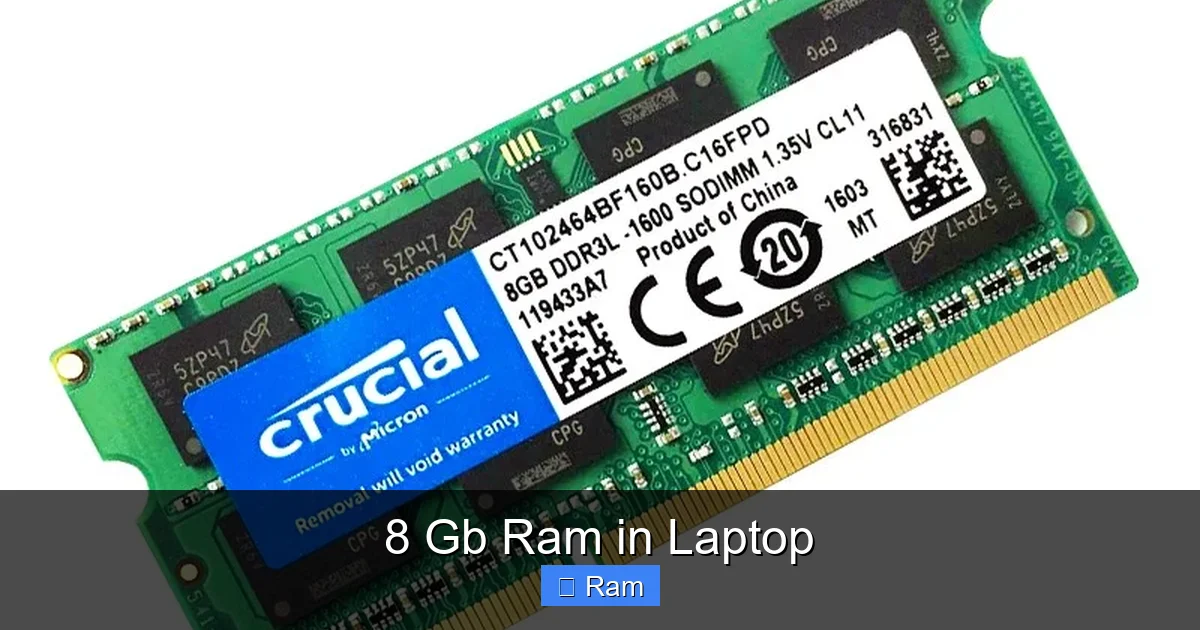
8 Gb Ram in Laptop
8 GB of RAM has become the standard baseline for modern laptops, offering a comfortable balance between performance and cost for the majority of everyday users. It efficiently handles web browsing with multiple tabs, office productivity suites, HD media streaming, and light photo editing. However, for intensive tasks like AAA gaming, professional video editing, 3D rendering, or running numerous virtual machines, 16 GB or more is strongly recommended. Ultimately, 8 GB is an excellent starting point for students, general home users, and business professionals, but power users should plan for an upgrade or a higher-spec machine from the start.
Key Takeaways
- 8 GB is the modern sweet spot: For general computing—web browsing, streaming, office work, and casual use—8 GB provides a smooth, lag-free experience for most people.
- Not ideal for heavy creative or gaming workloads: Professional video editing, AAA gaming at high settings, 3D modeling, and software development with multiple VMs will quickly exhaust 8 GB, leading to slowdowns.
- Future-proofing is limited: As operating systems and applications become more memory-intensive, 8 GB may feel restrictive in 3-4 years, whereas 16 GB offers more headroom.
- Upgradeability matters: Check if your laptop allows RAM upgrades. Many ultrabooks solder RAM to the motherboard, making an initial 8 GB purchase a permanent limitation.
- Dual-channel vs. single-channel: Two 4 GB sticks (dual-channel) perform significantly better than one 8 GB stick (single-channel) for integrated graphics and general throughput.
- OS and background processes consume RAM: Windows 11/macOS and background apps (browsers, cloud sync) can use 3-6 GB on their own, leaving less for your actual tasks.
- Cost-effective for budget builds: Laptops with 8 GB RAM are typically more affordable, making them the best value for users who don’t need extreme performance.
[FEATURED_IMAGE_PLACEHOLDER]
📑 Table of Contents
- Understanding RAM: More Than Just a Number
- What Can You Realistically Do With 8 GB of RAM?
- The Ideal User for an 8 GB RAM Laptop
- Who Should Steer Clear of 8 GB and Why
- The Critical Factor: Upgradeability and Dual-Channel
- Future-Proofing Your Purchase: Is 8 GB Enough for Tomorrow?
- Conclusion: Finding Your Perfect Fit
Understanding RAM: More Than Just a Number
Before we dive into the specifics of 8 GB, let’s reset on what RAM actually is. Think of your laptop’s RAM—Random Access Memory—as its immediate, short-term workspace. It’s the digital equivalent of a large, clear desk. When you open a program, a document, or a browser tab, the necessary data is pulled from your much slower solid-state drive (SSD) or hard drive and placed onto this “desk” (the RAM) so your processor can access it instantly. The more RAM you have, the larger your desk, and the more projects you can have open and actively working on without everything getting cluttered and slow.
When that desk (RAM) gets full, your system starts a process called “swapping” or “paging.” It has to shuffle data back to the storage drive to make room for new tasks. Since SSDs, while fast, are still orders of magnitude slower than RAM, this causes noticeable lag, stuttering, and a general feeling that your computer has become a snail. The goal is to have enough RAM to handle your typical workload without needing to swap, ensuring smooth, responsive performance.
Why 8 GB Became the New Standard
For years, 4 GB was the recommended minimum. But as operating systems (looking at you, Windows 10 and 11) and web browsers (with each tab eating memory) grew more complex, 4 GB quickly became inadequate for a frustration-free experience. 8 GB emerged as the new, sensible baseline for 2020 and beyond. It provides enough breathing room for the OS, your essential applications, and a healthy number of browser tabs without constantly resorting to slow storage swaps. For manufacturers and consumers, it represents the best compromise: a significant performance leap over 4 GB at a manageable cost increase.
What Can You Realistically Do With 8 GB of RAM?
This is the most important question. Let’s break down common user scenarios and see how 8 GB RAM in a laptop holds up. The key phrase is “realistically”—we’re talking about what you can do *well*, not just what you can technically open.
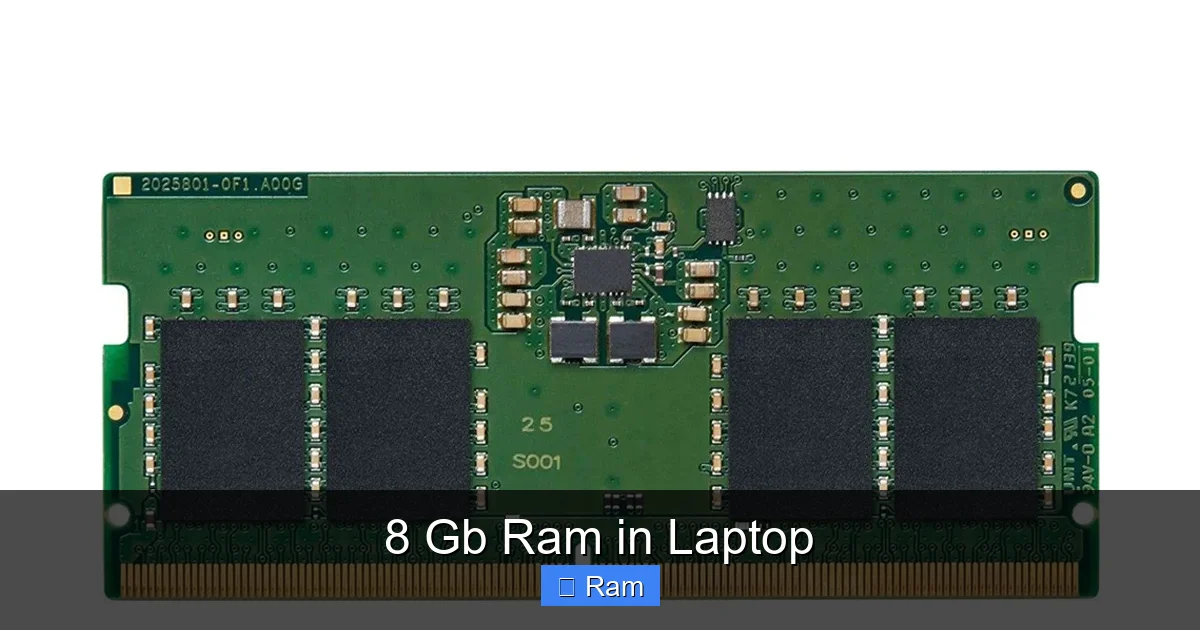
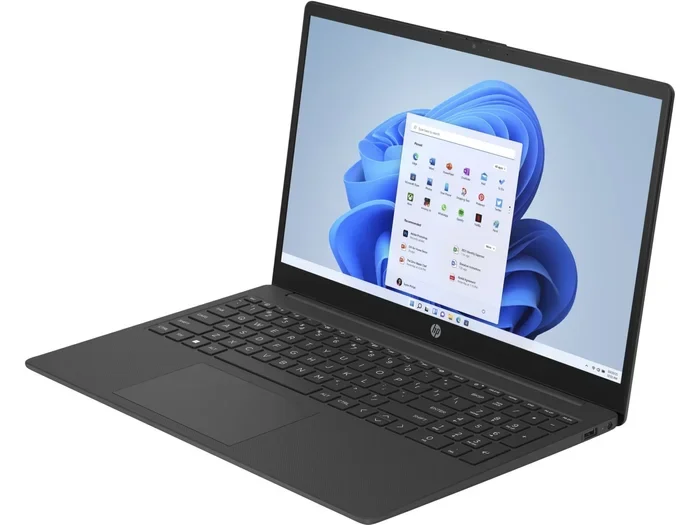
Visual guide about 8 Gb Ram in Laptop
Image source: product.hstatic.net
Everyday Web Browsing & Basic Tasks
This is the bread and butter of 8 GB. You can comfortably run Chrome, Firefox, or Edge with 15-30 tabs open (depending on how heavy those sites are—Google Docs is lighter than a YouTube video playing in several tabs). You can have Slack, Discord, Spotify, and a cloud storage sync client running in the background. It’s a perfectly smooth experience for checking email, social media, reading news, and online shopping. This is the scenario where 8 GB truly shines and feels more than adequate.
Office & Productivity Work
For Microsoft Office (Word, Excel, PowerPoint), Google Workspace, and similar productivity suites, 8 GB is excellent. You can have multiple large documents, complex spreadsheets with charts, and several presentations open simultaneously. Even with a few dozen PDFs and reference websites in your browser, you’ll rarely hit a wall. For students writing papers or professionals in non-creative fields (finance, administration, marketing), this is a comfortable and productive setup.
Media Consumption & Light Creative Work
Streaming 1080p or even 4K video from Netflix, YouTube, or Disney+ is no problem. You can have a video playing while browsing or working. For light photo editing with tools like GIMP or the basic tiers of Adobe Photoshop/Lightroom, 8 GB is workable for smaller JPEG projects. However, if you start working with high-resolution RAW files from a modern camera or apply many complex filters and layers, you’ll begin to feel the constraints. Similarly, basic video editing in software like iMovie or CapCut is fine, but anything professional (DaVinci Resolve, Premiere Pro) will struggle.
The Ideal User for an 8 GB RAM Laptop
Who should actively seek out a laptop with 8 GB of RAM? This configuration is a hero for a specific, very large group of users.
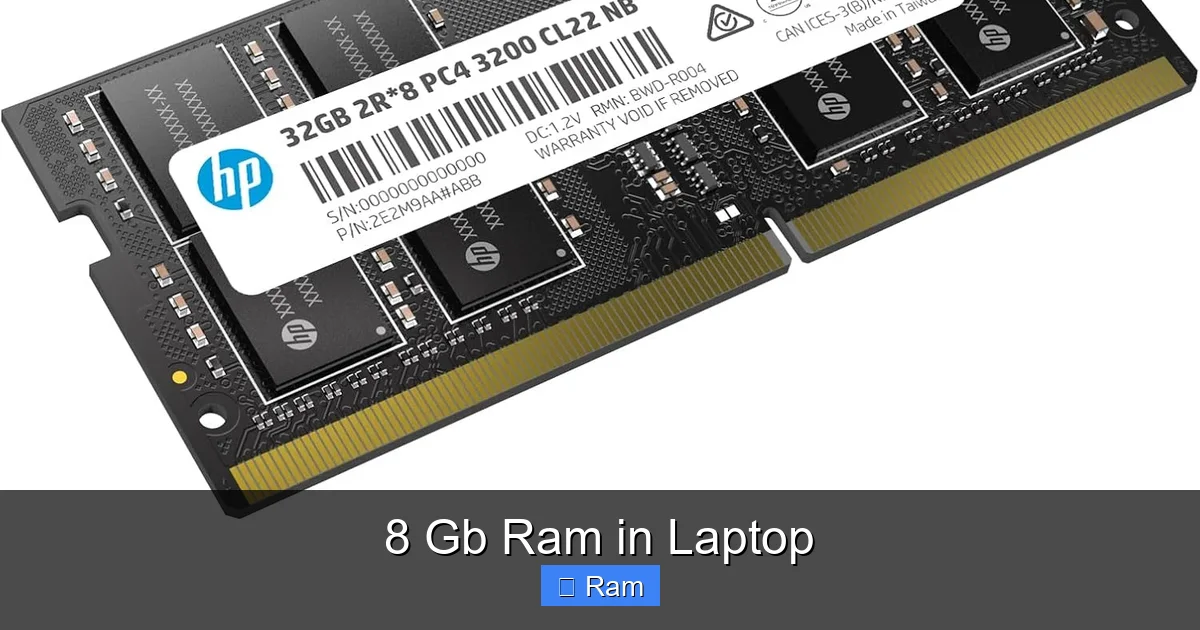
Visual guide about 8 Gb Ram in Laptop
Image source: m.media-amazon.com
Students and Academics
For the average student, an 8 GB laptop is a perfect companion. It handles research with dozens of browser tabs, word processing for essays, PDF annotation, video lectures, and video calls for online classes without breaking a sweat. It’s also the most common spec in the budget and mid-range laptop segments, aligning well with student budgets.
General Home Users and Seniors
For someone who primarily uses a laptop for email, Facebook, video calls with grandkids, watching movies, and managing household budgets online, 8 GB is more than sufficient. It provides a snappy, hassle-free experience that won’t confuse them with performance hiccups. It’s the “just works” sweet spot.
Business Professionals in Non-Technical Roles
Salespeople, consultants, managers, and office administrators who live in Outlook, Teams, Excel, and web-based CRM tools will find 8 GB to be smooth and efficient. As long as they’re not data analysts crunching massive datasets in Excel or designers working in Figma all day, this RAM amount supports a full day of typical business applications with ease.
Budget-Conscious Buyers
If your budget is tight, spending extra on 16 GB RAM often means cutting corners elsewhere—like getting a slower SSD, a dimmer screen, or a weaker processor. For many, an 8 GB laptop with a good CPU (like an Intel Core i5 or AMD Ryzen 5) and a fast SSD will provide a better overall experience than a 16 GB model with other inferior components. You can often add more RAM later if your specific model allows it.
Who Should Steer Clear of 8 GB and Why
Just as importantly, let’s talk about the users for whom 8 GB is a compromise that will lead to frustration. If you identify with any of these, you should either look for a laptop with 16 GB pre-installed or, critically, ensure the model you buy has upgradeable RAM.
Visual guide about 8 Gb Ram in Laptop
Image source: m.media-amazon.com
PC Gamers (Especially with Integrated Graphics)
Modern AAA games are RAM-hungry. While 8 GB was the standard for gaming a few years ago, today’s titles like “Cyberpunk 2077,” “Hogwarts Legacy,” or “Elden Ring” recommend 12-16 GB. With 8 GB, you’ll see stutters as the system swaps game assets, and your frame rates will be inconsistent. The problem is even worse if your laptop relies on integrated graphics (like Intel Iris Xe or AMD Vega), which *share* the system RAM. In that case, 8 GB is split between the game and the graphics processor, leaving very little headroom. For any serious gaming, 16 GB is the new starting point.
Professional Content Creators and Editors
If you work with video editing software (Adobe Premiere Pro, DaVinci Resolve), 3D modeling (Blender, Maya), or high-end photo editing (Photoshop with large PSD files), RAM is your best friend. These applications load entire projects and high-resolution assets into memory. 8 GB will result in constant lag, long render times, and the dreaded “out of memory” errors. Professionals in these fields should never consider less than 16 GB, with 32 GB being the comfortable professional standard.
Software Developers and Data Scientists
Running a local development environment with a code editor, a local server (like Docker), a database, and a browser for testing can easily consume 8 GB. Add a virtual machine (VM) for testing different OS environments? You’ll run out of RAM instantly. Data scientists working with large datasets in Python/R or running Jupyter notebooks also need ample memory. For these power-user technical tasks, 16 GB is a minimum, with 32 GB+ being common.
Users Who Keep 50+ Browser Tabs Open
We all know that person (or maybe it’s you). If your workflow involves having 50, 100, or more browser tabs open simultaneously—each with complex web apps like Google Docs, Figma, or Twitter—8 GB will feel tight. Modern browsers are efficient, but they still consume memory per tab. You’ll experience slowdowns when switching between tabs and overall system sluggishness. This user profile needs 16 GB to maintain sanity.
The Critical Factor: Upgradeability and Dual-Channel
Two crucial technical details make a huge difference in the real-world performance of 8 GB RAM. Ignoring these can mean the difference between a good and a mediocre experience.
Soldered vs. Slot-Based RAM
This is the single most important thing to check before buying an 8 GB laptop. Many modern ultrabooks and thin-and-light laptops solder the RAM chips directly onto the motherboard. This saves space and cost but makes upgrades impossible. If you buy one with 8 GB, you are stuck with 8 GB forever. On the other hand, many business laptops, gaming laptops, and some consumer models have one or two accessible RAM slots. If it has one slot occupied by an 8 GB stick, you can often buy another 8 GB stick and double your RAM to 16 GB in minutes for a relatively low cost. Always research the specific model’s upgradeability before purchasing. Look for teardown videos or service manuals online.
The Magic of Dual-Channel Mode
How your 8 GB is physically configured matters a lot. If your laptop has two 4 GB sticks (2×4 GB), it operates in “dual-channel” mode. This allows the processor to access both sticks simultaneously, doubling the data bandwidth between the RAM and CPU. The result is noticeably better performance, especially for integrated graphics (better gaming and video performance) and tasks that move a lot of data. A single 8 GB stick (1×8 GB) runs in “single-channel” mode, which is slower. When given the choice between a single 8 GB stick and two 4 GB sticks, always choose the dual-channel configuration. The performance uplift can be 10-20% in some applications.
Future-Proofing Your Purchase: Is 8 GB Enough for Tomorrow?
Technology marches on. Software and operating systems consistently demand more resources. So, how long will 8 GB remain viable?
The Inevitable March of Software Bloat
It’s a truism: next year’s Windows update, browser version, and Office suite will use more RAM than this year’s. While 8 GB is perfectly fine today for basic tasks, in 3-4 years, the baseline memory footprint of the OS and core apps may have grown enough that 8 GB feels cramped. You’ll find yourself closing applications more frequently to keep things smooth. If you plan to keep your laptop for 4+ years and want it to feel responsive throughout its lifespan, investing in 16 GB upfront (if upgradeable) is a wise hedge against this software bloat.
The Rise of Web Apps and Progressive Web Apps (PWAs)
We are doing more and more work inside the browser. Google Docs, Figma, Notion, Trello, and even some versions of Photoshop and video editors run as sophisticated web apps. Each of these is essentially a complex program running inside a browser tab, consuming significant RAM. As these apps become more powerful and feature-rich, their memory appetite will grow. 8 GB can handle a few, but a power user running several PWAs alongside a native app will feel the pinch sooner rather than later.
Making the Smart Compromise
For a laptop you’ll use for 2-3 years, 8 GB is a safe, cost-effective bet for the average user. For a 4-5 year lifespan, consider it the absolute minimum for basic use and plan for an upgrade if possible. If your use case is anything beyond basic (see the “Who Should Steer Clear” section), treat 8 GB as a temporary solution and budget for a RAM upgrade or a new machine sooner. The most future-proof strategy is to buy a laptop with an upgradeable slot and populate it with a single 8 GB stick *today*, with the clear intention and budget to add a second matching 8 GB stick in 1-2 years when prices drop or your needs increase.
Conclusion: Finding Your Perfect Fit
So, is 8 GB RAM in a laptop good? The answer is a resounding “it depends.” For the vast majority of users whose activities revolve around the internet, office work, media consumption, and light photo tasks, 8 GB is not just good—it’s the ideal, cost-effective sweet spot. It delivers a smooth, responsive experience that will satisfy for the typical laptop ownership cycle of 3-4 years.
However, the landscape shifts for gamers, creators, developers, and data-intensive professionals. For them, 8 GB is a starting point that will quickly become a bottleneck, leading to frustration and wasted time. They must prioritize 16 GB or higher, either at purchase or via a future upgrade on an upgradeable model.
Your final decision should be a three-step process: 1) Honestly assess your primary tasks. 2) Check the laptop’s upgradeability. 3) Weigh the cost difference against your anticipated needs. By understanding what 8 GB can and cannot do, you can make a smart, informed purchase that perfectly matches your workflow and budget, ensuring your laptop serves you well instead of constantly holding you back.
Frequently Asked Questions
Can I upgrade from 8 GB to 16 GB RAM in my laptop?
It depends entirely on your laptop model. Many modern ultrabooks have RAM soldered to the motherboard, making upgrades impossible. You must check your laptop’s specific technical specifications or service manual to see if it has accessible RAM slots. If it has one free slot, you can often add another 8 GB stick to reach 16 GB.
Is 8 GB RAM enough for gaming in 2024?
For casual gaming on integrated graphics or older titles, 8 GB is acceptable. However, for modern AAA games at medium to high settings, 8 GB is no longer sufficient. Most new game releases recommend 12-16 GB. Using 8 GB will cause stutters and lower frame rates as the system struggles with memory. Serious gamers should target 16 GB.
Will 8 GB RAM be enough for video editing?
For basic, short video clips in simple software like iMovie or CapCut, 8 GB can work. For any professional or semi-professional work in DaVinci Resolve, Adobe Premiere Pro, or Final Cut Pro with HD/4K footage, 8 GB is inadequate. These programs require large amounts of RAM to cache previews and process effects. Video editors should start with at least 16 GB, with 32 GB being recommended for smoother 4K work.
What’s the difference between 1×8 GB and 2×4 GB RAM?
The difference is dual-channel vs. single-channel performance. Two 4 GB sticks (2×4 GB) run in dual-channel mode, allowing the CPU to access both sticks at once for significantly faster data transfer. This improves overall system responsiveness and is especially beneficial for integrated graphics. One 8 GB stick (1×8 GB) runs in slower single-channel mode. For best performance with 8 GB total, choose the dual-channel (2×4 GB) configuration if available.
Does the operating system affect how much usable RAM I have?
Yes, significantly. The operating system (Windows 11, macOS, Linux) and its background services consume a portion of your total RAM. On a fresh Windows 11 boot with background apps, you might see 3-5 GB already used before opening any programs. This “used” RAM is actually cached for faster performance and will free up when needed, but it reduces the immediately available pool for your applications. This is why 8 GB is the new minimum—4 GB leaves too little for your actual work after the OS takes its share.
Should I buy a laptop with 8 GB RAM now or save for 16 GB?
If your budget is tight and your needs are basic (web, office, media), an 8 GB laptop is a smart buy. Prioritize other components like a fast SSD and a good processor. However, if you do any gaming, photo/video editing, or are a heavy multitasker, stretch your budget for 16 GB. The best long-term strategy is to buy an upgradeable laptop with 8 GB (1×8 GB stick) with the plan to add another 8 GB stick later when you can afford it, achieving 16 GB in dual-channel mode.




One Comment