An i7 processor paired with 16GB of RAM creates a powerhouse combo for serious computing. This configuration effortlessly handles demanding tasks like video editing, 3D rendering, software development, and high-end gaming. It provides exceptional multitasking capability, allowing you to run numerous applications and browser tabs simultaneously without slowdowns. For professionals and enthusiasts, this spec combination represents the sweet spot for future-proof performance and productivity.
Key Takeaways
- Performance Sweet Spot: The i7 CPU offers superior multi-core power for heavy workloads, while 16GB RAM is the modern minimum for professional multitasking and memory-intensive applications.
- Future-Proof Investment: This combination comfortably handles today’s software and is prepared for the next 3-5 years of increasingly demanding applications and operating systems.
- Target User Profile: Ideal for content creators, engineers, data scientists, serious gamers, and power users who cannot compromise on speed and responsiveness.
- RAM is Not Just a Number: 16GB provides ample “workspace” for your CPU. More RAM prevents slowdowns by reducing reliance on slower solid-state storage for temporary data.
- Thermals Matter: Performance depends heavily on the laptop’s cooling design. A powerful i7 in a thin chassis may throttle (slow down) under sustained load without adequate cooling.
- Storage is the Final Piece: Pair this CPU/RAM combo with a fast NVMe SSD (not just an old SATA SSD or HDD) to complete the high-performance setup and avoid bottlenecks.
- Check Upgradeability: Not all laptops allow RAM upgrades. If you plan to keep the laptop long-term, prioritize models with user-accessible RAM slots for future expansion.
📑 Table of Contents
- Demystifying the Specs: What “i7” and “16GB RAM” Really Mean
- The Performance Deep Dive: How i7 + 16GB Transforms Your Workflow
- Who Needs This Power? (And Who Might Be Overdoing It)
- Choosing the Right Laptop: Beyond the CPU and RAM Labels
- Maximizing Your Investment: Optimizing and Maintaining Your Laptop
- Future-Proofing: Is This Combo Enough for Tomorrow?
- Conclusion: Finding Your Perfect Power Balance
Demystifying the Specs: What “i7” and “16GB RAM” Really Mean
You’ve seen the labels: “Intel Core i7 Processor” and “16GB RAM.” They sound powerful, but what do they actually do together? Think of your laptop as a busy office. The processor (CPU) is the brilliant, fast-acting executive who makes all the decisions and crunches numbers. The Random Access Memory (RAM) is the large, clear desk where that executive lays out all the current projects, files, and data they’re actively working on.
An Intel Core i7 is not the absolute top-tier chip anymore (that’s now the i9 or newer generations), but for the vast majority of users, it represents a significant leap in performance over the mainstream i5. It typically features more cores and threads, enabling it to handle multiple complex instructions at once. Meanwhile, 16GB of RAM has become the new standard for “serious” computing. Just a few years ago, 8GB was sufficient. Today, with web browsers acting as mini-operating systems and professional software using more memory than ever, 16GB provides the breathing room needed for smooth operation. Together, they form a balanced, high-performance foundation.
The Evolution of “Enough” RAM
Remember when 4GB was the norm? That was for an era of simpler tasks. A single modern web browser tab with a few extensions can easily consume 500MB to 1GB of RAM. Open a dozen tabs, a Spotify playlist, a Discord call, and a Word document, and you’re already flirting with 4GB. Professional applications are even thirstier. Adobe Photoshop, even with a medium-sized project, can use 2-4GB. Video editing software like DaVinci Resolve or Adobe Premiere Pro will happily consume 8GB+ just for the timeline and previews. 16GB gives you the comfortable space to have all these tools open at once, switching between them instantly without your laptop gasping for air.
Inside the i7: Cores, Threads, and Clock Speeds
Not all i7s are created equal. The generation matters (e.g., 11th Gen vs. 13th Gen vs. 14th Gen). Newer generations bring architectural improvements, better efficiency, and more performance per watt. Within a generation, you’ll see different models like the i7-1360P or i7-13700H. The letters denote the power class: ‘H’ series are high-performance for gaming/workstations (45W), ‘P’ is performance-optimized (28W), and ‘U’ is ultra-low power for thin-and-lights (15W). More cores (e.g., 6, 8, 14) mean better multitasking and handling of multi-threaded software. Clock speed (GHz) indicates how fast each core can run. For tasks like gaming or older software that uses only one or two cores, a higher max turbo boost speed is key. For rendering, video export, or compiling code, more cores win.
The Performance Deep Dive: How i7 + 16GB Transforms Your Workflow
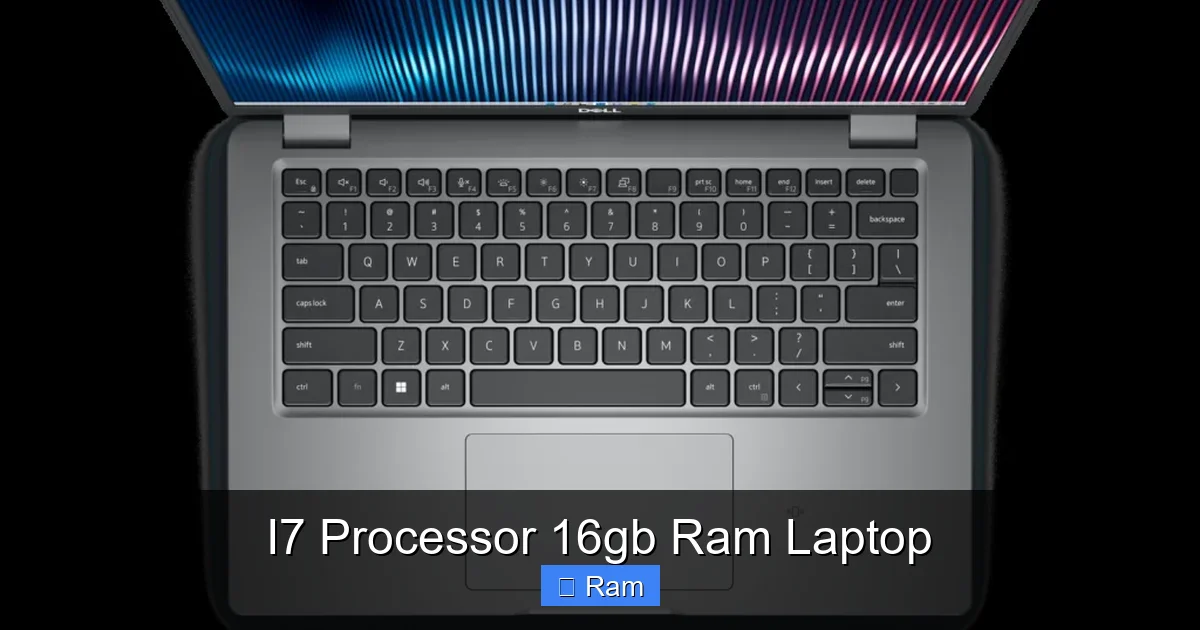
This isn’t about incremental gains; it’s about a qualitative shift in how you interact with your computer. The frustration of waiting for apps to load, for large files to save, or for your system to stutter when you have too many windows open—that largely disappears. The synergy between a fast, multi-core CPU and ample RAM creates a responsive, lag-free environment that lets you focus on your work or game, not your machine’s limitations.
Visual guide about I7 Processor 16gb Ram Laptop
Image source: tech.co.za
For the Creative Professional: Rendering, Editing, Designing
If you work with visuals, this is your workhorse. A graphic designer using Adobe Creative Suite can have Illustrator, Photoshop, InDesign, and Bridge open simultaneously. Switching between them is instantaneous. Exporting a complex, layered PSD file? The i7’s multiple cores accelerate the compression and saving process. For video editors, the benefit is even more dramatic. Scrubbing through a 4K timeline, applying color grades, and adding effects in real-time requires both CPU power and RAM to hold the decoded footage and effects cache. 16GB is the entry point for 1080p editing and comfortable for light 4K. You’ll see render times drop significantly compared to an i5/8GB configuration. 3D artists using Blender or Maya will find viewport manipulation smoother and final renders complete faster thanks to the i7’s core count.
- Practical Tip: When buying, check if the RAM is soldered. For 3D work or heavy video projects, consider models where you can upgrade to 32GB later as project sizes grow.
For the Developer & Data Analyst: Compiling, Virtualization, Analysis
Code compilation is a famously CPU-bound task. A Java, C++, or Python project with thousands of files will compile dramatically faster on an i7’s extra cores. For data science, working with large datasets in Python (Pandas, NumPy) or R often requires loading entire tables into RAM. 16GB allows you to manipulate datasets of several million rows without constantly swapping to the SSD, which cripples performance. Running virtual machines (VMs) for testing or development is another RAM-hungry task. You can comfortably allocate 4-6GB to a Linux VM while still having 10GB+ for your host Windows/macOS system and other apps. The i7 ensures the VM itself runs responsively.
- Practical Example: A web developer can have a local server (Docker), a code editor (VS Code), multiple browser tabs with documentation, and a communication app (Slack/Teams) all running smoothly without a hiccup.
For the Gamer & Streamer: High FPS and Smooth Streaming
While the GPU is the king of gaming performance, the CPU is its indispensable partner. A powerful i7 prevents “CPU bottlenecking,” where the GPU is waiting for the CPU to process game logic, physics, and AI, especially in CPU-intensive games like *Cyberpunk 2077*, *Microsoft Flight Simulator*, or complex strategy titles. This ensures you consistently hit high frame rates, especially at lower resolutions or competitive settings. For streamers, the benefit is dual-fold: the i7 handles the game encoding (if using x264) while the 16GB of RAM holds the game, streaming software (OBS), browser sources (alerts, chat), and communication apps all at once. This combo is the baseline for a smooth, high-quality stream without dropped frames or stutters.
- Key Consideration: For pure gaming at 1080p/1440p, an i5 + 16GB + a strong GPU might be a better value. The i7 + 16GB combo shines when gaming is part of a broader multitasking workload (gaming + streaming + recording + browsing).
Who Needs This Power? (And Who Might Be Overdoing It)
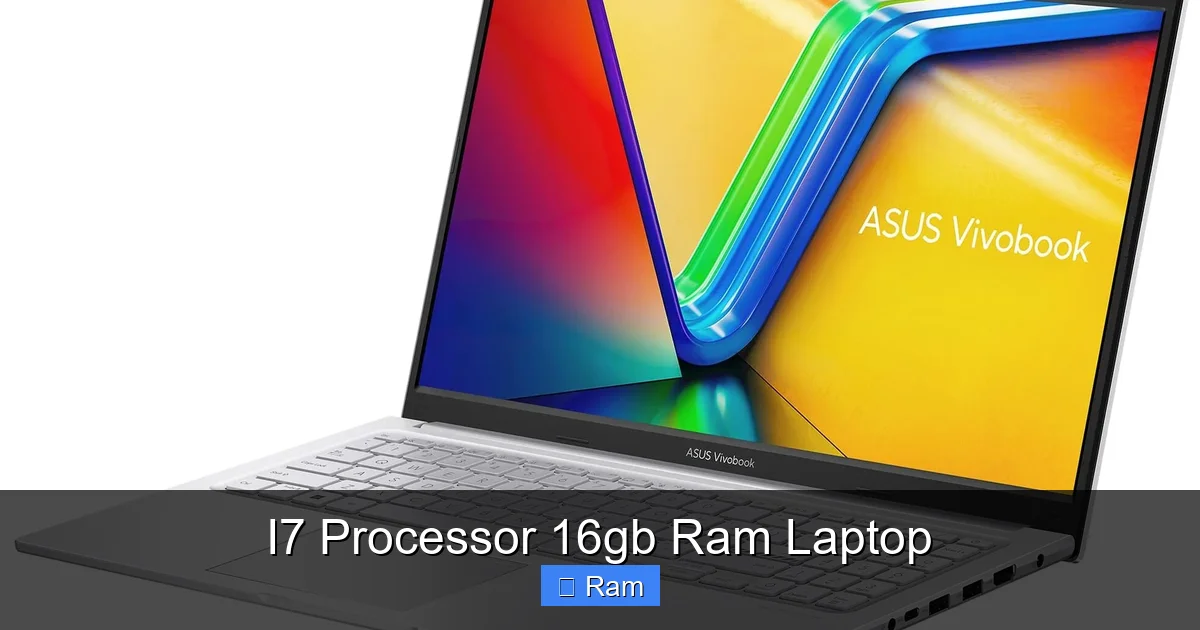
This combination is a tool. Like any tool, it’s perfect for some jobs and excessive for others. Understanding your own needs is the first step to a smart purchase.
Visual guide about I7 Processor 16gb Ram Laptop
Image source: laptopmedia.com
The Ideal Candidate: The Prosumer & Power User
This is the person who uses their laptop as a primary tool for income or serious passion projects. They are:
- Content Creators: Video editors, photographers, music producers, 3D artists.
- Technical Professionals: Software developers, data analysts, engineers (CAD), architects.
- Enthusiast Gamers & Streamers: Those who play competitively or stream to an audience.
- Power Users & Multitaskers: Anyone who routinely has 50+ browser tabs open, runs multiple heavy applications side-by-side, and values zero wait time.
For these users, the investment directly translates to saved time, reduced frustration, and the ability to tackle larger, more complex projects.
The Potential Overkill: Casual and Basic Users
If your laptop use case consists primarily of web browsing (social media, news, shopping), streaming video on Netflix/YouTube, online meetings (Zoom/Teams), and light office work (Word, Excel, PowerPoint), an i7 with 16GB RAM is more power than you’ll ever tap into. An i5 or even a modern Ryzen 5 with 8GB RAM will handle these tasks with ease and at a significantly lower cost and often better battery life. You would be paying for performance that will sit idle 95% of the time. That’s not to say it’s a *bad* purchase—it will feel incredibly snappy—but it’s an inefficient use of your budget.
- Ask Yourself: “Do I regularly wait for my computer to finish a task, or do I feel limited by my current machine?” If the answer is no, you likely don’t need this tier.
Choosing the Right Laptop: Beyond the CPU and RAM Labels
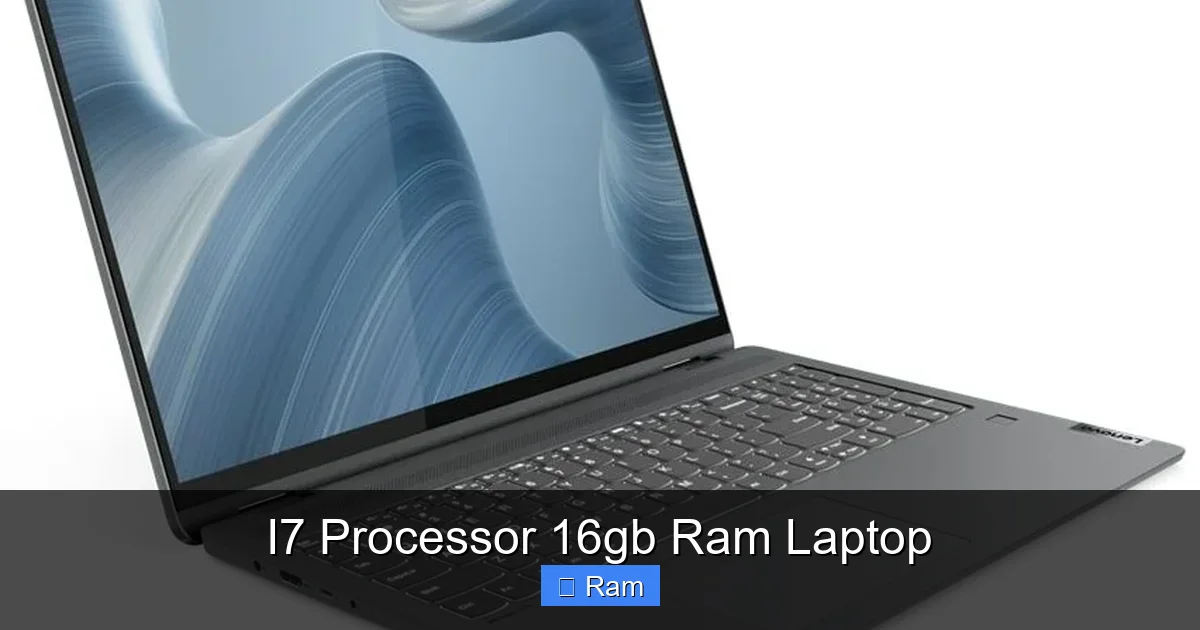
Finding a laptop with an i7 and 16GB RAM is the easy part. The hard part is finding the *right* one. The surrounding specs and build quality determine whether that powerful combo delivers its potential or is held back. You must become a detective, looking past the headline specs.
Visual guide about I7 Processor 16gb Ram Laptop
Image source: laptopmedia.com
The Cooling System: The Unsung Hero (Or Villain)
This is the most critical and often overlooked factor. An i7 processor generates significant heat. If the laptop’s cooling solution—heat pipes, fans, and vents—is inadequate, the CPU will “thermal throttle.” It will automatically reduce its clock speed to cool down, meaning you’re not getting the full performance you paid for. This is especially common in sleek, ultra-thin “ultrabook” style laptops that cram an i7 into a tiny chassis. Always read professional reviews that include thermal and stress testing. Look for terms like “sustained performance,” “throttling,” and “surface temperature.” A heavier, slightly thicker business laptop or a dedicated performance ultrabook often has far superior cooling than a fashion-forward slim model.
- Red Flag: A laptop that is advertised as thin and light *and* has an H-series i7 processor. The physics of heat dissipation often make this a compromise.
Storage: The Speed Bottleneck
16GB of RAM and a slow hard drive is like having a huge desk but a slow, clumsy assistant. Your RAM holds active data, but everything else—your operating system, programs, and files—lives on the storage drive. If that drive is an old, spinning Hard Disk Drive (HDD), the entire system will feel sluggish. Boot times will be long, apps will take ages to launch, and file transfers will be slow. You must have a Solid State Drive (SSD). But even among SSDs, there’s a hierarchy. A SATA SSD is good. But a NVMe PCIe SSD is vastly faster, offering read/write speeds 3-5 times higher than SATA. This speed impacts everything from game level loading to video project scrubbing. Ensure your i7/16GB laptop comes with, or has a slot for, an NVMe drive.
- Spec Check: Look for “NVMe,” “PCIe Gen3” or “PCIe Gen4” in the storage specs. Avoid any mention of “HDD” as the primary drive.
Display, Keyboard, and Ports: The Daily Experience
The CPU and RAM power the brain, but you interact with the screen, keyboard, and ports. A beautiful 4K OLED screen is stunning for media but can drain battery faster. A 1080p IPS panel at 300 nits is often the sweet spot for clarity and efficiency. For creative work, consider color accuracy (sRGB/Adobe RGB coverage) and factory calibration. The keyboard should have good travel and be comfortable for long typing sessions. Ports are crucial: do you need Thunderbolt 4/USB4 for fast external storage or docks? How many USB-A ports? An HDMI 2.1 for an external monitor? Ensure the laptop’s physical connectivity matches your peripheral ecosystem. A powerful laptop with a dim, low-resolution screen or a mushy keyboard is a poor daily driver.
Maximizing Your Investment: Optimizing and Maintaining Your Laptop
You’ve bought the dream machine. Now, keep it performing like new for years. Simple setup and maintenance habits make a huge difference.
First Steps: Out-of-the-Box Optimization
When you unbox your new i7/16GB laptop, don’t just start using it. Take 30 minutes for setup:
- Bloatware Removal: Manufacturer-installed trial software and utilities can run in the background, consuming RAM and CPU cycles. Uninstall anything you don’t need immediately (antivirus trials, game launchers you won’t use, etc.).
- Power Plan Tuning: In Windows, go to Power Options. Select the “High Performance” or “Best Performance” plan when plugged in. This prevents the CPU from aggressively downclocking to save power, ensuring you always get the full i7 speed when you need it. On battery, switch to “Balanced” or “Power Saver.”
- Update Drivers and BIOS: Visit the laptop manufacturer’s support page. Install the latest chipset, graphics (GPU), and BIOS/UEFI firmware updates. These often include performance optimizations and stability fixes.
- Set Virtual Memory: While 16GB is plenty, Windows uses a page file on your SSD as extra “virtual memory.” Ensure it’s set to a managed size (system managed) or at least 1.5x your RAM (24GB) to avoid issues with very memory-hungry applications.
Long-Term Care: Keeping the Performance Alive
Laptops are compact, and heat is the enemy of longevity and sustained performance.
- Clean Those Vents: Every 6-12 months, use compressed air to blow out dust from the cooling vents. Dust acts as an insulator, forcing fans to work harder and temperatures to rise.
- Use a Cooling Pad: For intense gaming or rendering sessions, a simple cooling pad with fans can lower internal temperatures by several degrees, helping maintain higher clock speeds for longer.
- Monitor Your Temps: Use free tools like HWMonitor or HWiNFO to check your CPU temperatures under load. Sustained temperatures above 95°C (203°F) are a sign of cooling stress and will lead to throttling.
- Manage Startup Programs: Over time, more apps add themselves to startup. Use Task Manager (Ctrl+Shift+Esc) to disable non-essential startup items. This frees up RAM and CPU cycles immediately after boot.
Future-Proofing: Is This Combo Enough for Tomorrow?
Technology marches on. The question on every buyer’s mind is: “Will this still be good in three years?” The i7 + 16GB combination, when paired with a good SSD and cooling, has a strong claim to being a “future-proof” sweet spot for the average power user.
The RAM Horizon: When 16GB Might Not Be Enough
We are already seeing the early signs of RAM demands increasing. The latest AAA games with maxed-out textures can use 12-14GB on their own. Modern web browsers with dozens of tabs can consume 8GB+. For professional work, project sizes only grow. A video editor starting with 4K will eventually move to 6K or 8K. A data scientist will work with larger datasets. The trend is clear. The key is upgradeability. If you buy a laptop where the 16GB is soldered onto the motherboard (common in ultra-thins), you are locked in. If you buy a model with one or two accessible RAM slots (often with one stick pre-installed), you can likely add another 16GB stick later, bringing you to 32GB—a configuration that will feel spacious for many more years. For a 4-5 year ownership cycle, prioritize upgradeable RAM.
The CPU Question: Generational Leaps vs. Core Count
Intel’s generational improvements are real but slowing. The jump from a 10th Gen i7 to a 13th Gen i7 is significant (20-30% in multi-core). The jump from a 13th to a 14th is smaller. The core count, however, has been steadily increasing. An older 4-core/8-thread i7 will feel the strain sooner than a modern 12-core/16-thread i7 (like the HX-series). For longevity, a higher core count in the current generation is a better hedge against future multi-threaded software than simply getting the newest i7 badge in an older, lower-core design. However, for most productivity tasks, even a 4-5 year-old i7 will still be competent; it’s the RAM that will likely become the first major bottleneck.
- Bottom Line: An i7 (from the last 3-4 generations) + 16GB RAM + NVMe SSD is a formidable combo that will not feel “slow” for general use and professional work for at least 4-5 years. Its longevity hinges more on the RAM being upgradeable and the cooling being robust than on chasing the absolute latest CPU model.
Conclusion: Finding Your Perfect Power Balance
The “i7 processor 16GB RAM laptop” is more than a spec sheet; it’s a promise of a seamless, frustration-free computing experience. It’s the tool that gets out of your way, allowing you to focus on creation, analysis, or immersion. However, that promise is only fulfilled when the entire system is in harmony. A powerful i7 needs a robust cooling system to sustain its speed. Ample 16GB RAM needs a blazing-fast NVMe SSD to feed it data without delay. These components must be housed in a well-built chassis with a quality display and keyboard you enjoy using every day.
Before you buy, honestly assess your workflow. Are you a prosumer pushing your current machine to its limits daily? Then this combination is likely your ideal match, and you should prioritize cooling and upgradeability. Are you a casual user? You’ll save money and gain battery life with a lesser spec. For those in the middle—the ambitious hobbyist or the student with demanding projects—this combo offers a wonderful buffer of performance that will feel luxurious and capable for years to come. Remember, the best laptop is not the one with the highest numbers on the box, but the one whose balanced performance perfectly aligns with your personal and professional needs.
Frequently Asked Questions
Is an i7 processor with 16GB RAM overkill for everyday use?
For basic tasks like web browsing, email, video streaming, and office applications, yes, it is overkill. An Intel Core i3 or i5 with 8GB RAM will handle these smoothly and more efficiently, often with better battery life. The i7/16GB combo is targeted at users who run multiple heavy applications simultaneously or use professional-grade software.
Can I upgrade the RAM on an i7 laptop with 16GB pre-installed?
It depends entirely on the laptop model. Many modern ultra-thin laptops solder the RAM directly to the motherboard, making upgrades impossible. Many business laptops (Dell Latitude, HP EliteBook) and gaming laptops (some Lenovo Legion, ASUS ROG) still have accessible RAM slots. Always check the technical specifications or a teardown video before purchasing if upgradeability is important to you.
Should I choose an i7 or a better GPU for gaming?
For gaming, the GPU (graphics card) is far more important than the CPU. A laptop with a mid-range GPU (like an NVIDIA RTX 4050/4060) and an i5 processor will almost always deliver better gaming performance than a laptop with a high-end i7 but a weak integrated or entry-level discrete GPU. Invest in the GPU first for gaming. The i7 becomes more critical for gaming when you are also streaming, recording gameplay, or playing very CPU-intensive simulation/strategy games.
Will this combination drain my laptop battery quickly?
Yes, compared to a lower-power i5 or i3 with 8GB RAM, an i7 (especially the ‘H’ series) and 16GB of RAM will consume more power, leading to shorter battery life. The i7’s higher performance states and the RAM’s constant power draw add up. Manufacturers compensate with larger batteries, but expect 4-7 hours of real-world use from a performance ultrabook, versus 8-12+ hours from a low-power ultrabook. Battery life also heavily depends on screen brightness and the tasks you’re performing.
What about thermal throttling? Will my i7 always run at full speed?
Thermal throttling is a real concern in laptops. When the CPU gets too hot, it automatically slows down to protect itself. A well-designed laptop with a robust cooling system (large heat pipes, dual fans) can maintain high clocks for longer. A thin-and-light laptop with an i7 may see its performance drop by 15-30% during a long render or gaming session because it can’t cool itself effectively. Always read reviews that include sustained load testing to see how a specific model handles heat.
Is 16GB RAM enough for video editing on an i7 laptop?
For 1080p and light 4K editing, 16GB is the acceptable minimum and will work, but you may need to use proxy files for smoother 4K playback. For serious 4K editing, working with multiple video tracks, color grading, and effects, 16GB will become a constraint. You’ll experience slowdowns and may need to render frequently. For professional 4K/6K/8K work, 32GB is strongly recommended. Therefore, an i7 laptop with upgradeable RAM is a much better long-term investment for a video editor than one with soldered 16GB.