Hp Laptop I7 16gb Ram
An HP laptop with an Intel Core i7 processor and 16GB of RAM is a formidable combination for serious productivity, creative work, and capable gaming. This setup effortlessly handles demanding applications like video editing, 3D modeling, and running multiple virtual machines without slowdowns. It represents the sweet spot for professionals and power users who need robust performance without stepping up to the extreme (and expensive) i9/RAM-over-32GB tier. Choosing the right model, however, is key, as cooling, display quality, and portability vary significantly across HP’s lineup.
So, you’re looking at an HP laptop with an Intel Core i7 processor and 16GB of RAM. That’s a fantastic starting point. It’s a spec sheet that promises serious capability. But here’s the thing: those numbers on a webpage don’t tell the whole story. The real experience depends entirely on which HP laptop you’re talking about. Is it a sleek, portable Spectre? A versatile Envy? A powerful Pavilion? Or a mobile workstation like a ZBook? Each of those families treats that i7 and 16GB of RAM very differently. This guide will cut through the marketing and walk you through exactly what that combination means, who it’s for, and how to pick the perfect HP machine for your specific needs.
Key Takeaways
- Sweet Spot for Power Users: The i7/16GB combo is the ideal balance for professionals in design, engineering, and development, offering excellent multi-threaded performance and ample memory for large projects.
- Model Matters More Than Specs: An i7 in a thin-and-light HP Spectre will perform differently (often thermally constrained) than the same i7 in a workstation-class HP ZBook due to cooling design.
- Future-Proofing is Key: 16GB RAM is the new standard for demanding tasks. It ensures your laptop remains viable for 3-5 years as software and OS memory footprints grow.
- Not Just for Gaming: While great for 1080p/1440p gaming when paired with a dedicated GPU (like NVIDIA RTX), this config excels at CPU-intensive creative and scientific workloads first.
- Prioritize SSD Over Extra RAM: For most users, a fast NVMe SSD is a more noticeable daily upgrade than jumping from 16GB to 32GB RAM, unless you work with massive datasets or complex simulations.
- Check Upgradeability: Many modern HP laptops solder RAM to the motherboard. If you think you might need 32GB later, buy a model with 16GB pre-configured but with a free slot.
- Thermals Define Sustained Performance: Look for reviews that test “sustained clock speeds.” A laptop that throttles its i7 after 5 minutes under load is not delivering its full potential.
📑 Table of Contents
- Decoding the Specs: What i7 and 16GB RAM Actually Mean
- Who is This Combo For? (The Ideal User Profile)
- Performance Breakdown: Real-World Scenarios
- Navigating the HP Laptop Ecosystem: Which Series Fits?
- The Ultimate Buying Guide: What to Look For Beyond i7/16GB
- Optimizing Your HP i7/16GB Laptop: Tips & Tricks
- Conclusion: The Right Tool for the Right Job
Decoding the Specs: What i7 and 16GB RAM Actually Mean
Let’s break down the two core components of your search. Understanding their individual roles and how they work together is crucial.
The Intel Core i7: More Than Just a Number
The “i7” label has been around for a long time, but it’s evolved. In modern HP laptops (typically 13th or 14th Gen Intel), an i7 processor usually means:
- 6 to 8 Performance Cores (P-cores): These are the workhorses for your main tasks—web browsing, office apps, gaming, and heavy single-threaded workloads.
- 8 to 16 Efficiency Cores (E-cores): These handle background tasks, allowing the P-cores to focus on your active work, improving multitasking and battery life.
- Higher Clock Speeds & Cache: Generally, i7s have higher turbo boost speeds and more cache memory than i5s, translating to faster performance in bursts.
However, not all i7s are equal. A 28-watt “P-series” i7 in a thin laptop will have fewer cores and lower sustained power limits than a 45-watt “H-series” or “HX-series” i7 in a gaming or workstation laptop. The letter after the number (U, P, H, HX) is often more important than the “i7” badge itself for understanding real-world performance.
16GB RAM: The Modern Multitasking Baseline
For years, 8GB was the standard. But in 2024, 16GB is the new baseline for anything beyond basic use. Why?
- Operating System Footprint: Windows 11 and macOS (on Apple Silicon) use more RAM than ever to keep things smooth.
- Browser Tabs: Each Chrome or Edge tab can easily consume 500MB-1GB+. Having 20+ tabs open while working is common.
- Application Demands: Modern creative apps (Photoshop, DaVinci Resolve), development environments (VS Code with multiple extensions), and even complex Excel sheets thrive on extra memory.
- Background Processes: Antivirus, cloud sync clients, communication apps (Slack, Teams)—all add up.
With 16GB, you can comfortably run a heavy application like a video editor while having dozens of browser tabs, a music player, and your communication apps open without constant swapping to the slow SSD. It eliminates a major bottleneck.
Who is This Combo For? (The Ideal User Profile)
An HP laptop with an i7 and 16GB RAM isn’t a one-size-fits-all solution. It’s targeted. Here are the profiles that will get the most value.
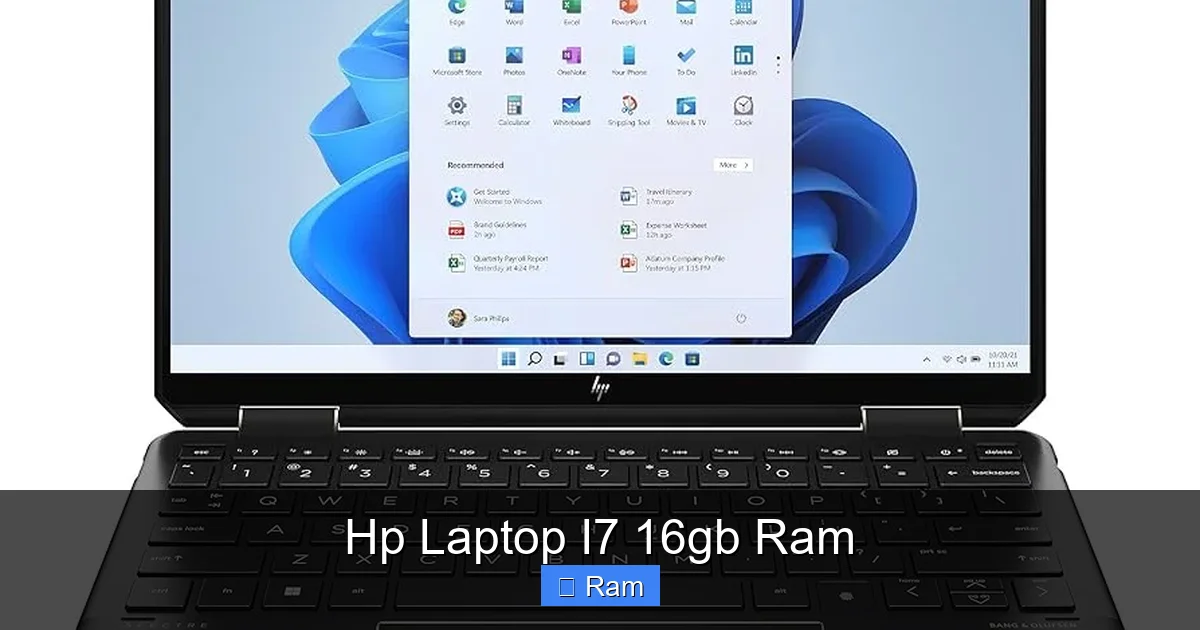
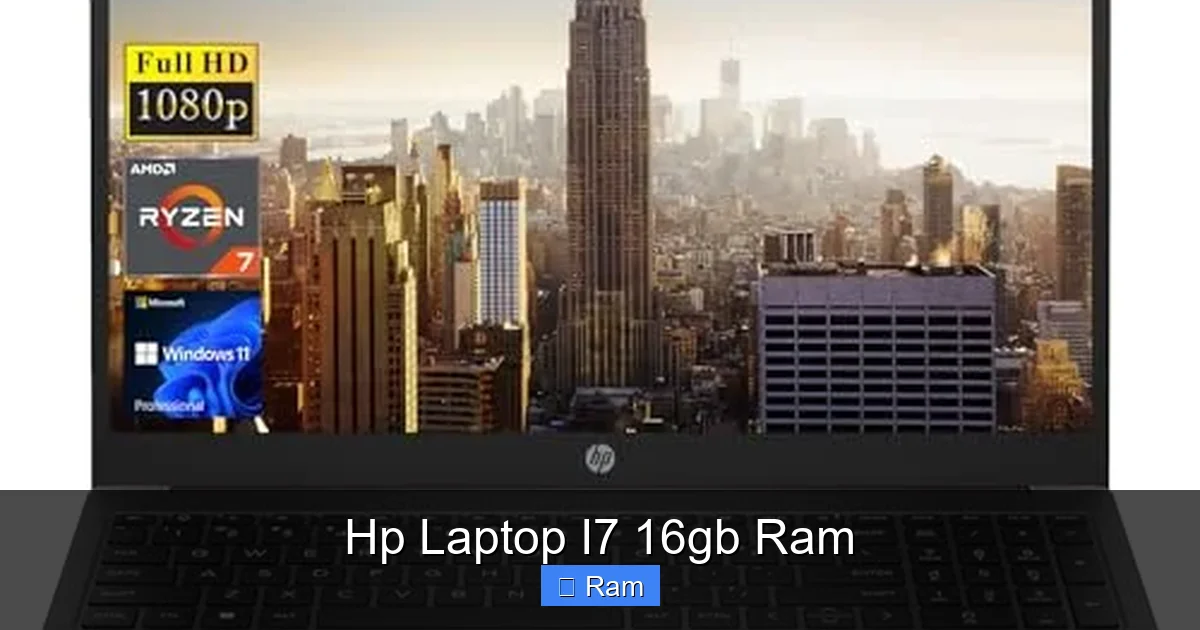
Visual guide about Hp Laptop I7 16gb Ram
Image source: m.media-amazon.com
The Creative Professional & Content Creator
If you work with photos (Adobe Photoshop, Lightroom), video (Premiere Pro, DaVinci Resolve), or 3D (Blender, CAD software), this is your minimum. Video editing, in particular, is incredibly RAM-hungry, especially when working with high-resolution footage (4K+) and multiple layers. 16GB allows you to work smoothly without the previews constantly stuttering. The i7’s multiple cores help with rendering and export times. Look for an HP model with a high-quality, color-accurate display (OLED or high-nitrate IPS) and a dedicated GPU like an NVIDIA RTX 4050 or higher.
The Power User & Business Professional
This is the person who lives in spreadsheets, has 50+ browser tabs across multiple windows, runs virtual machines for testing, uses complex data analysis tools (like Python, R, or advanced Excel), and needs to switch between ten applications instantly. For you, 16GB is non-negotiable for maintaining flow state. The i7 ensures that when you do pivot to a heavier task, like a quick data compilation or a PowerPoint render, it happens instantly. Models like the HP EliteBook or high-end HP Envy series are perfect here, offering great keyboards, security features (fingerprint reader, TPM), and professional build quality.
The Serious Student & Aspiring Developer
Computer science, engineering, and data science students often run local servers, IDEs, and simulation software. 16GB allows you to have your code editor, a browser with documentation, a local database, and a Docker container running simultaneously. It’s an investment that will last through your degree and into your first job. An HP Pavilion Aero or a well-specced HP Envy x360 offers great value and portability for campus life.
The 1080p/1440p Gamer on a Budget-Conscious Build
Here’s where we need to be careful. An i7 without a dedicated graphics card (using only integrated Intel Iris Xe graphics) is not a gaming laptop. It can handle light esports titles (Valorant, CS2) at lower settings, but that’s it. For real gaming, you must pair this i7/16GB combo with a discrete GPU—at minimum an NVIDIA RTX 3050, but ideally an RTX 4050 or 4060 for 1080p high/ultra settings or 1440p medium. Look at the HP Victus or HP Omen lines. The RAM helps with game asset loading and multitasking while gaming (streaming, Discord, browser).
Performance Breakdown: Real-World Scenarios
Let’s move beyond benchmarks and talk about what you’ll actually experience day-to-day.
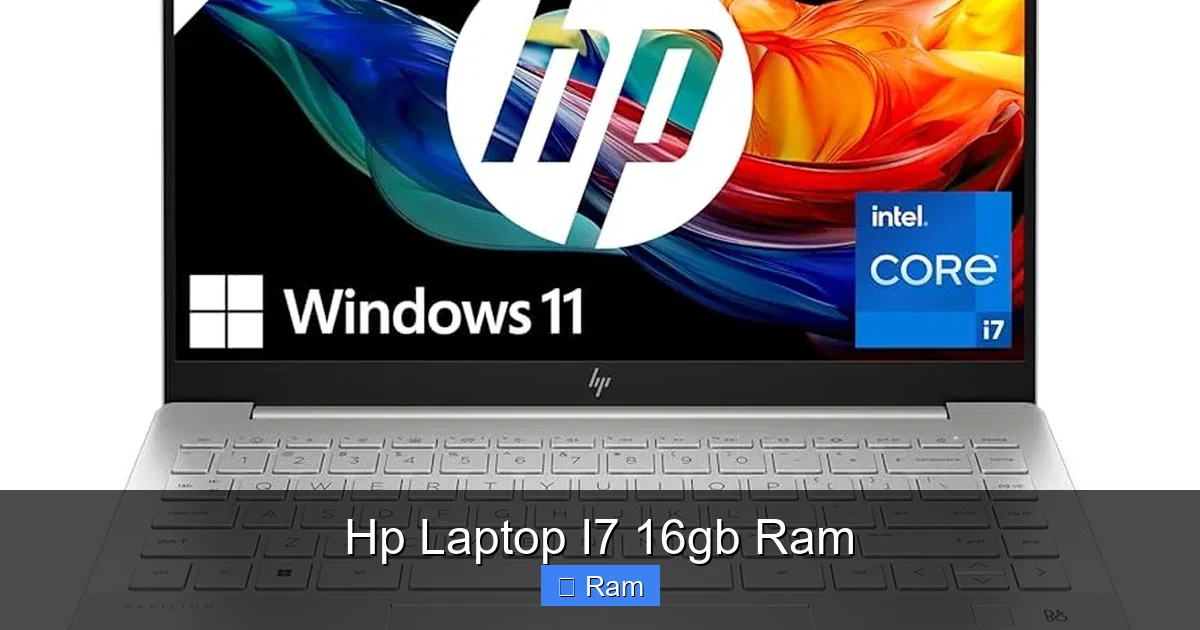
Visual guide about Hp Laptop I7 16gb Ram
Image source: m.media-amazon.com
Productivity & Multitasking Nirvana
This is where the i7/16GB combo shines brightest. Imagine you’re writing a report. You have:
- A Word document open.
- 15 browser tabs with research (some with video).
- Excel with a large dataset.
- Spotify playing music.
- Slack/Teams running in the background.
- A PDF viewer open.
A laptop with only 8GB RAM will start to feel sluggish. The hard drive/SSD will thrash as it swaps memory, causing noticeable lag when you switch tabs or scroll. With 16GB, all of that lives comfortably in RAM. Switching between apps is instantaneous. Scrolling through a long webpage with embedded videos is smooth. It feels effortless. The i7 ensures that when you do a massive find-and-replace in Excel or export that report to PDF, it’s done in seconds, not minutes.
Content Creation & Creative Workflows
Open a 50-layer Photoshop file with high-res assets. Play back a 4K timeline in DaVinci Resolve with color grades and transitions. These are memory-intensive operations. 16GB provides a smooth preview and responsive timeline scrubbing. The i7’s cores and threads speed up effects rendering and final export times. The bottleneck then shifts to your storage speed (NVMe SSD is mandatory) and, most importantly, your dedicated GPU. For professional video work, you’d ideally look at 32GB+ and a workstation GPU, but for hobbyists, students, and indie creators, i7/16GB/RTX is a very capable setup.
Development & Data Science
Running a local web server, a database, your IDE, and a browser with 50 tabs of documentation? That’s 16GB right there. Adding a Docker container or a virtual machine for testing a different OS can easily consume another 4-8GB. With 16GB total, you’ll be pushing your limits. It’s doable, but you’ll need to manage memory closely. For serious development, 32GB is the new target, but 16GB is the acceptable starting point for most web, mobile, and junior-level development roles.
Navigating the HP Laptop Ecosystem: Which Series Fits?
HP doesn’t just make one laptop. The i7/16GB combo is available across several lines, each with a different philosophy. Your choice here is as important as the specs themselves.
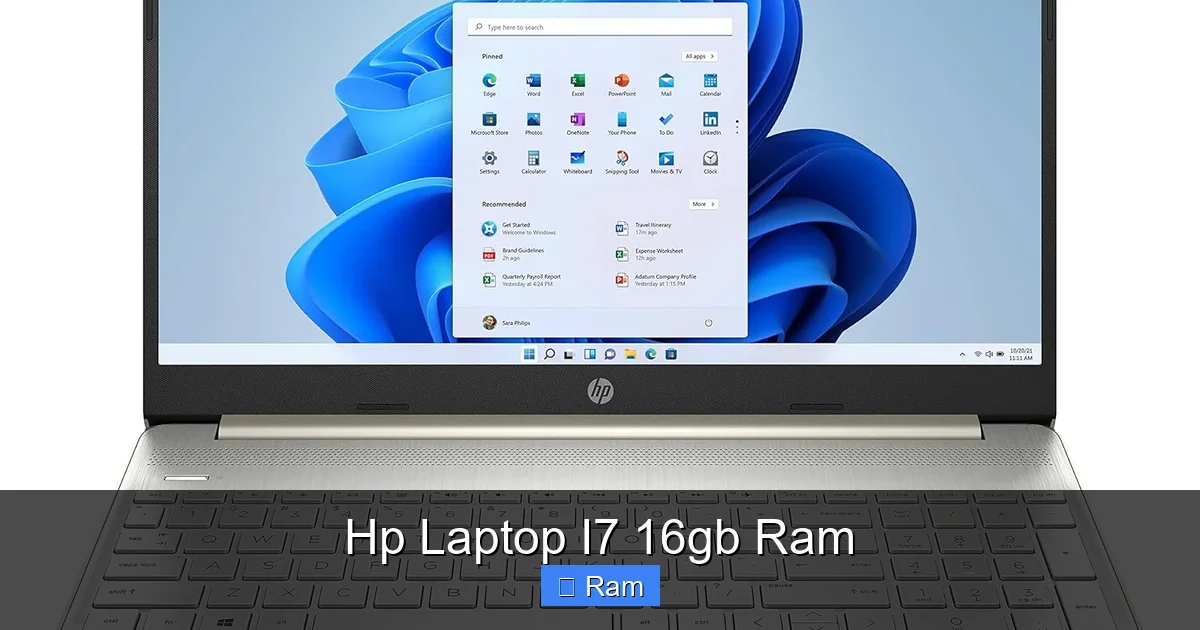
Visual guide about Hp Laptop I7 16gb Ram
Image source: m.media-amazon.com
HP Spectre: The Premium Ultrabook
The flagship. Think gem-cut aluminum, stunning OLED displays, and incredibly thin designs. An i7 in a Spectre (like the Spectre x360 14) is usually a low-power (15-28W) chip focused on efficiency and performance in short bursts. It’s perfect for the business professional or creator who values portability, battery life, and a beautiful screen above all. It will handle all the multitasking and creative tasks mentioned earlier, but it will throttle during a 30-minute video export. The cooling system can’t handle sustained full-power loads. You’re paying for the experience, not raw, unadulterated power.
HP Envy: The Versatile All-Rounder
Often seen as the “consumer premium” line. Envy laptops (Envy 16, Envy x360) offer a great balance. They typically have more robust cooling than Spectres, sometimes accommodating 28-45W i7 processors. You get excellent build quality, often great displays, and more ports. This is arguably the best choice for most people seeking an i7/16GB combo for creative work, power multitasking, and casual gaming (if paired with a GPU). It doesn’t force you to choose between thinness and performance as sharply as the Spectre line.
HP Pavilion: The Value Powerhouse
HP’s mainstream consumer line. Here, you get the most raw performance for your dollar. A Pavilion Gaming 16 or Pavilion Aero can house a full 45W or even 55W H-series i7 processor. The cooling, while not as sophisticated as Omen, is designed for sustained loads. If your priority is maximum CPU performance for rendering, compiling code, or gaming on a budget, the Pavilion is your friend. You may sacrifice some premium materials (more plastic) and battery life, but you get the i7 running at its full potential more often.
HP Omen: The Dedicated Gaming Machine
This is where the i7/16GB combo pairs with high-wattage HX-series processors and powerful RTX 40-series GPUs. In an Omen 16 or 17, the i7 is a desktop-class chip (like an i7-13700HX) with 16 cores. It’s built for gaming and heavy streaming. The 16GB RAM is fast (DDR5) and is the minimum recommended for modern gaming at higher settings. The focus is on cooling performance (with advanced vapor chambers) and high-refresh-rate displays (144Hz, 240Hz). If gaming is your primary goal, this is the HP family to target.
HP ZBook: The Mobile Workstation
For the engineer running SolidWorks simulations, the architect using Revit, or the data scientist with massive datasets. A ZBook Studio or Fury with an i7 (often a Xeon or professional-grade i7) and 16GB of ECC (Error Correcting Code) RAM is a tool for a specific trade. The RAM is validated for stability with professional applications. The displays are Pantone-validated for color accuracy. These are ISV-certified (Independent Software Vendor) to ensure your critical software runs flawlessly. They are expensive, heavy, and built for durability and precision, not portability.
The Ultimate Buying Guide: What to Look For Beyond i7/16GB
You’ve narrowed it down to an HP model with an i7 and 16GB RAM. Don’t click buy yet. These are the critical, often overlooked, specifications that determine your actual user experience.
Storage: NVMe SSD is Non-Negotiable
Forget about hard drives. You must get a NVMe PCIe SSD. The speed difference from a SATA SSD is night and day for boot times, application launches, and file transfers. For an i7/16GB machine, aim for at least a 512GB drive. 1TB is the comfortable sweet spot. Your operating system, core applications, and active projects will live here. A smaller drive will fill up frighteningly fast.
Display: Your Window to the World
This is your constant interface. Prioritize:
- Resolution: Full HD (1920×1080) is the absolute minimum. For a 15.6″+ screen, QHD (2560×1440) is a massive quality-of-life upgrade for text clarity and screen real estate.
- Panel Type: IPS is standard and good. OLED is stunning for media consumption and creative work (infinite contrast, perfect blacks), but can have burn-in risks with static UI elements. Mini-LED is a great high-brightness alternative.
- Brightness & Color: Look for 300+ nits brightness for comfortable indoor use. For creative work, check for 100% sRGB or 100% DCI-P3 color gamut coverage and factory calibration.
Ports & Connectivity
Check what you actually need. Do you require USB-C with Power Delivery (to charge with one cable)? How many USB-A ports? Do you need an HDMI 2.1 or a dedicated Ethernet jack for a stable connection? A full-size SD card reader is crucial for photographers. An HP Envy or Spectre might have fewer ports (relying on dongles), while a Pavilion or ZBook will be more generous.
Battery Life: The Portability Equation
An i7 and a dedicated GPU are power-hungry. Manage your expectations. A thin-and-light Spectre with a low-power i7 might get 8-10 hours of web browsing. A Pavilion Gaming with a high-power i7 and RTX 4060 might get 3-4 hours under light use. If you need all-day battery away from an outlet, you must prioritize efficiency (low-power i7, integrated graphics) and a larger battery (often in larger chassis).
Build Quality & Keyboard
Read reviews specifically about the keyboard and trackpad. For a productivity machine, a great keyboard is paramount. HP’s premium lines (Spectre, Envy) generally have excellent, quiet keyboards. The Pavilion can be a bit more mushy. Also, consider chassis material (aluminum vs. plastic) for durability and premium feel.
Optimizing Your HP i7/16GB Laptop: Tips & Tricks
Once you have your new machine, here’s how to get the most out of it.
- Update Everything: Immediately run Windows Update and install the latest drivers from HP’s Support website for your specific model. Chipset and BIOS updates are critical for performance and stability.
- Power Plan Settings: In Windows Power Options, select the “Balanced” plan for daily use. Use the “High Performance” plan only when you know you’ll be doing a sustained heavy task (like a long render) and are plugged in. This manages thermals and fan noise better.
- Manage Startup Programs: Disable unnecessary apps from launching at startup (via Task Manager). This preserves RAM and speeds up boot time.
- Utilize Intel Graphics Settings: If you have a hybrid system (both integrated and discrete GPU), use the Intel Graphics Command Center or NVIDIA Control Panel to assign which applications use which GPU. Force heavy apps (games, creative software) to use the discrete GPU.
- RAM Disk Caution: Don’t use third-party “RAM disk” software. With 16GB, you want every megabyte available for your applications, not emulated storage. Windows’ own SuperFetch/Windows Prefetch is smart enough.
- Keep It Cool: Ensure vents are not blocked. Consider a good laptop cooling pad for extended gaming or rendering sessions. This helps maintain higher clock speeds on your i7 for longer.
Conclusion: The Right Tool for the Right Job
An HP laptop with an Intel Core i7 processor and 16GB of RAM is a powerful and versatile configuration. It sits at the heart of HP’s most capable consumer and professional laptops. For the creative professional, the business power user, the serious student, and the casual-to-mid-level gamer, it offers a fantastic blend of responsiveness and headroom.
The final decision comes down to this: What is your primary workload, and what environment will you use it in? If you need ultimate portability and battery life, look at the Spectre. For the best all-around balance of performance and polish, the Envy is hard to beat. If raw, sustained power for gaming or rendering is the goal, the Pavilion and Omen are your champions. And if your work is mission-critical and requires certified stability, the ZBook is the industry-standard tool.
Always, always read professional and user reviews for the exact model number you’re considering. Look for thermal performance tests and real-world application benchmarks. Those numbers and the subjective notes on build quality will tell you more than the “i7/16GB” badge ever could. This combination is a statement of intent: you are done with compromise and ready for a laptop that can truly keep up with your ambition.
Frequently Asked Questions
Is 16GB RAM enough for an i7 laptop in 2024?
Yes, for the vast majority of users, 16GB is the ideal sweet spot. It comfortably handles modern operating systems, dozens of browser tabs, and heavy applications like photo/video editors or development environments. Only users working with massive datasets, complex 3D simulations, or multiple heavy VMs should consider 32GB as a necessity.
Will an i7 laptop with 16GB RAM be good for gaming?
It depends entirely on the graphics card (GPU). An i7 with only integrated Intel graphics is not suitable for serious gaming. For gaming, this CPU/RAM combo must be paired with a dedicated GPU, like an NVIDIA RTX 4050 or better. With a capable GPU, 16GB RAM is perfect for 1080p and 1440p gaming at high settings.
Can I upgrade the RAM on an HP laptop with 16GB?
It varies significantly by model. Many modern thin-and-light laptops (like most Spectres and Envys) have the RAM soldered to the motherboard, making upgrades impossible. Larger laptops like the Pavilion, Omen, and ZBook often have at least one accessible slot. Always check the specific model’s technical specifications or service manual before buying if upgradeability is a concern.
Is a low-power ‘U’ or ‘P’ series i7 worse than a high-power ‘H’ series i7?
They are designed for different purposes. Low-power i7s (U/P-series) are for efficiency and performance in short bursts, ideal for ultraportables with long battery life. High-power i7s (H/HX-series) are for sustained performance in gaming laptops and mobile workstations. An H-series i7 will outperform a U-series i7 in continuous workloads like video rendering, but the U-series will get much better battery life for web browsing and office tasks.
Should I choose an i7 with 16GB RAM or an i5 with 32GB RAM?
This is a classic trade-off. For multitasking-heavy work (many apps, many browser tabs, virtual machines), the extra 16GB of RAM will feel more impactful day-to-day than the extra CPU cores of an i7. For tasks that are purely CPU-intensive (video exporting, code compilation, complex simulations), the i7 will be significantly faster. Assess your primary bottleneck: is it your computer stalling when you have too much open (get more RAM), or is it taking forever to finish a single heavy task (get the i7)?
Does the brand ‘HP’ matter compared to Dell or Lenovo for this spec?
The specification (i7/16GB) is generic, but the implementation differs. HP’s strength lies in its broad portfolio, from consumer to workstation. Their design, cooling solutions, display quality, and customer support can vary by series. A high-end HP Spectre competes directly with a Dell XPS, while an HP ZBook competes with a Dell Precision. Your decision should be based on the specific model’s reviews, design, ports, and price relative to direct competitors from other brands offering similar core specs.