Is 4gb Ram Good for Laptop
In 2024, 4GB of RAM is generally insufficient for a modern laptop. It struggles with today’s operating systems and web browsers, leading to slow performance and constant frustration. While it can handle extremely light tasks like document editing for a single, patient user, it is not recommended for multitasking, web browsing with multiple tabs, or any modern software. The clear advice is to avoid 4GB if possible and prioritize laptops with 8GB or more for a usable, future-proof experience.
So, you’re looking at a laptop, and you see that tempting price tag. It’s got a nice screen, a fast-looking processor, and it’s well within your budget. Then you look at the specs and see it: 4GB of RAM. The immediate question pops into your head: Is 4GB RAM good for a laptop? It’s a fair question. A few years ago, 4GB was the standard. But in today’s computing landscape, the answer is a lot more complicated, and for the vast majority of people, the answer is a resounding no. Let’s break down exactly why, who (if anyone) it might still work for, and what you should really be looking for.
Key Takeaways
- 4GB RAM is the absolute bare minimum in 2024, not a good standard. It is only viable for running lightweight, offline applications on a clean, modern OS with no other programs open.
- Operating systems themselves now consume 2GB-4GB of RAM at idle. This leaves almost no memory for your actual work, causing immediate slowdowns when you try to do more than one thing.
- Web browsers are the biggest RAM hogs. A few open Chrome, Firefox, or Edge tabs can easily consume 2GB+ on their own, crippling a 4GB system.
- Multitasking is virtually impossible. You cannot comfortably have a browser, a document, and a music player running simultaneously without severe lag and swapping to the slow hard drive.
- Upgradability is the key question. If the laptop allows a cheap RAM upgrade to 8GB or 16GB, a 4GB model *might* be a starting point, but always check this first.
- For specific, locked-down use cases (a single kiosk app, a legacy system), 4GB can work. But for students, professionals, or general home use, it is a poor investment that will lead to buyer’s remorse.
- Prioritize 8GB as the new absolute minimum. For smooth performance in 2024 and beyond, 16GB is the recommended sweet spot for most users, with 32GB for power users.
📑 Table of Contents
- What is RAM and Why Does It Matter?
- The Modern OS & Browser Tax: Why 4GB Vanishes Instantly
- Who *Might* Still Get By With 4GB? (The Very Short List)
- The Multitasking Reality: Why You’ll Feel the Pain
- Upgradability: The Critical Factor Before You Buy
- What You Should Actually Buy: The 2024 RAM Recommendations
- The Verdict: Is 4GB RAM Good for a Laptop?
What is RAM and Why Does It Matter?
Before we judge the 4GB figure, let’s quickly understand what RAM actually is. RAM, or Random Access Memory, is your laptop’s short-term memory. Think of it like your desk. The bigger your desk (more RAM), the more papers, books, and tools (programs and data) you can have open and actively working on without having to constantly get up and rifle through a filing cabinet (your hard drive or SSD). When your RAM fills up, your system starts using the much slower storage drive as “virtual memory,” a process called swapping or paging. This is what causes that dreaded spinning wheel or hourglass, the fan revving up, and the whole machine feeling like it’s wading through mud.
The RAM Hierarchy: Speed is Everything
RAM isn’t just about capacity; speed matters too. Modern DDR4 and DDR5 RAM is incredibly fast. Your SSD, while fast for storage, is orders of magnitude slower than RAM. When your 4GB fills up and the system starts swapping to the SSD, the performance drop isn’t a slight stumble—it’s a cliff face. Everything from opening a new tab to switching between apps becomes painfully slow. This is why having “enough” RAM isn’t a luxury; it’s the foundation of a responsive computing experience.
The Modern OS & Browser Tax: Why 4GB Vanishes Instantly
The single biggest reason 4GB is no longer good for a laptop is how resource-hungry our core software has become. Let’s do some simple math with real-world numbers from 2024.
Visual guide about Is 4gb Ram Good for Laptop
Image source: 5.imimg.com
Windows 11 / macOS / Linux Baseline
A fresh, clean installation of Windows 11, after booting and letting it settle, will sit at around 2GB to 3GB of RAM usage just for the operating system itself and its background services. macOS is similar. This isn’t because Windows is bloated; it’s because it’s managing security, updates, notifications, system processes, and the modern, visually rich desktop interface. You’ve already spent 75% of your 4GB before you even open a single program.
The Browser Monster: Chrome, Edge, and Firefox
Now, open your web browser. A single empty Chrome window might use 500MB-1GB. Open a few tabs? Each modern website—especially social media, news sites with ads and scripts, or Google Docs—is a complex application in its own right. It’s not uncommon for 5-10 active tabs to consume 2GB to 3GB of RAM on their own. Suddenly, your 4GB system is at 100% capacity. The OS starts aggressively closing background apps and swapping data, and you feel the lag in every click and scroll.
Practical Example: Imagine you’re a student. You have a Word document open (500MB), a PDF of a textbook (200MB), Chrome with 5 research tabs (2GB), and Spotify playing music (300MB). That’s ~3GB of active use, on top of the 2.5GB Windows is using. You’ve already exceeded your 4GB limit. Your laptop will choke, become unresponsive, and your work will slow to a halt. This is a normal, everyday scenario that 4GB cannot handle.
Who *Might* Still Get By With 4GB? (The Very Short List)
Is there anyone for whom a 4GB RAM laptop is still “good”? Yes, but the list is incredibly specific and shrinking every year.
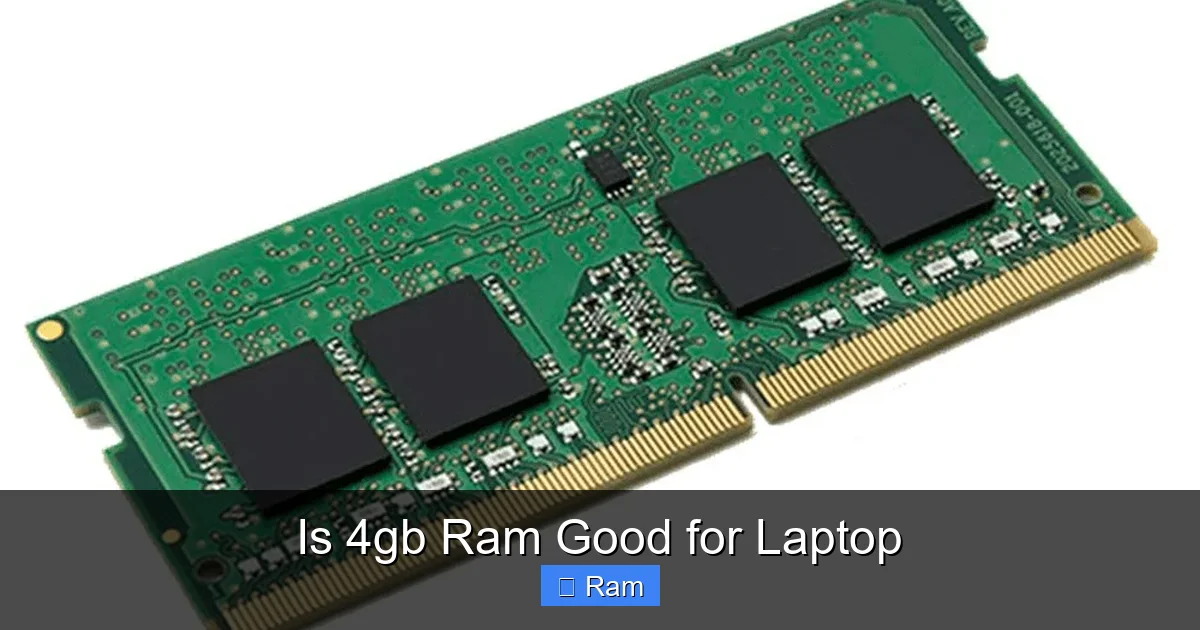
Visual guide about Is 4gb Ram Good for Laptop
Image source: phucanhcdn.com
- The Single-Task, Offline User: Someone who uses a laptop for one thing only, and that thing is a simple, offline program. Examples: a dedicated word processor for writing novels (with no browser open), a basic accounting program for a small business, or running a single legacy industrial control application. They turn the laptop on, do their one task, and turn it off.
- Extreme Budget Constraints & Linux: If your budget is under $300 and you are technically savvy, a 4GB laptop running a lightweight Linux distribution like Lubuntu or Xubuntu can be a functional machine for web browsing (carefully), document editing, and media playback. But this requires comfort with troubleshooting and a willingness to live with limitations.
- As a Pure Terminal/Thin Client: If the laptop will only ever connect to a remote desktop or cloud service (like a corporate Citrix or VMware environment) and does nothing locally, the local RAM requirements are lower. The heavy lifting happens on the remote server.
For everyone else—students, remote workers, casual users, seniors, professionals—4GB is a trap. It will lead to frustration, wasted time, and a need to replace the machine much sooner than if you had invested in more RAM initially.
The Multitasking Reality: Why You’ll Feel the Pain
We all multitask, even if we think we don’t. You might have an email client checking in the background, a chat app like Slack or Discord running, a browser open with your work, and maybe a video call. This is the norm. With 4GB, this workflow is impossible.
Visual guide about Is 4gb Ram Good for Laptop
Image source: yajoca.net
Signs Your 4GB Laptop is Struggling
You’ll know it’s struggling when you experience:
- Constant hard drive activity: You hear the HDD (if your laptop has one) churning constantly, or see the SSD activity light blinking non-stop. This is the system swapping.
- Applications crashing or “Not Responding”: Your browser tab freezes and says “Aw, Snap!” or your Word document locks up. This is RAM starvation causing the app to fail.
- Extreme slowdown when opening new programs: You finish an email, then click to open a PDF. It takes 10-15 seconds to launch, whereas on a system with enough RAM it’s instant.
- The cursor turning into a spinning wheel for seconds at a time during simple actions like switching tabs or minimizing windows.
These aren’t just “it’s an old laptop” problems. These are definitive symptoms of insufficient RAM in a machine that is otherwise capable.
Upgradability: The Critical Factor Before You Buy
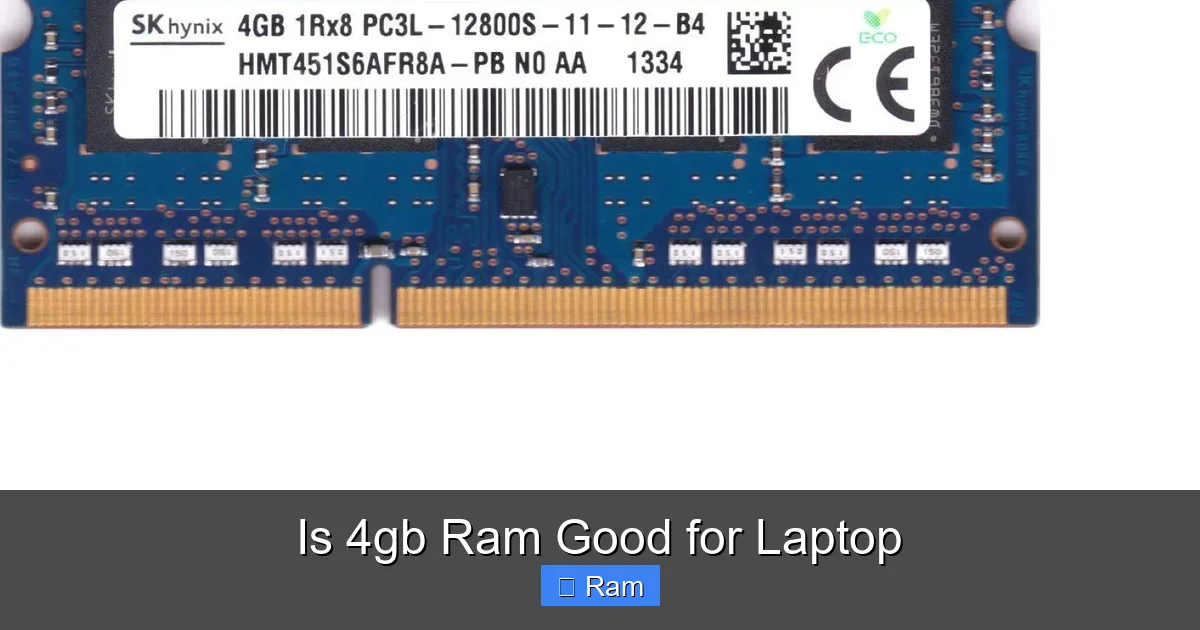
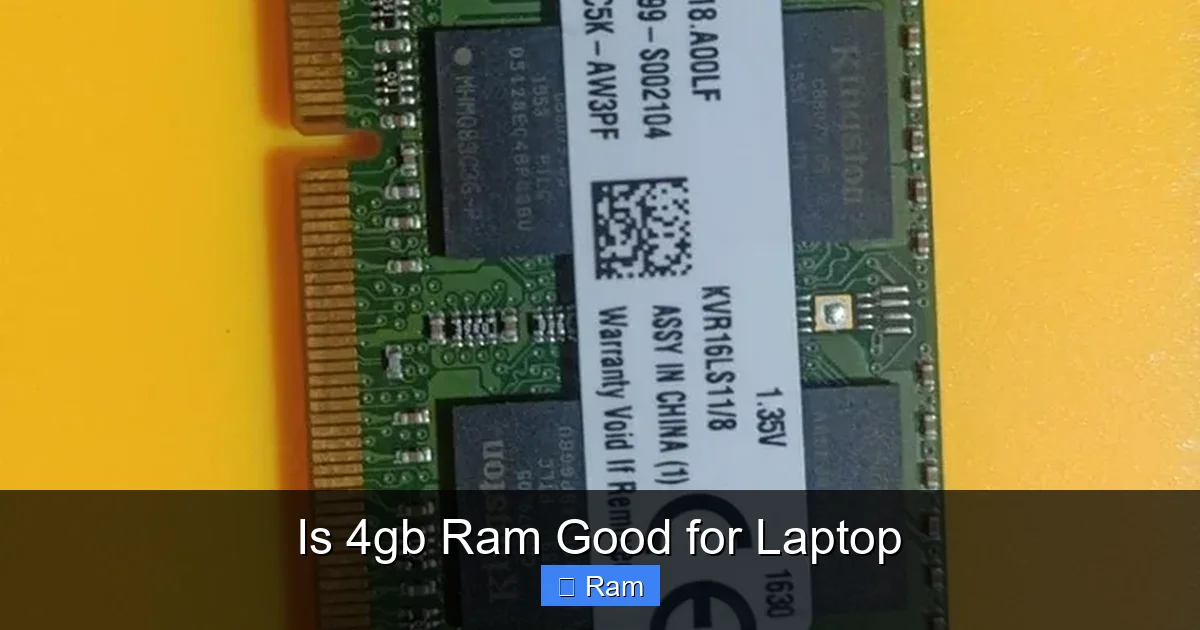
Here’s the scenario where a 4GB laptop *might* be considered: if it is easily and cheaply upgradeable. Many budget laptops solder the RAM directly to the motherboard, making upgrades impossible. You are forever stuck with 4GB. Others have one or two accessible slots.
How to Check for Upgradability
Before you click buy, you must:
- Check the product specifications sheet on the manufacturer’s website. Look for “Memory: 4GB DDR4,” and crucially, “Max Memory: 16GB” or “Slots: 1 SODIMM slot.”
- Search for the specific model number + “RAM upgrade” or “teardown.” YouTube is full of videos showing people opening laptops. Watch one. Can you get to the RAM with a simple screwdriver? Or is the entire motherboard glued in place?
- Understand the cost. A 8GB DDR4 SODIMM stick costs $25-$40. A 16GB stick is $50-$80. If the laptop costs $350 and needs a $40 RAM upgrade to be usable, your real cost is $390. Often, it’s better to just pay the extra $50 upfront for a model that comes with 8GB pre-installed.
Rule of Thumb: If you cannot confirm 100% that the RAM is upgradeable and the cost of the upgrade is reasonable, treat a 4GB laptop as a dead-end purchase.
What You Should Actually Buy: The 2024 RAM Recommendations
Let’s cut to the chase. Here is the simple, no-nonsense guide for what RAM to target based on your use case.
8GB: The Absolute, Bare-Minimum for 2024
8GB is the new entry point. With 8GB, Windows 11 will use ~2.5GB at idle, leaving you ~5.5GB for your applications. This is enough for:
- 10-15 Chrome tabs
- A word processor and a spreadsheet
- A video call (Zoom/Teams) with screen sharing
- Light photo editing
- Casual gaming (non-AAA titles)
It’s a workable, stress-free experience for basic to moderate use. Do not buy a new laptop with less than 8GB in 2024.
16GB: The Sweet Spot for Most People
This is the recommendation for students, professionals, and anyone who wants a laptop to last 4+ years. 16GB provides comfortable headroom. You can have 30+ browser tabs open, run a virtual machine for a class, have multiple large documents and design files open, and never think about RAM again. It future-proofs you against increasingly demanding software updates. The price premium over 8GB is usually small ($50-$100), and it is the single most impactful upgrade you can make for long-term satisfaction.
32GB and Beyond: For Power Users
For video editors working with 4K footage, software developers running multiple virtual machines and containers, data scientists with large datasets, or engineers using complex simulation software, 32GB is the new starting point. For general use, it is overkill but harmless if you have the budget.
The Verdict: Is 4GB RAM Good for a Laptop?
To give a final, clear answer: No, 4GB of RAM is not good for a new laptop purchase in 2024. It is a legacy specification that has been rendered obsolete by the evolution of operating systems and web technology.
Buying a 4GB laptop today is like buying a car with a 2-cylinder engine to drive on a modern highway. It will move, but it will be constantly straining, unsafe in its lack of power for merging, and you will quickly regret the decision on every journey. The small amount of money you might save upfront is dwarfed by the lost productivity, immense frustration, and the inevitable need to replace the machine within a year or two because it cannot keep up.
Your laptop is a tool. A tool that is constantly fighting you is a bad tool. Insist on 8GB as a minimum. If you find a great deal on a 4GB model, first, verify its upgradeability. If it can’t be upgraded, walk away. If it can, factor the upgrade cost into your budget and treat the 4GB model as a “project” rather than a finished product. For 95% of shoppers, the path of least resistance and greatest happiness is to simply select the 8GB or 16GB configuration from the start. Your future, less-frustrated self will thank you.
Frequently Asked Questions
Can I use a 4GB RAM laptop for basic web browsing and Office work?
Technically, yes, but it will be a frustrating experience. Even with just a browser and Word open, your system will be near its limit. Opening a second browser tab or a PDF will cause noticeable slowdowns as the system runs out of RAM and starts using the slow hard drive for memory.
Is 4GB RAM enough for Windows 11?
Microsoft lists 4GB as the minimum requirement, but this is a theoretical floor for running the OS alone. In real-world use with any accompanying software, 4GB is completely inadequate for a smooth Windows 11 experience. The OS itself will consume most of that RAM, leaving nothing for your apps.
Will 4GB RAM work for a student doing online classes and assignments?
Not reliably. A student typically needs a browser (for research, Google Docs), a video conferencing app (Zoom), a document viewer, and maybe a chat app open simultaneously. This workload will exceed 4GB, causing apps to crash, videos to stutter, and the system to freeze during important moments.
How much RAM do I need for gaming on a laptop?
For modern gaming, 16GB is the recommended standard. 8GB is the absolute minimum for most games today, but many newer titles, especially open-world games or those with mods, will perform poorly or not launch with only 8GB. 4GB is entirely insufficient for any gaming beyond very old or browser-based titles.
Can I upgrade a 4GB laptop to 8GB myself?
It depends entirely on the laptop model. Some budget laptops have soldered RAM and no upgrade slots. Others have one accessible slot. You must check your specific model’s service manual or teardown video. The upgrade itself, if possible, is usually simple—just swapping a small stick—but confirming upgradeability is the critical first step.
Is a 4GB Chromebook a good buy?
Chromebooks are more efficient with RAM than Windows laptops because Chrome OS is lightweight. A 4GB Chromebook can be a decent machine for very light web-based tasks, especially if it has an SSD. However, for running Android apps, multiple browser tabs, or having several windows open, 8GB is still strongly recommended for a smooth, lag-free experience that will last longer.