A laptop with 32GB RAM and an i7 processor is a definitive powerhouse, built for users who refuse to compromise. This combination obliterates bottlenecks, allowing for seamless multitasking across dozens of browser tabs, professional-grade creative work, and smooth, high-fidelity gaming. It’s the sweet spot for future-proofing your tech investment without immediately jumping to the extreme cost of i9 or Xeon processors. If your workflow demands serious muscle, this is the configuration to seriously consider.
Let’s be honest: shopping for a new laptop can feel like navigating a maze of confusing specs and marketing jargon. You see numbers like “i7” and “32GB RAM” thrown around, but what do they *really* mean when paired together? Is it overkill, or is it the secret sauce to a computer that actually lasts? Think of a laptop with 32GB of RAM and an Intel Core i7 processor not as just a tool, but as a dedicated workhorse. It’s the difference between a nimble commuter car and a heavy-duty truck built to haul serious loads. In this guide, we’re popping the hood to see exactly what makes this powerhouse combination tick, who it’s truly for, and how to pick the right one without overpaying for features you won’t use.
Key Takeaways
- Unmatched Multitasking: 32GB of RAM allows you to run numerous demanding applications simultaneously—like video editing software, multiple browser windows, and virtual machines—without a hint of slowdown.
- i7 is the Performance Sweet Spot: Modern Intel Core i7 processors offer near-top-tier performance with excellent efficiency, making them ideal for both sustained heavy workloads and everyday use without the premium heat and power draw of an i9.
- Future-Proofing for 3-5 Years: This spec combination comfortably meets and exceeds the demands of current professional software and upcoming games, protecting your investment for the medium term.
- Not Just for “Enthusiasts”: While great for gamers, this setup is a critical tool for software developers, data scientists, 3D artists, video editors, and power users who work with large datasets or complex projects.
- Battery Life is a Trade-Off: High-performance components consume more power. Expect significantly shorter unplugged runtime compared to a laptop with 16GB RAM and a U-series i5/i7 chip designed for efficiency.
- Check Upgradeability: Many modern laptops solder RAM directly to the motherboard. If 32GB is your target, you often must buy it pre-configured, as upgrading later may be impossible.
- Cooling is Critical: Sustained performance depends entirely on the laptop’s cooling solution. A thin-and-light chassis with an i7 and 32GB RAM may throttle under load; look for models with robust fan systems and vapor chambers.
📑 Table of Contents
- Understanding the Power Combo: RAM vs. Processor
- Who Exactly Needs a Laptop with 32GB RAM and i7 Processor?
- Performance Deep Dive: What Can You Actually Do?
- Top Contenders: What to Look For in a Model
- The Buying Guide: Making the Smart Purchase
- Future-Proofing: How Long Will This Last?
- The Verdict: Is This the Right Laptop for You?
Understanding the Power Combo: RAM vs. Processor
Before we dive into who needs this beast, let’s clarify what each component brings to the table. They work together in a delicate dance; one being a superstar won’t help if the other is holding it back.
The Role of RAM: Your Laptop’s Immediate Workspace
Random Access Memory (RAM) is your laptop’s short-term memory. Think of it as your physical desktop workspace. The bigger your desk (more RAM), the more projects, documents, and tools you can have open and actively working on without having to constantly shuffle things into a drawer (your slower storage drive). 16GB has been the “sweet spot” for years, but as operating systems, web browsers (with their endless tabs), and professional applications become more demanding, 32GB is quickly becoming the new standard for power users. With 32GB, you can have a 4K video project, a 50-tab Chrome session with streaming music, a few background apps like Slack and Photoshop, and still have room to spare. It eliminates the “spinning wheel of death” or “lag city” when switching between intensive tasks.
The Role of the Intel Core i7: The Brains of the Operation
The processor (CPU) is the brain. It executes instructions, crunches numbers, and tells every other component what to do. The “i7” designation sits comfortably in Intel’s mainstream high-performance tier. Modern i7 processors (especially from the 11th, 12th, 13th, and 14th Gen) offer a fantastic balance of multiple cores for multitasking and high clock speeds for single-threaded tasks (like many gaming engines and some creative app functions). It’s significantly more powerful than an i5 for sustained workloads and typically runs cooler and more efficiently than the top-tier i9, which often hits thermal limits quickly in a laptop chassis. An i7 paired with 32GB RAM means the CPU has a vast, fast pool of memory to draw from, preventing it from waiting around for data—this is where the magic of seamless performance happens.
Synergy: Why the Pairing Matters
Here’s the key: a fast CPU with insufficient RAM is like a race car with a tiny fuel tank—it will constantly stop to refuel (swap data to the slow SSD). Conversely, a ton of RAM with a weak CPU is like having a massive garage full of tools but no skilled mechanic to use them. The 32GB + i7 combo creates a balanced, high-capacity pipeline. The CPU can process data rapidly, and the massive RAM ensures that data is always immediately available. This synergy is what delivers the buttery-smooth experience when scrubbing through 4K timelines, compiling code, or simulating complex physics in a game.
Who Exactly Needs a Laptop with 32GB RAM and i7 Processor?
This isn’t for everyone, and that’s okay. Paying for this level of performance when you just browse the web and stream Netflix is like buying a forklift to carry a bag of groceries. So, who is this configuration *actually* for?
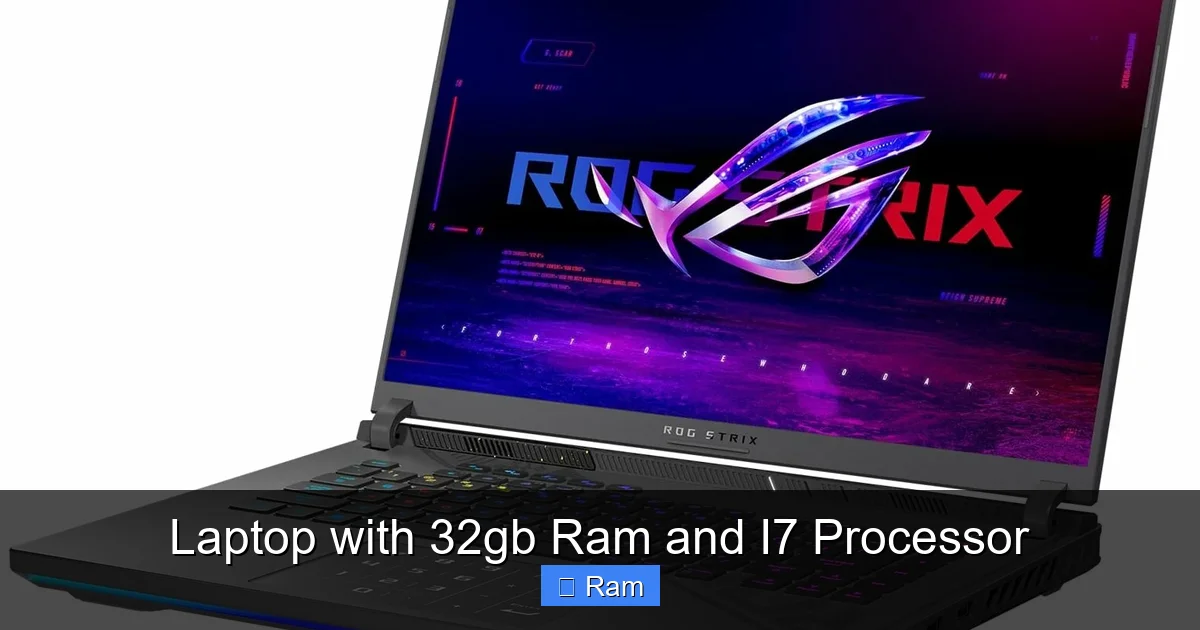
Visual guide about Laptop with 32gb Ram and I7 Processor
Image source: laptopmedia.com
The Creative Professional: Video Editors, 3D Artists, Photographers
If you work with high-resolution media, this is your non-negotiable baseline. 4K and 6K video editing in software like Adobe Premiere Pro or DaVinci Resolve is brutally memory-intensive. Effects, color grading, and multiple video streams eat RAM for breakfast. 3D modeling and rendering in Blender or Maya also benefit from both a strong multi-core CPU (for rendering) and ample RAM (to hold complex scenes). Pairing an i7 with 32GB allows you to work on projects in real-time without constant rendering previews, massively boosting productivity. Pro Tip: For these tasks, also prioritize a laptop with a high-color-accuracy display (100% sRGB or P3) and a dedicated GPU (NVIDIA RTX or AMD Radeon Pro) for hardware acceleration.
The Developer & Data Scientist: Coding, Virtualization, Big Data
For software developers, especially those working with virtual machines (VMs) for testing, containers (Docker), or local servers, 32GB is a godsend. Running a Linux VM alongside your Windows/macOS host and your IDE (like Visual Studio or IntelliJ) can easily consume 16GB+. Data scientists and analysts using Python (Pandas, NumPy), R, or SQL with large datasets will see their notebooks and queries fly with more RAM to hold the data in memory. The i7 provides the multi-threaded grunt needed for compiling code, running simulations, or processing data. This setup turns your laptop into a portable development lab.
The Enthusiast Gamer & Streamer
While a desktop is still the king for absolute max FPS, modern gaming laptops with an i7 and 32GB RAM are incredibly capable. The RAM ensures that open-world games (like *Cyberpunk 2077* or *Red Dead Redemption 2*) load textures quickly and run smoothly, even with a browser open for guides or Discord. For streamers using OBS Studio, this combo is critical. OBS itself needs RAM to buffer, and you’re often running the game, streaming software, chat, and maybe a music player all at once. The i7 handles the game encoding and the stream encoding without dropping frames. Just remember, for gaming, the dedicated GPU is even more important than the CPU/RAM combo, so ensure you get a model with a powerful RTX 40-series or RX 7000M GPU.
The Power User & Multitasker Supreme
This is the person who has 50 Chrome tabs open (each a memory hog), a few Adobe apps, a Spotify playlist, a Zoom call, and a Word document—all at once. They hate waiting. They might be a researcher with dozens of PDFs and articles open, a financial analyst with multiple Excel workbooks and Bloomberg terminals, or a project manager juggling Asana, Teams, and a dozen documents. For them, 32GB is about sanity and fluidity. The system feels responsive no matter what they throw at it. The i7 ensures that even if one app spikes in CPU usage, the rest of the system remains usable.
Performance Deep Dive: What Can You Actually Do?
Specs are one thing, real-world performance is another. Let’s translate these components into tangible speed.
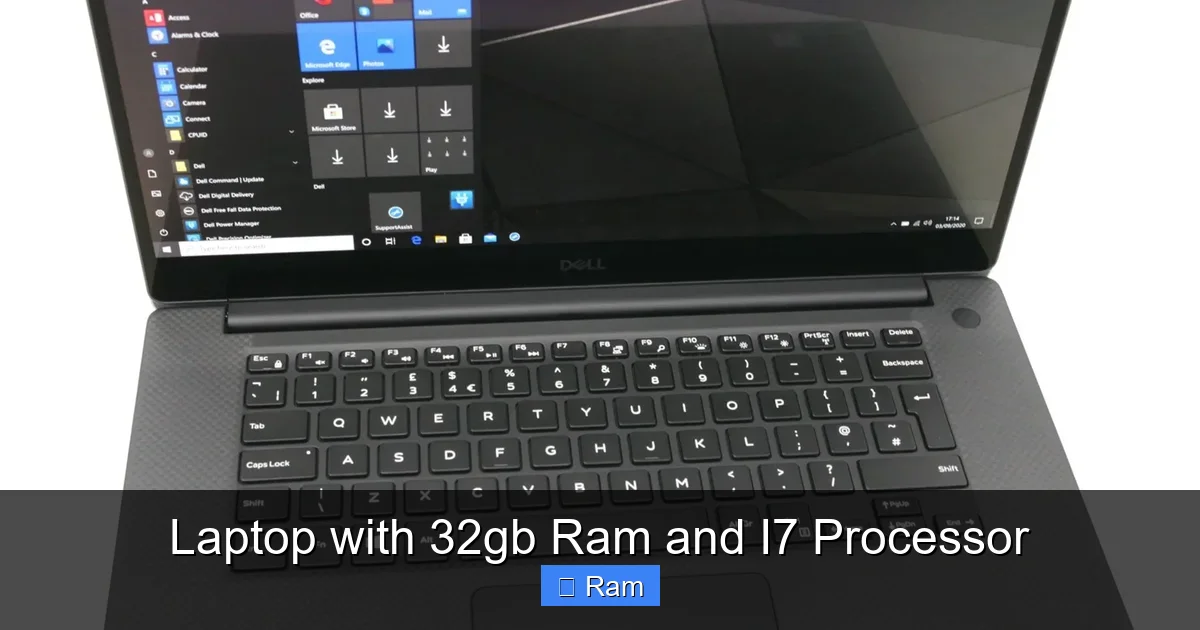
Visual guide about Laptop with 32gb Ram and I7 Processor
Image source: cdn.shopify.com
Benchmarks vs. Real-World Experience
Benchmark scores (like Cinebench or Geekbench) show raw power, but they don’t tell the whole story. The real magic of 32GB + i7 is in the *absence of problems*. You won’t see a “10x faster” result in a single task compared to a 16GB/i5 machine. Instead, you’ll notice you never have to close browser tabs to open a large spreadsheet. Your 4K video timeline will play back smoothly without needing to render a proxy. Your virtual machine will boot instantly and run as if it’s on a dedicated machine. It’s the difference between a computer that *works* and one that *flows*.
Gaming: More Than Just Frames
In gaming, the GPU is king for frame rates, but the CPU and RAM are the royal court that keeps the kingdom running smoothly. An i7 ensures high, stable minimum FPS (frames per second), preventing stutters and hitches in CPU-bound games (often open-world or simulation titles). 32GB RAM eliminates stuttering caused by texture streaming and allows for extensive modding in games like *Minecraft* or *Skyrim*. For competitive esports titles (*Valorant*, *CS:GO*), the high clock speed of an i7 helps achieve those ultra-high refresh rates on a 144Hz+ monitor when paired with a strong GPU.
Content Creation & Productivity Workflows
Here’s where the investment truly pays off. A video editor working with 4K B-RAW footage can have the full project, assets, and previews loaded in RAM, making scrubbing and editing instantaneous. A music producer can run dozens of virtual instruments and effects plugins without audio glitches. A data analyst can pivot a million-row Excel table or run a complex Python script in seconds instead of minutes. The productivity gain isn’t just about saving time; it’s about maintaining creative flow and not having the technology interrupt your thought process.
Top Contenders: What to Look For in a Model
Not all laptops with these specs are created equal. The configuration is just the starting point. The surrounding hardware determines if you get a flagship experience or a throttled disappointment.
Cooling Solution: The Unsung Hero
An i7 and 32GB RAM generate heat, especially under sustained load. A poor cooling design will cause thermal throttling—where the CPU and GPU deliberately slow down to avoid overheating. This means your “powerhouse” laptop will perform like a mid-range one after 10 minutes of work. Look for reviews that specifically discuss thermals and fan noise. Key indicators of good cooling: multiple heat pipes, large vapor chambers (not just thin heat pipes), and a robust fan array. Gaming laptops and mobile workstations from brands like Lenovo (ThinkPad P-series), Dell (XPS, Precision), ASUS (ROG Zephyrus, ProArt), and MSI generally have better thermal designs than ultra-thin consumer models.
Display: Your Window to the World
A powerful CPU/RAM combo deserves a great screen. For creatives, prioritize color accuracy (look for 100% sRGB or 100% DCI-P3 coverage) and high resolution (QHD/2K or 4K). For gamers, focus on high refresh rate (144Hz, 240Hz) and low response times. For general use, a bright (300+ nits), sharp IPS panel is ideal. Don’t let a mediocre, dim, or color-inaccurate display be the weak link in your chain.
Storage: Speed and Capacity
Opt for a fast NVMe PCIe Gen4 SSD (or at least Gen3). With 32GB RAM, you’ll be moving large files around frequently. A slow SATA SSD will become a bottleneck. For capacity, 1TB is the comfortable starting point for a professional machine. 512GB will fill up alarmingly fast with modern games and project files. Check if there’s an empty M.2 slot for future expansion—a huge plus.
Build Quality, Ports, and Battery
A metal chassis (aluminum, magnesium alloy) is more durable and helps with heat dissipation than all-plastic. Ensure it has the ports you need: Thunderbolt 4/USB4 for fast external storage and docks, HDMI 2.1 for external monitors, and enough USB-A ports. And remember our earlier trade-off: battery life will be modest. Manage expectations; you’ll likely get 4-6 hours of real-world use, not 10+. Some models offer a “silent mode” or “eco mode” that underclocks the CPU for longer battery life when on the go.
The Buying Guide: Making the Smart Purchase
Armed with knowledge, how do you actually choose and buy?
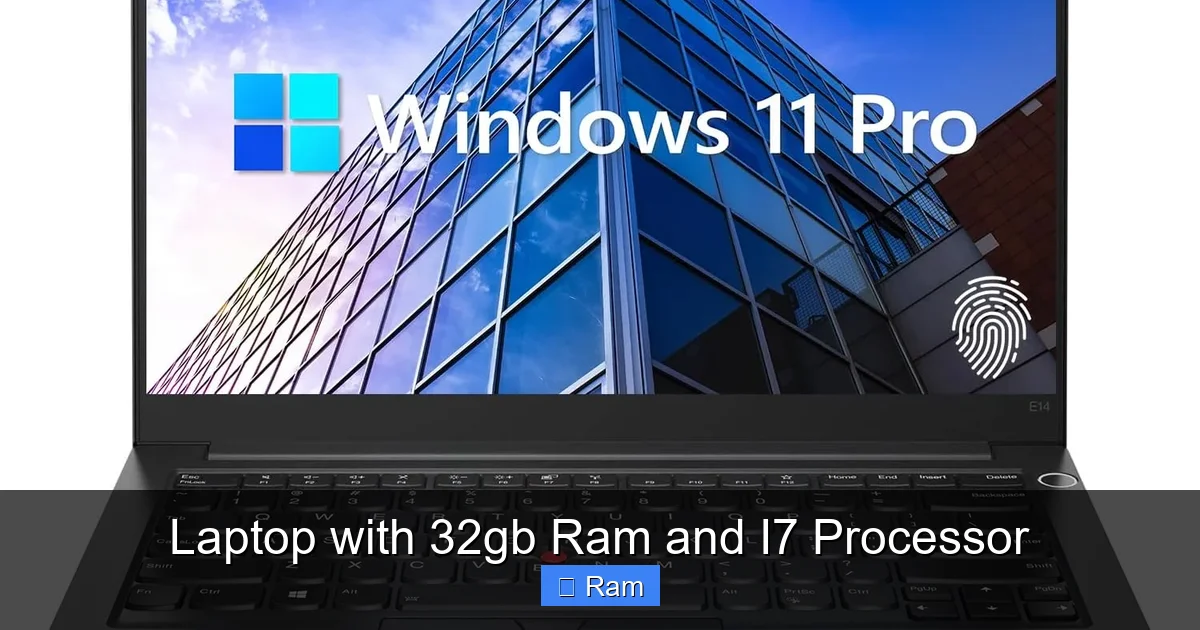
Visual guide about Laptop with 32gb Ram and I7 Processor
Image source: m.media-amazon.com
New vs. Refurbished/Previous Gen
A brand-new laptop with the latest 14th Gen i7 and 32GB will command a premium. Consider previous-generation models (e.g., 12th or 13th Gen) which offer nearly identical performance for 10-20% less. Manufacturer refurbished units from the brand’s own store (Dell Outlet, Lenovo Outlet) are also excellent value, coming with a full warranty. This is a fantastic way to get the spec combo at a better price.
Critical Checklist Before You Click Buy
Make a list:
- Is the RAM soldered? If yes, you’re locked into 32GB forever. If it’s in a slot, you could upgrade later, but buying 32GB pre-installed is often cheaper than two 16GB sticks.
- What is the exact CPU model? An “i7-13620H” is different from an “i7-13700HX”. The “HX” series are desktop-class chips with more cores. Research the specific model’s benchmarks.
- What is the GPU? For non-gamers/creatives, integrated graphics (Iris Xe) is fine. For gaming/rendering, you need a dedicated GPU (RTX 4050 and up).
- What are the display specs? Resolution, refresh rate, color gamut, brightness.
- What are the warranty and support terms? A 1-year on-site warranty is gold. Also, be aware of the terms and conditions regarding returns and repairs, especially if buying from a third-party seller.
Brand Ecosystems and Pre-Configured vs. Custom
Brands like Dell (XPS, Alienware), Lenovo (ThinkPad, Legion), ASUS (ROG, Zenbook), and HP (Spectre, Omen) have strong reputations for build quality and support. Some (like Lenovo, Dell, Alienware) allow extensive customization on their websites—you can often select 32GB RAM as an option. Others (like many ASUS models) come in fixed configurations. Custom-building gives you control but may cost more and have a longer ship time. Pre-configured models from Amazon/Best Buy are ready to ship but may have less optimal storage or RAM speeds. Always read the detailed specs sheet.
Future-Proofing: How Long Will This Last?
This is the million-dollar question. A well-chosen laptop with an i7 and 32GB RAM is a 4-5 year investment for a power user.
The RAM Ceiling and Upgrade Path
32GB is currently the practical ceiling for most high-end laptops (some support 64GB, but it’s rare and expensive). As software becomes more bloated, 32GB will likely become the standard for high-end use in 2-3 years, making this config “current” for longer. The biggest future-proofing factor is whether the RAM is upgradeable. A soldered 32GB is a dead-end. A slot-based 32GB (using two 16GB sticks) means in 3-4 years, you could potentially swap those for two 32GB sticks for 64GB if the motherboard supports it—a huge win for longevity.
CPU Generational Leaps
Intel’s last few generations (12th, 13th, 14th Gen) have seen significant performance jumps due to the hybrid architecture (Performance-cores and Efficiency-cores). A current-gen i7 is a beast. In 3-4 years, it will still be very capable for most tasks, though it may struggle with the most demanding new software that’s optimized for next-gen architectures. The good news? For the vast majority of professional and gaming tasks, CPU progress has slowed. A 5-year-old high-end CPU is still relevant today.
When to Wait vs. When to Buy
If you need a laptop *now* for a project or job, buying a current-gen i7/32GB machine is a smart move. The performance benefit you get today outweighs the minor gains of waiting 6 months for a new CPU generation. However, if you can wait 3-4 months, Intel typically launches new mobile CPUs around CES (January) for spring releases. You might get a slightly better deal on the previous generation or a new model with incremental improvements. A terms and conditions review is also wise when considering pre-orders or new model purchases, to understand return policies if early adoption issues arise.
The Verdict: Is This the Right Laptop for You?
After all this, the answer is simple: if your work or play regularly makes your current laptop feel slow, and you find yourself constantly closing apps to keep going, a laptop with 32GB RAM and an i7 processor is a transformative upgrade. It’s the definition of “no-compromise” mobile computing for the professional, creator, and enthusiast. You are paying for a frustration-free, seamless experience that lets you focus on your work, not your tool. However, if your usage is primarily web browsing, office documents, media consumption, and light gaming, this is serious overkill. You’d be better served by a sleek, long-lasting ultrabook with 16GB RAM and an i5/i7 U-series processor.
The final step is to match this potent core specification with a great display, robust cooling, and the right GPU for your needs. Do your homework on specific models, read professional and user reviews focusing on thermals and real-world performance, and be honest about your battery life expectations. When you find that right combination, you’ll have a laptop that won’t just meet your needs—it will anticipate them, silently and powerfully, for years to come.
Frequently Asked Questions
Is 32GB RAM overkill for a laptop with an i7 processor?
Not for the target users. For general web browsing and office work, yes, 16GB is plenty. But for video editing, 3D work, software development with VMs, heavy multitasking, and modern gaming while streaming, 32GB is the ideal amount to prevent slowdowns and allow smooth workflow. The i7 can fully utilize that RAM.
Can I upgrade the RAM to 32GB later if my laptop has an i7?
It depends entirely on the laptop model. Many modern thin-and-light laptops solder the RAM to the motherboard, making upgrades impossible. Always check the technical specifications or service manual before buying. If you need 32GB, it’s safest to buy it pre-configured.
Should I prioritize more RAM or a better GPU for gaming?
For pure gaming FPS, a more powerful GPU (e.g., RTX 4070 vs. 4060) is almost always the better investment over extra RAM beyond 16GB. However, 32GB RAM is highly recommended for a gaming *streamer* or someone who games while having many other applications open. For a dedicated gaming laptop, 16GB is often sufficient, but 32GB provides headroom for future games.
Will a laptop with 32GB RAM and i7 have bad battery life?
Yes, compared to efficiency-focused laptops. High-performance components consume more power. Expect 4-6 hours of real-world mixed use. Some models offer power-saving modes that can extend this to 7-8 hours by underclocking the CPU, but you won’t get 10+ hours. It’s a necessary trade-off for this level of performance.
Is DDR4 or DDR5 RAM better in these laptops?
DDR5 is the newer standard, offering higher bandwidth and better efficiency. For most tasks, the real-world difference between fast DDR4 and early DDR5 is minimal. However, DDR5 is more future-proof. When comparing two otherwise identical laptops, the one with DDR5 is the slightly better long-term choice, but don’t let it be the deciding factor over other specs like cooling or display.
What operating system comes with these laptops?
Most new consumer laptops (gaming, ultrabooks) ship with Windows 11 Home. Business and workstation laptops (ThinkPad, Dell Precision, HP ZBook) typically come with Windows 11 Pro. Some developer-focused models may offer Linux options. Always verify the included OS in the product listing.