Laptop with 32 Gb Ram
A laptop with 32 GB RAM is a powerhouse designed for extreme multitasking and professional-grade workloads. It’s the sweet spot for serious content creators, developers, data scientists, and engineers who run multiple heavy applications simultaneously. While overkill for basic browsing and office tasks, this amount of memory eliminates slowdowns, allowing for seamless work with large files, virtual machines, and complex projects, effectively future-proofing your investment.
Key Takeaways
- For Power Users Only: 32 GB RAM is essential for professionals in video editing, 3D rendering, software development, and data analysis who deal with massive files and multiple demanding apps.
- Smooth Multitasking King: It allows you to have dozens of Chrome tabs, a full Adobe Suite, a virtual machine, and Spotify running simultaneously without a single stutter.
- Future-Proofing Investment: As software and operating systems become more resource-intensive, 32 GB provides a significant buffer, extending your laptop’s useful life by 2-3 years compared to 16 GB.
- Not a Gaming FPS Booster: While beneficial for streaming while gaming or modding, 32 GB does not directly increase frame rates; the GPU is far more critical for that.
- Check Upgradeability First: Many modern laptops solder RAM to the motherboard. You must buy the configuration you need upfront, making the initial purchase decision critical.
- Balance is Crucial: Pairing 32 GB of RAM with a weak CPU or slow storage (like an old HDD) creates a bottleneck. Ensure your laptop has a modern multi-core processor and a fast NVMe SSD.
- Overkill for Casual Use: For web browsing, email, Office apps, and 1080p video streaming, 8-16 GB is more than sufficient. Spending on 32 GB here gives no perceptible benefit.
📑 Table of Contents
- Introduction: Is 32 GB of Laptop RAM Just a Fancy Number?
- Who Actually Needs a Laptop with 32 GB RAM? The Power User Profile
- The 32 GB vs. 16 GB Showdown: A Tangible Performance Gap
- Critical Buying Considerations: It’s Not Just About the RAM Number
- Debunking Myths: When 32 GB is NOT the Answer
- Top Laptop Categories Featuring 32 GB RAM: Where to Look
- Conclusion: Making the Right Choice for You
Introduction: Is 32 GB of Laptop RAM Just a Fancy Number?
You’ve seen the listings: sleek, powerful laptops advertised with a staggering 32 GB of RAM. It sounds impressive, maybe even intimidating. But what does it actually mean for your daily use? Is it a necessary tool for your work, or just an expensive spec sheet checkbox? Think of your laptop’s RAM—Random Access Memory—as its immediate, accessible workspace. The bigger this workspace, the more projects, files, and applications you can have open and actively working on without cluttering the desk or forcing you to put things away (which in computer terms, means slowing down as it swaps data to the much slower hard drive).
A laptop with 32 GB RAM isn’t for everyone. For checking email, scrolling social media, and watching Netflix, it’s like buying a commercial-grade moving truck to carry a single backpack. But for the right person—the power user, the creative professional, the technical specialist—it’s not a luxury; it’s the very foundation of a fluid, frustration-free workflow. This guide will cut through the marketing hype. We’ll explore exactly who needs this much memory, what real-world tasks it transforms, the key technical considerations before you buy, and whether that premium price tag translates into real value for you.
Who Actually Needs a Laptop with 32 GB RAM? The Power User Profile
Gone are the days when 16 GB was considered “plenty” for all but the most extreme tasks. Modern operating systems, web browsers with hundreds of tabs, and professional applications are hungrier than ever. But the jump to 32 GB is significant. It’s the threshold where you move from “handles most things” to “handles absolutely everything you throw at it, all at once.” Let’s meet the people for whom this isn’t a want, but a need.
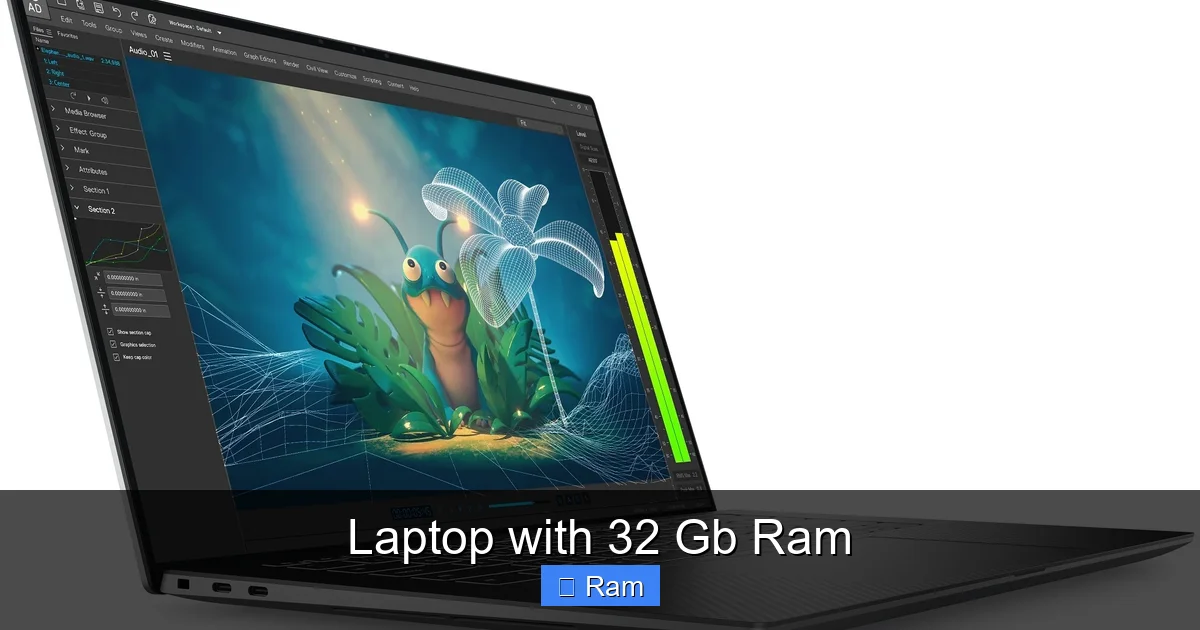
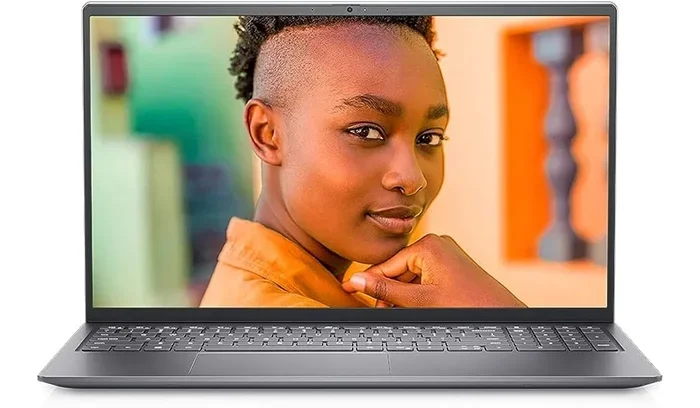
Visual guide about Laptop with 32 Gb Ram
Image source: laptopmedia.com
The Content Creator & Video Editor
If you work with high-resolution footage—think 4K, 6K, or even 8K—your editing software (Adobe Premiere Pro, DaVinci Resolve, Final Cut Pro) is a RAM monster. While editing, the software constantly caches previews, effects, and timelines in RAM for smooth playback. With 16 GB, you might find yourself rendering or generating proxies just to scrub through your timeline. With 32 GB of RAM, you can often work with native 4K footage, apply multiple color grades and effects, and keep other applications like Photoshop, After Effects (for dynamic link), and a browser with research tabs open. The difference between waiting for a red render line to clear and having instant, real-time playback is the difference between a creative flow state and a frustrated, waiting game.
The Software Developer & Data Scientist
This is arguably the group that lives in the 32 GB+ realm. A developer running a local development environment with a database server (like PostgreSQL or MongoDB), a backend application server (Node.js, Django), a frontend build process (Webpack), a containerized microservice environment (Docker), an IDE (VS Code, IntelliJ), and a browser with 50 tabs for documentation? That’s a recipe for massive slowdown on 16 GB. Each Docker container, each database instance, each background service consumes RAM. 32 GB provides the breathing room to keep this entire ecosystem running smoothly. Similarly, data scientists working with large datasets in Python (Pandas), R, or Jupyter Notebooks will see their notebooks freeze and crash with less memory. 32 GB allows for in-memory analysis of larger datasets without constant, slow read/writes to disk.
The 3D Artist & Animator
Working in Blender, Maya, or Cinema 4D? Your viewport performance is king. Complex 3D scenes with high-poly models, intricate textures, and physics simulations will grind to a halt if your system runs out of RAM and starts using swap memory. 32 GB allows you to work on larger, more detailed scenes without having to constantly decimate your models or use lower-resolution textures for previews. It also makes rendering with CPU-based renderers (like some modes in Arnold or Corona) much more efficient, as the entire scene can be held in memory.
The Engineer & CAD Professional
Architectural CAD (AutoCAD, Revit), mechanical design (SolidWorks, Fusion 360), and engineering simulation software (ANSYS, MATLAB) deal with incredibly complex assemblies and calculations. Opening a large assembly with hundreds of parts in SolidWorks with only 16 GB RAM can lead to constant lag when rotating the model or making edits. 32 GB of RAM ensures that even your most massive project files remain responsive, allowing you to focus on design, not on the hourglass cursor.
The “Extreme” Multitasker & Virtual Machine User
This user doesn’t just have many apps open; they run entire other operating systems within their laptop. Whether it’s testing software in different Windows/Linux environments via VirtualBox or VMware, using a Mac to run Windows for a specific enterprise application, or a security researcher spinning up isolated VMs, each virtual machine acts like a separate computer inside your computer. A VM with 4-8 GB of RAM assigned to it is common. Run two or three of those alongside your host OS and your regular apps, and you’ll vaporize 16 GB in an instant. 32 GB is the entry point for serious VM work, allowing for 2-3 comfortably allocated VMs without crippling the host system.
The 32 GB vs. 16 GB Showdown: A Tangible Performance Gap
It’s easy to think, “How much worse can 16 GB be?” The answer, for the target audience, is “significantly.” The performance gap isn’t about raw speed in a single benchmark; it’s about sustained, multi-application workflow. Let’s illustrate with practical examples.
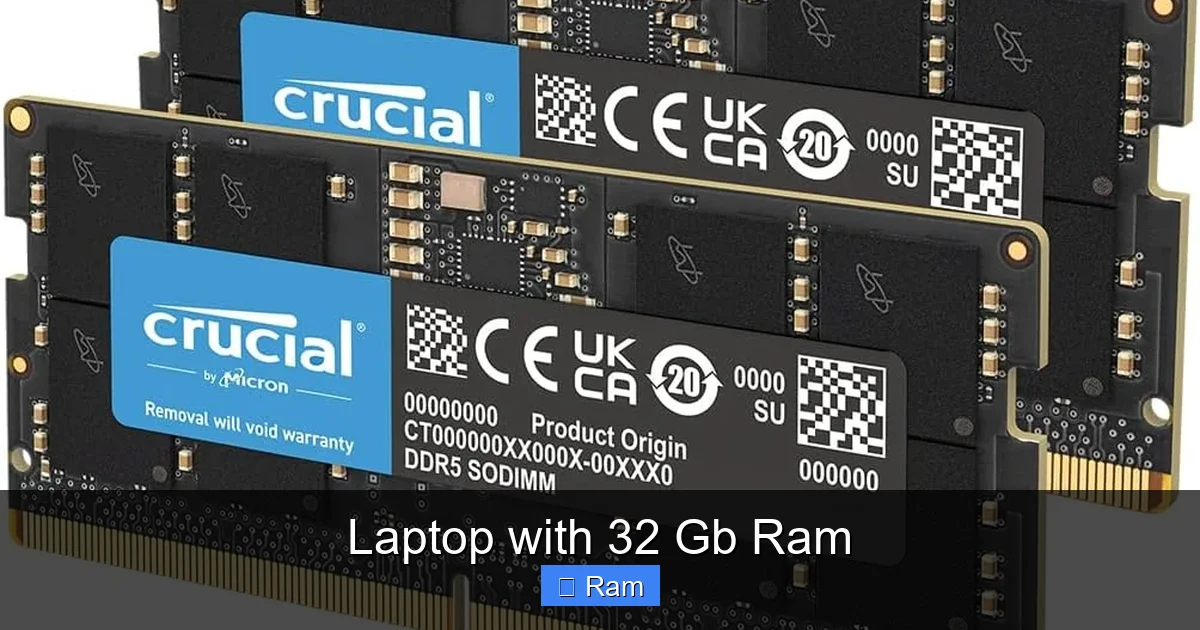
Visual guide about Laptop with 32 Gb Ram
Image source: m.media-amazon.com
Example 1: The Video Editor’s Morning
With 16 GB: You open Premiere Pro to edit a 4K project. You also need Chrome open for stock footage and audio references (30 tabs). You have Spotify playing music, Slack for team communication, and maybe a Zoom call for a quick sync. Within an hour, your system becomes sluggish. Scrubbing the timeline stutters. Exporting a short clip for review slows to a crawl as the system struggles, using your SSD as slow virtual memory (thrashing). You spend 20% of your time waiting.
With 32 GB: You open the exact same set of applications. The 4K timeline plays back smoothly in real-time. Chrome remains responsive even with all tabs. The Spotify and Zoom calls have no impact. Exporting happens at full speed because the cache is in fast RAM, not on disk. The system feels like it has infinite capacity. You spend 100% of your time creating.
Example 2: The Developer’s Debugging Session
With 16 GB: You start your Docker containers (frontend, backend, DB). Your IDE indexes the project. You open a few browser tabs for API docs. Things are okay at first. Then you need to run a memory-intensive test script. The system chokes. Your IDE freezes. Docker containers might get killed by the OS’s OOM (Out-Of-Memory) killer. You have to close everything, restart, and try to keep a lighter load.
With 32 GB: You run your full-stack environment, the test script, have your IDE fully indexed, and all your reference docs open. The test script completes. Your IDE never skips a beat. The Docker containers hum along. You can even have a music player in the background. The workflow is uninterrupted.
The pattern is clear: 32 GB eliminates the “cap” that 16 GB imposes on concurrent, heavy workloads. It transforms your laptop from a tool that requires constant management and compromise into a tool that just works.
Critical Buying Considerations: It’s Not Just About the RAM Number
Seeing “32 GB RAM” on a spec sheet is just the first checkpoint. A poorly configured laptop with 32 GB of slow RAM and a weak CPU will still feel sluggish. You must look at the whole system. Here’s your pre-purchase checklist.
Visual guide about Laptop with 32 Gb Ram
Image source: m.media-amazon.com
1. RAM Type and Speed (DDR4 vs. DDR5, MHz)
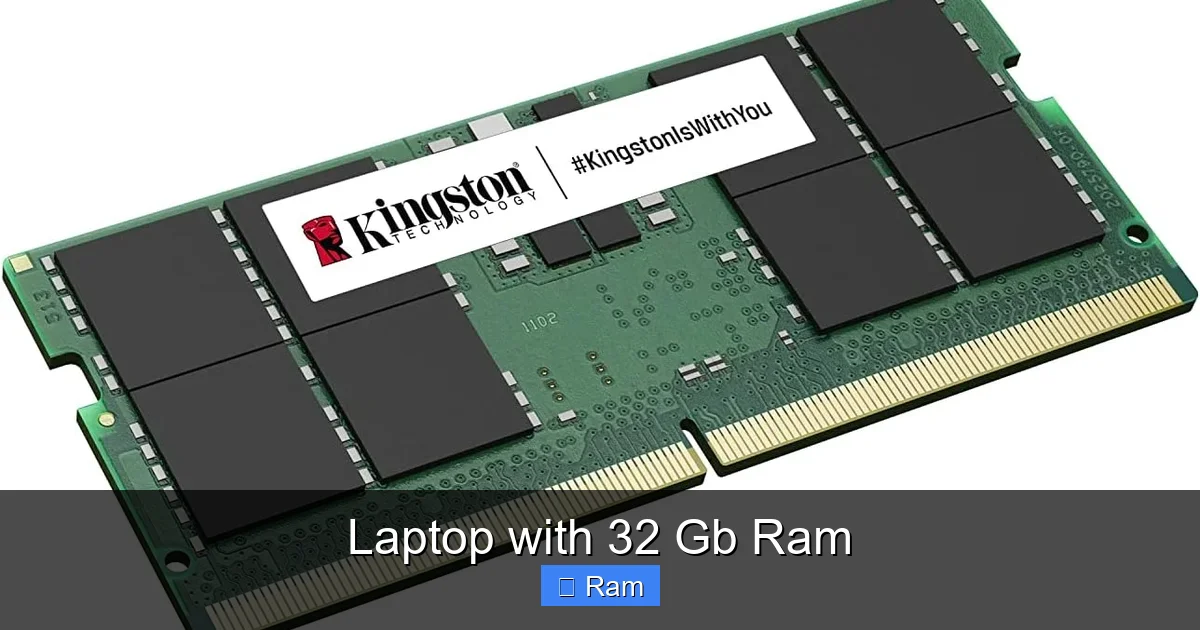
Not all RAM is created equal. Most modern laptops use DDR4 or the newer, faster DDR5. Speed is measured in megahertz (MHz). Faster RAM (e.g., 3200 MHz vs. 2133 MHz) allows for quicker data transfer between the RAM and the CPU. For professional workloads, DDR5 is preferable if available and within your budget, as it offers significantly higher bandwidth. However, the capacity (32 GB) is a far more impactful upgrade for multitasking than a jump from, say, 2666 MHz to 3200 MHz. Don’t sacrifice capacity for a minor speed bump.
2. The Unsolderable Truth: Is the RAM Upgradeable?
This is the most critical question you can ask before buying. In the quest for thinner designs, many manufacturers now solder RAM directly to the motherboard. This means it is physically impossible to upgrade after purchase. You are locked into the configuration you buy. If you buy a laptop with 16 GB soldered RAM today, you cannot change it to 32 GB in two years. You must buy the 32 GB model from the start. Always check the manufacturer’s technical specifications or reputable reviews (like iFixit’s teardowns) to confirm if the RAM is user-upgradeable. If it is, you might buy a lower-capacity model now and upgrade later, but often the price of the RAM kit plus labor means buying the pre-configured 32 GB model is simpler and sometimes cheaper.
3. The CPU: The Brain That Needs the Workspace
RAM is your workspace, but the CPU (processor) is your brain. If you pair 32 GB of RAM with a low-power, 4-core U-series processor (common in thin-and-light “productivity” laptops), you’ve created a severe bottleneck. The CPU will struggle to process data fast enough to even use that vast workspace effectively. For a 32 GB RAM laptop to make sense, it should be powered by a performance-oriented CPU: Intel’s H-series or P-series (e.g., i7-13700H, i9-13900HX) or Apple’s M-series Pro/Max/Ultra chips, or AMD’s Ryzen 7/9 H-series (e.g., Ryzen 9 7940H). These chips have more cores, higher power limits, and are built to sustain performance under heavy, prolonged loads.
4. Storage: The Speed of “Save” and “Load”
When your RAM fills up, the system uses your SSD or HDD as “virtual memory” (swap/page file). This is orders of magnitude slower than actual RAM. To avoid this, you need fast storage. Ensure your laptop has a modern, high-speed NVMe PCIe SSD (Gen3 or Gen4). A SATA SSD or, heaven forbid, a spinning hard drive, will become a crippling bottleneck, making even 32 GB of RAM feel slow when the system does need to swap. Look for read/write speeds over 2,000 MB/s for a good Gen3 drive; Gen4 drives can exceed 7,000 MB/s.
5. Cooling and Power Delivery
Sustained heavy workloads (rendering, compiling, simulating) generate immense heat. A laptop with 32 GB RAM and a powerful CPU/GPU needs a robust cooling system—larger heat pipes, bigger fans, more vents. A thin laptop with inadequate cooling will throttle (reduce performance) to manage temperatures, negating the benefit of the powerful hardware inside. Check reviews for thermal performance under load. Also, ensure the power adapter is sufficiently powerful (e.g., 200W+) to feed the high-performance components without battery drain during intensive tasks.
Debunking Myths: When 32 GB is NOT the Answer
With all this praise for 32 GB, it’s important to clearly state where it’s unnecessary, even wasteful. Understanding this saves you money and prevents buyer’s remorse.
Myth 1: “More RAM Always Means a Faster Computer for Everything”
False. RAM is about capacity for concurrent tasks, not raw speed for a single task. If your single task is a game, a video player, or a simple program, once it has the RAM it needs (often 8-16 GB), adding more does nothing. The performance of that task is dictated almost entirely by the CPU (for logic) and GPU (for graphics). You will see zero FPS increase in a game by going from 16 GB to 32 GB, unless you are also streaming, recording, and have 100 browser tabs open in the background.
Myth 2: “32 GB is the New Standard, Everyone Should Get It”
False. The standard for the *average user* is still 8-16 GB. Windows 11/macOS with background processes and a few dozen Chrome tabs might use 6-10 GB. For 90% of users—students, office workers, casual media consumers—16 GB is a comfortable, future-proof buffer. Spending an extra $300-$600 on 32 GB for a machine that will never use it is poor value. That budget is better spent on a better screen, more storage, or a stronger CPU/GPU combo that *will* provide tangible benefits.
Myth 3: “I Can Always Upgrade Later”
Often False. As mentioned, soldered RAM is the industry trend. If you buy a laptop with 16 GB today and find you need 32 GB in two years, you likely cannot upgrade. You would have to buy a whole new laptop. The only way this myth is true is if you meticulously research and buy a business-class laptop (like some Dell Latitude, Lenovo ThinkPad, or Framework models) known for having socketed, user-upgradeable RAM. Even then, the cost of a 32 GB RAM kit (2×16 GB) might be high, and you’re limited by the laptop’s maximum supported capacity (often 64 GB, but sometimes capped lower).
The Casual User’s Sweet Spot: 16 GB
For web browsing with 50+ tabs, Office/Google Workspace, 1080p video calls, light photo editing, and even 1080p/1440p gaming, 16 GB is the ideal, cost-effective target. It provides ample headroom for years. The jump to 32 GB should be a conscious decision based on a *known, current need* for extreme multitasking or professional software, not a speculative “just in case.”
Top Laptop Categories Featuring 32 GB RAM: Where to Look
If you’ve determined you fall into the power user category, where should you start your search? 32 GB RAM is not found in every laptop line. It’s concentrated in specific, performance-oriented categories.
Mobile Workstations
This is the primary home for laptops with 32 GB RAM. Brands like Dell (Precision), HP (ZBook), Lenovo (ThinkPad P-series), and MSI (Creator/Workstation lines) build these as certified tools for professionals. They feature ISV (Independent Software Vendor) certifications for apps like AutoCAD, SolidWorks, and MATLAB, meaning the hardware is tested and guaranteed to work reliably with that software. They almost always have upgradeable RAM (socketed), powerful H-series or Xeon CPUs, professional-grade NVIDIA RTX A-series or Quadro GPUs, and excellent, color-accurate displays. Expect premium build quality and a higher price tag, but also unparalleled reliability for mission-critical work.
High-Performance Gaming Laptops & Creators Laptops
Modern gaming laptops from ASUS (ROG Zephyrus/Strix), Razer (Blade), Alienware, and Acer (Predator) frequently offer 32 GB configurations, especially in their larger, more powerful models. The same is true for “creator” focused laptops like the Dell XPS 15/17, Lenovo Yoga Pro, and MacBook Pro. These prioritize top-tier displays (OLED, high refresh rate), premium designs, and powerful components. In these, 32 GB is often soldered, so you must choose it at purchase. They are excellent for gamers who also stream/record and for creators who want a more stylish, thinner device than a traditional workstation.
Apple Silicon MacBooks (M3 Pro/Max)
Apple’s approach to RAM is different. Their unified memory architecture means the RAM is shared between the CPU and GPU. For their professional chips (M3 Pro, M3 Max), 32 GB is a very common and recommended configuration for the same power-user workloads listed earlier. A MacBook Pro with an M3 Pro chip and 32 GB of unified memory is a formidable machine for video editing, development, and data work, often matching or exceeding the performance of much more power-hungry Windows mobile workstations. The RAM is, of course, soldered, so you must configure it upfront.
The Framework Laptop (The Upgradeable Exception)
The Framework Laptop (13-inch and 16-inch) is a notable exception to the soldered RAM trend. It is explicitly designed to be user-repairable and upgradeable. You can buy the base model with 8 GB or 16 GB of DDR5 RAM and later purchase a 32 GB (2×16 GB) kit from Framework or a third party and swap it yourself in minutes. If the idea of being locked into your RAM choice gives you anxiety, the Framework is the ultimate solution, though it has a more utilitarian design than premium ultrabooks.
Conclusion: Making the Right Choice for You
A laptop with 32 GB RAM is a statement. It says, “My work is demanding, I multitask relentlessly, and I cannot afford downtime.” It is the tool that empowers a video editor to work with raw 8K footage, a developer to run a full microservices architecture locally, and a data scientist to query a massive dataset without waiting. The performance gain is real, tangible, and transformative for these users.
However, it is not a magic bullet for general computing speed. For the vast majority, 16 GB remains the perfect balance of performance, future-proofing, and value. The key is honest self-assessment. Look at your actual workflow right now. Do you regularly see your RAM usage hit 90%+ in Task Manager or Activity Monitor? Do you close applications specifically to free up memory for another task? If yes, 32 GB is likely a wise investment. If you’re unsure, lean towards 16 GB and invest the savings in a better CPU, GPU, or a larger, faster SSD—components that will provide broader performance improvements.
Finally, remember the ecosystem: 32 GB RAM must be paired with a commensurate CPU, fast NVMe storage, and a robust cooling solution. Read reviews focusing on sustained performance and thermals. Check that crucial upgradeability status. By doing your homework, you won’t just buy a laptop with a big number on the spec sheet; you’ll buy a productivity machine that will feel fast and capable for years to come.
Frequently Asked Questions
Is 32 GB of RAM overkill for gaming?
For pure gaming—running a single game with no background applications—16 GB is still the standard and is more than sufficient. 32 GB becomes beneficial if you are a streamer (running OBS, a game, and Chrome), use mods that are RAM-intensive, or frequently alt-tab to other heavy applications while gaming. It provides headroom but does not directly increase in-game frame rates.
Will a laptop with 32 GB RAM feel faster for everyday tasks like web browsing?
For basic web browsing with a few tabs, email, and office apps, you will notice no perceptible difference between a 16 GB and 32 GB machine. The performance is identical because those tasks don’t require more than 8-12 GB. The benefit of 32 GB only manifests when you push the system with many simultaneous, heavy applications.
How can I check if my current laptop can be upgraded to 32 GB RAM?
First, check your laptop’s specific model’s technical specifications on the manufacturer’s website. Look for “Memory” or “Upgradeability.” Second, use a system information tool like CPU-Z (Windows) or “About This Mac” (Apple). In the Memory tab, it may state if the RAM is “soldered” or “upgradeable.” Third, search for “[Your Laptop Model] RAM upgrade” on YouTube or forums like Reddit; teardown videos will show if there are accessible RAM slots.
Will having 32 GB RAM prevent my laptop from slowing down over time?
It will significantly help. A major cause of perceived slowdown over time is software bloat and having more applications/tabs open simultaneously. With 32 GB, you have a massive buffer against this. Your system will be far less likely to resort to slow disk-based swapping as your RAM usage grows, maintaining responsiveness much longer than a machine with less memory.
Can I buy a laptop with 16 GB RAM and upgrade it to 32 GB myself later?
It depends entirely on your laptop model. If it has socketed, accessible RAM slots (common in many gaming laptops, business laptops like ThinkPads, and the Framework), yes, you can usually buy a 32 GB kit (2×16 GB) and install it. However, if the RAM is soldered (common in most ultrabooks and MacBooks), it is impossible to upgrade. You must purchase the 32 GB configuration at the time of buying.
Is 32 GB of RAM worth the extra cost?
It is worth the cost only if you have a demonstrated, professional need for it. For a video editor, developer, or data scientist whose workflow is currently hampered by RAM shortages, the time saved and frustration avoided makes it a valuable business investment. For a general user, the extra cost (often $300-$600) provides no real-world benefit and is not worth it. The value is purely use-case dependent.