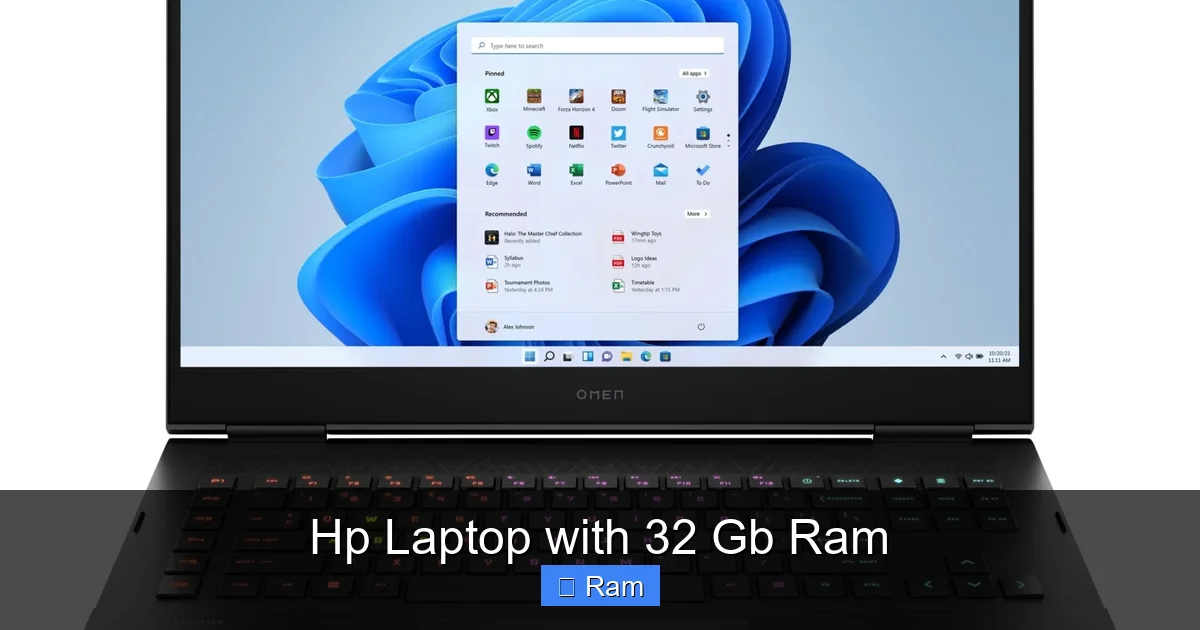
Hp Laptop with 32 Gb Ram
Looking for raw speed and multitasking muscle? An HP laptop with 32 GB RAM delivers desktop‑level performance in a portable package. From gaming rigs to creator‑focused workstations, we break down the top models, key features, and buying tips so you can choose the right machine for your needs. Read on to see which HP notebook gives you the power you deserve.
Key Takeaways
- Performance boost: 32 GB RAM lets you run multiple heavy apps—like video editors and virtual machines—without lag.
- Model variety: HP offers 32 GB options across the Envy, Spectre, Omen, and ZBook lines, covering everyday use to pro‑grade work.
- Future‑proofing: With DDR5 and upgradeable slots, these laptops stay fast for years.
- Battery trade‑off: More RAM can slightly reduce battery life, so consider your mobility needs.
- Price range: Expect $1,300–$2,500 depending on CPU, GPU, and screen quality.
- Upgrade paths: Some HP models let you add more RAM later, protecting your investment.
- Best pick: The HP Omen 16 with i7‑14700HX, DDR5‑5600, and RTX 4060 offers the best balance of power and price.
📑 Table of Contents
- Why 32 GB RAM Matters in a Laptop
- Top HP Laptop Models Featuring 32 GB RAM
- How to Choose the Right HP Laptop with 32 GB RAM
- Practical Tips to Get the Most Out of Your HP Laptop with 32 GB RAM
- Future‑Proofing: Upgrading and Maintaining Your HP Laptop
- Conclusion: Is an HP Laptop with 32 GB RAM Right for You?
Why 32 GB RAM Matters in a Laptop
When you hear “32 GB RAM,” you might picture a desktop tower. But in a laptop, that amount of memory changes the game. It allows you to keep dozens of tabs open, edit 8K video, run complex 3D renders, and spin up several virtual machines—all at once.
Most everyday laptops ship with 8 GB or 16 GB. Those are fine for browsing, office work, and light media consumption. However, power users quickly hit a wall. The operating system starts swapping to the SSD, causing stutters and slower load times. Adding 32 GB of RAM eliminates that bottleneck, giving you a smoother experience that feels like a desktop.
Speed vs. Storage: The Real Difference
RAM is like a short‑term memory for your computer. It stores data that the CPU needs right now. SSD storage, on the other hand, is long‑term. Even the fastest NVMe drives can’t match the nanosecond latency of RAM. When you have 32 GB, the CPU spends less time waiting for data, which translates to faster rendering, quicker compile times, and smoother gaming.
Who Really Needs 32 GB?
- Content creators: Video editors working with 4K/8K footage, Photoshop power users, and 3D artists.
- Developers: Those running Docker containers, Android emulators, or multiple IDEs.
- Gamers: Modern titles with high‑resolution textures and background streaming.
- Professionals: Financial analysts, data scientists, and engineers handling large datasets.
Top HP Laptop Models Featuring 32 GB RAM
HP’s lineup is broad, but only a handful of laptops ship with 32 GB RAM straight from the factory. Below we examine the most popular options, highlighting their strengths and weaknesses.
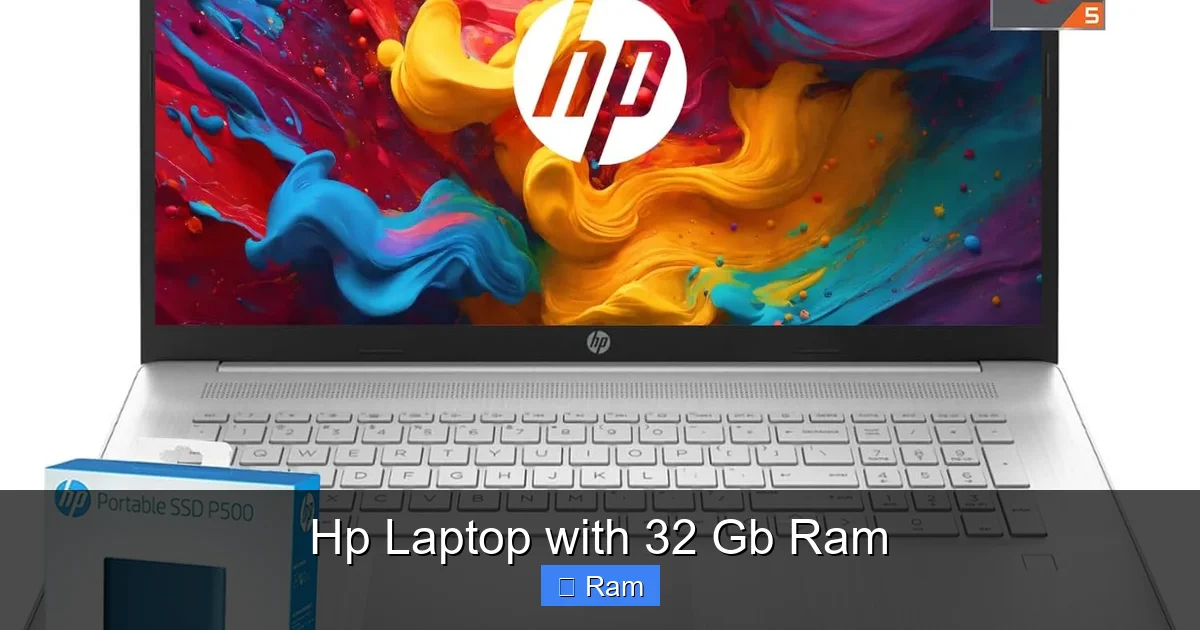
Visual guide about Hp Laptop with 32 Gb Ram
Image source: m.media-amazon.com
1. HP Omen 16 (2024)
The Omen series is HP’s answer to high‑performance gaming and creator laptops. The 2024 Omen 16 can be configured with an Intel Core i7‑14700HX, 32 GB DDR5‑5600 RAM, and an NVIDIA RTX 4060.
- CPU: 12‑core i7‑14700HX, 2.9 GHz base, up to 5.0 GHz boost.
- GPU: RTX 4060 8 GB GDDR6, excellent for 1080p‑1440p gaming.
- Display: 16.1″ QHD (2560×1440), 165 Hz, 100% sRGB.
- Storage: 1 TB PCIe NVMe SSD.
- Battery: 83 Wh, up to 7 hours mixed use.
This model is the best all‑rounder for users who need both gaming power and creative performance. The DDR5 memory runs at 5600 MT/s, giving a noticeable lift in multitasking compared to older DDR4 models.
2. HP Spectre x360 16 (2024)
The Spectre x360 line targets premium ultrabooks with a 2‑in‑1 design. The 2024 version can be ordered with an i7‑1360P, 32 GB LPDDR5, and integrated Intel Iris Xe graphics.
- CPU: i7‑1360P, 12‑core hybrid architecture.
- RAM: 32 GB LPDDR5‑5600, soldered (non‑upgradeable).
- Display: 16″ OLED, 3K2K (3072×1920), 400 nits, touch.
- Storage: 1 TB PCIe NVMe.
- Battery: 94 Wh, up to 12 hours web browsing.
For creatives who value a gorgeous display and portability, the Spectre x360 16 offers a sleek, lightweight chassis while still delivering the memory bandwidth needed for photo and video editing.
3. HP ZBook Fury G9
The ZBook line is HP’s mobile workstation series, built for engineers and designers. The Fury G9 can be equipped with a Xeon W‑1290P, 32 GB DDR5 ECC RAM, and a Quadro RTX 5000.
- CPU: Xeon W‑1290P, 10‑core, 2.5 GHz base.
- RAM: 32 GB DDR5 ECC, dual‑channel, up to 6400 MT/s.
- GPU: NVIDIA RTX A5000 (16 GB GDDR6).
- Display: 15.6″ DreamColor, 4K UHD, 100% DCI‑P3.
- Storage: 2 TB PCIe NVMe RAID 0.
- Battery: 94 Wh, up to 6 hours under CAD workloads.
This is the go‑to choice for professionals who need ECC memory for data integrity and a certified GPU for CAD, BIM, or 3D rendering.
4. HP Envy 15 (2024)
The Envy series balances performance with price. The Envy 15 can be ordered with an i7‑13700H, 32 GB DDR5, and an NVIDIA RTX 3050 Ti.
- CPU: i7‑13700H, 14‑core.
- RAM: 32 GB DDR5‑5200.
- GPU: RTX 3050 Ti 4 GB.
- Display: 15.6″ 4K OLED, 60 Hz.
- Storage: 1 TB SSD.
- Battery: 78 Wh, up to 9 hours mixed use.
It’s a solid choice for students and freelancers who need a powerful machine for Photoshop, Lightroom, and occasional gaming without breaking the bank.
5. HP Elite Dragonfly G3
The Elite Dragonfly is HP’s ultra‑light business laptop. While most configurations max out at 16 GB, a special “Performance” SKU ships with 32 GB LPDDR5 and an i7‑1360P.
- CPU: i7‑1360P.
- RAM: 32 GB LPDDR5‑5600 (soldered).
- Display: 13.5″ 3K2K IPS, touch, privacy filter.
- Battery: 66 Wh, up to 15 hours business use.
- Weight: 1.0 kg.
Ideal for executives who travel constantly and need to run multiple Office apps, VPNs, and video conferences simultaneously.
How to Choose the Right HP Laptop with 32 GB RAM
Not every 32 GB HP laptop fits every use case. Follow these steps to narrow down the perfect model.
Visual guide about Hp Laptop with 32 Gb Ram
Image source: m.media-amazon.com
Step 1: Identify Your Primary Use
List the applications you run most often. Gaming? Look for a dedicated GPU like RTX 4060 or higher. Video editing? Prioritize a high‑resolution display and fast SSD. Business work? A lighter chassis with long battery life may be key.
Step 2: Check the CPU Generation
Newer CPUs (13th‑gen Intel or AMD Ryzen 7000) deliver better single‑core performance, which matters for most creative software. Pairing a modern CPU with 32 GB RAM maximizes the benefit of the memory.
Step 3: Evaluate the Type of RAM
- DDR5 vs. DDR4: DDR5 offers higher bandwidth and lower power draw, but DDR4 is still adequate for most tasks.
- Soldered vs. Upgradeable: Soldered RAM (common in ultrabooks) cannot be expanded later. If you anticipate needing more than 32 GB, choose a model with removable DIMM slots.
- ECC Memory: Only workstations like the ZBook provide ECC, which corrects errors on the fly—crucial for mission‑critical work.
Step 4: Consider Portability and Battery Life
High‑performance GPUs and bright 4K screens drain power quickly. If you travel daily, a model like the Spectre x360 16 or Elite Dragonfly G3 offers longer runtimes, albeit with less gaming muscle.
Step 5: Set a Realistic Budget
Expect to spend between $1,300 and $2,500. The Omen 16 sits around $1,699, the Spectre x360 16 near $1,999, and the ZBook Fury G9 can exceed $2,500 with top‑end GPU options.
Practical Tips to Get the Most Out of Your HP Laptop with 32 GB RAM
Buying the hardware is just the start. Here are actionable steps to ensure your laptop runs at its peak.
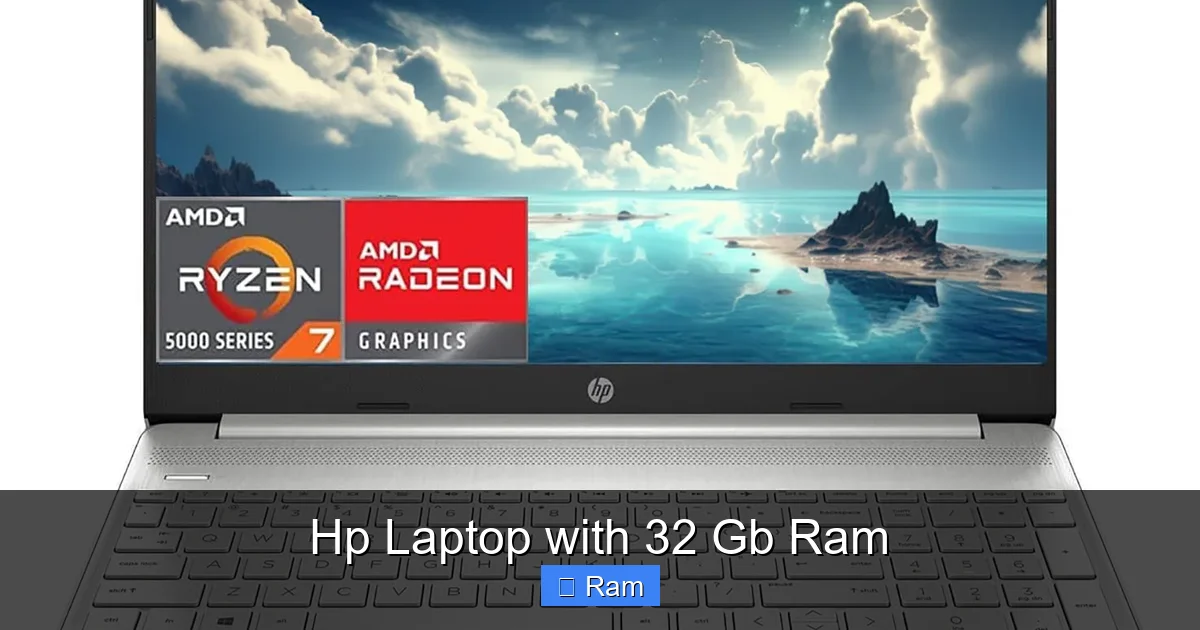
Visual guide about Hp Laptop with 32 Gb Ram
Image source: m.media-amazon.com
Optimize Power Settings
Switch to “High Performance” mode when plugged in for demanding tasks. Use “Balanced” on battery to extend life without sacrificing too much speed.
Keep Drivers Updated
HP’s Support Assistant automatically notifies you of BIOS, chipset, and GPU driver updates. Regular updates improve stability, especially with large memory footprints.
Use Memory‑Intensive Features Wisely
Applications like Adobe Premiere let you allocate RAM for playback and rendering. Set the “Memory Allocation” slider to 30‑40% of total RAM to keep the OS responsive.
Leverage Virtual Desktops
Windows 11’s virtual desktops help you separate workspaces (e.g., one for coding, another for design). With 32 GB RAM, you can keep dozens of apps open across desktops without slowdown.
Consider External GPUs (eGPU) for Future Proofing
If you bought a lighter model with an integrated GPU but later need more graphics power, an eGPU enclosure can add a desktop‑class GPU via Thunderbolt 4, while your 32 GB RAM continues to handle the heavy workloads.
Future‑Proofing: Upgrading and Maintaining Your HP Laptop
Even with 32 GB RAM, technology moves fast. Planning for upgrades can extend your laptop’s useful life.
Upgrade Paths for Different Models
- Omen 16: Two SODIMM slots; you can replace the 32 GB kit with a 64 GB kit later.
- Spectre x360 & Elite Dragonfly: RAM is soldered—no upgrade possible.
- ZBook Fury G9: Supports up to 128 GB DDR5 ECC across four slots.
- Envy 15: One removable slot; upgrade to 64 GB if needed.
Regular Maintenance Checklist
- Clean the vents monthly to prevent thermal throttling.
- Run Windows Update and HP Support Assistant weekly.
- Back up important files to an external drive or cloud service.
- Run a memory diagnostic (Windows Memory Diagnostic) quarterly.
Conclusion: Is an HP Laptop with 32 GB RAM Right for You?
If you regularly juggle demanding software, need fast compile times, or love gaming at high settings, an HP laptop with 32 GB RAM is a solid investment. HP’s diverse lineup—from the gamer‑focused Omen to the business‑centric Elite Dragonfly—means there’s a 32 GB option for almost any workflow.
Remember to match the CPU, GPU, and display to your primary tasks, keep the system updated, and consider future upgrade paths. With the right model, you’ll enjoy desktop‑level responsiveness in a portable form factor for years to come.
Frequently Asked Questions
Do I really need 32 GB RAM for gaming?
Most modern games run fine with 16 GB, but 32 GB lets you game while streaming, recording, or running background apps without performance hits.
Can I upgrade the RAM on an HP Spectre x360?
No. The Spectre x360’s RAM is soldered to the motherboard, so you must choose the desired amount at purchase.
Is DDR5 worth the extra cost over DDR4?
DDR5 offers higher bandwidth and better power efficiency, which translates to smoother multitasking and slightly longer battery life on laptops that support it.
How does 32 GB RAM affect battery life?
More RAM can increase power draw, especially when running at full speed, but the impact is modest. High‑resolution screens and powerful GPUs have a larger effect on battery life.
Are there any HP laptops with 32 GB RAM and a 2‑in‑1 hinge?
Yes, the HP Spectre x360 16 (2024) and the Elite Dragonfly G3 offer 32 GB LPDDR5 in a convertible form factor.
What warranty does HP provide for these laptops?
HP typically includes a 1‑year limited warranty covering parts and labor, with optional extensions for on‑site service, accidental damage, and battery coverage.
One Comment