Hp Laptop Windows 11 8 Gb Ram
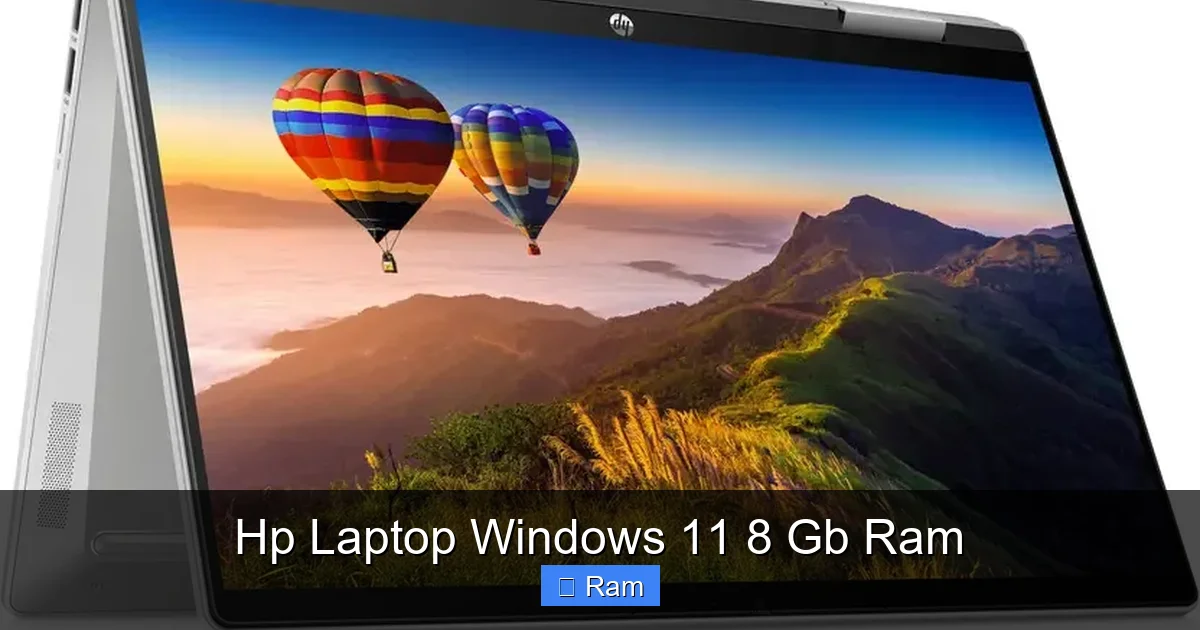
Looking for a reliable HP laptop that runs Windows 11 smoothly with 8 GB RAM? This guide breaks down the top models, performance expectations, and practical tips to help you choose the perfect device for work, study, or entertainment. Get clear answers and expert advice without the tech jargon.
Key Takeaways
- Performance balance: 8 GB RAM on Windows 11 offers smooth multitasking for everyday tasks and light creative work.
- Model variety: HP provides several 8 GB‑RAM laptops—from budget Pavilion to premium Spectre—catering to different budgets.
- Battery life matters: Look for models with 45 Wh+ batteries to get a full day of use on Windows 11.
- Upgrade potential: Many HP laptops allow RAM upgrades, extending the life of your machine.
- Display choices: Full‑HD (1920×1080) is standard; higher‑resolution screens boost media experience.
- Security features: Windows 11 on HP includes TPM 2.0, BitLocker, and optional fingerprint readers.
- Value vs. price: Evaluate SSD size, processor generation, and build quality to get the best bang for your buck.
📑 Table of Contents
- Introduction: Why an HP Laptop with Windows 11 and 8 GB RAM Is a Smart Choice
- 1. Understanding the Core Specs
- 2. Top HP Laptop Models with Windows 11 and 8 GB RAM
- 3. Real‑World Performance: What Can 8 GB RAM Actually Do?
- 4. How to Extend the Life of Your HP Laptop
- 5. Buying Guide: What to Prioritize
- Conclusion: Is an HP Laptop with Windows 11 and 8 GB RAM Right for You?
Introduction: Why an HP Laptop with Windows 11 and 8 GB RAM Is a Smart Choice
When you start hunting for a new laptop, the sea of options can feel overwhelming. HP, a brand many of us grew up with in school labs, has kept its reputation for reliable, affordable machines. Pair that with Windows 11—the latest OS from Microsoft—and you have a platform that’s secure, sleek, and ready for modern work.
Eight gigabytes of RAM sits in the sweet spot for most users. It’s enough to keep dozens of browser tabs open, run Office apps, stream video, and even dabble in light photo editing without lag. In this article, we’ll walk through the best HP laptops that ship with Windows 11 and 8 GB RAM, explain what the specs really mean, and give you practical tips to get the most out of your purchase.
1. Understanding the Core Specs
Processor (CPU)
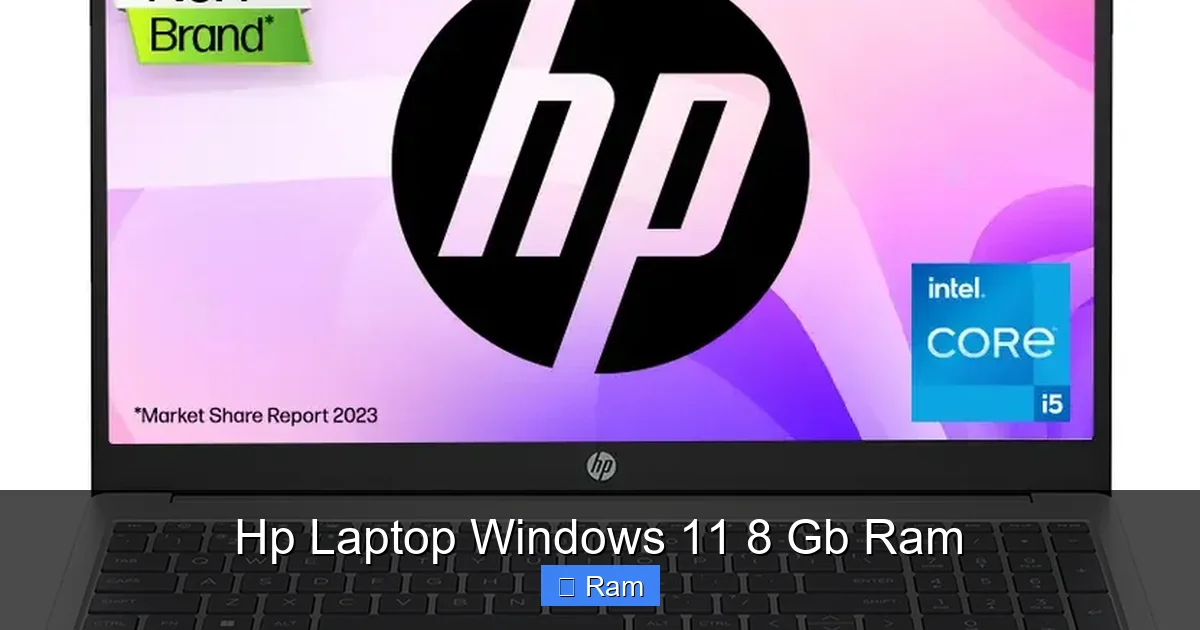
The CPU is the brain of your laptop. HP typically equips its 8 GB‑RAM models with Intel Core i5 or AMD Ryzen 5 processors from the latest generations (12th‑gen Intel or 6000‑series Ryzen). These chips deliver enough horsepower for everyday tasks and moderate multitasking.
Visual guide about Hp Laptop Windows 11 8 Gb Ram
Image source: rukminim2.flixcart.com
Memory (RAM)
Eight gigabytes of DDR4 RAM runs at 2666 MHz or higher on most HP laptops. This amount allows Windows 11 to keep background services active while you work, reducing the “spinning wheel” effect.
Storage
Most HP laptops in this category come with a 256 GB or 512 GB SSD. SSDs are far faster than traditional hard drives, meaning quicker boot times, snappier app launches, and smoother file transfers.
Display
Expect a 15.6‑inch Full‑HD (1920×1080) IPS panel as the standard. Some premium models offer a 14‑inch 2.8K OLED screen, which is great for media consumption and color‑critical work.
Battery Life
Battery capacity ranges from 41 Wh to 56 Wh. With Windows 11’s power‑saving features, you can usually count on 7‑10 hours of mixed usage.
2. Top HP Laptop Models with Windows 11 and 8 GB RAM
HP Pavilion 15‑eg0xxxx
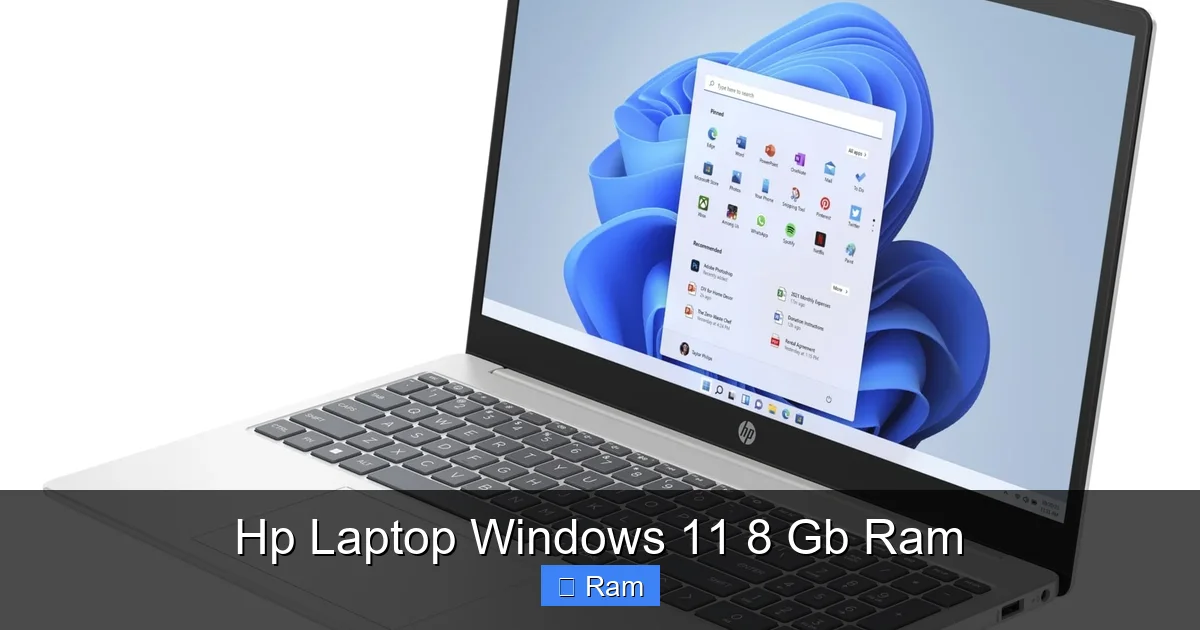
The Pavilion line is HP’s sweet spot for affordability and solid performance. This model ships with a 12th‑gen Intel i5, 8 GB RAM, and a 512 GB SSD. It’s ideal for students and remote workers who need a dependable daily driver.
Visual guide about Hp Laptop Windows 11 8 Gb Ram
Image source: laptopmedia.com
HP Envy x360 13‑aw0xxxx
The Envy x360 is a 2‑in‑1 convertible with a 13.3‑inch touchscreen, AMD Ryzen 5 5600U, and 8 GB RAM. Its flexible hinge makes it perfect for note‑taking and sketching, while the battery can stretch to 11 hours.
HP Spectre x360 14‑e2xxxx
If you crave a premium feel, the Spectre x360 offers a 14‑inch 2.8K OLED display, Intel i5‑1240P, and 8 GB RAM. The chassis is aluminum, the keyboard is backlit, and the battery life tops out at 12 hours with moderate use.
HP ProBook 440 G9
For business users, the ProBook series adds security features like HP Sure Start BIOS protection and a built‑in privacy screen. It’s equipped with an Intel i5‑1240P, 8 GB RAM, and a 256 GB SSD.
HP Chromebook x360 14c
While not a Windows device, the Chromebook version is worth mentioning for those who might consider a dual‑boot setup. It runs Chrome OS but can install Linux apps and, with a separate Windows 11 VM, still leverages the 8 GB RAM.
3. Real‑World Performance: What Can 8 GB RAM Actually Do?
Everyday Productivity
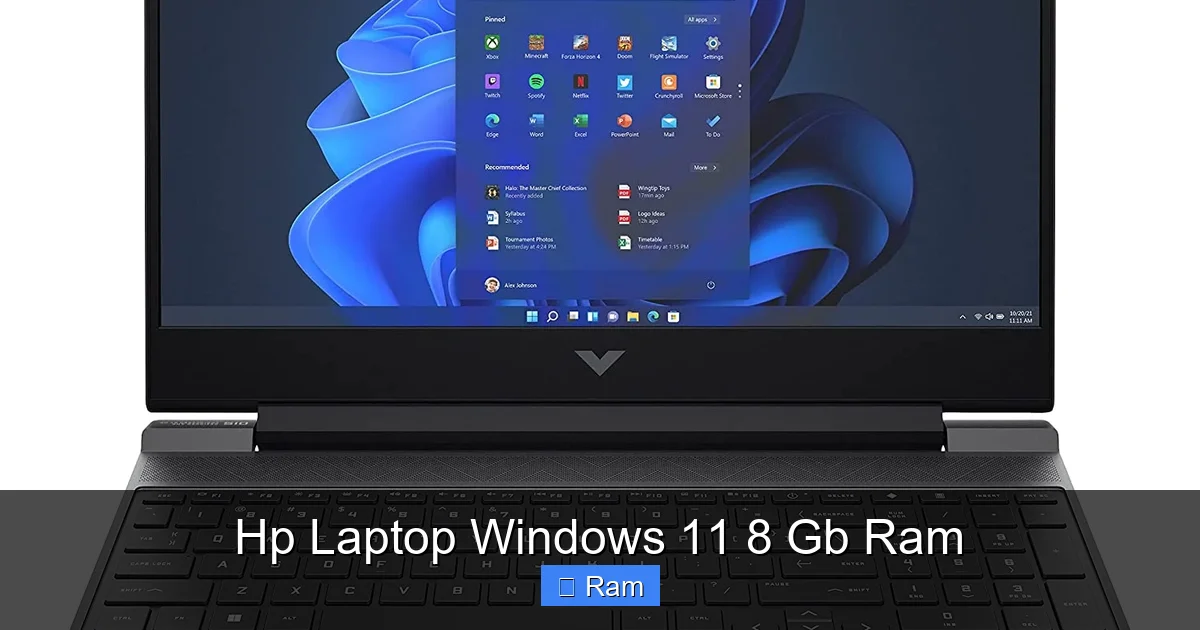
Running Microsoft Office, Google Workspace, and web browsers simultaneously feels fluid. You can keep 20‑30 tabs open, switch between Excel spreadsheets, and still have Slack or Teams running in the background.
Visual guide about Hp Laptop Windows 11 8 Gb Ram
Image source: nairobicomputershop.co.ke
Light Creative Work
Programs like Adobe Photoshop (with modest file sizes) and Canva load quickly. Rendering a 1080p video clip in Adobe Premiere Rush is feasible, though you may need to limit export settings to 1080p to avoid slowdown.
Gaming and Entertainment
Most HP laptops with 8 GB RAM and integrated graphics (Intel Iris Xe or AMD Vega) handle indie titles and older AAA games at medium settings. For serious gaming, pair the laptop with an external GPU via Thunderbolt 4 (if supported).
Multitasking Tips
- Close unused apps to free RAM.
- Use Windows 11’s “Focus Sessions” to limit background processes.
- Enable “Storage Sense” to keep the SSD tidy.
4. How to Extend the Life of Your HP Laptop
Upgrade the RAM
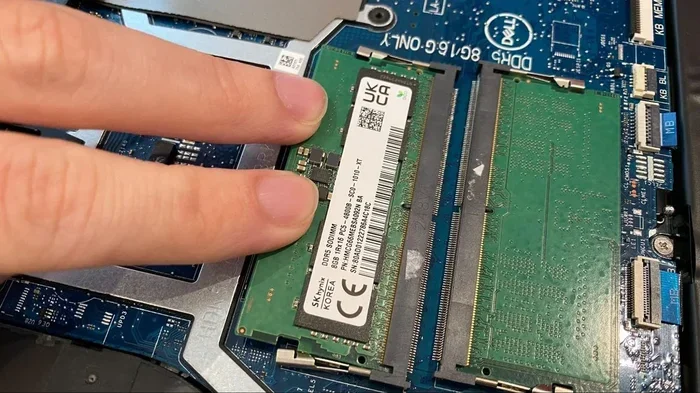
Many HP models feature a single SODIMM slot. Upgrading from 8 GB to 16 GB is often as simple as opening the back panel (refer to the service manual). This boost can future‑proof the device for heavier workloads.
Swap to a Larger SSD
If you run out of storage, replace the stock SSD with a 1 TB NVMe drive. This not only adds space but also improves read/write speeds, especially useful for large media libraries.
Maintain Software Health
Regularly update Windows 11, HP’s driver suite, and BIOS. Use built‑in tools like “HP Support Assistant” to keep drivers current and run hardware diagnostics.
Battery Care
Avoid keeping the laptop plugged in 24/7. Use the “Battery Health Manager” in HP’s BIOS to set a charging threshold (e.g., 80%) to prolong battery lifespan.
5. Buying Guide: What to Prioritize
Budget vs. Premium
If you need a laptop for school or basic office work, the Pavilion 15 offers the best value. For design work or frequent travel, the Spectre x360’s premium build and OLED screen justify the higher price.
Port Selection
Check for at least one USB‑C (preferably Thunderbolt 4), two USB‑A ports, HDMI, and a headphone jack. The Envy x360 includes a micro‑SD slot, handy for photographers.
Keyboard and Trackpad Quality
HP’s “Precision Touchpad” provides smooth gestures. Look for backlit keyboards if you often work in low‑light environments.
Security Features
Windows 11 requires TPM 2.0, which HP includes across the board. Some models add a fingerprint reader or IR camera for facial login via Windows Hello.
Conclusion: Is an HP Laptop with Windows 11 and 8 GB RAM Right for You?
In short, yes—if your daily tasks revolve around productivity, web browsing, and light creative work. HP delivers a range of devices that balance performance, price, and build quality. With 8 GB of RAM, Windows 11 runs smoothly, and you have room to upgrade later if your needs grow. Take the time to match the model to your workflow, check the ports you need, and consider future‑proofing options like RAM and SSD upgrades. Happy hunting!
Frequently Asked Questions
What is the minimum RAM requirement for Windows 11?
Windows 11 officially requires at least 4 GB of RAM, but 8 GB is recommended for a smoother experience, especially when multitasking.
Can I upgrade the RAM on an HP Pavilion laptop?
Most HP Pavilion models have an accessible SODIMM slot, allowing you to upgrade from 8 GB to 16 GB or more, depending on the motherboard limits.
Do HP laptops with 8 GB RAM support gaming?
They can handle casual and older games at medium settings. For newer AAA titles, you’ll need a laptop with a dedicated GPU or consider an external GPU solution.
How long does the battery typically last on an HP laptop with Windows 11?
Battery life varies by model, but most 8 GB‑RAM HP laptops deliver 7–10 hours of mixed usage, with premium models reaching up to 12 hours.
Is the SSD in these HP laptops user‑replaceable?
Yes, most HP laptops in this segment have an M.2 NVMe slot that you can open and replace with a larger SSD if needed.
What security features come with Windows 11 on HP laptops?
All HP laptops with Windows 11 include TPM 2.0, Secure Boot, and often optional fingerprint or facial recognition for Windows Hello, enhancing data protection.