Sodimm Vs Udimm What Is The Difference You Need To Know

SODIMM and UDIMM are two different types of RAM modules used in computers. SODIMM modules are smaller and designed for laptops and compact systems, while UDIMM modules are larger and built for standard desktop PCs. Understanding the difference helps you choose the right memory for your upgrade.
If you have ever tried to upgrade the memory in your computer, you have probably come across the terms SODIMM and UDIMM. These two types of RAM modules look different, fit into different slots, and serve different purposes. But what exactly sets them apart, and which one do you need?
In this guide, we break down the SODIMM vs UDIMM difference in plain language. Whether you are upgrading a laptop or a desktop PC, understanding these memory types is essential. We will cover what each module is, how they compare, and how to choose the right one for your system.
By the end of this article, you will know exactly which RAM type fits your machine. You will also avoid the common mistake of buying the wrong module and wasting money. Let us dive right in.
Key Takeaways
- SODIMM stands for Small Outline Dual In-line Memory Module: it is a compact RAM format built for laptops, mini PCs, and small form factor desktops.
- UDIMM stands for Unbuffered Dual In-line Memory Module: it is a standard desktop RAM module without a register or buffer chip.
- Physical size differs significantly: SODIMM modules are roughly half the length of UDIMM modules, making them incompatible with standard desktop slots.
- Pin count varies by generation: DDR4 SODIMMs have 262 pins while DDR4 UDIMMs have 288 pins, so they will not fit into each other’s slots.
- Compatibility is system-dependent: you must match the memory type to your device. A laptop requires SODIMM, and most desktops use UDIMM.
- Performance differences are minimal: both can support similar speeds and capacities, but UDIMMs may offer slightly more capacity per module in desktop setups.
- Always check your system manual: before buying any RAM, verify the supported type, speed, and maximum capacity for your device.
📑 Table of Contents
What Is a SODIMM?
SODIMM stands for Small Outline Dual In-line Memory Module. It is a compact version of standard desktop RAM. SODIMM modules are built to fit into the smaller memory slots found in laptops, mini PCs, and all-in-one computers.
These modules are roughly half the length of a standard desktop RAM stick. Despite their smaller size, they deliver the same core functionality. They store temporary data that your processor needs to access quickly.
Physical Characteristics of SODIMM
A typical DDR4 SODIMM measures about 67.6 millimeters in length. Compare that to a desktop DDR4 UDIMM, which is around 133 millimeters. The shorter size is what makes SODIMMs ideal for portable devices where space is limited.
Here are some key physical traits of SODIMM modules:
- Compact form factor: about half the size of a standard desktop RAM stick.
- 262 pins on DDR4 models: the gold-colored contacts on the bottom edge.
- Low profile design: fits into tight spaces inside laptops and small PCs.
- Available in DDR3, DDR4, and DDR5: each generation has a different pin count.
Where SODIMM Modules Are Used
You will find SODIMM RAM in almost all laptops and notebooks. Many mini PCs and compact desktop PCs also use SODIMM modules. Some small form factor (SFF) builds rely on them too. If your device is portable or small, there is a good chance it uses SODIMM memory.
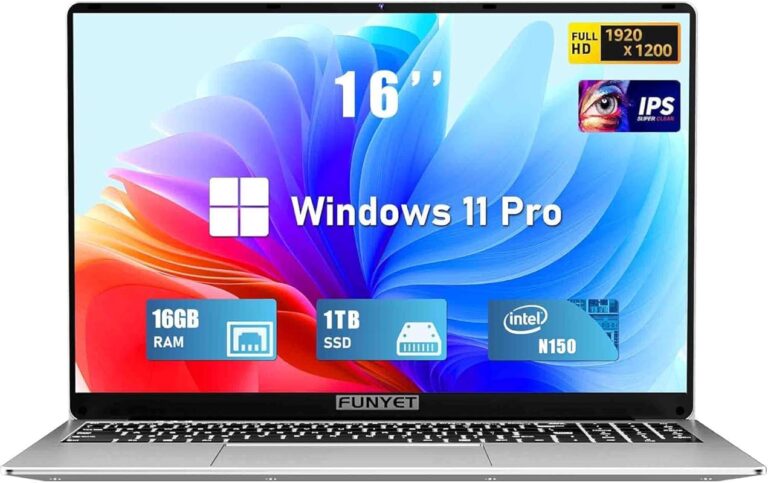
If you are wondering about the RAM on a laptop, it is almost always a SODIMM. The same applies to the RAM in a laptop. These compact modules are the standard for mobile computing.
What Is a UDIMM?
UDIMM stands for Unbuffered Dual In-line Memory Module. This is the standard RAM type used in most consumer desktop computers. UDIMMs do not have a register or buffer chip between the memory controller and the memory chips.
The term “unbuffered” means the memory signals go directly from the controller to the RAM chips. This keeps the signal path short and fast. For most desktop users, UDIMM is the go-to choice because it is affordable and performs well.
Physical Characteristics of UDIMM
A DDR4 UDIMM is significantly longer than a SODIMM. It measures about 133 millimeters in length. The module has 288 pins on the bottom edge for DDR4 versions. DDR3 UDIMMs have 240 pins.
Here are the key features of UDIMM modules:
- Full-size format: long enough to fit into standard desktop motherboard slots.
- 288 pins on DDR4 models: the contact points that connect to the motherboard.
- No register or buffer chip: signals travel directly, which keeps latency low.
- Widely available and affordable: the most common RAM type for desktop PCs.
Where UDIMM Modules Are Used
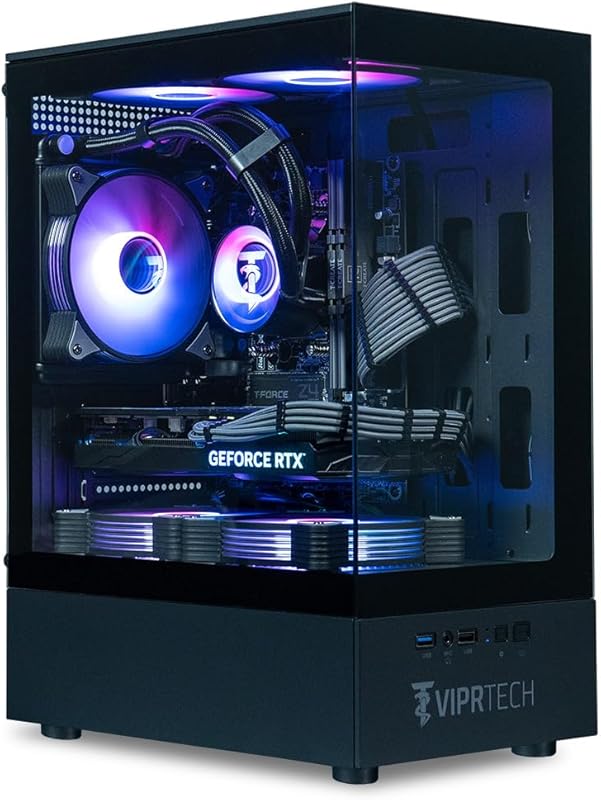
UDIMMs are found in standard tower desktops, mid-tower cases, and most ATX motherboards. They are the default RAM choice for gaming PCs, office workstations, and home build setups. If you have a regular desktop computer, it most likely uses UDIMM modules.
When you are looking to upgrade good RAM for laptop versus desktop, the distinction becomes clear. Laptops need SODIMM. Desktops typically need UDIMM. Mixing them up is the most common mistake buyers make.
SODIMM vs UDIMM: Key Differences
Now that you know what each module is, let us compare them side by side. The table below highlights the most important differences between SODIMM and UDIMM memory.
| Feature | SODIMM | UDIMM |
|---|---|---|
| Full Name | Small Outline Dual In-line Memory Module | Unbuffered Dual In-line Memory Module |
| Size | Compact, about 67.6mm long | Full size, about 133mm long |
| Pins (DDR4) | 262 pins | 288 pins |
| Typical Use | Laptops, mini PCs, SFF desktops | Standard tower desktops |
| Buffer/Register | None | None (unbuffered) |
| Availability | Moderate, mostly for mobile devices | High, widely available |
| Price | Slightly higher per GB | Generally more affordable |
| Max Capacity (per module) | Up to 32GB (DDR4) | Up to 32GB (DDR4) |
| Speed Support | DDR4-3200 to DDR5-5600 | DDR4-3200 to DDR5-5600 |
The most important takeaway from this comparison is that SODIMM and UDIMM are not interchangeable. You cannot put a SODIMM into a desktop motherboard slot, and you cannot put a UDIMM into a laptop slot. The physical dimensions and pin counts are completely different.
How to Choose the Right RAM for Your System
Choosing the right memory module depends on one simple question: what device are you using? The answer determines whether you need SODIMM or UDIMM.
Check Your Device Type
If you own a laptop or notebook, you need SODIMM memory. The compact size is built into the design of every portable computer. You cannot swap in a full-size UDIMM module because it simply will not fit.
If you own a standard desktop tower, you need UDIMM memory. The larger motherboard in a desktop case has full-size DIMM slots. A SODIMM module will be far too small and will not seat properly in the slot.
Verify Compatibility Before Buying
Before you purchase any RAM, always verify compatibility. Check your device manual or look up the model number online. You need to know the supported RAM type, speed, and maximum capacity.
For laptop users, checking what RAM is compatible with my laptop is a quick online search. Most manufacturers list supported memory specs on their website. For desktop users, the motherboard manual is your best resource. It will tell you exactly which UDIMM modules work with your board.
Here are some quick tips to follow:
- Match the RAM type: SODIMM for laptops, UDIMM for desktops.
- Match the DDR generation: DDR4 RAM will not work in a DDR3 slot.
- Match the speed: using mismatched speeds can cause instability.
- Check the maximum capacity: your motherboard or laptop may limit total RAM.
- Buy in matched pairs: for dual-channel performance, use two identical modules.
When Upgrading RAM, What to Watch For
Upgrading your RAM on a laptop or desktop is one of the easiest ways to boost performance. More memory means smoother multitasking, faster app switching, and better performance in memory-heavy tasks like video editing or gaming.
But there are a few things to watch out for. First, some laptops have soldered RAM that cannot be upgraded. In those cases, you are stuck with whatever came installed. Second, some compact desktops use SODIMM slots even though they are technically desktops. Always double-check before you buy.
Also, pay attention to the RAM speed and RAM size that your system supports. Buying the fastest available module does not help if your system cannot run it at full speed. The motherboard will downclock the RAM to its supported maximum.
Common Mistakes When Buying RAM
Buying the wrong RAM is one of the most common upgrade mistakes. Here are errors to avoid:
Confusing SODIMM with UDIMM
The biggest mistake is assuming all RAM sticks are the same. They are not. A SODIMM will not fit into a UDIMM slot, and vice versa. Always confirm the form factor before placing an order.
Ignoring DDR Generation
DDR3, DDR4, and DDR5 are not compatible with each other. A DDR4 SODIMM will not work in a DDR3 slot, even if the physical size is correct. Always check which DDR generation your system supports.
Overlooking Voltage Requirements
Different RAM modules operate at different voltages. SODIMM and UDIMM modules within the same DDR generation usually share the same voltage, but it is still worth checking. Using the wrong voltage can damage your system or cause instability.
Buying the Wrong Capacity
Some laptops support a maximum of 16GB total RAM. Others can handle 32GB or more. Buying a 32GB SODIMM for a laptop that only supports 16GB total means you waste money. Always check the maximum supported capacity first.
Expert Tips for RAM Upgrades
Here are some expert-backed tips to help you get the most out of your RAM upgrade:
- Run a memory compatibility tool: many motherboard and laptop manufacturers offer online tools that recommend the right RAM for your specific model.
- Stick to the same brand and model: mixing different RAM brands can sometimes cause issues. For best results, buy a matched kit.
- Check your BIOS: after installing new RAM, go into your BIOS to make sure the system recognizes it correctly and runs at the expected speed.
- Consider your usage: if you mainly browse the web and use office apps, 8GB to 16GB is plenty. If you edit video or play demanding games, aim for 32GB or more.
- Do not mix SODIMM and UDIMM: these are physically different modules and will not work in the wrong slot.
Upgrading your memory is one of the most cost-effective ways to breathe new life into an older computer. Whether you choose SODIMM or UDIMM, the right module can make a noticeable difference in day-to-day performance.
Final Thoughts
The SODIMM vs UDIMM debate comes down to one simple factor: your device type. Laptops and compact systems use SODIMM modules. Standard desktops use UDIMM modules. They are not interchangeable, and mixing them up will not work.
Both module types offer similar performance and capacity options. The main differences are physical size, pin count, and compatibility. As long as you match the RAM type to your device, you will be fine.
Before you buy any RAM, take five minutes to verify your system specs. Check the manual, look up your model online, and confirm the supported RAM type. This small step saves you time, money, and frustration.
Whether you are upgrading a laptop or a desktop, the right memory module makes all the difference. Choose SODIMM for portable devices and UDIMM for standard desktops, and your system will run at its best.
Frequently Asked Questions
Can I use a SODIMM in a desktop motherboard?
No, you cannot. SODIMM modules are physically too small to fit into standard desktop DIMM slots. The pin count and connector type are also different. Always match the RAM form factor to your device type.
Is SODIMM slower than UDIMM?
No, SODIMM and UDIMM can support the same speeds and generations. The performance difference comes down to the specific module specs, not the form factor. A DDR4 SODIMM can be just as fast as a DDR4 UDIMM.
How do I know if my laptop uses SODIMM or UDIMM?
Almost all laptops use SODIMM memory. You can confirm this by checking your laptop manual or looking up the model number online. The RAM type will be listed in the specifications section.
Can I mix SODIMM and UDIMM in the same system?
No, you should never mix these two types. They have different physical sizes and pin counts. A SODIMM will not fit into a UDIMM slot, and a UDIMM will not fit into a SODIMM slot.
What is the maximum RAM capacity for a SODIMM module?
DDR4 SODIMM modules are commonly available in capacities up to 32GB. Some newer DDR5 SODIMMs can also reach 32GB or higher. However, your laptop or device may have a lower maximum supported capacity, so always check your system specs.
Do I need special tools to install SODIMM or UDIMM RAM?
No special tools are needed. Both SODIMM and UDIMM modules use standard spring-loaded clips in their slots. You simply align the notch, press the module down firmly, and the clips will snap into place to secure it.
=== CONCLUSION ===
Understanding the difference between SODIMM and UDIMM is essential for anyone looking to upgrade their computer’s memory. SODIMM modules are compact and designed for laptops and small PCs. UDIMM modules are full-size and built for standard desktop computers. They are not interchangeable, and choosing the wrong type will not work.
By checking your device type, verifying compatibility, and following the tips in this guide, you can confidently choose the right RAM for your system. A successful upgrade means better performance, smoother multitasking, and a longer lifespan for your computer.