Uses And Misuses Of The Computer And How To Avoid Them

Computers are powerful tools that boost productivity, creativity, and communication. However, misuse can lead to health problems, security risks, and poor performance. This guide covers the top uses, common misuses, and actionable steps to keep your computer running safely and efficiently.
Computers have become a part of our daily lives. We use them for work, school, entertainment, and staying connected with loved ones. But not everyone uses them the right way. Misuse of the computer can lead to serious problems. These include health issues, security threats, and even a slow or broken device. This article explores the many uses and misuses of the computer and gives you clear steps to avoid common mistakes. Whether you are a student, a professional, or just someone who enjoys browsing the web, this guide has something for you.
The good news is that most computer problems are preventable. You do not need to be a tech expert. A few simple habits can make a big difference. Let us dive into the world of proper computer use and learn how to get the most out of your device without the downsides.
Key Takeaways
- Smart computer use can improve work, learning, and entertainment.
- Misuse habits like poor posture and ignoring updates can damage your device and health.
- Regular maintenance keeps your computer fast and secure.
- Setting boundaries with screen time reduces eye strain and addiction risks.
- Practical tips in this guide help you build lasting healthy habits.
- Avoiding common mistakes saves money and extends your computer’s lifespan.
📑 Table of Contents
The Many Uses Of The Computer
Before we talk about misuse, let us appreciate what computers do well. A computer use can be both fun and productive. Here are some of the most common and valuable ways people use their computers every day.
Work and Productivity
Most jobs today require a computer in some way. You can write documents, create spreadsheets, and join video calls from anywhere. Tools like email and cloud storage make teamwork easier than ever. A computer boost productivity by letting you finish tasks faster and organize your workflow.
Education and Learning
Students use computers for research, online classes, and writing essays. The internet holds a wealth of knowledge. You can learn almost any skill from coding to cooking. Many schools now use computer-based learning to help students engage with lessons in new ways.
Entertainment and Creativity
Computers are great for streaming movies, playing games, and making art. Video editors, musicians, and designers all rely on powerful machines. Whether you want to watch a movie or create one, your computer opens up endless possibilities.
Communication and Connection
Email, social media, and messaging apps keep us connected. You can talk to someone on the other side of the world in seconds. Computer communication tools have changed how we stay in touch with family, friends, and coworkers.
Common Misuses And Their Consequences
Now that we know the good side, let us look at the bad. Misuse of the computer happens more often than you might think. Many of these habits seem harmless at first but can cause real damage over time.
Neglecting Software Updates
One of the biggest mistakes is ignoring update notifications. Updates fix security holes and improve performance. When you skip them, your computer becomes a target for hackers. Outdated software is one of the leading causes of data breaches.
Poor Posture and Overuse
Sitting for hours without a break is a common problem. It leads to back pain, neck stiffness, and eye strain. Many people also develop repetitive strain injuries from typing or using a mouse the wrong way. These issues build up slowly and can become chronic.
Ignoring Security Practices
Using weak passwords or clicking on suspicious links puts your data at risk. Computer misuse in this area can lead to identity theft and financial loss. Many people also download software from untrusted sources, which often comes with hidden malware.
Overloading Your System
Running too many programs at once can slow your computer down. Filling your hard drive with unnecessary files also hurts performance. If your computer fan keeps running all the time, it may be a sign of overuse or poor ventilation. Overheating can shorten the life of your hardware.
Excessive Screen Time
Spending too many hours in front of a screen affects your sleep and mental health. It can also reduce your ability to focus on real-world tasks. Computer addiction is a real concern, especially for younger users who spend most of their day online.
How Misuse Affects Your Computer Health
Misuse does not just affect you. It also hurts your computer. Understanding these effects helps you make better choices.
Slower Performance
When you misuse your computer, it shows. Programs take longer to open. Files load slowly. If you notice your system lagging, it might be time to check what is causing the problem. Sometimes, a simple cleanup is all it takes. Other times, you may need to fix a slow computer by removing malware or freeing up disk space.
Hardware Damage
Eating or drinking near your computer is a risky habit. Spills can destroy internal components. Dust buildup causes overheating. Over time, this kind of computer misuse leads to costly repairs or the need for a replacement.
Data Loss
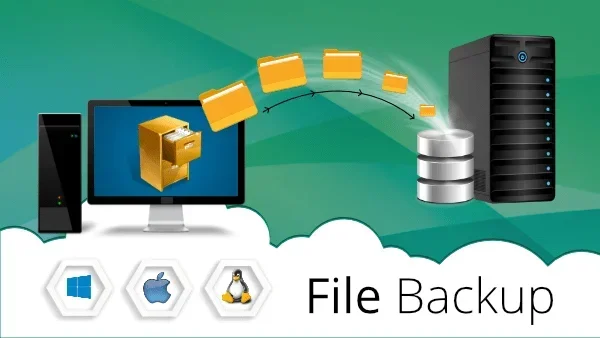
Without proper backups, a single mistake can erase years of work. Viruses, accidental deletions, and hard drive failures can all cause data loss. This is why computer maintenance and regular backups are so important.
Practical Tips To Avoid Computer Misuse
The good news is that avoiding misuse is not hard. A few small changes in your routine can protect both you and your device.
Keep Your Software Updated
Turn on automatic updates whenever possible. This ensures your system always has the latest security patches and performance improvements. Do not ignore update reminders. They exist for a reason.
Set Up a Proper Workspace
Your desk setup matters more than you think. Keep your screen at eye level. Use a chair that supports your lower back. Place your keyboard and mouse at a comfortable height. Good ergonomics prevent pain and long-term injuries.
Use Strong Passwords and Antivirus Software
Create unique passwords for each account. Use a password manager to keep track of them. Install reliable antivirus software and run regular scans. These simple steps go a long way in keeping your data safe.
Take Regular Breaks
Follow the 20-20-20 rule. Every 20 minutes, look at something 20 feet away for 20 seconds. Stand up and stretch every hour. These breaks reduce eye strain and keep your body healthy.
Clean Your Computer Regularly
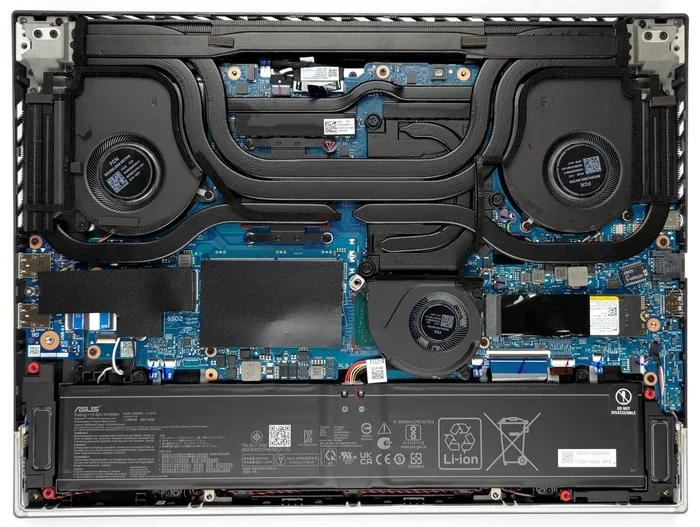
Dust your keyboard and screen often. Use compressed air to clean out vents and fans. A clean computer runs cooler and lasts longer. If you notice dust buildup inside, it may be time for a deeper clean.
Building Healthy Computer Habits
Long-term health comes from consistent habits. Here are some habits that will serve you well for years to come.
Limit Screen Time Before Bed
Blue light from screens disrupts your sleep cycle. Try to stop using your computer at least an hour before bedtime. This simple change improves sleep quality and helps you feel more rested.
Back Up Your Data Often
Use an external drive or cloud storage to back up important files. Set a weekly reminder to check your backups. This way, you never lose your work, even if something goes wrong.
Monitor Your Computer Performance
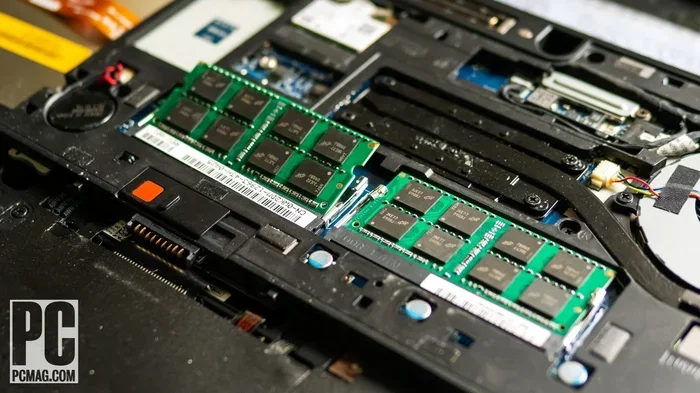
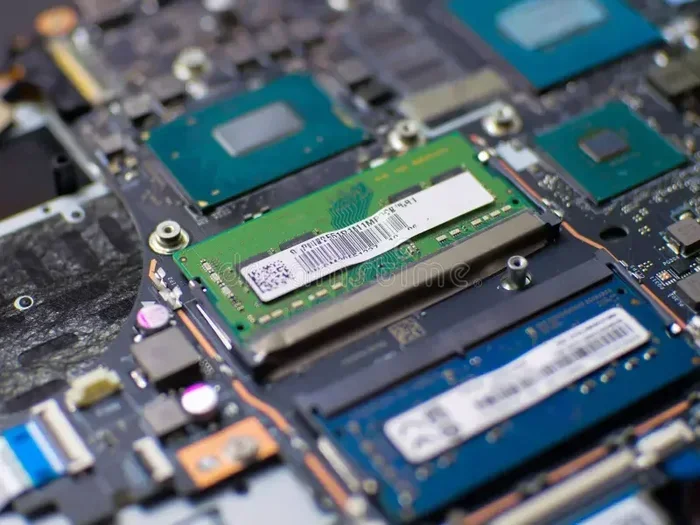
Keep an eye on how your computer runs. If it starts slowing down, investigate the cause. You can check your laptop RAM to see if you are running low on memory. Sometimes upgrading your RAM or adding storage solves the problem entirely.
Be Mindful of What You Download
Only download software from official websites or trusted app stores. Free downloads from unknown sites often come bundled with unwanted programs. Always read reviews and check the source before installing anything new.
Final Thoughts
The uses and misuses of the computer shape our daily experience in powerful ways. When used wisely, a computer boosts your productivity, creativity, and connection with others. When misused, it can cause health problems, security risks, and costly damage. The key is balance and awareness.
By following the tips in this guide, you can enjoy all the benefits of your computer while avoiding the pitfalls. Keep your system updated, maintain good habits, and always think before you click. A little effort today saves you time, money, and frustration tomorrow. Your computer is a tool. Use it well, and it will serve you for years to come.
Remember, the best way to handle computer misuse is prevention. Start with one or two changes from this article. Build from there. Soon, healthy computer habits will feel like second nature. You will thank yourself for taking the time to learn and apply these simple but powerful steps.
Frequently Asked Questions
What are the most common uses of a computer?
People use computers for work, education, entertainment, and communication. Tasks like writing emails, browsing the web, streaming videos, and creating documents are among the most popular uses. Computers also support creative work like graphic design and video editing.
What happens if you misuse a computer?
Misuse can lead to slow performance, hardware damage, and security breaches. Poor habits like ignoring updates or eating near your device cause long-term problems. Over time, these issues can become expensive to fix.
How can I prevent my computer from running slow?
Keep your software updated, delete unnecessary files, and avoid running too many programs at once. If your system still lags, you may need to fix a slow computer by checking your storage or scanning for malware. Regular maintenance makes a big difference.
Why is eye strain from computers a concern?
Staring at a screen for long periods causes dry eyes, headaches, and blurred vision. This is especially true when you do not take breaks. Following the 20-20-20 rule and adjusting screen brightness can help reduce strain.
How often should I back up my computer?
You should back up your data at least once a week. If you work with important files daily, consider backing up every day. Cloud storage and external drives both offer reliable backup options.
What is the best way to protect my computer from viruses?
Use trusted antivirus software, avoid suspicious links, and only download from official sources. Keeping your operating system and apps updated also strengthens your defenses. Strong passwords and two-factor authentication add an extra layer of protection.