64 Gb Ram for Laptop
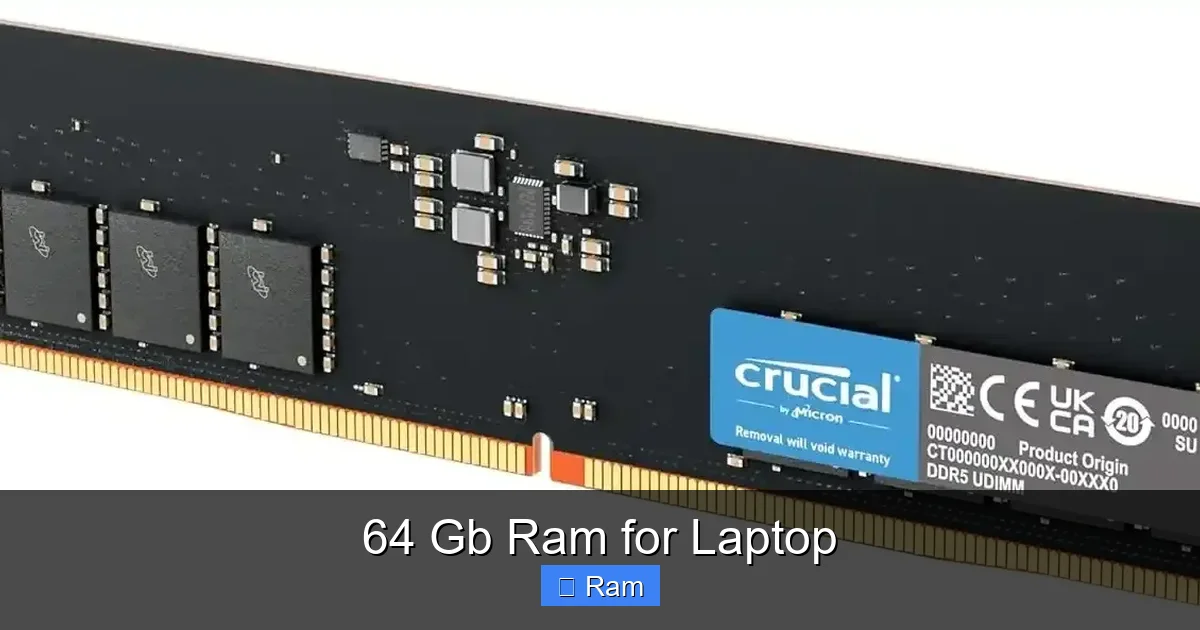
64 GB of RAM in a laptop is a high-end specification designed for extreme professional workloads, not average use. It provides massive multitasking capability and smooth performance for memory-intensive applications like 4K/8K video editing, 3D rendering, running multiple virtual machines, and handling enormous datasets. For gaming, general productivity, or web browsing, 16-32 GB is more than sufficient, making 64 GB an unnecessary expense for most users. The decision should be based on your specific software requirements, budget, and the laptop’s physical upgradeability.
Let’s be real. When you see a laptop advertised with a staggering 64 GB of RAM, it feels like stepping into a sci-fi movie. It’s a number that screams “power,” but also begs the question: “Why on earth would anyone need that much memory in a portable computer?” The truth is, for the vast majority of people, 64 GB is complete overkill—the computing equivalent of using a rocket engine to get to the mailbox. But for a specific, growing group of professionals, it’s not just a luxury; it’s a fundamental requirement to get their work done at all. This article is your definitive, no-nonsense guide to 64 GB RAM for laptops. We’ll cut through the marketing hype, explain exactly who needs it, what you actually gain, the practical pitfalls, and how to decide if this monster spec belongs in your next machine.
Key Takeaways
- Target Audience is Niche: 64 GB RAM is primarily for professionals in video editing, 3D animation, scientific computing, software development with heavy VMs, and data science, not casual users or gamers.
- Performance is About Bottlenecks: The benefit is only realized if your specific applications and workflows are actually constrained by RAM capacity. More RAM doesn’t speed up tasks that aren’t memory-starved.
- Significant Cost and Scarcity: Laptops configured with 64 GB from factory are expensive and often limited to mobile workstations and high-end gaming laptops. Upgrading an existing laptop can also be costly and technically challenging.
- Compatibility is Critical: Not all laptops support 64 GB. You must check the manufacturer’s maximum RAM specification, supported type (DDR4/DDR5), speed, and number of slots. Mixing modules can cause instability.
- Future-Proofing Has Limits: While 64 GB offers headroom, laptop CPUs and GPUs also evolve. A 64 GB RAM laptop with a weak processor won’t be “future-proof.” Balance all components.
- Alternatives Exist: For some, 32 GB is the sweet spot. Cloud computing or a desktop PC with expandable RAM may be more cost-effective and powerful for stationary, extreme workloads.
- Upgradeability is Rare: Many modern ultrabooks solder RAM to the motherboard. If you need 64 GB, you must buy it configured that way, as post-purchase upgrades are often impossible.
📑 Table of Contents
- Demystifying RAM: What It Is and What It Actually Does
- Who Actually Needs 64 GB of RAM in a Laptop? (The Professional Use Cases)
- The Performance Gain: What 64 GB Actually Buys You
- Critical Considerations Before You Buy: Compatibility and Cost
- Is 64 GB Right for You? A Decision Framework
- Future-Proofing and the Evolution of Memory Needs
- Conclusion: The Pragmatic Power User’s Guide
Demystifying RAM: What It Is and What It Actually Does
Before we talk about the colossal 64 GB, let’s do a quick refresh on what Random Access Memory (RAM) is. Think of your laptop’s RAM as its immediate, active workspace. The CPU (the brain) uses this ultra-fast, temporary storage to hold the data and instructions for the apps and files you’re actively using. The more workspace you have, the more things you can have open and running smoothly without your system needing to constantly shuffle data back and forth to the much slower solid-state drive (SSD).
The “More is Better” Myth (And When It’s True)
It’s a simple equation: more RAM allows for more multitasking. You can have hundreds of browser tabs, a massive spreadsheet, a video editing project, and a music streaming app all open with zero lag. But here’s the crucial catch: adding RAM only helps if your current RAM is the bottleneck. If your CPU is slow or your SSD is ancient, adding more RAM won’t magically make Photoshop render faster. The performance gains are specific to memory-starved tasks.
Who Actually Needs 64 GB of RAM in a Laptop? (The Professional Use Cases)
This is the most important section. If your work doesn’t fall into these categories, you can almost certainly stop reading and save your money. 64 GB is a tool for extreme computational tasks.
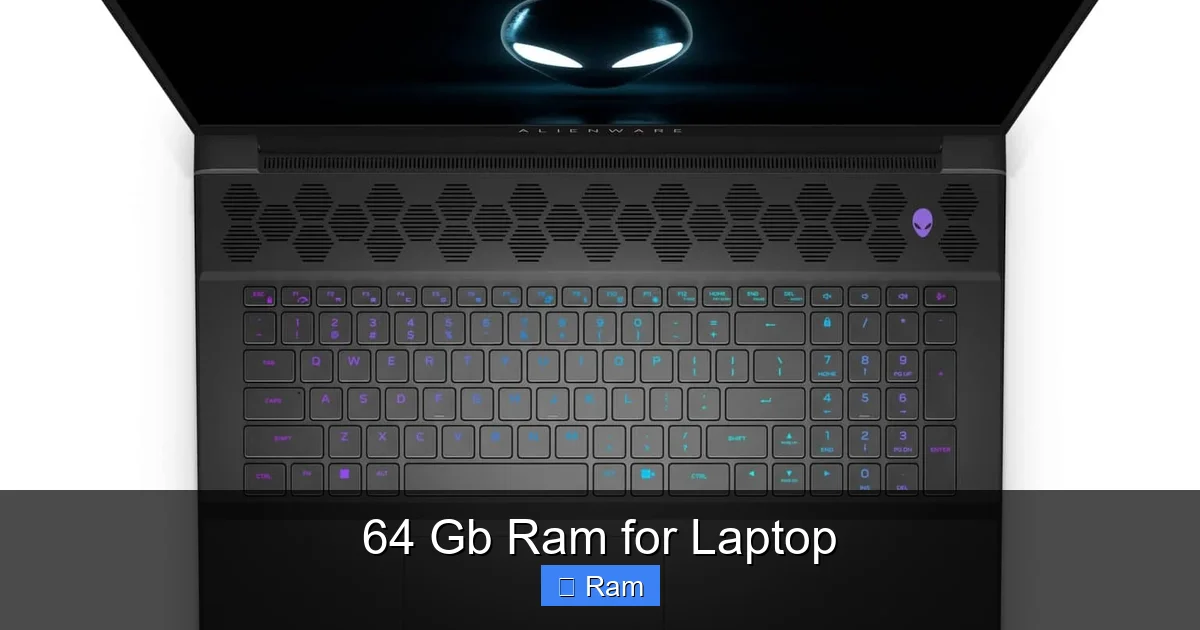
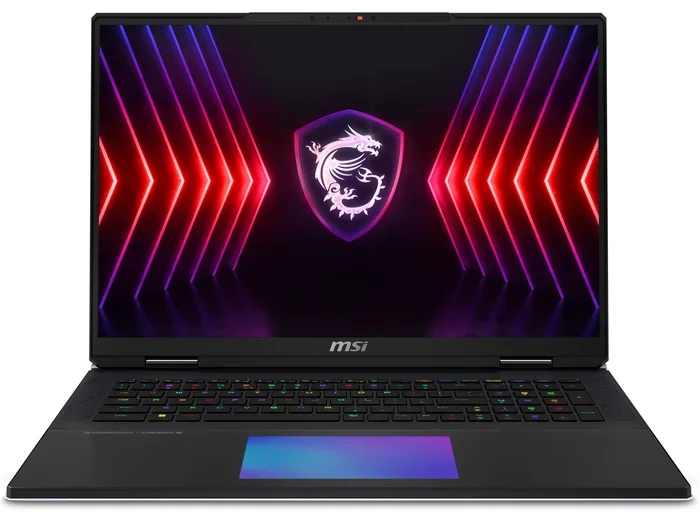
Visual guide about 64 Gb Ram for Laptop
Image source: img.olhardigital.com.br
1. High-Resolution & Multi-Camera Video Editing
Editing 4K, 6K, or 8K video, especially from high-bitrate cameras like the RED or ARRI Alexa, is a RAM vampire. When you’re working with multiple 4K streams, applying complex color grades, and using RAM-intensive effects in Adobe After Effects or DaVinci Resolve, your system can easily consume 32-48 GB just for the project. Having 64 GB provides breathing room, prevents stuttering during playback, and allows you to keep other apps (like Chrome with 50 tabs for research) open without crippling your editing timeline.
2. 3D Modeling, Rendering, and Animation
Software like Blender, 3ds Max, Maya, and Cinema 4D are notorious for eating RAM. Complex scenes with high-poly models, intricate textures, and physics simulations can quickly exceed 32 GB. Rendering often loads the entire scene into RAM. With 64 GB, you can work on vastly more detailed projects, have multiple viewports open, and reduce render crashes due to memory exhaustion.
3. Virtualization and Software Development
Running multiple virtual machines (VMs) simultaneously is the ultimate RAM test. Each VM is essentially a separate computer running inside your laptop, with its own allocated RAM. A developer testing an app on Windows, Linux, and macOS VMs, or a cybersecurity professional running isolated network environments, can easily assign 8-16 GB to each VM. Three or four VMs plus the host OS will devour 64 GB without breaking a sweat. This is a non-negotiable spec for many DevOps engineers and penetration testers.
4. Data Science, Machine Learning, and Large Dataset Analysis
While heavy ML training is often done on cloud GPUs, data preprocessing, cleaning, and exploratory analysis on enormous CSV files or databases (think tens of millions of rows) happens in RAM. Tools like Python’s Pandas, R, and MATLAB can load massive datasets into memory for manipulation. 64 GB allows data scientists to work with larger datasets locally without constantly sampling or crashing.
5. Scientific Computing and Simulation
Fields like computational fluid dynamics (CFD), finite element analysis (FEA), and bioinformatics involve running complex simulations that generate huge matrices and data structures in memory. A researcher running a MATLAB or Simulink model for a thesis might find 32 GB insufficient, making 64 GB a practical necessity.
Practical Example: Imagine a freelance video editor. With 32 GB, they can edit a single 4K project but must close all other apps, avoid browser tabs, and hope no background process spikes memory. With 64 GB, they can have their 4K timeline, Premiere Pro, After Effects for a title sequence, Photoshop for graphics, a 50-tab Chrome window for client feedback, and Slack—all running flawlessly. That’s a tangible productivity and sanity boost.
The Performance Gain: What 64 GB Actually Buys You
So you’ve identified as one of the professionals above. What concrete differences will you notice day-to-day?
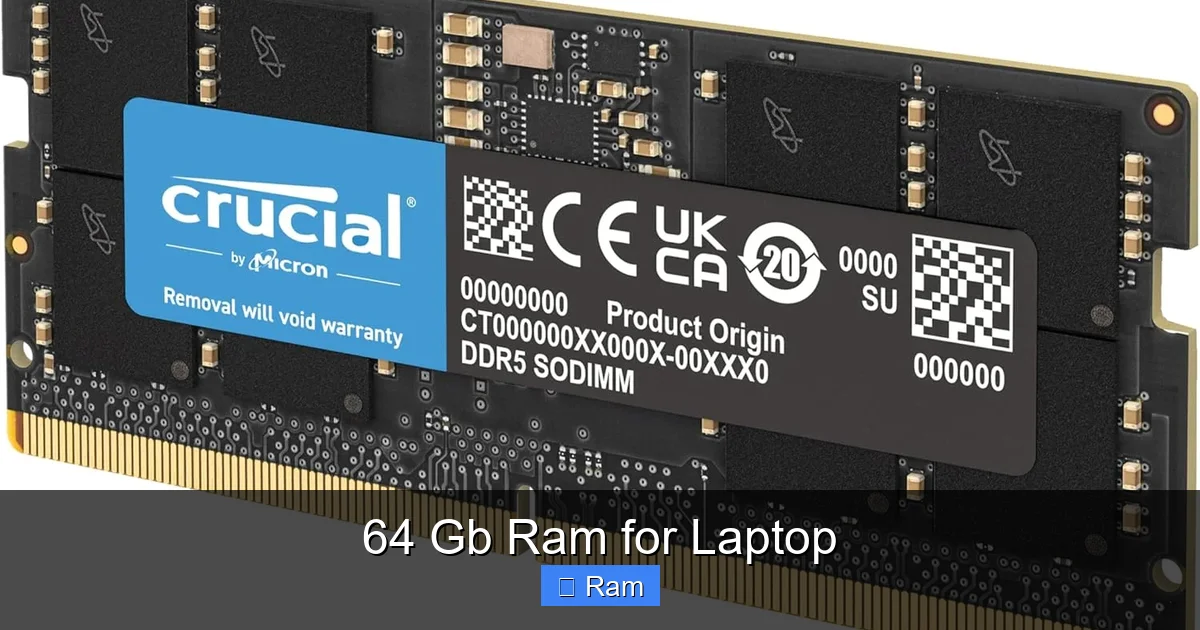
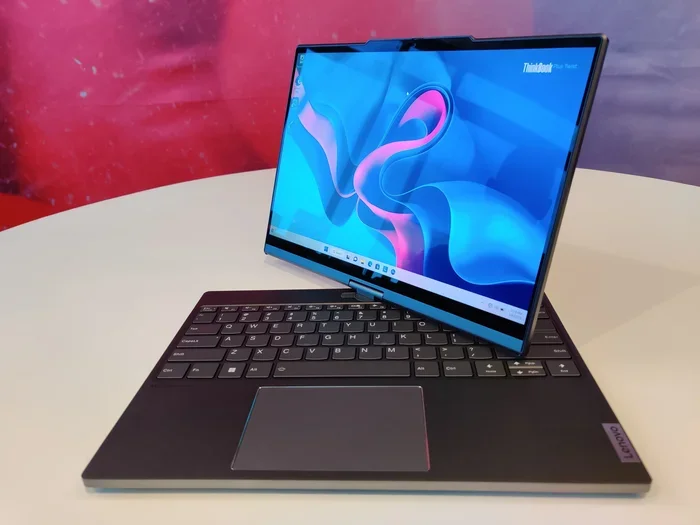
Visual guide about 64 Gb Ram for Laptop
Image source: m.media-amazon.com
Seamless, Lag-Free Multitasking on a Grand Scale
The most obvious benefit is the death of the “beach ball” or “spinning wheel.” You can switch between a 100-tab Chrome window, a giant Excel workbook, a virtual machine, and your primary creative app instantly. The system never needs to page data to the SSD, which is thousands of times slower than RAM.
Future-Proofing for Software Demands
Software, especially creative and scientific tools, tends to get more memory-hungry over time. Operating systems themselves are no slouches; Windows 11 and macOS can use 4-8 GB just idling. 64 GB provides a massive cushion for the next 3-5 years, ensuring your high-end laptop doesn’t feel dated because a new version of your software suddenly needs 40 GB for a project.
Enabling Larger, More Complex Projects
This is the key differentiator. It’s not about speed; it’s about possibility. With 32 GB, you might be forced to reduce the resolution of your footage or simplify a 3D scene to avoid crashes. With 64 GB, you can work at full fidelity. You can load an entire cityscape model for architecture viz or a full genome sequence for analysis without artificial limitations. It removes a hard ceiling on the scope of your work.
Stability and Reduced Crashes
Memory-related crashes are frustrating and cause data loss. When RAM is maxed out, applications and the entire OS can become unstable. A generous 64 GB buffer dramatically reduces these events, leading to a more reliable and stress-free workflow.
Critical Considerations Before You Buy: Compatibility and Cost
Just because you *need* 64 GB doesn’t mean you can easily get it. This is where the laptop form factor creates major hurdles.
Visual guide about 64 Gb Ram for Laptop
Image source: m.media-amazon.com
1. Manufacturer’s Maximum RAM Specification
This is the first and most important check. Every laptop model has a manufacturer-stated maximum RAM limit. This is not a suggestion; it’s a hard limit based on the chipset and BIOS. A laptop that officially supports 64 GB will have two SO-DIMM slots (the laptop memory modules) and a chipset that can address that capacity. Many high-performance gaming laptops and mobile workstations are spec’d for 64 GB. Ultrabooks and thin-and-lights often max out at 16 GB or 32 GB, with the RAM soldered to the motherboard. You must find the exact model’s specifications on the manufacturer’s website.
2. DDR4 vs. DDR5: Speed and Bandwidth
Newer laptops use DDR5 RAM, which offers significantly higher bandwidth (speeds of 4800 MT/s to 6400 MT/s) compared to DDR4 (2666-3200 MT/s). For memory-bound tasks, this faster bandwidth can improve performance. However, the capacity (64 GB) is often a more significant factor for the use cases we discussed. If choosing between a laptop with 64 GB DDR4 and 32 GB DDR5, the capacity win is usually more valuable for professional workloads. But the ideal is a laptop that supports 64 GB of fast DDR5.
3. The Sobering Cost Reality
A 64 GB RAM configuration adds a significant premium. A laptop that starts at $1,500 with 16 GB might cost $2,500 or more for the 64 GB model from the factory. If you’re lucky enough to have a laptop with user-upgradeable RAM, buying a 64 GB kit (2×32 GB modules) separately can still cost $300-$500+. You are paying a hefty tax for that capacity. It’s essential to weigh this cost against the tangible productivity gains it will bring to your specific workflow.
4. The Solder vs. Slot Dilemma
This is a deal-breaker. Most modern laptops, especially those under 15 inches, have the RAM soldered directly to the motherboard. This means zero user upgradeability. You must select the RAM configuration at purchase and live with it forever. Laptops with user-accessible RAM slots are becoming rare and are typically found in larger 15-17 inch gaming laptops and mobile workstations (like some Dell Precision, Lenovo ThinkPad P-series, or MSI Creator models). Always verify this before buying, assuming you might want to upgrade later.
Is 64 GB Right for You? A Decision Framework
Let’s cut to the chase. Here’s a simple flowchart for your decision.
Step 1: Honestly Assess Your Workflow
Open your Task Manager (Ctrl+Shift+Esc) or Activity Monitor while you work. Look at the Memory tab. Do you consistently see your RAM usage at 25 GB, 30 GB, or higher? Do your applications regularly crash or warn about low memory? If you’re constantly in the yellow or red, you have a genuine need. If you’re sitting at 40-50% usage with everything you do open, 64 GB is overkill.
Step 2: Check Your Specific Software Requirements
Go to the official website for your primary software (e.g., Adobe, Autodesk, Blackmagic Design). Look at their recommended system requirements, not the minimum. For professional video editing, DaVinci Resolve’s website states: “16 GB of system memory is required… 32 GB is recommended for 4K… 64 GB or more is recommended for 8K and Fusion.” These are your guidelines.
Step 3: Consider the Alternative: A Desktop
If your work is stationary, ask yourself this: would a powerful desktop PC with 64 GB (or even 128 GB) of easily upgradeable RAM, a faster desktop CPU, and a full-sized GPU be a better, more cost-effective tool? For the same price as a high-end 64 GB laptop, you could build a monstrous desktop that is far more powerful and serviceable. The laptop’s advantage is portability. If you don’t need to take your 8K editing rig to a coffee shop, a desktop is almost always the smarter performance-per-dollar choice.
Step 4: The “Gaming” Question
For gaming, 64 GB is almost always a waste. No modern game uses more than 12-16 GB of RAM, even at 4K with maxed-out settings. The GPU and CPU are the primary drivers for gaming performance. You would be far better off allocating that budget to a laptop with a better GPU (e.g., RTX 4070 instead of 4060) or a faster CPU. The only gaming exception is if you are simultaneously running a game, a streaming/recording app, Discord, Chrome, and perhaps a VM—a scenario for very few.
Future-Proofing and the Evolution of Memory Needs
It’s 2024. Is 64 GB the “future-proof” sweet spot, or will it be obsolete tomorrow?
The RAM Growth Trend
Software memory footprints do grow. What was 16 GB five years ago is 32 GB today for many pro apps. The trajectory suggests 64 GB will become the new recommended standard for high-end prosumer work in the next 3-5 years. Buying 64 GB now could mean your laptop remains capable for a full upgrade cycle.
But It’s Not Just About RAM
Future-proofing is a system-wide effort. A laptop with 64 GB of slow RAM and a 4-core CPU from 2022 will be outpaced by a 2025 laptop with 32 GB of fast DDR5 RAM and a 12-core AI-enhanced CPU. RAM is one piece of the puzzle. Don’t neglect CPU core count, GPU architecture, and SSD speed (PCIe 4.0 vs 5.0). A balanced, high-spec system across all components is truly future-proof.
DDR5 and Beyond: Capacity vs. Speed
The industry is moving to DDR5, which not only offers higher speeds but also higher module densities. This makes 64 GB (2×32 GB) configurations more common and affordable in new laptops. In a few years, 128 GB laptops for consumers may become a reality. Investing in a platform (the laptop’s motherboard/chipset) that supports high-capacity RAM now gives you an upgrade path later, if the RAM is socketed.
Conclusion: The Pragmatic Power User’s Guide
64 GB of RAM in a laptop is not a bragging right for specs-sheet warriors. It is a specialized professional tool. If your work involves manipulating massive files, running multiple operating systems at once, or working with data sets that would make a spreadsheet weep, then 64 GB is a legitimate and transformative investment in your productivity. It removes constraints, prevents crashes, and lets you focus on creation, not resource management.
However, for the other 95% of laptop buyers—including most gamers, students, office workers, and even many photo editors—this is a financial sinkhole. That money is better spent on a better GPU, a larger/faster SSD, a higher-quality display, or simply saved. The golden rule remains: buy the spec you need, not the spec you think you might need someday. Before you click “buy” on that shiny 64 GB configuration, open your Task Manager, look at your real-world memory usage, and ask yourself if you’re truly hitting that wall. If you are, welcome to the elite club of the 64 GB laptop user. Your projects (and your sanity) will thank you. If you’re not, you’ve just saved yourself a small fortune and learned a valuable lesson in practical computing.
Frequently Asked Questions
Is 64 GB of RAM overkill for gaming?
Yes, for almost all gamers. Modern games typically use 8-16 GB of RAM. 64 GB provides no gaming performance benefit unless you are simultaneously running multiple heavy applications (like streaming software, VMs, or hundreds of browser tabs) alongside your game. For pure gaming, 16-32 GB is the optimal range, and budget is better spent on a better GPU.
Can I upgrade my existing laptop to 64 GB RAM?
Probably not. You must first check your laptop’s specific model’s technical specifications to find its maximum supported RAM. Many modern laptops have soldered RAM, making upgrades impossible. Even if it has slots, the chipset may only support 32 GB or less. A factory-configured 64 GB model is often the only way to get that capacity.
Should I choose DDR4 or DDR5 RAM for a 64 GB laptop?
Prioritize capacity first. For the professional workloads that need 64 GB, the sheer volume of memory is more critical than the speed. However, if you have a choice between a laptop with 64 GB DDR4 and one with 32 GB DDR5, the 64 GB capacity will likely serve your large-project needs better. The ideal is a laptop that supports 64 GB of fast DDR5, offering both capacity and high bandwidth.
Will 64 GB of RAM drain my laptop’s battery faster?
Not directly. RAM itself consumes a small, relatively constant amount of power. The major battery drain comes from the CPU and GPU working harder. However, having more RAM can indirectly save battery by preventing the system from using the SSD for virtual memory (paging), which is a slower and more power-intensive process. The difference in battery life from 16 GB vs. 64 GB is usually negligible compared to the impact of screen brightness and CPU load.
Can I mix different sizes of RAM (e.g., 16 GB + 32 GB) to get 48 GB?
Technically, sometimes. If your laptop has two slots, you can often install mismatched modules (e.g., a 16 GB and a 32 GB stick). The system will run in “flex mode,” where the matched portion (16 GB from each stick) runs in dual-channel (faster), and the remainder (16 GB from the 32 GB stick) runs in single-channel. However, for optimal performance and stability in a professional 64 GB setup, it is highly recommended to use a matched kit of two identical 32 GB modules (2×32 GB). Always consult your laptop’s manual or support page for dual-channel guidelines.
Are there laptops that support more than 64 GB of RAM?
Yes, but they are extremely rare in the consumer and prosumer market. Some high-end mobile workstations (like certain Dell Precision or Lenovo ThinkPad P-series models) can support up to 128 GB if configured with four RAM slots and a compatible chipset. These are specialist machines for scientific computing or massive virtualization and are very expensive. For nearly all laptop users, 64 GB is the practical maximum.