Over 1 Tb Drive 16 Gb Ram Laptops
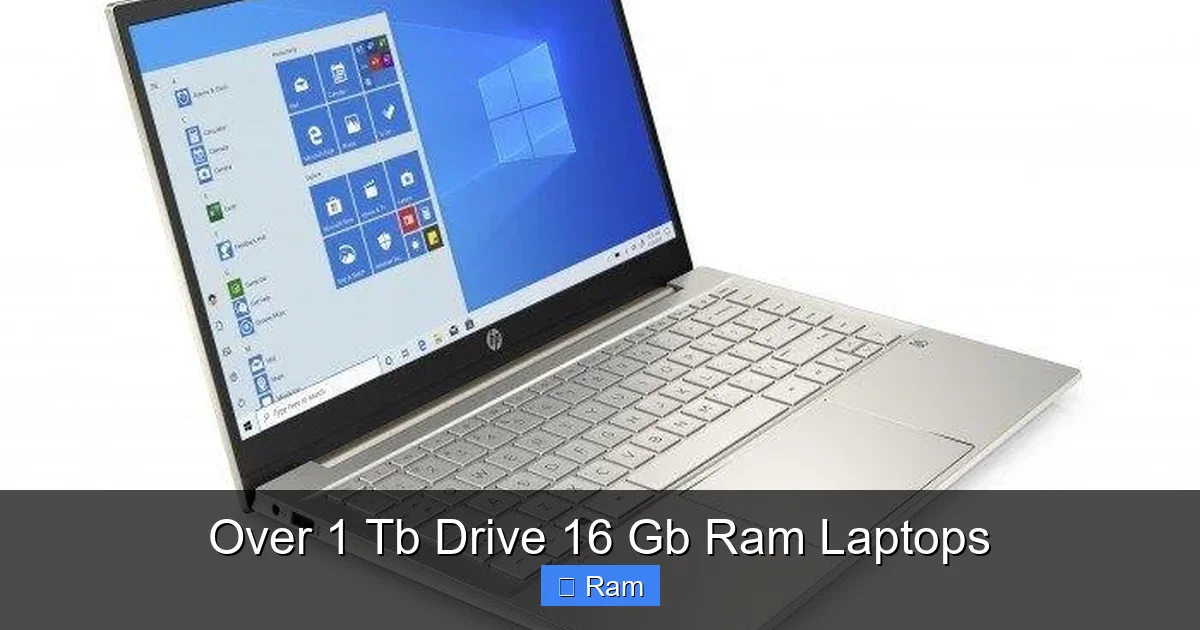
Laptops with over 1TB of storage and 16GB of RAM represent the sweet spot for power users and professionals. This combination eliminates storage anxiety and multitasking slowdowns, effortlessly handling massive files, countless browser tabs, and demanding applications. Whether you’re a video editor, data scientist, or serious gamer,this configuration future-proofs your investment. Our guide breaks down exactly why these specs matter and how to choose the perfect model for your needs.
Key Takeaways
- Performance Powerhouse: The 16GB RAM + 1TB+ storage combo is the gold standard for heavy multitasking and large project work, preventing system bottlenecks.
- SSD is Non-Negotiable: For this tier, prioritize NVMe SSDs over HDDs or SATA SSDs for massive, fast storage that won’t slow down your workflow.
- Target User Profile: Essential for 4K video editors, 3D animators, software developers, data analysts, and competitive gamers with modern libraries.
- Future-Proofing Investment: This spec ceiling comfortably handles next-gen software updates and operating systems for 3-5+ years, delaying the need for upgrades.
- Upgradeability Varies: Many modern ultrabooks solder RAM, but storage is often user-upgradeable. Always check the specific model’s service manual first.
- Budget Expectation: Expect to spend $1,200+ for quality new models; premium brands (Dell XPS, MacBook Pro, Lenovo ThinkPad) start around $1,800.
- GPU Complements Specs: Pair this RAM/storage with a dedicated GPU (NVIDIA RTX or AMD Radeon) for creative work or gaming; integrated graphics underutilize this potential.
📑 Table of Contents
- Why the Over 1 TB Drive 16 GB RAM Combo is the New Power User Standard
- Demystifying the Specs: More Than Just Big Numbers
- Who Exactly Needs This Level of Laptop? (It’s Not Just for “Gamers”)
- The Ultimate Buying Guide: What to Look For Beyond RAM & Storage
- Top Tier Picks: 2024’s Best Over 1 TB Drive 16 GB RAM Laptops
- Future-Proofing Your Investment: Upgrades and Longevity
- The Bottom Line: Is This the Right Laptop For You?
Why the Over 1 TB Drive 16 GB RAM Combo is the New Power User Standard
Let’s have a real talk about laptop specs. For years, the “standard” recommendation was 8GB of RAM and a 512GB solid-state drive (SSD). That was fine for office work, web browsing, and light photo editing. But the digital world has exploded. Modern games, operating systems, and creative suites are memory and storage hogs. If you’ve ever cursed at your laptop while waiting for a 4K video to render, juggling fifty Chrome tabs, or loading a massive AAA game, you know exactly what I’m talking about. That frustration is the sound of your machine hitting a wall.
Enter the over 1 TB drive 16 GB RAM laptop. This isn’t just an incremental upgrade; it’s a fundamental shift in what a mobile workstation can do. It’s the difference between a commuter car and a sports car. Both get you there, but one does it with ease, speed, and headroom for anything the road (or your project) throws at it. This combination provides the breathing room your digital life demands. You stop thinking about storage space. You stop micromanaging which apps to close. You just work or play. In this guide, we’ll unpack every layer of this powerhouse spec pair, from the nuts and bolts of NVMe technology to real-world use cases, helping you decide if this is the configuration you’ve been waiting for.
Demystifying the Specs: More Than Just Big Numbers
Before we shop, we need to understand what we’re actually buying. “Over 1TB” and “16GB RAM” are headline figures, but the technology underneath makes all the difference. A 1TB hard disk drive (HDD) from 2010 is not the same experience as a 2TB NVMe SSD from 2024. Let’s break it down.
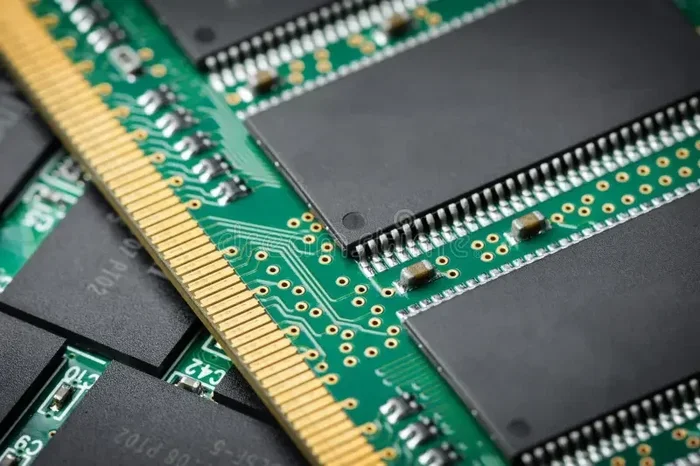
Visual guide about Over 1 Tb Drive 16 Gb Ram Laptops
Image source: cdn.bfldr.com
The Storage Story: HDD vs. SATA SSD vs. NVMe SSD
Storage is where your operating system, programs, and files live. Speed here dictates how fast your laptop boots, loads apps, and transfers files.
- Hard Disk Drives (HDDs): These are the spinning-platter relics. You’ll still find 1TB+ in budget laptops, but avoid them for any performance-focused machine. They are slow (100-160 MB/s), fragile, and loud. A 1TB HDD in a “power” laptop is a red flag.
- SATA SSDs: The first great leap. These use the same connector as old HDDs but have no moving parts. Speeds cap around 550 MB/s. A 1TB or 2TB SATA SSD is still a fantastic, reliable upgrade from an HDD and is common in mid-range laptops.
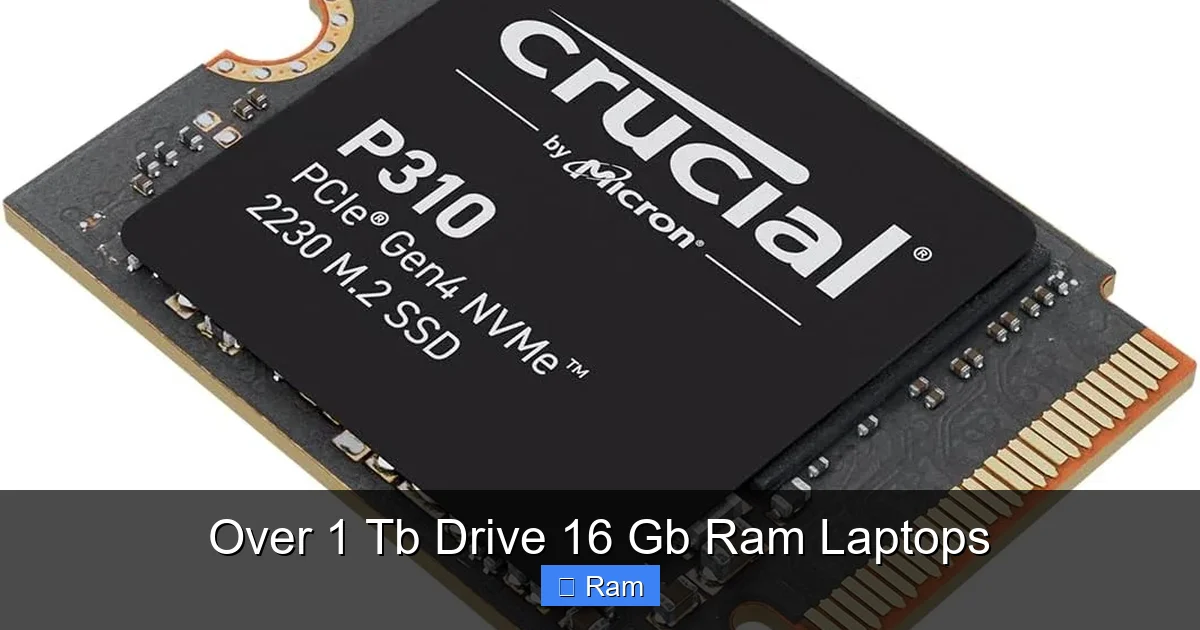
- NVMe SSDs (PCIe Gen3/Gen4/Gen5): This is the star of the show. These drives slot directly into the motherboard, using the high-speed PCIe bus. Gen3 drives hit 3,500 MB/s, Gen4 doubles that to 7,000 MB/s, and Gen5 is already soaring past 10,000 MB/s. For an over 1 TB drive 16 GB RAM laptop, you absolutely want an NVMe SSD. The storage capacity is useless if the drive itself is a bottleneck for your 16GB of fast RAM. Look for capacities like 1TB, 2TB, or even 4TB.
RAM Decoded: Speed, Channels, and Why 16GB is the Sweet Spot
RAM (Random Access Memory) is your laptop’s short-term workspace. More RAM means more applications and files can be kept ready for instant access, reducing the need to swap data back to the slower SSD.
- Capacity (16GB): This is the magic number for 2024. Modern Windows/macOS uses 4-6GB just idling. A few Chrome tabs? Another 2-3GB. Launch a game or Photoshop? That can demand 8-12GB on its own. 16GB gives you a comfortable buffer for all this plus background tasks. 8GB is now the minimum for basic use; 16GB is the responsible choice for a machine you’ll use for years.
- Speed (MHz) & Dual-Channel: RAM speed (e.g., 3200MHz, 4800MHz, 6400MHz) affects performance, especially with integrated graphics. More critical is dual-channel configuration. This means two RAM sticks (or a single stick with a dual-channel design) work in tandem, doubling the data throughput. For peak performance, ensure your 16GB is configured as 2x8GB sticks, not a single 16GB stick (though single sticks are easier to upgrade later).
Who Exactly Needs This Level of Laptop? (It’s Not Just for “Gamers”)
The marketing often points to gamers, but the need for over 1 TB drive 16 GB RAM laptops spans a wide range of serious users. Let’s match specs to personas.
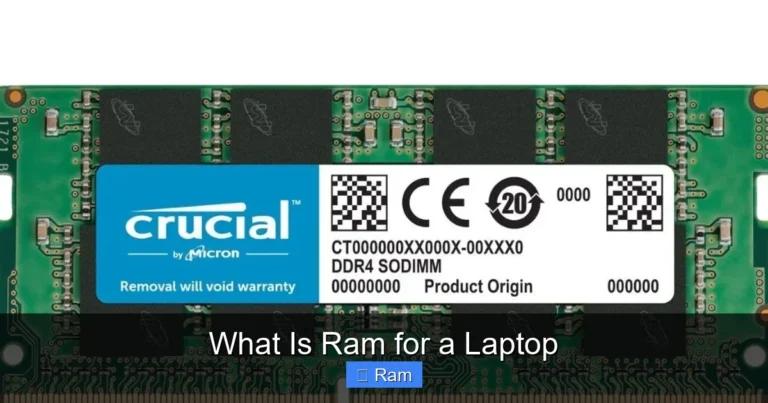
Visual guide about Over 1 Tb Drive 16 Gb Ram Laptops
Image source: cdn.uvation.com
The Creative Professional: Video Editors, 3D Artists, Photographers
This is the #1 demographic. A single minute of 4K ProRes video can be several GBs. A 3D scene with high-poly models and textures? Easily 10-20GB+. Adobe Premiere, DaVinci Resolve, Blender, and Photoshop are incredibly RAM-hungry to keep previews and caches active. 16GB is the entry point; 32GB is becoming the new ideal for pros, but 16GB with a fast 1TB+ NVMe SSD is a capable and much more affordable starting point. The massive storage holds your raw footage, project files, and extensive asset libraries without constant external drive juggling.
The Data Wrangler: Scientists, Analysts, Developers
Working with large datasets in Python (Pandas), R, SQL databases, or running virtual machines (VMs) for testing? These tasks eat RAM for breakfast. A single VM can be allocated 4-8GB. Having 16GB lets you run your OS, your IDE, a browser with docs, and a VM simultaneously without a stutter. The 1TB+ storage is for your datasets, container images (Docker), and multiple development environments. For a data scientist, this spec combo isn’t a luxury; it’s a productivity requirement.
The Serious Gamer & Streamer
Modern AAA games like *Cyberpunk 2077*, *Alan Wake 2*, or *Hogwarts Legacy* recommend 16GB RAM. With 8GB, you’ll experience stutters and texture pop-in as the system struggles. 16GB is the smooth, modern gaming baseline. But the storage is equally key. Today’s games are enormous—100GB+ is common. A 1TB SSD might hold 5-7 modern games. A 2TB drive gives you a real library without constant uninstalling. For streamers using OBS, the 16GB RAM handles the game + streaming software + browser sources effortlessly.
The “Do-It-All” Power User & Professional
This is the executive, the student in a demanding program, the entrepreneur with a hundred tabs and ten apps open. They run Office Suite, Zoom, Slack, a browser with 50 tabs, maybe a QuickBooks or CRM in the background. 8GB will make this a laggy, frustrating experience. 16GB makes it silky smooth. The over 1TB storage means no panic when a client sends a 5GB video file or their photo library grows. It’s about eliminating friction in a multi-app, multi-task daily workflow.
The Ultimate Buying Guide: What to Look For Beyond RAM & Storage
You’ve locked in the 16GB/1TB+ target. Excellent. But a laptop is a system. One weak component can drag down the whole experience. Here’s your checklist.
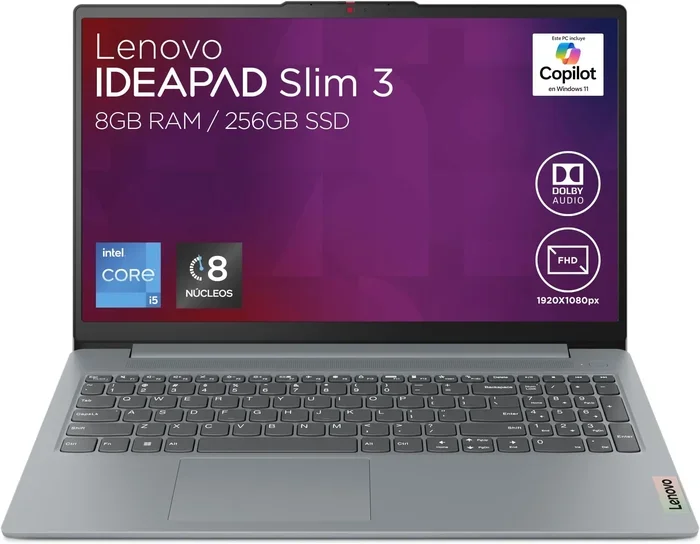
Visual guide about Over 1 Tb Drive 16 Gb Ram Laptops
Image source: m.media-amazon.com
The Heart of the Matter: CPU (Processor)
This is the brain. For an over 1 TB drive 16 GB RAM laptop, you need a CPU that can feed that RAM and leverage the fast storage. Look for:
- Intel: Core i5-13500H or newer, or the powerhouse Core i7/i9 H-series or P-series (e.g., i7-13700H, i9-13900HX). Avoid older U-series (like i7-1260P) for heavy work; they are efficiency-focused.
- AMD: Ryzen 5 7640HS or newer, or Ryzen 7/9 H-series (e.g., Ryzen 7 7840HS, Ryzen 9 7940HS). AMD’s integrated Radeon graphics are currently superior to Intel’s, a nice bonus if you skip a dedicated GPU.
- Apple Silicon: M2 Pro, M2 Max, M3 Pro, or M3 Max chips. The unified memory architecture means the 16GB RAM is exceptionally efficiently used. These are dominant for video/audio work on macOS.
The Display: Your Window to the World
All that power is wasted on a dim, low-resolution screen. Prioritize:
- Resolution: 1920×1080 (Full HD) is the absolute minimum. For creative work, a 4K (3840×2160) or at least a 2560×1440 (QHD) screen is worth the extra cost and battery impact.
- Color Gamut: Look for 100% sRGB (standard for web/print) or, better yet, 100% DCI-P3 (for video/advanced color work).
- Brightness: 300 nits is okay for indoors. 400+ nits is excellent and usable in brighter environments.
- Panel Type: IPS is standard and good. OLED provides incredible contrast and color but can have burn-in risks with static UI elements.
Build Quality, Ports, and Battery Life
A metal chassis (aluminum, magnesium alloy) is more durable and premium than all-plastic. Check the port selection: do you need USB-C/Thunderbolt 4 for external monitors/docks? How many USB-A ports? An SD card reader is crucial for photographers. Finally, manage battery expectations. A laptop with a 45Wh battery and a 45W H-series CPU will have short life (3-5 hours under load). Look for 80Wh+ batteries and more efficient CPUs (like Apple’s M-series or AMD’s latest HS chips) for better longevity away from an outlet.
Top Tier Picks: 2024’s Best Over 1 TB Drive 16 GB RAM Laptops
Enough theory. Let’s look at real, available (or imminent) machines that nail this spec combo. Prices are MSRP estimates; sale prices are frequent.
The All-Rounder Champion: Dell XPS 15 (2024)
Dell’s XPS line is the benchmark for Windows ultrabooks with power. The latest model offers Intel Core Ultra 7/9 or AMD Ryzen 9 CPUs, up to 64GB RAM, and up to 4TB NVMe SSD. The 15.6” OLED or FHD+ displays are stunning. Build quality is superb with a carbon fiber palm rest. It’s expensive (starts ~$1,899 for 16GB/1TB), but it’s a no-compromise package in a sleek package. Perfect for: creative professionals who want a Windows MacBook Pro rival.
The Creative Powerhouse: Apple MacBook Pro 14-inch (M3 Pro)
Apple’s unified memory architecture makes the 16GB RAM here feel even more potent. The M3 Pro chip demolishes video encode tasks. The base model starts with 512GB SSD, but you must configure to at least the 1TB option ($200 more) to hit our criteria. The mini-LED XDR display is arguably the best laptop screen available. Battery life is exceptional. Perfect for: video editors, music producers, and developers locked into the macOS ecosystem.
The Value & Performance King: Lenovo ThinkPad P1 Gen 6
ThinkPads are legendary for keyboards and durability. The P1 is their mobile workstation, certified for professional apps (ISV). You can configure it with an Intel Core i7/i9 or AMD Ryzen Pro CPU, NVIDIA RTX professional or gaming GPUs, and massive storage. Often, you can find excellent sale configurations with 16GB RAM and a 1TB or 2TB SSD for significantly less than a Dell XPS or MacBook Pro. Perfect for: engineers, architects, developers who need a rugged, reliable machine with a great keyboard.
The Gaming & Streaming Beast: ASUS ROG Zephyrus G14 (2024)
For gamers who also create, the G14 is a marvel. It packs an AMD Ryzen 9 8945HS and up to an NVIDIA RTX 4070 GPU into a 14-inch, sub-3.5lb body. Configurations with 16GB RAM and 1TB/2TB SSDs are its sweet spot. The AniMe Matrix LED display lid is a fun touch. Battery life is surprisingly good for its power. Perfect for: competitive gamers, streamers, and creative types who want top-tier gaming performance in a portable package.
Future-Proofing Your Investment: Upgrades and Longevity
Buying a laptop is a 3-5 year commitment. How do you protect your investment in an over 1 TB drive 16 GB RAM laptop?
RAM: Soldered vs. Socketed – Know Before You Buy
This is the biggest upgrade limitation. Most thin-and-light laptops (like the MacBook Pro, Dell XPS, many gaming laptops) solder the RAM directly to the motherboard. This means it’s impossible to upgrade later. The 16GB you buy is all you’ll ever have. Some performance laptops (many ThinkPads, some MSI, older Dell G-series) still use socketed RAM. If you think you might need 32GB in 3 years, seek out a socketed model. Always check the manufacturer’s technical specifications or a teardown video from iFixit or YouTube before purchasing, looking for “user-upgradeable memory.”
Storage: Almost Always Upgradable
This is the good news. Even in laptops with soldered RAM, the M.2 NVMe SSD slot is almost always accessible. You can buy a 1TB model today and easily swap in a 4TB NVMe drive in two years when prices drop further. Before you buy, confirm the laptop has an empty M.2 slot or that you can replace the existing drive. Some ultra-compact laptops have only one slot, so your initial purchase size matters.
Thermals and Sustained Performance
Powerful components in a thin chassis can overheat, leading to “thermal throttling” where the CPU/GPU slows down to cool off. Read reviews that test sustained performance (like a 30-minute Blender render test or a gaming loop). A laptop that hits high clock speeds for 5 minutes then drops 40% is not future-proof. Look for models with robust cooling solutions (larger heat pipes, dual fans). This is often where premium build quality pays off.
The Bottom Line: Is This the Right Laptop For You?
So, should you buy an over 1 TB drive 16 GB RAM laptop? Ask yourself these questions:
- Do I regularly work with files over 5GB? (Video projects, huge datasets, large game installations). If yes, the storage is a must.
- Do I keep more than 10-15 browser tabs open while using other apps? If yes, 16GB will save your sanity.
- Is my current laptop constantly showing “low memory” warnings or is the storage “full”? If yes, you are the target user.
- Is my budget under $1,000? You can find deals, but new models with these specs typically start around $1,200-$1,300 for value brands. Be prepared to compromise on build or display.
- Am I a light user? If you only browse, email, and watch Netflix, this is massive overkill. You’d be better off with a thinner, lighter, longer-battery-life laptop with 8GB/512GB.
If you answered “yes” to the first three, you’ve found your spec sweet spot. You’re not buying for hypothetical future needs; you’re solving a current, daily productivity or entertainment bottleneck. The over 1 TB drive 16 GB RAM laptop is the workhorse for the modern digital age. It’s the tool that gets out of your way and lets you focus on creating, analyzing, gaming, or connecting. Do your research, prioritize an NVMe SSD and a good CPU, and you’ll have a machine that feels fast and capable for years to come. Stop managing your laptop’s limits and start enjoying its potential.
Frequently Asked Questions
Is a 1TB SSD enough storage for a gamer in 2024?
It’s a functional starting point. Modern AAA games regularly exceed 100GB. With a 1TB drive, you can hold about 5-7 large games plus your OS and other software. Serious gamers will quickly feel the constraint and benefit from a 2TB or larger drive, which is becoming the new recommended baseline for a hassle-free gaming library.
Can I upgrade the RAM myself later if I buy a laptop with 16GB soldered?
No. If the RAM is soldered (which is common in thin-and-light and premium laptops), it is permanently attached to the motherboard and cannot be replaced or upgraded. You must purchase the desired RAM capacity (16GB, 32GB, etc.) at the time of buying. Always verify the upgradeability of a specific model before purchase.
Is 16GB RAM overkill for video editing?
For 1080p editing, 16GB is comfortable. For 4K editing, especially with multiple tracks, effects, and color grading, 16GB is the absolute minimum recommended. Many professionals now specify 32GB or 64GB for smooth 4K/6K/8K workflows. So for a hobbyist or part-time editor, 16GB with a fast CPU/GPU is capable. For a professional, it’s a starting point that will require careful project management.
What’s the real-world difference between a SATA SSD and an NVMe SSD for this setup?
For general use like booting Windows, launching apps, and loading game levels, the difference is noticeable but not night-and-day (e.g., 10 seconds vs. 6 seconds). The gap widens dramatically with large file transfers—moving a 100GB video project folder might take 3 minutes on a fast SATA SSD but under 1 minute on a Gen4 NVMe SSD. For your over 1 TB drive 16 GB RAM laptop, NVMe is essential to fully utilize the speed potential of the system.
Will this laptop have poor battery life because of the big specs?
Yes, likely compared to a low-power ultrabook. The combination of a power-hungry H-series CPU and a large, fast NVMe SSD draws more power. Expect 4-6 hours of real-world mixed use (browsing, video, some productivity). Gaming or rendering will drain it in 2-3 hours. For all-day battery life (8+ hours), you’d need to look at laptops with more efficient CPUs (like Apple’s M-series or AMD’s low-power U-series), which often sacrifice some peak performance.
Should I get Windows or macOS for this configuration?
This is a software and ecosystem choice. macOS (on Apple Silicon MacBooks) offers exceptional efficiency, brilliant displays, and superb built-in apps for creative work. Windows offers vastly more laptop model variety, broader gaming compatibility, and often better value for raw specs. If you’re tied to specific Windows-only software or games, Windows is your only choice. If you work in video, music, or design and prefer a Unix-based system, macOS is a fantastic, optimized fit for this spec tier.