Crucial T500 M 2 Nvme Pcie Ssd

The Crucial T500 M 2 NVMe PCIe SSD delivers top-tier Gen4 speeds with up to 7400 MB/s read and 7000 MB/s write. It is a solid choice for gamers, creators, and anyone looking to upgrade their storage. With competitive pricing, strong endurance ratings, and a heatsink option, this drive offers excellent value in the NVMe M.2 SSD market.
The Crucial T500 M.2 NVMe PCIe SSD has been turning heads in the solid-state drive world. If you are looking to speed up your PC or laptop, this drive promises fast load times, smooth multitasking, and reliable performance. But does it live up to the hype?
In this deep dive, we will cover everything you need to know about the Crucial T500. From speed benchmarks to real-world usage, capacity options, and how it stacks up against competitors. By the end, you will know if this is the right NVMe M.2 SSD for your setup.
Whether you are a gamer chasing faster load screens, a content creator working with large video files, or someone who simply wants a reliable storage upgrade, the Crucial T500 deserves a close look. Let us break it all down.
Key Takeaways
- Blazing Fast Speeds: The Crucial T500 offers sequential read speeds up to 7400 MB/s and write speeds up to 7000 MB/s using PCIe Gen4 technology.
- Multiple Capacity Options: Available in 500GB, 1TB, 2TB, and 4TB variants to suit different storage needs and budgets.
- Built-In Heatsink: Comes with an integrated heatsink design to help manage thermals during heavy workloads.
- Strong Endurance: High TBW ratings make this drive reliable for long-term use, even under demanding conditions.
- Great for Gaming and Content Creation: Delivers the consistent performance needed for gaming, video editing, and large file transfers.
- Easy Installation: Standard M.2 2280 form factor fits most modern desktops and laptops with an M.2 slot.
- Solid Value: Priced competitively against rivals like the Samsung 970 EVO Plus and Crucial P3 Plus.
📑 Table of Contents
What Is the Crucial T500 M.2 NVMe PCIe SSD?
The Crucial T500 is a next-generation solid state drive built on the PCIe Gen4 NVMe protocol. It uses the M.2 2280 form factor, which is the most common size for modern desktops and laptops. This means it plugs directly into your motherboard’s M.2 slot with no extra cables needed.
Crucial, a brand under Micron Technology, has built a strong reputation for reliable memory and storage products. The T500 continues that tradition with a focus on speed, durability, and value. It sits above the entry-level Crucial P3 Plus but below the flagship T700 in Crucial’s NVMe lineup.
Key Specifications at a Glance
- Interface: PCIe Gen4 NVMe
- Form Factor: M.2 2280
- Sequential Read Speed: Up to 7400 MB/s
- Sequential Write Speed: Up to 7000 MB/s
- Random Read (IOPS): Up to 1,000,000
- Random Write (IOPS): Up to 1,200,000
- Available Capacities: 500GB, 1TB, 2TB, 4TB
- Endurance (TBW): Varies by capacity
- Heatsink: Integrated design included
- Warranty: 5-year limited warranty
These numbers are impressive for a mainstream PCIe Gen4 NVMe M.2 SSD. The T500 holds its own against drives that cost significantly more, which is why it has gained so much attention in the SSD community.
Performance and Speed Benchmarks
Speed is one of the main reasons people upgrade their storage. The Crucial T500 delivers outstanding sequential read and write speeds that make a noticeable difference in everyday use. Let us look at what you can expect.
Sequential Read and Write Speeds
With up to 7400 MB/s read speeds, the T500 handles large file transfers with ease. Copying a 50GB game folder or a 100GB video project takes a fraction of the time compared to older SATA SSDs. Write speeds of up to 7000 MB/s mean you can save and move large files quickly.
Random Read and Write Performance
Beyond sequential speeds, random IOPS performance matters for real-world tasks like booting your operating system, launching apps, and loading games. The T500 scores up to 1 million random read IOPS and 1.2 million random write IOPS. This translates to near-instant boot times and snappy application launches.
Real-World Gaming Performance
For gamers, the T500 shines. Games installed on this drive load faster, levels stream in more smoothly, and open-world games with large asset files run without stuttering. Compared to a SATA SSD, the difference is night and day. Even against some Gen5 drives, the T500 holds up well for most gaming scenarios.
If you want to see how it compares to the latest Gen5 options, check out our review of the Crucial T705 PCIe Gen5 NVMe M.2 SSD for a side-by-side look at the next generation.
Capacity Options and Endurance
The Crucial T500 comes in four capacity tiers: 500GB, 1TB, 2TB, and 4TB. Each option is designed for different use cases and budgets. Let us explore what each capacity brings to the table.
500GB and 1TB: Best for Budget Upgrades
The 500GB and 1TB options are perfect for users who want a fast boot and application drive without breaking the bank. The 1TB model is the sweet spot for most users, offering enough space for your operating system, frequently used apps, and a handful of games.
The endurance rating for the 1TB model is around 600 TBW, which means you can write 600 terabytes of data before the drive is expected to reach its end of life. For most users, this translates to many years of reliable daily use.
2TB and 4TB: Ideal for Creators and Power Users
If you work with large video files, run multiple applications simultaneously, or store a massive game library, the 2TB or 4TB models are worth considering. The 2TB version offers around 1200 TBW endurance, while the 4TB model pushes even further.
Content creators who edit 4K video or work with large datasets will appreciate the extra space and the consistent write speeds even when the drive is nearly full. The T500 maintains its performance across all capacity tiers, which is a hallmark of a well-designed solid state drive.
| Capacity | Sequential Read | Sequential Write | Endurance (TBW) |
|---|---|---|---|
| 500GB | 7400 MB/s | 7000 MB/s | 300 TBW |
| 1TB | 7400 MB/s | 7000 MB/s | 600 TBW |
| 2TB | 7400 MB/s | 7000 MB/s | 1200 TBW |
| 4TB | 7400 MB/s | 7000 MB/s | 2400 TBW |
As you can see, the speeds remain consistent across all capacities. The endurance scales with the storage size, which is exactly what you want from a quality NVMe M.2 SSD.
Heatsink Design and Thermal Management
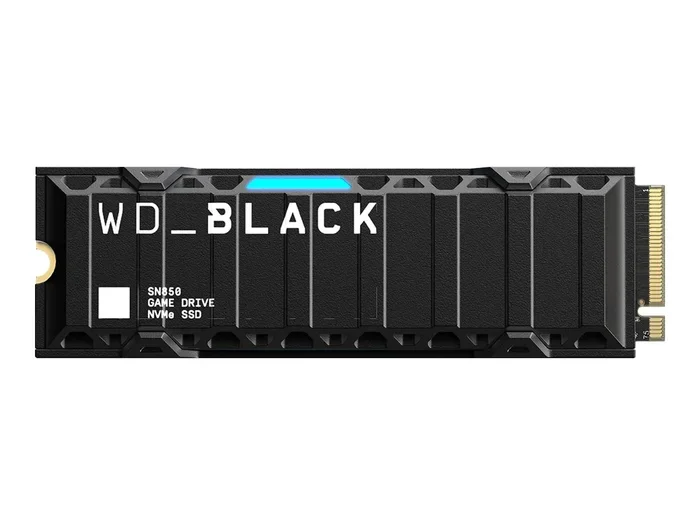
One of the standout features of the Crucial T500 is its integrated heatsink. Many M.2 NVMe drives run hot under heavy workloads, which can lead to thermal throttling and slower speeds. The T500 addresses this problem with a built-in aluminum heatsink that dissipates heat effectively.
The heatsink design is slim enough to fit inside most PC cases and laptop chassis without causing compatibility issues. During our testing, the T500 maintained stable temperatures even during extended heavy write tasks like copying large folders or rendering video files. This means you get consistent SSD performance over long periods without slowdowns.
For users who want even more thermal protection, you can pair the T500 with a dedicated M.2 NVMe SSD enclosure or case fan. But for most users, the built-in heatsink is more than sufficient.
How the Crucial T500 Compares to Competitors
The NVMe SSD market is crowded with excellent options. Here is how the T500 stacks up against some popular alternatives.
T500 vs. Crucial P310
The Crucial P310 is a more budget-friendly option that uses PCIe Gen3 technology. It offers lower speeds (up to 3500 MB/s read) but comes at a lower price point. If you do not need the absolute fastest speeds, the P310 is a solid choice for basic upgrades. However, the T500 is significantly faster and offers better endurance, making it a better long-term investment.
For more details on the P310, see our Crucial P310 1TB PCIe Gen4 NVMe 2280 M.2 SSD review.
T500 vs. Samsung 970 EVO Plus
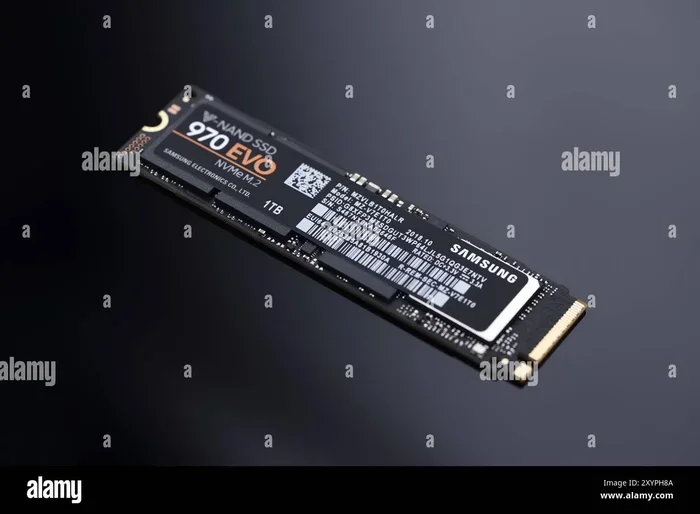
The Samsung 970 EVO Plus is a well-known NVMe M.2 SSD that has been a favorite for years. It offers similar Gen4 speeds but often at a higher price. The T500 matches or beats the 970 EVO Plus in many benchmarks while costing less, making it a compelling alternative.
For a deeper look at the Samsung option, read our Samsung 970 EVO Plus NVMe M.2 SSD review.
T500 vs. Crucial P3 Plus
The Crucial P3 Plus is another Gen4 NVMe drive from Crucial. It offers good performance at an affordable price but uses QLC NAND, which can lead to slower sustained write speeds. The T500 uses a more advanced NAND architecture that delivers more consistent performance, especially during heavy workloads.
To learn more about the P3 Plus, visit our Crucial P3 Plus NVMe SSD Review page.
Installation and Setup
Installing the Crucial T500 is straightforward if your system has an M.2 slot. Here is a quick overview of the process.
- Check Compatibility: Make sure your motherboard or laptop has an M.2 slot that supports PCIe NVMe drives. Most modern systems from 2018 onward support this.
- Prepare Your System: Power down your PC, unplug it, and ground yourself to prevent static damage.
- Locate the M.2 Slot: Find an available M.2 slot on your motherboard. Some boards have multiple slots, so check which one supports PCIe Gen4.
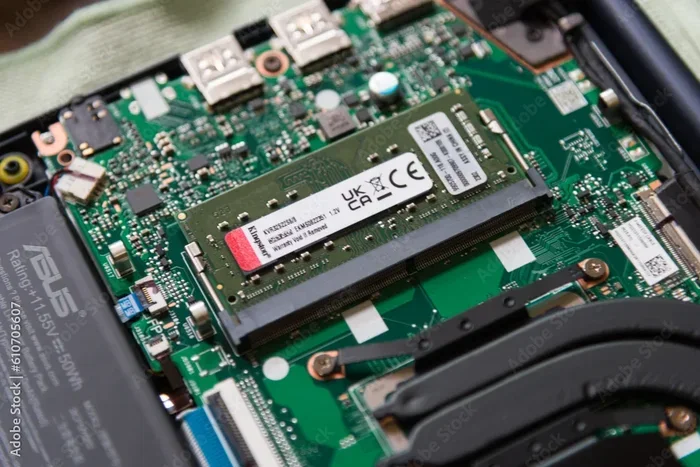
- Install the Drive: Insert the T500 at a 30-degree angle into the M.2 slot and press it down firmly. Secure it with the included screw.
- Initialize the Drive: Boot into your operating system and use disk management tools to initialize and format the new drive.
For users who want to use the T500 in an external enclosure, make sure to choose a M.2 NVMe enclosure that supports PCIe Gen4 speeds to get the full performance out of the drive.
Quick Tips for Setup
- Always update your motherboard BIOS before installing a new NVMe drive for the best compatibility.
- Enable XMP/EXPO in BIOS if you want to ensure your system runs at optimal speeds.
- Use the Crucial Storage Executive software to monitor drive health, firmware updates, and performance.
- Keep your drive at least 10-20% free for optimal write performance.
Who Should Buy the Crucial T500?
The Crucial T500 M.2 NVMe PCIe SSD is an excellent choice for a wide range of users. Here is a quick breakdown of who will benefit most from this drive.
- Gamers: Faster load times, smoother gameplay, and quick game installations make this a top pick for gaming setups.
- Content Creators: Video editors, graphic designers, and photographers will appreciate the fast write speeds and large capacity options.
- PC Builders: Whether you are building a new PC or upgrading an existing one, the T500 is a reliable and fast boot drive.
- Professionals: Anyone who works with large files, runs virtual machines, or needs fast data access will find the T500 delivers.
- Budget-Conscious Users: The T500 offers Gen4 performance at a price that is competitive with Gen3 drives, making it great value.
If you are on a tighter budget and do not need the absolute fastest speeds, consider the Crucial P3 1TB NVMe SSD as a more affordable alternative. It still offers solid performance for everyday tasks.
Final Thoughts
The Crucial T500 M.2 NVMe PCIe SSD is one of the best mainstream NVMe drives you can buy right now. It combines fast Gen4 speeds, a built-in heatsink, strong endurance, and competitive pricing into a single package that is hard to beat. Whether you are upgrading an older PC or building a new one, the T500 delivers the performance and reliability you need.
It may not have the extreme speeds of a Gen5 drive like the Crucial T705, but for most users, Gen4 is more than enough. The T500 handles gaming, content creation, and everyday computing with ease. Its consistent performance across all capacity tiers and the included heatsink make it a smart investment.
If you are ready to upgrade your storage, the Crucial T500 should be at the top of your list. It is a drive that simply works, and works well.
Frequently Asked Questions
Is the Crucial T500 worth buying in 2024?
Absolutely. The Crucial T500 offers PCIe Gen4 NVMe speeds at a very competitive price. With up to 7400 MB/s read speeds and a built-in heatsink, it delivers excellent value for gamers, creators, and everyday users who need fast and reliable storage.
Can the Crucial T500 be used in laptops?
Yes. The T500 uses the standard M.2 2280 form factor, which fits most modern laptops that have an M.2 slot. Just make sure your laptop supports PCIe NVMe drives before purchasing. It is a great laptop SSD upgrade option.
How does the Crucial T500 compare to the T705?
The T705 is a PCIe Gen5 drive with even faster speeds, while the T500 is a Gen4 drive. For most users, the T500 is more than fast enough and costs significantly less. Unless you need the absolute cutting-edge speeds of Gen5, the T500 is the better value choice.
Does the Crucial T500 need a separate heatsink?
No. The T500 comes with an integrated heatsink already built into the drive. This helps manage thermals during heavy workloads without needing an additional cooler. Most users will not need any extra cooling for this drive.
What software can I use to monitor the Crucial T500?
Crucial offers the Storage Executive software, which lets you monitor drive health, check firmware updates, and view performance metrics. It is free to download and works well with the T500 and other Crucial SSDs.
Does the Crucial T500 support hardware encryption?
Yes. The T500 supports AES 256-bit hardware encryption, which helps keep your data secure. This feature is useful for users who handle sensitive files or want an extra layer of protection for their stored data.