The Kingston NV2 1TB is a solid budget-friendly NVMe SSD for everyday computing and general use, but it makes key compromises to hit its low price. It uses a DRAM-less controller and QLC NAND memory, which means excellent sequential speeds for large file transfers but weaker performance in sustained, random read/write tasks common in OS operations and gaming. For a primary boot drive in a basic system or secondary storage, it offers tremendous value. However, power users, professional content creators, and serious gamers should consider a TLC-based SSD with a DRAM cache for consistently better responsiveness and longevity.
Key Takeaways
- Budget King for Sequential Tasks: The NV2 excels at loading large, contiguous files like game installations, video projects, and big software suites, making it feel fast for initial loads.
- Compromises for Price: Its use of QLC NAND and a DRAM-less controller means performance, especially with small, random files (like OS and game texture streaming), drops off significantly compared to pricier TLC drives.
- Best for General & Secondary Use: Ideal as a primary drive for basic desktops/laptops, a secondary game/library drive, or for upgrading older SATA systems where any NVMe is a huge leap.
- Not for Heavy Workloads: Avoid for professional video editing, database work, or as a boot drive in a high-performance gaming PC where consistent 4K random performance is critical.
- Value is Contextual: Its “goodness” depends entirely on your needs and local pricing. It’s a great deal if cheap, but a slightly more expensive TLC drive (like a Crucial P3 Plus) is often a smarter buy for the same use case.
- Thermal Considerations: Like many modern M.2 SSDs, it can benefit from a motherboard heatsink or a simple aftermarket heatsink during prolonged, heavy writes to prevent thermal throttling.
📑 Table of Contents
Introduction: The Budget NVMe Revolution
So, you’re looking at SSDs, and you’ve stumbled upon the Kingston NV2 1TB. It’s got that tempting price tag, the familiar M.2 2280 form factor, and the promise of NVMe speeds. The big question—”Is it good?”—isn’t a simple yes or no. In today’s market, “good” is a spectrum, and the NV2 sits at a very specific, very popular point on it: the extreme budget end. To understand if it’s good for you, we need to peel back the marketing and talk about the engineering trade-offs that make this drive so affordable. This isn’t just about reading spec sheets; it’s about understanding what those specs mean for your actual experience when you boot up your PC, load a game, or transfer a folder of photos.
Kingston, a name with decades of memory pedigree, is no stranger to value. The NV2 is their entry-level NVMe offering, designed to replace SATA SSDs as the default upgrade for millions of systems. It represents the new floor for NVMe performance. But getting to that floor price means making choices. The NV2 uses QLC (Quad-Level Cell) NAND flash memory and a DRAM-less controller design. These aren’t inherently “bad” technologies, but they define the drive’s character. This article will walk you through everything—from the silicon under the label to the real-world benchmarks you’ll actually feel—to help you decide if the Kingston NV2 1TB is a smart purchase or a penny-wise, pound-foolish mistake.
Deep Dive: The Technology Inside the Kingston NV2
To judge the NV2, we must first understand its core components. The magic (and the limitation) is in the details of its architecture. Let’s break it down.
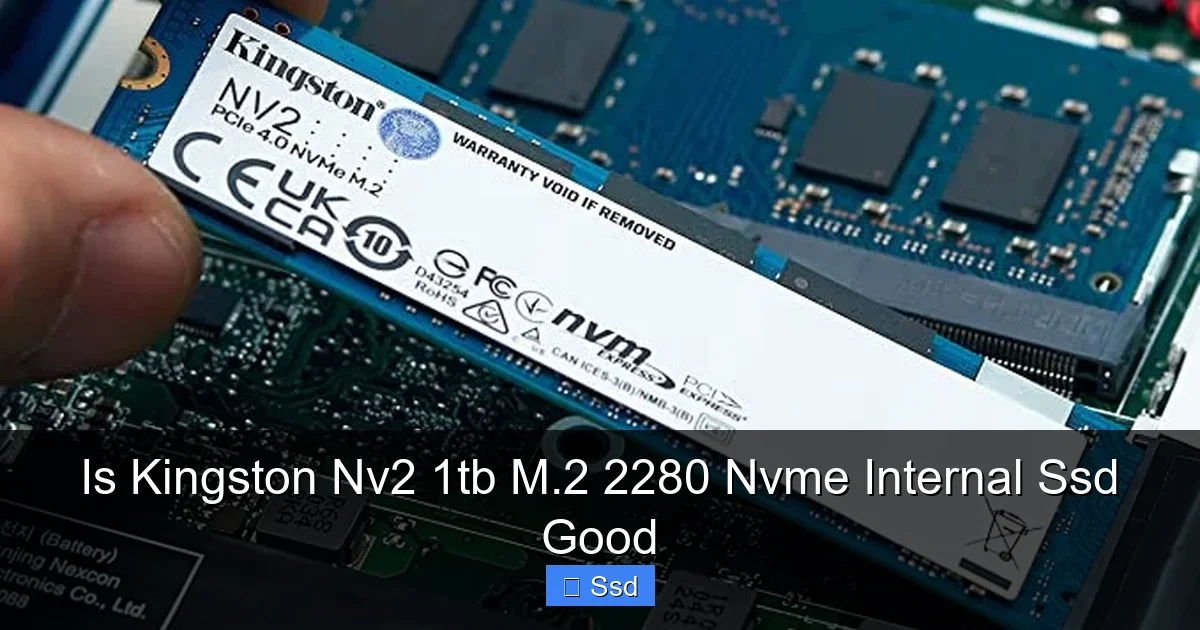
Visual guide about Is Kingston Nv2 1tb M.2 2280 Nvme Internal Ssd Good
Image source: knyelectronicsventures.com
The Heart of the Matter: QLC NAND Flash
Most SSDs in the past used MLC (2 bits per cell) or TLC (3 bits per cell) NAND. QLC stores 4 bits of data in a single memory cell. This is a huge density win—you get more terabytes per wafer of silicon, which drastically lowers cost. The trade-off? QLC cells have lower endurance (they wear out faster) and are slower at writing data, especially when the drive’s cache is full. Writing to a QLC cell is a more delicate, slower electrical process.
For the Kingston NV2, this means two things. First, the advertised write speeds (up to 3,200 MB/s) are only sustainable for a relatively small portion of the drive’s capacity, thanks to a large SLC (Single-Level Cell) cache. Once you exceed that cache—which can happen quickly with large file transfers—write speeds can plummet, sometimes by 80% or more. Second, the total terabytes written (TBW) rating is lower than a comparable TLC drive. Kingston rates the NV2 1TB at 320 TBW, which is on the low side but still plenty for a typical home user who isn’t hammering the drive with constant writes.
The Missing Piece: DRAM-Less Controller
Traditionally, SSDs used a small, fast DRAM chip as a cache to store the flash translation layer (FTL) table—basically, a map of where every piece of your data is physically stored on the NAND. Without this map in ultra-fast memory, the controller has to constantly reference a slower table stored on the NAND itself, adding latency. This is most noticeable in random read/write performance, which is crucial for loading operating system files, game assets, and applications.
The NV2 uses a controller that relies on Host Memory Buffer (HMB) technology. This borrows a small slice of your system’s RAM (up to 64MB) to act as a pseudo-cache. In practice, HMB is surprisingly effective for general use and narrows the gap, but it’s not as fast or as dedicated as a physical DRAM chip. This design choice cuts costs and power draw, but it’s a primary reason the NV2’s 4K random read/write speeds (the metric for “snappiness”) are modest compared to DRAM-equipped competitors.
Real-World Performance: What Does “Good” Actually Feel Like?
Specs are one thing, but experience is everything. Let’s translate the technology into tangible user scenarios.
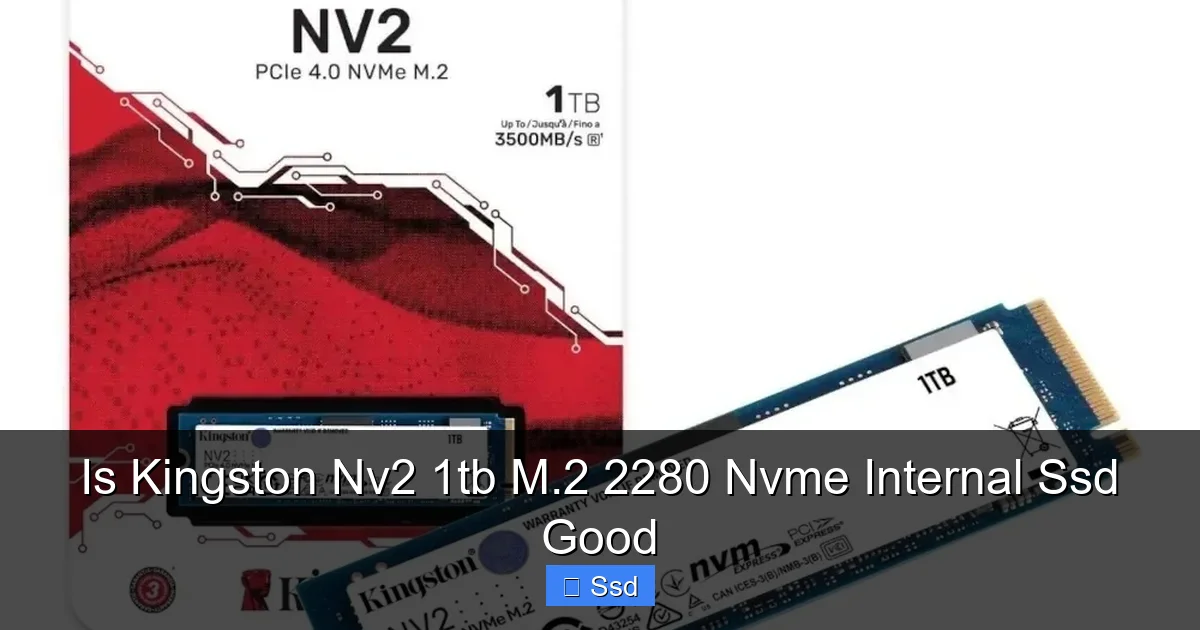
Visual guide about Is Kingston Nv2 1tb M.2 2280 Nvme Internal Ssd Good
Image source: gamedude.com.au
The Boot and Desktop Experience
Booting Windows and launching applications primarily involves small, random 4K reads. Here, the NV2 is competent but not class-leading. On a fresh install, it will feel plenty fast—booting in 10-15 seconds on a modern system. However, compared to a TLC drive with DRAM (like a Samsung 980 or WD Black SN770), the difference in “system feel” can be subtle but noticeable. Opening a large program like Chrome with dozens of tabs or Adobe Photoshop might take a second longer. The desktop itself will feel responsive, but in side-by-side tests, the NV2 can feel a fraction less instant when loading files from a “cold” state. For the vast majority of users, this difference is minor and unlikely to be a deal-breaker.
Game Loading Times: A Mixed Bag
This is where it gets interesting. Game loading is a mix of sequential and random reads. For the initial level load (a large sequential read), the NV2’s high sequential read speed shines. You’ll see excellent load times here, comparable to much more expensive drives. The problem arises during gameplay. Modern games constantly stream texture data in small, random chunks as you move through a world. This is where the NV2’s weaker random read performance and potential for lower sustained throughput can manifest. You might experience very occasional, minor texture pop-in or slightly longer load times when entering a new area in an open-world game compared to a top-tier NVMe. For competitive esports titles (CS:GO, Valorant, Fortnite), where every millisecond counts, the difference is measurable but likely not game-breaking for casual players. For a dedicated gaming rig, however, the extra $20-$30 for a TLC drive is often justified for that last ounce of consistency.
Large File Transfers & Creative Work
Here’s the NV2’s bright spot. Copying a 50GB game folder, a large video project, or a batch of high-resolution photos will start incredibly fast, leveraging that high sequential speed and large SLC cache. But remember the QLC caveat. If you’re moving hundreds of gigabytes of data (like a full backup or a massive video archive), you will see the transfer speed drop significantly once the cache is exhausted. For occasional large transfers, this is a non-issue. For someone doing daily, heavy video editing where the scratch drive is constantly written to, the NV2 is a poor choice. The sustained write speeds will bottleneck your workflow.
Value Proposition: Is It Actually a Good Deal?
“Good” is often a synonym for “good value.” The NV2’s price is its main selling point, but value must be judged against alternatives and your specific needs.
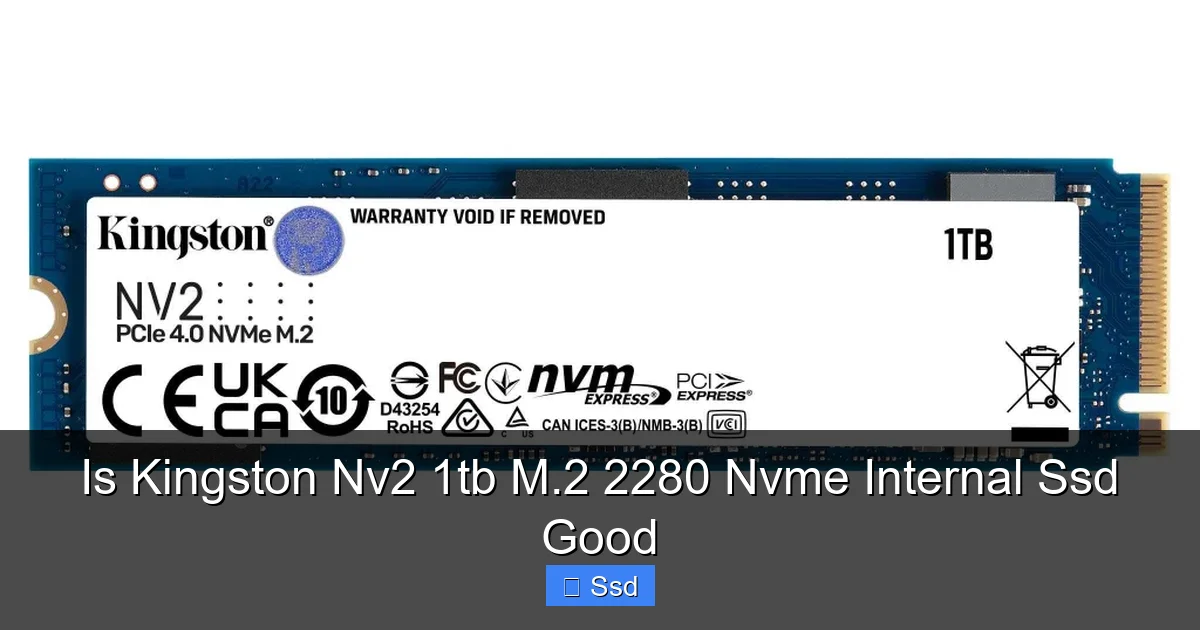
Visual guide about Is Kingston Nv2 1tb M.2 2280 Nvme Internal Ssd Good
Image source: down-ph.img.susercontent.com
Price Per Gigabyte and the Competition
At the time of writing, the NV2 1TB often hovers around the $50-$60 mark, putting it at roughly $0.05-$0.06 per GB. That’s competitive. However, the SSD market is dynamic. You must check prices against drives like the Crucial P3/P3 Plus, WD Blue SN570, and Teamgroup MP44L. These are also budget QLC or DRAM-less TLC drives. Sometimes, for just $5-$10 more, you can get a TLC-based drive (like the Crucial P3 Plus) that offers better sustained performance and slightly higher endurance. The NV2 is only the “best deal” when it is significantly cheaper than these TLC alternatives. Use price-comparison tools religiously.
The Target Audience: Who is This Drive Perfect For?
- The Casual User & Upgrader: Someone with an old desktop or laptop that still has a hard drive or an early SATA SSD. Moving to any NVMe is a monumental upgrade, and the NV2 delivers that “wow” factor for the least cash.
- Secondary Storage Builds: A perfect second drive in a gaming PC that already has a fast TLC boot drive. Use it for your game library, media files, or backups.
- Basic Office & School Machines: For web browsing, Office apps, Zoom calls, and light media consumption, the NV2 is more than sufficient.
- Budget Laptop Upgrades: Many modern thin-and-lights use PCIe 3.0 x4 and have thermal constraints. The NV2’s low power draw and adequate performance make it a great swap-in.
The Red Flags: Who Should Walk Away?
- Enthusiast Gamers & Content Creators: If your PC is a primary tool for work or competitive play, invest in a TLC drive with DRAM (e.g., Samsung 980, WD Black SN770, Sabrent Rocket 4).
- Users with Heavy Write Workloads: Database servers, daily 4K video rendering, or virtual machine hosts will quickly expose the NV2’s endurance and sustained speed limits.
- Anyone with a PCIe 4.0 Motherboard Seeking Peak Performance: The NV2 is a PCIe 3.0 drive. On a PCIe 4.0 board, you’re leaving performance on the table. For a similar price, you can often find a PCIe 4.0 TLC drive (like the Crucial P5 Plus) on sale.
Installation, Compatibility, and Thermal Notes
Physically installing the Kingston NV2 is identical to any other M.2 2280 SSD. It’s a simple screw-in process. However, there are a few compatibility and thermal considerations.
Checking Your System
First, ensure your motherboard or laptop has an available M.2 slot that supports NVMe (PCIe) and not just SATA. Most modern boards do, but it’s worth double-checking the manual. Also, confirm the slot’s configuration—some boards share bandwidth with SATA ports or other PCIe lanes. For the NV2 (PCIe 3.0 x4), this is rarely an issue on modern systems.
To Heatsink or Not to Heatsink?
This is a common question. The NV2, like many modern SSDs, can throttle its speed if the NAND and controller get too hot during sustained writes (like a 100GB+ file copy). This is less of a concern for general use but can happen in a poorly ventilated case or a compact laptop. Many modern motherboards include an M.2 heatsink. If yours does, use it—it’s a free performance benefit. If not, the NV2 typically runs warm but not dangerously so for average tasks. For peace of mind in a high-performance build, a $10-$15 aftermarket M.2 heatsink is a cheap insurance policy against thermal throttling.
Conclusion: The Final Verdict on the Kingston NV2 1TB
So, is the Kingston NV2 1TB M.2 NVMe SSD good? The answer is: it is exceptionally good at what it’s designed to be, but you must understand what it’s designed to be. It is not a performance champion. It will not win benchmark wars against TLC/DRAM drives. Its strength is delivering the transformative jump from SATA to NVMe at the lowest possible cost for the mass market.
If your needs align with its strengths—general computing, secondary storage, basic gaming—the NV2 is a fantastic, no-brainer recommendation. It will make any old system feel new again. The compromises in sustained write speed and 4K random performance are academic at its price point. However, if your budget has even a tiny bit of wiggle room (say, $10-$20 more), and your use case involves any serious gaming, OS booting on a high-end rig, or creative work, you should strongly consider stepping up to a TLC-based drive. That small premium buys you noticeably better consistency, longevity, and “feel.”
In the end, the Kingston NV2 1TB is a good SSD because it succeeds in its mission: providing accessible, fast storage. Just make sure that mission aligns with your mission. Always, always compare its current price to the Crucial P3 Plus, WD Blue SN570, and other budget TLC contenders before clicking buy. Your perfect SSD is out there; the NV2 might just be it.
Frequently Asked Questions
Is the Kingston NV2 good for gaming?
Yes, for most gamers. It provides excellent load times for initial level loads due to its high sequential speeds. However, in very demanding, open-world games, you might occasionally notice slightly longer texture streaming loads compared to a faster TLC drive. For a budget gaming build, it’s a great value, but competitive esports players may want to spend a little more for the absolute best consistency.
Can I use the Kingston NV2 as my main boot drive?
Absolutely. For a general-use PC or a basic gaming rig, it works perfectly fine as a boot and primary application drive. The Windows boot experience and general desktop responsiveness will be fast. Just be aware that in high-end systems, a drive with better 4K random performance (like a TLC/DRAM drive) will feel marginally snappier when loading the OS and programs.
Does the lack of DRAM cache matter for the Kingston NV2?
It matters, but not as much as it used to. Thanks to Host Memory Buffer (HMB) technology, which uses a slice of your system RAM, the performance gap in everyday tasks between DRAM-less and DRAM-equipped drives has narrowed significantly. You will notice the difference most in heavy, sustained random read/write workloads. For web browsing, office apps, and gaming, the impact is minimal.
How long will the Kingston NV2 1TB last?
For typical consumer use, it will last for many years. Kingston rates its endurance at 320 TBW (terabytes written). If you write 50GB to the drive every single day, it would take over 17 years to reach that limit. Most users will never come close to this. The QLC NAND has lower endurance than TLC, but for its target audience (general users), it is more than sufficient.
Does the Kingston NV2 need a heatsink?
It can benefit from one, but it’s not strictly necessary for most users. During prolonged, heavy file transfers (hundreds of GB), it may thermal throttle and slow down. If your motherboard has a built-in M.2 heatsink, install it. If not, and your case has poor airflow, consider a cheap aftermarket heatsink for the best sustained performance.
What’s a better alternative to the Kingston NV2?
Always check current prices, but common alternatives in the same budget ballpark include the Crucial P3 Plus (TLC, often a great value), WD Blue SN570, and Teamgroup MP44L. If you can spend a little more, drives like the Samsung 980 (non-Pro) or WD Black SN770 offer better all-around performance with TLC NAND and often DRAM caches, making them superior choices for a primary drive in a performance system.