Advantages and Disadvantages of Saas
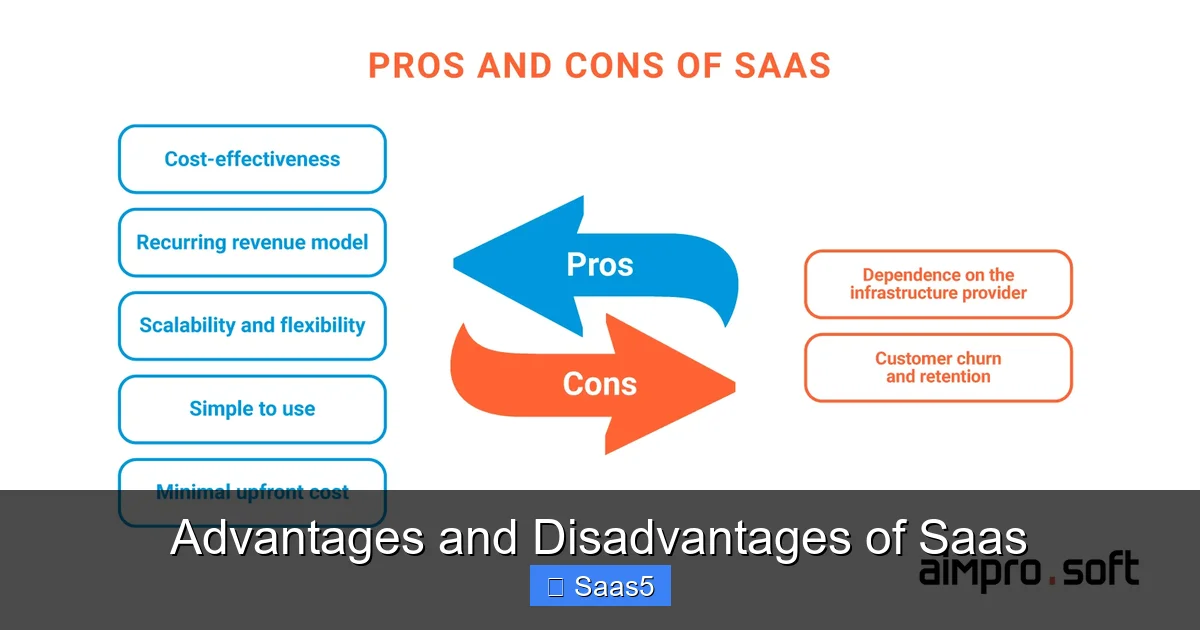
Software as a Service (SaaS) revolutionizes how businesses access software, offering unparalleled cost savings, scalability, and ease of use. However, it introduces critical considerations around data security, customization limits, and long-term vendor dependency. Understanding these trade-offs is essential for any organization evaluating cloud-based solutions.
Key Takeaways
- Lower Upfront Costs: SaaS eliminates large hardware and license fees, replacing them with predictable monthly or annual subscriptions, making it ideal for startups and SMBs.
- Instant Scalability & Updates: You can easily add or remove users and features, while the provider handles all maintenance, security patches, and upgrades automatically.
- Accessibility & Collaboration: Access applications from any device with an internet connection, enabling remote work and real-time team collaboration from anywhere.
- Limited Customization & Control: You typically cannot modify the core software code, leading to potential workflow mismatches and reliance on the vendor’s feature roadmap.
- Ongoing Subscription Cost: While upfront costs are low, perpetual subscription fees can accumulate over time, potentially exceeding the cost of a traditional license over a decade.
- Data Security & Compliance Risks: Your data resides on the provider’s servers, making vendor security practices and compliance certifications (like GDPR, HIPAA) critically important to vet.
- Vendor Lock-in & Migration Challenges: Switching providers can be complex and costly due to data export limitations, proprietary formats, and contractual obligations.
📑 Table of Contents
- Introduction: The Cloud-Powered Shift in Business Software
- The Undeniable Advantages of SaaS: Why Businesses Are Flocking to the Cloud
- The Critical Disadvantages of SaaS: The Trade-Offs You Can’t Ignore
- Deep Dive: Security in the SaaS Model – Shared Responsibility
- Making the Right Choice: A Framework for Evaluation
- Conclusion: Embracing the Cloud with Eyes Wide Open
Introduction: The Cloud-Powered Shift in Business Software
Remember the days of buying software in a box? You’d head to a store, purchase a CD-ROM or DVD, install it painstakingly on your office computers, and then hope it worked. Upgrades meant buying a new box. Scaling up meant buying more licenses. If your hard drive failed, you might lose everything unless you had a meticulous backup plan. That was the world of traditional on-premise software, and while it offered complete control, it was often expensive, inflexible, and resource-intensive.
Enter Software as a Service (SaaS). This cloud-based model has fundamentally rewritten the rules. Instead of installing software, you access it over the internet, typically through a web browser. You pay a recurring subscription fee, and the vendor manages everything else: the servers, the security, the updates, the uptime. It’s like shifting from owning a power generator to plugging into a reliable national grid. The benefits are immediate and compelling, especially for modern, agile businesses. But this convenience comes with its own set of trade-offs. To make a smart decision, you must look past the glossy marketing and understand the genuine advantages and disadvantages of SaaS. This guide will walk you through both sides, providing the clarity you need.
The Undeniable Advantages of SaaS: Why Businesses Are Flocking to the Cloud
The rise of SaaS isn’t a fluke; it’s driven by a powerful suite of benefits that align perfectly with contemporary business needs. Let’s explore the primary drivers of this adoption.
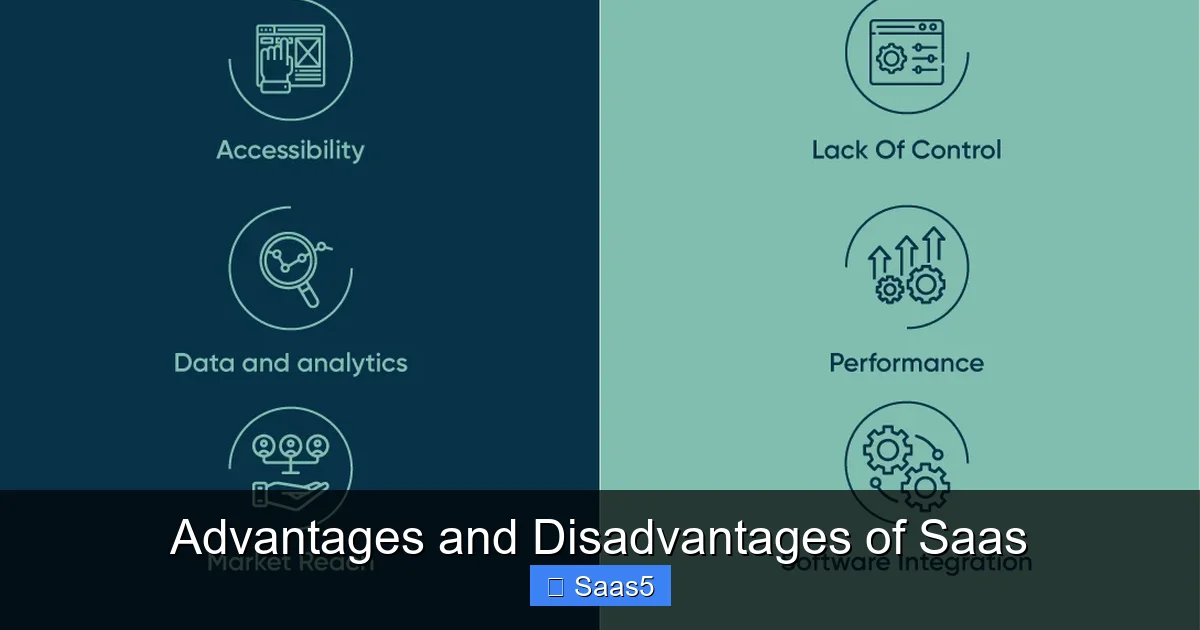
Visual guide about Advantages and Disadvantages of Saas
Image source: cdn.mindbowser.com
Drastic Reduction in Upfront Capital Expenditure (CapEx)
This is often the first and most attractive advantage. With traditional software, you faced significant capital expenditures: purchasing servers, networking equipment, and expensive, perpetual software licenses. SaaS transforms these into predictable operational expenditures (OpEx). You pay a manageable monthly or annual subscription fee per user. This frees up capital for other critical business areas like marketing, R&D, or hiring. For a startup or a small business with limited cash flow, this difference can be the deciding factor between implementing a crucial business system or going without.
Practical Example: A customer relationship management (CRM) system like Salesforce or HubSpot might cost a few thousand dollars upfront for licenses and implementation in a traditional model. With SaaS, a small team can start for $25-$50 per user per month. The barrier to entry vanishes.
Effortless Scalability and Flexible Pricing
Business needs are not static. You might need to add ten new salespeople next quarter or downsize after a project ends. With on-premise software, scaling meant complex procurement, installation, and licensing negotiations. With SaaS, it’s often as simple as clicking a button in your admin panel or calling your provider. You can typically add or remove user seats instantly, and your bill adjusts accordingly. Many SaaS platforms also offer tiered plans, allowing you to upgrade or downgrade your service package (e.g., from Basic to Professional) as your feature needs evolve. This elasticity is a cornerstone of modern business agility.
Automatic Updates and Maintenance
Who enjoys the downtime, risk, and hassle of software updates? With SaaS, you never have to think about it. The provider rolls out updates, security patches, and new features seamlessly in the background. You always use the latest, most secure version of the software without any manual intervention. This not only saves your IT team countless hours but also ensures you benefit from the latest innovations and security protocols without additional cost or project planning. It eliminates the “version sprawl” problem where some departments are on old, unsupported software while others are current.
Universal Accessibility and Enhanced Collaboration
SaaS applications are designed for the internet era. As long as you have a connection and a compatible device (laptop, tablet, smartphone), you can access your work. This enables true remote and hybrid work models, which have become table stakes for talent acquisition and retention. Furthermore, because everyone is using the same centralized, real-time instance of the software, collaboration becomes effortless. A sales team in New York, a marketing team in London, and a support team in Tokyo can all view and update the same customer record simultaneously. There’s no “I’m working on the latest saved file” confusion; there’s only one source of truth.
Robust Security and Disaster Recovery (Often)
It’s a common misconception that on-premise is more secure. For most small and medium-sized businesses, the opposite is true. Reputable SaaS providers invest hundreds of millions in enterprise-grade security infrastructure—dedicated security teams, physical data center protections, advanced encryption, and continuous monitoring—that an individual company could never afford to match. They also typically offer built-in disaster recovery and data redundancy across multiple geographic locations. Your data is backed up automatically. If your office suffers a flood or fire, your business-critical applications and data are safe and accessible from a coffee shop. It’s crucial to vet a provider’s security certifications (like SOC 2, ISO 27001), but the baseline is often far superior to a typical small business’s self-hosted server room.
The Critical Disadvantages of SaaS: The Trade-Offs You Can’t Ignore
For all its power, SaaS is not a silver bullet. The model introduces specific risks and limitations that can have serious operational and financial consequences if not carefully managed. A balanced view requires a deep dive into these drawbacks.
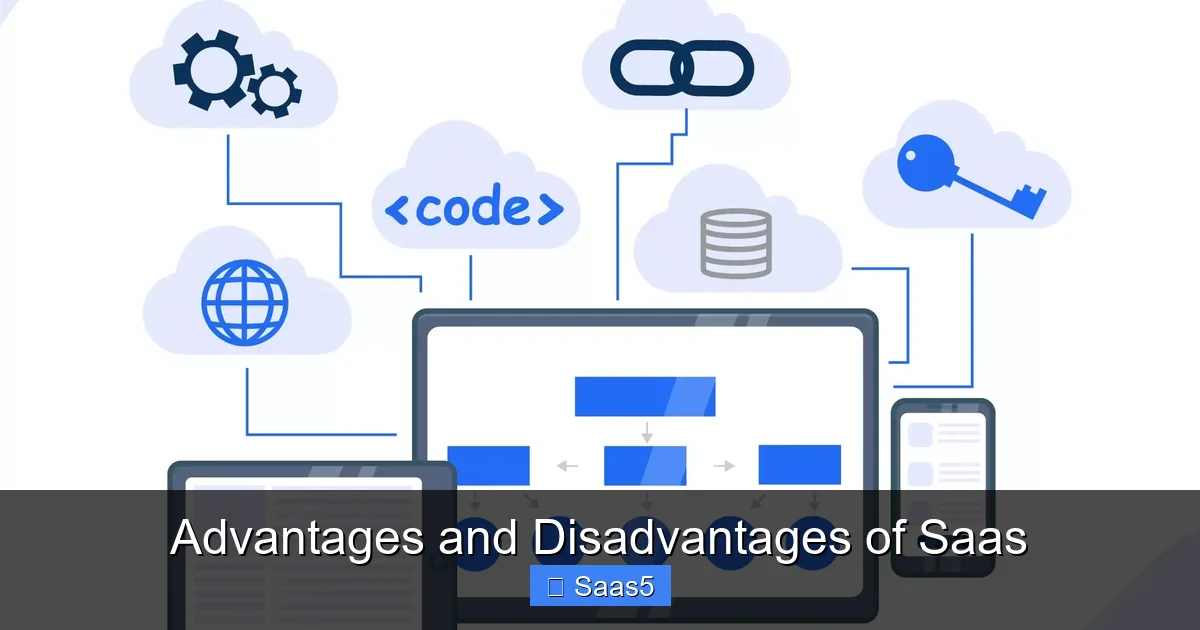
Visual guide about Advantages and Disadvantages of Saas
Image source: i.pinimg.com
The Perpetual Cost and the “Subscription Trap”
While the low entry cost is a pro, the long-term financial picture can be a con. A subscription is, by definition, an endless cost. Over 5, 10, or 20 years, your cumulative subscription fees can easily surpass the one-time (albeit high) cost of a perpetual software license plus annual maintenance. For a stable, large enterprise with predictable needs and a strong IT team, a traditional license might be more economical in the very long run. The total cost of ownership (TCO) must be calculated over a 5-10 year horizon, not just the first year. This ongoing cost also creates a continuous budgetary line item that can be difficult to remove once a system is entrenched in business processes.
Limited Customization and Control
This is the most significant operational disadvantage for many companies. You are using the vendor’s software, configured to their specifications. While most SaaS platforms offer configuration options (custom fields, workflows, reports), you cannot change the core code. If your business has a unique, critical process that the software doesn’t support, you’re often stuck. You must either change your business process to fit the software (which can be disruptive) or hope the vendor adds your feature request in a future update (which is uncertain and could take years). You are also completely at the mercy of the vendor’s product roadmap. If they decide to sunset a feature you rely on or change a core UI element, you have no recourse but to adapt or complain. You have no control over the software’s development cycle or priorities.
Vendor Lock-in and the Daunting Migration Problem
SaaS can create a powerful gravitational pull. Your data resides in the vendor’s proprietary database format. Their APIs are their own. Your team is trained on their interface. Getting out is rarely as easy as getting in. Data migration is a notorious challenge. Exporting your data in a useful, structured format is not always guaranteed. You might be provided with a messy CSV file or an obscure format that requires expensive third-party tools or custom development to import into a new system. Contractual exit fees, long notice periods, and the sheer operational disruption of retraining staff on a new platform make switching providers a major project, not a simple flip of a switch. This lock-in reduces your negotiating leverage over time and makes you dependent on the vendor’s continued health and fair pricing.
Performance and Internet Dependency
SaaS is inextricably tied to your internet connection. If your office internet goes down, your business can grind to a halt. While this is less of an issue with ubiquitous mobile data, it remains a single point of failure. You are also reliant on the provider’s service uptime and performance. Even the best providers experience occasional outages. You must scrutinize their Service Level Agreement (SLA) for guaranteed uptime (e.g., 99.9%) and understand the compensation (usually service credits) for missed targets, which is often minimal compared to your actual lost productivity. Latency can also be an issue if the provider’s data centers are geographically distant from your primary users, leading to a sluggish user experience.
Compliance and Data Sovereignty Concerns
Where is your data stored? Under which jurisdiction’s laws? For businesses handling sensitive data—health information (HIPAA), financial data (PCI DSS), or EU citizen data (GDPR)—this is non-negotiable. You must ensure your SaaS provider is compliant with all relevant regulations and stores data in appropriate geographic locations (e.g., EU data in EU servers). The responsibility for compliance is shared; you are still the “data controller,” and the vendor is your “data processor.” A breach or non-compliance on their part can legally implicate you. You must perform rigorous due diligence on their compliance certifications and audit reports. Always review their Terms and Conditions and Data Processing Agreement (DPA) meticulously to understand your obligations and liabilities.
Deep Dive: Security in the SaaS Model – Shared Responsibility
Security is the most frequently cited point of both advantage and disadvantage. Understanding the shared responsibility model is key. The cloud provider (SaaS vendor) is responsible for the security *of* the cloud: the infrastructure, the physical data centers, the network, the hypervisor, and the application code itself. You, the customer, are responsible for security *in* the cloud: user access management (strong passwords, MFA), device security (employee laptops/phones), data classification, and ensuring your employees use the software correctly. A breach can happen on either side. A vendor’s vulnerability exposes all customers. A customer’s weak password or an employee’s phishing scam can provide a gateway. The advantage is that the vendor’s security team is almost certainly more expert and better resourced than your own. The disadvantage is that you are ceding control and must perform continuous, rigorous vendor risk management.
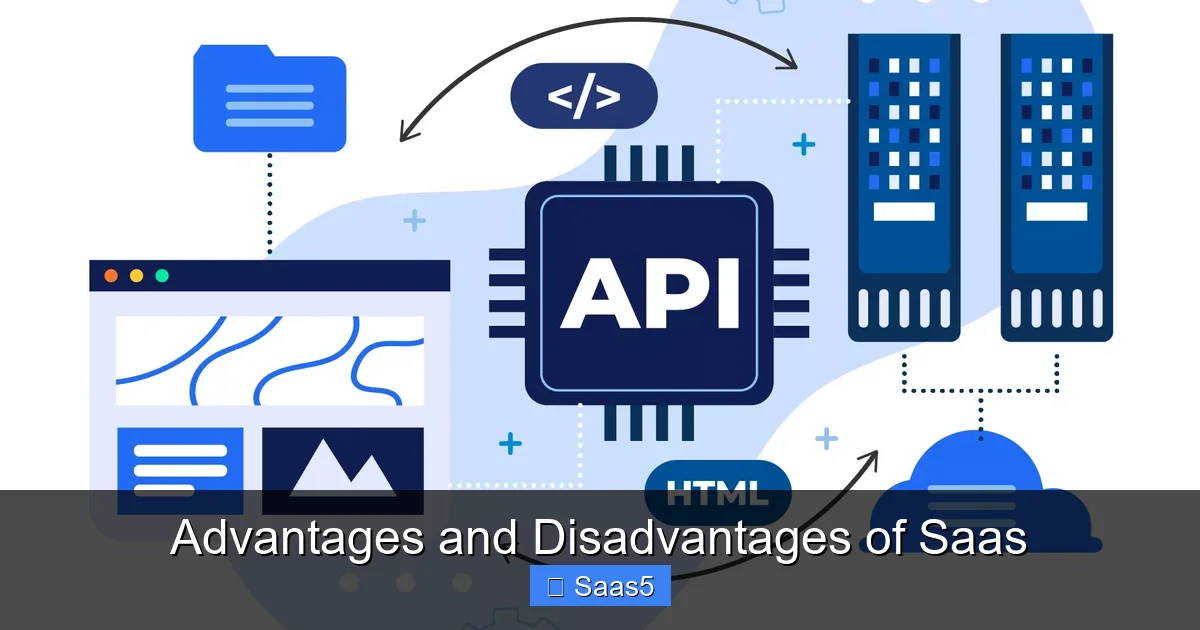
Visual guide about Advantages and Disadvantages of Saas
Image source: i.pinimg.com
Making the Right Choice: A Framework for Evaluation
So, is SaaS right for you? The answer is “it depends.” Use this framework:
- For Startups & SMBs: SaaS is almost always the superior choice. The low barrier to entry, lack of IT overhead, and operational flexibility are decisive advantages. The disadvantages (cost over time, limited customization) are often less impactful at a small scale.
- For Large Enterprises with Stable Needs: The calculus is more complex. If you have a massive, predictable user base and a unique, complex process that is core to your competitive advantage, the control of on-premise or a highly customized private cloud may justify the cost and IT burden. However, for standard functions like HR (Workday), CRM (Salesforce), or collaboration (Microsoft 365), even large enterprises overwhelmingly choose SaaS for the innovation velocity and reduced management load.
- For Regulated Industries (Healthcare, Finance, Government): Compliance is the filter. You must only consider SaaS providers who demonstrate explicit, audited compliance with your industry’s regulations. The vendor’s certifications are not optional; they are mandatory.
Always conduct a full TCO analysis, demand security and compliance documentation, test the software with a pilot group, and read the Terms of Service with a legal eye focused on data ownership, exit clauses, and liability limitations.
Conclusion: Embracing the Cloud with Eyes Wide Open
The advantages and disadvantages of SaaS present a clear trade-off: you trade a degree of control, long-term cost predictability, and deep customization for immense gains in cost accessibility, operational agility, automatic innovation, and enterprise-grade security. For the vast majority of businesses today, the scales tip heavily toward SaaS. The agility it provides is a competitive necessity in a fast-moving digital economy. However, choosing a SaaS provider is not a decision to make lightly or based on a flashy demo. It is a strategic partnership that will shape your operations for years. By understanding the core trade-offs outlined here—especially the long-term financial commitment, the reality of vendor lock-in, and the non-negotiable importance of security/compliance due diligence—you can enter into that partnership from a position of strength and clarity. The cloud is not just a destination; it’s a new way of operating. Go there prepared.
Frequently Asked Questions
Is my data safe in a SaaS application?
For most businesses, data is safer with a major SaaS provider than with their own on-premise servers, due to the provider’s superior security resources and expertise. However, safety is not automatic. You must vet the provider’s security certifications (SOC 2, ISO 27001), encryption practices, and compliance with your industry’s regulations. Remember, security is a shared responsibility—your team must also practice good security hygiene like using strong passwords and multi-factor authentication.
Can I customize SaaS software to fit my unique business processes?
Customization in SaaS is typically limited to configuration (changing settings, adding custom fields, building workflows within provided tools). You cannot modify the core software code. If your process is highly unique and non-negotiable, you may need to adapt your workflow to the software or seek a vendor with extensive API capabilities for deeper (but still limited) integrations. True code-level customization is a hallmark of on-premise or self-hosted solutions.
What happens if I want to switch SaaS vendors later?
Switching vendors, known as migration, is often the most difficult and costly part of the SaaS relationship. Data export formats can be proprietary or messy. APIs may not be fully supported. Contractual exit fees and notice periods can apply. Always ask potential vendors about their data export policies, formats (like standard JSON or CSV), and API accessibility *before* signing. Factor potential future migration costs into your initial TCO analysis.
Do I need a constant, fast internet connection to use SaaS?
Yes, continuous internet access is a fundamental requirement for SaaS applications. While some offer limited offline modes for specific functions, full functionality requires a connection. You must assess your own business’s internet reliability. For critical operations, having a backup connection (like a mobile hotspot) is a prudent risk mitigation strategy. Performance can also be affected by the geographic distance between you and the provider’s data centers.
Are there hidden costs with SaaS?
Yes, the base subscription fee is just the start. Be aware of potential additional costs for: extra user seats beyond your plan, premium support tiers, data storage overages, training and onboarding services, custom integrations or API calls, and costs associated with migrating data in or out. Always get a detailed quote that outlines these potential add-ons. The “per user per month” price can balloon based on your actual usage patterns.
What if my SaaS vendor goes out of business or gets acquired?
This is a real risk, especially with smaller vendors. If a vendor shuts down, you could lose access to your data and business processes abruptly. This is why financial health and vendor stability are important due diligence items. In an acquisition, the acquiring company usually honors existing contracts, but service levels, pricing, and product direction can change dramatically. Your contract should include clear clauses about data access and export rights in the event of a bankruptcy or acquisition.