Always on Rear View Camera
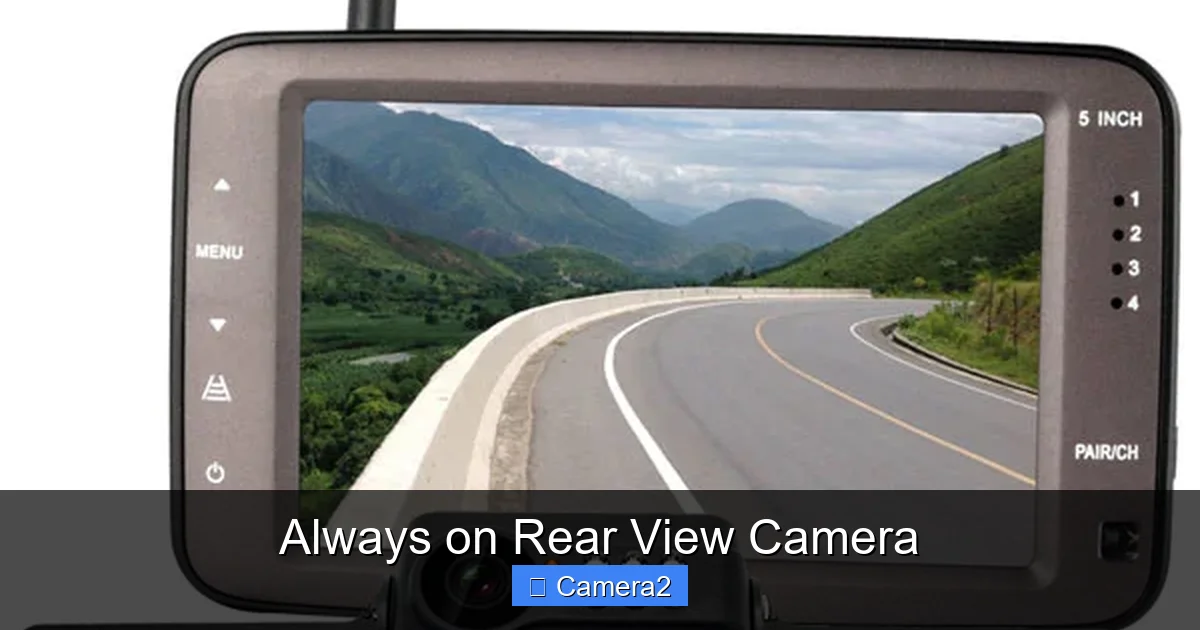
Always on rear view cameras give drivers a constant visual of what’s behind the vehicle, reducing blind‑spot accidents and parking mishaps. They’re easy to install, work in any light, and pair perfectly with modern monitors for a seamless driving experience.
Key Takeaways
- Continuous visibility: An always on rear view camera shows the rear scene 24/7, not just when you shift into reverse.
- Improved safety: Reduces rear‑end collisions, blind‑spot incidents, and parking damage.
- Easy integration: Works with most factory or aftermarket monitors; no special wiring needed for most models.
- Low power draw: Modern cameras use minimal battery, so they won’t drain your car’s electrical system.
- Weather‑proof design: Built‑in heaters and IR LEDs handle rain, snow, and night‑time driving.
- Legal considerations: Always‑on systems are legal in most regions, but check local laws for driver‑facing camera rules.
- DIY friendly: Many owners can install the unit themselves with basic tools and a short video guide.
📑 Table of Contents
- What Is an Always On Rear View Camera?
- Why Drivers Love an Always On Rear View Camera
- Choosing the Right Always On Rear View Camera
- Step‑By‑Step Installation Guide
- Maintenance Tips to Keep Your Camera Working Perfectly
- Legal and Privacy Considerations
- Real‑World Benefits: Stories From Drivers
- Future Trends: What’s Next for Always On Cameras?
- Conclusion
What Is an Always On Rear View Camera?
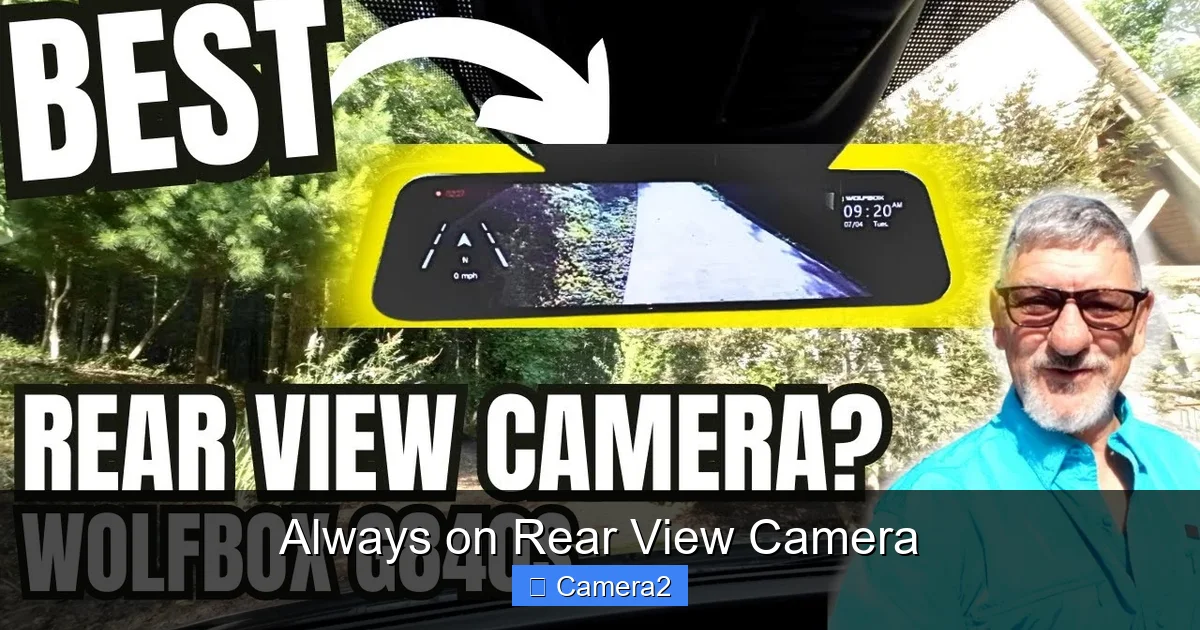
When you hear “always on rear view camera,” think of a tiny eye glued to the back of your car that never sleeps. Unlike traditional backup cameras that only power up when you shift into reverse, an always on system stays active 24 hours a day, 7 days a week. The video feed streams continuously to a display inside the cabin—usually the infotainment screen or a dedicated rear‑view monitor.
These cameras use low‑power CMOS sensors, built‑in image processors, and often feature infrared (IR) LEDs for night vision. Because they’re always broadcasting, you get a live “window” into the world behind you, even while you’re cruising down the highway.
How It Differs From a Standard Backup Camera
- Power source: Standard cameras receive power only when the reverse gear signal is active. Always on cameras draw a tiny amount of current all the time.
- Display behavior: Backup cams usually flash a “reverse” icon. Always on units show a steady picture, sometimes with a small overlay that indicates the vehicle is moving forward.
- Features: Many always on models add motion detection, parking‑assist alerts, and even a “bird’s‑eye” view when paired with a front camera.
Why Drivers Love an Always On Rear View Camera
Safety is the headline act, but there are several everyday perks that make drivers keep the camera turned on.
1. Eliminate Blind Spots While Driving
Even with side mirrors, a rear blind spot can hide a cyclist, motorcyclist, or a child darting into the lane. An always on rear view camera fills that gap. The live feed lets you glance at the screen and instantly see if someone is lurking behind you.
2. Safer Lane Changes and Merges
When you’re merging onto a highway, a quick look at the rear screen can confirm there’s enough space. This extra visual cue reduces the chance of a side‑impact collision.
3. Stress‑Free Parking
Parking in tight spots becomes a breeze. The camera’s wide‑angle lens shows curbs, other cars, and pedestrians, helping you guide the vehicle with confidence. If you pair it with a monitor for rear view camera, you get a larger, brighter picture that makes precision parking easier.
4. Night‑Time Visibility
Infrared LEDs illuminate the area behind you without blinding anyone. The camera automatically switches to night mode, delivering a clear black‑and‑white image that’s easy to read.
5. Peace of Mind While Stopped
When you’re stopped at a red light or in traffic, the camera continues to show what’s happening behind you. If a car backs into you, you’ll see it on the screen before any damage occurs.
Choosing the Right Always On Rear View Camera
Not all cameras are created equal. Here’s what to look for when shopping.
Visual guide about Always on Rear View Camera
Image source: i.ytimg.com
Resolution and Field of View
Higher resolution (1080p or 4K) means sharper images, especially useful for spotting small objects. A wide field of view (120°–180°) captures more of the scene, reducing the need to turn the camera.
Low Light Performance
Look for cameras with IR illumination and a high‑dynamic‑range (HDR) sensor. These features keep the picture clear in rain, fog, or nighttime conditions.
Power Consumption
Since the camera runs all the time, choose a model that draws less than 1 amp. Modern units often consume as little as 0.5 W, meaning they won’t drain your battery.
Installation Compatibility
Most aftermarket cameras come with a plug‑and‑play harness that connects to the reverse light wire or a dedicated 12 V source. If you already have an infotainment screen that supports a video input, the installation is straightforward. For those with a factory screen, you may need a video adapter.
Additional Features
- Parking mode: Some units stay on when the car is locked, acting as a surveillance eye.
- Motion alerts: Sends a notification to your phone if movement is detected while parked.
- Bird’s‑eye view: Combines front and rear feeds for a 360° perspective.
Step‑By‑Step Installation Guide
Installing an always on rear view camera can be a Saturday‑morning project. Below is a simple roadmap.

Visual guide about Always on Rear View Camera
Image source: m.media-amazon.com
Tools You’ll Need
- Screwdriver set (Phillips & flathead)
- Trim removal tools
- Wire strippers/crimpers
- Electrical tape or heat‑shrink tubing
- Drill (if mounting requires a new hole)
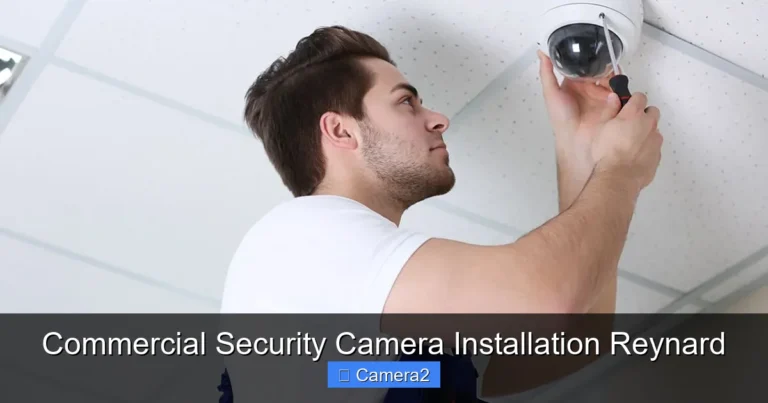
1. Pick the Mounting Spot
Most cameras attach to the rear bumper or the license‑plate bracket. Choose a location with an unobstructed view and easy access to wiring.
2. Run the Power Cable
Connect the camera’s power lead to a constant 12 V source (like the “ACC” line) so it stays on all the time. If you prefer the camera to turn off with the ignition, tap into the “IGN” wire instead.
3. Connect the Video Cable
Run a coaxial or HDMI cable from the camera to the monitor. If you’re using an aftermarket monitor, plug it into the video input. For factory screens, you may need a CAN‑bus adapter.
4. Secure the Camera
Attach the mounting bracket with the supplied bolts. Make sure the lens is flush with the bumper and angled slightly downward for a better ground view.
5. Test the System
Turn the ignition on and verify that the screen displays a live feed. Adjust the camera angle if the horizon looks too high or low.
6. Tidy Up
Bundle any excess wiring with zip ties, wrap connections with electrical tape, and replace any removed trim pieces.
For a visual walkthrough, check out the guide on when rear view cameras became standard—it includes a helpful diagram of typical wiring routes.
Maintenance Tips to Keep Your Camera Working Perfectly
Even the toughest cameras need a little love now and then.
Clean the Lens Regularly
Dust, road grime, and bug splatter can blur the image. Wipe the lens with a soft microfiber cloth and a mild glass cleaner once a month.
Check the Wiring
Look for loose connectors after a few weeks of use. A loose power wire can cause the camera to flicker or go dark.
Update Firmware
Many manufacturers release firmware updates that improve low‑light performance or add new features. Visit the brand’s website and follow their update instructions.
Watch for Overheating
Although designed for outdoor use, extreme heat can affect sensor performance. If you notice a hazy image on hot days, give the camera a brief break by turning off the vehicle for a few minutes.
Legal and Privacy Considerations
Before you hit the road, it’s smart to know the rules.
Driver‑Facing Cameras vs. Rear Cameras
Some jurisdictions regulate cameras that face the driver, especially if they record audio. Rear‑view cameras are generally exempt because they only capture the area behind the vehicle. For more on camera regulations, see how to disable driver facing camera.
Data Storage
Most always on cameras stream live video without recording. If you enable parking‑mode recording, the footage is saved to a microSD card. Keep the card encrypted if you store personal data.
License Plate Visibility
When the camera records, be aware that the rear license plate is always in view. Some owners pair a license plate rear view camera that blurs the plate in recordings to protect privacy.
Real‑World Benefits: Stories From Drivers
Here are a few scenarios where an always on rear view camera made a difference.
Scenario 1: The Unseen Cyclist
Maria was merging onto a busy boulevard. She glanced at her rear screen, saw a cyclist inching up behind her, and waited a second before merging. The cyclist thanked her later, and Maria avoided a close call.
Scenario 2: Parking Lot Panic
During a shopping trip, Jake backed into a pole that was hidden by a dumpster. His rear view camera showed the pole minutes before impact, letting him steer clear.
Scenario 3: Night‑Time Surprise
On a rainy night, a delivery truck tried to squeeze past Alex’s car. The infrared view on the screen revealed the truck’s headlights and the driver’s erratic movements, prompting Alex to stay put until the truck passed.
Future Trends: What’s Next for Always On Cameras?
Technology never stands still. Here are a few developments on the horizon.
Artificial Intelligence (AI) Integration
AI can analyze the rear feed in real time, highlighting pedestrians, cyclists, or animals with colored boxes. Some systems will even issue audible alerts.
Wireless Video Transmission
Future models may send the video feed over Wi‑Fi or 5G to a smartphone app, eliminating the need for a physical monitor.
Solar‑Powered Units
Solar panels integrated into the rear bumper could power the camera completely off the sun, further reducing battery draw.
Conclusion
An always on rear view camera is more than a fancy gadget; it’s a practical safety upgrade that keeps you aware of what’s happening behind you at all times. With easy installation, low power draw, and a host of helpful features, it’s a smart addition to any modern vehicle. Whether you’re a daily commuter, a rideshare driver, or just someone who wants extra peace of mind, the constant rear‑view feed can make every drive safer and less stressful.
Ready to make the switch? Choose a camera that fits your vehicle, follow the simple installation steps, and enjoy the confidence that comes with never having to guess what’s behind you again.
Frequently Asked Questions
What is the difference between an always on rear view camera and a regular backup camera?
An always on rear view camera streams video continuously, while a regular backup camera only activates when you shift into reverse.
Can I install an always on rear view camera myself?
Yes, most aftermarket units are DIY‑friendly and require only basic tools and a short wiring guide.
Will an always on camera drain my car’s battery?
Modern cameras use very low power (often under 0.5 W), so the impact on the battery is minimal.
Do I need a special monitor for the camera?
While any screen with a video input works, a dedicated monitor for rear view camera provides the best brightness and viewing angle.
Are always on rear view cameras legal?
Yes, they are legal in most regions. Just avoid recording audio or the driver’s face if local laws restrict driver‑facing cameras.
How do I clean the camera lens without damaging it?
Use a soft microfiber cloth and a gentle glass cleaner. Avoid abrasive materials that could scratch the lens.