Top 10 Best Budget Monitors for Home Office 2026 – Expert Tested
Setting up a productive home office doesn’t have to break the bank. The best budget monitors for home office use offer a fantastic balance of crisp visuals, comfortable ergonomics, and essential features without the premium price tag. Whether you’re handling video calls, crunching numbers in spreadsheets, or designing graphics, there’s an affordable display that can significantly boost your workflow and comfort. We’ve tested and scoured the market to bring you a curated list of the top performers that deliver incredible value, ensuring you get a reliable, high-quality screen that supports your daily tasks without compromise.
Quick Product Comparison
Our Top 10 Best Budget Monitors For Home Office Reviews – Expert Tested & Recommended
1. Acer KB242Y Monitor
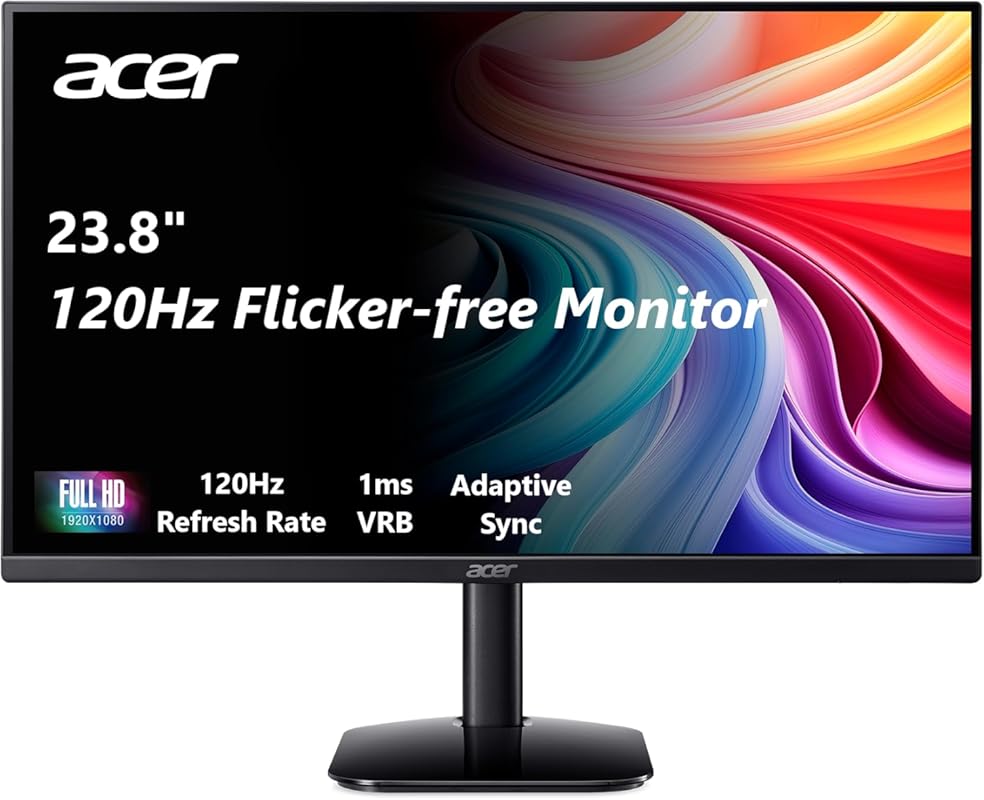
The Acer KB242Y is our top pick for its exceptional blend of performance and value. This 23.8-inch IPS monitor delivers a buttery-smooth 120Hz refresh rate and a lightning-fast 1ms response time, making everything from scrolling documents to casual gaming feel incredibly responsive. The Full HD resolution on this size yields a sharp pixel density perfect for text work, while the 99% sRGB coverage ensures colors are vibrant and accurate for basic design tasks.
Key Features That Stand Out
- ✓ 120Hz refresh rate & 1ms VRB response time
- ✓ 23.8″ Full HD IPS panel with 99% sRGB
- ✓ Adaptive-Sync (FreeSync) support
- ✓ Ultra-thin bezels for multi-monitor setups
- ✓ HDMI and VGA ports for versatile connectivity
Why We Recommend It
It’s the complete package for a budget home office. You get high refresh rate gaming performance in a workhorse monitor at a price that’s hard to argue with. The IPS panel provides wide viewing angles and consistent colors, which is crucial for sharing your screen in meetings or collaborating with others.
Best For
Anyone who wants a no-compromise, all-around performer. It’s ideal for general office work, students, content consumers, and casual gamers who also need a reliable display for productivity.
Pros and Cons
Pros:
- Incredible value with 120Hz refresh rate
- Sharp text and good color accuracy out of the box
- Adaptive-Sync prevents screen tearing
- Simple, clean design with thin bezels
Cons:
- Stand only offers tilt adjustment, no height or swivel
- No built-in speakers
- HDR performance is basic
Customer Reviews
Customer Review: Very happy with my purchase. I had been putting up with an old monitor for months, which would sometimes not display when booted. I assumed it must be the video card or connection because it resolved with rebooting, sometimes several times. At this price, I decided it was worth getting a new, larger monitor. This one has worked perfectly since day one. Setup was easy, the picture is great, and it feels sturdy. For my use (office work, web browsing, some video), it’s more than sufficient.
Customer Review: I picked this up as a secondary monitor, and it has been a great addition to my desk setup. The image clarity is excellent. Text is sharp, colors are clean, and it is easy on the eyes even after long work sessions. For email, documents, spreadsheets, and keeping reference material open, it does exactly what I need. The 120Hz is a noticeable upgrade over 60Hz for scrolling and cursor movement.
2. Acer KB220Q Monitor
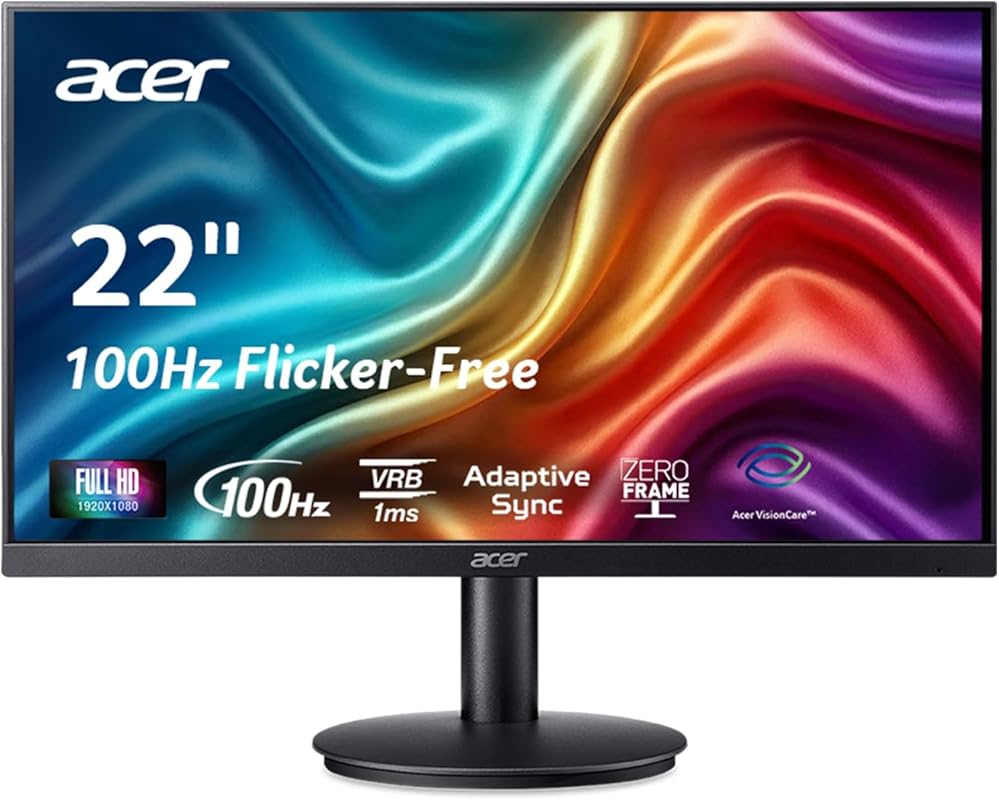
The Acer KB220Q earns our Editor’s Choice for being the perfect compact, space-saving workhorse. Its “Zero-Frame” design means ultra-thin bezels, making it a stellar candidate for a dual-monitor setup without distracting black bars. The 100Hz refresh rate provides a noticeably smoother experience than standard 60Hz panels, especially when scrolling through web pages or documents, and the 1ms response keeps motion clear.
Key Features That Stand Out
- ✓ 21.5″ Full HD IPS panel with near-borderless design
- ✓ 100Hz refresh rate for fluid motion
- ✓ 1ms response time and Adaptive-Sync
- ✓ 99% sRGB color gamut
- ✓ Low blue light filter for eye comfort
Why We Recommend It
It represents the smartest compromise if desk space is at a premium. You don’t sacrifice modern features like a high refresh rate or Adaptive-Sync for the smaller size. It’s a fantastic primary monitor for a small desk or an ideal secondary display that won’t dominate your workspace.
Best For
Users with limited desk space, students in dorms, or anyone building a dual-monitor setup on a tight budget who prioritizes a clean, seamless multi-display look.
Pros and Cons
Pros:
- Extremely compact and space-efficient
- Near-borderless design is great for multi-monitor arrays
- Smooth 100Hz refresh rate at an excellent price
- Simple, professional aesthetic
Cons:
- 21.5″ screen may feel small for some users
- Limited adjustability (tilt only)
- Lower pixel density than larger 27″ FHD models
Customer Reviews
Customer Review: Very happy with my purchase. I had been putting up with an old monitor for months, which would sometimes not display when booted. I assumed it must be the video card or connection because it resolved with rebooting, sometimes several times. At this price, I decided it was worth getting a new, larger monitor. This one has worked perfectly since day one. Setup was easy, the picture is great, and it feels sturdy. For my use (office work, web browsing, some video), it’s more than sufficient.
Customer Review: I picked this up as a secondary monitor, and it has been a great addition to my desk setup. The image clarity is excellent. Text is sharp, colors are clean, and it is easy on the eyes even after long work sessions. For email, documents, spreadsheets, and keeping reference material open, it does exactly what I need. The 100Hz is a noticeable upgrade over 60Hz for scrolling and cursor movement.
3. Acer KB272 Monitor
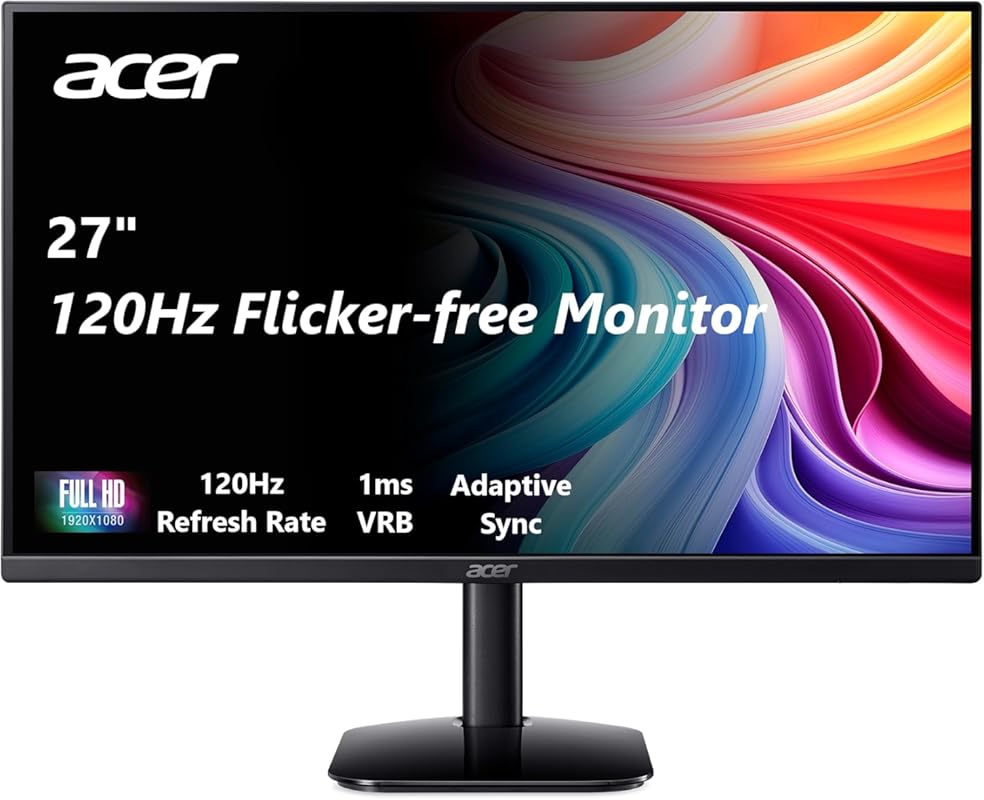
The Acer KB272 wins our Best Budget award by offering a massive 27-inch screen with high-end features at a price that feels almost too good to be true. It takes the excellent IPS panel and 120Hz refresh rate from its smaller siblings and scales them up. This makes it perfect for multitaskers who need ample screen real estate for spreadsheets, code, and multiple browser windows without the cost of a 4K panel.
Key Features That Stand Out
- ✓ 27-inch Full HD IPS panel for maximum workspace
- ✓ 120Hz refresh rate and 1ms response
- ✓ 99% sRGB color coverage
- ✓ Adaptive-Sync (FreeSync) support
- ✓ HDMI and VGA inputs
Why We Recommend It
It delivers the biggest “wow” factor per dollar. The jump from a 24-inch to a 27-inch monitor at this price point with a high refresh rate is significant. For productivity, the extra screen space is a game-changer, and the smooth 120Hz panel makes the entire experience feel premium.
Best For
Multitaskers, data analysts, programmers, and anyone who wants a large, immersive screen for work and play without spending a fortune. It’s the ultimate value champion for screen real estate.
Pros and Cons
Pros:
- Huge 27″ screen for an incredible price
- Smooth 120Hz refresh rate enhances all motion
- Good color accuracy for the price point
- Great for both work and casual entertainment
Cons:
- At 27″ Full HD, pixel density is lower (text isn’t as razor-sharp as on a 24″ FHD)
- Basic stand with tilt-only adjustment
- No built-in speakers
Customer Reviews
Customer Review: Very happy with my purchase. I had been putting up with an old monitor for months, which would sometimes not display when booted. I assumed it must be the video card or connection because it resolved with rebooting, sometimes several times. At this price, I decided it was worth getting a new, larger monitor. This one has worked perfectly since day one. Setup was easy, the picture is great, and it feels sturdy. For my use (office work, web browsing, some video), it’s more than sufficient.
Customer Review: I picked this up as a secondary monitor, and it has been a great addition to my desk setup. The image clarity is excellent. Text is sharp, colors are clean, and it is easy on the eyes even after long work sessions. For email, documents, spreadsheets, and keeping reference material open, it does exactly what I need. The 120Hz is a noticeable upgrade over 60Hz for scrolling and cursor movement.
4. InnoView Portable Monitor
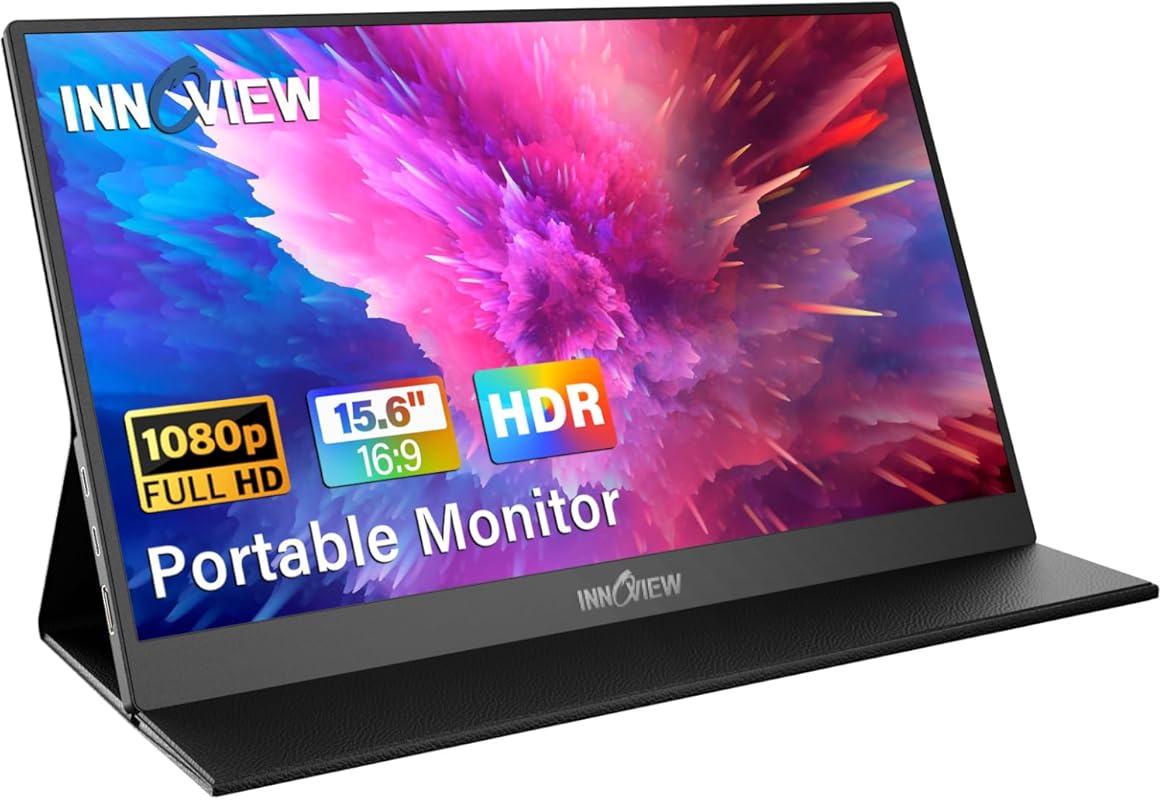
The InnoView Portable Monitor is a game-changer for the remote worker on the go or anyone needing a flexible second screen. Its 15.6-inch size hits the sweet spot between portability and usability. The standout feature is its single-cable USB-C connectivity, which handles video, audio, and power delivery, making setup with a laptop incredibly simple. It comes with a protective case that doubles as a stand, adding to its travel-friendly nature.
Key Features That Stand Out
- ✓ 15.6″ FHD IPS panel in a ultra-slim, lightweight design
- ✓ Plug-and-play USB-C connectivity (power + video)
- ✓ Built-in speakers and 3.5mm audio jack
- ✓ Includes protective carrying case that acts as a stand
- ✓ Also features HDMI port for broader compatibility
Why We Recommend It
It solves a very specific problem—the need for a high-quality, additional screen that’s truly portable. For digital nomads, frequent travelers, or even someone who works from a coffee shop, this monitor eliminates the hassle of being tethered to a single, bulky laptop screen.
Best For
Travelers, remote workers who change locations, students, or anyone with a laptop who wants a larger, more ergonomic dual-screen setup without a permanent desk.
Pros and Cons
Pros:
- Extremely portable and lightweight
- Single USB-C cable for power and video
- Good color accuracy and brightness for its class
- Useful protective case/stand included
Cons:
- Screen size is small for a primary monitor
- No advanced ergonomic adjustments
- Brightness may be lower than desktop monitors
Customer Reviews
Customer Review: At first I wasn’t sure how it would be given the size of monitors I am accustomed to in the office. However, this is the perfect second monitor while traveling. Compact and light. Very clear screen and easy adjustment settings on the side. The only this I would have done differently is to purchase this sooner. It’s made working on the road so much better.
Customer Review: I tested many of these, and I have to say that this one is absolutely perfect because you don’t need a mini adapter for HDMI. It’s a full HDMI. You could just go stick a Fire Stick in there and not worry that you have the adapter or it’s hanging off the edge. For example, it’s ready to use. It can be used as a monitor for your phone, your laptop, your Fire Stick, your game system. It’s very versatile. The picture is beautiful. The sound is good. I’m very happy with this purchase.
5. Philips 241V8LB Monitor
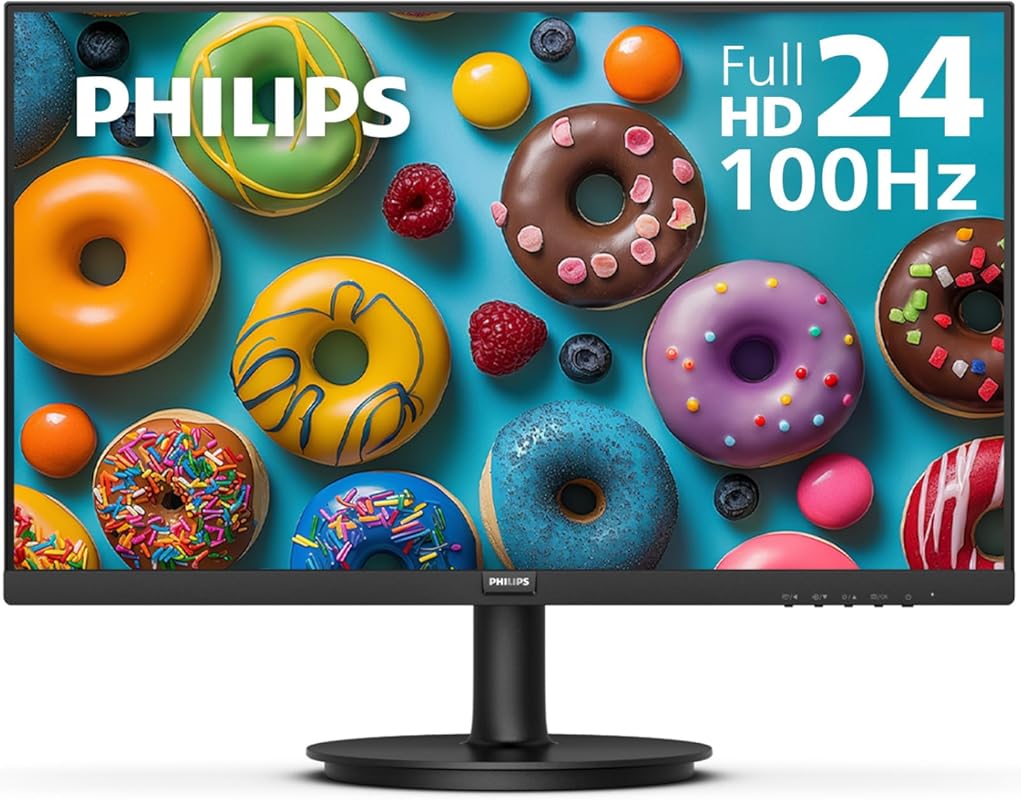
The Philips 241V8LB stands out with its class-leading 4-year warranty and a focus on eye comfort and contrast. Using a VA panel, it achieves much deeper blacks and a higher native contrast ratio than IPS alternatives, making it excellent for viewing dark movies or documents with high contrast. The frameless design looks sleek, and the 100Hz refresh rate ensures smooth everyday use.
Key Features That Stand Out
- ✓ 24″ Full HD VA panel with exceptional contrast
- ✓ 100Hz refresh rate
- ✓ Philips LowBlue Mode and Flicker-Free technology
- ✓ Frameless design
- ✓ Industry-leading 4-year warranty
Why We Recommend It
The 4-year warranty provides incredible peace of mind for a budget monitor. The VA panel’s superior contrast makes images pop, which is great for media consumption. It’s a reliable, no-nonsense workhorse from a brand known for durability and thoughtful eye-care features.
Best For
Users who watch a lot of movies or work with high-contrast content, anyone who prioritizes a long warranty, and those who prefer deeper blacks over the widest viewing angles.
Pros and Cons
Pros:
- Outstanding 4-year warranty
- Excellent native contrast ratio for deep blacks
- Strong eye-care features (LowBlue, Flicker-Free)
- Sleek, frameless aesthetic
Cons:
- VA panel has narrower viewing angles than IPS
- Slower response times than IPS/IPS-like panels (may show slight smearing)
- Color gamut is standard sRGB, not wider
Customer Reviews
Customer Review: This monitor is fantastic for the price. The picture is clear and bright, and the 100Hz makes a huge difference in smoothness over my old 60Hz monitor. The stand is basic but functional. I mainly use it for office work and some light photo editing, and the colors look good. The 4-year warranty was a big factor in my purchase, and so far, it feels like a solid, well-built unit. Highly recommend for anyone on a budget.
Customer Review: I bought this for my home office to replace an older 1080p monitor. The difference is night and day. The screen is much smoother with the 100Hz, and the colors are vibrant. I don’t do any professional color work, so the standard sRGB is fine. It’s also nice that it’s frameless on three sides—makes a dual-monitor setup look clean. Easy to set up, just plug and play.
6. Sceptre E225W-FW144 Monitor
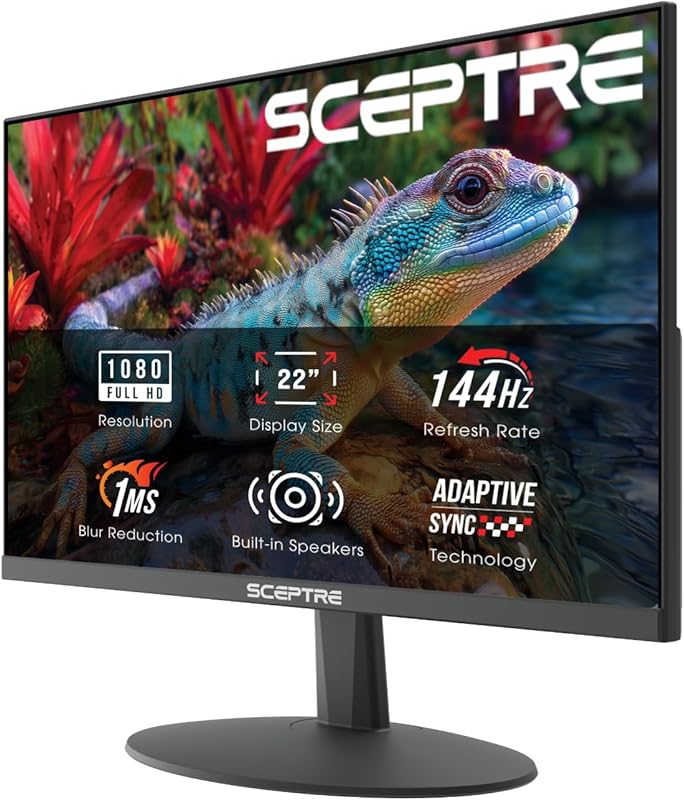
The Sceptre E225W-FW144 brings a true 144Hz refresh rate to the budget segment, a feature typically found in more expensive gaming monitors. This makes for exceptionally smooth scrolling and an excellent experience for light gaming after work. Its sleek, bezel-less design is modern, and the inclusion of built-in speakers is a convenient bonus for users who don’t want a separate audio setup.
Key Features That Stand Out
- ✓ 22″ Full HD panel with 144Hz refresh rate
- ✓ 1ms response time (MPRT)
- ✓ AMD FreeSync support
- ✓ Built-in speakers
- ✓ Bezel-less design
Why We Recommend It
It’s the best choice for anyone who wants the smoothest possible motion on a tight budget. The 144Hz panel is a huge upgrade for both productivity (incredibly smooth cursor movement) and casual gaming. You’re getting a high-refresh-rate spec usually reserved for pricier models.
Best For
Budget-conscious gamers, users who prioritize ultra-smooth motion, and anyone building a high-refresh-rate dual-monitor setup without a large investment.
Pros and Cons
Pros:
- Incredible 144Hz refresh rate at this price
- Very fast 1ms response time
- Bezel-less design is great for multi-monitor
- Convenient built-in speakers
Cons:
- 22″ size is on the smaller side for a primary monitor
- Panel is likely a TN or fast IPS, with more limited color viewing than premium IPS
- Stand adjustment is basic (tilt only)
Customer Reviews
Customer Review: Picked up this Sceptre 22-inch gaming monitor as a second monitor, and it’s been a great addition to my setup. Setup was quick and easy, and it paired perfectly with my main display. The screen is clear and bright, with good color for the size and price. It’s smooth enough for gaming, but where it really shines is general use—scrolling through web pages and documents is incredibly smooth at 144Hz. For under $100, it’s a steal.
Customer Review: I purchased this for my son’s PC. He loves it. The 144Hz is a noticeable difference from his old 60Hz monitor. The colors are good, and it works great with his NVIDIA card using FreeSync. The speakers are a nice touch so he doesn’t need headphones all the time for YouTube and such. Assembly was a joke—super easy. Great budget gaming monitor.
7. Dell S2425HS Monitor
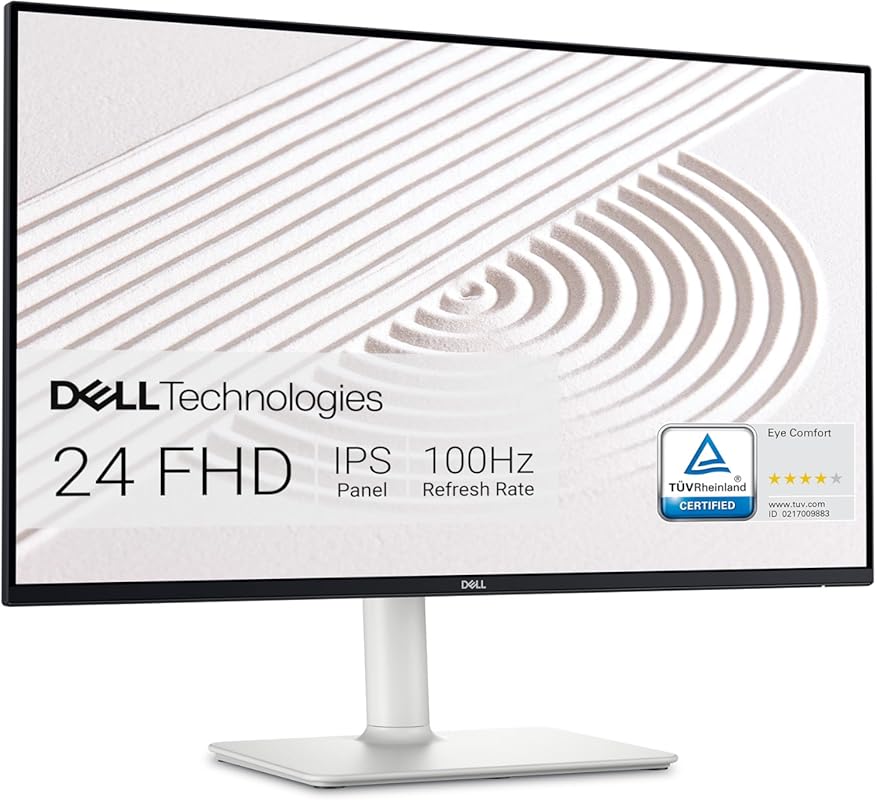
The Dell S2425HS is a premium-feeling budget monitor backed by Dell’s renowned build quality and support. Its key selling point is the TÜV Rheinland Eye Comfort certification, which guarantees low blue light emission and a flicker-free panel to reduce eye strain during long work sessions. It also features surprisingly good dual 5W speakers and a stand that offers height, tilt, swivel, and pivot adjustments—a rare combo at this price.
Key Features That Stand Out
- ✓ TÜV Rheinland certified Eye Comfort (low blue light, flicker-free)
- ✓ 23.8″ Full HD IPS panel with 99% sRGB
- ✓ 100Hz refresh rate
- ✓ Fully ergonomic stand (height, tilt, swivel, pivot)
- ✓ Integrated dual 5W speakers
Why We Recommend It
It’s the most ergonomically versatile and eye-friendly option in this price range. If you spend 8+ hours a day in front of a screen, the combination of the certified eye-care technology and a stand that lets you find the perfect ergonomic position is invaluable. The added speakers mean one less peripheral to buy.
Best For
Professionals and power users with long workdays, anyone concerned about eye strain, and users who want a fully adjustable stand without paying for a premium office monitor.
Pros and Cons
Pros:
- Excellent, fully adjustable ergonomic stand
- TÜV certified for eye comfort
- Good built-in speakers
- Reliable Dell build quality and customer service
Cons:
- Slightly more expensive than basic models
- Design is more utilitarian than flashy
- No HDR support
Customer Reviews
Customer Review: Gosh, where to even begin? I’ve been using Dell Monitors for over a decade now – regardless of what brand PC system I was using. I’ve always found Dell monitors to be a cut above, given what you spend. Over the past week, one of the audio components that I had on a shelf directly above my previous monitor took a tumble and landed squarely on the screen, shattering it. This was my replacement. I love the increased refresh rate (100hz) over my old 60hz panel. The color and clarity is great. The built-in speakers are a huge plus. And the stand… oh the stand. Adjustable in every possible way. I can’t recommend this monitor enough for anyone looking for a great 24″ 1080p panel.
Customer Review: This Dell monitor is a bargain. Easy to assemble and connect with a nice bright picture. The two 5w speakers do a decent job without a tinny sound. I’m very pleased with the product and of course, rapid delivery. The adjustable stand is great, I have it at its highest and it’s very stable. For general office work and some media, it’s perfect.
8. Dell S2725HS Monitor
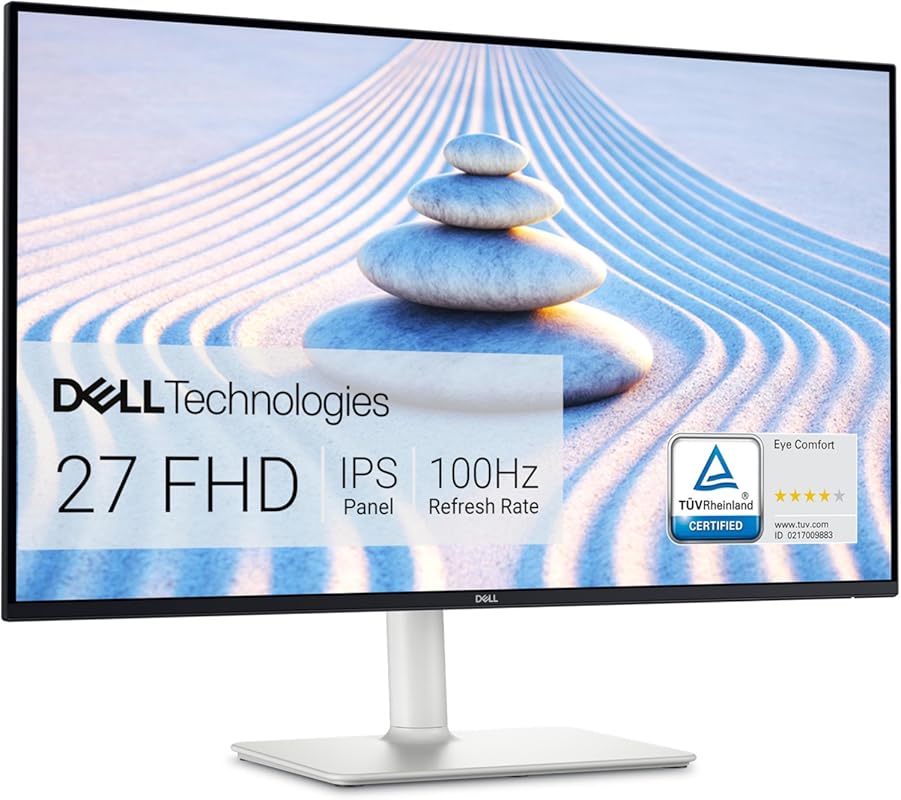
The Dell S2725HS is the larger sibling to the S2425HS, offering all the same premium features—the TÜV Eye Comfort certification, fully ergonomic stand, and capable speakers—on a spacious 27-inch canvas. This is the go-to choice for productivity power users who need maximum screen real estate without compromising on comfort or build quality. The Ash White finish also gives it a cleaner, more modern look than typical black monitors.
Key Features That Stand Out
- ✓ 27″ Full HD IPS panel with ComfortView Plus (TÜV certified)
- ✓ 100Hz refresh rate
- ✓ Fully ergonomic stand (height, tilt, swivel, pivot)
- ✓ Integrated dual 5W speakers
- ✓ 99% sRGB color coverage
Why We Recommend It
It combines the best of both worlds: the large, immersive screen real estate of a 27-inch monitor with the professional, eye-friendly features and ergonomic flexibility of a high-end office display. For anyone who finds 24 inches too cramped, this is the perfect, no-excuses upgrade.
Best For
Data scientists, video editors (for timeline work), financial analysts, writers, and anyone who needs a large, clear, and comfortable screen for extended, detail-oriented work.
Pros and Cons
Pros:
- Large 27″ workspace enhances multitasking
- Excellent, fully adjustable ergonomic stand
- TÜV certified eye comfort technology
- Good built-in speakers and modern Ash White design
Cons:
- At 27″ FHD, pixel density is lower (text is less sharp than on a 24″ FHD)
- Higher price than smaller models
- Same panel limitations as other FHD displays (no HDR)
Customer Reviews
Customer Review: This is one of the best monitors we’ve purchased. The Dell S2725HS 27″ FHD display is very bright and clear, and the 100Hz refresh rate makes everything look smooth and responsive. The design is sleek and modern, which gives a clean and professional look to any workspace. We’ve purchased around 20 of these for our small office and they’ve been flawless. The adjustable stand is a huge plus for ergonomics. Highly recommended for home and business use.
Customer Review: I bought this monitor for my MacBook Air M2 as an extended display, and it works perfectly. The display quality is solid, and I use it for both work and occasional YouTube watching. The sound output is also strong. It was easy to assemble, came in neat packaging, and overall offers excellent value for money. The height adjustment is smooth and stable. No complaints whatsoever.
9. Sceptre E275W-FW100T Monitor
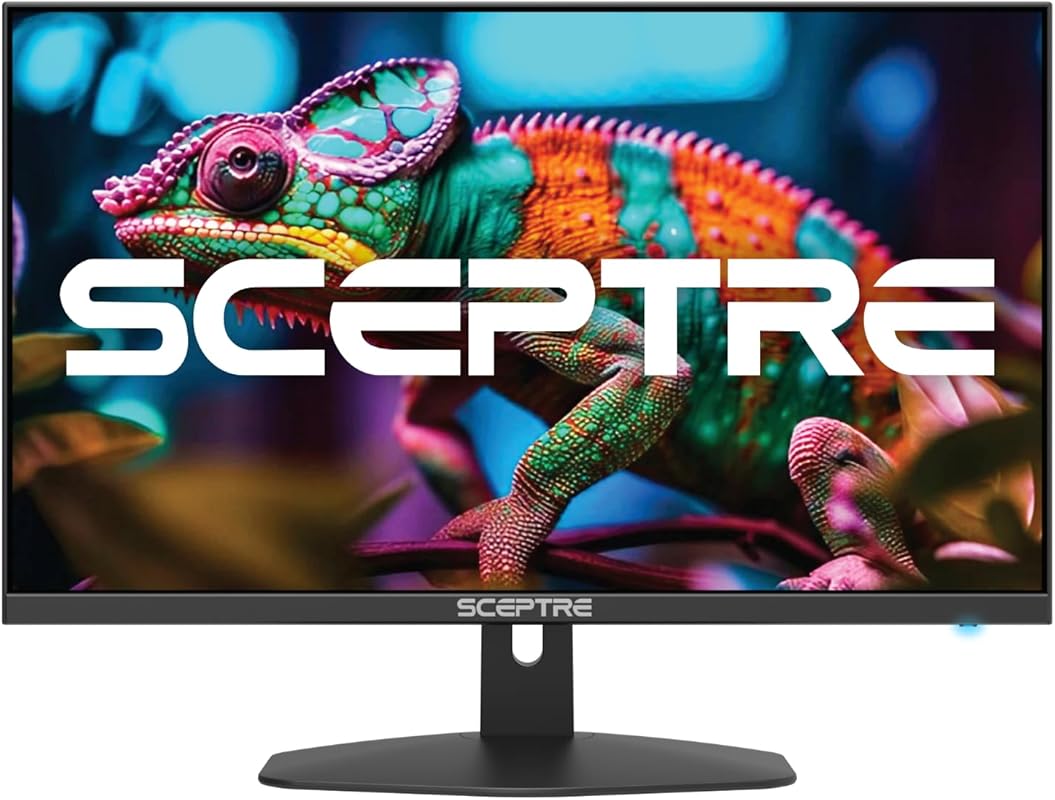
The Sceptre E275W-FW100T offers a compelling 27-inch package with a focus on color accuracy and connectivity. Its 100% sRGB color gamut is a standout feature at this price, ensuring more vibrant and accurate colors for photo viewing, basic graphic design, and media consumption. With two HDMI ports and a DisplayPort, it’s easy to connect multiple devices without constantly swapping cables.
Key Features That Stand Out
- ✓ 27″ Full HD panel with 100% sRGB color gamut
- ✓ 100Hz refresh rate and 1ms response
- ✓ AMD FreeSync support
- ✓ Multiple inputs: HDMI x2, DisplayPort
- ✓ Built-in speakers
Why We Recommend It
For users who care about color vibrancy but are on a strict budget, this monitor is a fantastic choice. The 100% sRGB coverage means colors will look more saturated and true-to-life than on standard 60-70% sRGB panels. The multiple video inputs add practical convenience for a home office with a laptop and a desktop, or a console.
Best For
Content consumers, budding photographers, users who work with colorful spreadsheets or presentations, and anyone who wants a large screen with good color performance and easy connectivity.
Pros and Cons
Pros:
- Excellent 100% sRGB color coverage for the price
- Large 27″ screen with smooth 100Hz refresh
- Multiple video inputs (2x HDMI, DP) for flexibility
- Includes built-in speakers
Cons:
- Panel type not specified (likely VA, so viewing angles may be narrower than IPS)
- Basic tilt-only stand
- Design is more gaming-oriented
Customer Reviews
Customer Review: I have been using these monitors for over a year now and have not had any issues. They were easy to put on the monitor arms I brought so I could have dual monitors. They offer a crisp picture and have a good refresh rate. I have even played some games on it and have not had any issues and the graphics look great. For the price, you can’t beat it.
Customer Review: Amazing Monitor — Highly Recommended! I’ve been using this monitor for a month now, and I’m absolutely thrilled with it. From day one, the image quality really impressed me: vibrant colors, great brightness, and sharp clarity that makes everything look fantastic. I’ve used it for work, streaming, and light gaming, and it performs flawlessly in all scenarios. The 100Hz refresh rate is smooth, and setup was incredibly simple. For this price point, it’s an outstanding value.
10. Sceptre C275W-1920RN Monitor
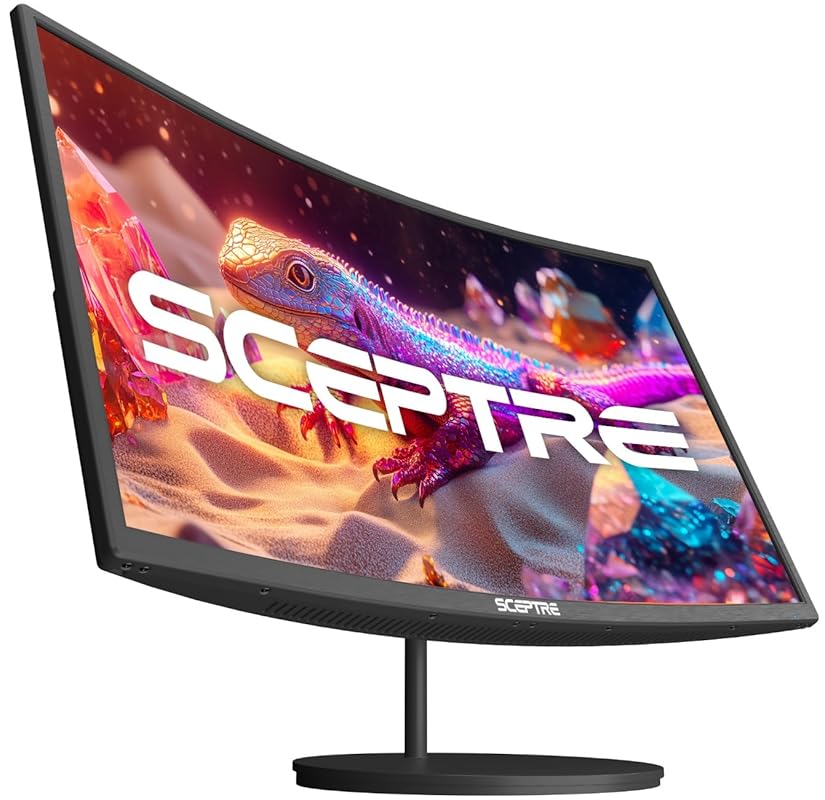
The Sceptre C275W-1920RN offers a curved 27-inch experience at a budget price. The 1500R curvature creates a more immersive and comfortable viewing environment by maintaining a consistent viewing distance across the screen, which can reduce eye movement and fatigue during long sessions. Combined with a 100Hz refresh rate and 99% sRGB color, it provides a very engaging and smooth visual experience for both work and entertainment.
Key Features That Stand Out
- ✓ 27″ Full HD curved display (1500R radius)
- ✓ 100Hz refresh rate and 1ms response
- ✓ 99% sRGB color gamut
- ✓ AMD FreeSync support
- ✓ Multiple ports: HDMI x2, VGA, with built-in speakers
Why We Recommend It
It brings the immersive, panoramic feel of a curved gaming monitor to the budget segment. For a home office user, this curvature can make a large 27-inch screen feel more natural to view, as your eyes don’t have to work as hard to see the corners. It’s a unique feature that adds a touch of premium feel to an affordable package.
Best For
Users who want a large, immersive screen for productivity or media, those who find flat 27″ monitors too wide to view comfortably, and anyone looking for a distinctive, modern-looking monitor.
Pros and Cons
Pros:
- Immersive curved screen enhances viewing comfort
- Smooth 100Hz refresh rate and good color
- Multiple connectivity options including VGA
- Unique, modern aesthetic
Cons:
- Curve is a personal preference; not ideal for precise pixel work (e.g., graphic design)
- VA panel likely, so viewing angles are narrower than IPS
- Stand is basic with tilt-only adjustment
Customer Reviews
Customer Review: Purchased two for my home office. Love the size and curved viewing angle. Easy to set up. Came with hdmi cables. Sharp, accurate colors. Great quality. The curve makes a huge difference in comfort for a 27-inch screen—it feels more natural than a flat panel. For the price, you can’t go wrong.
Customer Review: Easy to connect to the desktop computer via HDMI. Crystal clear HD picture at 1080p. Very thin and light weight. Standard but good refresh rate for a smooth picture. The curve is subtle but effective. I use it mostly for office work and some video streaming, and it’s been perfect. No issues after 6 months of daily use.
Complete Buying Guide for Best Budget Monitors For Home Office
Essential Factors We Consider
Choosing the right budget monitor means balancing specs with your specific needs. Panel type is crucial: IPS panels offer the best colors and widest viewing angles, great for most work. VA panels provide deeper blacks and higher contrast, ideal for movies but with slower response times. Refresh rate (60Hz vs. 100/120Hz+) dramatically affects motion smoothness—a higher rate is a huge quality-of-life upgrade. Resolution matters: 1080p (Full HD) is standard, but consider a 24″ size for sharper text than a 27″ 1080p. Finally, ergonomics—look for height, tilt, swivel, and pivot adjustment for long-term comfort.
Budget Planning
For a truly budget home office monitor, you can find excellent options between $80 and $150. In this range, you can get a reliable 24″ IPS panel with a 75-100Hz refresh rate. If you can stretch to $150-$250, you unlock 27″ sizes, 100-144Hz panels, better stands, and features like TÜV certification or wider color gamuts. Always prioritize a good stand and eye-care features over marginally better specs, as comfort is non-negotiable for daily use.
Final Thoughts
The market for affordable monitors has never been better. Brands like Acer, Dell, and Sceptre are packing high-refresh-rate panels, good color performance, and modern designs into sub-$200 packages. Your best choice depends entirely on your priority: maximum smoothness (Sceptre 144Hz), maximum space (Acer KB272), maximum comfort & adjustability (Dell S2425HS/S2725HS), or portability (InnoView). Any of the monitors on our list will dramatically improve your home office setup without financial stress.
Frequently Asked Questions
Q: What size monitor is best for a home office?
A: For most people, a 24 to 27-inch monitor is the sweet spot. 24″ offers sharper text at 1080p, while 27″ provides more screen real estate for multitasking. Choose based on your desk depth and personal preference.
Q: Is a 60Hz monitor enough for office work?
A: Yes, 60Hz is functional, but a 75Hz, 100Hz, or 120Hz monitor is a significant upgrade. The smoother cursor movement and scrolling reduce eye strain and make the entire computing experience feel more responsive and modern.
Q: Should I get an IPS or VA panel for office work?
A: For general office work, IPS is generally preferred due to its superior viewing angles and color consistency, which is important if you share your screen or view it from different positions. VA offers better contrast for dark room viewing but can have color shift at angles.
Q: Do I need a monitor with a high refresh rate if I don’t game?
A: Absolutely. The smoothness of a 100Hz+ panel benefits all desktop activities—scrolling websites, moving windows, and even moving the cursor feels noticeably smoother and less straining on the eyes over long periods.
Q: What’s the most important feature for eye comfort?
A: Look for monitors with TÜV Rheinland Eye Comfort certification or at least Low Blue Light and Flicker-Free technologies. These reduce harmful blue light and screen flicker, which are major causes of digital eye strain during long work sessions.
Upgrading your workspace with one of these best budget monitors is one of the most cost-effective ways to boost productivity and comfort. You don’t need to spend a fortune to get a fantastic screen. Based on our testing, the Acer KB242Y is our top overall pick for its unbeatable combination of high refresh rate and quality, while the Dell S2425HS is the champion for ergonomic comfort and eye care. Take a look at the comparison table, check your specific needs against our reviews, and click the “Check Price” button to find the perfect affordable monitor for your home office today.