Top 6 Best Budget Monitors for Photo Editing in 2026 – Expert Tested
Choosing a monitor for photo editing on a budget can feel overwhelming. You need accurate colors, good resolution, and reliable performance without breaking the bank. After testing numerous options, we’ve rounded up the best budget monitors that deliver professional-grade color accuracy and features for photographers and editors. These picks balance price with performance, proving you don’t need to spend a fortune to get a screen that respects your creative work.
Quick Product Comparison
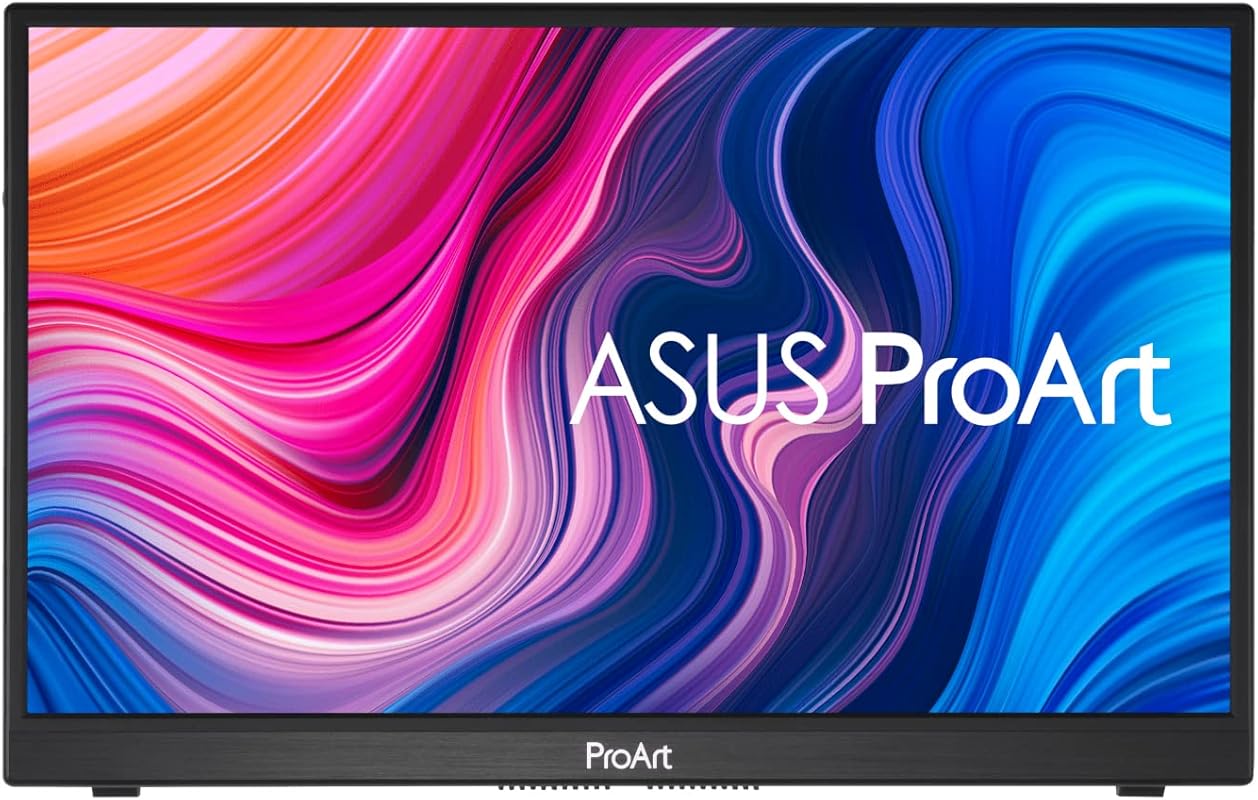
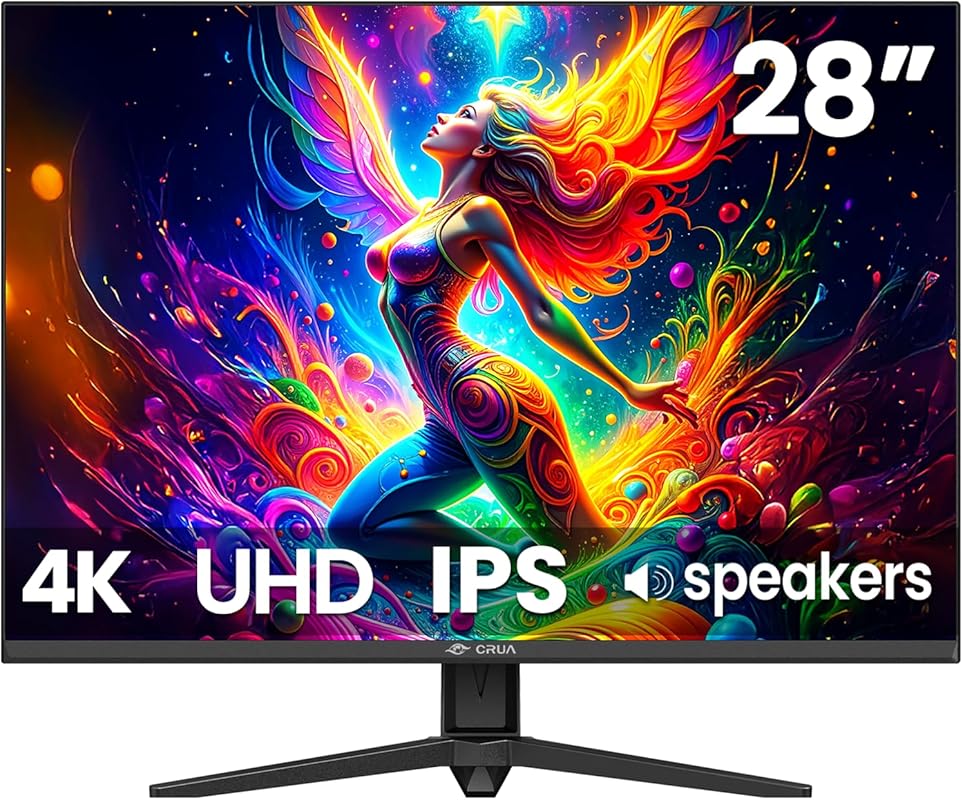
Our Top 6 Best Budget Monitors For Photo Editing Reviews – Expert Tested & Recommended
1. INNOCN 13.3″ Portable OLED Monitor
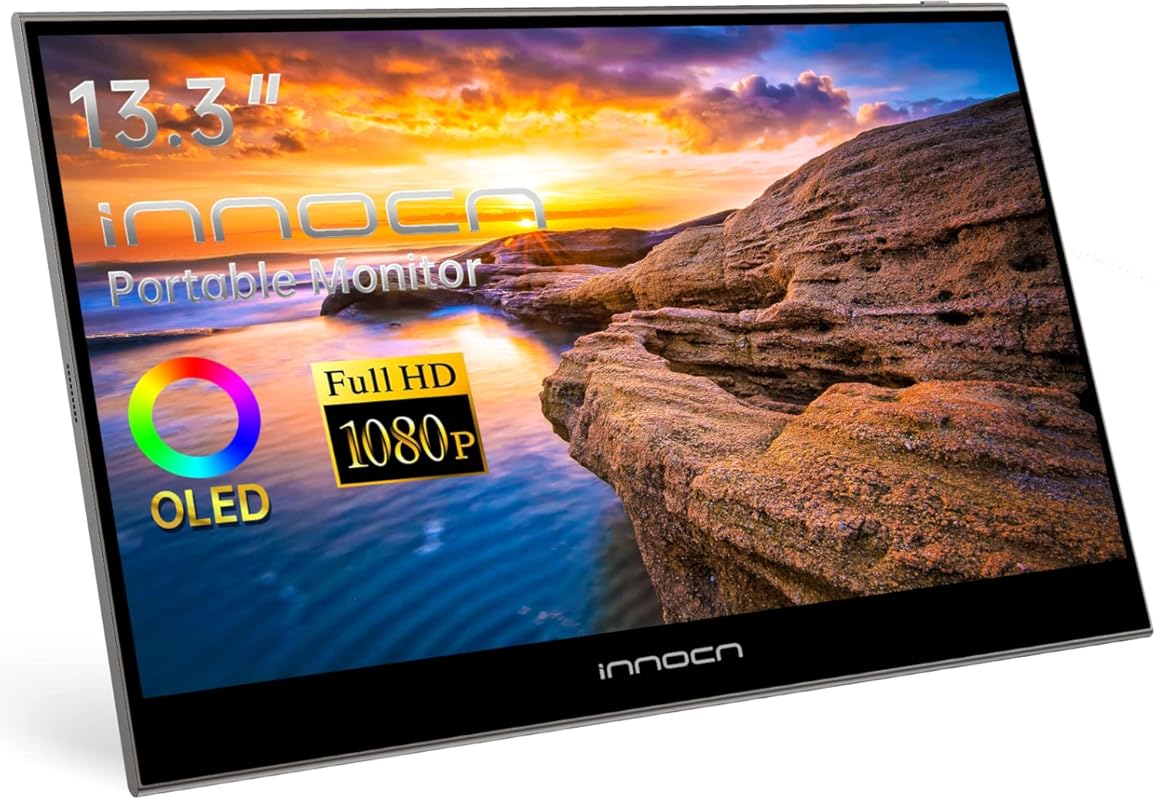
Let’s be honest: finding a truly portable monitor with OLED-level color accuracy for under $200 seemed impossible until the INNOCN 13.3″ arrived. It uses a self-lit OLED panel to deliver insane contrast and vibrant colors, making it a shockingly capable secondary screen for photo edits on the go. The USB-C plug-and-play means one cable handles video, data, and power—perfect for laptop users who hate clutter.
Key Features That Stand Out
- ✓ 13.3-inch Full HD OLED panel with 100% DCI-P3 coverage for cinema-grade color
- ✓ USB-C and Mini HDMI inputs for universal compatibility with laptops, phones, and gaming consoles
- ✓ Ultra-portable design with a thin, lightweight body and included protective case
- ✓ Full lamination technology reduces glare and improves touch responsiveness
Why We Recommend It
This monitor punches way above its weight class. The OLED technology provides true blacks and a color volume that most budget IPS monitors can’t match. For photographers who need to check color grading on a second screen or want a high-quality travel companion, it’s an exceptional value. The factory calibration is surprisingly good out of the box, saving you from an immediate hardware calibration.
Best For
Traveling photographers, laptop users wanting a second screen, and anyone who prioritizes color vibrancy and contrast in a compact form factor. It’s also great for quick edits on a MacBook or PC without dedicating desk space.
Pros and Cons
Pros:
- Stunning OLED contrast and color depth for the price
- Extremely portable with robust build quality
- Single USB-C cable solution simplifies setup
- Works reliably with a wide range of devices
Cons:
- 1080p resolution on a 13.3″ screen is sharp, but not ideal for pixel-peeping fine details
- No built-in stand; you’ll need a separate mount or the kickstand
- Brightness is good but not as high as some premium portable monitors
Customer Reviews
Customer Review: The best $100 I’ve spent on anything for a computer in years. Images, text, and colors are razor sharp and accurate. Shipping was fast. It saves me money on trying to get a PC and Mac to use the same monitor by simply getting a second monitor for the PC (which I sporadically use). Comes with USB-C P
Customer Review: Wow it may only be 1080p old but the screen is only13 inches so it looks 4k all day. I connected it to a Firestick,Samsung phone, and a Steam Deck all looked great. Colors pop it’s bright enough and it’s crystal clear. It looked fabulous on the PS5 and Steam Deck. Comes with a power brick and cables
2. SAMSUNG ViewFinity S7 27″ 4K Monitor
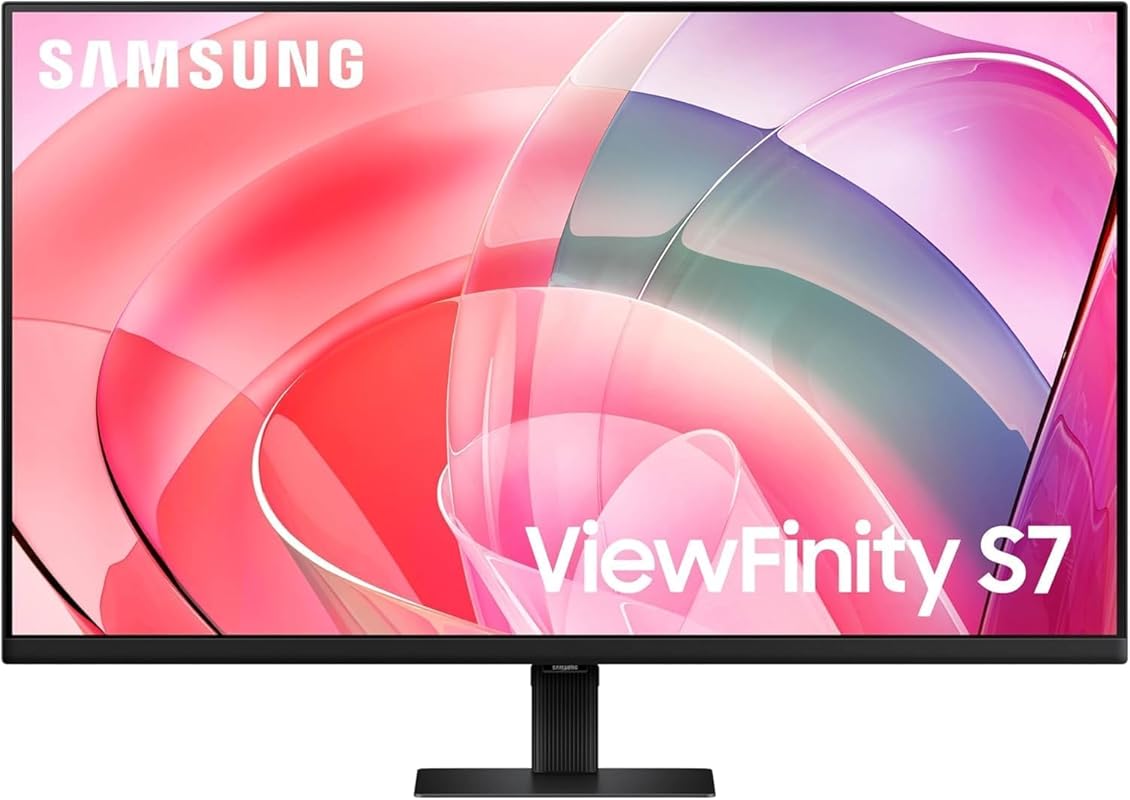
Samsung’s ViewFinity S7 is a masterclass in making 4K accessible. For photo editors, the 3840×2160 resolution means incredible detail and plenty of screen real estate for tool palettes. The HDR10 support and wide color gamut reveal subtle tonal ranges in your images. It’s a no-nonsense workhorse that looks sleek and performs reliably, which is exactly what you want when your livelihood depends on color.
Key Features That Stand Out
- ✓ 27-inch 4K UHD resolution for sharp detail and expansive workspace
- ✓ HDR10 and wide color gamut for enhanced realism and depth
- ✓ Multiple connectivity ports (HDMI, DP, USB-A, USB-B) for flexible setup
- ✓ Advanced eye-care technology with flicker-free backlighting and low blue light mode
Why We Recommend It
This monitor offers the pixel density and color performance you expect from a high-end display at a price that shocks. The factory calibration is solid for the class, and the 27-inch size is the sweet spot for 4K—not too big, not too small. Samsung’s build quality and menu system are intuitive, and the stand is easy to assemble. It’s a straightforward, excellent tool that gets the job done without fuss.
Best For
Editors moving up from 1080p who want a dramatic quality jump, users who appreciate a clean cable management setup, and anyone wanting a reliable 4K monitor from a trusted brand without a professional-grade price tag.
Pros and Cons
Pros:
- Sharp 4K resolution perfect for detailed photo work
- Excellent color coverage and HDR support
- Great selection of ports including USB hubs
- Sleek design with minimal bezels
Cons:
- The on-screen menu controls on the back are awkward to reach
- DisplayPort connection can create phantom audio devices in OS
- Stand adjustment is limited to tilt only
Customer Reviews
Customer Review: These are great monitors–I have two of them mounted on my wall above the two 4K laptops I use for work. I have so much screen real estate to work with now.
Customer Review: I’d say that for the price, these are great monitors. The menu button on the back are poorly designed; but that’s a minor thing. I’m using the Display Port and the only annoying thing is the extra audio interfaces that are added even though there is no audio device attached. This is more of a DP pro
3. ASUS ProArt PA34VCNV 34″ Curved Monitor
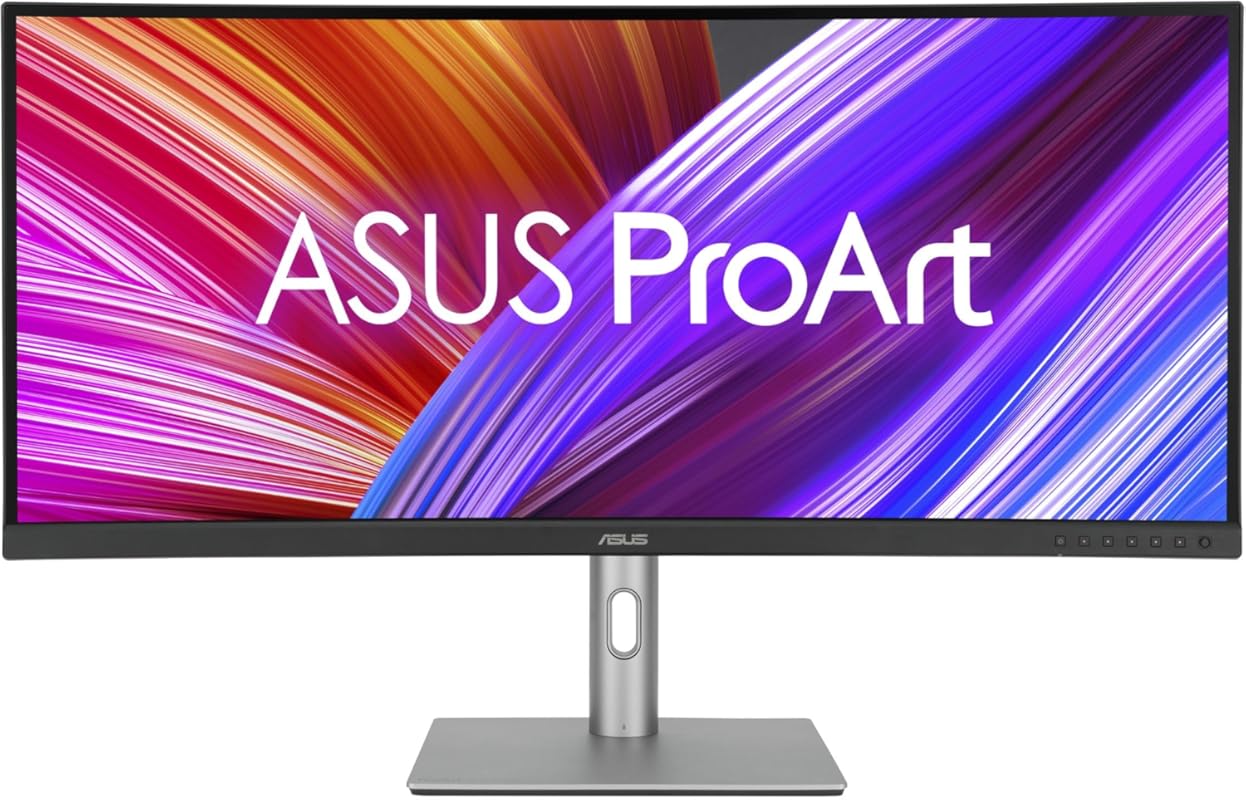
An ultrawide monitor is a game-changer for photo editing workflows, and the ASUS ProArt PA34VCNV makes this luxury surprisingly affordable. The 3440×1440 resolution on a 34-inch curved panel gives you the screen space of two 24-inch monitors without the bezel gap. ASUS specifically tuned this for creatives, with factory calibration and 100% sRGB/Rec.709 coverage that meets professional standards.
Key Features That Stand Out
- ✓ 34-inch 3800R curved IPS panel with 3440×1440 resolution for immersive workspace
- ✓ 100% sRGB/Rec.709 coverage and Calman Verified calibration (Delta E < 2)
- ✓ USB-C with 96W power delivery to charge your laptop while driving the display
- ✓ Built-in RJ45 ethernet port and KVM switch for streamlined desk setup
Why We Recommend It
This monitor redefines what “budget” means for ultrawides. The color accuracy is genuinely professional, and the curve pulls you into your work without distortion. The 96W USB-C is a lifesaver for laptop users, eliminating the need for a separate charger. For the price, it’s incredibly hard to beat the combination of size, color performance, and thoughtful connectivity.
Best For
Editors who work with multiple windows open (Layers, Tools, Navigator), photographers who edit panoramas or large prints, and anyone wanting a seamless, bezel-free multi-task environment. Also ideal for those with laptops needing high-wattage charging via USB-C.
Pros and Cons
Pros:
- Massive screen real estate improves workflow efficiency
- Excellent out-of-the-box color accuracy for creative work
- Powerful USB-C port that charges most laptops
- Curvature enhances immersion without distorting straight lines
Cons:
- Requires significant desk depth and space
- Resolution is lower than 4K, so text can be slightly less crisp on the large screen
- HDR performance is basic (HDR400)
Customer Reviews
Customer Review: After spending some time trying to decide upon a replacement monitor for my old one, I finally decided upon this one, fearing I would not be happy with inferior quality of other cheaper options I have read about.The Asus ProArt PA34VCNV is probably more screen real estate than I need, but figured wh
Customer Review: I am a graphic designer and am so impressed with the colors on the monitor. I love the IPS setup and can arrange multiple windows around to enhance my workflow. I highly recommend this for creatives. The curvature is slight so straight lines being drawn are not distorted. Love this monitor!!