Core I7 32gb Ram Laptop
Looking for a laptop that can handle intensive tasks without breaking a sweat? A Core i7 processor paired with 32 GB of RAM delivers desktop‑level speed in a portable package. This guide walks you through the top models, key features, and buying tips so you can choose the perfect machine for gaming, content creation, or multitasking.
Key Takeaways
- Performance edge: The combination of a 10th‑gen (or newer) Intel Core i7 and 32 GB RAM provides smooth multitasking, fast rendering, and lag‑free gaming.
- Display matters: Look for at least a 15.6‑inch IPS panel with Full HD or higher resolution; a 144 Hz refresh rate is a bonus for gamers.
- Battery life: Expect 6‑9 hours of real‑world use; larger batteries and power‑efficient CPUs extend unplugged time.
- Upgrade path: Most models allow RAM or SSD upgrades, giving you flexibility for future needs.
- Port selection: Thunderbolt 4, USB‑C, HDMI, and SD‑card slots keep you connected to every device.
- Price range: Quality Core i7‑32 GB laptops start around $1,200 and can exceed $2,500 for premium builds.
- Use case match: Choose a gaming‑focused chassis for high FPS, a workstation design for color‑accurate work, or a thin‑and‑light ultrabook for travel.
📑 Table of Contents
- Why a Core i7 + 32 GB RAM Laptop Is a Game‑Changer
- Top 5 Core i7 32 GB RAM Laptops in 2024
- How to Choose the Right Core i7 32 GB Laptop for Your Needs
- Practical Tips to Get the Most Out of Your Core i7 32 GB Laptop
- Future‑Proofing: How Long Will a Core i7 32 GB Laptop Remain Relevant?
- Conclusion: The Best Core i7 32 GB RAM Laptop Is the One That Fits Your Lifestyle
Why a Core i7 + 32 GB RAM Laptop Is a Game‑Changer
When you pair a modern Intel Core i7 CPU with a whopping 32 GB of RAM, you get a machine that feels like a desktop in a backpack. This combo tackles four main challenges that most users face:
- Heavy multitasking: Switch between Photoshop, Chrome tabs, and a virtual machine without a hiccup.
- Creative workloads: Render 4K video, compile code, or run 3D models faster than on a typical 8 GB laptop.
- Gaming performance: Modern titles run smoother, especially when you pair the CPU with a decent GPU.
- Future‑proofing: Software keeps demanding more memory; 32 GB keeps you ahead for years.
In short, this spec level is the sweet spot for power users who refuse to compromise on speed or portability.
Top 5 Core i7 32 GB RAM Laptops in 2024
1. Dell XPS 15 (2024 Model)
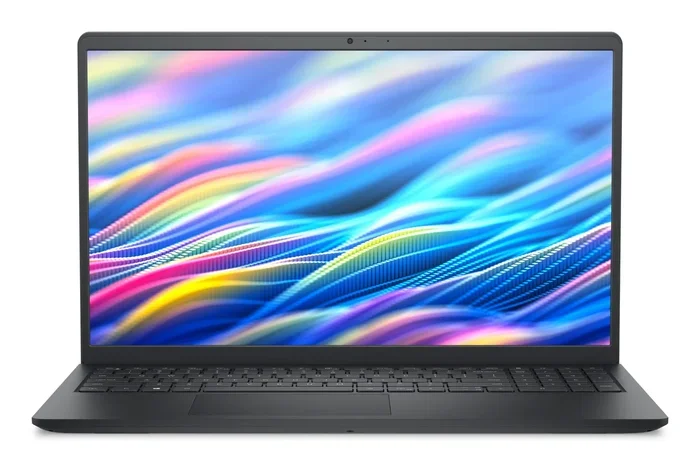
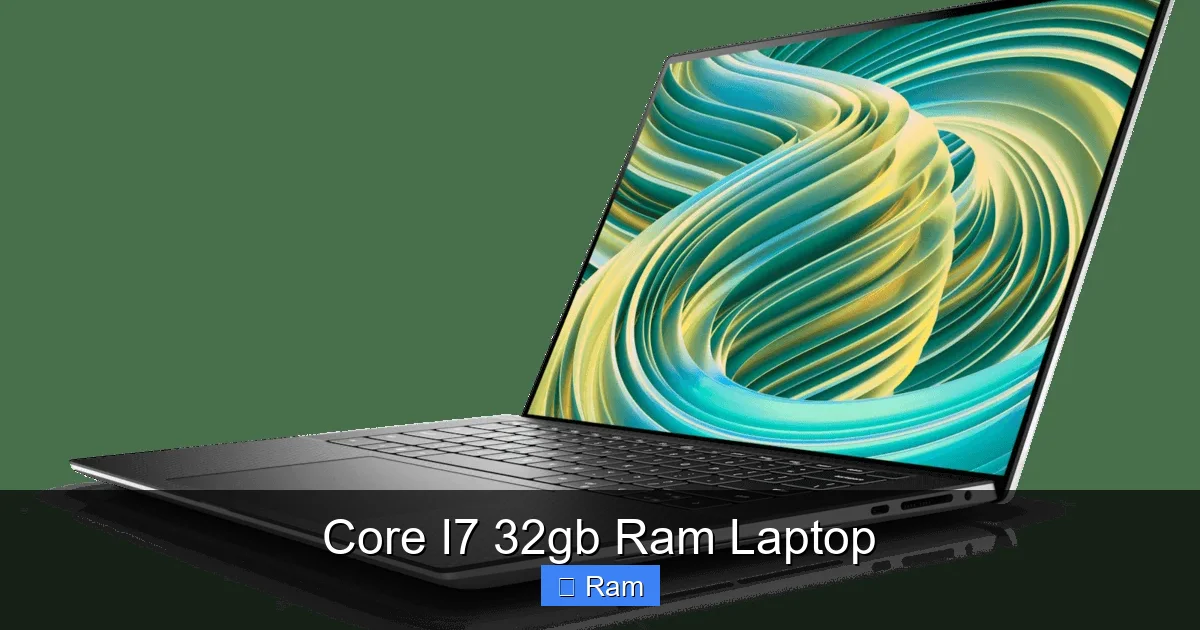
The Dell XPS line has long been a benchmark for premium Windows laptops. The 2024 XPS 15 offers a 12th‑gen Intel Core i7‑12700H, 32 GB DDR5 RAM, and a 1 TB PCIe SSD. Its 15.6‑inch 3.5K OLED display delivers vibrant colors, making it ideal for designers.
Visual guide about Core I7 32gb Ram Laptop
Image source: cdn.media.amplience.net
- Pros: Excellent build quality, thin bezel, long battery (up to 9 hrs).
- Cons: Premium price, limited upgrade options for RAM (soldered).
- Best for: Creatives who need color accuracy and a sleek look.
2. ASUS ROG Zephyrus G15
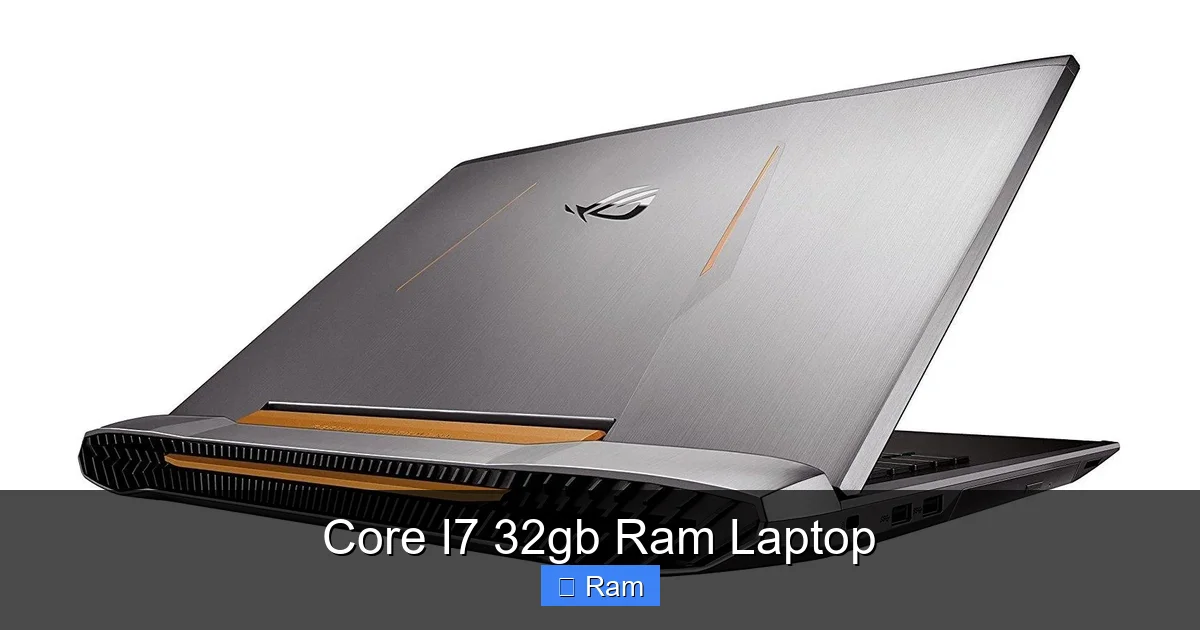
The Zephyrus G15 blends gaming power with a lightweight chassis. It features a 13th‑gen Core i7‑13650HX, 32 GB DDR5, and an NVIDIA GeForce RTX 4070. The 15.6‑inch QHD (2560×1440) 165 Hz panel offers smooth gameplay and crisp visuals.
- Pros: Strong GPU, great cooling, good battery for a gaming laptop.
- Cons: No webcam, slightly louder fans under load.
- Best for: Gamers who also edit video or stream.
3. Lenovo ThinkPad X1 Extreme Gen 5
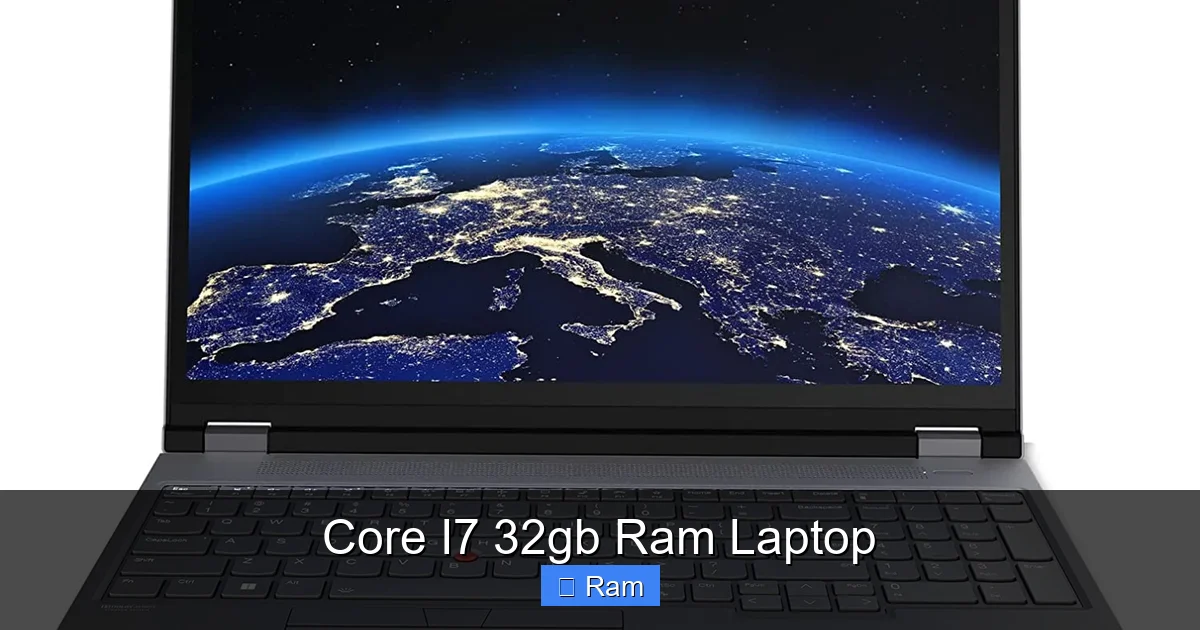
ThinkPads are known for durability and keyboards. The X1 Extreme Gen 5 pairs a 12th‑gen Core i7‑12700H with 32 GB LPDDR5, a 4 K OLED 16‑inch display, and optional RTX 4050 graphics. It also includes a privacy shutter and a full set of ports.
- Pros: Robust chassis, stellar keyboard, excellent security features.
- Cons: Heavier than typical ultrabooks, pricey.
- Best for: Business professionals who need workstation performance.
4. HP Spectre x360 16
The Spectre x360 is a convertible that doesn’t sacrifice power. It houses a 13th‑gen Core i7‑13600H, 32 GB RAM, and an integrated Intel Iris Xe graphics (or optional RTX 3050). The 16‑inch 3K OLED touchscreen rotates 360°, perfect for note‑taking.
- Pros: Versatile form factor, premium design, good battery life.
- Cons: Integrated GPU may limit high‑end gaming.
- Best for: Artists and students who value flexibility.
5. Acer Predator Helios 300 (2024 Refresh)
Acer’s Predator line offers strong performance at a more affordable price. The 2024 Helios 300 includes a 13th‑gen Core i7‑13600H, 32 GB DDR5, and an RTX 4060. Its 15.6‑inch 144 Hz Full HD panel keeps the action smooth.
- Pros: Competitive price, solid cooling, good upgradeability.
- Cons: Bulkier chassis, average battery life.
- Best for: Budget‑conscious gamers who still want 32 GB RAM.
How to Choose the Right Core i7 32 GB Laptop for Your Needs
Determine Your Primary Use Case
Identify what you’ll do most often. If you’re a video editor, prioritize a high‑resolution display and a dedicated GPU. If you mainly code or run virtual machines, focus on CPU cores and fast SSD storage.
Visual guide about Core I7 32gb Ram Laptop
Image source: laptopmedia.com
Screen Size and Quality
A larger screen (15‑16 inches) offers more workspace, but adds weight. Look for IPS or OLED panels with at least 1080p resolution. For designers, a 100% sRGB or higher color gamut is essential.
Battery Life vs. Performance
Powerful CPUs and GPUs drain battery quickly. If you travel often, consider models with larger cells (80 Wh) and power‑efficient CPUs (e.g., Core i7‑1260P). Expect 6‑9 hours of mixed usage.
Port Selection and Connectivity
Thunderbolt 4/USB‑C ports enable fast data transfer and external GPU support. HDMI 2.1 is useful for connecting to 4K monitors. An SD‑card slot helps photographers import media directly.
Upgradeability and Serviceability
Check whether RAM is soldered. Some ultrabooks lock the memory, while traditional laptops let you add or replace modules. Also, verify if the SSD is M.2 NVMe and whether there’s an extra slot.
Budget Considerations
Set a realistic budget. Entry‑level Core i7‑32 GB laptops start near $1,200, but premium models with OLED screens and top‑tier GPUs can exceed $2,500. Remember to factor in accessories like a good mouse or external monitor.
Practical Tips to Get the Most Out of Your Core i7 32 GB Laptop
Optimize Power Settings
Switch to “Balanced” mode for everyday tasks and “High Performance” when gaming or rendering. Adjust the Windows power plan to limit background app activity and extend battery life.
Visual guide about Core I7 32gb Ram Laptop
Image source: laptopmedia.com
Keep Drivers Updated
Regularly update Intel chipset drivers and GPU drivers (NVIDIA/AMD). This ensures better stability, security, and often a performance boost.
Use External Cooling When Needed
If you push the laptop for long periods (e.g., 3‑hour video renders), a cooling pad helps maintain boost clocks and reduces thermal throttling.
Manage RAM Usage
Even with 32 GB, certain workflows (multiple VMs + large datasets) can approach the limit. Use Windows Task Manager to close unused apps, and consider setting virtual memory (pagefile) to “System managed” for safety.
Leverage Software Acceleration
Programs like Adobe Premiere Pro can use GPU acceleration. Enable “Hardware‑accelerated decoding” in settings to offload work from the CPU.
Future‑Proofing: How Long Will a Core i7 32 GB Laptop Remain Relevant?
Technology evolves, but a Core i7 paired with 32 GB of RAM is a solid baseline for at least 4‑5 years. Most modern software still runs comfortably on this spec. The key to longevity is:
- Choosing a laptop with a replaceable SSD.
- Keeping the OS and drivers current.
- Avoiding heavy wear on the battery by using a charger when possible.
When the time comes to upgrade, you’ll likely only need a new GPU or a newer CPU generation, not a complete system overhaul.
Conclusion: The Best Core i7 32 GB RAM Laptop Is the One That Fits Your Lifestyle
There’s no one‑size‑fits‑all answer. Whether you need a sleek ultrabook for presentations, a rugged workstation for engineering, or a fierce gaming rig, the market offers a Core i7 + 32 GB option that matches your priorities. Focus on display quality, GPU needs, portability, and budget, then pick the model that checks the most boxes. With the right choice, you’ll enjoy buttery‑smooth performance, seamless multitasking, and a laptop that stays relevant for years to come.
Frequently Asked Questions
Is 32 GB of RAM overkill for everyday use?
For basic web browsing and office work, 8‑16 GB is enough. However, 32 GB shines when you edit 4K video, run multiple virtual machines, or game with demanding titles.
Can I upgrade the RAM later?
It depends on the model. Many traditional laptops have removable DIMM slots, while ultrabooks often have soldered RAM. Check the manufacturer’s service manual before buying.
Which Core i7 generation should I look for?
Prefer 12th‑gen (Alder Lake) or newer (13th‑gen) CPUs. They offer better performance per watt and support DDR5 memory, which pairs well with 32 GB configurations.
Do I need a dedicated GPU with a Core i7 32 GB laptop?
If you game, do 3D rendering, or run GPU‑accelerated software, a dedicated GPU (RTX 3060 or higher) is recommended. For pure productivity, the integrated Intel Iris Xe can be sufficient.
How does a Core i7 32 GB laptop compare to a MacBook Pro?
Apple’s M‑series chips provide comparable performance, especially for creative apps optimized for macOS. The Windows Core i7 option offers more flexibility with ports and upgradeability, often at a lower price.
What is the typical battery life for these laptops?
Real‑world usage ranges from 6 to 9 hours, depending on screen size, resolution, and workload. Gaming or heavy rendering will reduce the runtime significantly.