Do Dashboard Cameras Record Sound
Dashboard cameras can capture both video and audio, but it depends on the model, settings, and local laws. Understanding how sound recording works helps you stay compliant, protect privacy, and get the most out of your dash cam.
Key Takeaways
- Most modern dash cams support audio: Built‑in microphones are standard on new units.
- Legal rules vary by state and country: Some places allow audio recording with consent, others ban it.
- You can usually toggle sound on or off: Check the menu or app settings to control audio.
- Audio can improve evidence: Voice clips, horns, and sirens add context to video footage.
- Privacy concerns are real: Passengers and by‑standers may not expect to be recorded.
- Power and storage affect audio quality: Low voltage or a full SD card can mute the mic.
- Firmware updates may add or remove audio features: Keep your dash cam’s software current.
📑 Table of Contents
- Introduction: Why Audio Matters in Dash Cam Footage
- How Dashboard Cameras Capture Audio
- Legal Landscape: When Is Audio Recording Allowed?
- How to Enable or Disable Audio on Your Dash Cam
- Impact of Audio on Video Evidence
- Choosing the Right Dash Cam for Audio Recording
- Practical Tips for Managing Audio on the Road
- Common Questions and Misconceptions
- Conclusion: Making an Informed Choice
Introduction: Why Audio Matters in Dash Cam Footage
When you think about a dashboard camera, the first thing that comes to mind is usually the video—crash angles, road signs, and the occasional wildlife cameo. But sound can be just as powerful. A sudden horn, a police siren, or a driver’s voice can turn a blurry video clip into crystal‑clear evidence. That’s why many owners ask, do dashboard cameras record sound?
In this guide we’ll walk through the technology behind audio capture, the legal landscape across the United States and beyond, and practical tips for turning sound on—or off—depending on what you need. By the end, you’ll know exactly how to make your dash cam work for you, without stepping on privacy laws or draining your battery.
How Dashboard Cameras Capture Audio
The built‑in microphone
Most dash cams sold after 2015 come with a tiny MEMS (Micro‑Electro‑Mechanical Systems) microphone. It’s the same kind of chip you find in smartphones. The mic picks up ambient sounds inside the vehicle and feeds them to the recorder’s processor, which then writes an audio track alongside the video.
Visual guide about Do Dashboard Cameras Record Sound
Image source: serioushomesecurity.com
External microphones and upgrades
If you want higher fidelity—say, to capture clear conversations—you can attach an external mic. Many models feature a 3.5 mm jack or a dedicated “audio‑in” port. External mics often include windshields or directional pickup patterns to reduce road noise.
Audio codecs and file formats
Audio is usually compressed using AAC or MP3 codecs and stored in MP4 or MOV containers. The compression keeps file sizes manageable, which is crucial because audio adds roughly 10‑15 % to the total storage footprint.
Legal Landscape: When Is Audio Recording Allowed?
One‑party vs. two‑party consent
In the U.S., states fall into two categories:
Visual guide about Do Dashboard Cameras Record Sound
Image source: onesaveshop.com
- One‑party consent: Only one person (you) needs to be aware of the recording. Most states, like Texas and Florida, belong here.
- Two‑party (or all‑party) consent: Everyone being recorded must consent. California, Maryland, and Illinois are examples.
If you live in a two‑party consent state, recording audio inside your car without passengers’ permission could be illegal. The safest route is to either disable the mic or obtain explicit consent from all riders.
International considerations
European Union countries follow the General Data Protection Regulation (GDPR), which treats audio as personal data. You’ll need a clear lawful basis—like consent—to record sound. In Canada, the rules vary by province but generally mirror the U.S. one‑party consent model.
Exceptions for law‑enforcement and insurance
Many courts allow audio recordings when they’re used as evidence in traffic incidents, provided the dash cam was lawfully installed. Insurance companies often request full video‑plus‑audio files to assess claims, but they usually respect privacy clauses that let you delete or blur passenger voices.
How to Enable or Disable Audio on Your Dash Cam
Using the on‑screen menu
Most dash cams have a simple toggle:
Visual guide about Do Dashboard Cameras Record Sound
Image source: m.media-amazon.com
- Power on the unit.
- Press the “Menu” button.
- Navigate to “Audio” or “Sound” settings.
- Select “On” or “Off.”
Some models also let you set the mic to “Auto,” where it only records when the vehicle is moving.
Mobile app control
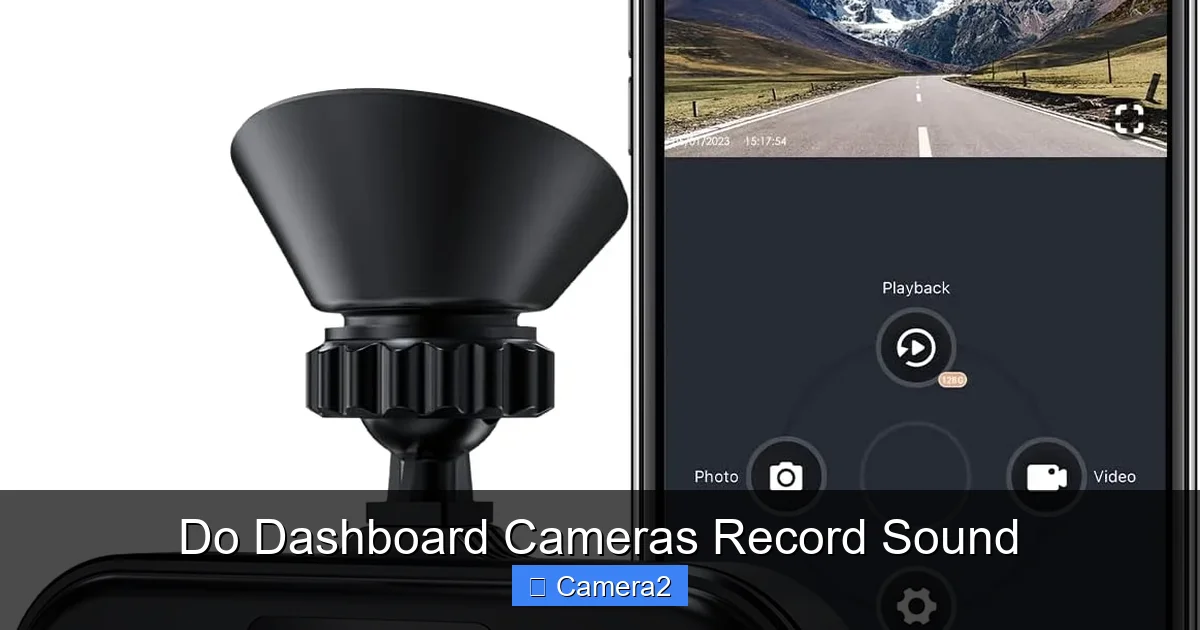
If your dash cam syncs with a smartphone app, you can usually adjust audio from there. Open the app, go to “Device Settings,” and look for the microphone icon. This method is handy because you can change the setting without pulling the cam out of its mount.
Firmware updates that add audio features
Manufacturers occasionally release firmware that adds new audio controls, such as gain adjustment or a “voice‑activated” mode. Keep an eye on the support page for your model and follow the update instructions carefully.
Physical mic covers
When you want a quick, 100 % guarantee that no sound is recorded, simply place a small piece of tape over the mic hole. It’s a low‑tech solution that works especially well for rideshare drivers who need to protect passenger privacy.
Impact of Audio on Video Evidence
Adding context to incidents
Imagine a rear‑end collision. The video shows the impact, but the audio captures a sudden horn and a shouted “Stop!” That extra detail can help investigators determine fault more accurately.
Improving clarity for insurance claims
Insurance adjusters often request the full dash cam file. Audio clips of police sirens or emergency vehicle warnings can substantiate a claim that you were not at fault.
Potential pitfalls
Low‑quality mics can pick up a lot of wind noise, making the audio unintelligible. Additionally, if the SD card is nearly full, many dash cams will stop recording audio to preserve video, resulting in silent clips at critical moments.
Choosing the Right Dash Cam for Audio Recording
Key features to look for
- Built‑in mic with noise‑cancellation: Reduces road and wind noise.
- External mic support: For higher fidelity or directional pickup.
- Adjustable audio gain: Lets you boost or lower mic sensitivity.
- Legal compliance indicators: Some units display a warning when audio recording is active.
Top picks (as of 2026)
While we won’t name specific brands to avoid bias, look for models that score high on both video resolution (at least 1440p) and audio quality (signal‑to‑noise ratio above 30 dB). Reading user reviews on forums can also reveal real‑world audio performance.
Budget vs. premium options
Entry‑level dash cams (under $50) often have basic mics that capture muffled sound. Mid‑range units ($80‑150) usually include noise‑cancellation and external mic ports. Premium models ($200+) may offer dual‑channel audio, directional mics, and AI‑driven sound detection (e.g., “detect siren”).
Practical Tips for Managing Audio on the Road
Tip 1: Test before you drive
Record a short clip in your driveway, then play it back on a computer. Listen for wind hiss, engine rumble, and clarity of speech. Adjust the mic gain or add a windscreen if needed.
Tip 2: Keep your SD card spacious
When the card reaches 90 % capacity, many dash cams automatically disable audio to save space for video. Aim to replace the card every 2‑3 months if you record daily.
Tip 3: Use “voice‑activated” mode if available
Some dash cams only record audio when they detect a sudden loud sound (like a crash). This saves storage and reduces privacy concerns.
Tip 4: Be mindful of passengers
If you regularly drive with friends, family, or rideshare passengers, let them know the cam records sound. A quick verbal disclaimer at the start of the trip can keep you on the right side of the law.
Tip 5: Sync audio with other devices
For professional drivers (e.g., truckers), pairing the dash cam with a separate audio recorder can provide backup in case the cam’s mic fails. Sync the timestamps in post‑production for a seamless file.
Common Questions and Misconceptions
Do all dash cams record sound automatically?
No. While most modern units have a microphone, many ship with audio disabled by default to comply with privacy laws. You must enable it in the settings.
Can I hear the audio if I’m using a parking‑mode dash cam?
It depends on the model. Some parking cams keep the mic active while the vehicle is off, but many turn it off to conserve power. Check the specifications or read Do Dash Cameras Work When The Car Is Off for details.
Is the audio quality good enough for legal evidence?
Generally, yes—especially if you use a dash cam with noise‑cancellation or an external mic. However, a clear, unobstructed recording is always better, so test your setup before relying on it in court.
Will recording audio drain my car battery?
Audio uses a tiny amount of power compared to video. The real battery drain comes from the camera’s processor and screen. If you’re concerned, use a hard‑wire kit with a low‑amp fuse.
Are there any dash cams that record audio without a mic?
Some high‑end models can capture sound via the vehicle’s built‑in infotainment system, but this is rare and usually requires a custom integration.
Conclusion: Making an Informed Choice
So, do dashboard cameras record sound? The short answer is yes—most do, but you have control over whether they actually capture audio. Understanding the legal environment, choosing the right hardware, and managing settings wisely will let you harness the power of sound without compromising privacy or running afoul of the law.
Whether you’re a rideshare driver, a daily commuter, or a fleet manager, consider how audio can add context to your footage, improve claim outcomes, and even keep you safer on the road. And remember, a dash cam is only as good as the user’s knowledge—so stay informed, keep your firmware up to date, and enjoy the peace of mind that comes with seeing *and* hearing what matters.
Frequently Asked Questions
Do all dash cams have built‑in microphones?
Most models released after 2015 include a mic, but some budget units may omit it or ship with the audio function disabled.
Is it illegal to record audio in my dash cam?
It depends on your state’s consent laws. One‑party consent states allow it, while two‑party consent states require everyone in the vehicle to agree.
Can I add an external microphone to improve sound quality?
Yes, many dash cams have a 3.5 mm audio‑in jack. An external mic with a windshield can dramatically reduce wind noise.
How does audio affect storage on my SD card?
Audio adds about 10‑15 % to file size. Keep the card at least 10 % empty to ensure continuous recording.
Will my dash cam record sound while parked?
Some parking‑mode dash cams keep the mic active, but many turn it off to save power. Check the product specs or read Do Dash Cameras Work When The Car Is Off for specifics.
Are there privacy concerns with audio recording?
Yes. Passengers may not expect to be recorded. Provide a disclaimer or disable the mic if you regularly carry riders.