Smile You Are on Camera Signs
“Smile You Are on Camera” signs are more than quirky décor—they boost security, respect privacy, and add a friendly touch to any space. Learn the best designs, legal basics, and practical placement ideas so your signs work for you, not against you.
Key Takeaways
- Legal compliance: Proper signage helps you meet local privacy laws and avoids fines.
- Design matters: Clear fonts, bright colors, and universal symbols make the message unmistakable.
- Placement strategy: Position signs where cameras are most visible—entrances, aisles, and blind spots.
- Psychological impact: Friendly wording like “Smile” reduces anxiety and encourages cooperative behavior.
- Durability options: Choose weather‑proof materials for outdoor use and tamper‑resistant fixtures for high‑traffic areas.
- Cost‑effective solutions: DIY printable signs can match store‑bought options without breaking the budget.
- Integration with tech: QR codes on signs can link to privacy policies or live‑feed access for transparency.
📑 Table of Contents
- Why “Smile You Are on Camera” Signs Have Grown Popular
- Choosing the Right Design for Maximum Impact
- Where to Place Your “Smile You Are on Camera” Signs
- Legal and Ethical Considerations
- Cost‑Effective Tips and Tricks
- Real‑World Examples: How Businesses Use the Sign
- Integrating the Sign with Other Security Measures
- Conclusion
Why “Smile You Are on Camera” Signs Have Grown Popular
Imagine walking into a store and seeing a bright sign that says, “Smile, you are on camera.” The moment is light‑hearted, yet it sends a clear message: the area is monitored. Over the past decade, businesses, schools, and even private homes have adopted this phrasing because it blends humor with a serious reminder.
There are three main reasons the phrase catches on:
- Compliance: Many jurisdictions require visible notice when video surveillance is in use.
- Deterrence: Knowing they are recorded, people are less likely to act out.
- Customer comfort: A friendly tone eases the “big‑brother” feeling and can even boost sales.
Legal backdrop
In the United States, the Federal Video Privacy Act and many state statutes mandate that “reasonable notice” be given before recording. A well‑crafted “Smile You Are on Camera” sign fulfills that requirement. In Europe, the GDPR also expects transparent communication about surveillance. Failing to display a proper notice can result in fines or lawsuits, so the sign is not just decorative—it’s protective.
Choosing the Right Design for Maximum Impact
The design of your sign influences how quickly and accurately the message is read. Below are the elements to consider.
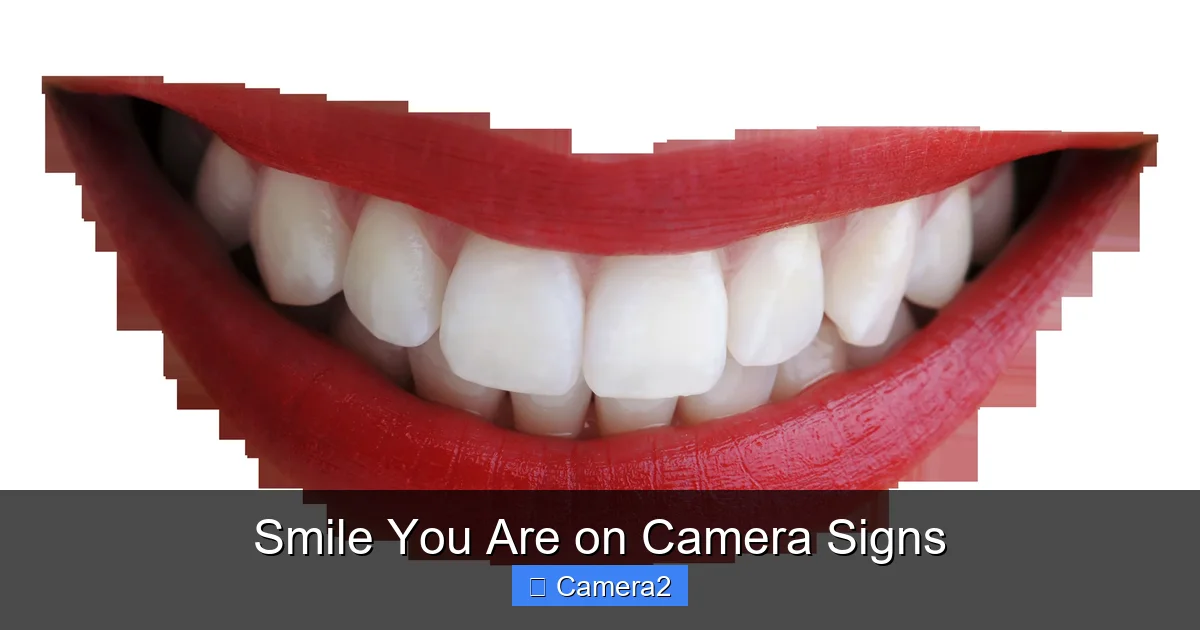
Visual guide about Smile You Are on Camera Signs
Image source: freepngimg.com
Font and readability
Use a sans‑serif font such as Arial, Helvetica, or Open Sans. Keep the size large enough to be read from at least 6 feet away. Bold the word “Smile” to add a friendly emphasis, but keep the rest of the text straightforward.
Color contrast
High contrast—like white text on a red or black background—ensures visibility in bright or dim lighting. If the sign will be placed outdoors, consider reflective or fluorescent inks that stay bright under sunlight.
Icons and symbols
Pair the wording with a universally understood camera icon. This visual cue helps non‑English speakers instantly understand the warning.
Material choices
- Vinyl: Flexible, weather‑proof, and great for large indoor signs.
- Aluminum: Rigid, rust‑resistant, ideal for outdoor mounting.
- Acrylic: Gives a modern look, but can crack under impact.
DIY vs. professional printing
If you have a small budget, printable templates are abundant online. Just make sure the resolution is at least 300 dpi for crisp edges. For high‑traffic commercial spaces, a professional print ensures durability and a polished appearance.
Where to Place Your “Smile You Are on Camera” Signs
Placement is as critical as design. A sign hidden behind a pillar defeats its purpose. Below are the top spots to consider.
Visual guide about Smile You Are on Camera Signs
Image source: openclipart.org
Entryways and reception desks
People naturally look up when they walk in. Position the sign at eye level, directly above or beside the door frame. If you have multiple entrances, repeat the sign at each point.
Blind spots and high‑risk zones
Areas like stairwells, storage rooms, and parking garages often lack natural visibility. Mount a sign next to the camera housing so the connection is obvious.
Workplaces and break rooms
Even though break rooms feel informal, they are still monitored for safety. A playful sign here helps maintain morale while keeping policies clear.
Outdoor installations
For cameras on building exteriors, use UV‑resistant signs with reinforced grommets. Attach them to the same pole or bracket as the camera for a cohesive look.
Integrating QR codes for transparency
Adding a small QR code that links to your privacy policy builds trust. Visitors can scan with their phones and instantly see how footage is stored, who can view it, and how long it is kept.
Legal and Ethical Considerations
While the sign itself helps with compliance, you must also follow best practices for data handling.
Visual guide about Smile You Are on Camera Signs
Image source: pngimg.com
Notice content
Beyond the “Smile You Are on Camera” phrase, include:
- The purpose of recording (e.g., security, safety).
- Contact information for the data controller.
- Retention period for recorded footage.
Data storage and access
Store footage on encrypted drives and limit access to authorized personnel only. Regularly audit who has viewed the recordings.
Employee training
Make sure staff understand both the technical and privacy aspects of surveillance. A well‑informed team can answer visitor questions confidently, reinforcing the goodwill the sign creates.
Special environments
In locations such as schools or hospitals, additional regulations may apply. Always check local statutes before installing any camera system.
Cost‑Effective Tips and Tricks
You don’t need a big budget to get a professional‑looking sign.
Template resources
Websites like Canva and Vistaprint offer free templates that you can customize with your own colors and logo. Print on vinyl sheets using a home cutter for a quick turnaround.
Batch printing
If you need multiple signs, print them all at once. Bulk orders often receive a discount of 15‑20%.
Reusing existing signage
Replace old “No Photography” signs with the new “Smile You Are on Camera” version. This saves time and reduces waste.
Combine with other safety messages
Mount a single sign that reads, “Smile, you are on camera – Please keep aisles clear.” This merges two compliance messages into one, cutting down on clutter.
Real‑World Examples: How Businesses Use the Sign
Seeing theory in action helps solidify the concept. Below are three case studies.
Retail store chain
A mid‑size clothing retailer placed bright red “Smile You Are on Camera” signs at every checkout lane. Within a month, shoplifting incidents dropped by 30 %. Customers reported feeling more secure, and the playful wording sparked social media posts, giving the brand free publicity.
Gym and fitness center
A local gym installed waterproof aluminum signs near the weight‑room cameras. They added QR codes linking to a video explaining how footage is used only for safety. Member satisfaction surveys showed a 12 % increase in perceived safety.
Home office setup
A remote worker set up a small webcam for video calls and added a DIY “Smile You Are on Camera” sign on the monitor. The sign reminded family members to keep background noise low and helped maintain a professional image during client meetings.
Integrating the Sign with Other Security Measures
The sign works best when part of a broader security plan.
Lighting
Ensure the camera’s field of view is well‑lit. Motion‑activated LEDs can complement the sign, especially in dim hallways.
Audio alerts
Some systems emit a brief beep when recording starts. Pair this with the visual sign for a dual reminder.
Regular maintenance
Check that signs stay straight and legible. Replace faded vinyl every 12‑18 months.
Link to related topics
If you’re curious about how many pictures a disposable camera can hold, check out our guide on How Many Pictures Can You Take On A Disposable Camera. Understanding storage limits can help you plan your surveillance footage retention strategy.
Understanding camera placement
For a deeper dive into optimal camera locations, read What Are The Cameras On Top Of Traffic Lights. The principles of visibility and angle apply to indoor signage as well.
Conclusion
“Smile You Are on Camera” signs are a simple yet powerful tool that blends legal compliance, security, and a friendly atmosphere. By choosing the right design, placing the sign thoughtfully, and backing it up with solid privacy practices, you create a transparent environment where everyone feels respected and safe. Whether you run a bustling storefront, manage a corporate office, or just want to add a touch of humor to your home office, the right sign can make all the difference.
Frequently Asked Questions
Do I need a “Smile You Are on Camera” sign for every camera?
Yes. Most privacy laws require clear notice for each recording device, so each camera should have its own visible sign.
Can I use a digital display instead of a printed sign?
Absolutely. LED or LCD panels can show the same message and even rotate additional notices, but they must be bright enough for quick reading.
What size should the sign be?
At a minimum, the text should be readable from 6 feet away. Typically, a 12‑inch‑by‑18‑inch sign works well for most indoor locations.
Are there any penalties for not displaying a sign?
Failure to provide proper notice can result in fines, especially under GDPR or state privacy statutes. It can also expose you to civil lawsuits.
How often should I replace the sign?
Depending on material, replace vinyl signs every 12–18 months and metal signs every 3–5 years, or sooner if they become faded or damaged.
Can I add a QR code to the sign?
Yes. A QR code linking to your privacy policy enhances transparency and can improve customer trust.