Does Dash Camera Work When Car Is Off
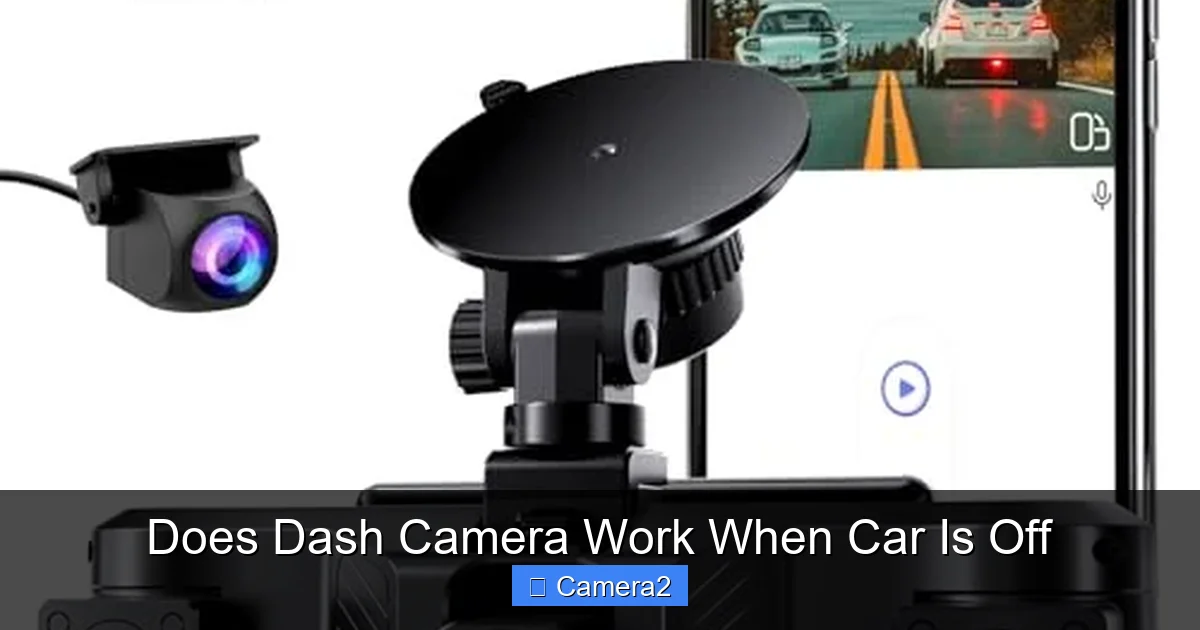
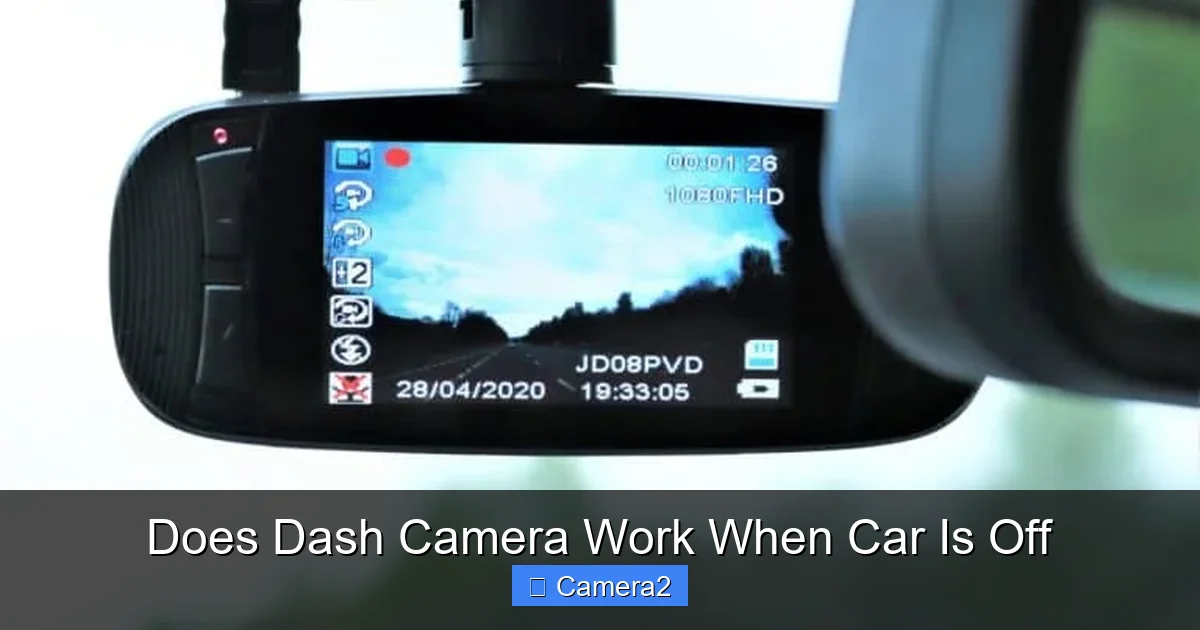
Wondering if your dash cam keeps an eye on your vehicle when the engine is off? Most modern dash cameras feature a parking mode that continues recording using the car’s battery or an external power source. Understanding power options, settings, and safety tips ensures you never miss a crucial moment, even while parked.
Key Takeaways
- Parking mode is key: Most dash cams switch to a low‑power “parking” mode when the ignition is off.
- Power source matters: Built‑in batteries, hard‑wired kits, and external battery packs each have pros and cons.
- Motion & impact detection: These features trigger recording only when something happens, saving power.
- Installation impacts performance: Proper wiring and fuse selection prevent drain and false alerts.
- Legal considerations: Recording while parked is generally allowed, but check local privacy laws.
- Maintenance tips: Regularly check battery health and firmware updates for reliable operation.
- Useful resources: Learn more about parking mode and wiring with our related guides.
📑 Table of Contents
- Introduction: Why the Question Matters
- How Dash Cameras Detect a “Car Off” State
- Power Options for Recording While the Car Is Off
- Choosing the Right Dash Cam for Parking Mode
- Setting Up Parking Mode Correctly
- Impact on Your Car’s Battery
- Legal and Privacy Considerations
- Maintenance Tips to Keep Parking Mode Reliable
- Conclusion: Should You Rely on Parking Mode?
Introduction: Why the Question Matters
If you’ve ever parked your car and wondered whether the dash camera is still watching, you’re not alone. Many drivers buy dash cams for accident evidence, but the real test comes when the car sits idle for hours. Will the device keep recording, or does it go silent the moment you turn the key?
Understanding how dash cameras behave when the engine is off helps you avoid costly blind spots—like a hit‑and‑run in a parking lot or vandalism while you’re at work. In this guide we’ll break down the technology, power options, and practical steps so you can decide the best setup for your needs.
How Dash Cameras Detect a “Car Off” State
Ignition signal vs. voltage drop
Most dash cams are wired to the vehicle’s 12‑volt accessory line (often the “ACC” wire). When you start the engine, voltage rises to about 14.4 V; when the key is removed, the line drops to around 12 V or less. The camera’s firmware monitors this change:
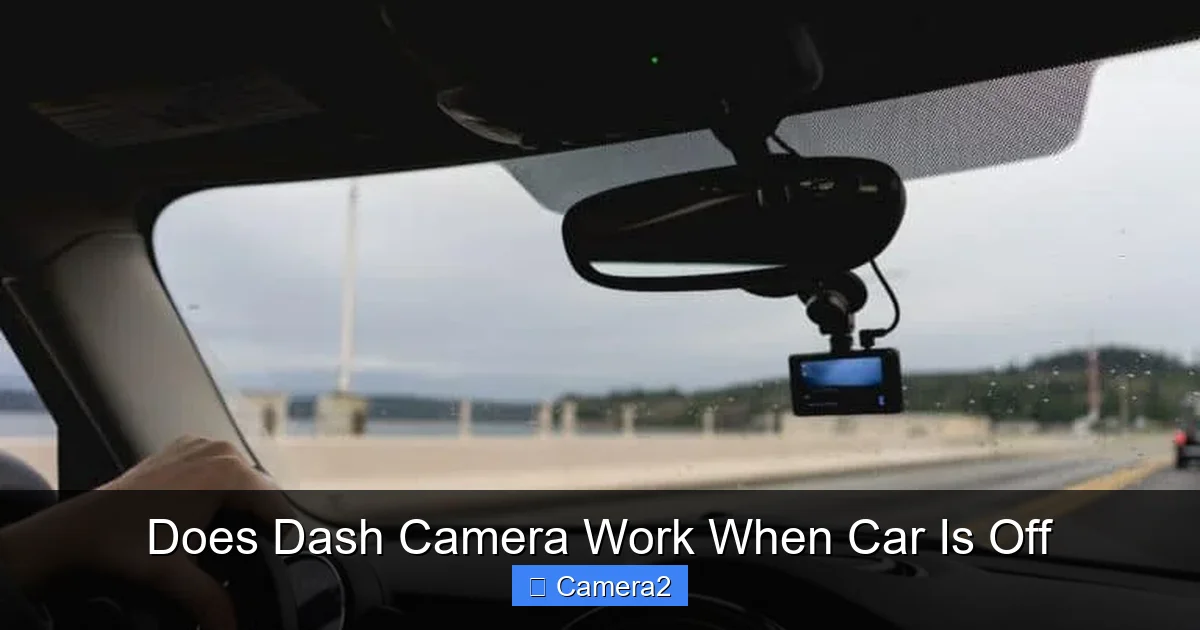
Visual guide about Does Dash Camera Work When Car Is Off
Image source: dashcamhome.com
- Ignition signal: A simple on/off cue that tells the cam to switch modes.
- Voltage threshold: Some models use a voltage‑level trigger, allowing more nuanced power management.
What “parking mode” really means
Parking mode is a low‑power state designed to keep the camera ready without draining the car’s battery. It typically includes:
- Reduced frame rate (e.g., 5–15 fps instead of 30 fps).
- Loop recording with short clips (30 seconds to 1 minute).
- Motion or impact sensors that wake the cam for full‑speed recording.
Power Options for Recording While the Car Is Off
Built‑in battery
Some dash cams have an internal lithium‑ion battery that powers parking mode for a few hours. This is convenient for short trips but not reliable for overnight parking.
Visual guide about Does Dash Camera Work When Car Is Off
Image source: dashcamhome.com
Hard‑wiring with a dedicated fuse
Hard‑wiring connects the cam directly to the car’s fuse box, often using a “parking‑mode kit.” A dedicated fuse (usually 10–15 A) prevents the camera from pulling too much current and draining the battery.
For a step‑by‑step guide on wiring, see our article on Do Dash Cameras Work When The Car Is Off which walks you through the process.
External battery pack (OBD or 12 V)
External packs attach to the OBD‑II port or a separate 12 V socket. They act as a buffer, providing several days of power without touching the car’s battery. Look for packs with automatic shut‑off to avoid over‑discharge.
Solar‑powered solutions
Solar panels mounted on the windshield can trickle‑charge the external battery, extending standby time. This is a niche solution but works well in sunny climates.
Choosing the Right Dash Cam for Parking Mode
Key features to look for
- G‑Sensor: Detects sudden impacts and locks the footage.
- Passive infrared (PIR) motion sensor: Triggers recording when movement is sensed.
- Loop recording length: Short loops save space and reduce overwriting of important clips.
- Battery backup time: Look for specs that list “parking mode runtime” on a standard car battery.
Top models in 2024
While brand names change, a few models consistently receive high marks for parking mode:

Visual guide about Does Dash Camera Work When Car Is Off
Image source: dashcamhome.com
- Vantrue N4 – 24‑hour parking mode with dual‑lens and G‑sensor.
- BlackVue DR900S‑2CH – Cloud backup, motion detection, and hard‑wire kit.
- Thinkware U1000 – Advanced impact detection and optional battery pack.
Setting Up Parking Mode Correctly
Step‑by‑step wiring guide
- Locate the ACC wire in the fuse box (usually orange or yellow).
- Use a “add‑a‑circuit” fuse tap to connect the dash cam’s power lead.
- Install a dedicated 10 A fuse to protect the vehicle’s battery.
- Route the video cable toward the windshield, hiding it behind the trim.
- Secure the camera with a suction mount or adhesive pad.
- Power on the cam and enable “parking mode” in the settings menu.
Fine‑tuning sensitivity
Adjust the motion sensor’s sensitivity so it doesn’t trigger on passing cars or wind‑blown debris. Most cams let you set low, medium, or high thresholds. Test the setting by parking for an hour and reviewing any false alerts.
Testing your setup
After installation, park the vehicle for at least 30 minutes with the engine off. Check the cam’s LCD or the companion app to confirm it entered parking mode and recorded a short clip.
Impact on Your Car’s Battery
How much power does parking mode use?
Typical parking mode draws 0.5–2 W, which translates to roughly 0.04–0.16 A on a 12 V system. Over 24 hours, that’s less than 4 Ah—generally safe for a healthy battery.
Signs of battery drain
- Car won’t start after a night of parking.
- Dash cam’s battery indicator shows red or low.
- Frequent “low voltage” warnings on the cam’s screen.
Mitigation strategies
- Install a low‑voltage cut‑off (voltage‑sensing relay) that disconnects the cam if the battery drops below 11.5 V.
- Use a larger external battery pack.
- Limit parking mode to high‑risk areas only.
Legal and Privacy Considerations
Is it legal to record while parked?
In most U.S. states, recording video in a public place (including a parking lot) is allowed. However, audio recording may be restricted. Always check local statutes.
Privacy of neighbors and pedestrians
Point the camera only at your vehicle and the immediate surroundings. Avoid aiming it toward private homes or windows to stay compliant with privacy expectations.
Useful resource
For a broader look at camera regulations, read Is It Illegal To Have A Camera In A Classroom which discusses general privacy rules that also apply to dash cams.
Maintenance Tips to Keep Parking Mode Reliable
Regular firmware updates
Manufacturers release updates that improve motion detection algorithms and reduce power consumption. Enable auto‑update if your cam supports Wi‑Fi.
Battery health checks
If your cam uses a built‑in battery, replace it every 2–3 years. A degraded battery can cause the cam to shut down unexpectedly.
Cleaning the lens
Dust and raindrops can trigger false motion alerts. Clean the front glass with a microfiber cloth and a mild glass cleaner.
Conclusion: Should You Rely on Parking Mode?
Yes—if you set it up correctly. Modern dash cams are designed to stay vigilant even when the engine is off, thanks to low‑power parking modes, motion sensors, and optional external power sources. By choosing the right model, installing a proper hard‑wire kit, and monitoring battery health, you can protect your vehicle around the clock without draining the car’s battery.
Take the time to configure sensitivity, test the system, and stay aware of local privacy laws. With these steps, your dash cam will be a silent guardian, ready to capture the unexpected moments that matter most.
Frequently Asked Questions
Can a dash cam record video while the car is completely off?
Yes, if the cam has a parking mode and is powered by an internal battery, external battery pack, or a hard‑wired connection that draws minimal power.
How long can a dash cam run on its built‑in battery?
Typically 30 minutes to 2 hours, depending on the model and whether parking mode is active. For longer periods, use a hard‑wire kit or external pack.
Will parking mode drain my car battery?
It draws a very small current (0.5–2 W). On a healthy battery, this is safe for a night or two, but a low‑voltage cut‑off device can prevent deep discharge.
Do I need a separate hard‑wire kit for parking mode?
Most cams work out‑of‑the‑box with a simple ACC connection, but a dedicated hard‑wire kit provides more stable power and protects the car’s battery.
Can I use a dash cam’s parking mode in a rental car?
Yes, but you must ensure the rental agreement allows aftermarket devices and avoid permanent wiring that could damage the vehicle.
Is it legal to record video of other cars in a parking lot?
Generally yes, as long as you’re not recording audio without consent and you respect local privacy regulations.