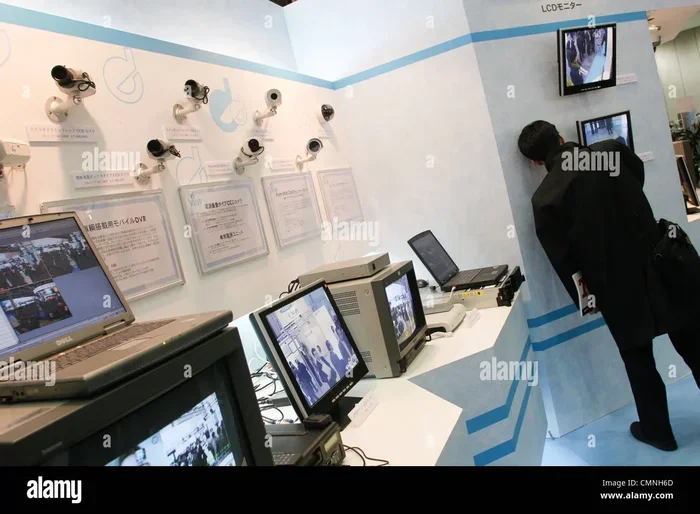
How to Tell If a Cctv Camera Is On

Wondering if that security camera is actually recording? This guide shows you easy visual clues, sound checks, and tech tools to confirm a CCTV camera is on. Stay informed and secure with step‑by‑step methods anyone can use.
Key Takeaways
- LED indicators: Most cameras flash a red or green light when active.
- Lens glow: A subtle glow or “eye‑shine” often means the sensor is powered.
- Network traffic: Checking your router or using a network scanner can reveal live streams.
- Audio cues: Clicking or whirring sounds are common signs of operation.
- Physical inspection: Warmth, vibration, and moving parts can confirm power.
- App verification: Mobile or desktop apps usually show live status.
- Legal awareness: Knowing local laws helps you respect privacy while checking cameras.
📑 Table of Contents
Introduction
Security cameras are everywhere these days—on storefronts, in office lobbies, and even tucked into streetlights. But sometimes you just want to know if a particular CCTV camera is actually turned on. Maybe you’re a homeowner checking a new system, a tenant worried about privacy, or a curious tech enthusiast.
Good news: you don’t need a multimeter or a PhD in networking to find out. In this friendly guide we’ll walk through visual clues, sound checks, simple network tricks, and a few handy apps that tell you instantly whether a camera is live. By the end you’ll feel confident spotting an active camera in seconds.
1. Visual Cues You Can See With the Naked Eye
Most modern CCTV cameras are designed to give a clear visual sign that they are powered. Look for these tell‑tale signs.
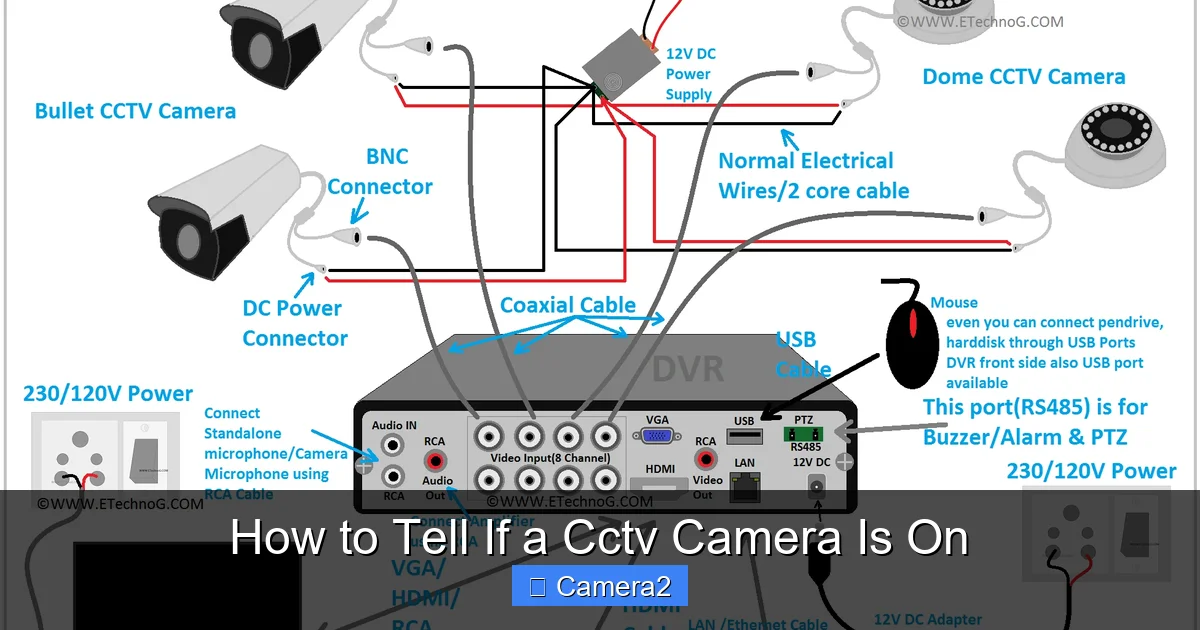
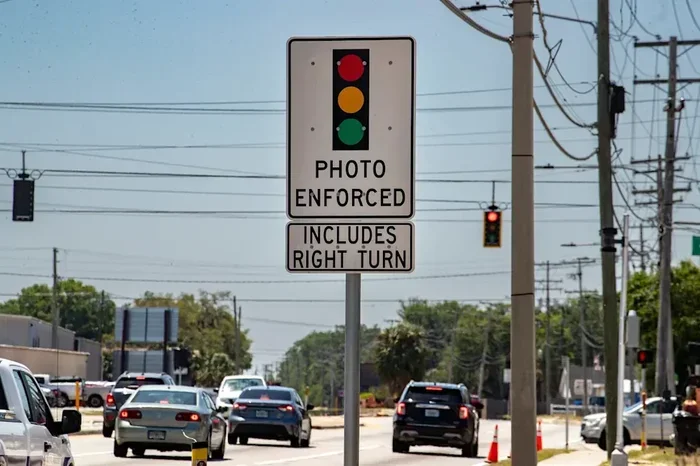
Visual guide about How to Tell If a Cctv Camera Is On
Image source: i.pinimg.com
1.1. LED Status Lights
Almost every indoor dome or bullet camera has a tiny LED that blinks when the sensor is active. The color varies—red, green, or amber—but the pattern is consistent: a steady or rhythmic flash means the camera is on. If the LED is off, the camera may be in standby mode or powered down.
1.2. Lens Glow (IR “Eye‑Shine”)
Night‑vision cameras use infrared LEDs that emit a faint red glow around the lens. In a dark room you’ll see this “eye‑shine” even if the video feed isn’t displayed on a monitor. Daylight cameras sometimes show a slight reflection on the glass when the sensor is powered.
1.3. Physical Warmth
Electronic components generate heat. Gently place the back of your hand near the camera housing; a warm feel usually indicates power. Be careful not to touch hot components directly.
1.4. Moving Parts
PTZ (pan‑tilt‑zoom) cameras often make a soft whirring noise when they move. If you see the camera slowly scanning its field of view, it’s definitely turned on.
2. Listening for Audio Indicators
Sound can be a reliable clue, especially when you’re standing a few feet away.

Visual guide about How to Tell If a Cctv Camera Is On
Image source: image.shutterstock.com
2.1. Clicks and Whirrs
When a camera powers up, you might hear a click as the lens adjusts or a low‑frequency hum from the motor. PTZ units are the loudest, but even fixed lenses sometimes emit a faint click when the sensor activates.
2.2. Infrared “Buzz”
Some IR LEDs emit a barely audible high‑pitch hum. It’s subtle, but if you’re in a silent hallway you can often pick it up.
2.3. Using a Smartphone Mic
If you’re unsure, open a sound‑meter app on your phone and point it at the camera. A spike in decibels above background noise usually signals the camera is active.
3. Checking the Network – Simple Tech Tricks
When visual and audio clues aren’t enough, a quick look at your network can confirm a live camera.

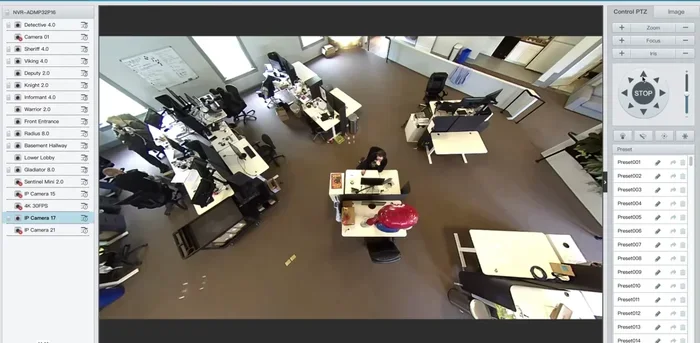
Visual guide about How to Tell If a Cctv Camera Is On
Image source: w8.snokido.com
3.1. Router Device List
Log into your home router (usually via 192.168.1.1 or similar). Look for a device named “IPCAM,” “DVR,” or the brand name. If it shows as “online” or has recent traffic, the camera is on.
3.2. Network Scanner Apps
Free tools like Fing or Angry IP Scanner let you scan your local network. Find the IP address of the camera and check the open ports—typically port 80 (HTTP) or 554 (RTSP). An open port means the camera is ready to stream.
3.3. Ping Test
Open a command prompt (Windows) or terminal (Mac/Linux) and type:
ping 192.168.1.100
Replace the IP with your camera’s address. Replies indicate the device is powered and communicating.
3.4. Using the Camera’s Web Interface
Enter the camera’s IP address into a web browser. If you see a login screen or live preview, the camera is definitely on. Many cameras also show a status bar indicating “Live” or “Recording.”
4. Mobile and Desktop Apps – The Easy Way
Most modern CCTV systems ship with companion apps. These apps not only let you view footage but also display real‑time status.
4.1. Manufacturer Apps
Brands like Hikvision, Dahua, and Reolink have free iOS/Android apps. After adding the camera, the dashboard usually shows a green dot or “Online” label.
4.2. Third‑Party Viewer Software
Programs like Blue Iris, iSpy, or VLC can connect to an RTSP stream. If the stream loads, you have proof the camera is streaming.
4.3. Cloud‑Based Platforms
Some cameras store video in the cloud (e.g., Nest, Arlo). Log into the cloud portal; an active camera will display a live preview thumbnail.
5. Common Situations and How to Verify Them
Let’s walk through a few real‑world scenarios.
5.1. Office Lobby Camera
In a corporate lobby you often see a discreet dome camera. Look for a tiny LED on the bottom. If you can’t see it, check the building’s Wi‑Fi network for an unfamiliar device. Use a network scanner to confirm activity.
5.2. Residential Front‑Door Camera
These are usually weather‑proof bullet units. At night, the IR LEDs create a red glow. Turn on a flashlight and aim it at the lens; a reflection indicates power. Then open the companion app on your phone to see the live feed.
5.3. Hidden Outdoor Camera
Sometimes cameras are concealed in streetlights or signs. Look for a faint glint on the lens surface. If you suspect one, walk around with a handheld infrared detector (available at electronics stores) – it will beep when near an IR emitter.
5.4. PTZ Camera on a Parking Lot
These cameras often sweep the area. Stand near the base and listen for motor sounds. If you see the camera moving, you can also use the network method to confirm the IP address is active.
5.5. Camera That Seems Always On (but Not Working)
Some users report a camera that never stops flashing red but never records. A quick fix is to power‑cycle the unit or check the firmware. For more detailed troubleshooting see My WDR Camera Is Always On And Not Working.
6. Legal and Privacy Considerations
Before you start poking around, know the rules. In many places, it’s legal to check whether a camera is on, but recording without consent can be illegal. Public spaces often allow surveillance, while private areas like homes or classrooms have stricter rules.
6.1. Public vs. Private Property
On public streets, cameras are typically allowed. Inside a private business, owners usually have the right to monitor, but they must inform patrons via signage.
6.2. Classroom Cameras
If you’re a teacher or student wondering about cameras in a classroom, read up on local regulations. Our article Is It Illegal To Have A Camera In A Classroom explains the nuances.
6.3. Respecting Privacy
Never tamper with a camera’s wiring or firmware. If you suspect an illegal camera, contact the property manager or local authorities rather than taking matters into your own hands.
Conclusion
Finding out if a CCTV camera is on doesn’t require fancy equipment. Start with simple visual checks—look for LEDs, lens glow, and warmth. Listen for subtle sounds, then move to your router or a free network scanner for confirmation. Finally, use the camera’s official app or a third‑party viewer for the ultimate proof.
Remember to stay within legal boundaries and respect privacy. With these tools in your pocket, you’ll never be left guessing whether a camera is watching.
Frequently Asked Questions
How can I tell if a CCTV camera is recording without an app?
Look for a blinking LED, IR glow, or a faint warmth on the housing. A soft click or motor sound also indicates the sensor is active.
Do all CCTV cameras have an LED indicator?
Most modern indoor and outdoor cameras include a status LED, but some discreet models hide it behind a lens cover. In those cases, use network checks or listen for sound.
Can I detect a hidden camera using my smartphone?
Yes. Turn off the lights, open the camera app, and look for a bright spot that doesn’t belong. Some apps also have IR detection modes that reveal hidden night‑vision LEDs.
What does it mean if the camera’s LED is always on?
An always‑on LED may indicate the camera is powered but not necessarily recording. Check the app or web interface to see if recording is enabled.
Is it legal to check if a camera is on in a public place?
Generally yes, as you’re only observing. Recording or tampering with the camera could violate privacy laws, so keep your actions non‑intrusive.
Why does my camera’s LED flicker when I look at it?
Flickering is often the camera’s way of indicating it’s processing video or adjusting exposure. It’s a normal sign that the unit is active.