Mercedes Rear Camera Keeps Opening
Having your Mercedes rear‑camera pop up on its own can be frustrating and even unsafe. This guide explains the common causes—software glitches, sensor faults, wiring issues—and offers step‑by‑step troubleshooting you can try at home. Learn practical tips to reset, repair, or decide when professional service is needed.
Key Takeaways
- Software glitches are the top culprit: A simple system reset often stops the camera from opening randomly.
- Faulty rear‑park sensors can trigger the camera: Cleaning or replacing the sensors may solve the problem.
- Wiring problems cause intermittent behavior: Check connectors for corrosion or loose pins.
- Settings in the COMAND/MBUX system control activation: Adjusting the “Rear View Camera” option can prevent unwanted pop‑ups.
- When DIY fixes fail, a dealer scan is essential: Technicians can read hidden error codes and re‑flash the control module.
- Regular maintenance prevents future issues: Keep lenses clean and software up‑to‑date.
- Know when to replace the camera unit: Persistent errors after all repairs indicate a hardware failure.
📑 Table of Contents
- Introduction: Why a Misbehaving Rear Camera Matters
- How the Mercedes Rear‑View Camera System Works
- Common Reasons the Camera Keeps Opening
- Step‑by‑Step DIY Troubleshooting
- Professional Diagnosis and Repair
- Preventive Maintenance for a Reliable Rear Camera
- Conclusion: Keep Your Mercedes Camera in Check
Introduction: Why a Misbehaving Rear Camera Matters
Imagine you’re pulling into a tight spot, and the rear‑view camera flickers on even though you’re not pressing the reverse gear. It’s more than a minor annoyance—it can distract you, cover up obstacles, or even cause a minor accident. Mercedes‑Benz equipped its vehicles with sophisticated camera systems for safety, but like any electronics, they can develop quirks.
In this article we’ll walk through everything you need to know about a rear camera that keeps opening on its own. We’ll cover the technology behind the system, the most common reasons it misbehaves, DIY troubleshooting steps you can perform safely, and when it’s time to hand the job over to a qualified technician.
How the Mercedes Rear‑View Camera System Works
Basic components
The rear‑view camera system is a combination of three main parts:
Visual guide about Mercedes Rear Camera Keeps Opening
Image source: programandoamedianoche.com
- Camera module: Usually mounted above the license plate, it captures a wide‑angle view of what’s behind the car.
- Rear‑park sensors: Ultrasonic sensors located in the bumper detect obstacles and send signals to the infotainment unit.
- Infotainment controller (COMAND or MBUX): Processes video and sensor data, then displays the image on the central screen.
These components talk to each other over the vehicle’s CAN‑bus network. When the transmission is shifted into reverse, the ECU sends a command that tells the controller to pull the video feed and overlay any sensor‑based guidelines.
Software’s role
Modern Mercedes models run a sophisticated software layer that decides when to turn the camera on. The logic includes:
- Gear‑position detection.
- Driver‑assist features such as “Active Parking Assist.”
- User preferences set in the settings menu.
If any of these inputs become confused—for example, a sensor reports a false obstacle—the system may think you are reversing and open the camera automatically.
Common Reasons the Camera Keeps Opening
1. Software glitches and outdated firmware
Mercedes releases periodic software updates to fix bugs and improve functionality. An outdated COMAND/MBUX version can contain a known bug that causes the camera to activate without reverse gear input.
Visual guide about Mercedes Rear Camera Keeps Opening
Image source: ph-test-11.slatic.net
2. Faulty or misaligned rear‑park sensors
Dirty, damaged, or mis‑wired ultrasonic sensors often send a “obstacle detected” signal even when nothing is there. The system interprets that as a cue to display the camera.
3. Wiring harness problems
Corrosion, loose pins, or a broken ground in the camera’s wiring harness can cause intermittent signals. The controller may receive a “camera ready” flag sporadically, leading to random pop‑ups.
4. Gear‑shift sensor errors
Most cars use a transmission range sensor to tell the computer which gear you’re in. If this sensor drifts or fails, the ECU might think you are in reverse when you are actually in park or drive.
5. User setting mishaps
In some models, the “Rear View Camera” can be set to “Always On” for convenience. Accidentally toggling this option can make the camera appear whenever the infotainment screen is on.
Step‑by‑Step DIY Troubleshooting
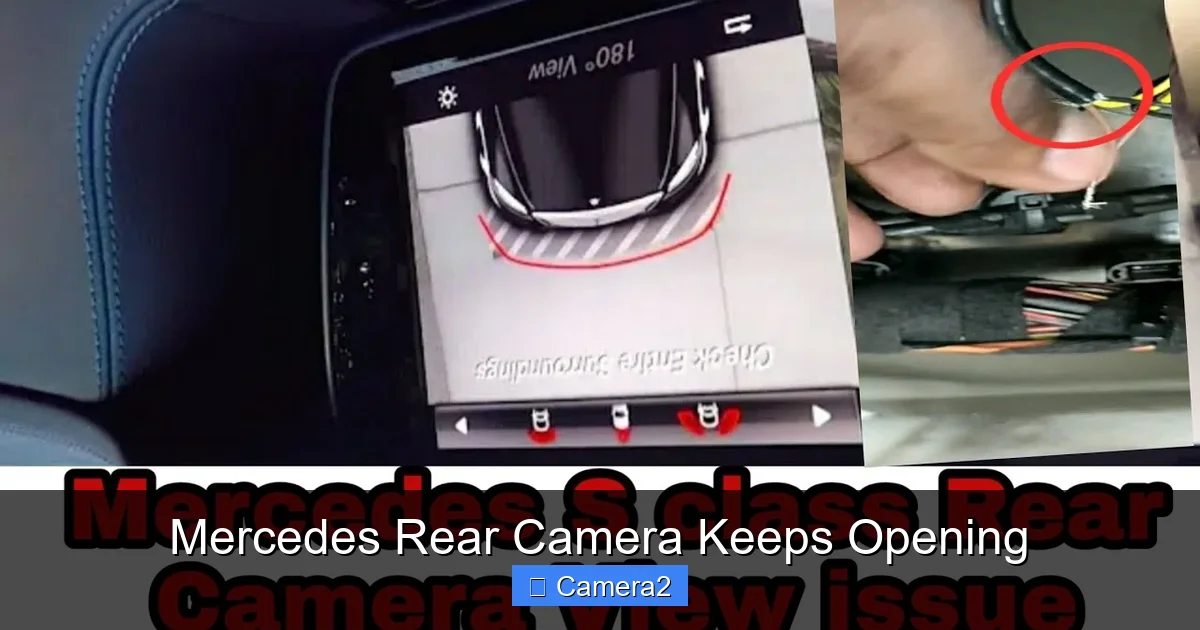
Step 1: Perform a soft reset of the infotainment system
Most Mercedes models allow a quick reset without disconnecting the battery:
Visual guide about Mercedes Rear Camera Keeps Opening
Image source: i.ytimg.com
- Press and hold the volume knob (or the “Menu” button) for about 10 seconds.
- The screen will go black and then restart.
- Check if the camera still opens on its own.
This clears temporary memory glitches and often resolves the issue.
Step 2: Verify camera settings in the menu
Navigate to Settings → Driver Assistance → Rear View Camera. Ensure the option is set to “Automatic” rather than “Always On.” If you prefer the camera only when reversing, select “Automatic.”
Step 3: Clean the rear‑park sensors
Use a soft, damp cloth to wipe each sensor (they look like small round bumps on the bumper). Avoid abrasive cleaners. After cleaning, test the reverse gear. If the camera still opens randomly, move to the next step.
Step 4: Inspect the camera lens and housing
Check the camera’s front glass for dirt, water spots, or cracks. A compromised lens can send false signals to the controller. If the lens is dirty, clean it with a lens‑safe cleaner. If cracked, the whole module may need replacement.
Step 5: Scan for error codes (DIY OBD‑II)
If you have an OBD‑II scanner that reads Mercedes‑specific codes (e.g., a VCDS or a proprietary MB STAR tool), look for codes in the “B” (body) or “U” (network) sections. Common codes include:
- B1210: Rear‑park sensor circuit malfunction.
- U0100: Lost communication with the camera control module.
Record any codes and research them before proceeding.
Step 6: Check wiring connectors
Locate the camera’s wiring harness near the rear bumper (you may need to remove the trunk liner). Disconnect the plug, inspect for corrosion or bent pins, and reseat it firmly. If you see rust, clean with electrical contact cleaner.
Step 7: Update the vehicle’s software
If a dealer or a certified garage can connect your car to Mercedes‑Benz’s OTA service, ask them to install the latest COMAND/MBUX firmware. This step often eliminates hidden bugs that cause random camera activation.
When DIY isn’t enough
If after all these steps the camera still opens without command, it’s likely a deeper hardware fault—perhaps the camera’s internal PCB has failed or the transmission range sensor needs replacement. At this point, schedule a service appointment.
Professional Diagnosis and Repair
What the dealer will do
Mercedes service centers have proprietary diagnostic tools (like the Xentry Diagnostic System) that can read hidden modules and re‑flash firmware. Their typical workflow includes:
- Full CAN‑bus scan for all related modules.
- Live data monitoring of sensor signals while the car is stationary and while reversing.
- Software update or re‑programming of the camera control unit.
- Replacement of faulty components (camera module, sensor array, wiring harness, or gear‑shift sensor).
Cost considerations
Labor rates vary by region, but expect a diagnostic fee of $80‑$150. Replacing the camera module can range from $300 to $600 for parts plus labor. Sensor replacements are usually under $200 total.
Tips to keep repair costs low
- Ask the dealer to perform a “software‑only” fix first; many random‑opening issues are solved with a firmware refresh.
- If the camera housing is damaged but the internal module works, a third‑party replacement housing can be cheaper.
- Combine this repair with any scheduled service (oil change, brake service) to save on labor time.
Preventive Maintenance for a Reliable Rear Camera
Regular cleaning schedule
Every 2‑3 months, wipe the camera lens and rear‑park sensors with a microfiber cloth. Use a gentle cleaner if you notice stubborn grime.
Software updates
Mercedes now offers over‑the‑air (OTA) updates for newer models. Enable automatic updates in the vehicle settings, or ask your dealer to check for the latest version during routine visits.
Protect the camera housing
Parking in a garage or using a rear‑view camera cover can shield the lens from stone chips and weather. If you frequently drive on gravel roads, consider a protective grille.
Stay aware of related accessories
If you added an aftermarket monitor for rear view camera or a license plate rear view camera, ensure they are compatible with your vehicle’s wiring. Incompatible units can send false signals that trigger the OEM camera.
Conclusion: Keep Your Mercedes Camera in Check
A rear camera that keeps opening can be a symptom of anything from a simple software hiccup to a hardware failure. By following the systematic troubleshooting steps above—resetting the system, checking settings, cleaning sensors, inspecting wiring, and updating firmware—you can often fix the problem yourself. When the issue persists, a professional diagnostic will pinpoint the exact fault and get you back to a safe, reliable backup view.
Remember, regular maintenance and staying current with software updates are the best ways to prevent future annoyances. Your Mercedes is designed to protect you; keeping the rear camera functioning properly ensures that protection remains active when you need it most.
Frequently Asked Questions
Why does my Mercedes rear camera turn on even when I’m not in reverse?
Most often it’s a software glitch or a sensor fault that falsely signals the system to think you’re reversing. A quick reset or cleaning the rear‑park sensors usually solves it.
Can I disable the rear camera completely?
Yes. In the infotainment menu go to Settings → Driver Assistance → Rear View Camera and set it to “Off.” However, disabling it removes an important safety feature.
Will a software update fix the random camera activation?
Often, yes. Mercedes releases updates that address known bugs. Ask your dealer to check for the latest COMAND/MBUX firmware.
Is the rear‑view camera covered under my Mercedes warranty?
If your vehicle is still within the original bumper‑to‑bumper or powertrain warranty, the camera and related sensors are typically covered. Verify with your dealer.
How much does it cost to replace a faulty rear camera module?
Parts range from $300 to $600, plus labor. Prices vary by model and region, so get a quote from a certified Mercedes service center.
Can an aftermarket rear‑view monitor cause the OEM camera to misbehave?
Yes. Incompatible aftermarket monitors can