Quality of Camera on Iphone 6
Looking for the real story behind the quality of camera on iPhone 6? This guide breaks down specs, real‑world performance, and practical tricks to get the best shots out of an older iPhone. Find out if the iPhone 6 camera can still hold its own and how to boost its results.
Key Takeaways
- Solid hardware for its era: An 8 MP rear sensor with f/2.2 aperture delivers decent daylight photos.
- Limitations in low light: Small sensor size and lack of optical image stabilization hinder night shots.
- Software matters: iOS updates and third‑party apps can stretch the iPhone 6’s camera capabilities.
- Video is usable: 1080p @ 60 fps recording is smooth, but lacks modern HDR and stabilization features.
- Practical tips: Use HDR, lock exposure, and clean the lens to maximize image quality.
- Accessory boost: Clip‑on lenses and protective cases can improve sharpness and protect the glass.
- Overall value: For casual shooters, the quality of camera on iPhone 6 remains acceptable, but power users will notice the gap to newer models.
📑 Table of Contents
- Introduction: Why Talk About the iPhone 6 Camera Today?
- 1. The Hardware Behind the Lens
- 2. Real‑World Photo Performance
- 3. Video Capabilities and Limitations
- 4. Extending the iPhone 6 Camera’s Potential
- 5. How the iPhone 6 Stacks Up Against Modern Phones
- 6. Practical Tips for Getting the Best Shots
- Conclusion: Is the iPhone 6 Camera Still Worth It?
Introduction: Why Talk About the iPhone 6 Camera Today?
If you still own an iPhone 6 or are considering buying a used one, the first question that pops up is: “How good is the camera?” The iPhone 6 launched in September 2014, and Apple has released several generations of phones with dramatically better sensors, lenses, and computational photography. Yet many people keep the device for its solid build, familiar iOS experience, and—yes—its camera.
This article dives deep into the quality of camera on iPhone 6. We’ll explore the hardware specs, real‑world performance, and practical ways to squeeze every ounce of detail from those 8 megapixels. By the end, you’ll know whether the iPhone 6 can still serve as a reliable daily shooter or if it’s time to upgrade.
1. The Hardware Behind the Lens
Sensor and Megapixels
The iPhone 6 features an 8 MP backside‑illuminated (BSI) sensor. At the time, BSI technology helped small sensors gather more light, giving better low‑light performance than older designs. The pixel size is 1.5 µm, which is modest compared to modern 1.7 µm or larger pixels.

Visual guide about Quality of Camera on Iphone 6
Image source: image.xb1.com
Aperture and Lens
The rear camera has an f/2.2 aperture. This lets in a decent amount of light, but it’s not as wide as the f/1.8 or f/1.6 apertures found in later iPhones. The lens has five elements, providing respectable sharpness and modest distortion control.
Autofocus and Stabilization
Phase‑detect autofocus (PDAF) was introduced with the iPhone 5s, and the iPhone 6 inherits this system. It’s quick for most subjects, but it can hunt in low‑contrast scenes. Notably, the iPhone 6 lacks optical image stabilization (OIS), which means handheld shots in dim environments can be shaky.
Front‑Facing Camera
The selfie camera is a 1.2 MP sensor with an f/2.2 aperture. It records 720p video and supports FaceTime. While adequate for video calls, it falls short for high‑resolution selfies compared to modern 12 MP front cameras.
2. Real‑World Photo Performance
Daylight Shots
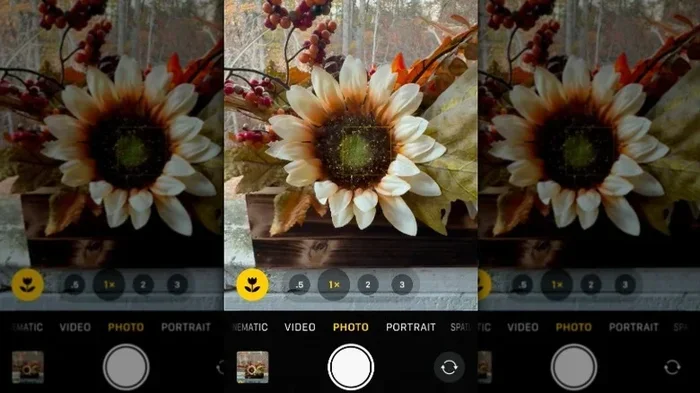
In bright conditions, the quality of camera on iPhone 6 shines. Colors are vibrant, details are crisp, and the built‑in HDR (High Dynamic Range) helps balance highlights and shadows. A quick tip: tap the screen to set focus and exposure, then slide the exposure bar up or down for fine control.

Visual guide about Quality of Camera on Iphone 6
Image source: cdn.sex.com
Low‑Light Challenges
When the sun sets, the small sensor and lack of OIS become evident. Images can be noisy, and handheld shots may blur. Using the built‑in “Low Light” mode (available in iOS 8) can improve results, but the best practice is to stabilize the phone—rest it on a surface or use a small tripod.
Color Accuracy and White Balance
The iPhone 6’s auto‑white‑balance is generally reliable, but it can overshoot in mixed lighting (e.g., indoor incandescent plus daylight). Manually adjusting the temperature in third‑party apps like Lightroom Mobile can correct this.
Portraits and Bokeh
Unlike newer iPhones, the iPhone 6 does not have a dual‑camera system, so true depth‑of‑field effects are unavailable. However, you can simulate a shallow depth look by using the “Portrait” mode in apps like Snapseed, which applies a blur mask after the fact.
3. Video Capabilities and Limitations
Resolution and Frame Rates
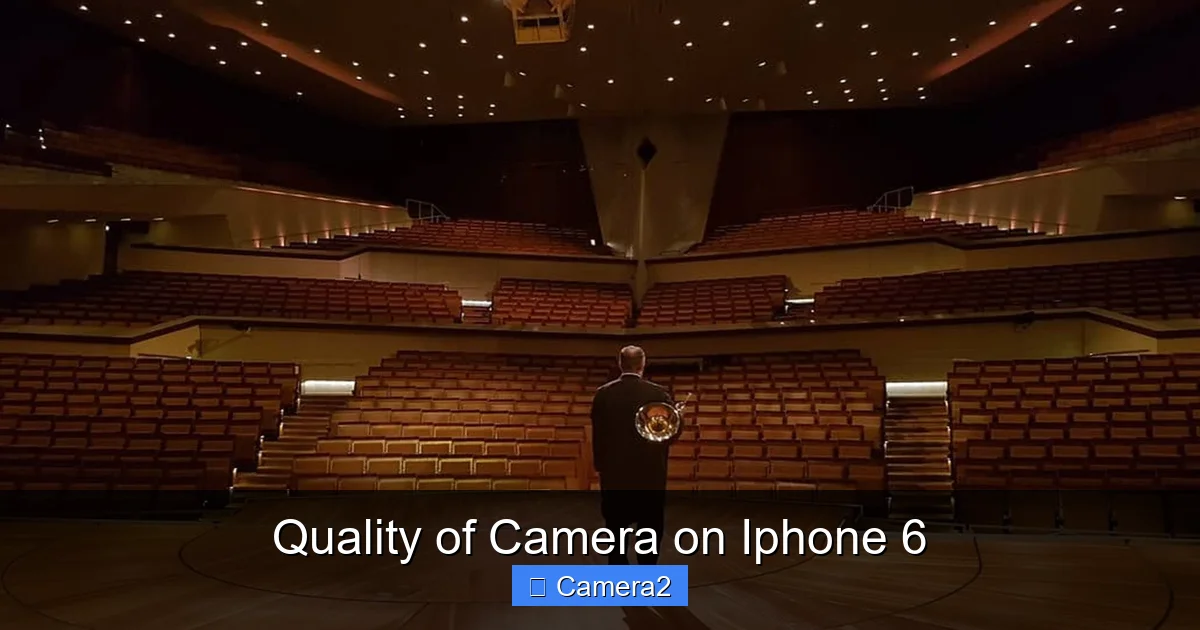
The iPhone 6 records 1080p @ 60 fps video, which remains smooth for most casual uses. It also supports 720p @ 120 fps slow‑motion clips, a fun feature for social media.
Visual guide about Quality of Camera on Iphone 6
Image source: imgmedia.lbb.in
Stabilization in Motion
Because there is no OIS, shaking is more noticeable when walking or panning. The digital stabilization Apple adds does help a bit, but you’ll notice the difference compared to the iPhone 11’s sensor‑shift stabilization.
Audio Quality
Mono audio is recorded through a single microphone. For interviews or vlogging, consider an external mic that plugs into the Lightning port to boost clarity.
4. Extending the iPhone 6 Camera’s Potential
Software Updates and Apps
Even though Apple stopped major iOS updates for the iPhone 6 after iOS 12, you can still install photography‑focused apps that bring new algorithms. Apps like Halide, ProCam, and Lightroom Mobile add manual controls, RAW capture, and better noise reduction.
Clip‑On Lenses
Affordable clip‑on lenses (wide‑angle, macro, fisheye) can diversify your shooting style. While they won’t replace a larger sensor, they add creative flexibility. Pair them with a protective case to keep the lens secure.
Cleaning and Maintenance
Finger smudges are a silent enemy. Use a microfiber cloth and a small amount of lens‑safe cleaner. A clean lens can improve sharpness by up to 10%—a noticeable gain with the iPhone 6’s modest optics.
Protective Gear
Investing in a good case that includes a raised lip protects the camera glass from scratches. For those who love outdoor adventures, a camera protector designed for newer iPhones also works well on the iPhone 6, keeping the lens safe from dust and impact.
5. How the iPhone 6 Stacks Up Against Modern Phones
Pixel Count vs. Sensor Size
Newer iPhones boast 12 MP or 48 MP sensors with larger pixel sizes, meaning they capture more light per pixel. The iPhone 6’s 8 MP sensor still produces decent images, but you’ll notice less detail when cropping heavily.
Computational Photography
Apple’s Smart HDR, Deep Fusion, and Night Mode are absent on the iPhone 6. Those features dramatically improve dynamic range and low‑light performance on modern devices. Without them, you rely more on good lighting and steady hands.
Video Advances
4K recording, Dolby Vision HDR, and sensor‑shift stabilization are now standard. The iPhone 6’s 1080p video is still usable, but it lacks the cinematic polish of newer models.
Overall Value
If you primarily shoot in daylight, share on social media, and don’t need heavy editing, the quality of camera on iPhone 6 remains serviceable. Power users who demand low‑light excellence, high‑resolution stills, or 4K video will feel the gap.
6. Practical Tips for Getting the Best Shots
Lock Focus and Exposure
Tap and hold on the subject until “AE/AF Lock” appears. This prevents the camera from refocusing or readjusting exposure mid‑shot, especially useful for subjects that move slowly.
Use HDR Wisely
Enable HDR for high‑contrast scenes (e.g., a bright sky over a dark foreground). The iPhone 6 will take multiple exposures and blend them, delivering a balanced image.
Shoot in RAW When Possible
Third‑party apps let you capture RAW files, preserving more data for post‑processing. RAW files are larger, so keep an eye on storage.
Stabilize with Everyday Objects
Rest the phone on a coffee mug, a stack of books, or a cheap mini‑tripod. This eliminates shake and improves low‑light results without extra gear.
Mind the Light Source
Position the main light source (the sun or a lamp) behind you, not behind the subject. This reduces back‑lighting and ensures the subject is well‑exposed.
Conclusion: Is the iPhone 6 Camera Still Worth It?
The quality of camera on iPhone 6 is a product of its time: solid for 2014, modest by 2026 standards. In bright conditions, it still delivers sharp, colorful photos that satisfy everyday sharing. Low‑light performance, lack of OIS, and the absence of modern computational features are its biggest drawbacks.
If you’re a casual photographer, a student, or someone who values the familiar iOS ecosystem, the iPhone 6 can still be a handy camera. Simple habits—cleaning the lens, using HDR, and stabilizing the phone—extend its usefulness. However, if you need professional‑grade low‑light shots, 4K video, or advanced portrait modes, upgrading to a newer iPhone will provide a noticeable leap.
Ultimately, the decision rests on your needs and budget. The iPhone 6’s camera remains a reliable companion for everyday moments, proving that good photography isn’t only about hardware—it’s also about knowing how to use what you have.
Frequently Asked Questions
What is the megapixel count of the iPhone 6 camera?
The rear camera has an 8 MP sensor, while the front (selfie) camera is 1.2 MP.
Can I record 4K video with the iPhone 6?
No. The iPhone 6 maxes out at 1080p @ 60 fps. 4K recording was introduced with the iPhone 6s Plus.
Does the iPhone 6 have optical image stabilization?
It does not. The iPhone 6 relies on digital stabilization for video, which is less effective than optical stabilization.
How can I improve low‑light photos on the iPhone 6?
Use a steady surface or tripod, enable the Low Light mode, keep the lens clean, and consider a third‑party app that offers better noise reduction.
Are there accessories that can boost the iPhone 6 camera?
Yes. Clip‑on lenses, protective cases with raised edges, and external microphones for video can all enhance image and audio quality.
Is it worth upgrading from iPhone 6 to a newer model for photography?
If you frequently shoot in dim environments, need 4K video, or want advanced portrait features, upgrading will give a clear advantage. For casual, daylight photography, the iPhone 6 still holds up.