System Disabled Due to Poor Outward Camera Visibility
When an outward‑facing camera can’t see clearly, many safety systems automatically shut down to protect you. This article explains the reasons behind the “system disabled due to poor outward camera visibility” alert, shows practical troubleshooting steps, and offers tips to prevent future failures.
Key Takeaways
- Visibility matters: Most modern driver‑assist systems rely on a clear view from the outward camera; dirt, glare, or misalignment can trigger a shutdown.
- Immediate checks: Simple cleaning, lens repositioning, and firmware updates often resolve the issue within minutes.
- Safety first: Until the camera works properly, avoid using lane‑keep or adaptive cruise features.
- Professional help: Persistent problems may require sensor calibration or replacement by a certified technician.
- Preventive care: Regular inspection and protective accessories keep the camera clear and functional.
- Related systems: Issues with the outward camera can affect backup cameras and driver‑facing cameras as well.
- Legal angle: In some regions, a disabled camera may impact compliance with safety regulations.
📑 Table of Contents
- Introduction: Why Your Car’s Outward Camera Is So Important
- 1. Understanding the Outward‑Facing Camera
- 2. Frequent Causes of Poor Visibility
- 3. Step‑by‑Step Troubleshooting Guide
- 4. Preventive Maintenance Tips
- 5. When the Warning Becomes a Legal Issue
- Conclusion: Keep Your Eyes on the Road—and on Your Camera
Introduction: Why Your Car’s Outward Camera Is So Important
Imagine you’re driving on a rainy highway and the lane‑keep assist suddenly stops working. The dashboard flashes a warning that says, “system disabled due to poor outward camera visibility.” It feels alarming, right? That little camera is the eyes of many advanced driver‑assist systems (ADAS) – lane‑keep assist, traffic‑sign recognition, forward‑collision warning, and more. If it can’t see the road clearly, the whole safety suite backs off.
In this guide we’ll walk through what causes the warning, how to diagnose it, and what you can do to get your system back online. We’ll keep the language friendly, use short sentences, and give you real‑world examples you can try today.
1. Understanding the Outward‑Facing Camera
What the camera sees
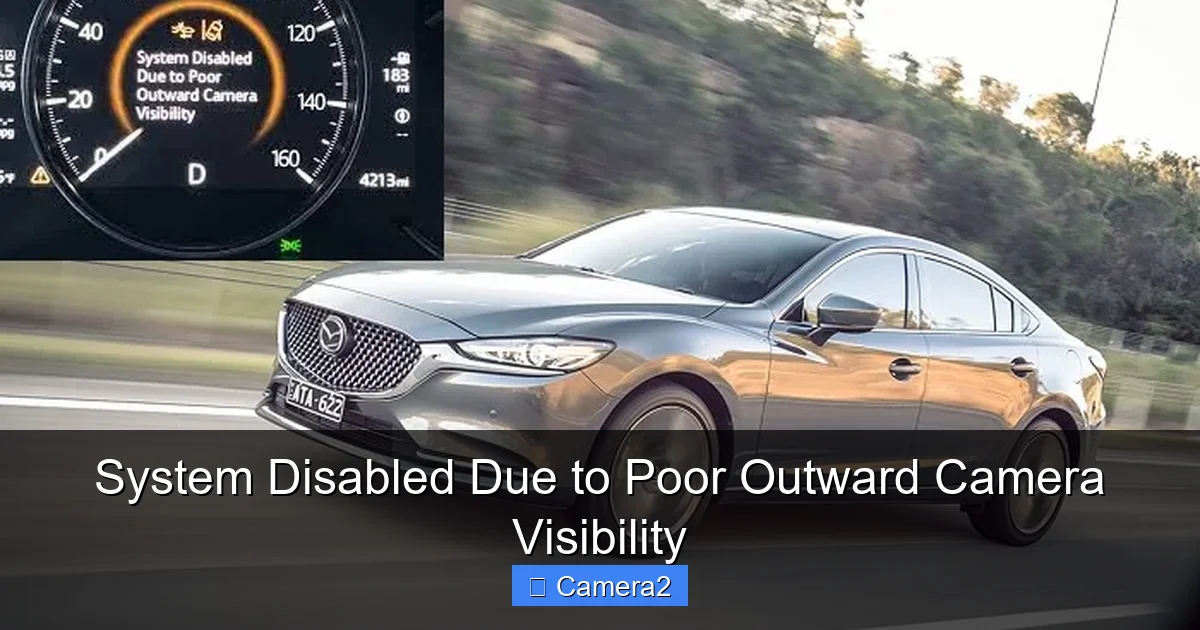
The outward‑facing camera is usually mounted behind the windshield, near the rear‑view mirror. It captures a wide‑angle view of the road ahead. The software stitches the image, detects lane markings, reads traffic signs, and measures the distance to the vehicle in front.
Visual guide about System Disabled Due to Poor Outward Camera Visibility
Image source: cararac.com
How the system decides to shut down
ADAS algorithms constantly evaluate image quality. If the camera reports low contrast, excessive glare, or a blocked lens, the system flags “poor visibility.” To avoid false alerts, it disables the dependent features until the view improves.
Common misconceptions
- “It’s a software bug.” – Often it’s a physical issue, not code.
- “Only expensive cars have this problem.” – Any vehicle with an outward camera can show the warning.
- “I can ignore it.” – Ignoring it removes a layer of safety.
2. Frequent Causes of Poor Visibility
Dirty or smudged lens
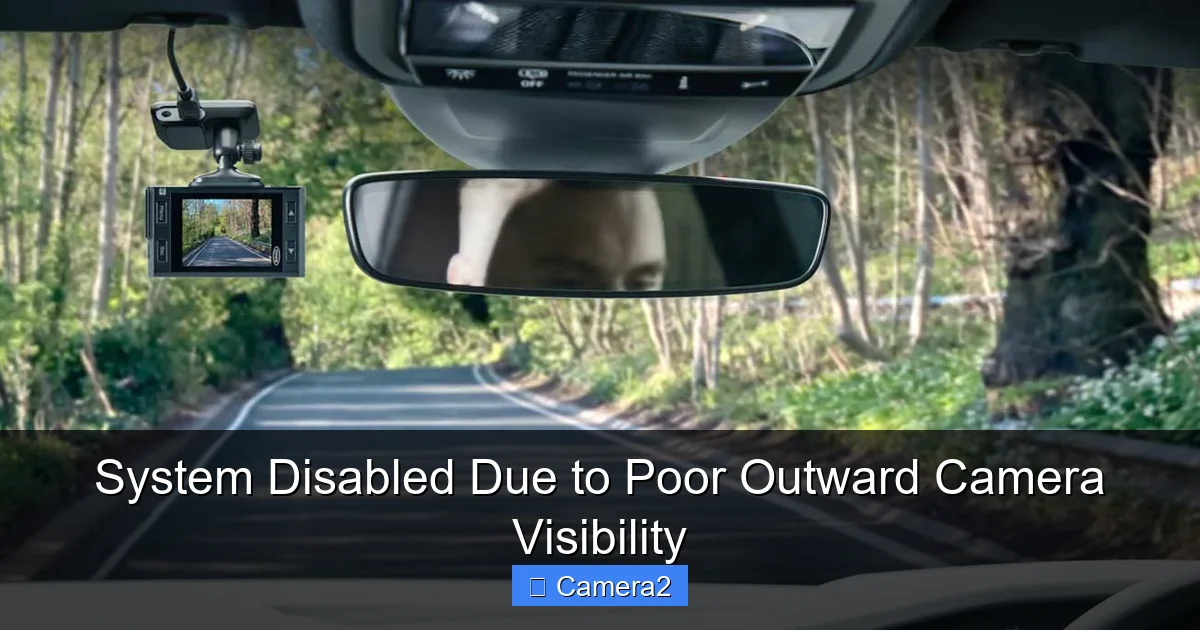
Dust, fingerprints, and road spray are the most common culprits. A quick wipe with a microfiber cloth can restore clarity.
Visual guide about System Disabled Due to Poor Outward Camera Visibility
Image source: xinotechauto.co.za
Sun glare and low‑light conditions
Bright sunlight, especially low on the horizon, can wash out the image. Similarly, night driving with on‑coming headlights can cause overexposure.
Windshield damage or tint
Cracks, chips, or aftermarket tint films alter the light path. Even a small bubble can distort the view enough for the system to shut down.
Improper camera alignment
If the camera has been jostled in a collision or during a windshield replacement, it may be tilted. Misalignment reduces the area the software can analyze.
Software or firmware glitches
Outdated firmware may misinterpret a clear image as poor. Manufacturers often release updates to improve camera processing.
Obstructions from accessories
Sunshades, dash cams, or rear‑view mirror extensions that partially cover the lens will trigger the alert.
3. Step‑by‑Step Troubleshooting Guide
Step 1: Visual inspection
Open the driver’s side door and look at the camera housing. Is there visible dirt, water spots, or a sticker? If yes, proceed to cleaning.
Visual guide about System Disabled Due to Poor Outward Camera Visibility
Image source: c8.alamy.com
Step 2: Clean the lens safely
- Turn the engine off and let the car cool.
- Use a clean microfiber cloth lightly dampened with water or a dedicated lens cleaner.
- Wipe in a circular motion, avoiding excessive pressure.
- Dry with a second dry cloth.
After cleaning, restart the car and see if the warning disappears.
Step 3: Check for glare and lighting issues
If the warning appears only at sunrise or sunset, try adjusting the interior dimmer or using the “auto‑high‑beam” feature. Some cars let you enable a “camera glare reduction” mode in settings.
Step 4: Verify windshield condition
Inspect the windshield for cracks or chips directly in front of the camera. Even a tiny blemish can scatter light. If you find damage, replace the glass promptly.
Step 5: Reset the ADAS module
Many vehicles have a reset procedure: disconnect the battery for 10 minutes, then reconnect. This forces the system to recalibrate. Refer to your owner’s manual for exact steps.
Step 6: Update firmware
Visit the dealer’s website or use the car’s infotainment system to check for software updates. Installing the latest version often clears false “poor visibility” messages.
Step 7: Professional calibration
If the warning persists, schedule a visit to a certified technician. They will use a diagnostic tool to recalibrate the camera angle and, if needed, replace the unit.
4. Preventive Maintenance Tips
Regular cleaning schedule
Make lens cleaning part of your monthly car wash routine. A quick wipe after a rainy drive prevents buildup.
Use protective accessories wisely
When installing a dash cam, choose a model that mounts below the outward camera’s field of view. Avoid sunshades that extend over the windshield area.
Apply anti‑glare coatings
Some aftermarket films reduce glare without violating local tint laws. They can improve camera performance in bright conditions.
Stay current on software
Enable automatic updates if your car supports OTA (over‑the‑air) updates. This keeps the image‑processing algorithms sharp.
Link to related topics
If you’re also having trouble with the backup camera, check out our guide on how to get backup camera out. For drivers who want to disable the interior driver‑facing camera while troubleshooting, see how to disable driver facing camera. And if you’re curious about expanding your vehicle’s surveillance, learn about a 16 channel security camera system.
5. When the Warning Becomes a Legal Issue
Regulatory compliance
In some jurisdictions, a functional outward camera is required for lane‑assist certification. If the system is disabled, you may be non‑compliant during vehicle inspections.
Insurance considerations
Insurance companies sometimes offer discounts for active ADAS features. A disabled camera could affect those savings.
Liability in accidents
If an accident occurs while the system is disabled, the driver bears full responsibility. Keeping the camera operational reduces risk and potential legal exposure.
Conclusion: Keep Your Eyes on the Road—and on Your Camera
The “system disabled due to poor outward camera visibility” alert is a safety net, not a nuisance. It tells you that the car’s digital eyes can’t see clearly, so the car steps back from helping you. By cleaning the lens, checking for glare, updating firmware, and seeking professional calibration when needed, you can restore full functionality quickly.
Make lens care a habit, stay on top of software updates, and treat the outward camera like any other safety component. When it works, you get smoother rides, fewer lane‑drift warnings, and added peace of mind.
Frequently Asked Questions
Why does my car say “system disabled due to poor outward camera visibility”?
The ADAS system has detected that the outward‑facing camera cannot get a clear image, so it disables features that rely on that view to keep you safe.
Can I still use lane‑keep assist if the warning appears?
No. Lane‑keep assist depends on a clear forward view. Until the camera is fixed, the feature stays off.
Is cleaning the camera lens enough to fix the problem?
Often, yes. A quick wipe with a microfiber cloth removes dust and smudges that cause most visibility issues.
Do software updates help?
Yes. Manufacturers release firmware updates that improve image processing and reduce false alerts.
When should I take my car to a professional?
If cleaning, alignment checks, and updates don’t clear the warning, schedule a service appointment for calibration or possible camera replacement.
Will a disabled outward camera affect my insurance?
It can. Some insurers provide discounts for active ADAS features. A disabled camera may remove that discount until the system is restored.