What Is 1920×1080 Resolution
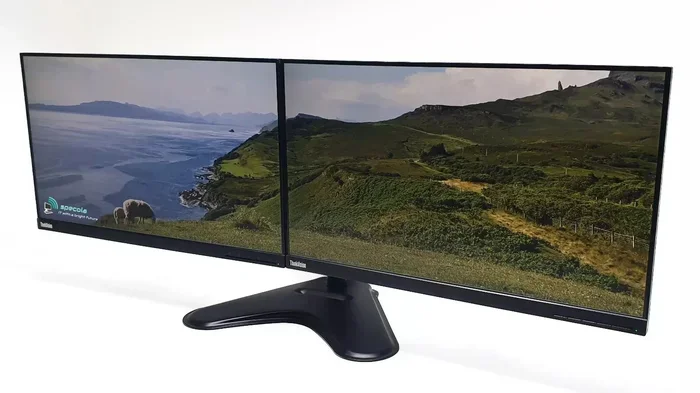
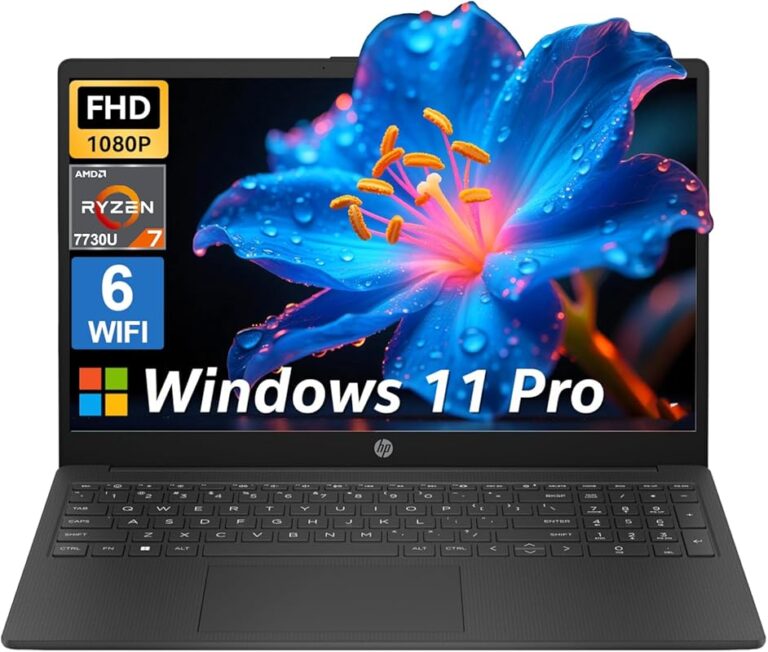
1920×1080 resolution is the most common screen resolution for laptops and monitors. It is also known as Full HD or 1080p. This resolution delivers a crisp and clear picture with 2,073,600 total pixels arranged in a 16:9 aspect ratio. Most modern laptops use this display standard because it balances quality and performance well.
You have probably seen the numbers 1920×1080 on your laptop box or in the specs list. But what does that actually mean? In simple terms, 1920×1080 resolution tells you how many pixels your screen can display. It is the most popular display setting for laptops, monitors, and even TVs around the world. If you have ever wondered why your screen looks the way it does, this number holds the answer.
Understanding screen resolution helps you make better choices when buying a laptop or upgrading your display. Whether you stream movies, play games, or just browse the web, the resolution you choose affects everything you see on screen. Let us break it all down in a way that is easy to follow.
Key Takeaways
- 1920×1080 is Full HD: It is the standard high-definition resolution used across most laptops and monitors today.
- It has over 2 million pixels: The 1920 x 1080 grid creates a sharp and detailed image on screen.
- The 16:9 aspect ratio matters: This widescreen shape is ideal for movies, browsing, and everyday tasks.
- It works great for gaming: Many games run smoothly at this resolution without needing a powerful GPU.
- Pixel density affects clarity: A smaller screen with 1920×1080 looks sharper than a larger one with the same resolution.
- It is budget-friendly: Laptops with this resolution are affordable and widely available.
📑 Table of Contents
What Does 1920×1080 Resolution Mean?
The term 1920×1080 refers to the number of pixels on your screen. The first number, 1920, is the horizontal pixel count. The second number, 1080, is the vertical pixel count. Together, they form a grid of 2,073,600 tiny dots that create the image you see. Each pixel is a small colored dot that works with millions of others to build the picture.
This resolution is also called Full HD or 1080p. The “p” stands for progressive scan, which means the image is drawn line by line in one pass. This gives you a smoother and cleaner picture compared to older interlaced formats. Most laptop screens today use this standard resolution because it hits a sweet spot between quality and cost.
Why Is 1920×1080 So Popular?
There are several reasons why 1920×1080 became the go-to resolution for so many devices:
- It is affordable to produce: Manufacturers can make panels at this resolution without driving up costs.
- It looks great on most screen sizes: From 13-inch to 17-inch laptops, 1080p delivers clear and sharp images.
- It balances performance and quality: Your laptop does not need to work too hard to push this resolution.
- Content is widely available: Most videos, images, and websites are designed for 1080p displays.
- It is a proven standard: Years of use have made it a reliable and well-understood format.
Because of these advantages, 1920×1080 resolution remains the default choice for budget and mid-range laptops. It gives you a great viewing experience without the premium price tag of higher resolutions like 4K.
The 16:9 Aspect Ratio Explained
Every 1920×1080 screen has a 16:9 aspect ratio. This means the width of the screen is 16 units and the height is 9 units. This widescreen shape has become the universal standard for laptops, monitors, and televisions. It was adopted because it closely matches how humans see the world and it fits modern content perfectly.
When you watch a movie or a YouTube video on a 16:9 display, the content fills the screen with very little black bars. This is one of the biggest advantages of the 1920×1080 format. Older screens with different ratios, like 4:3, show black bars on the sides when playing widescreen content.
For laptop users, the 16:9 ratio makes web browsing more comfortable. You can fit more content side by side on a page. It also makes multitasking easier because windows sit side by side without feeling cramped. If you have ever noticed how a widescreen laptop feels more natural for watching videos, the aspect ratio is the reason.
How Aspect Ratio Affects Your Viewing Experience
The aspect ratio directly impacts how content looks on your screen. Here is what you need to know:
- 16:9 (1920×1080): The standard for most laptops and HD content. Great for movies and web browsing.
- 16:10 and 3:2: Found on some productivity laptops. They give you slightly more vertical space for documents and web pages.
- 21:9 (Ultrawide): Used on ultrawide monitors. Perfect for immersive gaming and cinematic experiences.
For most people, 1920×1080 at 16:9 hits the right balance. It is familiar, widely supported, and works well for almost every task you throw at it.
Pixel Density and Screen Size
Not all 1920×1080 screens look the same. The reason comes down to pixel density, which is measured in PPI (pixels per inch). A smaller laptop screen with 1920×1080 packs more pixels into a smaller space, making the image look sharper. A larger screen with the same resolution spreads those pixels out, which can make the image appear less crisp.
Here is a simple way to think about it. Imagine spreading butter over a small piece of toast versus a large piece. On the small toast, the butter is thicker and more even. On the large toast, it is thinner and patchier. The same idea applies to pixel density on your screen.
What Pixel Density Should You Look For?
For a laptop with 1920×1080 resolution, here are some general guidelines:
- 13 to 14 inches: Around 140 to 160 PPI. This looks very sharp and clear.
- 15 to 16 inches: Around 120 to 140 PPI. Still good for everyday use.
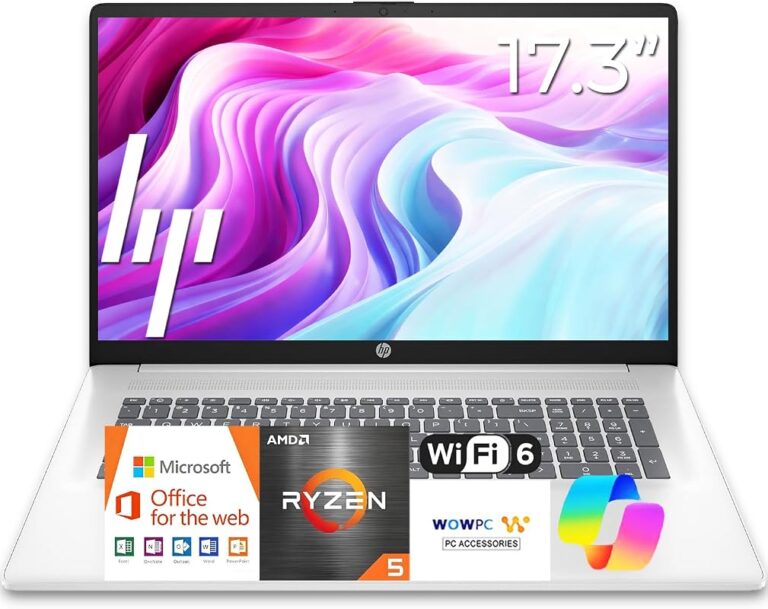
- 17 inches and above: Around 100 to 120 PPI. You may notice some softness in text and details.
If you want the sharpest image possible, go for a smaller laptop with Full HD resolution. This is why many 13-inch and 14-inch laptops with 1080p screens are praised for their crisp displays. If you need a larger screen, consider whether pixel density matters more to you than raw screen size.
1920×1080 for Gaming and Everyday Use
One of the biggest reasons people care about 1920×1080 resolution is gaming. This resolution is the most common target for PC games. It strikes a great balance between visual quality and frame rate. You can enjoy smooth gameplay without needing a top-of-the-line graphics card.
For casual gamers, 1080p is more than enough. Most modern games look great at this resolution, especially when you adjust the graphics settings to match your hardware. If you are worried about performance, keeping your gpu temperature in check helps your laptop run games smoothly at 1080p. You can check what is a good idle GPU temperature to make sure your card is running within safe limits.
Everyday Tasks at 1920×1080
Beyond gaming, 1920×1080 works wonderfully for everyday laptop use. Here are some common tasks and how this resolution handles them:
- Web browsing: Websites look clean and text is easy to read. You can fit multiple columns on a page comfortably.
- Video streaming: Most streaming content is produced in 1080p. You get the full quality the creators intended.
- Office work: Documents, spreadsheets, and presentations display clearly with sharp text and fine details.
- Photo editing: While not ideal for professional work, 1080p is sufficient for casual photo editing and social media posts.
- Video calls: Webcam feeds and screen sharing look clear and natural at this resolution.
For most users, 1920×1080 is all you need. It delivers a polished and comfortable experience across the board. Only professionals who need extreme detail or color accuracy should consider stepping up to higher resolutions.
How 1920×1080 Compares to Other Resolutions
It helps to see where 1920×1080 stands compared to other common resolutions. This gives you a clearer picture of its strengths and limitations.
Resolution Comparison Table
| Resolution | Also Known As | Total Pixels | Common Use |
|---|---|---|---|
| 1280×720 | HD / HD Ready | 921,600 | Budget laptops, basic displays |
| 1920×1080 | Full HD / 1080p | 2,073,600 | Most laptops and monitors |
| 2560×1440 | 2K / QHD | 3,686,400 | Gaming monitors, premium laptops |
| 3840×2160 | 4K / UHD | 8,294,400 | Professional work, high-end displays |
As you can see, 1920×1080 sits right in the middle. It has four times the pixels of 720p HD but only a quarter of the pixels in 4K. This makes it a practical middle ground that works well for the vast majority of users.
If you want a smoother experience on your laptop, having enough ram for laptop tasks also matters. Check out what is good RAM for a laptop to understand how memory affects your overall experience. Also, learning what the RAM on a laptop does can help you make smarter buying decisions.
When to Choose a Higher Resolution
While 1920×1080 is great for most people, there are times when a higher resolution makes sense:
- Professional photo or video editing: More pixels mean more detail and finer color gradation.
- Large desktop monitors (27 inches and up): Higher resolutions prevent the image from looking pixelated at close range.
- Creative professionals: Designers and architects benefit from the extra screen real estate and clarity.
But for the average laptop user, 1920×1080 remains the best choice. It is reliable, affordable, and delivers excellent quality for everyday tasks.
Tips for Getting the Best Experience at 1920×1080
Want to make the most of your 1920×1080 resolution laptop? Here are some practical tips that can help:
- Adjust your scaling settings: In Windows, go to Display Settings and set the scale to 100% or 125%. This ensures text and icons look their best without being too small or too large.
- Use high-quality cables: A good HDMI or DisplayPort cable ensures your signal stays clean and free from interference.
- Calibrate your display: Most laptops let you adjust brightness, contrast, and color balance. Spend a few minutes tweaking these for the best picture.
- Keep your drivers updated: Updated graphics drivers improve compatibility and performance at 1080p.
- Match content to resolution: Watch videos and play games that support 1080p to get the full benefit of your screen.
These small steps can make a big difference in how your 1920×1080 laptop looks and feels every day. You do not need expensive equipment to get great results.
Common Mistakes to Avoid
Here are some things that can hurt your 1920×1080 experience:
- Running non-native resolution: If you set your screen to something other than 1920×1080, the image will look blurry or stretched.
- Ignoring pixel density: A 15-inch laptop at 1080p looks different from a 17-inch laptop at 1080p. Always consider the screen size.
- Using outdated scaling: Old scaling settings can make everything look too small or too large.
- Neglecting display brightness: A dim screen hides details and makes everything harder to see.
Avoid these mistakes and your Full HD laptop will look its best for years to come.
The Future of 1920×1080 Resolution
Higher resolutions like 4K and even 8K are becoming more common. So does that mean 1920×1080 will become outdated? Not anytime soon. The truth is that 1080p is still the most widely used resolution in the world. Millions of laptops, monitors, and TVs ship with this display standard every year.
For the average user, 1920×1080 will remain the perfect balance of quality and performance for many years to come. Even as technology advances, this resolution continues to serve the needs of students, professionals, gamers, and casual users alike. It is a proven standard that delivers real value.
When you are shopping for a new laptop, do not overlook a 1080p display. It gives you a clear, sharp, and enjoyable viewing experience without the premium price of higher resolutions. For most people, it is all the screen quality they will ever need.
In short, 1920×1080 resolution is the workhorse of display technology. It is reliable, affordable, and delivers excellent results across a wide range of uses. Whether you are new to laptops or a seasoned user, understanding this resolution helps you make smarter choices about your display and overall computing experience.
Frequently Asked Questions
Is 1920×1080 the same as Full HD?
Yes, 1920×1080 is the same as Full HD. It is also commonly referred to as 1080p. These terms all describe the same resolution with 1920 horizontal pixels and 1080 vertical pixels.
Can I play games at 1920×1080 on any laptop?
Most laptops can run games at 1920×1080 resolution, but the experience depends on your graphics card. A mid-range GPU handles 1080p gaming well for most titles. You may need to lower settings for very demanding games.
Is 1920×1080 good for watching movies?
Absolutely. Most movies and streaming content are produced in 1080p or lower. A 1920×1080 screen will display this content at its native quality with no stretching or black bars.
Does 1920×1080 look good on a 17-inch laptop?
It looks good, but pixel density is lower on larger screens. On a 17-inch laptop, the image may appear slightly less sharp than on a 13-inch or 14-inch screen with the same resolution. Still, it is perfectly fine for everyday use.
Should I choose 1920×1080 or 4K for my next laptop?
Choose 1920×1080 if you want a balance of quality, performance, and affordability. Choose 4K if you need extreme detail for creative work or want a larger display with sharp text. For most users, 1080p is more than enough.
Can I change my laptop resolution from 1920×1080 to something else?
Yes, you can change the resolution in your display settings. However, using a non-native resolution will make the image look blurry or distorted. For the best results, always keep your laptop set to its native 1920×1080 resolution.