Can You Make Wired Speakers Wireless

Yes—you can make wired speakers wireless without ripping them apart. By using Bluetooth receivers, Wi‑Fi audio adapters, or simple RF kits, you can enjoy cord‑free sound from any traditional speaker. This guide walks you through the options, setup steps, and tips for flawless performance.
Key Takeaways
- Adapter choice matters: Bluetooth, Wi‑Fi, and RF adapters each have strengths depending on range and latency.
- Power is key: Most wireless kits need their own power source; plan for outlets or rechargeable packs.
- Compatibility check: Verify your speaker’s impedance and power rating before adding an adapter.
- DIY vs. ready‑made: Building your own transmitter can save money, but pre‑made kits are quicker.
- Audio quality: High‑quality codecs (aptX, AAC) keep sound crisp when streaming wirelessly.
- Placement matters: Position the transmitter near the audio source and the receiver near the speaker for the best signal.
- Future proof: Choose adapters that support the latest Bluetooth standards for longer device life.
📑 Table of Contents
- Introduction: Why Go Wireless?
- 1. Understanding the Basics of Wireless Audio
- 2. Bluetooth Receiver Kits – The Most Popular Solution
- 3. Wi‑Fi Audio Solutions for Multi‑Room and High‑Fidelity Needs
- 4. RF (Radio Frequency) Kits – The Outdoor Champion
- 5. DIY Conversions – Build Your Own Wireless Bridge
- 6. Choosing the Right Solution for Your Situation
- Conclusion: Go Wireless with Confidence
Introduction: Why Go Wireless?
Imagine moving a bookshelf, rearranging a living‑room, or taking a party outdoors without tripping over speaker cables. Wired speakers deliver reliable sound, but the cords can be a real nuisance. Luckily, you don’t have to replace your favorite speakers to enjoy the freedom of wireless audio. With a few smart accessories, you can convert almost any wired speaker into a Bluetooth or Wi‑Fi‑enabled device.
In this article we’ll explore the most popular methods, walk through step‑by‑step setups, and share practical tips so you can get great sound without the spaghetti‑like mess. Whether you’re a casual listener, a home‑theater enthusiast, or a DIY tinkerer, there’s a solution that fits your budget and skill level.
1. Understanding the Basics of Wireless Audio
How Wireless Audio Works
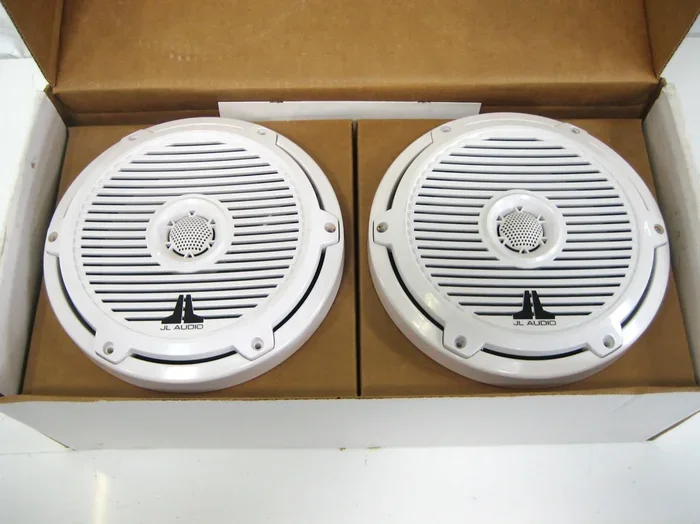
Wireless audio systems use radio frequencies (RF) or infrared (IR) to transmit sound from a source (your phone, TV, or PC) to a receiver that feeds the signal into the speaker’s terminals. The most common standards are:

Visual guide about Can You Make Wired Speakers Wireless
Image source: auctions.c.yimg.jp
- Bluetooth: Short‑range (up to 30 ft), low‑latency, ideal for phones and tablets.
- Wi‑Fi (AirPlay, Chromecast, DLNA): Longer range, higher bandwidth, excellent for multi‑room setups.
- RF (2.4 GHz or 5.8 GHz): Similar range to Wi‑Fi, often used for outdoor or garage installations.
Each method has its own pros and cons, which we’ll compare later.
What You Need to Know About Your Speakers
Before you buy an adapter, check the speaker’s specifications:
- Impedance (Ohms): Most home speakers are 4‑8 Ω. The receiver’s output must match this range.
- Power handling (Watts): Ensure the adapter’s amplifier can comfortably drive the speaker without distortion.
- Connector type: Most wired speakers use binding posts or spring clips for speaker wire; a simple pair of banana plugs or screw terminals will do.
If you’re unsure, the speaker’s manual or a quick online search (e.g., “Can you make wired speakers wireless”) will usually list these details.
2. Bluetooth Receiver Kits – The Most Popular Solution
Why Choose Bluetooth?
Bluetooth is everywhere. Most smartphones, tablets, and laptops have built‑in Bluetooth, making it a plug‑and‑play option. Modern receivers support aptX or AAC codecs, which keep audio crisp and reduce latency—important for movies and games.

Visual guide about Can You Make Wired Speakers Wireless
Image source: images-wixmp-ed30a86b8c4ca887773594c2.wixmp.com
Components of a Bluetooth Receiver Kit
- Bluetooth module: Handles pairing and decoding.
- Amplifier board: Boosts the signal to a level the speaker can use.
- Power supply: Usually a 5 V USB adapter or a 12 V wall wart.
- Output connectors: Banana plugs, spade terminals, or bare wire leads.
Step‑by‑Step Setup
- Unbox the kit: Verify you have the module, amp board, power adapter, and wiring.
- Connect the power: Plug the 5 V USB into a wall charger or power bank.
- Wire the speaker: Strip the speaker wires, attach them to the amp’s output terminals, and secure them.
- Pair the device: Put the Bluetooth receiver into pairing mode (usually a button press). On your phone, select the receiver’s name.
- Test the sound: Play music and adjust the volume on both the source and the receiver.
That’s it—your wired speaker now streams wirelessly!
Best Bluetooth Receivers (2024)
- Audioengine B1: Supports aptX HD, 30 ft range, premium DAC.
- Logitech Bluetooth Audio Adapter: Budget‑friendly, 10 ft range, easy setup.
- FiiO BTA30: Dual‑output, works with both headphones and speakers.
Tips for Optimal Bluetooth Performance
- Place the receiver away from metal objects that can cause interference.
- Use a high‑quality USB charger; cheap adapters can introduce noise.
- If you notice lag, try a receiver with low‑latency aptX‑LL.
3. Wi‑Fi Audio Solutions for Multi‑Room and High‑Fidelity Needs
When Wi‑Fi Beats Bluetooth
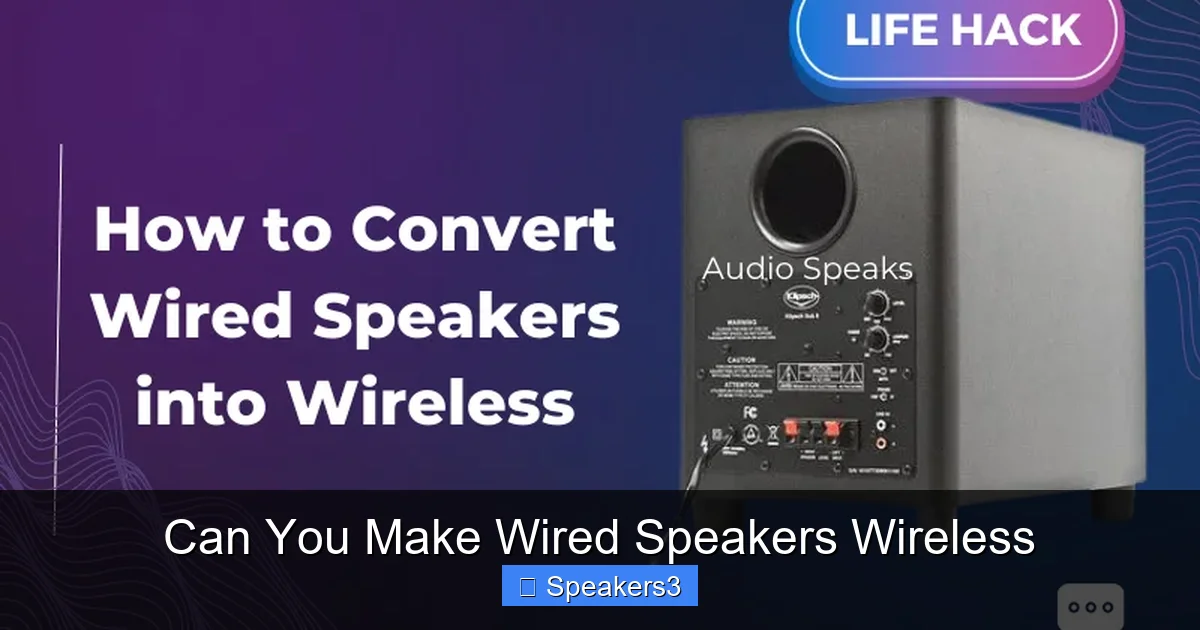
Wi‑Fi offers higher bandwidth, which translates to better sound quality and the ability to stream to multiple speakers simultaneously. It’s ideal for whole‑home audio systems, outdoor patios, or when you want to control speakers via a smartphone app.
Visual guide about Can You Make Wired Speakers Wireless
Image source: audiospeaks.com
Types of Wi‑Fi Audio Adapters
- AirPlay 2 receivers: Perfect for Apple ecosystems.
- Google Cast (Chromecast Audio): Works with Android and Chrome browsers.
- DLNA/UPnP devices: Broad compatibility with many media servers.
Installation Guide
- Choose a compatible adapter: For example, the Google Cast Audio Adapter works with most Android devices.
- Power it up: Most Wi‑Fi adapters need a 5 V micro‑USB power source.
- Connect speaker wires: Same as Bluetooth—attach to the amp’s output.
- Connect to your network: Use the companion app to join your Wi‑Fi.
- Stream: Open a music app, select the adapter, and enjoy.
Advantages of Wi‑Fi Audio
- Longer range (up to 100 ft) and ability to go through walls.
- Higher bitrate (up to 320 kbps or lossless).
- Multi‑room sync with apps like Sonos or Apple HomePod.
Potential Drawbacks
Wi‑Fi can be more complex to set up, and the adapters are usually pricier than Bluetooth units. Also, a stable home network is essential; heavy internet traffic may cause buffering.
4. RF (Radio Frequency) Kits – The Outdoor Champion
Why RF?
RF kits operate on the 2.4 GHz or 5.8 GHz bands and can transmit audio up to 150 ft, even through walls and outdoor obstacles. They are perfect for garden parties, garage workshops, or any scenario where Bluetooth’s short range falls short.
Typical RF Kit Components
- Transmitter unit: Connects to your audio source via 3.5 mm jack or RCA.
- Receiver unit: Amplifies the signal for your speaker.
- Power adapters: Usually 12 V for both units.
Setup Steps
- Plug the transmitter into your TV, PC, or phone using an appropriate cable.
- Power both transmitter and receiver.
- Connect the receiver’s output to the speaker’s terminals.
- Turn on the devices and adjust volume.
Because RF doesn’t require pairing, you can simply switch the source and the speaker will follow.
Choosing the Right RF Kit
- Alpine 2‑Way RF Kit: 150 ft range, low latency.
- Bose SoundTouch Wireless Link: Premium brand, easy integration.
Tips for RF Success
- Avoid placing the receiver near large metal objects or microwaves.
- Use shielded cables for the audio input to reduce interference.
- Check local regulations; some frequencies may require certification.
5. DIY Conversions – Build Your Own Wireless Bridge
Why Go DIY?
If you love tinkering, building a custom wireless bridge can be cheaper and more rewarding. You can repurpose old Bluetooth modules, Raspberry Pi boards, or Arduino kits to create a transmitter and receiver pair.
Example Project: Raspberry Pi Bluetooth Receiver
- Materials: Raspberry Pi 4, Bluetooth dongle (if not built‑in), small amp board, power supply.
- Install software: Use
apt-get install pulseaudioand configure Bluetooth audio sink. - Connect the amp: Wire the Pi’s audio out (3.5 mm jack) to the amp’s input.
- Power up and pair: Pair your phone, and the Pi will stream audio to the attached speaker.
This project gives you full control over codecs and can be expanded with multi‑room sync using software like Snapcast.
Safety and Quality Tips
- Never exceed the speaker’s power rating; add a resistor or use a lower‑gain amp if needed.
- Enclose electronics in a ventilated box to avoid overheating.
- Use proper gauge speaker wire (16‑18 AWG) for low‑impedance speakers.
6. Choosing the Right Solution for Your Situation
Factors to Consider
- Range: Bluetooth (≤30 ft), Wi‑Fi (≤100 ft), RF (≤150 ft).
- Latency: Gaming and video need <30 ms; Bluetooth aptX‑LL or RF is best.
- Budget: Bluetooth adapters start at $15, Wi‑Fi kits $50+, RF $70+.
- Complexity: Plug‑and‑play adapters vs. DIY builds.
Decision Matrix
| Use Case | Best Tech | Recommended Product |
|---|---|---|
| Living‑room TV | Bluetooth (low latency) | Audioengine B1 |
| Whole‑home music | Wi‑Fi (AirPlay/Chromecast) | Google Cast Audio |
| Patio or garage | RF | Alpine 2‑Way RF Kit |
| Custom project | DIY Raspberry Pi | Raspberry Pi 4 + amp |
Conclusion: Go Wireless with Confidence
Turning wired speakers into wireless ones is easier than ever. Whether you pick a ready‑made Bluetooth receiver, a Wi‑Fi streaming adapter, an RF kit for outdoor range, or dive into a DIY Raspberry Pi project, the core steps remain the same: match power, connect the speaker terminals, and pair your source. By following the guidelines above, you’ll enjoy clean, cord‑free audio without sacrificing sound quality.
Take the first step today—grab a Bluetooth adapter, plug it in, and experience the freedom of wireless sound. Your favorite speakers deserve a modern upgrade, and now you have the know‑how to make it happen.
Frequently Asked Questions
Can I use any Bluetooth receiver with my wired speakers?
Most Bluetooth receivers work as long as they have an amp that matches the speaker’s impedance and power rating. Check the specs before buying.
Will there be a noticeable delay when I stream video?
Standard Bluetooth can add 100‑200 ms of latency, which may cause lip‑sync issues. Choose a receiver with aptX‑LL or use an RF kit for near‑zero delay.
Do Wi‑Fi adapters require an internet connection?
No. Wi‑Fi audio adapters connect to your local network; they don’t need internet unless you stream from an online service.
Can I power a wireless receiver with a battery?
Yes. Many Bluetooth receivers accept USB power, so a power bank can run them for several hours. Just ensure the battery can supply the required voltage and current.
Is it safe to install a DIY receiver inside my speaker cabinet?
It’s safe if you provide ventilation and keep the electronics away from heat‑producing components. Use low‑voltage boards and secure all wiring.
What’s the difference between Bluetooth and RF for outdoor use?
Bluetooth is short‑range and may struggle with walls, while RF operates over longer distances and can penetrate obstacles better, making it ideal for patios or garages.