Do Rear View Cameras Record
Rear‑view cameras are designed primarily to give you a live view while backing up, not to store footage automatically. However, many modern systems can record video when you engage reverse or even continuously, depending on the model and settings. Understanding the differences helps you choose the right setup for safety and peace of mind.
Key Takeaways
- Standard function: Most factory‑installed rear‑view cameras only provide a live feed and do not record by default.
- After‑market options: Some aftermarket kits include a recorder, letting you capture video whenever you reverse.
- Legal considerations: Recording laws vary by state; always check local regulations before enabling continuous recording.
- Storage matters: Recorded clips are saved to an SD card or internal memory, which can fill up quickly.
- Integration with dash cams: Combining a dash cam with a rear‑view camera offers full‑coverage recording.
- Privacy tips: Disable recording when not needed to protect passengers’ privacy.
- Future trends: New vehicles are moving toward always‑on, AI‑enhanced cameras that record automatically.
📑 Table of Contents
- Introduction: Why the Question Matters
- How Rear‑View Cameras Work
- Factory‑Installed vs. Aftermarket Systems
- Do Rear‑View Cameras Record Automatically?
- Legal and Privacy Considerations
- Choosing the Right System for Your Needs
- Maintaining and Troubleshooting Your Rear‑View Camera
- Future Trends: Toward Always‑On, AI‑Enhanced Cameras
- Conclusion
Introduction: Why the Question Matters
When you sit behind the wheel, the tiny screen that pops up as you shift into reverse feels like a lifesaver. It shows you what’s behind the car, helping you avoid obstacles and pedestrians. But have you ever wondered, do rear view cameras record anything beyond that instant live feed?
That question isn’t just technical—it touches on safety, insurance claims, privacy, and even resale value. In this article we’ll break down the technology, explore different types of cameras, and give you practical tips on how to make the most of your rear‑view system.
How Rear‑View Cameras Work
Basic components
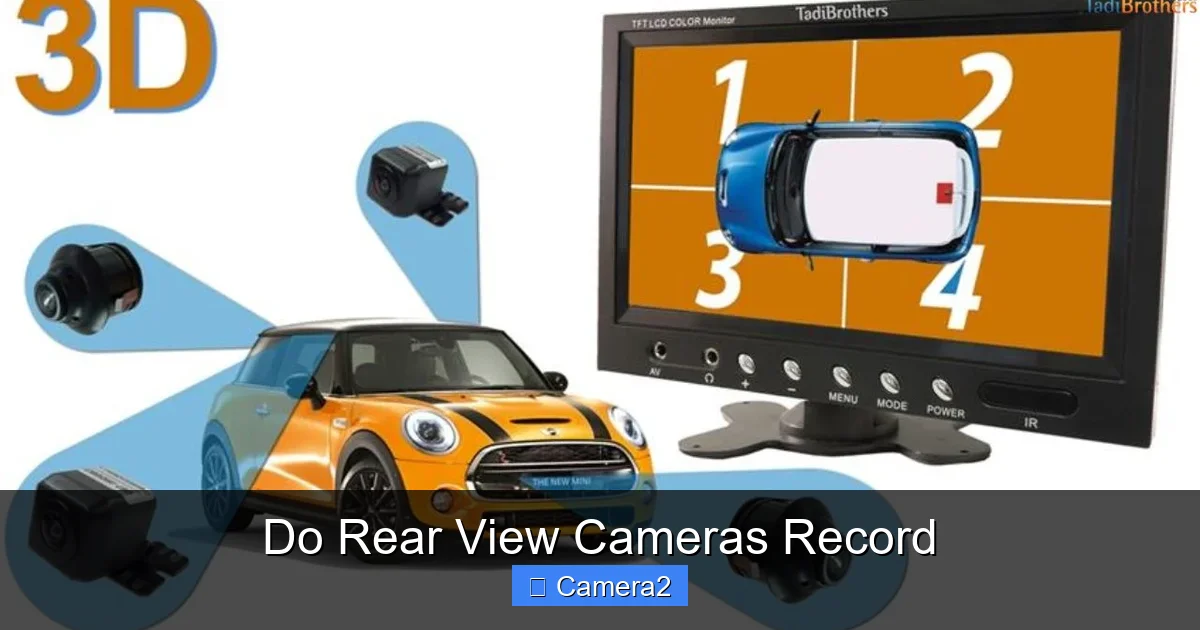
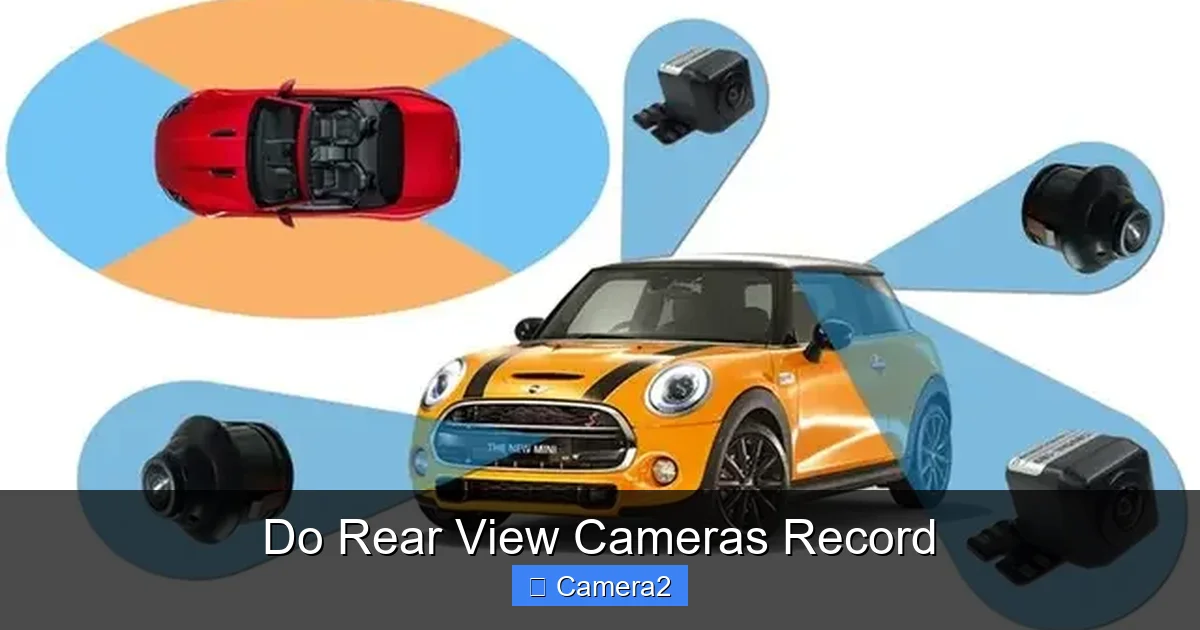
A rear‑view camera system typically consists of three parts:
Visual guide about Do Rear View Cameras Record
Image source: blog.tadibrothers.com
- Camera sensor: Usually a wide‑angle CMOS sensor mounted near the license plate.
- Video processor: Converts the sensor’s signal into a video stream.
- Display unit: The screen in the dash or infotainment system that shows the live feed.
These components work together in real time, delivering a picture with a wide field of view (often 120°–170°) that updates dozens of times per second.
Signal flow: From lens to screen
When you shift into reverse, the vehicle’s gear‑position sensor sends a signal to the camera’s processor. The processor then streams the video to the display. In most factory‑installed systems, this signal stops the moment you shift out of reverse, and the video disappears.
Do they have storage built in?
Most OEM (original equipment manufacturer) rear‑view cameras do not include built‑in storage. They are designed purely for “live view” assistance. However, many modern vehicles pair the camera with the infotainment system’s internal memory, allowing short clips to be saved automatically. Whether this happens depends on the make, model, and optional packages.
Factory‑Installed vs. Aftermarket Systems
Factory‑installed cameras
Factory cameras are integrated during vehicle production. They usually follow the automaker’s design philosophy—live view only, no permanent recording. Some high‑end models (e.g., certain luxury brands) offer “parking‑assist” modes that record while the car is parked, but this is an extra feature, not the default.
Visual guide about Do Rear View Cameras Record
Image source: blog.tadibrothers.com
To see when this capability became common, check out our article on When Did Rear View Cameras Become Standard. It explains the timeline of standardization and the gradual addition of recording functions.
Aftermarket kits
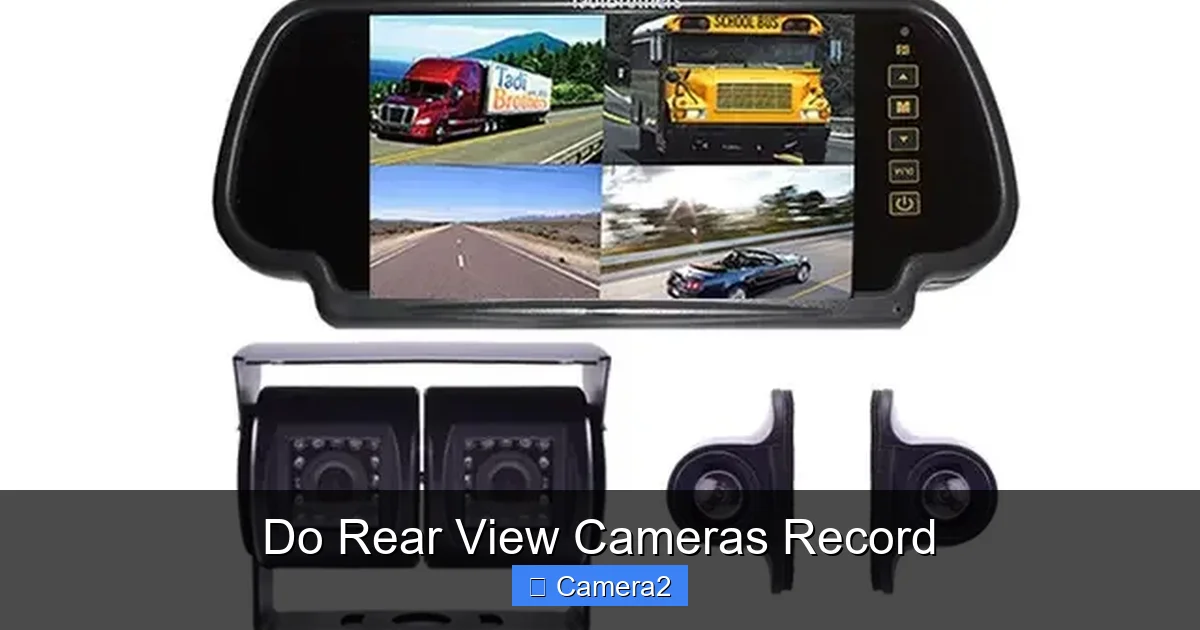
Aftermarket rear‑view camera kits often include a dedicated DVR (digital video recorder) or a plug‑in that uses the vehicle’s existing infotainment screen. These kits can:
- Record video every time you reverse.
- Save clips to an SD card for later review.
- Offer loop recording, overwriting the oldest footage when the card fills up.
- Provide optional forward‑facing recording when paired with a dash cam.
Brands like Vantrue, LeeKoo, and eRapta are popular choices. When shopping, look for terms like “recording rear‑view camera” or “rear‑view camera with DVR”.
Do Rear‑View Cameras Record Automatically?
Trigger‑based recording
Most recording‑capable rear‑view cameras are trigger‑based. The moment you shift into reverse, the system starts saving video. When you shift out of reverse, recording stops. This method conserves storage and ensures you only capture relevant footage.
Visual guide about Do Rear View Cameras Record
Image source: housetrick.com
Continuous recording
Some newer vehicles with advanced driver‑assistance systems (ADAS) enable continuous recording. The camera constantly streams to an internal buffer, but only saves the last few seconds when an event (like a sudden brake) is detected. This “event‑based” approach is similar to how many dash cams work.
Integration with dash cams
Many drivers opt to combine a rear‑view camera with a front‑facing dash cam. This creates a dual‑camera system that records both forward and rear views simultaneously. If you already own a dash cam, check whether it supports a rear‑camera input. Some models even let you view the rear feed on the same screen as the front feed.
For more on dash cam capabilities, read Do Dash Cameras Record Sound.
Legal and Privacy Considerations
State laws on video recording
In the United States, recording audio without consent is heavily regulated, but video‑only recording is generally permissible in public spaces. However, some states have stricter privacy statutes that can affect where you can record inside a vehicle, especially if passengers are unaware.
Do you need to disclose recording?
While most states don’t require you to post a sign inside a private vehicle, it’s good etiquette to let passengers know that the rear‑view camera may be recording. This avoids misunderstandings and protects you from potential claims.
Insurance implications
Recorded footage can be valuable in insurance claims. If an accident occurs while backing up, a saved clip can clearly show fault, potentially speeding up claim processing. Some insurers even offer discounts for vehicles equipped with recording cameras.
Choosing the Right System for Your Needs
Assess your primary goal
- Safety assistance only: A factory live‑view camera is sufficient.
- Evidence collection: Choose an aftermarket kit with DVR or a dual‑camera dash cam setup.
- Parking protection: Look for a system that records while the car is parked and motion‑detects.
Key features to compare
- Resolution: 1080p is standard; 4K offers sharper detail.
- Field of view: Wider angles reduce blind spots.
- Night vision: Infrared LEDs improve low‑light visibility.
- Storage capacity: 32 GB SD cards hold about 2 hours of 1080p footage.
- Loop recording: Prevents running out of space.
- Water‑resistance: Important for rear‑mounted cameras exposed to weather.
Installation tips
- Plan the wiring route before drilling. Most kits use the reverse‑light wiring for power.
- Secure the camera with a sturdy mount; avoid placing it where it can be easily knocked off.
- Test the video feed before finalizing the mount to ensure a clear view.
- Format the SD card in the camera’s menu to avoid compatibility issues.
Need a step‑by‑step guide? Check out Monitor For Rear View Camera for detailed installation instructions.
Maintaining and Troubleshooting Your Rear‑View Camera
Regular cleaning
Dust, rain, and road grime can obscure the lens. Clean it with a soft microfiber cloth and a mild glass cleaner once a month.
Checking recordings
Periodically review saved clips to ensure the camera is still recording correctly. Look for:
- Corrupted files (often a sign of a failing SD card).
- Lag or frozen frames, which may indicate firmware issues.
- Audio (if your system records sound). Remember, many rear cameras do not capture audio to stay within privacy laws.
Common problems and fixes
- No video on screen: Verify the reverse‑light signal is reaching the camera.
- Blank or fuzzy image: Adjust the camera’s focus ring if available, or clean the lens.
- Recording stops unexpectedly: Check SD card speed rating; a Class 10 or UHS‑I card is recommended.
Future Trends: Toward Always‑On, AI‑Enhanced Cameras
AI and object detection
Newer systems use AI to identify pedestrians, cyclists, and even pets, issuing audible alerts. Some manufacturers plan to store only “events of interest,” reducing storage needs while still providing evidence.
Vehicle‑to‑cloud integration
Future cars may upload rear‑view footage directly to the cloud when an incident is detected, enabling instant access for insurance or law‑enforcement.
Regulatory outlook
As recording capabilities expand, lawmakers are likely to revisit privacy rules. Staying informed will help you adjust settings to stay compliant.
Conclusion
So, do rear view cameras record? The short answer is: most factory‑installed cameras do not record by default, but many modern systems—especially aftermarket kits and premium OEM options—can capture video when you reverse or even continuously. Understanding the type of camera you have, the legal landscape, and your own needs will guide you to the right setup.
Whether you’re after extra safety, clearer insurance claims, or just peace of mind, there’s a rear‑view solution that fits. Keep the lens clean, monitor storage, and stay aware of local laws, and you’ll get the most out of your rear‑view camera for years to come.
Frequently Asked Questions
Do rear‑view cameras record video automatically when I shift into reverse?
Most recording‑capable rear‑view cameras start saving video as soon as the car is put in reverse and stop when you shift out. Purely live‑view cameras do not record at all.
Can I use my rear‑view camera as a dash cam?
Only if the camera includes a recorder or if you pair it with a separate dash cam that accepts a rear‑camera input. Stand‑alone rear cameras without storage cannot function as dash cams.
Is it legal to record video inside my car?
Video‑only recording in a private vehicle is generally legal in most U.S. states, but some jurisdictions have privacy rules that require passenger consent. Always check local laws.
How much storage do I need for rear‑view camera recordings?
A 32 GB Class 10 SD card holds roughly 2 hours of 1080p video. If you record only while reversing, a smaller card may suffice; continuous recording will need larger capacity.
Do rear‑view cameras work at night?
Many models include infrared LEDs or low‑light sensors that provide a clear view in darkness. Look for “night‑vision” in the specs if you often back up after dark.
Can I disable recording while keeping the live view?
Yes. Most aftermarket units have a menu setting to turn off recording while preserving the live feed. This helps protect passenger privacy when you don’t need footage.