Ai Image Generator
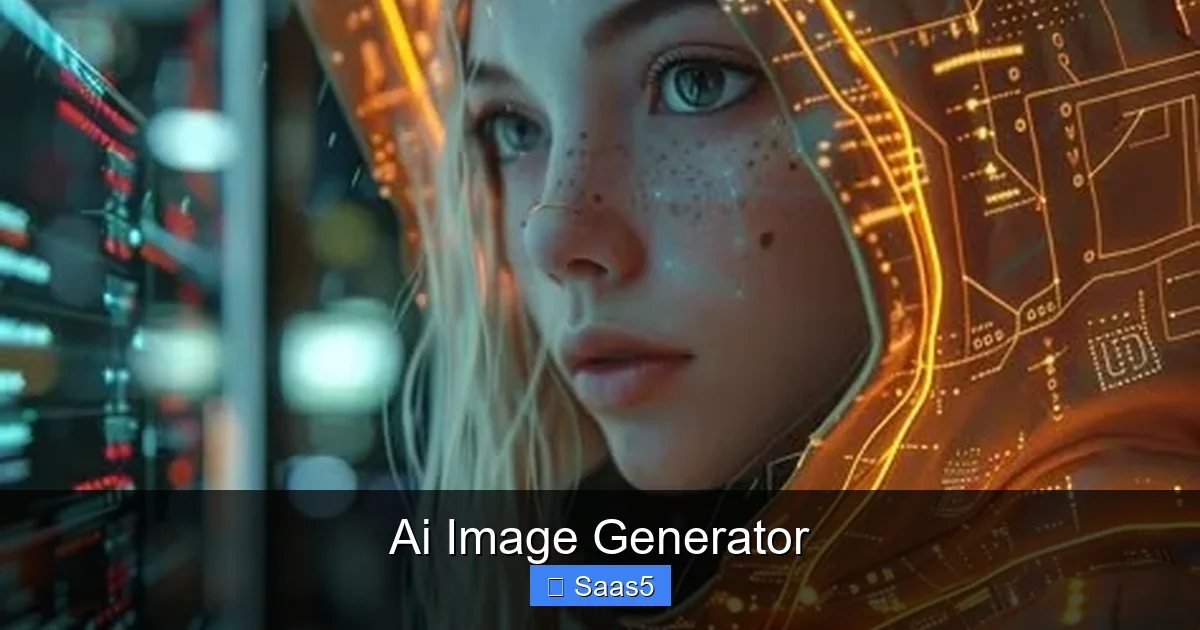
AI image generators are reshaping the way we create visuals, offering instant, high‑quality graphics powered by machine learning. Whether you’re a marketer, designer, or developer, these tools can speed up workflows, cut costs, and spark fresh ideas—no artistic background required.
Key Takeaways
- What it is: An AI image generator uses neural networks to turn text prompts into pictures in seconds.
- Core benefits: Saves time, reduces design costs, and expands creative possibilities for non‑artists.
- Key features to watch: Prompt engineering, style libraries, API access, and licensing options.
- Best use cases: Marketing assets, UI mockups, e‑commerce product images, and educational visuals.
- Pricing models: Free tiers, pay‑as‑you‑go credits, and enterprise subscriptions.
- Ethical considerations: Copyright, bias, and responsible usage are essential topics.
- Future outlook: Integration with SaaS platforms will make AI‑generated imagery a standard workflow component.
📑 Table of Contents
- Introduction: Why AI Image Generators Matter Today
- How AI Image Generators Work: The Technology Behind the Magic
- Core Features to Look For in an AI Image Generator
- Top Use Cases Across Industries
- Pricing Models: What to Expect and How to Choose
- Practical Tips for Getting the Best Results
- Ethical and Legal Considerations
- Future Outlook: AI Image Generation as a SaaS Standard
- Conclusion
Introduction: Why AI Image Generators Matter Today
Imagine you need a custom illustration for a blog post, a product mockup for a pitch deck, or a set of social‑media graphics—all in under an hour. In the past, you’d hire a designer, wait days, and pay a premium. Today, an AI image generator can produce that visual in seconds, using just a few words you type.
This shift isn’t just about speed. It’s about empowerment. Small teams, solo entrepreneurs, and students now have access to professional‑grade graphics without a design degree. At the same time, large SaaS companies are embedding these generators directly into their platforms, turning image creation into a programmable service.
In this article we’ll explore how AI image generators work, the features that set the best tools apart, real‑world use cases, pricing structures, and the ethical questions you should keep in mind. By the end, you’ll know exactly how to pick the right generator for your needs and how to get the most out of it.
How AI Image Generators Work: The Technology Behind the Magic
From Text to Pixels: The Diffusion Model Explained
Most modern generators rely on diffusion models. The process starts with random noise, then the AI gradually “denoises” it, guided by the text prompt you provide. Each step refines the image until it matches the description. This method produces high‑resolution, photorealistic results that were impossible with older GAN‑based tools.

Visual guide about Ai Image Generator
Image source: cdnb.artstation.com
Training Data and Style Learning
These models are trained on massive datasets—often billions of images scraped from the web. During training, the AI learns patterns, color palettes, and composition rules. When you ask for “a futuristic city at sunset,” the model pulls from learned examples of skylines, lighting, and futuristic architecture.
Prompt Engineering: Getting the Best Results
The quality of the output heavily depends on how you phrase your prompt. Including details like style (“oil painting”), mood (“melancholy”), and composition (“wide‑angle”) guides the AI toward the exact look you want. Experimentation is key—think of prompting as a conversation with a creative partner.
Core Features to Look For in an AI Image Generator
Prompt Flexibility and Advanced Syntax
A robust generator lets you use modifiers such as “–v 5” for version control or “–ar 16:9” for aspect ratio. These shortcuts save time and reduce trial‑and‑error. Look for tools that offer a cheat sheet or UI that surfaces these options.

Visual guide about Ai Image Generator
Image source: images.fineartamerica.com
Style Libraries and Pre‑Built Templates
Many SaaS‑focused generators include collections of brand‑aligned styles—corporate, minimalist, retro, etc. This helps teams stay on‑brand without custom tweaking each prompt.
API Access and Integration Capabilities
For developers, an API is a game‑changer. It lets you embed image generation directly into your product, automate bulk creation, or build custom workflows. Check the documentation for authentication methods, rate limits, and SDKs in your preferred language.
Licensing and Commercial Use Rights
Not all generated images are free for commercial use. Reputable services provide clear licensing terms—some grant unlimited commercial rights, while others require attribution or limit the number of prints.
Quality Controls: Resolution, Upscaling, and Editing
Look for options to set output resolution (e.g., 1024×1024, 4K) and built‑in upscalers that enhance detail without pixelation. Some platforms also offer basic editing tools—cropping, background removal, or color tweaks—so you can finalize the image without leaving the app.
Top Use Cases Across Industries
Marketing and Social Media
Marketers can generate eye‑catching ad banners, Instagram stories, and email headers on the fly. A/B testing becomes faster because you can produce multiple visual variants in minutes rather than days.

Visual guide about Ai Image Generator
Image source: vondy-images.com
E‑Commerce Product Visuals
Online stores often need product mockups in different settings—think a coffee mug on a kitchen counter or a sneaker on a treadmill. An AI image generator can create these contextual images without expensive photoshoots.
UI/UX Design and Prototyping
Design teams use AI to flesh out wireframes, icon sets, and illustration packs. By feeding prompts like “flat design icon of a calendar” you get assets ready for Figma or Sketch.
Education and Training Materials
Teachers can quickly produce diagrams, historical scenes, or scientific illustrations to enrich lessons. This aligns with the Kittl AI design tool for students, which emphasizes rapid visual creation for learning.
Content Creation for SaaS Platforms
Software companies embed generators to let users create custom dashboards, report graphics, or branding assets. This ties directly to the broader trend discussed in The Impact Of AI On SaaS, where AI services become core product features.
Pricing Models: What to Expect and How to Choose
Free Tiers and Community Credits
Many providers offer a limited free plan—usually a set number of image generations per month. This is great for hobbyists or small businesses testing the waters.
Pay‑As‑You‑Go Credits
Credits are purchased in bundles (e.g., $15 for 150 images). You only pay for what you use, which keeps costs predictable for sporadic needs.
Subscription Plans
Monthly or annual subscriptions unlock higher resolution, faster rendering, and priority support. Teams often choose the “Pro” tier to get API access and team collaboration features.
Enterprise Licensing
Large organizations negotiate custom contracts that include on‑premise deployment, dedicated account managers, and SLA guarantees. This model is common when AI image generation becomes a core service within a SaaS product.
Practical Tips for Getting the Best Results
Start Simple, Then Refine
Begin with a concise prompt (“a blue sports car”). Review the output, then add modifiers (“in a neon‑lit city at night, cinematic lighting”). Incremental changes help the AI understand your vision.
Leverage Style Libraries
If your brand has a visual guide, choose a generator that lets you upload style references or select a pre‑made library. This ensures consistency across all assets.
Batch Generation for Consistency
When you need multiple images with the same style—like a series of blog headers—use the same seed value or prompt template. This keeps color palettes and composition uniform.
Mind the Licensing
Always double‑check the terms before using an image commercially. If the service requires attribution, place a small credit line in the corner of the graphic.
Combine AI with Human Touch
AI excels at speed, but a quick human review can catch subtle errors or add brand‑specific tweaks. Use a lightweight graphic editor to polish the final output.
Ethical and Legal Considerations
Copyright and Ownership
Because models are trained on existing artworks, there’s ongoing debate about whether generated images infringe on original creators’ rights. Choose platforms that have transparent data policies and offer clear ownership clauses.
Bias and Representation
AI can unintentionally reproduce societal biases present in its training data. Test prompts for diversity and be prepared to adjust or manually edit results that reinforce stereotypes.
Responsible Use Policies
Most providers prohibit generating illegal, hateful, or deceptive content. Familiarize yourself with these policies to avoid account suspension.
Future Outlook: AI Image Generation as a SaaS Standard
The next wave will see AI image generators tightly integrated into project‑management tools, CMS platforms, and even coding environments. Imagine writing a blog post and getting a matching header image automatically, or a developer calling an API to generate custom icons for a new feature flag.
As models become more efficient, costs will drop, making high‑resolution, on‑demand imagery accessible to every small business. The competitive edge will shift from who can design best to who can iterate fastest. Preparing your workflow now—by adopting an AI image generator and establishing best practices—will keep you ahead of the curve.
Conclusion
AI image generators have turned image creation from a bottleneck into a rapid, scalable service. By understanding the underlying technology, selecting tools with the right features, and applying practical prompting techniques, you can produce professional visuals in minutes. Keep an eye on licensing, stay mindful of ethical concerns, and explore integration possibilities to fully leverage this powerful SaaS capability. Whether you’re a marketer, designer, or SaaS founder, the right AI image generator can unlock a new level of creativity and efficiency for your projects.
Frequently Asked Questions
What is an AI image generator?
An AI image generator is a software tool that creates pictures from text descriptions using machine‑learning models, typically diffusion or GAN technologies.
Do I need design skills to use an AI image generator?
No. While basic prompt‑crafting helps, most tools are built for non‑designers and produce ready‑to‑use images with minimal effort.
Can AI‑generated images be used for commercial purposes?
Yes, but you must check the provider’s licensing terms. Some services grant unlimited commercial rights, while others require attribution or have usage limits.
How much does an AI image generator cost?
Pricing ranges from free tiers with limited credits, to pay‑as‑you‑go bundles, subscription plans, and custom enterprise contracts.
Is it safe to rely on AI for brand‑consistent visuals?
Most platforms offer style libraries or the ability to upload brand guidelines, helping maintain consistency. However, a quick human review is still recommended.
What are the main ethical concerns with AI image generation?
Key issues include copyright ownership, potential bias in generated content, and adherence to responsible‑use policies set by the service provider.