Backup Camera Grid Lines Disappear
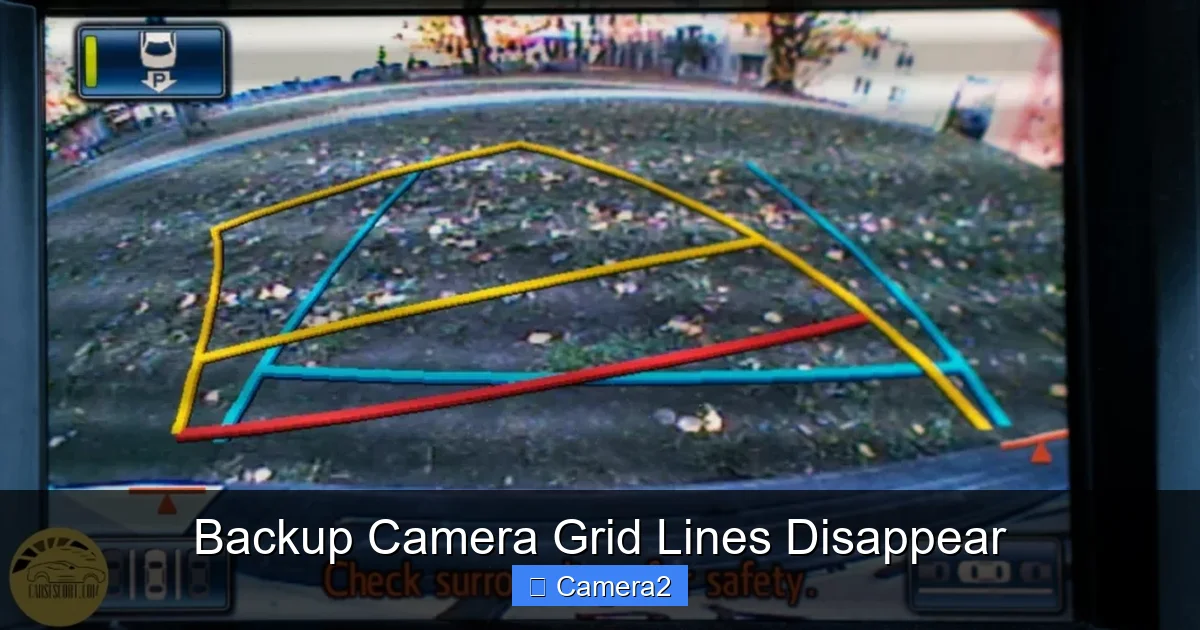
Ever noticed the grid lines on your backup camera fading or vanishing? This article explains the common reasons behind the issue, walks you through simple troubleshooting steps, and offers lasting solutions so your grid stays visible and reliable. Read on to keep your reverse view safe and stress‑free.
Key Takeaways
- Grid lines are visual aids: They help gauge distance and alignment while reversing.
- Electrical glitches are a top cause: Loose connectors or voltage drops often make the lines disappear.
- Settings and firmware matter: Incorrect display settings or outdated software can turn the grid off.
- Environmental factors count: Extreme temperatures and moisture can affect the camera’s electronics.
- Simple fixes work: Rebooting, checking fuses, and cleaning the lens often restore the grid.
- Professional help may be needed: When wiring or the camera module is damaged, a tech visit is best.
- Preventive maintenance saves money: Regular checks keep the grid lines visible and your backup camera reliable.
📑 Table of Contents
- Introduction: Why Those Grid Lines Matter
- 1. How Backup Camera Grid Lines Work
- 2. Common Reasons the Grid Lines Vanish
- 3. Step‑by‑Step Troubleshooting
- 4. When DIY Isn’t Enough: Professional Help
- 5. Preventive Maintenance to Keep Grid Lines Alive
- Conclusion: Keep Your Reverse View Clear and Confident
Introduction: Why Those Grid Lines Matter
When you shift into reverse, the last thing you want is a blank screen. Most modern backup cameras overlay a set of faint grid lines on the video feed. These lines act like a ruler, letting you judge how far your vehicle is from obstacles and helping you line up perfectly in tight spots.
But what happens when those helpful lines flicker, fade, or disappear altogether? Suddenly, you’re guessing distance with just a raw image—something most drivers find unsettling. In this guide we’ll explore why the backup camera grid lines disappear, how to diagnose the problem, and what you can do to bring them back, fast.
1. How Backup Camera Grid Lines Work
1.1 The technology behind the overlay
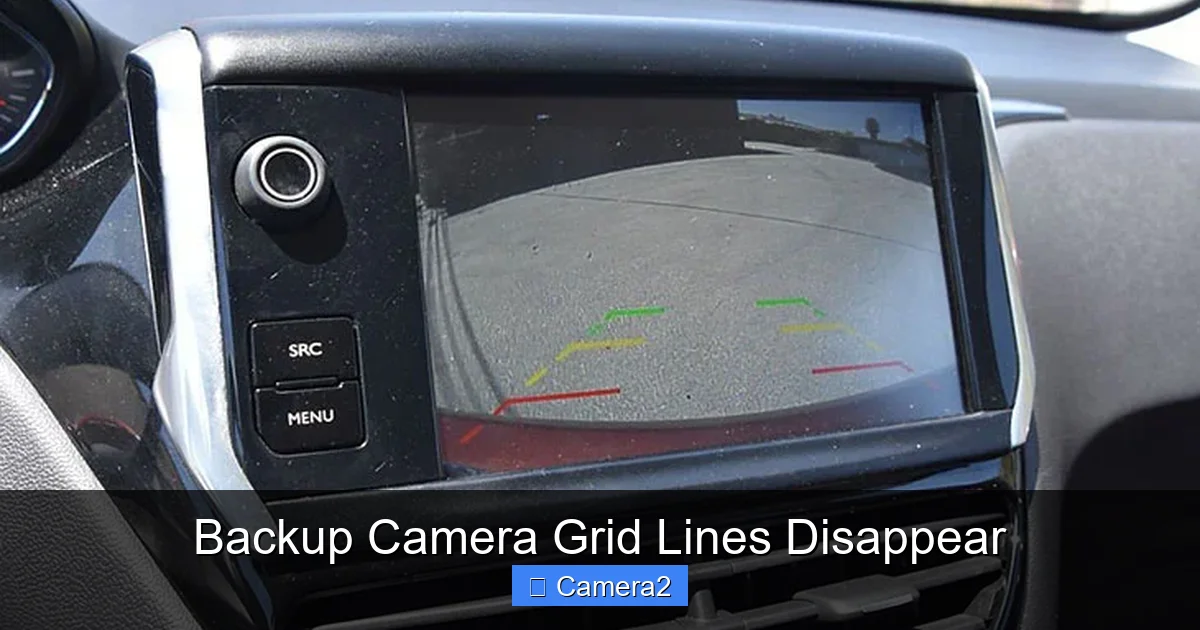
Most backup cameras use a small processor inside the camera housing or the head unit (the screen inside the dash). The processor takes the video signal and adds a digital overlay—those familiar cross‑hairs or parking‑aid lines. The overlay can be generated in two ways:
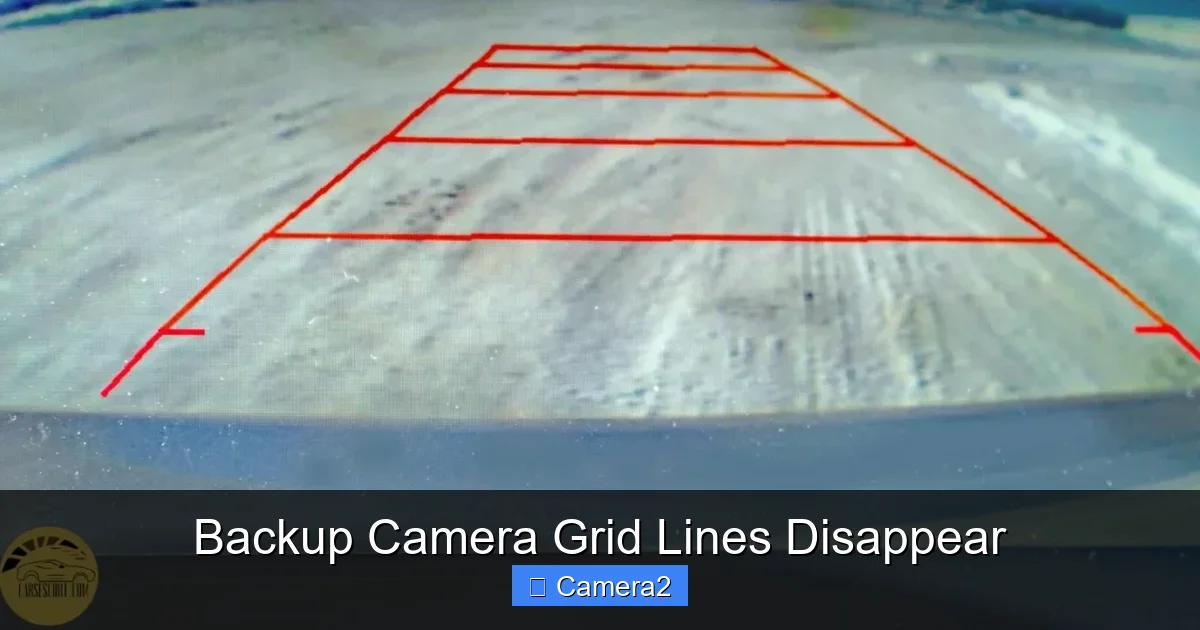
Visual guide about Backup Camera Grid Lines Disappear
Image source: carsescort.com
- Built‑in camera firmware: The camera itself draws the lines before sending the signal.
- Head‑unit software: The display unit receives a plain video feed and draws the grid in real time.
Because the grid is a software feature, it can be turned off by a setting, a glitch, or a loss of power.
1.2 Why manufacturers include them
Grid lines improve safety by:
- Giving a visual cue for distance (each square often equals a foot or a meter).
- Helping align the vehicle with parking lines.
- Reducing the chance of hitting curbs, posts, or other cars.
When the backup camera grid lines disappear, you lose that extra layer of confidence.
2. Common Reasons the Grid Lines Vanish
2.1 Electrical issues
Most grid‑line problems start with electricity. A loose connector, corroded terminal, or blown fuse can cause the camera’s processor to lose power just enough to stop drawing the overlay.
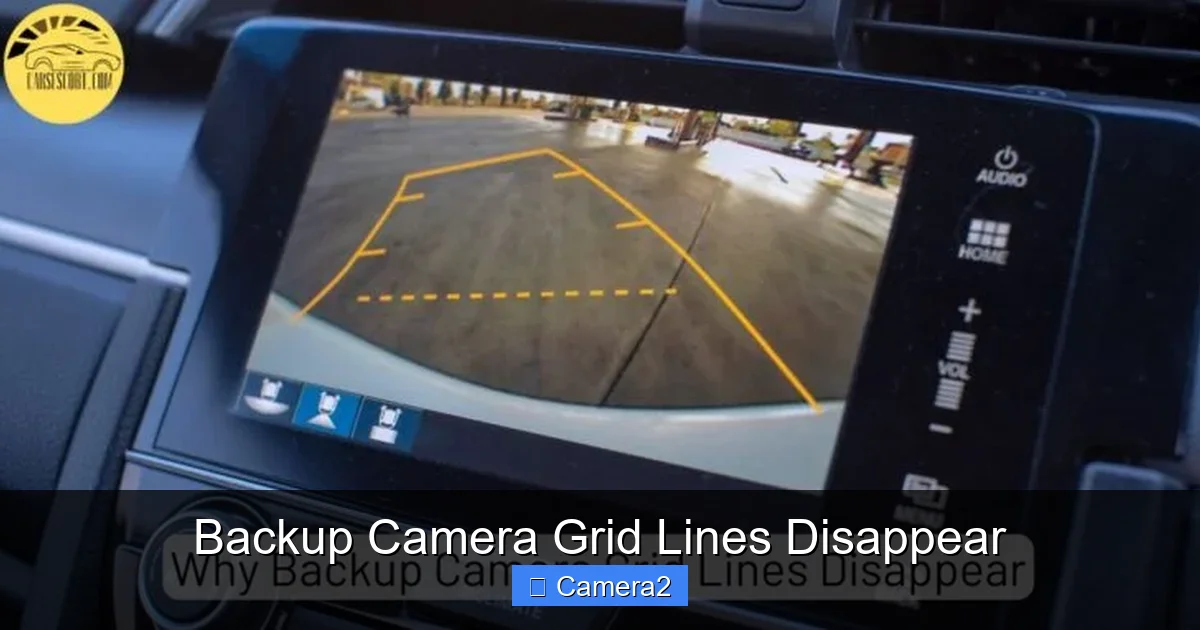
Visual guide about Backup Camera Grid Lines Disappear
Image source: carsescort.com
- Loose wiring: Vibration from daily driving can loosen the harness behind the license plate.
- Voltage drop: If the battery is weak, the camera may receive insufficient voltage to run the overlay.
- Fuse problems: Some vehicles protect the camera circuit with a dedicated fuse; a blown fuse disables the grid.
2.2 Software or firmware glitches
Out‑of‑date firmware may contain bugs that randomly disable the grid. A recent software update to the head unit can also reset the display settings, turning the grid off.
Check the owner’s manual for instructions on how to access the camera settings menu—often you’ll find a simple toggle labeled “Guidelines” or “Parking Lines.”
2.3 Temperature and moisture
Extreme cold can slow the camera’s processor, while heat can cause solder joints to expand and lose contact. Water intrusion from a cracked lens seal can short the electronics, making the grid flicker or disappear.
2.4 Physical damage
A cracked housing, a bent lens, or even a minor impact can damage the tiny circuit board that generates the overlay. In such cases, the video may still appear, but the grid will stay dark.
2.5 Settings conflicts with other cameras
If you have a license‑plate camera or a driver‑facing camera installed, the system may prioritize one feed over another. Misconfigured settings can inadvertently hide the grid on the backup feed.
For more on integrating a license plate camera with your backup system, see our article on License Plate With Backup Camera.
3. Step‑by‑Step Troubleshooting
3.1 Quick visual check
- Turn the vehicle on and shift into reverse.
- Observe whether the video feed appears at all. If the screen stays black, the issue is likely power‑related.
- If you see a clear image but no grid, move on to the software checks.
3.2 Verify the grid setting
Most head units have a menu called “Camera Settings,” “Guidelines,” or “Parking Assist.” Navigate there and ensure the toggle is set to “On.” Some systems require you to press “Enter” after toggling to save the change.
Visual guide about Backup Camera Grid Lines Disappear
Image source: bryansgarage.com
3.3 Reset the system
Disconnect the negative battery terminal for about five minutes. This hard reset clears any lingering memory errors in the camera’s firmware. Reconnect, start the car, and test again.
3.4 Inspect wiring and fuses
- Locate the fuse box (often under the dash or in the engine compartment). Find the fuse labeled “Backup Camera” or “Rear View.” Replace it if it’s blown.
- Open the trunk or rear bumper to access the camera’s wiring harness. Look for loose pins, corrosion, or frayed wires.
- If you have a How To Get Backup Camera Out guide handy, use it to safely remove the camera for a closer inspection.
3.5 Test voltage
Using a multimeter, check that the camera receives 12 V (or the voltage specified in the manual) when the car is on. A reading below 11 V can cause the grid to drop out.
3.6 Update firmware
Visit the vehicle manufacturer’s website or your head‑unit brand’s support page. Download the latest firmware and follow the update instructions. Many updates specifically address “grid line disappearance” bugs.
3.7 Clean the lens and housing
Dirt, snow, or mud on the camera lens can scatter light and make the overlay hard to see. Use a soft microfiber cloth and a mild glass cleaner to wipe the surface. Ensure the seal around the lens is intact to keep moisture out.
4. When DIY Isn’t Enough: Professional Help
4.1 Signs you need a technician
If after checking settings, fuses, and wiring the grid still won’t appear, it’s time to call a professional. Look for these red flags:
- Intermittent grid appearance (on/off randomly).
- Visible damage to the camera housing.
- Multiple electrical issues in the rear of the vehicle.
4.2 What a tech will do
A qualified installer will:
- Run a diagnostic scan on the vehicle’s CAN bus to pinpoint communication errors.
- Replace the camera module if the internal processor is faulty.
- Re‑seal the camera housing to prevent future moisture intrusion.
Choosing a shop that specializes in backup camera systems ensures they have the correct calibration tools.
5. Preventive Maintenance to Keep Grid Lines Alive
5.1 Regular visual inspections
Every few months, pop the trunk and glance at the camera housing. Look for cracks, loose wires, or water buildup. A quick wipe keeps the lens clear.
5.2 Keep the electrical system healthy
Maintain a healthy battery and clean all related terminals. A strong battery supplies consistent voltage, reducing the chance of a grid‑line dropout.
5.3 Protect against weather
If you live in an area with heavy snow or rain, consider adding a small rubber cap over the camera lens. It shields the seal from debris while still allowing a clear view.
5.4 Update software annually
Even if you haven’t noticed any issues, manufacturers often release firmware patches that improve stability. Mark a calendar reminder to check for updates at least once a year.
Conclusion: Keep Your Reverse View Clear and Confident
The backup camera is more than a convenience—it’s a safety tool that helps you avoid costly bumps and bruises. When the backup camera grid lines disappear, the risk of misjudging distance rises. By understanding the electrical, software, and environmental factors that can cause the grid to vanish, you’re equipped to troubleshoot quickly and, when needed, seek professional assistance.
Remember: a simple setting toggle, a clean lens, or a fresh fuse can often bring the grid back in minutes. Regular maintenance and timely firmware updates will keep the lines steady for years to come, letting you reverse with confidence every time you hit the gear.
Frequently Asked Questions
Why do my backup camera grid lines only disappear at night?
Low‑light conditions can cause the camera’s processor to reduce power to non‑essential features, including the overlay. Checking the voltage and ensuring the head‑unit’s night‑mode settings are correct usually fixes it.
Can a blown fuse make the grid disappear but still show video?
Yes. Some vehicles have separate circuits for video feed and overlay graphics. A blown fuse on the overlay circuit will hide the grid while the image remains.
Is it normal for the grid to flicker when the car is cold?
Cold weather can slow the camera’s internal processor, leading to brief flickers. Warm the vehicle for a few minutes or perform a quick system reset to stabilize the grid.
Will installing a license‑plate camera affect my backup camera grid?
It can if the two systems share wiring or the head‑unit’s video input. Proper configuration is needed to keep both feeds functional. See our guide on License Plate With Backup Camera for details.
How often should I update my backup camera firmware?
Check for updates at least once a year, or whenever the manufacturer releases a notice about “grid line” issues. Updating often resolves hidden bugs.
Can I replace the camera myself if the grid lines are gone?
If you’re comfortable working with vehicle wiring and have the proper removal guide (like our How To Get Backup Camera Out article), you can replace the unit. Otherwise, a professional installation is recommended to avoid damage.