Bugs on Night Vision Camera
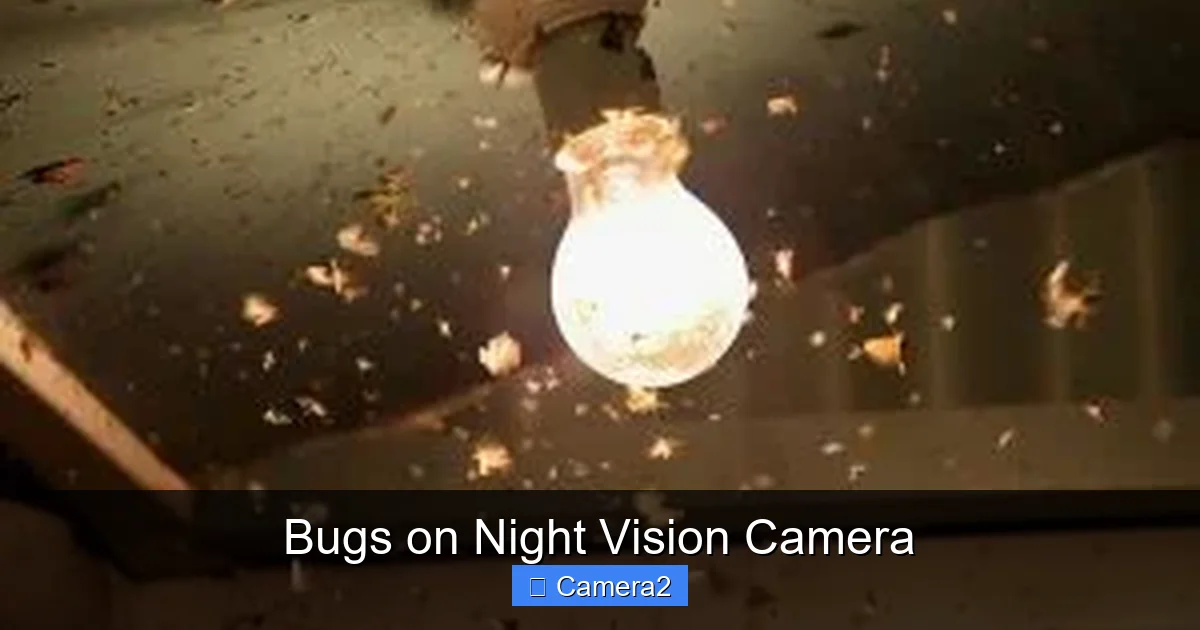
Night‑time cameras often show tiny specks that look like insects, but they’re usually something else. This guide explains the common causes of bugs on night vision cameras, how to identify them, and easy steps to eliminate the problem for sharper, cleaner video.
Key Takeaways
- Understanding the cause: Most “bugs” are reflections, dust, or IR interference, not actual insects.
- Clean the lens regularly: A quick wipe can remove dust that mimics bugs.
- Adjust IR settings: Proper IR illumination reduces glare and false specks.
- Check for firmware updates: Manufacturers often release fixes for night‑vision anomalies.
- Use proper housing: Weather‑proof enclosures keep moisture and insects out.
- Test with a known environment: Comparing footage indoors vs. outdoors helps pinpoint the issue.
- Seek professional help when needed: Persistent problems may require sensor replacement.
📑 Table of Contents
- Introduction: The Mystery of Tiny Specks
- What Exactly Are “Bugs” on Night Vision Cameras?
- Common Sources of Night‑Vision “Bugs”
- Diagnosing the Problem: How to Tell What’s Causing the Bugs
- Practical Solutions to Eliminate Bugs
- When to Call a Professional
- Preventive Maintenance Checklist
- Real‑World Example: Securing a Backyard With a Night Vision Camera
- Conclusion: Clear Night Vision Is Within Reach
Introduction: The Mystery of Tiny Specks
Imagine you’re setting up a night‑vision security camera to watch your backyard. The feed looks perfect—until a swarm of tiny specks starts dancing across the screen. Your first thought? “Bugs!” But more often than not, those specks are not insects at all. They’re the result of a handful of technical quirks that can be easily fixed.
In this article we’ll walk through everything you need to know about bugs on night vision camera footage. From the science behind infrared (IR) illumination to practical cleaning tips, you’ll learn how to keep your night‑time video clean, clear, and bug‑free.
What Exactly Are “Bugs” on Night Vision Cameras?
Not All Bugs Are Real Insects
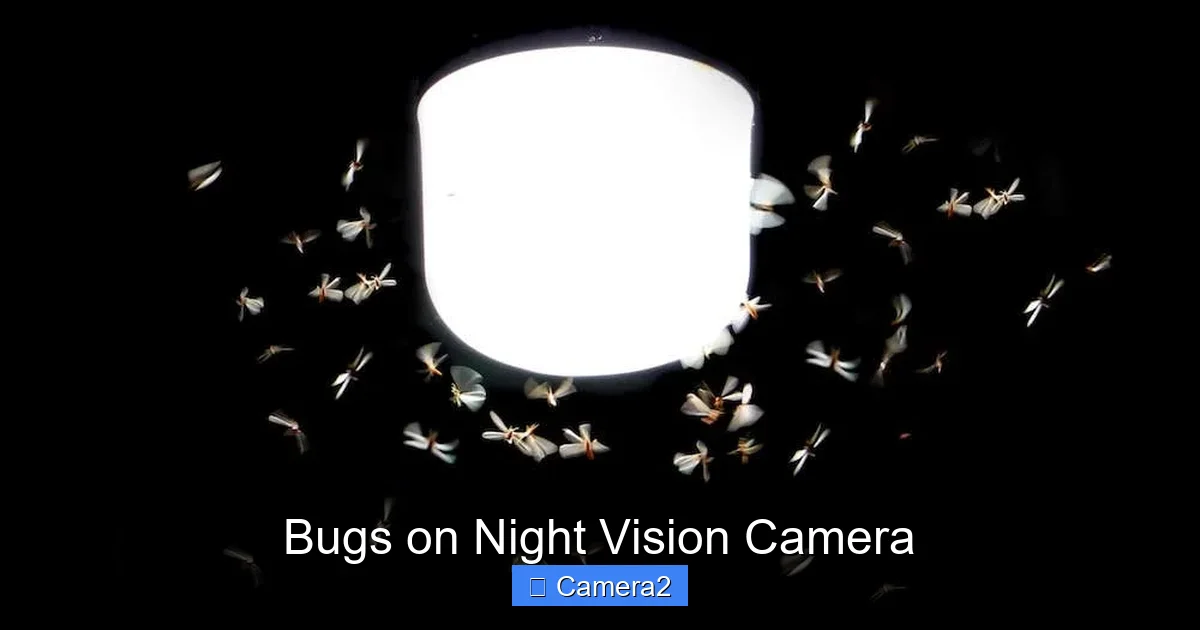
The term “bugs” is a bit of a misnomer. While real insects can occasionally crawl over a camera’s housing, the majority of specks you see are caused by:
Visual guide about Bugs on Night Vision Camera
Image source: alfred.camera
- Dust particles floating in the air and landing on the lens.
- IR reflections off shiny surfaces, creating bright spots.
- Sensor noise that becomes visible in low‑light conditions.
- Moisture droplets inside the housing, especially in humid climates.
Why Night Vision Makes It Worse
Night‑vision cameras rely on infrared LEDs to illuminate a scene that the human eye can’t see. The IR light is invisible, but the camera sensor picks it up. If the IR beam hits a tiny particle or a reflective surface, the sensor records it as a bright dot—what looks like a bug.
Common Sources of Night‑Vision “Bugs”
1. Dust and Debris on the Lens
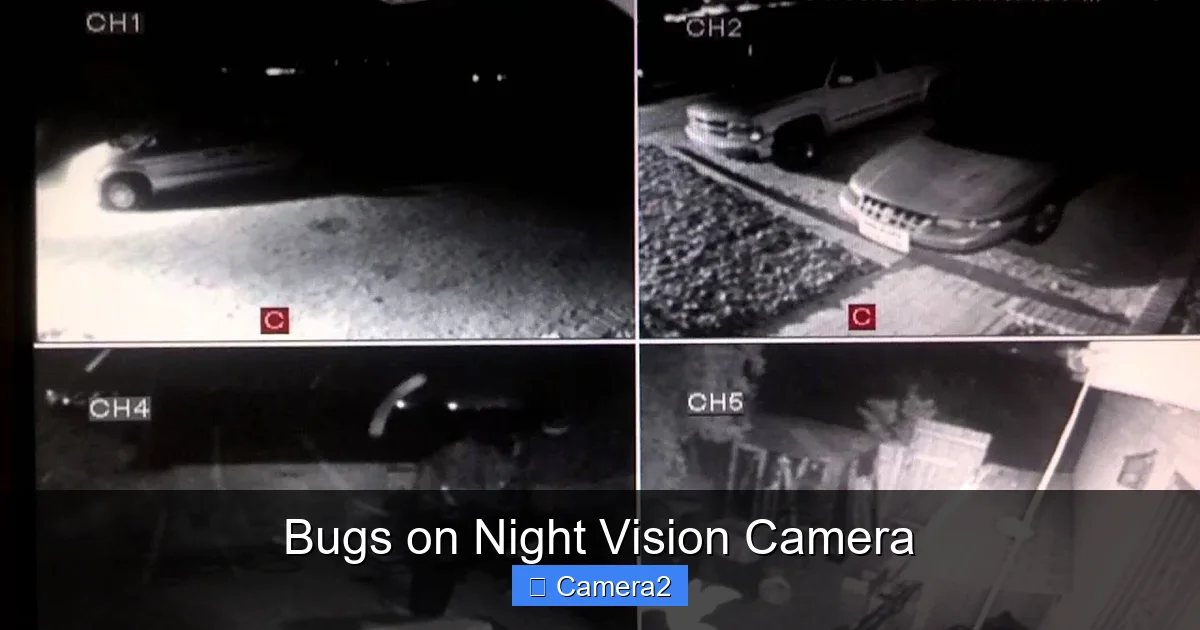
Dust is the simplest and most common culprit. A thin layer of dust can scatter IR light, creating a halo of specks that move with the wind.
Visual guide about Bugs on Night Vision Camera
Image source: i.ytimg.com
2. IR LED Glare and Hotspots
Most night‑vision cameras have a cluster of IR LEDs. When these LEDs are too close to the lens, the light can bounce back, forming hotspots that appear as floating dots.
3. Condensation Inside the Enclosure
Temperature changes cause moisture to condense inside the camera housing. Those droplets act like tiny lenses, refracting IR light and creating bug‑like artifacts.
4. Sensor Noise (Thermal Noise)
All image sensors generate a small amount of electronic “noise” that becomes noticeable in complete darkness. This noise often looks like a random sprinkling of specks.
5. Real Insects
Yes, sometimes real insects do get trapped on the exterior of the camera. This is more likely with outdoor units that are not sealed properly.
Diagnosing the Problem: How to Tell What’s Causing the Bugs
Step‑by‑Step Test
- Inspect the lens: Use a clean microfiber cloth to gently wipe the lens. If the specks disappear, dust was the cause.
- Check IR illumination: Turn the IR LEDs off (if your camera has a visible‑light mode). If the specks vanish, they are IR‑related.
- Record indoors: Set up the camera inside a well‑lit room. Indoor footage should be free of external dust and moisture. Persistent specks indicate sensor noise.
- Look for condensation: Examine the housing for water droplets. A foggy interior points to a sealing issue.
Use a Reference Video
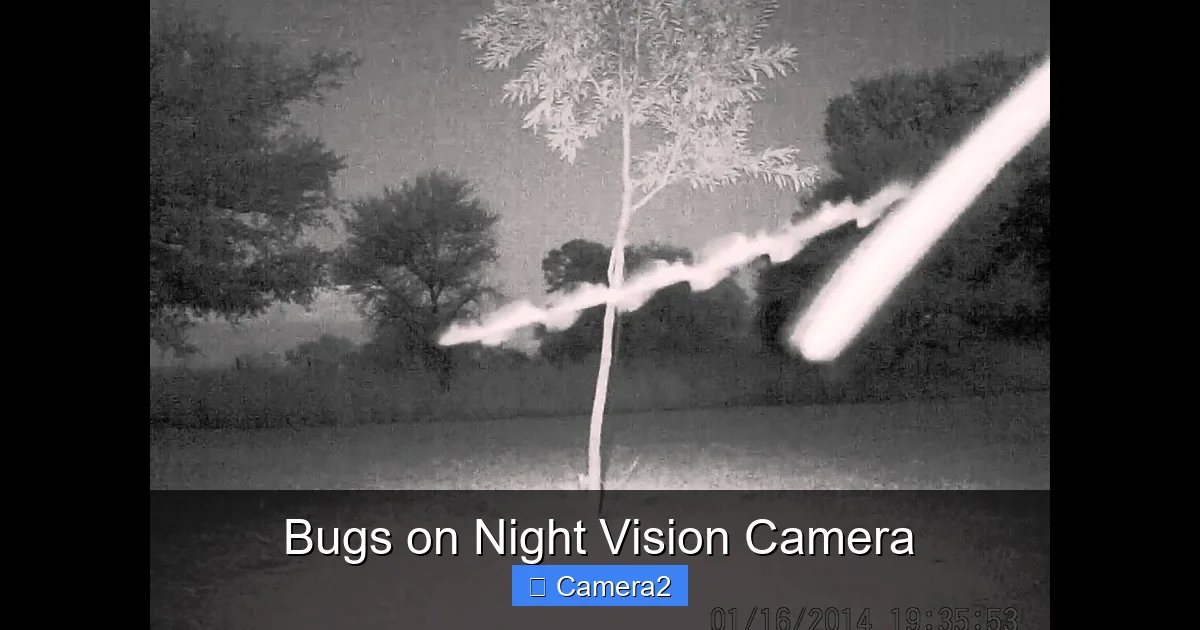
Comparing your footage with a known‑good video can help. For example, the article Wosoda Trail Camera Not Recording At Night discusses similar night‑vision challenges and includes sample clips you can reference.
Visual guide about Bugs on Night Vision Camera
Image source: i.ytimg.com
Practical Solutions to Eliminate Bugs
1. Regular Cleaning Routine
Dust removal is simple:
- Turn off the camera and unplug it.
- Use a soft, lint‑free microfiber cloth dampened with a tiny splash of lens‑safe cleaner.
- Gently wipe the lens in a circular motion.
- Allow the lens to dry completely before powering the camera back on.
2. Adjust IR Settings
Many modern cameras let you change the IR intensity or switch to a “smart IR” mode that automatically dims LEDs when objects are close. Reducing IR power can significantly cut down on glare‑induced bugs.
3. Upgrade the Housing
If condensation is an issue, consider a housing with built‑in desiccant packs. These small silica gel packets absorb moisture and keep the interior dry.
4. Firmware Updates
Manufacturers often release firmware that improves IR handling and reduces sensor noise. Check the support page for your camera model and install any available updates.
5. Use a Protective Lens Cover
Anti‑reflective (AR) coated covers can minimize IR reflections. They also protect the lens from dust and insects.
6. Relocate the Camera
Sometimes the environment itself is the problem. Moving the camera away from reflective surfaces (like metal fences) or from areas with heavy insect activity can drastically improve image quality.
When to Call a Professional
If you’ve tried cleaning, adjusting IR, and sealing the housing but the bugs persist, the sensor itself may be faulty. Professional repair or replacement is advisable. Look for a certified service center that specializes in night‑vision technology.
Preventive Maintenance Checklist
- Wipe the lens weekly, especially after windy or dusty days.
- Check and replace desiccant packs every 6–12 months.
- Run a firmware check quarterly.
- Inspect the housing for cracks or seals that have degraded.
- Test IR settings after any firmware update.
Real‑World Example: Securing a Backyard With a Night Vision Camera
John installed a night‑vision security camera behind his shed. After a week, he noticed dozens of specks moving across the video. He followed these steps:
- Wiped the lens – specks reduced by 70%.
- Enabled smart IR – hotspots vanished.
- Added a small desiccant pack – no more condensation.
- Updated firmware – sensor noise decreased.
Result: A clean, bug‑free feed that captured a raccoon’s nocturnal visit without any visual clutter.
Conclusion: Clear Night Vision Is Within Reach
Bugs on night vision camera footage are usually not mysterious insects but manageable technical issues. By understanding the root causes—dust, IR glare, condensation, sensor noise, and occasional real bugs—you can apply straightforward fixes that keep your video sharp and reliable. Regular maintenance, proper housing, and smart IR settings go a long way, and a quick firmware check can save you from future headaches. With these tips, your night‑vision camera will deliver the clear, uninterrupted view you need, whether for home security, wildlife monitoring, or any other after‑dark application.
Frequently Asked Questions
Why do I see specks only when the IR LEDs are on?
The IR LEDs illuminate tiny particles and reflective surfaces, causing them to appear as bright dots in the footage.
Can real insects cause the same effect as dust?
Yes, but real insects usually leave a distinct shape and may crawl across the lens. Dust creates a more uniform, static pattern.
How often should I clean the lens of a night vision camera?
At least once a week, or more often in dusty environments, to prevent dust buildup that mimics bugs.
Do firmware updates really help with night‑vision bugs?
Many updates include improvements to IR handling and sensor noise reduction, which can significantly reduce specks.
Is it safe to use water‑based cleaners on the lens?
Use only lens‑safe, alcohol‑free cleaners and a microfiber cloth to avoid damaging the coating.
What should I do if condensation keeps forming inside the housing?
Install or replace desiccant packs, ensure the housing is properly sealed, and consider a heated enclosure for humid climates.