Do Trail Cameras Need Wifi
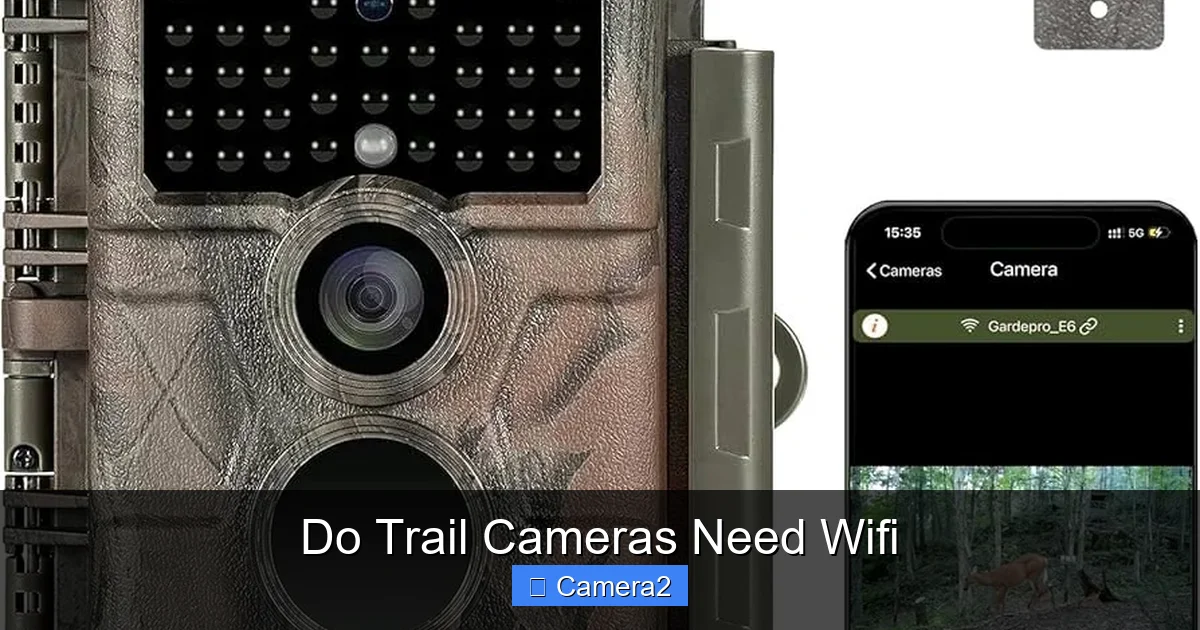
Do trail cameras need Wi‑Fi? The short answer is no, but Wi‑Fi can boost convenience and real‑time monitoring. Understanding the trade‑offs helps you choose the right camera for your outdoor projects without overpaying for features you won’t use.
Key Takeaways
- Wi‑Fi is optional: Trail cameras function perfectly without a wireless connection.
- Battery life differs: Wi‑Fi models drain power faster than non‑Wi‑Fi units.
- Real‑time alerts: Wi‑Fi lets you receive photos instantly on your phone.
- Range limits: Signal strength depends on distance, terrain, and antenna quality.
- Cost consideration: Wi‑Fi adds price, but may save time and trips to the field.
- Data storage: All cameras need an SD card; Wi‑Fi does not replace it.
- Legal & ethical use: Follow local regulations and respect wildlife when setting up any camera.
📑 Table of Contents
- Introduction: Why the Wi‑Fi Question Matters
- 1. How Trail Cameras Work Without Wi‑Fi
- 2. What Wi‑Fi Adds to a Trail Camera
- 3. Pros and Cons of Wi‑Fi Trail Cameras
- 4. When Wi‑Fi Is Actually Helpful
- 5. Choosing the Right Camera for Your Needs
- 6. Tips for Maximizing Performance (Wi‑Fi or Not)
- Conclusion: Do Trail Cameras Need Wi‑Fi?
Introduction: Why the Wi‑Fi Question Matters
When you first pick up a trail camera, the spec sheet often shouts “Wi‑Fi” or “LTE.” It sounds high‑tech, and it’s easy to assume that without wireless connectivity the camera is outdated. In reality, the core job of a trail camera—capturing images or video when an animal passes—does not require Wi‑Fi at all. The real decision is about convenience, budget, and how often you plan to check the footage.
In this article we’ll unpack the technology behind Wi‑Fi trail cameras, compare them to classic “stand‑alone” models, and give you practical tips for choosing the right setup for hunting, wildlife research, or backyard monitoring. By the end, you’ll know exactly do trail cameras need Wi‑Fi and whether that feature is worth the extra cost for you.
1. How Trail Cameras Work Without Wi‑Fi
Basic components
Every trail camera has three essential parts: a motion sensor (usually a passive infrared sensor), a lens with a flash (infrared or white‑light), and a storage medium—typically an SD card. When the sensor detects heat moving across its field, the camera snaps a photo or starts recording video, then saves the file locally.
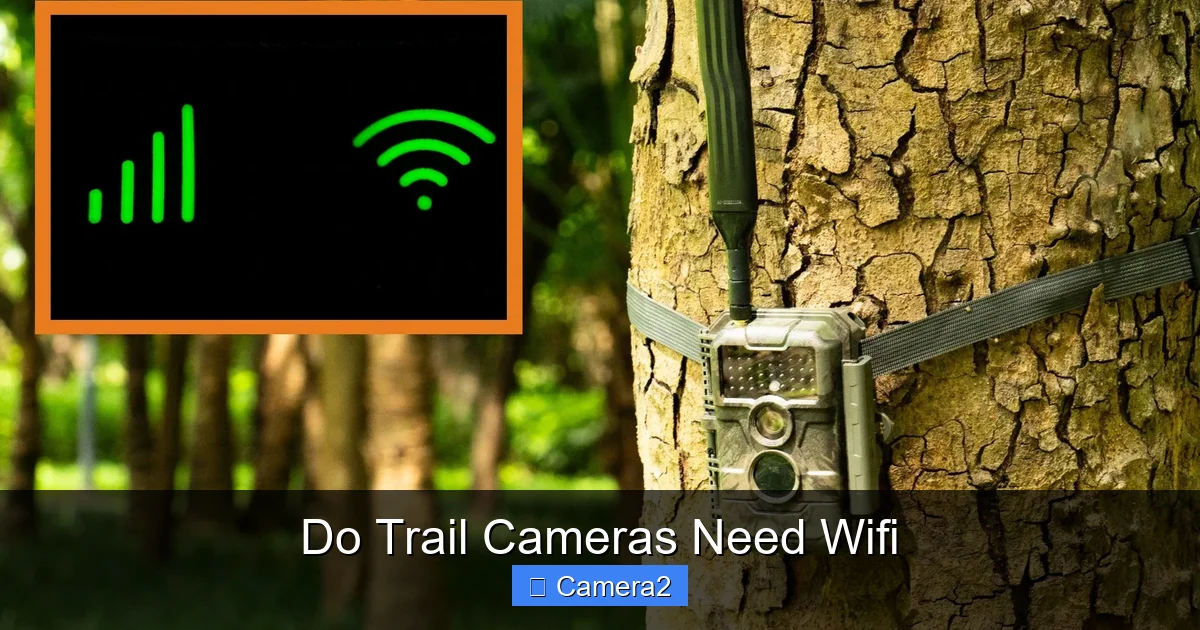
Visual guide about Do Trail Cameras Need Wifi
Image source: trailcamvalley.com
Power source
Most devices run on AA or AAA batteries, though some high‑end models use rechargeable lithium packs. Because they only power the sensor and flash when triggered, battery life can stretch to months or even a year.
Data retrieval
Without Wi‑Fi, you retrieve the SD card manually. You open the camera’s battery compartment, swap the card, and view the files on a computer or a dedicated card reader. This method is simple, reliable, and works anywhere—no signal required.
2. What Wi‑Fi Adds to a Trail Camera
Instant notifications
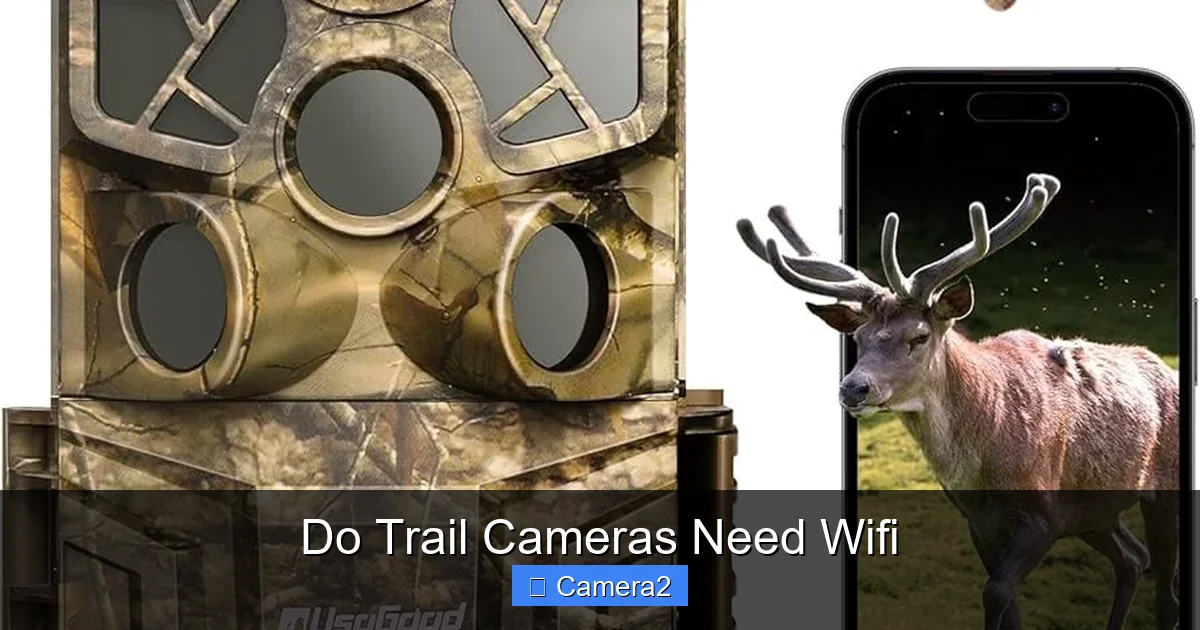
Wi‑Fi cameras connect to a nearby hotspot or a 4G/5G router. When motion is detected, the image is uploaded to the cloud or sent straight to your smartphone via an app. You get a push notification within seconds—no need to trek back to the site.
Visual guide about Do Trail Cameras Need Wifi
Image source: m.media-amazon.com
Remote settings
Many apps let you change exposure, sensitivity, or even the capture schedule from afar. This saves you from climbing a hill to twist a dial.
Live streaming (rare)
Some premium models support live video streaming, which is useful for researchers monitoring animal behavior in real time. However, streaming consumes a lot of data and battery, so it’s not common for most hunters.
3. Pros and Cons of Wi‑Fi Trail Cameras
Pros
- Time savings: No need to physically collect images.
- Immediate alerts: Perfect for hunters waiting on a specific animal.
- Easy sharing: Photos can be emailed or posted directly from the app.
Cons
- Battery drain: Wi‑Fi modules consume power even when idle, cutting battery life by 30‑50%.
- Signal limitations: Dense woods, hills, or far‑field locations can block Wi‑Fi, leading to missed uploads.
- Higher cost: Expect to pay $50‑$150 more for wireless capability.
- Data plans: Some cameras need a cellular subscription if you use LTE instead of a local router.
4. When Wi‑Fi Is Actually Helpful
Hunting from a fixed base
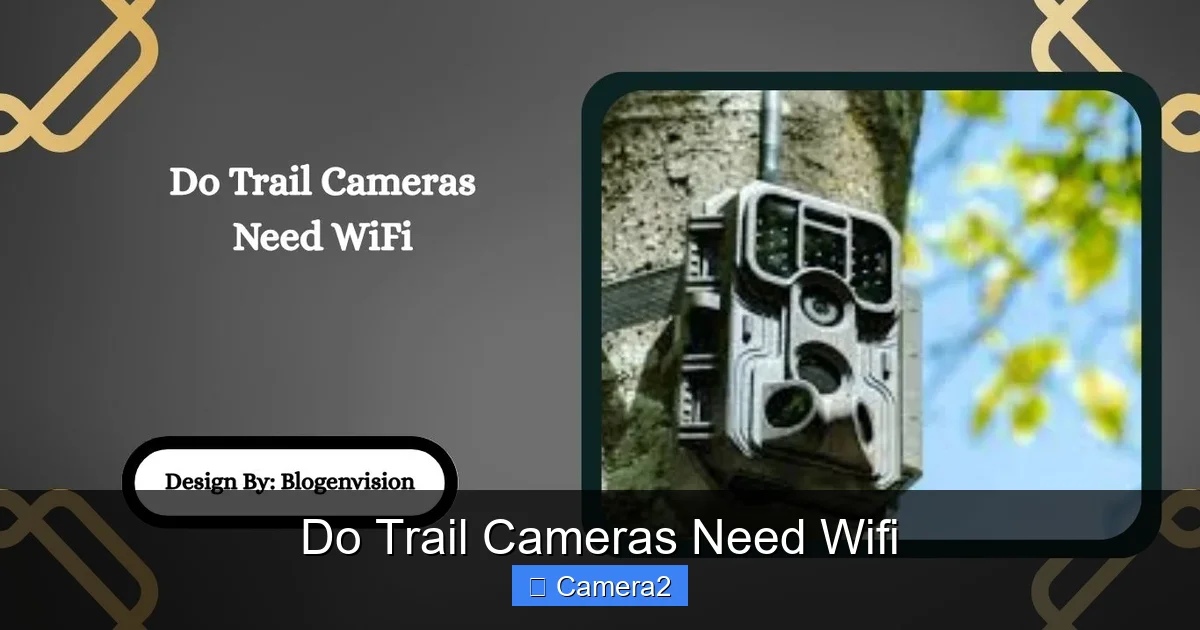
If you’re setting up a camera near a tree stand or a blind and you’ll be in the same area for days, Wi‑Fi can alert you the moment a buck walks by. You can then decide whether to move in or wait.
Visual guide about Do Trail Cameras Need Wifi
Image source: blogenvision.com
Research projects
Scientists tracking endangered species often need frequent data points without disturbing the habitat. Wi‑Fi cameras placed near a solar‑powered router can push images automatically to a central server.
Home and garden monitoring
For backyard wildlife lovers, a Wi‑Fi camera lets you watch squirrels or birds from your couch, turning your living room into a mini‑safari.
5. Choosing the Right Camera for Your Needs
Assess your location
Ask yourself: Is there a reliable power source nearby for a router? Is the area within 100‑200 feet of a Wi‑Fi signal? If not, a classic non‑Wi‑Fi model is safer.
Battery vs. power
For remote locations, prioritize battery life. Look for cameras that boast “up to 12 months” on a set of AA batteries. If you can run a solar panel or have a large battery pack, Wi‑Fi becomes more viable.
Storage considerations
All trail cameras need an SD card. A larger capacity (64 GB or more) reduces the frequency of card swaps. For more details on choosing the right card, see our guide on SD Card For Trail Camera.
Read the manual
Understanding your camera’s settings can save you headaches later. The Wildgame Innovations Trail Camera User Manual is a great example of a clear, step‑by‑step guide.
Budget check
Set a price ceiling. If a Wi‑Fi model pushes you past that limit, consider buying a basic camera and a separate Wi‑Fi hotspot you can reuse for other projects.
6. Tips for Maximizing Performance (Wi‑Fi or Not)
Placement tricks
- Mount at 3‑4 feet high for medium‑sized game.
- Angle the camera slightly downward to capture the animal’s head.
- Use natural foliage as a blind to avoid spooking wildlife.
Optimize settings
- Set motion sensitivity to “medium” to avoid false triggers from wind‑blown leaves.
- Choose a short “photo interval” if you expect a lot of activity.
- Enable “time‑lapse” only when you need regular interval shots; it consumes extra power.
Maintain your equipment
- Clean the lens regularly with a soft cloth.
- Check the battery compartment for corrosion.
- Swap the SD card every few weeks to prevent data loss.
Use a card reader
When you finally retrieve the card, a dedicated SD Card Reader for Game Cameras speeds up file transfer and reduces wear on the camera’s slot.
Conclusion: Do Trail Cameras Need Wi‑Fi?
Short answer: No, they do not. A trail camera will capture images perfectly well without any wireless connection. The real question is whether the convenience of instant alerts and remote control justifies the extra cost, reduced battery life, and potential signal issues for your specific situation. If you’re hunting far from a power source, tracking a remote herd, or on a tight budget, a non‑Wi‑Fi camera remains the most reliable choice. If you value real‑time updates and have a solid Wi‑Fi or cellular setup nearby, a Wi‑Fi enabled model can make your life a lot easier.
Take the time to match the camera’s features with your environment, budget, and goals. When you do, you’ll get the best possible performance—Wi‑Fi or not.
Frequently Asked Questions
Do trail cameras work without Wi‑Fi?
Yes. All trail cameras can record photos and video to an SD card using only motion sensors and internal storage.
How does Wi‑Fi affect battery life?
Wi‑Fi modules draw power continuously, often cutting battery life by 30‑50% compared to a non‑Wi‑Fi model.
Can I use a cellular hotspot instead of home Wi‑Fi?
Many Wi‑Fi trail cameras can connect to a mobile hotspot, but you’ll need a data plan and a stable signal at the camera site.
Do I still need an SD card if my camera has Wi‑Fi?
Absolutely. Wi‑Fi uploads are a backup; the primary storage is always the SD card.
What is the typical range for a trail camera’s Wi‑Fi signal?
Most cameras have a range of 100‑200 feet in open space. Trees, hills, and metal objects can reduce this significantly.
Are Wi‑Fi trail cameras legal everywhere?
Yes, but local regulations may restrict placement in certain protected areas or near private property. Always check local rules before installing.