Laptops with 32 Gb Ram
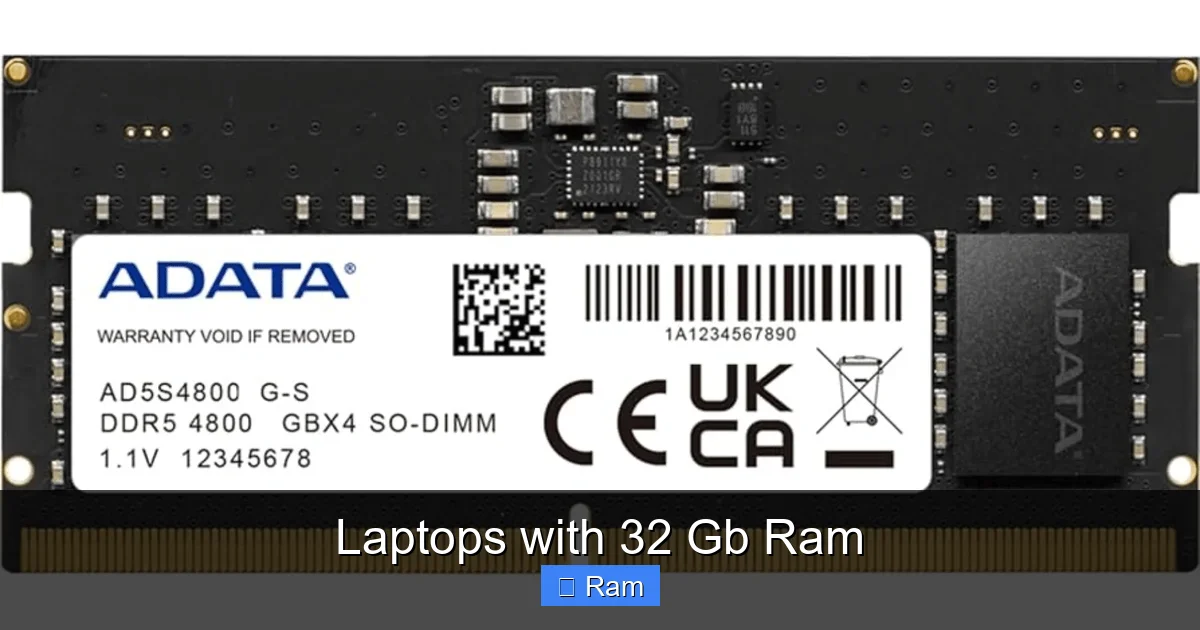
Laptops with 32 GB of RAM are powerful machines designed for specific, demanding tasks, not the average user. This amount of memory is essential for professional video editors, software developers, data scientists, and serious multitaskers who run numerous heavy applications simultaneously. While offering excellent future-proofing, the cost and power draw mean most everyday users and even many gamers will be perfectly served by 16 GB.
You’re scrolling through laptop specs, and you see it: 32 GB of RAM. It sounds immense, powerful, the kind of number that promises buttery-smooth performance no matter what you throw at the machine. But is it truly necessary for you? And what does owning a laptop with 32 GB of RAM actually mean in practical terms? This isn’t just about a bigger number; it’s about matching immense computational capability to a specific set of demanding tasks. This guide will cut through the marketing hype and give you a clear, practical picture of the world of high-RAM laptops.
Key Takeaways
- 32 GB is a professional-tier specification: It targets users with intensive workloads like 4K/8K video editing, 3D rendering, virtual machines, and large dataset analysis, not casual browsing or office work.
- Future-proofing has a price: Investing in 32 GB RAM significantly increases laptop cost and often power consumption, so the benefit must outweigh the expense for your specific needs.
- The CPU and GPU are critical partners: 32 GB of RAM alone won’t make a slow laptop fast. It must be paired with a powerful processor (Intel Core i7/i9, AMD Ryzen 7/9) and a capable GPU for professional work.
- Upgradeability is not guaranteed: Many modern laptops, especially thin-and-light models, solder RAM to the motherboard. Always check if the RAM is user-upgradable before purchasing.
- Consider your actual workflow: Honestly assess your software requirements. Tools like Adobe Premiere Pro, DaVinci Resolve, Visual Studio, and MATLAB benefit enormously from 32 GB+, while web browsing and word processing do not.
- Dual-channel vs. single-channel matters: For optimal performance, 32 GB is typically achieved with two 16 GB sticks (dual-channel). A single 32 GB stick (single-channel) can be slower, so check the configuration.
- Alternatives exist: For some, a 16 GB laptop with cloud processing, external GPU, or a desktop workstation for heavy lifting might be a more cost-effective solution than a maxed-out laptop.
📑 Table of Contents
- Why 32 GB? Understanding the Memory Needs of Power Users
- Who Actually Needs a 32 GB RAM Laptop? (A Reality Check)
- Top Contenders: Categories of 32 GB RAM Laptops
- The Ultimate Buying Guide for a 32 GB RAM Laptop
- Future-Proofing vs. Current Need: Making the Smart Choice
- Conclusion: The Power is in the Purpose
Why 32 GB? Understanding the Memory Needs of Power Users
To grasp why 32 GB is a significant jump, you need to understand what RAM does. Random Access Memory is your system’s short-term workspace. Every application you open, every file you’re actively editing, lives here. The more complex the project and the more programs you run at once, the more workspace you need. If your workspace (RAM) fills up, your system starts using the much slower solid-state drive as “virtual memory,” causing frustrating lag and stutters.
The 16 GB Baseline vs. The 32 GB Leap
For years, 16 GB has been the sweet spot for power users and a great target for mainstream laptops. It handles modern operating systems, dozens of browser tabs, and several applications like Office suites, photo editors, and even light video editing with ease. The jump to 32 GB isn’t about doing the same things slightly faster; it’s about enabling entirely different workflows that 16 GB simply cannot handle without compromise.
Think of it like a kitchen counter. 16 GB is a spacious counter where you can prepare a complex meal (a large project) with all your ingredients (apps and files) readily at hand. 32 GB is a commercial-grade kitchen counter where you can have multiple chefs (multiple heavy applications) preparing different feasts (large, separate projects) simultaneously without anyone bumping into each other or having to constantly put tools away and fetch them again.
When 32 GB Becomes a Non-Negotiable Requirement
So, what exactly fills up 32 GB? Here are concrete examples:
- Professional Video & Film Editing: Working with 4K, 6K, or 8K footage, especially with multiple layers, effects, and color grading in DaVinci Resolve or Adobe Premiere Pro, can consume 20-30 GB of RAM on its own. Adding After Effects for motion graphics or running other apps in the background pushes you firmly into 32 GB territory.
- 3D Modeling, Rendering & Animation: Software like Blender, 3ds Max, or Cinema 4D loads entire complex scenes into RAM. High-poly models, detailed textures, and simulation data can easily exceed 16 GB. While rendering often uses the GPU, scene setup and manipulation are RAM-intensive.
- Software Development & DevOps: Running a local development environment with multiple virtual machines (VMs) or Docker containers for testing is a massive RAM hog. A single Linux VM can easily take 4-8 GB. Running a backend server, a database, a frontend environment, and your IDE simultaneously on 16 GB is a recipe for constant swapping and slowdowns.
- Data Science & Machine Learning: Loading large datasets (think millions of rows) into pandas or R for analysis requires substantial memory. While model training often leans on GPU VRAM, data preprocessing, cleaning, and exploration are done in system RAM. 32 GB allows you to work with larger datasets without constant sampling.
- Audio Production: A full Digital Audio Workstation (DAW) like Pro Tools or Logic Pro with dozens of high-quality virtual instrument plugins (VSTs), each with their own sample libraries loaded into RAM, can quickly balloon past 16 GB, especially on large orchestral projects.
Who Actually Needs a 32 GB RAM Laptop? (A Reality Check)
This is the most important question. Buying a 32 GB laptop is an investment. You need to be brutally honest about your use case. For many, it’s overkill. Let’s break it down.
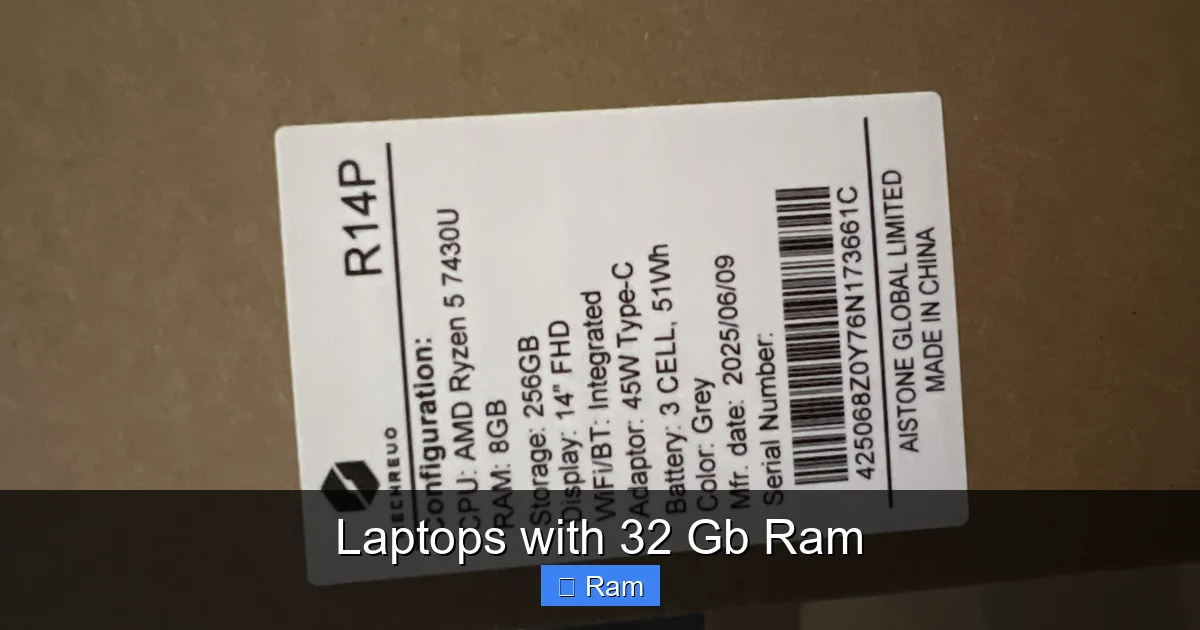
Visual guide about Laptops with 32 Gb Ram
Image source: laptops.pk
The “Definite Yes” Crowd
If your work or passion involves the tasks listed above, 32 GB is a serious productivity booster, not a luxury. You’ll know you need it when:
- Your current 16 GB laptop consistently shows 90%+ RAM usage in Task Manager/Activity Monitor during your normal workflow.
- You are regularly forced to close applications to free up memory for the next task.
- Your work involves handling “enterprise-scale” files or projects that simply won’t load into 16 GB.
- You are a student or professional in a field like VFX, scientific computing, or architectural visualization where the software and project sizes are inherently massive.
The “Probably Not” Crowd
If your laptop use fits these descriptions, 32 GB is almost certainly unnecessary and an inefficient use of your budget:
- Web Browsing, Email, Office Suites (Word, Excel, PowerPoint): Even with 100 browser tabs, you’ll struggle to hit 8 GB of usage.
- Casual Gaming: Modern games are more often limited by your GPU (graphics card) than system RAM. 16 GB is the standard for gaming, and 32 GB provides negligible in-game FPS benefits unless you are also heavily modding games or running multiple game clients/streaming software simultaneously.
- Basic Photo Editing: Working with JPEGs from a standard camera or phone in Lightroom or Photoshop is well within 16 GB’s capabilities. It only becomes a bottleneck with massive, multi-gigapixel TIFFs or hundreds of layers.
- General Student Use: Research papers, presentations, video calls, and streaming are lightweight tasks.
The Middle Ground: Some “advanced hobbyists” might benefit. An enthusiast video editor working with 4K GoPro footage, a serious amateur photographer editing huge astrophotography stacks, or a programmer who loves to spin up several VMs for experimentation could see tangible benefits. The key is whether your specific workflow is hitting the 16 GB wall regularly.
Top Contenders: Categories of 32 GB RAM Laptops
The market for high-RAM laptops isn’t one-size-fits-all. They fall into distinct categories, each with trade-offs.
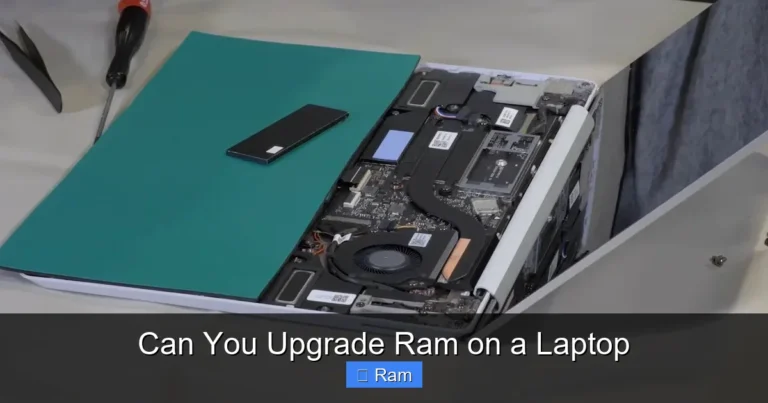
Visual guide about Laptops with 32 Gb Ram
Image source: media.littlewoods.com
Mobile Workstations: The Uncompromising Powerhouses
These are the traditional kings of RAM. Think Dell Precision, HP ZBook, and Lenovo ThinkPad P-series. They are built like tanks, feature professional-grade NVIDIA RTX A-series or Quadro GPUs (though consumer GeForce RTX is common now), and often have multiple RAM slots for easy upgrades to 64 GB or even 128 GB. They are thick, heavy, have shorter battery life, and command a premium price. They are for the user who needs maximum performance today and the ability to upgrade tomorrow. Example: A Dell Precision 7780 with an Intel Xeon processor and ECC (error-correcting) RAM for scientific computing where data integrity is paramount.
High-Performance Consumer Laptops & “Creator” Models
This is the fastest-growing segment. Brands like ASUS (ROG Zephyrus, ProArt Studiobook), MSI (Creator series), and even Apple’s MacBook Pro (with unified memory) offer models with 32 GB soldered onto the motherboard. These machines blend sleek, premium designs with desktop-class CPUs (like Intel’s HX-series or AMD’s Ryzen 9 HX-series) and powerful RTX graphics. They are thinner and often have better battery life than mobile workstations, but upgradeability is usually zero. You must choose your RAM configuration at purchase. Example: The ASUS ProArt Studiobook 16 with an OLED display and a Ryzen 9 processor, aimed directly at color-graders and designers who need both screen accuracy and raw power.
Gaming Laptops with Excess
Many top-tier gaming laptops from Alienware, Razer, and others offer 32 GB configurations. For a pure gamer, this is often a marketing box-tick. However, for the gamer who is also a streamer, a video editor, or a developer, it makes perfect sense. The high-TDP CPUs and GPUs in these machines benefit from the extra RAM for background tasks while gaming. The aesthetic is often more aggressive (RGB, angular designs) compared to the subdued professional look of workstations.
The Ultimate Buying Guide for a 32 GB RAM Laptop
You’ve decided 32 GB is for you. Now, how do you choose the right machine? RAM is just one component in a complex system.

Visual guide about Laptops with 32 Gb Ram
Image source: billiger.de
Prioritize the CPU: The Brain of the Operation
32 GB of RAM paired with a low-power, dual-core CPU is a wasted investment. For professional workloads, you need horsepower. Look for:
- Intel: Core i7-12700H/12800HX or newer, or Core i9-12900HX/13900HX. The “HX” series are essentially desktop chips repackaged for laptops, offering the highest core counts and clock speeds.
- AMD: Ryzen 7 6800H/7840HS or Ryzen 9 6900HX/7945HX. AMD’s newer “HX” series offer exceptional multi-core performance, often rivaling or beating Intel’s equivalents in multi-threaded tasks like rendering and compilation.
Tip: Check benchmarks for your specific software. Some applications (like certain CAD programs) favor Intel’s architecture, while others (like Blender’s Cycles renderer) leverage AMD’s higher core counts beautifully.
GPU: The Visual Powerhouse
If your work is GPU-accelerated (video effects, 3D viewport, AI training), the GPU is as important as the CPU and RAM.
- NVIDIA: The current RTX 40-series (4060, 4070, 4080, 4090) are excellent. For professional apps, look for laptops with NVIDIA’s Studio Drivers, which are certified for stability in creative applications. The RTX A-series (now being phased out) offered ECC memory for precision, but the GeForce RTX 40-series is overwhelmingly powerful and cost-effective for most.
- AMD: The Radeon RX 7000M series is competitive, especially in the mid-range, but NVIDIA’s CUDA platform and software ecosystem (OptiX, DLSS) still hold a significant lead in many professional creative and scientific applications.
Storage: Speed and Capacity
Don’t bottleneck your fast RAM with a slow SSD. Aim for at least a Gen4 NVMe SSD (like Samsung 980 Pro, WD Black SN850X). For professional work, 1 TB is the absolute minimum starting point; 2 TB is much more comfortable for project files, media caches, and multiple operating systems. Consider if the laptop has a second M.2 slot for future expansion.
Display: Your Window to the Work
For creative professionals, the display is critical. Look for:
- Resolution: 4K (3840×2160) for pixel-perfect detail in video and photo editing.
- Color Gamut: 100% DCI-P3 and/or AdobeRGB coverage is the standard for color-accurate work.
- Brightness & Calibration: 400+ nits brightness and factory calibration (or easy user calibration) are key.
- Refresh Rate: 60Hz is standard for work. High refresh rates (120Hz, 240Hz) are great for smooth scrolling and gaming but offer less tangible benefit for static content creation.
Gamers will prioritize high refresh rate (144Hz+) and adaptive sync (G-Sync/FreeSync).
Thermals & Build Quality
Powerful components generate heat. A laptop with poor cooling will throttle its CPU/GPU performance under sustained load, negating the benefit of your expensive parts. Read reviews that stress-test the laptop’s thermals. Look for vapor chamber cooling or robust heat pipe systems. A sturdy metal chassis (aluminum, magnesium alloy) will dissipate heat better than plastic and survive daily commutes.
The Crucial Question: Can I Upgrade the RAM Later?
This is the single most important spec to verify before you buy. Open the manufacturer’s technical specifications page and search for “Memory” or “RAM.” You are looking for two key phrases:
- “User-upgradable” or “Accessible SODIMM slots”: Great! You can buy the laptop with 16 GB now and add another 16 GB stick later, or replace the sticks entirely. This also means you can replace faulty RAM yourself.
- “Soldered” or “Integrated”: The RAM is permanently attached to the motherboard. You are locked into the configuration you buy. If you think you’ll need 32 GB in 3 years, you must buy it today. This is common in ultrabooks, many “creator” laptops, and all Apple Silicon MacBooks.
Pro Tip: If you buy a soldered-RAM laptop, ensure the configuration you choose uses a dual-channel setup (usually two 16 GB chips) for optimal bandwidth. A single 32 GB stick will be slower.
Future-Proofing vs. Current Need: Making the Smart Choice
The allure of 32 GB is the promise of a laptop that won’t feel slow in 4-5 years. This is a valid strategy, but it must be balanced against cost and changing technology.
The Case for Buying 32 GB Now
- Your Work is Already Demanding: As established, if you’re hitting the RAM ceiling today, buying 32 GB is an immediate productivity gain, not just future-proofing.
- No Upgrade Path: If the laptop has soldered RAM, buying 16 GB now with plans to upgrade is impossible. You are making a 5-year commitment at the point of sale.
- Resale Value: A higher-spec machine will generally hold its value better and be easier to sell later.
- Peace of Mind: Never having to monitor RAM usage or close apps is a genuine quality-of-life improvement for a power user.
The Case for Sticking with 16 GB (For Now)
- Significant Cost Savings: Upgrading from 16 GB to 32 GB at purchase often costs $300-$600. That’s a huge chunk of budget that could be redirected to a better GPU, a larger/faster SSD, or a higher-tier CPU, which might provide a bigger performance boost for your specific tasks.
- Technology Marches On: DDR5 RAM is now standard, and DDR6 is on the horizon. By the time your 32 GB DDR5 laptop feels slow, the standard might be 64 GB DDR6. The “future-proof” aspect is relative.
- Software May Change: Your needs might evolve. You might switch from a RAM-heavy field to a GPU-heavy one, or your workflow might become more cloud-based.
- You Have an Upgradeable Model: If your laptop has accessible slots, buy the base 16 GB configuration. Use the savings for other components. In 2-3 years, when 32 GB becomes the new standard and prices drop, buy two 16 GB sticks for a fraction of the original upgrade cost and install them yourself. This is the most economically rational path for many.
The Hybrid Approach: Consider a powerful desktop for your heaviest, stationary work (where you can easily upgrade to 64 GB+), and a more portable 16 GB laptop for travel and lighter tasks. This is common among developers and video editors.
Conclusion: The Power is in the Purpose
A laptop with 32 GB of RAM is a specialized tool, not a general-purpose one. It represents a commitment to a certain caliber of work. For the professional whose livelihood depends on rendering the next frame, compiling the next build, or analyzing the next dataset without waiting, the investment is not just justified—it’s essential. The speed, the lack of interruption, the ability to keep all tools open at once, translates directly into saved time and captured creative flow.
For everyone else, that same investment is better placed elsewhere. A better GPU will improve gaming and GPU rendering more. A faster, larger SSD will improve load times and file management. A brighter, more color-accurate screen will improve your visual work more than extra RAM if you’re not hitting the memory limit. The key is honest self-assessment. Look at your Task Manager right now. If your memory is consistently above 12 GB during your heaviest sessions, you have a strong case for 32 GB. If it’s sitting at 8 GB, you are looking at a premium for a capacity you will never use.
Ultimately, the best laptop with 32 GB RAM is the one that aligns perfectly with your workflow. It’s the machine that removes memory as a variable from your productivity equation, allowing you to focus entirely on the creative or technical task at hand. Choose wisely, prioritize your entire system, and let the RAM be the supporting powerhouse it was designed to be.
Frequently Asked Questions
Is 32 GB of RAM overkill for a laptop in 2024?
For the vast majority of users, including casual gamers and those using Office suites and web browsers, 16 GB is still more than sufficient. 32 GB is specifically targeted at professionals and enthusiasts running memory-intensive applications like professional video editing, 3D rendering, virtual machines, and large-scale data analysis. It becomes “necessary” when your 16 GB system is consistently using 90%+ of its memory during normal operation.
Will 32 GB of RAM make my games run faster?
Almost never. Modern games are overwhelmingly limited by your Graphics Processing Unit (GPU). 16 GB is the established standard for gaming, and moving to 32 GB will provide a negligible frames-per-second (FPS) increase in almost all titles. The exception is if you are heavily modding games (like *The Elder Scrolls V: Skyrim* or *Minecraft* with massive texture packs) or simultaneously running game streaming/recording software, which can consume significant additional RAM.
Can I upgrade the RAM in a laptop that comes with 32 GB?
It depends entirely on the laptop model. Many high-performance laptops, especially thin-and-light “creator” models and all Apple Silicon MacBooks, solder the RAM directly to the motherboard, making it impossible to upgrade. Always check the manufacturer’s specifications for terms like “user-upgradable” or “accessible SODIMM slots.” Mobile workstations (Dell Precision, HP ZBook) often have slots, allowing upgrades to 64 GB or 128 GB.
Is it better to have 32 GB as two 16 GB sticks or one 32 GB stick?
Two 16 GB sticks (in a dual-channel configuration) is almost always significantly better than a single 32 GB stick (single-channel). Dual-channel doubles the data bandwidth between the RAM and the memory controller, leading to noticeable performance improvements in integrated graphics, some productivity tasks, and games. When purchasing a pre-configured laptop, check the specs to see if the 32 GB option uses one or two modules. If you are upgrading yourself, always install matching pairs.
What’s the difference between DDR4 and DDR5 RAM in laptops?
DDR5 is the newer standard, offering higher base speeds (starting around 4800 MT/s vs. DDR4’s 3200 MT/s) and improved power efficiency. For most professional workloads that are not purely memory-bandwidth limited (like some scientific simulations), the real-world performance difference between fast DDR4 and early DDR5 can be minimal. The biggest benefit of DDR5 is its scalability for future, more demanding applications. For a laptop you’re buying today, focus more on the CPU and GPU pairing; the RAM generation is a secondary consideration.
Should I get a 32 GB laptop or build a desktop PC?
This depends on your need for mobility. A desktop PC with 32 GB of RAM, a desktop-class CPU, and a full-size GPU will offer vastly superior performance-per-dollar, easier and cheaper upgrades, and better cooling for the same price as a high-end 32 GB laptop. Choose the laptop if you need to do serious work on the go, in different locations, or have limited space. Choose the desktop if your workload is stationary and you want maximum power and longevity for your budget. Many professionals use a powerful desktop for heavy rendering and a capable 16 GB laptop for travel and client meetings.