Pc Requirements for Music Production

PC requirements for music production depend on your workflow, but a solid processor, 16GB+ RAM, and fast SSD storage form the foundation. Whether you are a beginner or a professional, choosing the right components ensures smooth recording, mixing, and mastering without frustrating lag or crashes.
Music production has changed a lot over the past decade. You no longer need a massive studio to create professional-quality tracks. A well-configured PC can handle everything from recording vocals to mixing full arrangements. But here is the thing: not every computer is built for this kind of work.
Understanding PC requirements for music production helps you avoid frustrating bottlenecks. Whether you are just starting out or upgrading an existing setup, the right hardware makes all the difference. In this guide, we will break down every component you need to know.
## Why Your PC Matters for Music Production
Many people underestimate how demanding music production software can be. A digital audio workstation (DAW) runs multiple audio tracks, virtual instruments, and effects plugins all at once. If your PC struggles to keep up, you will hear crackling audio, dropouts, or frustrating delays.
A strong system gives you headroom to experiment. You can run more plugins, use higher sample rates, and work with larger projects without worrying about performance. Think of your PC as the engine of your entire music production setup.
### The Role of CPU in Music Production
Your processor handles almost everything in a music production workflow. It processes audio signals, runs virtual instruments, and manages real-time effects. A weak CPU will bottleneck your entire system, no matter how much RAM or storage you have.
For most producers, a modern multi-core processor is the sweet spot. Intel Core i7 and AMD Ryzen 7 chips offer excellent performance for the price. If you work with very large projects or complex mixes, consider stepping up to an i9 or Ryzen 9.
#### Clock Speed vs. Core Count
Clock speed matters for real-time audio processing. Higher GHz means faster response times, which reduces audio latency. Core count matters for multitasking. More cores let you run multiple tracks and plugins simultaneously without slowdowns.
Aim for at least 6 cores and a base clock speed of 3.5 GHz or higher. This combination handles most music production tasks with ease.
## RAM: How Much Memory Do You Really Need?
RAM is where your PC stores active project data. When you load a DAW, sample libraries, and plugins, they all live in memory. Not enough RAM means your system starts swapping data to your storage drive, which causes stuttering and lag.
### Minimum vs. Recommended RAM
For basic music production with a few tracks, 8GB of RAM can work. However, 16GB is the real sweet spot for most producers. It handles moderate project sizes and a healthy number of plugins without issues.
If you work with orchestral templates, massive sample libraries, or dozens of virtual instruments, 32GB or even 64GB becomes worthwhile. More RAM lets you load everything into memory and keeps your workflow fluid.
#### Quick Tips for Managing RAM
– Close unnecessary background applications while producing.
– Use freeze or bounce features in your DAW to free up resources.
– Upgrade RAM in matched pairs for best performance.
– Check your DAW’s recommended system requirements before buying.
## Storage: SSDs vs. HDDs for Music Production
Storage speed directly impacts how quickly your PC loads projects, samples, and plugins. Traditional hard drives are slow by comparison, which creates bottlenecks during recording and playback.
### Why SSDs Are Essential
A solid-state drive (SSD) dramatically reduces load times and improves overall responsiveness. Your operating system, DAW, and active projects should all live on an SSD. You will notice the difference immediately in how fast everything opens and responds.
For storage capacity, a 1TB NVMe SSD is a great starting point. If you collect large sample libraries, add a secondary HDD for archiving older projects and unused sounds.
#### Setting Up a Dual Storage System
Many producers use a two-drive setup. An SSD for the system, DAW, and active projects. An HDD for sample libraries, backups, and archived work. This approach balances speed with affordability.
## Audio Interface and Sound Card Considerations
An audio interface is one of the most important pieces of hardware for music production. It converts analog audio signals to digital data and vice versa. Without a good interface, your recordings will suffer from poor quality and high latency.
### Built-In Sound Cards vs. Dedicated Interfaces
Most PCs come with basic onboard sound cards. These are fine for casual listening but not for serious music production. They introduce noise, have limited inputs, and offer poor latency performance.
A dedicated audio interface solves all of these problems. It provides clean preamps, low-latency monitoring, and multiple input options for microphones and instruments.
#### Choosing the Right Audio Interface
When selecting an interface, consider the number of inputs you need. A two-input interface works great for solo artists and podcasters. Larger interfaces with 8 or more inputs suit bands and full studio setups.
Look for interfaces with ASIO driver support on Windows. ASIO drivers dramatically reduce audio latency, making real-time monitoring much smoother. Popular choices include the Focusrite Scarlett series and the Universal Audio Apollo line.
## Best Monitors and Headphones for Production
You cannot produce great music if you cannot hear it accurately. Studio monitors and headphones are essential tools that let you make informed mixing decisions. Consumer speakers color the sound, which tricks your ears into making poor adjustments.
### Nearfield Studio Monitors
Nearfield monitors are designed for close listening in small rooms. They provide a flat frequency response, which means they reproduce sound accurately without boosting or cutting certain frequencies. This accuracy is critical for mixing and mastering.
Popular options include the Yamaha HS5 and the KRK Rokit series. These monitors are affordable and widely trusted by producers at every level.
#### The Importance of Studio Headphones
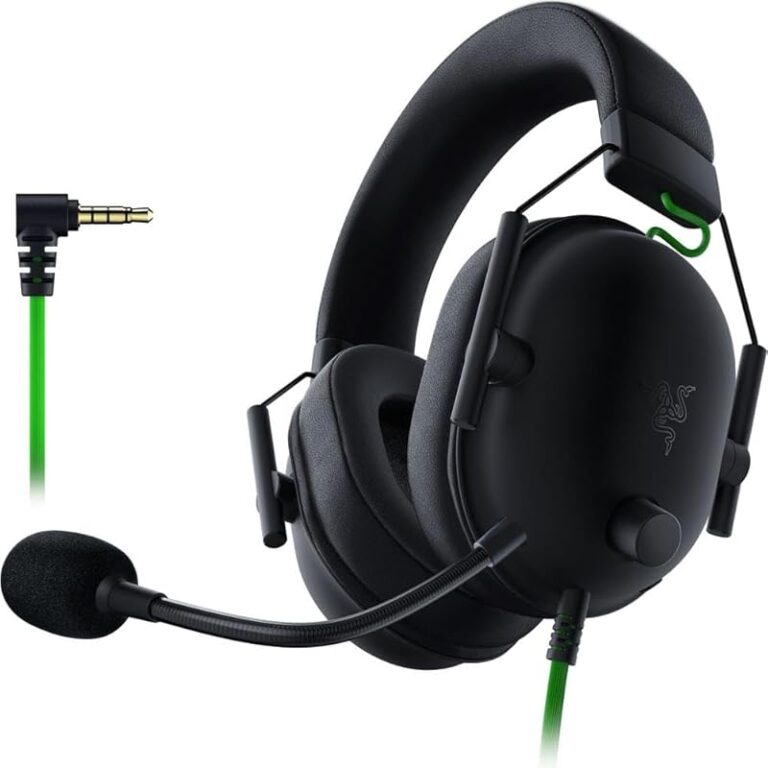
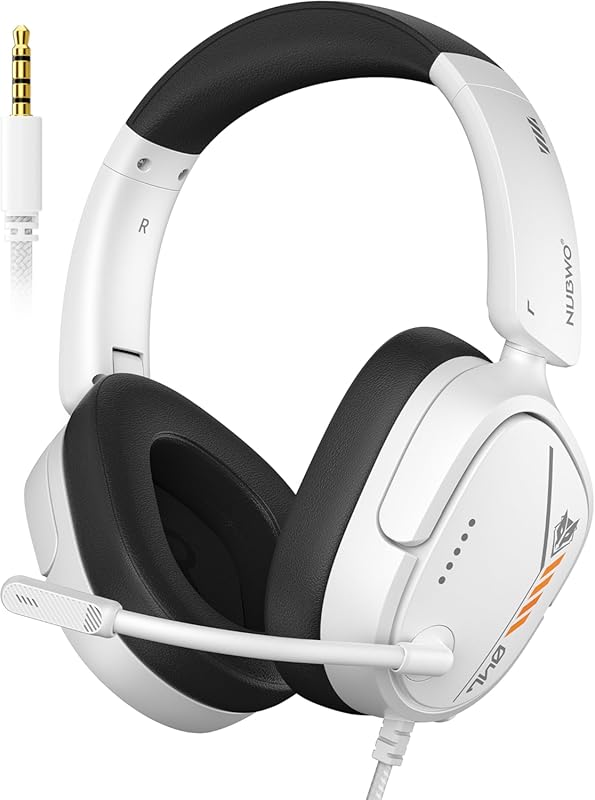
Closed-back headphones are ideal for recording because they isolate sound and prevent bleed into your microphones. Open-back headphones offer a wider soundstage for mixing and critical listening.
Having both types gives you flexibility. You can record with closed-back headphones and mix with open-back headphones for a more immersive experience.
## Operating System and Software Compatibility
Both Windows and macOS are viable platforms for music production. Each has its strengths and weaknesses. Your choice often comes down to personal preference and DAW compatibility.
### Windows vs. macOS for Music Production
Windows PCs offer more flexibility and customization. You can build or upgrade a system more easily and often at a lower cost. Many popular DAWs like Ableton Live, FL Studio, and Reaper run natively on Windows.
macOS is known for its stability and optimized performance. Logic Pro X is exclusive to Apple, and many producers prefer the seamless integration between hardware and software. Apple Silicon chips (M1, M2, M3) also deliver impressive performance per watt.
#### DAW System Requirements
Every DAW has its own system requirements. Before purchasing software, check the official website for minimum and recommended specifications. This ensures your PC can handle the software without issues.
Some DAWs are more resource-intensive than others. Programs like Cubase and Pro Tools can be demanding, while lighter options like GarageBand or BandLab run well on modest hardware.
## Common Mistakes When Building a Music Production PC
Avoiding common pitfalls saves you time, money, and frustration. Here are mistakes many beginners make when setting up a production PC.
### Skipping the UPS (Uninterruptible Power Supply)
Power surges and outages can damage your equipment and corrupt project files. A UPS provides backup power and surge protection. It gives you time to save your work and shut down safely during a power failure.
### Overlooking Cooling and Ventilation
Music production PCs can generate significant heat, especially during long sessions. Overheating causes throttling, which reduces performance. Make sure your case has adequate airflow and consider adding extra fans if needed.
### Buying Too Much of One Thing
It is tempting to splurge on a top-tier GPU or the fastest CPU available. But for music production, balance matters more than raw power. A mid-range CPU with sufficient RAM and fast storage will outperform an overpowered CPU with insufficient memory.
## Expert Insights: Optimizing Your Workflow
Professional producers often share the same advice: optimize your setup before you start creating. Small adjustments can lead to significant improvements in performance and creativity.
### Reduce Audio Latency
Latency is the delay between pressing a key and hearing the sound. Lower buffer sizes reduce latency but increase CPU strain. Find the sweet spot where latency is low enough for comfortable recording but high enough to avoid audio dropouts.
### Keep Your Drivers Updated
Outdated audio drivers cause compatibility issues and performance problems. Check for ASIO driver updates regularly, especially after major Windows updates. Keeping drivers current ensures stable and reliable performance.
### Organize Your Project Files
A clean file structure makes your workflow faster and reduces the risk of missing audio files. Create folders for samples, presets, projects, and exports. Use consistent naming conventions so you can find anything quickly.
## Conclusion
PC requirements for music production do not have to be intimidating. Focus on the essentials: a strong multi-core processor, at least 16GB of RAM, fast SSD storage, and a quality audio interface. These core components form the foundation of a reliable and responsive production setup.
You do not need the most expensive hardware on the market. A balanced system tailored to your workflow delivers excellent results. Start with what fits your budget, and upgrade components as your needs grow.
The most important thing is to start creating. A solid PC removes technical barriers and lets you focus on what matters most: making music.
Key Takeaways
- Processor: A multi-core CPU with high clock speed is the backbone of any music production PC.
- RAM: 16GB minimum is recommended; 32GB or more for large projects and heavy plugin usage.
- Storage: SSDs are essential for fast load times, and a secondary HDD helps manage large audio libraries.
- Audio Interface: A quality interface reduces latency and improves sound fidelity for recording and monitoring.
- OS & Software: Windows or macOS both work well, but compatibility with your DAW matters most.
Frequently Asked Questions
What is the minimum PC spec for music production?
A minimum setup includes a dual-core processor, 8GB of RAM, a 256GB SSD, and a basic audio interface. This configuration handles simple projects and light plugin usage. However, 16GB of RAM and a quad-core CPU are strongly recommended for a smoother experience.
Do I need a dedicated GPU for music production?
No, a dedicated GPU is not essential for most music production tasks. Your CPU and integrated graphics handle audio processing just fine. A dedicated GPU only becomes important if you use visual-heavy plugins or do video editing alongside music production.
How much storage do I need for music production?
A 1TB NVMe SSD is a great starting point for most producers. It provides enough speed for your DAW and active projects while leaving room for sample libraries. If you collect large sound packs, add a secondary HDD for extra storage.
Can I use a laptop for music production?
Yes, many producers use laptops exclusively. Portable options like the best laptop for music production offer a good balance of performance and mobility. Just make sure your laptop has sufficient RAM, a solid SSD, and decent thermal management for long sessions.
What audio interface should beginners buy?
A simple two-input interface like the Focusrite Scarlett Solo or Scarlett 2i2 is perfect for beginners. These interfaces offer clean preamps, low latency, and easy setup. They are affordable and widely compatible with most DAWs and PCs.
How important is RAM speed for music production?
RAM speed has a minor impact compared to capacity. For music production, prioritize having enough RAM (16GB or more) over faster RAM speeds. CAS latency and dual-channel configuration matter slightly, but capacity is far more important for running large projects and sample libraries.
=== META TITLE ===
Pc Requirements for Music Production | Complete Guide 2024
=== SEO TITLE ===
Pc Requirements for Music Production: Complete Guide
=== URL SLUG ===
pc-requirements-for-music-production
=== INTERNAL LINKS USED ===