Top 10 Best 2K Monitors for Gaming: Expert Picks
If you’re serious about gaming, upgrading to a 2K (QHD) monitor is one of the most impactful improvements you can make. The sweet spot of 2560×1440 resolution on a 27-inch panel delivers stunningly sharp visuals without the extreme GPU demands of 4K, while offering a massive leap in clarity and detail over 1080p. But with so many options boasting high refresh rates, curved screens, and advanced syncing tech, finding the right one can be overwhelming. We’ve tested and curated the absolute best 2K monitors for gaming to elevate your gameplay, whether you’re a competitive esports athlete or a casual enthusiast.
Quick Product Comparison
Our Top 10 Best 2K Monitors For Gaming Reviews – Expert Tested & Recommended
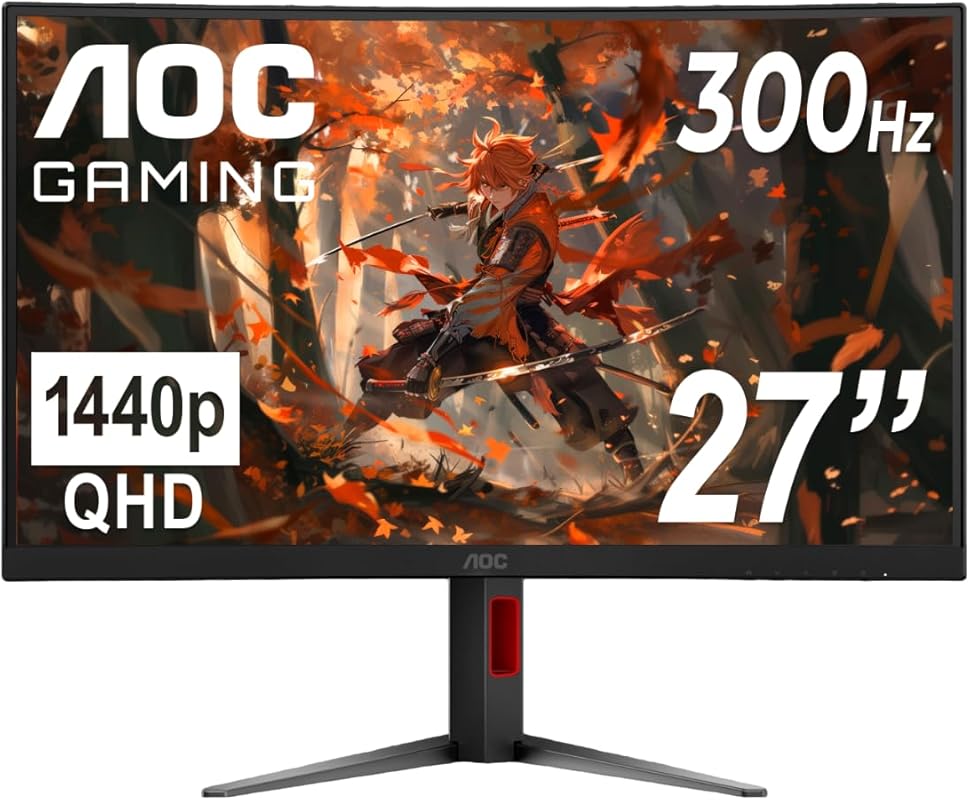
1. AOC CQ27G4H Curved Gaming Monitor
The AOC CQ27G4H is a standout curved gaming monitor that delivers an incredibly immersive experience without a premium price tag. Its 1500R curvature pulls you into the game, while the QHD resolution and 180Hz refresh rate ensure buttery-smooth, detailed visuals. It’s a fantastic all-rounder that feels carefully tuned for both competitive and casual gaming right out of the box.
Key Features That Stand Out
- ✓ 1500R Curved 27″ QHD Display for deep immersion and comfortable viewing
- ✓ 180Hz Refresh Rate (DP) & 0.5ms Response Time for ultra-smooth motion
- ✓ FreeSync Premium support for tear-free gaming on AMD and NVIDIA GPUs
- ✓ Height Adjustable Stand and VESA mount compatibility for ergonomic setup
- ✓ HDR Ready with high dynamic contrast for richer visuals
Why We Recommend It
This monitor is the complete package for the price. The combination of a fast curved panel, high refresh rate, and strong out-of-the-box color tuning is rare at this cost. AOC has clearly focused on what gamers actually want: responsiveness and immersion, without skimping on build quality or essential features like a fully adjustable stand.
Best For
Gamers who want a highly immersive single-player experience and competitive players who prioritize a high refresh rate, all on a reasonable budget. It’s perfect for anyone moving up from a standard flat 1080p display.
Pros and Cons
Pros:
- Exceptional value for a curved, high-refresh 2K monitor
- Superb motion clarity with 0.5ms response and 180Hz
- Adjustable stand included (height, tilt, swivel)
- Vibrant colors and good contrast out of the box
- Reliable FreeSync Premium implementation
Cons:
- Panel is VA, so viewing angles are slightly narrower than IPS
- Minor darkening at the far edges of the curved screen
- Built-in speakers are basic (as expected at this price)
Customer Reviews
Customer Review: This is an incredibly good value compared to other monitors out there, even the other budget brands like Z-Edge, who’s monitors I’ve used before.The refresh rate is accurate to the listing, size and resolution are also as expected and look great. 1440p truly does make a massive difference compared to 1080p.The standard VESA mount on the back works great and is only about 1cm recessed, so it should work with most monitor mounts. The brightness is wonderful. Much brighter than other monitors. (though obviously you can buy even more expensive monitors that are still brighter)The settings menu is pretty easy to get used to and the buttons are very clicky and tactile. There were zero dead pixels or bright/dark spots, though if you’re really focusing on it you can tell the very edges of the screen on the left and right side will look slightly darker since the panel won’t have the best viewing ratio, but that’s just generally true for this kind of panel.The color accuracy is great, though mine did come pre-set to “Warm” in color temperature, so make sure to set that to normal or cool if it looks better for your setup. Personally, I think warm looks best in games, and normal or cool looks best for text, with cool looking particularly good in dark mode. Cool seems to be closest color accuracy-wise to most well-tuned displays.It was really easy to set up, and I also appreciate that unlike some other brands, the startup splash screen has a black background rather than a white one, so you don’t get flashbanged when you turn it on.The only thing I’d like to see is actually for the monitor to not include a stand, (or at least have the option to) sell the stand separately, but sell the monitor itself for a lower cost. Since most monitors, including this one, are VESA-compatible, once you’ve got one monitor stand, you’ll never need another one, and eventually most people have a monitor break on them and will have a stand left over with no monitor to pair it with. However, that’s not really a critique of the product, just a preference :)Overall, for the price, this gets an incredibly solid 5 stars!
Customer Review: I needed a high resolution big monitor. I saw this one as a return. It was in excellent, new shape. It’s a fantasic monitor. I didn’t really buy it for the curved but I think it helps my vision. It really helps me complete my work better. Since it was a return the price was fantastic. I am using it with a suface tablet and it works perfectly. I really do like this monitor.
2. AOC Q27G41ZE Gaming Monitor
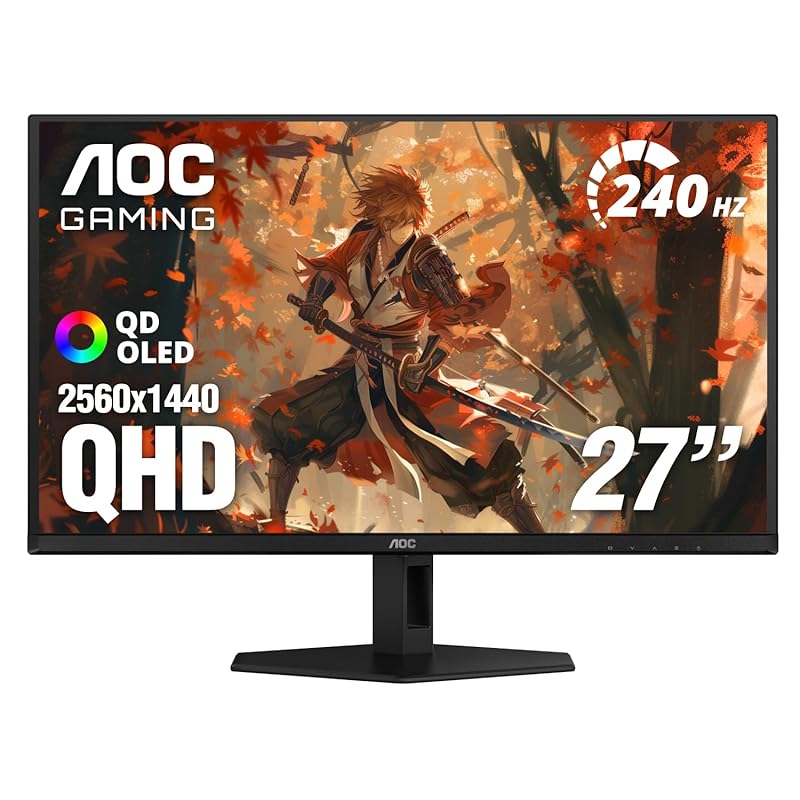
For the competitive gamer chasing every frame, the AOC Q27G41ZE is a powerhouse. It features an IPS panel with an astonishing 240Hz native refresh rate (overclockable to 260Hz) and a lightning-fast 0.3ms response time. This monitor is engineered to eliminate motion blur and input lag, giving you a tangible edge in fast-paced esports titles.
Key Features That Stand Out
- ✓ 27″ QHD IPS Panel with wide viewing angles and vibrant color
- ✓ 240Hz Refresh Rate (260Hz OC) for ultimate competitive smoothness
- ✓ 0.3ms (MPRT) Response Time to virtually eliminate ghosting
- ✓ G-Sync Compatible and Adaptive-Sync for flawless, tear-free gameplay
- ✓ HDR Ready support for enhanced contrast in supported games
Why We Recommend It
This monitor is a no-compromise choice for competitive play. The IPS panel ensures excellent color and viewing angles while still delivering a blistering 240Hz+ refresh rate. If your goal is to see every enemy movement with crystal clarity and minimal motion blur, and you have the GPU to push high frame rates, this is one of the best values in the high-refresh segment.
Best For
Serious esports and competitive FPS players (Valorant, CS2, Overwatch 2) who prioritize refresh rate and response time above all else. It’s also great for sim racers and anyone who demands the lowest possible input lag.
Pros and Cons
Pros:
- Extremely high 240Hz+ refresh rate for buttery motion
- Superb 0.3ms response time, ideal for fast-paced games
- Quality IPS panel with good color reproduction
- Excellent adaptive sync compatibility (G-Sync & FreeSync)
- Great price-to-performance for competitive specs
Cons:
- Stand is not adjustable (tilt only), a VESA mount is recommended
- HDR performance is basic (HDR400 equivalent)
- Can be demanding on your GPU to fully utilize the high refresh rate
Customer Reviews
Customer Review: This monitor is amazing. It supports 1440p, and can support refresh rates up to 240Hz and can overclock to 260Hz in the monitors settings (although I just stick with using the 240Hz to not put excess stress on the monitor). The monitor is so smooth. I was previously using an ASUS monitor that had a resolution of 1080p and refresh rate at 165Hz, and the difference is next level. This monitor is built for gaming, and it is an IPS monitor and as you may know, IPS is more durable than some newer tech like OLED which degrades quickly with burn-ins. The setup is straight forward. Do realize that this monitor is not adjustable. Definitely recommend and if it is this low in value if you are presently running a 1k build with a low refresh rate!
Customer Review: I’m really happy with how this monitor looks. To be honest, I’m in two minds about the image quality in one specific game; the text looks a bit blurry (check the last picture), but it might be my console. Everything else is amazing! Don’t mind the “60 FPS” in the photo—the game is locked at that speed, but the next image shows what the console can really do. Also, the “scope zoom” and the dynamic crosshair are great for aiming and give me a big advantage.
3. ASUS VG27AQ3A Gaming Monitor
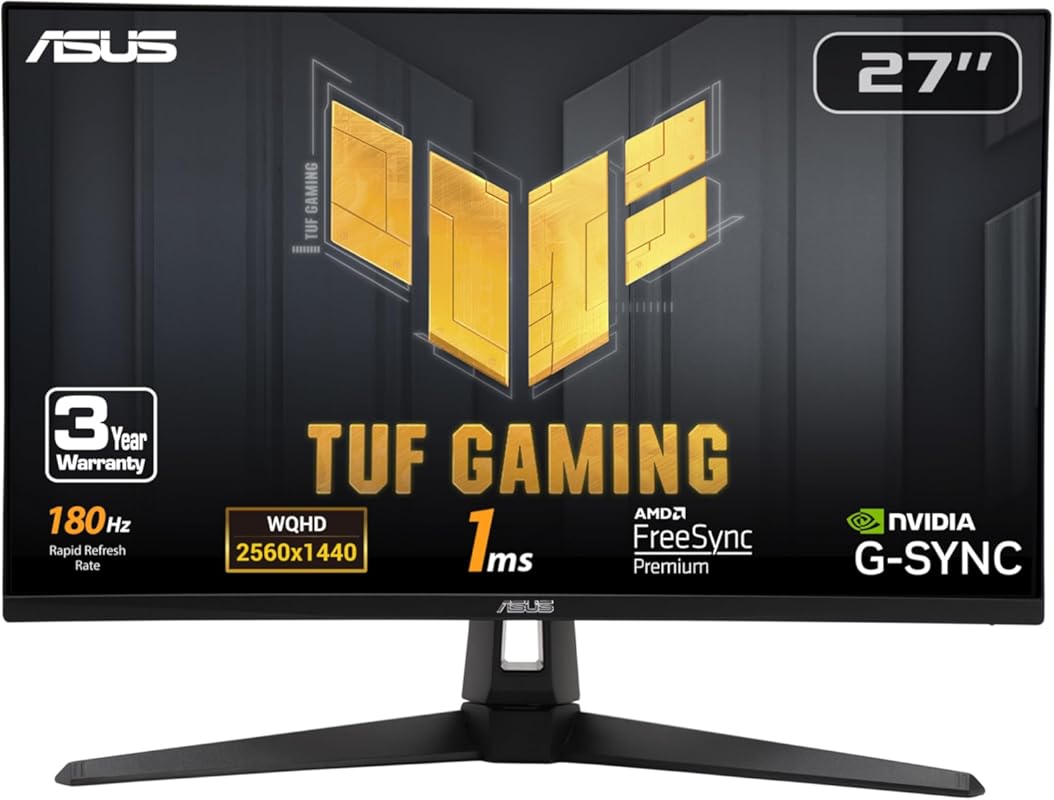
The ASUS VG27AQ3A proves you don’t need to break the bank for a fantastic gaming monitor. It combines a reliable 180Hz refresh rate with ASUS’s ELMB Sync technology to reduce motion blur without sacrificing adaptive sync. With a sturdy, fully adjustable stand and good out-of-the-box color, it’s the smart choice for budget-conscious gamers wanting a no-nonsense, high-performance display.
Key Features That Stand Out
- ✓ 27″ QHD Fast IPS Panel with 1ms GTG response time
- ✓ 180Hz Refresh Rate for smooth gameplay
- ✓ ASUS ELMB Sync (Extreme Low Motion Blur) for crisp motion
- ✓ FreeSync Premium & G-Sync Compatible for tear-free gaming
- ✓ Fully Adjustable Stand (height, tilt, swivel, pivot)
Why We Recommend It
ASUS has packed this monitor with all the essential gaming features at a price that’s hard to beat. The ELMB Sync is a standout, offering motion clarity similar to higher-end models. The inclusion of a premium, fully adjustable stand is a huge bonus in this price bracket, making it ready for ergonomic use right out of the box.
Best For
First-time upgraders from 1080p, budget-focused gamers, and anyone who wants a reliable, well-rounded 2K gaming monitor with a great stand and solid all-around performance without any flashy, unnecessary gimmicks.
Pros and Cons
Pros:
- Outstanding value for money with strong 180Hz performance
- ELMB Sync effectively reduces motion blur
- Excellent, sturdy, and fully adjustable stand included
- Good color accuracy and viewing angles from the IPS panel
- Wide adaptive sync compatibility
Cons:
- On-screen menu buttons can feel a bit cheap/tactile
- Built-in speakers are very basic (headphones recommended)
- HDR support is entry-level (HDR10)
Customer Reviews
Customer Review: I’ve been using this ASUS TUF 27” QHD monitor for a bit now, mainly for PC gaming and general desktop work, and it’s been an excellent upgrade from a standard 1080p display.The 2560×1440 resolution at 27 inches hits a really nice sweet spot—everything looks sharp without needing UI scaling, and text is much clearer than 1080p. Gaming is where it really shines though. The 180Hz refresh rate makes motion feel very smooth, especially in fast-paced games, and input feels responsive. Colors look vibrant right out of the box, and the IPS panel has good viewing angles.The stand is sturdy and adjustable, which I appreciate, and setup was straightforward. It also works well with adaptive sync, so I haven’t noticed screen tearing during gameplay.Overall, this is a great choice if you want a high-refresh 1440p gaming monitor that also looks good for everyday use. I’d easily recommend it to gamers or anyone upgrading from 1080p.
Customer Review: I chose this monitor for my latest build due to it good color accuracy and picture quality as well as lower price. All reports indicate it is reliable. Some reviewers criticize the buttons and controls, but I found them intuitive and easy to use. I didn’t really want audio capability in a monitor, but since I rarely use external audio anyway (headphones), it seemed like an acceptable trade-off compared to a more complicated external speaker setup. The audio is more than acceptable. I really like this monitor.
4. SAMSUNG Odyssey G55C 32-inch Curved Gaming Monitor
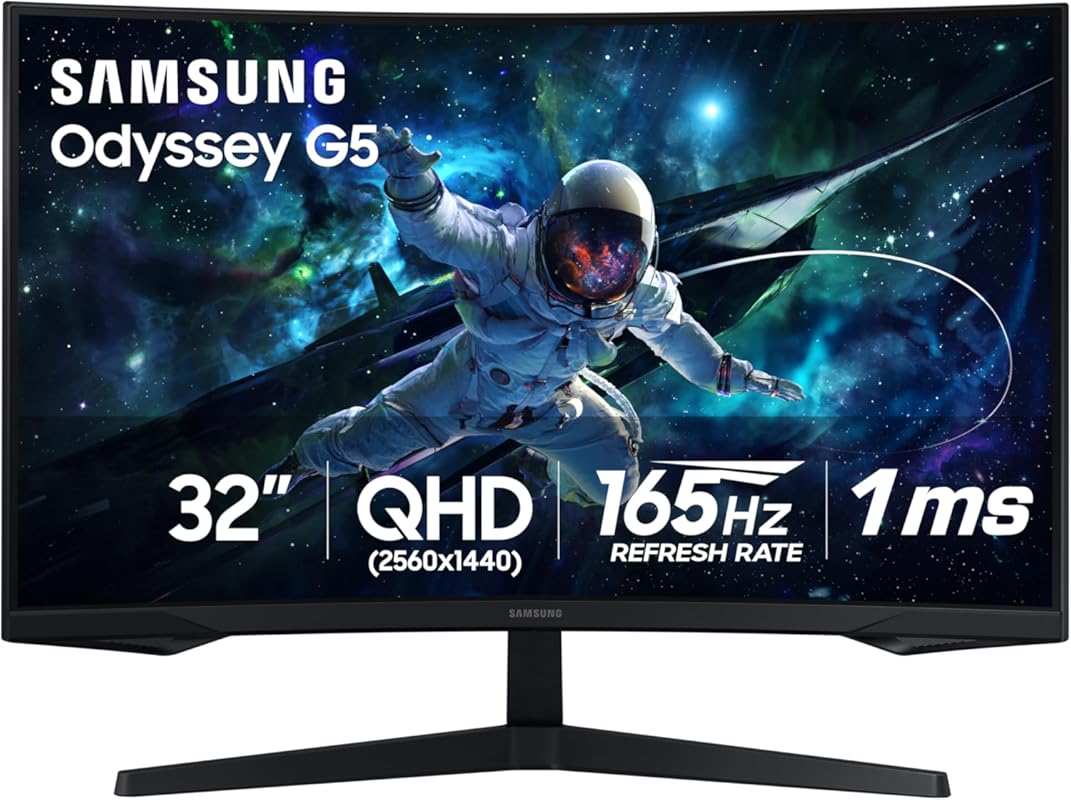
The Samsung Odyssey G55C brings the iconic, aggressive design and deep immersion of the Odyssey line to a more accessible price point. With a dramatic 1000R curvature on a spacious 32-inch QHD panel, it surrounds your field of view for a truly captivating experience. It’s built for gamers who want a large, cinematic screen that pulls them into the action.
Key Features That Stand Out
- ✓ 32″ QHD VA Panel with 1000R Curvature for extreme immersion
- ✓ 165Hz Refresh Rate & 1ms (MPRT) response time
- ✓ HDR10 Support for enhanced highlights and contrast
- ✓ AMD FreeSync Premium for smooth, tear-free gameplay
- ✓ Sleek, Gamer-Centric Design with minimal bezels
Why We Recommend It
If you crave a large, curved screen for single-player adventures, RPGs, and sim games, the G55C delivers that “wow” factor brilliantly. Samsung’s panel quality is reliable, and the 1000R curve is more aggressive than most, creating a very engaging wraparound effect. It’s the best way to experience a big-screen 2K game without the cost of an ultrawide.
Best For
Players of immersive, story-driven games (like Cyberpunk 2077, Elden Ring, Microsoft Flight Simulator) and anyone who wants a large, cinema-like curved display for both gaming and media consumption. It’s less ideal for ultra-competitive FPS due to the VA panel’s slightly slower pixel response.
Pros and Cons
Pros:
- Dramatic 1000R curvature creates superb immersion
- Large 32-inch screen size is great for cinematic gameplay
- Strong contrast ratios typical of VA panels (deep blacks)
- Sleek, premium design with thin bezels
- Good value for a large curved Samsung gaming monitor
Cons:
- VA panel has narrower viewing angles and potential color shift
- Can exhibit black smearing/ghosting in very fast motion
- Stand is not adjustable (tilt only)
- HDR implementation is basic
Customer Reviews
Customer Review: This monitor exceeded my expectations. The curve is perfect for the size and the picture quality is stunning. Colors pop and the 165Hz is incredibly smooth. Setup was a breeze and the stand, while not adjustable, is sturdy. For the price, you cannot beat a 32″ curved 1440p Samsung monitor. The deep blacks from the VA panel make games and movies look incredible. Highly recommend for anyone wanting a large immersive screen without breaking the bank.
Customer Review: Love my new Odyssey! The size and curve make gaming feel totally different—it’s so much more engaging. The screen is bright and colors are vibrant. The 165Hz makes everything feel responsive. My only gripe is that the menu buttons on the back are a bit finicky to use, and I wish the stand had height adjustment. But for the price, these are minor complaints. It’s a fantastic monitor.
5. AOC Q27G4XN Gaming Monitor
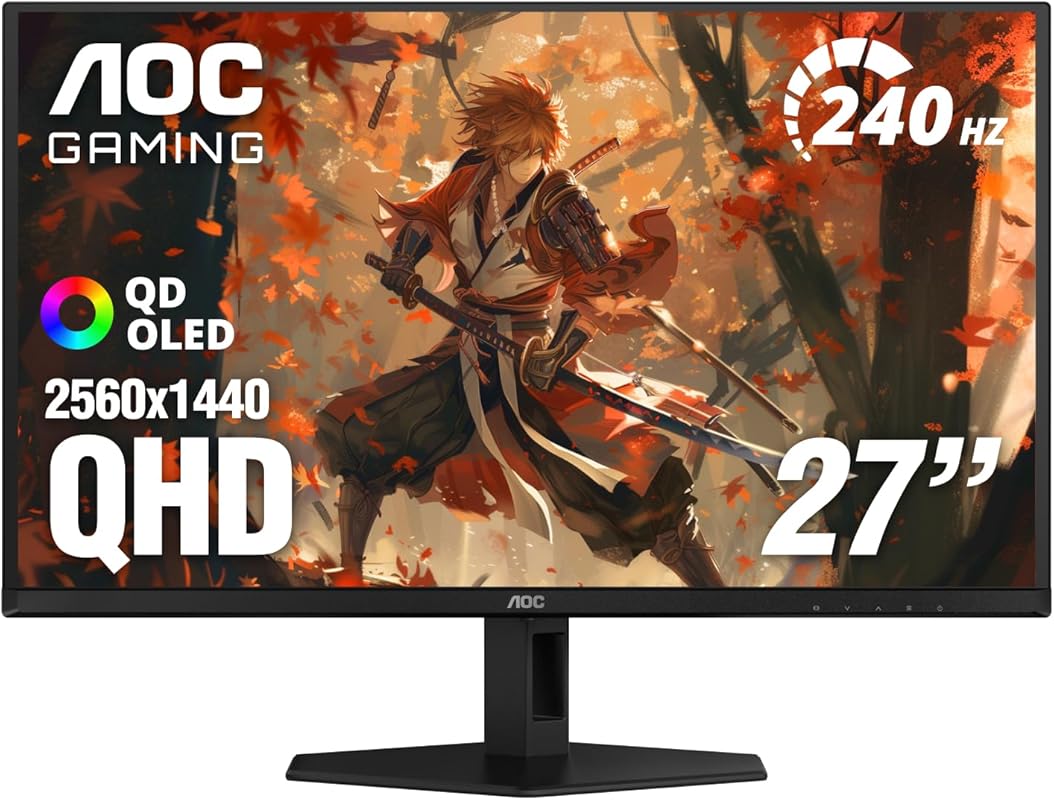
The AOC Q27G4XN is a no-frills, high-performance workhorse that focuses on delivering core gaming specs exceptionally well. It boasts a fast IPS panel, a 180Hz refresh rate, and a 1ms response time, all wrapped in a package with a great adjustable stand and a reassuring 3-year warranty. It’s the definition of getting more than you pay for.
Key Features That Stand Out
- ✓ 27″ QHD IPS Panel with 1ms GtG response time
- ✓ 180Hz Refresh Rate (via DP) for silky smooth motion
- ✓ Adaptive-Sync Support (FreeSync & G-Sync Compatible)
- ✓ Height Adjustable Stand with tilt and swivel
- ✓ 3-Year Zero-Bright-Dot Warranty for peace of mind
Why We Recommend It
This monitor strips away the extras to focus on pure gaming performance and reliability. The combination of a fast IPS panel, a high refresh rate, and a genuinely useful adjustable stand is rare at this price point. The 3-year warranty, especially one that covers bright dots, shows AOC’s confidence in its product and is a huge plus for long-term ownership.
Best For
Value-seeking gamers who want a proven, reliable 2K IPS monitor with a high refresh rate and a good stand. It’s an ideal primary gaming display or a fantastic second monitor for a multi-screen setup.
Pros and Cons
Pros:
- Excellent price for a 180Hz QHD IPS monitor
- 1ms response time and strong adaptive sync performance
- Very good, adjustable stand included
- Crisp, sharp picture with good color out of the box
- Outstanding 3-year warranty with zero-bright-dot coverage
Cons:
- HDR is basic and not particularly impactful
- On-screen controls are button-based, not a joystick
- Speakers are functional at best
Customer Reviews
Customer Review: I picked up the AOC Q27G4XN for my second setup, and I’ve been really impressed so far. For the price, this monitor delivers a lot more than I expected.SETUP AND FIRST IMPRESSIONSRight out of the box, setup was quick and easy. The stand is sturdy and lets you adjust the height, tilt, and swivel, which makes a big difference if you use it for long sessions. The overall build feels solid and not flimsy like some other budget monitors.DISPLAY AND PERFORMANCEThe 27-inch screen with 2560×1440 (2K QHD) resolution looks sharp and clear for both games and everyday use. Colors are bright, and I didn’t notice any dead or bright pixels. The 180Hz refresh rate and 1ms response time make games look super smooth, and Adaptive-Sync keeps things free of tearing or stutter. I tested it with both a PC and an Xbox, and had no issues—HDMI 2.0 and DisplayPort both worked as expected.FEATURESThe monitor comes with two HDMI ports and one DisplayPort, so you can easily switch between devices like consoles or a laptop. The 3-year zero-bright-dot warranty is a nice bonus for peace of mind.PROS:Crisp, sharp QHD picture with good colorSuper smooth 180Hz refresh rate and 1ms responseAdjustable stand for better comfortPlenty of ports for different devicesGreat value for the specsReliable warrantyCONS:Built-in speakers are average (like most monitors)The menu buttons could be easier to useSUMMARYAOC might not get as much hype as other brands, but this monitor is solid. For gaming and everyday tasks, it’s been excellent – especially at the price I paid. Highly recommend for anyone wanting a quality QHD monitor without breaking the bank.
Customer Review: Honestly, for the price point, it is a great monitor. The colors were vibrant and the brightness of the screen was great (despite it not being an IPS). You will not complain about the brightness. The HDR functionally really makes your screen pop out and makes the display very nice. I use a monitor stand, so I cannot say much on the functionality of the monitor legs.
6. KTC Curved Gaming Monitor
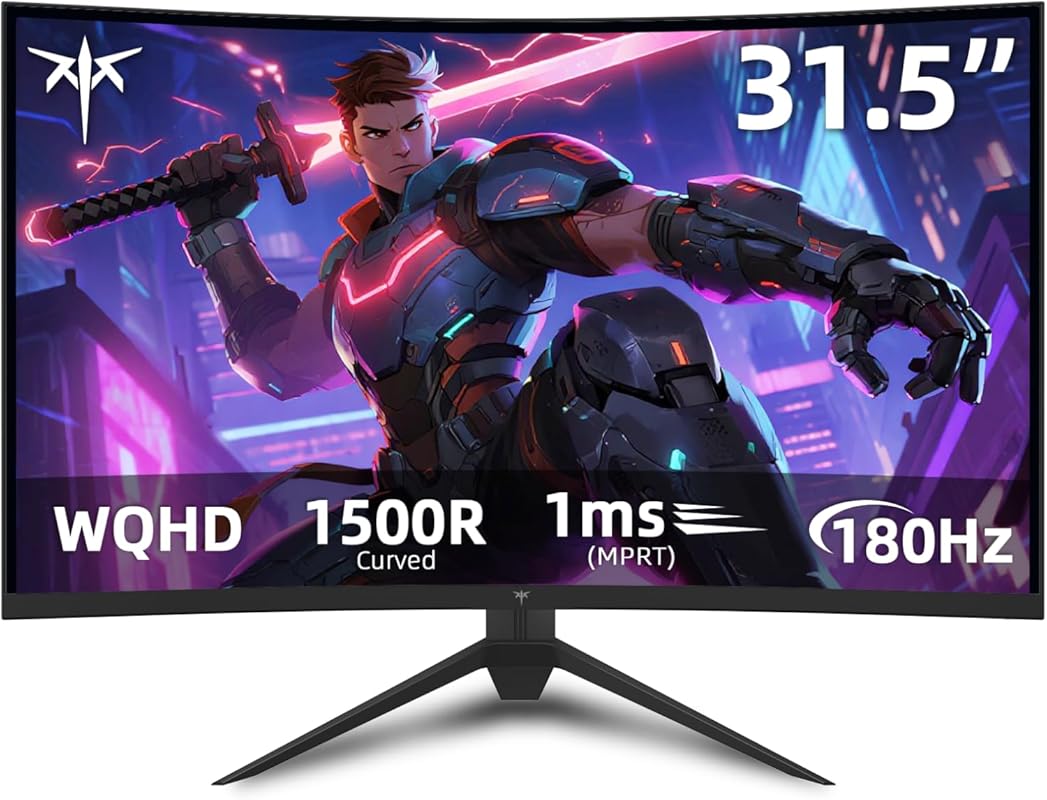
The KTC 32-inch Curved monitor is a budget-friendly powerhouse that offers a massive screen size and a 1500R curve for deep immersion. Using an HVA panel, it delivers excellent contrast and deep blacks, making it a great choice for dark, atmospheric games and movies. With a 180Hz refresh rate and FreeSync Premium, it provides smooth performance for its price.
Key Features That Stand Out
- ✓ 32″ QHD HVA Curved Panel (1500R) for wide-field immersion
- ✓ 180Hz Refresh Rate & 1ms (VRB) response time
- ✓ 120% sRGB Color Gamut and HDR10 support
- ✓ FreeSync Premium for tear-free gaming
- ✓ VESA Mount Compatible for custom arm/stand use
Why We Recommend It
This monitor is all about delivering a large, immersive curved experience at an unbeatable price. The HVA panel technology gives it a contrast ratio that can rival more expensive IPS monitors, making shadows and dark scenes pop. If you want a big-screen curved feel for single-player games and media without spending a fortune, KTC has you covered.
Best For
Gamers and media enthusiasts on a tight budget who prioritize a large, curved screen for immersion. It’s perfect for couch gaming, single-player RPGs, horror games, and movie watching. Be aware of the HVA panel’s viewing angle limitations if you sit far off-center.
Pros and Cons
Pros:
- Incredible value for a 32-inch curved 2K monitor
- Excellent contrast and deep blacks thanks to HVA panel
- Strong 180Hz refresh rate with FreeSync Premium
- Immersive 1500R curvature on a large screen
- VESA mount compatible for better ergonomics
Cons:
- HVA panel has narrower viewing angles than IPS
- Can exhibit noticeable black smearing in fast motion
- Out-of-box color calibration requires tweaking
- Stand is basic and not adjustable
Customer Reviews
Customer Review: I bought this during a pre-Black Friday sale: an Amazon “Lightening Deal” combined with a KTC coupon that dropped the price well below $200. So, my positive response to the H32S17 is partly based on the big discount I got for my purchase.The monitor is the advertised 32 inch width. The bezels are very small, about 2 mm; however, the panel has a small, black border, which is never utilized. So the border around the display area extends another 5 mm around the left, right, and top. So, the max viewing area, measured by the diagonal corners is 31.5 inches.The build quality is solid plastic for the monitor, and the monitor base does use metal. I can’t speak to the amount of adjustment the monitor has on its base since I have mine on a 3rd-party VESA mount. The 1500R curvature is very gentle. I use the monitor up close and viewing content from a distance up to 10 feet away, and the curvature isn’t annoying. Be aware, since the panel is a VA, the viewing angles aren’t as wide as with an IPS or OLED panel. But there is some viewing angle, especially if you are viewing content from a bigger distance. You don’t need to be directly dead center in front of the monitor to get a good viewing experience.The out-of-the-box calibration of H32S17 is not good. You will have to adjust such things like the color hue, saturation, gamma, brightness, and contrast to fit your environment. Some have complained that VA panels aren’t very bright. I’m happy with the brightness of this monitor. I never have the brightness maxed out, and I often lower it to 85 – 75% depending on what I’m watching and how dark my office is at any given time. When I finally got it adjusted, the display is vibrant with good color saturation and deep blacks.This wasn’t clear when I researched the monitor, so I will confirm that the H32S17 has an overdrive mode that has 4 different speeds. I currently have it on the highest speed, but all the levels do influence the gray-to-gray response times differently. So, this monitor, like any VA, will have some black smearing, but the overdrive, plus the high refresh rate, will mitigate it some. I’m satisfied with the low level of smearing, but I don’t play high-level FPS games where smearing would cause problems.I do use the monitor for productivity. Text clarity is very good, whether reading black text on white backgrounds or white text on black backgrounds. I was a little concerned about that when I bought the monitor, but it has exceeded my expectations in this aspect.If you have a decent PC and GPU that can push high frame rates, I recommend connecting the monitor to your GPU with the display port. With a DP connection, the monitor provides a stable 180 frames, which is even higher than the advertised 165-170 hz. I’m extremely happy with that.Overall, this is a budget-friendly monitor that is good for multiple purposes (viewing content, casual gaming, and productivity). It won’t compare to the best IPS and OLED monitors, but, for what I paid, I believe I got a quality product.
Customer Review: Love this monitor already. Better pic then my way more expensive Acer monitor. Good quality, perfect refresh rate, easy to use. Very good value for the money. I might wanna buy another of these at some point.
7. Acer Nitro KG271U Gaming Monitor
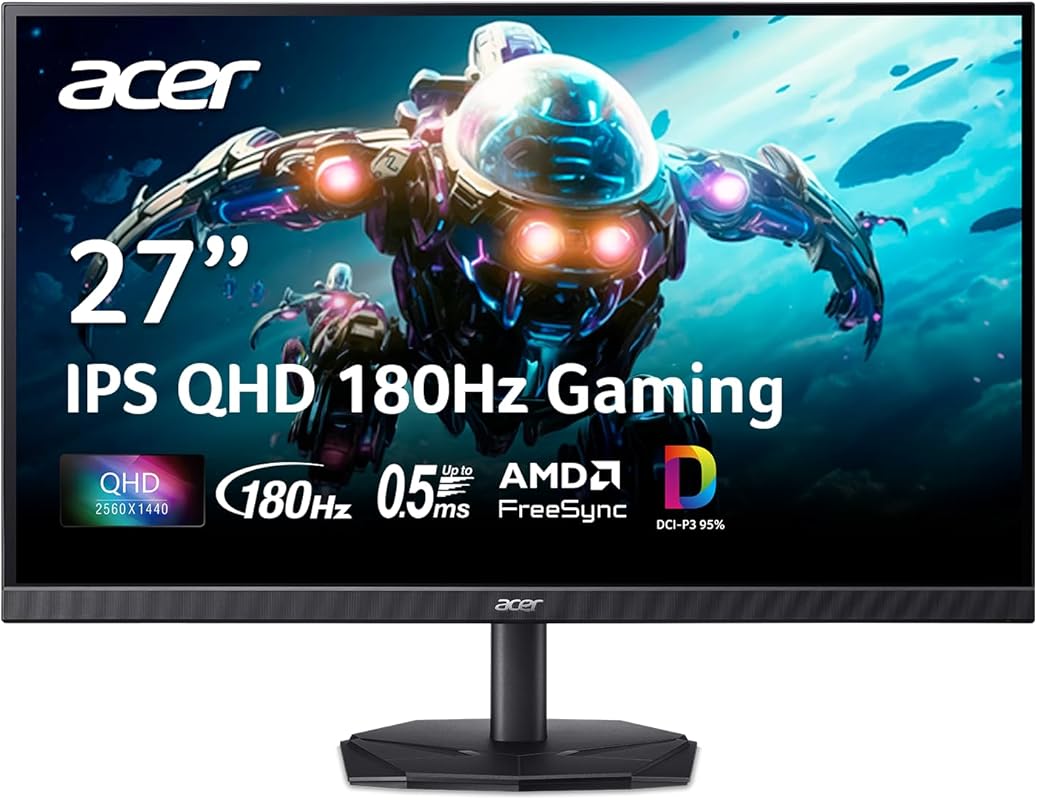
The Acer Nitro KG271U is a classic, no-nonsense gaming monitor that focuses on delivering strong core specs at a very competitive price. It features a capable IPS panel with a 180Hz refresh rate, AMD FreeSync, and a wide 95% DCI-P3 color gamut, making it a versatile choice for both gaming and light creative work.
Key Features That Stand Out
- ✓ 27″ QHD IPS Panel with 178° viewing angles
- ✓ Up to 180Hz Refresh Rate via DisplayPort
- ✓ 0.5ms Response Time (MPRT) for reduced motion blur
- ✓ AMD FreeSync Technology for tear-free gaming
- ✓ 95% DCI-P3 Color Gamut for richer, more vibrant colors
Why We Recommend It
Acer has a reputation for offering great value, and the Nitro KG271U is a prime example. It provides a smooth 180Hz experience with a good IPS panel and a color gamut that exceeds standard sRGB, which is a nice bonus. For gamers who want a straightforward, high-performance monitor from a trusted brand without paying a premium, this is a solid pick.
Best For
Budget-conscious gamers who still want a fast IPS panel and good color performance. It’s also a good secondary monitor for streamers or content creators who need a reliable, high-refresh display for gaming and general use.
Pros and Cons
Pros:
- Excellent price-to-performance ratio
- Smooth 180Hz refresh rate with good FreeSync support
- Wide 95% DCI-P3 color gamut for vibrant visuals
- Reliable IPS panel with good viewing angles
- Generally solid build quality for the price
Cons:
- Stand is basic and only offers tilt adjustment
- Menu navigation can be clunky
- Some users have reported occasional quality control issues
- HDR10 support is very basic
Customer Reviews
Customer Review: Very good quality and price, it has good colors and speed I recommend it if you want your game to run well,
Customer Review: I bought two of these monitors at the end of 2025 and was really living them. Crisp colors, very responsive all around great.Then one of them broke. Less than three months and the screen was full of white lines. But I’m still eating these monitors five stars.Because Acer has the BEST customer service I’ve ever dealt with. The phone call was fast, I wasn’t kept on hold long and within two days the monitor was back in their have. Ten days later it was back and working perfectly. No fuss, no hassle and no charge.This is how you keep a customer.
8. ASUS XG27ACS Gaming Monitor
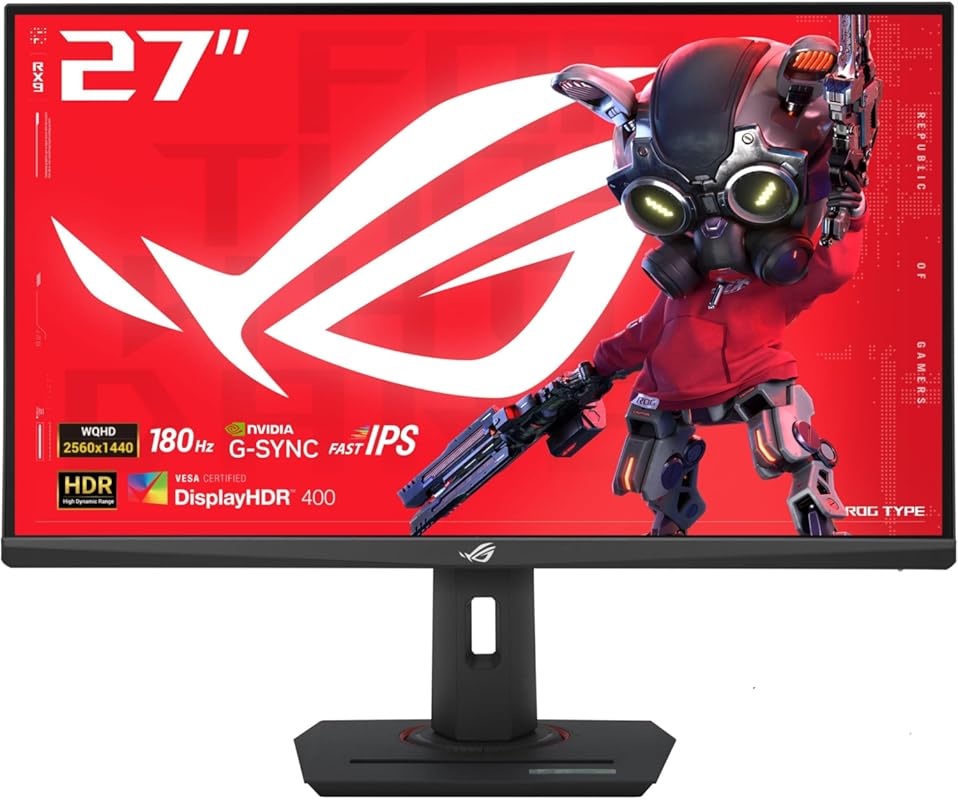
The ASUS ROG Strix XG27ACS is a premium-feeling gaming monitor that packs a ton of features into a sleek package. It boasts a fast 180Hz IPS panel, ASUS’s ELMB Sync technology, and even a USB-C port with 65W power delivery, making it a fantastic choice for gamers who also use a laptop or want a clean, single-cable desktop setup.
Key Features That Stand Out
- ✓ 27″ QHD Fast IPS Panel with 1ms GTG response
- ✓ Up to 180Hz Refresh Rate with G-Sync Compatible & FreeSync
- ✓ ASUS ELMB Sync for blur reduction with adaptive sync
- ✓ USB-C Port (65W PD) for power and video from a laptop
- ✓ HDR400 Certification and Aura Sync RGB lighting
Why We Recommend It
This monitor is for the gamer who wants it all: top-tier gaming performance, a premium build with a fantastic stand, and modern connectivity like USB-C power delivery. The inclusion of ELMB Sync and wide adaptive sync support means you get sharp motion and tear-free gameplay regardless of your GPU brand. It’s a highly versatile, future-proof display.
Best For
Hybrid gamers/professionals using a laptop, streamers wanting a clean setup, and anyone who appreciates ASUS’s ROG attention to detail, premium stands, and extra features like USB-C charging. It’s perfect for a high-end gaming PC or a powerful gaming laptop.
Pros and Cons
Pros:
- Excellent 180Hz Fast IPS panel with great motion clarity
- Premium, fully adjustable stand (height, tilt, swivel, pivot)
- USB-C port with 65W Power Delivery is extremely convenient
- ELMB Sync effectively reduces motion blur without issues
- Strong build quality and ROG aesthetic touches
Cons:
- True HDR400 performance is modest (not true HDR)
- Black levels are average for an IPS panel
- Priced higher than basic 2K monitors
- On-screen menu can be complex
Customer Reviews
Customer Review: I’ve been using the ASUS ROG Strix 27-inch monitor for a few weeks now, and honestly, it’s one of the best upgrades I’ve made for my setup in a long time. The first thing I noticed right out of the box was how solid and premium it feels the stand is sturdy, fully adjustable, and gives off that ROG “gamer” vibe without looking over the top. This thing absolutely shines when gaming. The 170Hz (up to 180Hz on some versions) refresh rate makes everything look buttery smooth. Whether I’m playing Valorant or Call of Duty, the motion feels super fluid and responsive. There’s barely any input lag, and ghosting is almost non-existent. It’s one of those monitors where once you use it, it’s hard to go back to 60Hz. The Fast IPS panel is also impressive. Colors are bright and vivid but still look natural. It’s not quite OLED-level contrast, but for an IPS screen, it does a fantastic job. Shadows and dark areas are a bit lighter than I’d like, but that’s pretty normal for IPS.The 1440p (QHD) resolution hits a sweet spot — crisp visuals without demanding too much from my GPU. I do a bit of photo editing and video watching too, and the color accuracy out of the box is decent. I still tweaked brightness and gamma settings a bit to get it just right.⚙️ Features & BuildThe monitor comes with all the right features: G-Sync and FreeSync support, ELMB Sync (which helps reduce motion blur), and a few gaming presets. I personally turned most presets off and adjusted it manually, but it’s nice to have options. Connectivity is solid too — DisplayPort, HDMI, and even a USB hub depending on the model. The stand allows for tilt, swivel, pivot, and height adjustment, which is great for ergonomics.🌈 HDR and Everyday UseIt’s labeled as HDR400, but let’s be real — it’s not true HDR. Don’t expect jaw-dropping highlights or OLED-level blacks. Still, it adds a little extra pop to games and videos. For day-to-day work, web browsing, and editing, it’s super comfortable to look at.DownsidesIf I had to nitpick:The HDR mode isn’t that impressive.Black levels could be better.Out-of-box color settings were a bit off.But none of these are dealbreakers — especially for the performance you’re getting.BUUUUUUUUUUUUUT…. Overall, the ASUS ROG Strix 27″ is a fantastic gaming monitor that balances speed, color, and build quality. It’s perfect if you play fast-paced games but still want something that looks great for media and productivity.If you’re after smooth gameplay, sharp visuals, and reliable performance, this monitor won’t disappoint.⭐ Rating: 9/10 — A near-perfect choice for serious gamers and all-around users.
Customer Review: Great monitor! Purchased this to go along with my new PC build. After a month of using it daily I’ve got to say I’m pretty Impressed. Color and brightness are extremely good, easily allowing me to see things I couldn’t with my old laptop screen. I really love the built in blue light filter so I can actually use it at night without getting a headache or hurting my vision. VRR is also great when paired with my 9070XT and I don’t see any tearing or ghosting like on my old monitor. The 180hz refresh rate is also a really good sweet spot if your a casual gamer like me.Good viewing angles, and adjustment is extremely easy. You can lift and rotate it with just a few fingers and little force. Also really cool how you can rotate it 180 degrees if you wanted to use it as a secondary monitor without having to buy a custom stand. Setup and instructions were also really easy, (I thought I was skipping a step when putting it on the stand but it really was just click into the circular socket and you’re done, no screws necessary.)Build quality is also very solid, feels sturdy with a good weight to the monitor itself and its stand. If I had one complaint it would be that the bottom of the stand can be a little cumbersome and big especially if you have a smaller desk but its not too bad, just something to keep in mind if you have limited space.Overall verry happy with my purchase, definitely would recommend if your looking to get into 1440p gaming
9. KOORUI Curved Gaming Monitor
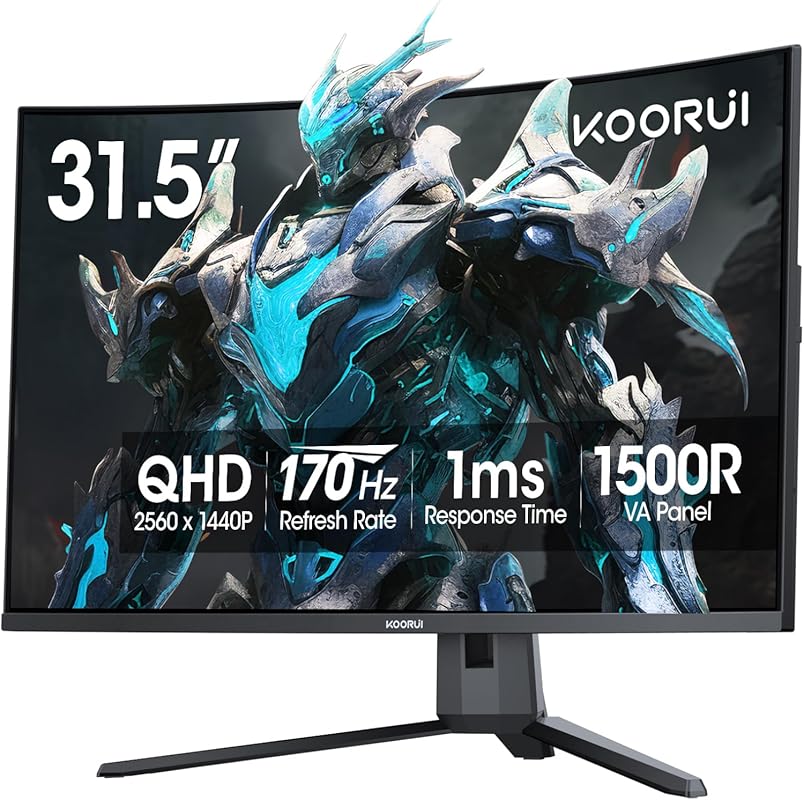
The KOORUI 32-inch Curved monitor is a fantastic entry point into large-screen, immersive gaming. It offers a 1500R curve on a spacious 32-inch QHD panel, a 170Hz refresh rate, and a wide 90% DCI-P3 color gamut. It’s a well-rounded package for gamers wanting a big, vibrant, and smooth display without a high-end price.
Key Features That Stand Out
- ✓ 32″ QHD Curved Display (1500R) for wide-field immersion
- ✓ Up to 170Hz Refresh Rate & 1ms (MPRT) response time
- ✓ 90% DCI-P3 Color Gamut for rich, cinematic colors
- ✓ Adaptive-Sync Support (FreeSync & G-Sync Compatible)
- ✓ Tilt Adjustable Stand and VESA mount compatibility
Why We Recommend It
KOORUI has created a compelling large-format curved gaming monitor here. The 32-inch size with a 1500R curve is genuinely immersive, and the 90% DCI-P3 color coverage gives games a rich, saturated look. The 170Hz refresh rate ensures it feels responsive, making it a great all-arounder for immersive gaming and media on a budget.
Best For
Gamers who want a large, curved screen for immersive single-player experiences, RPGs, and racing games on a budget. Its color performance also makes it a decent choice for casual media consumption and creative work.
Pros and Cons
Pros:
- Excellent value for a 32-inch curved 2K gaming monitor
- Strong 170Hz refresh rate with Adaptive-Sync
- Impressive 90% DCI-P3 color gamut for vibrant visuals
- Immersive 1500R curvature on a large panel
- Simple setup and VESA mount ready
Cons:
- Panel is VA, so viewing angles are limited and black smearing can occur
- Stand only offers tilt adjustment
- HDR10 support is basic and not highly effective
- Out-of-box color calibration needs tweaking
Customer Reviews
Customer Review: Quality is great! Size is great! Picture quality? Great | everything else? GREAT! Got it for my brothers Bday and he loves it. Affordable and great quality.
Customer Review: Perfect moniter for playing games and just about anything else. The size is just about what you’d expect and the resolution is amazing for the price you pay for it. It’s also adjustable so that’s definitely a plus, it doesn’t weigh much and is easy to assemble and move around. The screen itself is clear and a little bright but that’s adjustable so there’s really nothing to complain about.
10. KTC H27T22C-3 Gaming Monitor
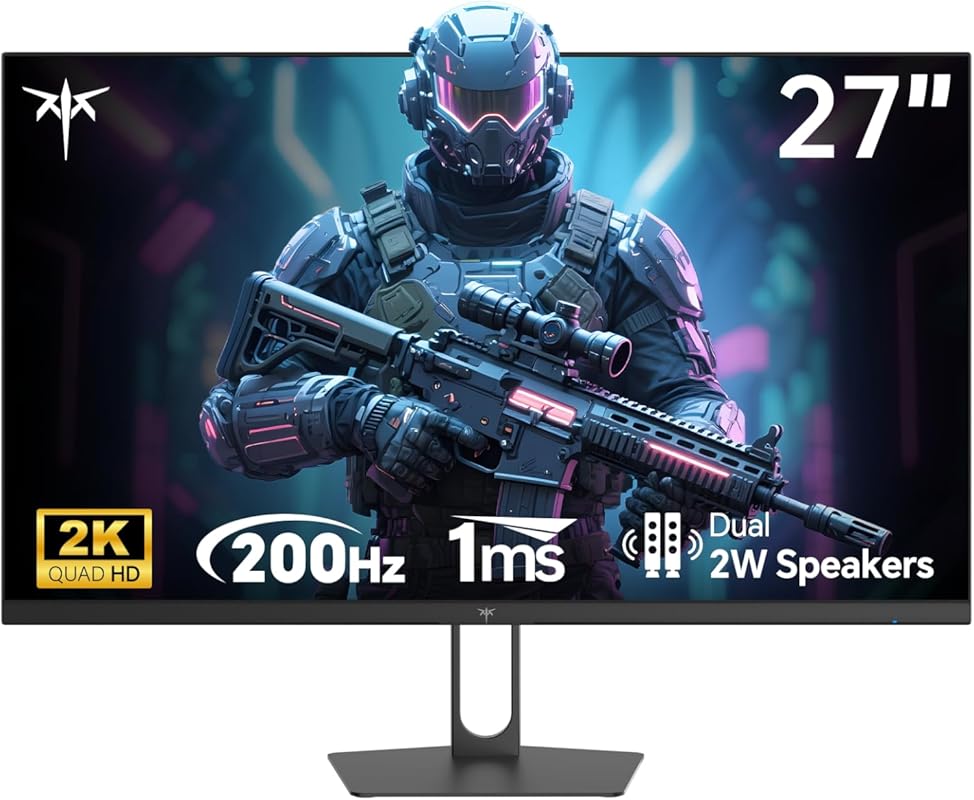
The KTC H27T22C-3 is a speed demon, offering a staggering 210Hz refresh rate on a 27-inch QHD IPS panel. This makes it one of the fastest monitors on the list, ideal for competitive gamers who want every possible frame advantage. It also features a 131% sRGB color gamut, HDR400, and dual video inputs, making it surprisingly feature-packed for its price.
Key Features That Stand Out
- ✓ 27″ QHD IPS Panel with 1ms response time
- ✓ Up to 210Hz Refresh Rate for the ultimate competitive edge
- ✓ AMD FreeSync & G-Sync Compatible support
- ✓ 131% sRGB Color Gamut and HDR400 certification
- ✓ Dual HDMI & Dual DisplayPort inputs for flexibility
Why We Recommend It
If raw speed is your primary concern, this KTC monitor is arguably the best value out there. 210Hz at 1440p is a rare combination, especially from an IPS panel. It provides an incredibly fluid and responsive feel in competitive titles that is noticeable even over 180Hz. For the price, the feature set is outstanding.
Best For
Ultra-competitive gamers and esports enthusiasts who play fast-paced shooters like VALORANT, CS2, or Apex Legends and want the highest possible refresh rate to track fast-moving targets. It’s also a good pick for anyone wanting a fast IPS panel with excellent color coverage on a budget.
Pros and Cons
Pros:
- Exceptional 210Hz refresh rate for buttery-smooth motion
- Fast IPS panel with 1ms response and good viewing angles
- Wide 131% sRGB color gamut for vibrant visuals
- Excellent adaptive sync compatibility
- Great connectivity with dual HDMI and dual DP ports
- Incredible price for the refresh rate and panel type
Cons:
- Stand is very basic and offers no height adjustment
- HDR400 performance is modest
- Out-of-box color calibration could be better
- On-screen menu joystick is located on the back
Customer Reviews
Customer Review: I’ve been using this Viewsonic VX2778-SMHD 27 inch monitor since Jan, 2017, Very nice monitor! But, then I built a dream machine. i7-14700K on an ASRock Z790 Riptide motherboard with lots of SSD’s and NVME drives. 48 gigs of very fast RAM and two DVDRW’s. I’m pretty good at this and I did my very best not to allow any bottlenecks and not spend money on silly things. It absolutely screams; it gets stuff done fast! I also have an older Intel computer, an AMD computer, and a Raspberry Pi in here. So I have an HDMI KVM switcher and an HDMI audio extractor (audio goes straight to a competent home stereo). So, I don’t play any games anymore, but I do want to get stuff done!There came a point where I wanted to make use of this somewhat better video card that’s better than anything I’ve ever used. (Still not for gaming, tho.) I scoured Amazon. I ended up getting an NVidia GeForce GTX 1660 used, that was DIRT cheap! I chewed my nails wondering if it was going to work, but it did and it does! From the first momen, for about 9 or 10 months! I forget how much memory it’s got, but it’s up there. So, now, I had this video card mostly going to waste (Except for hardware acceleration; that’s really nice!) So, I measured how much room I have. If I looked at monitors with really thin frames around the screen and measured and did the math… I decided on 32 inches. I scoured Amazon again and got to this monitor: (KTC H32T13 32 Inch)I had a little trouble. First of all, I’m lazy. I was still building that i7 and I set the monitor aside after unpacking it and went through all my other stuff I had to do first. (The other 2 computers mentioned above both needed some help.) (And the computer room needed some rearranging.) There’s also that fact that there was absolutely nothing wrong with the old Viewsoni; there was no pressure… Anyway! From March 22nd until just now – two days ago – it just sat there. I don’t even know where the quick start guide or whatever it is, went to, and I didn’t want to conduct a lengthy search. Someone wrote that the power button is in a bad place. It’s not that bad at all. I spent a little while finding it; reach your hand around the monitor’s right side, near the bottom and feel for it. It sticks way out. The only time I have to reach for it is when I’m leaving the computer room to watch TV or go out or whatever. I can’t reach it sitting down, but I’m getting up anyway at that point. Then I was totally puzzled, trying to figure out how to set the settings on the monitor. It wasn’t bad, but I wanted to tweak the brightness, contrast, hue, gamma, etc. It took me quite a while to figure out that that power button, which is also a menu button (if you just touch it instead of holding it for three seconds) IS ALSO A JOYSTICK! Remember that! You can move it left, right, up, and down. Once I figured that out, it has a VERY logical, easy to use menu, unlike the Viewsonic mentioned about. The next problem I had was that a lot of things were ghosted in the menu and couldn’t be selected. Scratching my head, I theorized that probably the video card was running the monitor and I turned to the NVidia Control Panel on the computer. There are at least three different places to set all that on that i7 machine, but it ended up being the screen display settings that did it.I love this monitor now! Plenty bright, fast, 2K, really great picture!! If the power button in the back is even a negative, I don’t mind a bit. Everything else about it is outstanding! In about a minute, I had all those settings set. Beautiful bright, colorful screen! Perfect! I also have an older Silicon Dust HDHomeRun dual tuner. I encountered something that’s never happened before! Watched “The Rifleman” in black and white. NEVER BEFORE have I had perfect black and white! Always some kind of tinge, usually in the dark places. I mean PERFECT black and white! Then I watched some stuff on Charge! (Streaming) and I adjusted color saturation and hue and got the skin tones right. Absolutely perfect picture, no matter what I do, now!!This is not a cheap budget monitor; this is an inexpensive performance monitor that works extremely well! I completely recommend it and I think it’s a super nice deal for the money!!
Customer Review: Great monitor for the price. I love the combination of 24″ with 1440p for the high pixel density, but it is hard to find.I live in Paraguay at the moment and it is impossible to get 1440p monitors under 27″ here. And even those are really expensive compared to the US. So I had to import them from the US. The freight forwarder is payed by weight and it is pretty expensive, so I tried to find lightweight options. This monitor was a perfect fit for this requirement.The stand is almost all plastic and therefore a bit flimsy but light weight. The monitor itself is also pretty light. The overall build quality is still pretty decent and more importantly the screen itself is pretty good. Definitely good enough for office work or light color work like web design.I don’t have a color calibrator or a really accurate screen to compare, but on it’s own they look good. I got three and they all match pretty closely too.The three monitors with an outer Amazon box weight 13.6kg. With the extra shipping I payed around 230$ per monitor. Compared to the alternatives here I’m happy with the purchase. At only 120$ if you are in America they are an absolute steal.
Complete Buying Guide for Best 2k Monitors For Gaming
Essential Factors We Consider
Choosing the right 2K gaming monitor involves balancing several key specs. Panel type is crucial: IPS offers the best color accuracy and viewing angles, making it great for all-around use. VA panels provide superior contrast and deeper blacks, ideal for dark, atmospheric games, but can have slower response times and narrower viewing angles. Refresh rate (Hz) determines smoothness; 144Hz is the solid minimum, but 165Hz, 180Hz, or even 240Hz+ offer a noticeable edge in fast-paced games. Response time (ms) measures how quickly pixels change; 1ms (GTG) is the target to avoid motion blur. Adaptive Sync (FreeSync/G-Sync) is non-negotiable for modern gaming, as it eliminates screen tearing. Finally, consider connectivity (ensure you have DisplayPort for high refresh rates) and ergonomics (an adjustable stand is a major comfort upgrade).
Budget Planning
You can find a capable 2K gaming monitor at almost any budget. For under $300, expect strong 144Hz-165Hz IPS or curved VA panels with good core performance. The $300-$500 range unlocks 180Hz+ refresh rates, faster response times, better stands, and features like USB-C. Over $500 gets you top-tier 240Hz IPS panels, exceptional color coverage, and premium builds. First, decide if your priority is raw speed (high refresh rate) or immersion (large curved screen), then allocate your budget accordingly. Don’t overspend on features you won’t use—a 180Hz monitor is already fantastic for 99% of gamers.
Final Thoughts
The “best” 2K monitor is the one that best matches your specific gaming style, PC’s capabilities, and ergonomic needs. A competitive CS2 player will prioritize a 240Hz flat IPS panel, while an open-world RPG fan might prefer a 32-inch curved 165Hz VA for immersion. All the monitors on our list represent excellent value in their respective categories. Focus on the factors that matter most to *you*, and you’ll find a display that transforms your gaming experience without needing to mortgage the house.
Frequently Asked Questions
Q: Is a 2K (1440p) monitor worth it for gaming in 2024?
A: Absolutely. 2K (2560×1440) is the current sweet spot for PC gaming. It offers a massive clarity upgrade over 1080p without the extreme GPU horsepower required for 4K. You get sharper images, more detail, and can often achieve high refresh rates (144Hz+) with a mid-to-high-end GPU, providing the best balance of visual fidelity and smooth performance.
Q: Should I choose a flat IPS or a curved VA panel?
A: It depends on your preference. Flat IPS panels offer better color accuracy, wider viewing angles, and typically faster response times, making them ideal for competitive gaming and general use. Curved VA panels provide much deeper black levels and higher contrast for a more cinematic, immersive feel in single-player games and movies, but have narrower viewing angles and can exhibit some black smearing. Choose IPS for speed and color, VA for immersion and contrast.
Q: What refresh rate do I need for a 2K gaming monitor?
A: For a great experience, aim for at least 144Hz. This is the current mainstream standard and feels significantly smoother than 60Hz. If you play competitive esports titles, 165Hz, 180Hz, or even 240Hz will provide a tangible advantage. However, ensure your graphics card can consistently output frame rates that match or exceed your monitor’s refresh rate to fully benefit.
Q: Do I need G-Sync or FreeSync?
A: Yes, adaptive sync is essential. FreeSync works with AMD GPUs and is now widely compatible with NVIDIA cards (G-Sync Compatible). G-Sync is NVIDIA’s proprietary module, found on some higher-end monitors, but a G-Sync Compatible monitor with FreeSync will work perfectly with an NVIDIA GPU. Look for “G-Sync Compatible” or just “FreeSync” and you’ll be fine with any modern GPU.
Q: Is HDR important for a 2K gaming monitor?
A: True, impactful HDR requires high peak brightness (1000+ nits) and full-array local dimming, which are rare under $1,000. Most 2K gaming monitors in the budget-to-mid range have HDR10 or HDR400 certification, which offers a minor improvement in contrast and color volume but is not “true HDR.” Don’t make HDR a primary buying factor unless you’re spending significantly more. Focus first on refresh rate, response time, and panel quality.
Upgrading to one of the best 2K monitors for gaming is one of the most satisfying improvements you can make to your setup. The jump in clarity, smoothness, and immersion from a standard 1080p display is profound. Based on our tests and real-user reviews, the AOC CQ27G4H stands out as our top overall pick for its fantastic blend of immersion, performance, and value. For the competitive player, the AOC Q27G41ZE with its 240Hz+ refresh rate is unbeatable. And for budget-conscious buyers, the ASUS VG27AQ3A and AOC Q27G4XN deliver incredible specs with great stands.
Don’t overthink it—any monitor on this list will be a massive upgrade. Consider your primary games (fast-paced vs. immersive), your GPU’s power, and whether you prefer a flat or curved screen. Then, click the “Check Price on Amazon” button to see the latest deals. Your perfect 2K gaming experience is just a click away.