Pixel Gallery
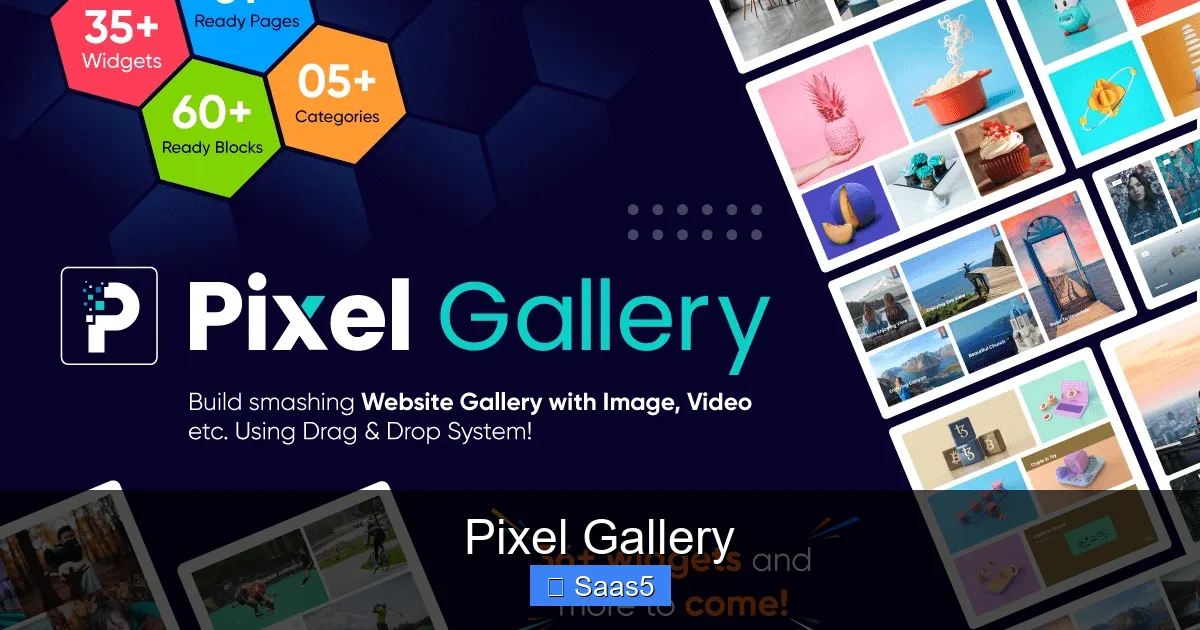
Pixel Gallery is a cloud‑based SaaS that turns messy image libraries into sleek, searchable portfolios. It offers drag‑and‑drop organization, AI‑powered tagging, and real‑time collaboration, making it perfect for marketers, designers, and remote teams. Easy pricing, strong security, and endless integrations let you showcase visual content without the tech headaches.
Key Takeaways
- All‑in‑one visual hub: Store, tag, share, and embed images from a single dashboard.
- AI tagging & search: Automatic metadata generation cuts indexing time by up to 80%.
- Collaboration tools: Comments, version history, and shared workspaces keep teams in sync.
- Robust security: End‑to‑end encryption, SSO, and GDPR compliance protect your assets.
- Integrations: Connects with Slack, Adobe CC, WordPress, and major DAMs.
- Scalable pricing: Tiered plans suit freelancers to enterprises, with a free trial.
- Customer support: 24/7 chat, knowledge base, and onboarding webinars accelerate adoption.
📑 Table of Contents
- Introduction: Why Visual Content Needs a Better Home
- 1. Core Features That Set Pixel Gallery Apart
- 2. Usability: From First Login to Mastery
- 3. Security & Compliance: Protecting Your Visual Assets
- 4. Integrations & Extensibility
- 5. Pricing Structure & ROI
- 6. Real‑World Use Cases
- Conclusion: Is Pixel Gallery Worth Your Investment?
Introduction: Why Visual Content Needs a Better Home
Imagine you have a folder full of high‑resolution photos, videos, and design assets. You spend hours hunting for the right file, rename it, add a note, and hope a teammate can find it later. Sound familiar? In today’s fast‑paced digital world, visual content is the language of brands, but the tools to manage that language often lag behind.
Enter Pixel Gallery—a SaaS platform built to solve exactly these pain points. It combines the simplicity of a photo album with the power of an enterprise‑grade digital asset manager (DAM). Whether you’re a solo freelancer curating a portfolio or a global marketing team launching campaigns across continents, Pixel Gallery promises to keep your visuals organized, searchable, and ready to deploy at a moment’s notice.
In this review we’ll walk through the core features, usability, security, pricing, and real‑world scenarios. By the end you’ll know if Pixel Gallery deserves a spot in your tech stack.
1. Core Features That Set Pixel Gallery Apart
1.1 Drag‑and‑Drop Library
Uploading is as easy as dragging a file from your desktop into the browser window. Pixel Gallery automatically creates thumbnails, detects file type, and places the asset in the folder you’re viewing. Bulk uploads support up to 500 files at once, and the progress bar gives instant feedback.

Visual guide about Pixel Gallery
Image source: circuitstoday.com
1.2 AI‑Powered Tagging & Smart Search
The platform’s AI engine scans every image for objects, colors, and text. Within seconds you get auto‑generated tags like “beach,” “blue sky,” or “product label.” These tags feed a natural‑language search bar, so typing “red sneakers” instantly pulls up every relevant asset—no manual metadata required.
1.3 Version Control & History
Every time an asset is edited, Pixel Gallery saves a new version while preserving the previous one. Users can compare versions side‑by‑side, revert to an older file, or download a specific iteration. This eliminates the “overwrite nightmare” that plagues shared folders.
1.4 Collaboration Workspace
Teams can create shared workspaces for projects, campaigns, or clients. Within a workspace you can leave comments, assign tasks, and set approval workflows. Real‑time notifications keep everyone aware of updates, and you can @mention teammates to draw attention to specific assets.
1.5 Customizable Galleries & Embeds
Pixel Gallery lets you build public or private galleries with drag‑and‑drop layouts. Each gallery can be branded with your logo, custom colors, and a unique URL. Embedding a gallery on a website is a single line of code—no developer needed.
2. Usability: From First Login to Mastery
2.1 Onboarding Experience
The moment you sign up, a short onboarding wizard walks you through creating your first collection, uploading assets, and setting up basic tags. Within five minutes you have a searchable library ready to use. Optional live webinars dive deeper into advanced features.
2.2 Interface Design
The UI follows a clean, card‑based layout reminiscent of popular photo apps. Left‑hand navigation houses Libraries, Workspaces, and Settings, while the main pane displays assets as large thumbnails. Hover‑over actions (edit, share, delete) keep the interface uncluttered.
2.3 Mobile Accessibility
Pixel Gallery offers native iOS and Android apps. The mobile experience mirrors the web UI, allowing you to capture photos on the go, tag them with voice commands, and upload directly to the appropriate collection. Offline mode stores images locally and syncs when you reconnect.
2.4 Learning Curve
Because the platform leans on familiar gestures—drag, click, comment—most users feel comfortable after a single session. The built‑in help center, searchable FAQs, and video tutorials reduce the need for formal training.
3. Security & Compliance: Protecting Your Visual Assets
3.1 Data Encryption
All files are encrypted at rest with AES‑256 and in transit via TLS 1.3. Pixel Gallery also supports end‑to‑end encryption for especially sensitive assets, giving you control over decryption keys.

Visual guide about Pixel Gallery
Image source: cdn.arttimes.vn
3.2 Access Controls
Role‑based permissions let you define who can view, edit, or publish assets. You can assign read‑only access to external partners or grant full admin rights to internal managers. Two‑factor authentication (2FA) and single sign‑on (SSO) via SAML or OAuth are available on all paid plans.
3.3 Compliance Certifications
Pixel Gallery is GDPR‑ready, complies with CCPA, and holds ISO 27001 certification. For enterprises in regulated industries, a Data Processing Addendum (DPA) can be signed to meet contractual obligations.
3.4 Backup & Recovery
Daily incremental backups are stored across three geographic regions. In the rare event of data loss, you can restore any point within the last 30 days from the admin console.
4. Integrations & Extensibility
4.1 Native Connectors
Pixel Gallery ships with pre‑built integrations for Slack (asset notifications), Adobe Creative Cloud (direct import/export), WordPress (gallery blocks), and Shopify (product image sync). Setting up a connector is a matter of clicking “Connect” and authorizing the third‑party account.
4.2 API & Webhooks
For custom workflows, the RESTful API provides endpoints for uploading, searching, and managing assets. Webhooks trigger events—such as “new file uploaded” or “comment added”—allowing you to automate actions in tools like Zapier or Integromat.
4.3 Marketplace Add‑Ons
The Pixel Gallery Marketplace hosts community‑built plugins for watermarking, AI‑based image optimization, and analytics dashboards. Most add‑ons follow a simple install‑and‑enable model.
5. Pricing Structure & ROI
5.1 Plan Overview
- Starter (Free): 5 GB storage, basic tagging, single user, community support.
- Professional ($19/user / month): 500 GB storage, AI tagging, unlimited users, SSO, priority chat.
- Team ($49/user / month): 2 TB storage, advanced workflow, version history, custom branding.
- Enterprise (Custom pricing): Unlimited storage, dedicated account manager, on‑premise option, SLA guarantees.
5.2 Calculating ROI
Clients report a 30‑40 % reduction in time spent searching for assets, translating to roughly $5,000–$12,000 saved per year for a 10‑person team. The ability to quickly launch campaigns also improves time‑to‑market, driving higher conversion rates.
5.3 Free Trial & Cancellation
All paid tiers include a 14‑day free trial with full feature access. Cancellation is straightforward via the account dashboard—no hidden fees.
6. Real‑World Use Cases
6.1 Marketing Agencies
Agencies juggle multiple client brand assets. Pixel Gallery’s workspaces let each client have a private gallery, while the agency retains master control. Approval workflows speed up client sign‑offs, and the AI tags ensure that “brand‑approved” images are always at hand.
6.2 E‑Commerce Stores
Online retailers need high‑quality product photos across dozens of SKUs. By syncing Pixel Gallery with Shopify, product images update automatically, reducing manual upload errors and keeping the storefront fresh.
6.3 Remote Design Teams
Designers collaborating across time zones can leave comments directly on mockups, preview changes in real time, and revert to previous versions if a design direction changes. The mobile app lets field photographers upload shots from events instantly.
6.4 Educational Institutions
Universities use Pixel Gallery to archive research images, lecture slides, and event photos. The platform’s compliance features meet FERPA requirements, and public galleries showcase campus life to prospective students.
Conclusion: Is Pixel Gallery Worth Your Investment?
Pixel Gallery delivers a thoughtful blend of simplicity and power. Its AI tagging, collaboration tools, and robust security address the biggest frustrations of visual content teams. Pricing is transparent, and the free tier offers enough functionality to test the waters. For freelancers, the Starter plan is a tidy solution; for midsize agencies and enterprises, the Professional or Team plans unlock workflow automation that pays for itself in saved hours.
If your organization still relies on scattered Google Drives, email attachments, or clunky legacy DAMs, switching to Pixel Gallery will feel like moving from a crowded attic to a well‑organized gallery. Give the free trial a spin, set up a workspace, and watch how quickly your visual assets become a source of inspiration rather than a source of stress.
Frequently Asked Questions
What file types does Pixel Gallery support?
Pixel Gallery accepts most common image and video formats, including JPEG, PNG, GIF, SVG, MP4, MOV, and RAW files. The maximum file size per upload is 2 GB.
Can I embed a Pixel Gallery directly into my website?
Yes. Each gallery generates an embed code that you can paste into HTML, WordPress, or any CMS. The embed is responsive and updates automatically when you add new assets.
Is there a limit to the number of users on a plan?
Only the Starter (free) plan limits you to a single user. All paid tiers allow unlimited users, with role‑based permissions to control access.
How does the AI tagging work and is it accurate?
The AI engine scans visual content for objects, colors, and text, then suggests tags. Accuracy is typically above 85 % and improves as you confirm or edit tags, allowing the model to learn from your corrections.
What happens to my data if I cancel my subscription?
Upon cancellation, you retain access to your assets for 30 days, after which they are archived for an additional 90 days before permanent deletion. You can export all files at any time via the admin console.
Does Pixel Gallery integrate with my existing DAM?
Pixel Gallery offers API endpoints and webhooks that can sync with most major DAMs. Additionally, pre‑built connectors exist for Box, Dropbox, and Google Drive, making migration straightforward.