What Is a Computer Tablet
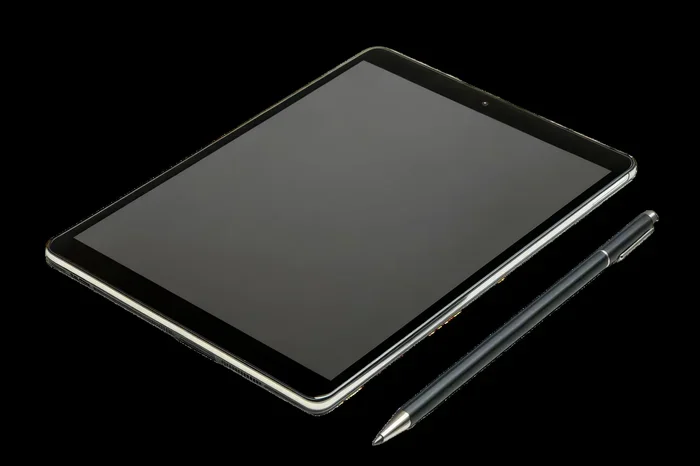
A computer tablet is a portable device that combines a touchscreen display with a built-in operating system, letting you browse, stream, work, and play without a keyboard or mouse. Tablets sit between smartphones and laptops in size and power, making them versatile tools for everyday tasks. This guide breaks down everything you need to know about computer tablets, from types and specs to buying advice.
Key Takeaways
- Computer tablets are portable touchscreen devices that run full operating systems and handle everyday tasks like browsing, streaming, and light work.
- There are several tablet categories, including standard tablets, 2-in-1 hybrids, and enterprise-grade models built for specific use cases.
- Key specs to consider include processor speed, RAM, storage, screen size, and battery life when choosing the right tablet.
- Tablets bridge the gap between phones and laptops, offering a middle ground for mobility and productivity.
- Your use case should drive your purchase decision, whether you need a device for media consumption, schoolwork, creative work, or business tasks.
- Accessories like keyboards, styluses, and cases can greatly expand what a tablet can do.
📑 Table of Contents
What Is a Computer Tablet?
A computer tablet is a portable computing device that features a touchscreen as its primary input method. Unlike a traditional laptop, a tablet does not come with a built-in keyboard or trackpad. Instead, you interact with it by tapping, swiping, and pinching the screen.
Think of a tablet as a device that combines the portability of your phone with the screen size and power of a small laptop. You can browse the web, watch videos, read books, take notes, draw, and even run office applications. The tablet computer has evolved a lot over the years, and today’s models are genuinely capable machines.
Most tablets run mobile operating systems like iPadOS or Android, while some run full desktop operating systems like Windows. This gives them a wide range of capabilities depending on what you need. The tablet vs laptop debate is common, and the answer depends on your specific needs.
Tablets have become incredibly popular because they offer a happy medium. They are more portable than a laptop but more functional than a smartphone. Whether you are a student, a professional, or just someone who wants a device for casual use, there is likely a tablet that fits the bill.
The core idea behind a portable device like a tablet is simplicity. You pick it up, turn on the screen, and start using it. There is no boot-up time like a traditional computer, and the touch-first interface makes navigation intuitive for almost anyone.
Types of Computer Tablets
Not all tablets are the same. Manufacturers build them for different purposes, and understanding the categories helps you choose the right one.
Standard Tablets
A standard tablet is the most common type. It is a slim, lightweight device with a large touchscreen and no attached keyboard. Examples include the Apple iPad and many Samsung Galaxy Tab models. These tablets excel at media consumption, web browsing, and casual gaming.
Standard tablets are great for people who want a simple, distraction-free device. They are easy to carry around, and battery life is usually excellent. If your main needs are streaming video, reading, and light browsing, a standard tablet works perfectly.
2-in-1 Hybrid Tablets
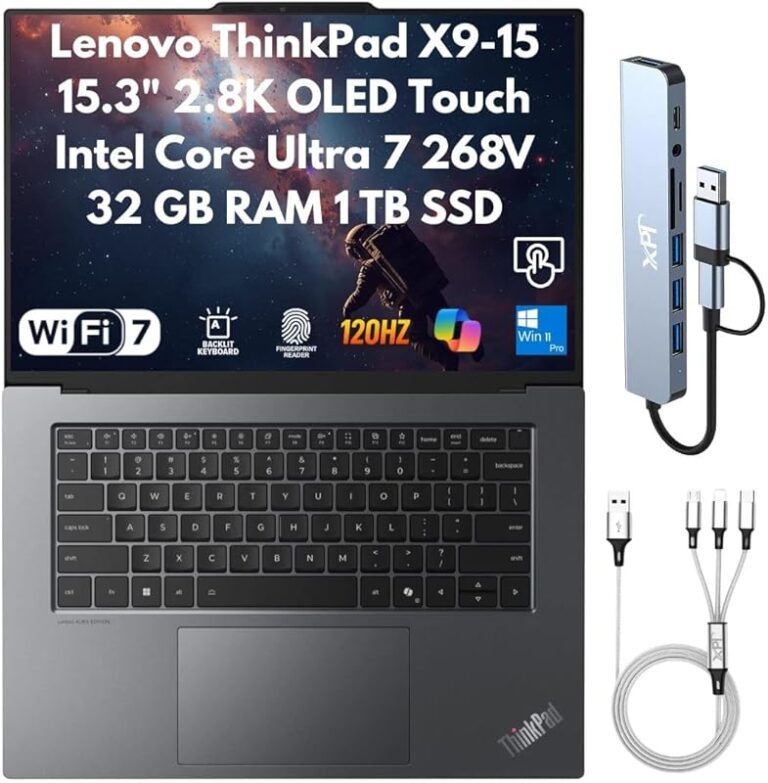
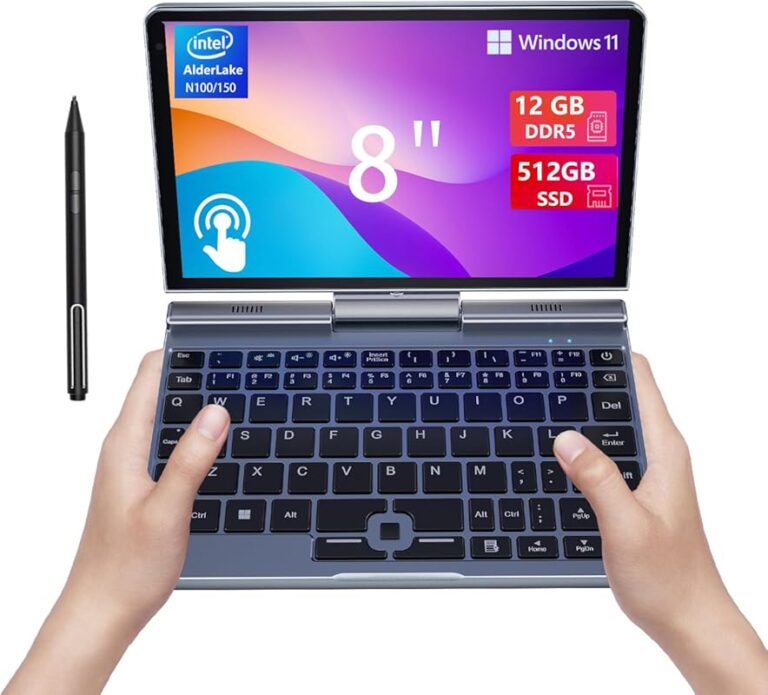
A 2-in-1 hybrid tablet can double as a laptop. It either has a detachable keyboard or a 360-degree hinge that lets you fold it into laptop mode. Devices like the Microsoft Surface Pro and HP Envy x360 fall into this category.
These hybrids run full desktop operating systems, which means you can run traditional desktop applications. They are ideal for people who need the flexibility of a tablet but also want the productivity of a laptop. The hybrid device category has grown a lot in recent years.
Enterprise and Rugged Tablets
Enterprise tablets are built for tough environments. They are durable, often waterproof, and designed for field workers, healthcare professionals, and logistics teams. These devices prioritize reliability over sleek design.
Rugged tablets usually run specialized versions of Android or Windows and come with extra security features. They are not meant for everyday consumers but serve important roles in industries like construction, healthcare, and delivery services.
Key Features of a Computer Tablet
Understanding the key features of a tablet helps you make a smart buying decision. Here is what matters most.
Display and Screen Size
The screen is the heart of any tablet. Most tablets range from 8 inches to 13 inches diagonally. Smaller tablets are more portable, while larger ones are better for work and media.
Screen resolution also matters. A higher resolution means sharper text and images. If you plan to watch movies or edit photos, look for a tablet with at least a Full HD (1080p) display. Tablets with Retina displays or AMOLED screens offer vibrant colors and deep blacks.
Processor and Performance
The processor is the brain of your tablet. A fast processor means smooth multitasking, quick app launches, and better gaming performance. Apple’s M-series chips and A-series chips are industry leaders in tablet performance.
On the Android side, chips from Qualcomm Snapdragon and MediaTek power most flagship tablets. When comparing tablet performance, pay attention to both the processor and the amount of RAM. More RAM allows you to keep more apps open at the same time.
Your tablet specs should match your usage. If you only browse the web and read emails, a mid-range processor is fine. If you edit videos or play demanding games, you need a top-tier chip.
Storage and Memory
Storage is where all your files, apps, photos, and videos live. Most tablets come with 32GB, 64GB, 128GB, or 256GB of internal storage. Some models also support expandable storage through microSD cards.
RAM affects how smoothly your tablet runs. Most tablets have 4GB to 16GB of RAM. If you want to know more about how RAM works in portable devices, you can check out this guide on what the RAM on a laptop covers similar concepts that apply to tablets as well.
For most users, 64GB of storage is a good starting point. If you store lots of media or work with large files, consider 128GB or more. Cloud storage can also help supplement local storage.
Battery Life
Battery life is one of the biggest advantages of tablets. Most standard tablets offer 8 to 12 hours of active use on a single charge. 2-in-1 hybrids may get slightly less due to their more powerful components.
Real-world battery life depends on screen brightness, app usage, and connectivity. Streaming video drains the battery faster than reading an e-book. If you travel often or use your tablet all day, prioritize a model with strong battery life.
Operating System and Ecosystem
The operating system shapes your entire experience. iPadOS runs on Apple iPads and is known for its smooth performance and tight integration with other Apple devices. Android powers most other tablets and offers more customization and a wider range of price points.
Windows tablets run the full desktop Windows operating system, giving you access to traditional desktop software. This makes them the most versatile option for productivity tasks. Your choice of operating system should depend on what apps and ecosystem you already use.
Connectivity and Ports
Most tablets connect to the internet via Wi-Fi, but many models also support cellular data (4G or 5G). Cellular tablets cost more but give you internet access anywhere. Bluetooth connectivity lets you pair wireless headphones, keyboards, and speakers.
Ports vary by model. Some tablets have USB-C ports for charging and data transfer, while others use proprietary connectors. If you need to connect peripherals regularly, look for a tablet with a full-size USB-C port.
Computer Tablet vs Laptop vs Smartphone
People often wonder where tablets fit in the device lineup. Here is a simple comparison.
Tablet vs Laptop
A laptop is more powerful and runs full desktop software. A tablet is more portable and easier to use on the go. For tasks like word processing, spreadsheet work, and coding, a laptop is usually better. For reading, browsing, and media, a tablet shines.
Some 2-in-1 tablets blur this line. A Microsoft Surface tablet with a keyboard attached can replace a laptop for many users. However, traditional laptops still have an edge in raw processing power and software compatibility.
If you want to understand more about laptop components that also apply to tablets, you can read about what is a good RAM for a laptop to get a sense of memory requirements across portable devices.
Tablet vs Smartphone
A smartphone is smaller and always with you. A tablet has a bigger screen and is better for media, reading, and work. Many people use both, but a tablet can replace a smartphone for those who want a larger screen experience.
Tablets are not great as phone replacements because most do not have cellular calling capabilities. However, with apps like FaceTime, WhatsApp, and Zoom, you can make calls over Wi-Fi easily.
Best Uses for a Computer Tablet
Tablets are versatile, and people use them in many different ways. Here are some of the most common use cases.
- Media Consumption: Watch Netflix, YouTube, and browse social media on a comfortable screen.
- Education: Students use tablets for e-books, note-taking, and online classes. A tablet with a stylus is especially helpful for annotating PDFs.
- Creative Work: Artists and designers use tablets with styluses for drawing, photo editing, and video editing.
- Business and Productivity: Professionals use tablets for presentations, email, and document editing on the go.
- Gaming: Tablets offer a great gaming experience with large screens and responsive touch controls.
- Travel: A tablet is perfect for reading, watching movies, and navigating maps during trips.
How to Choose the Right Tablet
Buying a tablet can feel overwhelming with so many options. Here are some practical tips.
Define Your Needs
Start by asking yourself what you will use the tablet for. If you just want to read and browse, a budget tablet is fine. If you need to do real work, invest in a higher-end model with more storage and a better processor.
Set a Budget
Tablets range from around $100 to over $1,500. Set a realistic budget before shopping. Remember that accessories like keyboards and cases add to the total cost. Also, consider the tablet pricing over time, including any subscription services you might need.
Check Compatibility
If you already use a specific ecosystem, stick with it. Apple users will get the most out of an iPad. Android fans might prefer a Samsung Galaxy Tab. Windows users should look at Windows tablets for seamless integration.
Read Reviews
Before buying, read expert reviews and user feedback. Pay attention to battery life, build quality, and software update support. A tablet that receives regular updates will stay useful longer.
Consider Accessories
A good case, a compatible keyboard, and a stylus can transform your tablet experience. These accessories turn a standard tablet into a productivity powerhouse. Check compatibility before purchasing any add-ons.
Common Mistakes When Buying a Tablet
Avoid these common pitfalls when shopping for a computer tablet.
- Skipping RAM consideration: Low RAM tablets struggle with multitasking. Always check the RAM, and if you are unsure, explore guides like what is good RAM for a laptop to understand memory needs across portable devices.
- Ignoring storage: 32GB fills up fast with apps and media. Go for at least 64GB if possible.
- Overlooking screen quality: A low-resolution screen makes everything look blurry. Prioritize display quality.
- Forgetting about accessories: A tablet without a case or keyboard may not meet your needs. Factor these into your budget.
- Choosing based on price alone: The cheapest tablet is not always the best value. Balance price with features and build quality.
The Future of Computer Tablets
The tablet market continues to evolve. Manufacturers are pushing the boundaries of what tablets can do. Foldable tablets are on the horizon, and processors are getting more powerful each year. Mobile computing is shifting toward hybrid devices that combine the best of tablets and laptops.
Software improvements are just as important as hardware. Operating systems are becoming more tablet-friendly, with better multitasking, split-screen support, and stylus integration. As tablet technology advances, these devices will continue to close the gap with traditional computers.
5G connectivity is also making tablets more useful on the go. Faster cellular speeds mean you can stream, download, and work from almost anywhere. This expands the practical uses of tablets for both personal and professional purposes.
Artificial intelligence is another area shaping the future. AI-powered features in tablets now help with photo editing, voice recognition, and smart recommendations. These enhancements make tablets smarter and more intuitive with every generation.
Final Thoughts
A computer tablet is a versatile, portable device that fills the gap between smartphones and laptops. Whether you want a device for entertainment, education, creativity, or work, there is a tablet that fits your needs. The key is understanding what features matter most to you and choosing accordingly.
Tablets have come a long way, and today’s models are genuinely capable machines. With the right tablet specs and a few useful accessories, a tablet can handle a surprising amount of work and play. Take your time, do your research, and pick the device that best fits your lifestyle.
Remember, the best tablet is the one that matches your use case. No single tablet is perfect for everyone. Focus on what you need, set a budget, and you will find the right device.
Frequently Asked Questions
What is the main difference between a tablet and a laptop?
A tablet relies on a touchscreen and does not have a built-in keyboard or trackpad. A laptop has a physical keyboard, a trackpad, and typically runs full desktop software. Tablets are more portable, while laptops are more powerful for demanding tasks.
Can you use a computer tablet for work?
Yes, many tablets are excellent for work. 2-in-1 hybrids running Windows or full desktop operating systems can handle document editing, presentations, and email. Standard tablets also work well for light productivity with the right apps and accessories.
How much RAM do I need in a tablet?
For most users, 4GB of RAM is sufficient for everyday tasks like browsing and streaming. If you multitask heavily or use demanding apps, 8GB or more is better. Understanding RAM requirements across portable devices can help you make the right choice.
Is a tablet better than a smartphone?
It depends on your needs. A tablet has a larger screen, which is better for media, reading, and work. A smartphone is more portable and always with you. Many people use both devices together for the best of both worlds.
What is the best tablet for students?
The best tablet for students depends on budget and needs. The Apple iPad and Samsung Galaxy Tab are popular choices. Look for a tablet with good battery life, a stylus for note-taking, and enough storage for textbooks and apps.
Do tablets have a mouse or trackpad?
Most tablets do not have a built-in mouse or trackpad. You control them entirely through the touchscreen. However, you can connect wireless mice and keyboards via Bluetooth, and some tablets support trackpad accessories for a laptop-like experience.
=== CONCLUSION ===
A computer tablet is a powerful, portable device that offers the best of both worlds. It gives you a big screen for media and work without the bulk of a laptop. With the right tablet, you can browse, stream, create, and stay productive wherever you go.
Understanding the different types, features, and use cases helps you make a confident buying decision. Whether you choose a standard tablet, a 2-in-1 hybrid, or a rugged enterprise model, the key is matching the device to your needs. Take the time to compare tablet specs, read reviews, and consider the accessories that will enhance your experience.
Now that you know what a computer tablet is and how it fits into the portable device landscape, you are ready to find the perfect one for you. Happy tablet shopping!