16 Gb Ram Gaming Laptop
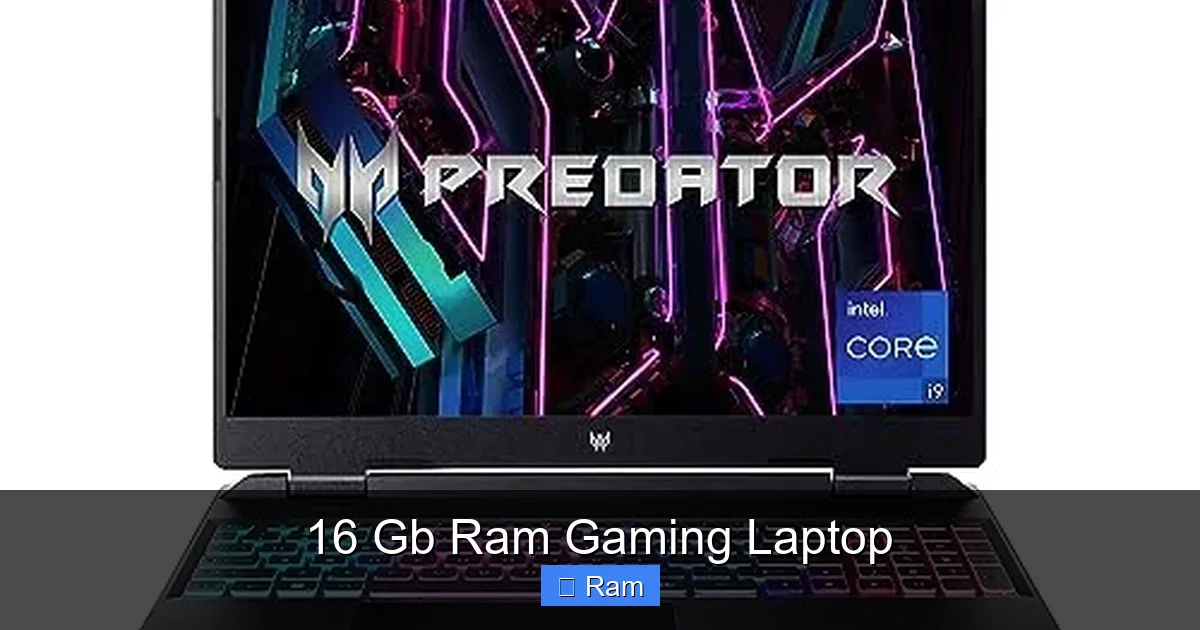
A 16GB RAM gaming laptop is the current performance sweet spot for most gamers. It provides more than enough memory for today’s AAA titles, smooth multitasking with background apps, and a solid foundation for future game releases. This capacity eliminates bottlenecks found in 8GB systems while offering better value than higher-capacity options for the average user. Choosing the right 16GB laptop also means pairing it with a capable GPU and ensuring the RAM is fast and upgradeable for long-term use.
Key Takeaways
- 16GB is the Modern Sweet Spot: It’s the recommended baseline for new AAA games and handles multitasking (like Discord, browsers, and streaming software) alongside games without slowdowns.
- Balance is Crucial: 16GB of slow RAM paired with a weak GPU, or a powerful GPU with only 8GB of RAM, creates a performance bottleneck. All components must work in harmony.
- Upgradeability Matters: Many gaming laptops have 1 or 2 accessible RAM slots. Choosing a model with 16GB (often 2x8GB) leaves room to upgrade to 32GB later if needed, extending the laptop’s lifespan.
- Speed (MHz) is Important: For gaming laptops, RAM speed (e.g., 3200MHz, 4800MHz, 5600MHz) affects performance, especially with AMD Ryzen and modern Intel CPUs. Faster RAM can provide a tangible FPS boost.
- It’s Not Just for Gaming: 16GB comfortably supports content creation tasks (video editing, 3D rendering), heavy multitasking for students/professionals, and running virtual machines.
- Prioritize the GPU First: When budgeting, allocate more of your budget towards a better graphics card (RTX 4060 vs. 4050) before chasing higher RAM capacities. The GPU has a larger direct impact on gaming FPS.
- Check the Cooling Solution: A laptop with 16GB RAM and a high-wattage GPU will generate significant heat. A robust cooling system with multiple heat pipes and fans is non-negotiable for sustained performance.
📑 Table of Contents
- The RAM Revolution: Why 16GB Became the Gaming Standard
- Performance Deep Dive: What 16GB RAM Actually Gets You
- Perfect Pairing: Matching 16GB RAM with Your GPU
- Inside the Machine: Storage, Cooling, and Upgradeability
- Buyer’s Guide: How to Choose Your 16GB Gaming Laptop
- The Future-Proof Verdict: Is 16GB Enough for Tomorrow?
The RAM Revolution: Why 16GB Became the Gaming Standard
Remember when 8GB of RAM was the undisputed king for gaming? Those days are long gone. The jump to 16GB wasn’t just a trend; it became a necessity driven by the relentless evolution of game engines and our ever-more-connected digital lives. Modern operating systems like Windows 11 are more memory-hungry, and games themselves, with their ultra-high-resolution textures and complex open worlds, demand more system memory than ever. But 16GB isn’t just about meeting a minimum; it’s about achieving a perfect, cost-effective balance. It’s the point where you get silky-smooth frame rates in the latest blockbuster, all while keeping your favorite music streaming, a dozen browser tabs open for guides, and your voice chat app running in the background. This capacity provides a spacious “workspace” for your system to operate efficiently, preventing the frustrating stutters and hitches that occur when the system runs out of physical RAM and starts using slower storage as virtual memory. For the vast majority of gamers, from those enjoying esports titles to diving into epic RPGs, 16GB offers a future-proof experience that will feel responsive for years to come.
The Memory Bottleneck: What Happens with Less?
To understand why 16GB is so critical, you have to see what happens when you don’t have enough. System RAM acts as the short-term memory for your CPU. It stores all the active data the processor needs to access instantly—game assets, character models, level geometry, physics calculations. When this pool is too small (like 8GB in a modern system), the CPU is forced to constantly swap data back and forth to the SSD or hard drive, which is orders of magnitude slower. This causes micro-stuttering, sudden frame time spikes, and longer loading screens, even if your GPU is powerful enough to render frames quickly. You might have a laptop with an RTX 4070, but with only 8GB RAM, you’ll likely see that GPU’s potential wasted as it sits idle waiting for data. 16GB eliminates this primary bottleneck for gaming, ensuring your high-end graphics card is fed a steady stream of information.
Beyond Gaming: The Multitasking Mandate
Let’s be honest: how many of us game in a vacuum? You’re probably also on Discord, watching a tutorial on YouTube in a browser, maybe even recording or streaming your gameplay. Each of these applications consumes a significant chunk of RAM. A browser with 20 tabs can easily use 4-6GB on its own. Streaming software like OBS needs a dedicated buffer. Discord and Spotify, while light, add up. 8GB simply cannot handle this modern multitasking reality alongside a demanding game. 16GB gives you the breathing room to game, communicate, browse, and create without your system gasping for memory. This makes a 16GB laptop not just a gaming machine, but a true all-in-one portable powerhouse for work, school, and play.
Performance Deep Dive: What 16GB RAM Actually Gets You
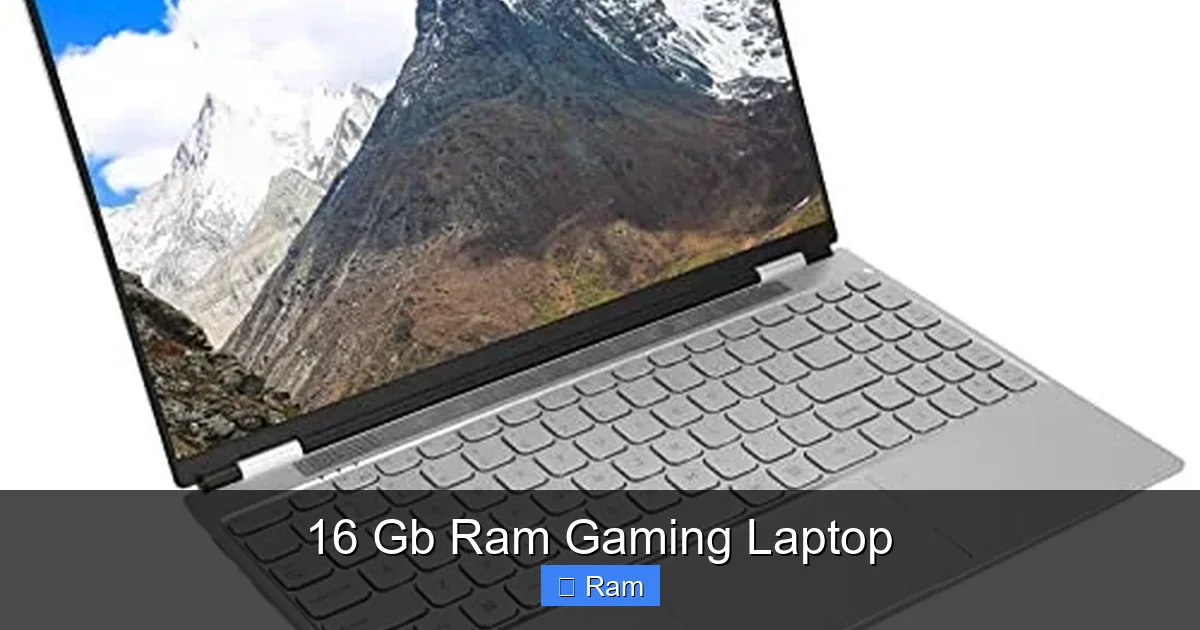
So, we’ve established 16GB is the target. But what does that translate to in actual frames per second? The answer is nuanced, as RAM’s impact varies by game genre and system configuration. In most modern, open-world AAA titles like Cyberpunk 2077, Hogwarts Legacy, or Starfield, the difference between 8GB and 16GB is night and day. Those games stream massive amounts of texture data and world geometry. With 8GB, you’ll experience frequent hitches as new areas load. With 16GB, that world loads seamlessly in the background, resulting in a consistently smooth experience. For competitive esports titles like Valorant, CS:GO, or Fortnite, the raw FPS difference might be smaller (5-10% at most) since these games are designed to be lean, but the consistency and lack of stutter are still major benefits.
Visual guide about 16 Gb Ram Gaming Laptop
Image source: m.media-amazon.com
Genre-by-Genre Analysis
- Open-World & RPGs: Highest benefit. These games constantly stream assets. 16GB is essential for a hitch-free experience in cities and vast landscapes.
- Modern AAA Shooters (e.g., Call of Duty, Battlefield): Significant benefit. Large, detailed maps with many players increase memory pressure. 16GB ensures smooth performance during intense firefights.
- Esports & Competitive Titles: Noticeable but smaller benefit. The priority here is high, stable refresh rates. 16GB removes a variable, helping maintain minimum FPS.
- Simulation & Strategy (e.g., Civilization VI, Microsoft Flight Simulator): Can be very demanding. Late-game turns or complex flight scenarios can use every megabyte. 16GB is highly recommended.
- Older & Indie Titles: These will run perfectly on 8GB. However, running them within a multitasking environment still makes 16GB the smarter choice.
The RAM Speed Factor: MHz Matters
It’s not just about capacity; speed is critical too. RAM is measured in megahertz (MHz), which indicates how many data transfers it can perform per second. For gaming laptops with AMD Ryzen processors (which use a concept called Infinity Fabric that directly ties CPU performance to RAM speed) and even modern Intel CPUs, faster RAM provides a tangible performance uplift. You’ll often see laptops with 16GB configurations listed as “16GB DDR5-4800” or “16GB DDR4-3200.” For DDR4, aim for at least 3200MHz. For DDR5, 4800MHz is the common baseline, with 5600MHz+ offering better value if the price difference is small. Be wary of very slow RAM (e.g., 2666MHz DDR4) paired with a powerful CPU/GPU—it can create a new bottleneck. Always check the specifications for the RAM speed in the laptop you’re considering.
Perfect Pairing: Matching 16GB RAM with Your GPU
Building a balanced system is the golden rule of PC building, and it applies doubly to laptops where upgrades are limited. Your RAM, GPU, and CPU must be in sync. A powerful GPU like an NVIDIA RTX 4080 or AMD Radeon RX 7700S is designed to render incredibly complex scenes at high frame rates. If it’s held back by only 8GB of RAM, you’ve wasted your investment. Conversely, pairing a mid-range GPU like an RTX 4060 with 32GB of RAM is often overkill for pure gaming; that extra budget is better spent on a laptop with a better screen (higher refresh rate, better panel) or a larger SSD. The sweet spot for a 16GB RAM gaming laptop today typically starts with a GPU from the NVIDIA RTX 4050/4060 or AMD Radeon RX 7600M/7700S tier and goes up to the RTX 4070 level. This combination ensures the GPU is the primary driver of performance, with 16GB RAM providing ample support.
Visual guide about 16 Gb Ram Gaming Laptop
Image source: m.media-amazon.com
The CPU Connection
Don’t forget the processor! A modern 6-core/12-thread CPU (like an Intel Core i5-13500H or AMD Ryzen 7 7840HS) is the ideal partner for a 16GB/RTX 4060 setup. These CPUs have enough cores to handle game logic and background tasks without choking. An older, weaker 4-core CPU might struggle to feed even a mid-range GPU, and the 16GB RAM won’t fix that. Always check that the CPU is generationally appropriate for the GPU inside the laptop. A 2023 or 2024 CPU is a safe bet.
Practical Example Scenarios
- Scenario A (Ideal): Laptop with Ryzen 7 7840HS, 16GB DDR5-5600, RTX 4060. This is a fantastic, balanced machine for 1080p and 1440p gaming.
- Scenario B (Unbalanced): Laptop with Core i5-12450H, 8GB DDR4-3200, RTX 4070. The GPU is being severely bottlenecked by the RAM and the somewhat older CPU. You’re not getting the 4070’s performance.
- Scenario C (Overkill for Gaming): Laptop with Core i7-13700HX, 32GB DDR5-5600, RTX 4050. The RAM and CPU are over-specced for the entry-level 4050 GPU. The money could be better used elsewhere.
Inside the Machine: Storage, Cooling, and Upgradeability
The RAM is just one part of the puzzle. A truly great 16GB gaming laptop excels in other critical areas. First, storage is paramount. A 512GB NVMe SSD is the absolute minimum today, but with game install sizes regularly exceeding 100GB, a 1TB SSD is the sweet spot. It’s not just about capacity; it’s about speed. A fast PCIe 4.0 SSD reduces game load times and helps with asset streaming, complementing the role of RAM. Second, and often overlooked, is cooling. A laptop with a 45W or 115W+ GPU will get hot. Look for designs with multiple heat pipes (6+ is good), large fans, and a vapor chamber if possible. Good cooling prevents thermal throttling, which can cause your powerful CPU and GPU to slow down dramatically after a few minutes of gaming, negating any performance advantage. Finally, and this is a huge point for longevity: upgradeability.
Visual guide about 16 Gb Ram Gaming Laptop
Image source: m.media-amazon.com
Can You Add More RAM Later?
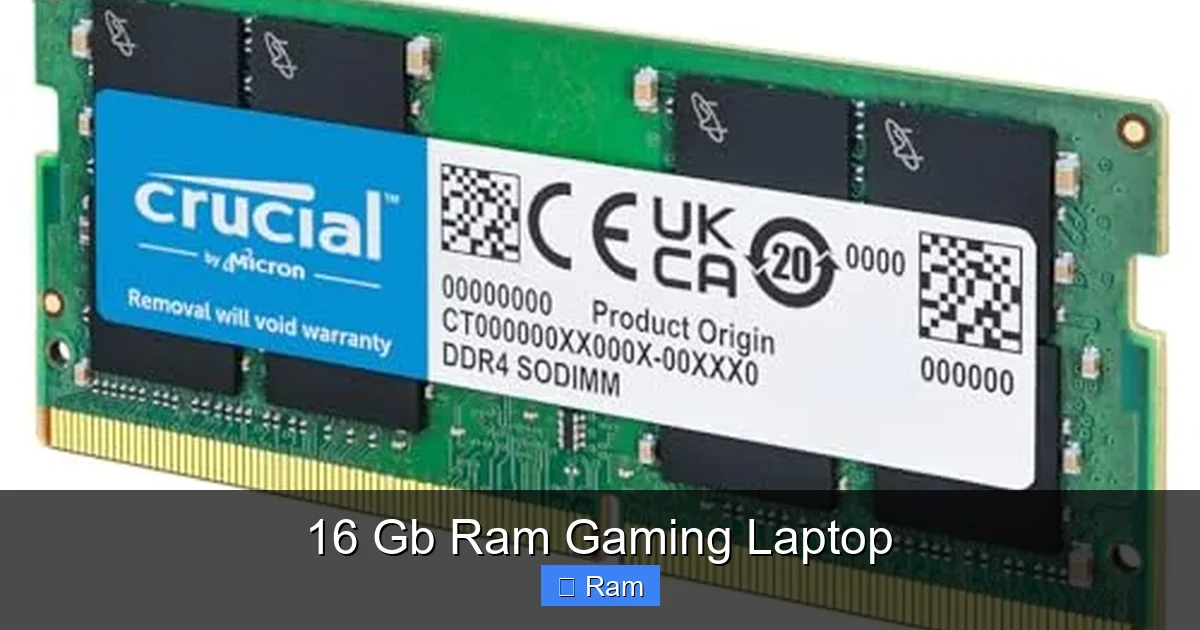
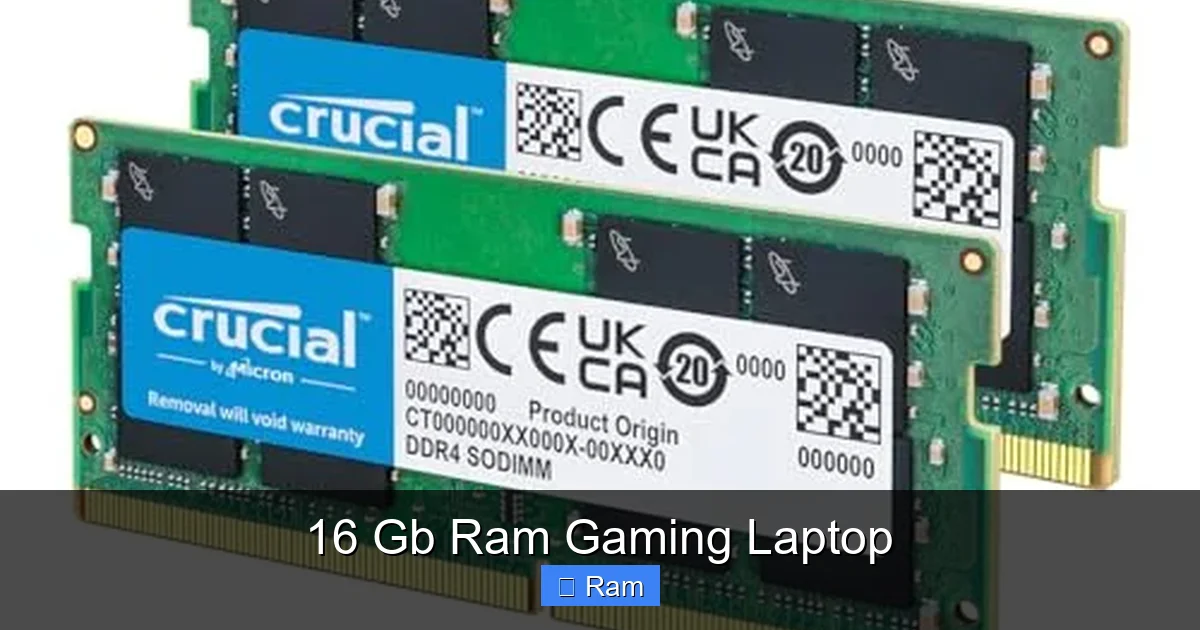
Many gaming laptops have RAM soldered onto the motherboard, but a significant number still have one or two accessible SO-DIMM slots. When shopping, this is a critical spec to check. If a laptop comes with 16GB as 2x8GB sticks in two slots, you’re maxed out. If it comes with 16GB as a single 16GB stick in one slot (leaving one slot empty), you can add another 16GB stick later for a total of 32GB. This is a fantastic way to extend your laptop’s useful life. For a 16GB-focused buyer, finding a model with an empty slot offers a perfect upgrade path down the line if your needs change (e.g., getting into video editing). Always consult the manufacturer’s specifications or teardown videos to confirm the RAM configuration before buying if upgradeability is a priority.
The Display: Your Window to the Game
What good is all that performance if you can’t see it smoothly? For a 16GB RAM laptop targeting high FPS, the display must match. Prioritize a high refresh rate. A 144Hz panel is the new standard, with 165Hz, 240Hz, and even 360Hz options available. This allows you to actually see the extra frames your system is generating. Also, consider the panel type: IPS is standard and offers good colors and viewing angles. Some newer models use OLED for incredible contrast and response times, though they can be prone to image retention. Resolution is a balance: 1920×1080 (FHD) is perfect for maximizing frame rates on a 15-16″ screen. 2560×1440 (QHD) looks sharper but demands more from the GPU, so it’s best paired with at least an RTX 4060 or 4070.
Buyer’s Guide: How to Choose Your 16GB Gaming Laptop
Armed with knowledge, let’s cut through the marketing. Your buying process should be methodical. First, set your budget. For a quality 16GB gaming laptop with a capable GPU, expect to spend between $1,000 and $1,800 in the current market. Next, identify your primary games and desired settings/resolution. If you play competitive shooters at 1080p and want 240+ FPS, you can spend more on CPU/RAM/display and less on GPU. If you want to max out graphics in single-player AAA games at 1440p, the GPU budget must be higher. Third, research specific models. Don’t just look at the brand; look at the exact configuration (model number). Read professional and user reviews focusing on thermal performance, keyboard comfort, trackpad quality, speaker sound, and—critically—real-world gaming benchmarks for the games you care about. Finally, check the ports. Ensure it has the connections you need: enough USB-A ports for peripherals, a USB-C port that supports video out and charging (Power Delivery), and an HDMI 2.1 port if you plan to connect to a 4K TV or monitor.
Key Specs Checklist
- RAM: 16GB (DDR4-3200 or DDR5-4800+). Check if it’s 1x16GB (upgradable) or 2x8GB (maxed out).
- GPU: NVIDIA RTX 4050/4060/4070 or AMD Radeon RX 7600M/7700S. Match to your resolution and FPS goals.
- CPU: Intel Core i5/i7 13th/14th Gen H-series or AMD Ryzen 5/7 7000-series H/HS-series.
- Storage: 1TB NVMe SSD (PCIe 4.0 preferred). Avoid 512GB if you have a large game library.
- Display: Minimum 15.6″, FHD (1920×1080), 144Hz+ IPS. Consider QHD if paired with a strong GPU.
- Cooling: Look for reviews mentioning sustained performance. A noisy laptop under load is often a sign of aggressive (and necessary) cooling.
- Battery: Manage expectations. Gaming on battery will drastically reduce performance and battery life (often 1-2 hours). Look for a larger 90Wh+ battery for better unplugged productivity.
Brand and Model Considerations (2024)
Several manufacturers consistently produce excellent 16GB gaming laptops. ASUS ROG (Strix, Zephyrus lines) often leads in innovation and build quality. Lenovo Legion offers fantastic value, clean designs, and great cooling. MSI has a vast lineup from budget to extreme, with strong performance. Dell Alienware provides premium, distinctive designs with excellent support. Acer Predator and Razer Blade (for a premium, ultrabook-like experience) are also top contenders. Within each brand, compare the specific “spec-for-spec” configurations. A Lenovo Legion Pro 5 with an RTX 4060 and 16GB might be a better value than a similarly specced ASUS model, but the ASUS might have a better screen or keyboard. Read those reviews!
The Future-Proof Verdict: Is 16GB Enough for Tomorrow?
This is the million-dollar question. With next-gen consoles boasting 16GB of unified memory (though with much higher bandwidth), will 16GB on a PC laptop become obsolete soon? The cautious answer is: for pure gaming at 1080p and 1440p, 16GB will remain highly viable for the next 2-3 years. Game developers optimize for the install base, and the vast majority of PC gamers still have 16GB or less. However, the trend is clear. Upcoming titles, especially those leveraging advanced techniques like path tracing (e.g., future Cyberpunk updates) or massive simulation games, will continue to push memory requirements. The true value of a 16GB laptop with an upgradeable slot cannot be overstated. You buy the laptop today with perfect performance for your needs, and in three years, if a must-play game starts to chug, a simple $50 RAM upgrade to 32GB can give it a new lease on life. If you buy a laptop with soldered 16GB, your upgrade path ends there. Therefore, when choosing a 16GB model, the single most important future-proofing feature you can look for is an empty RAM slot. It transforms your purchase from a fixed-point-in-time device into a flexible platform.
When You Should Actually Consider 32GB
While 16GB is the sweet spot, there are clear use cases where jumping to 32GB on a new laptop makes sense today. If you know you will be doing serious video editing (4K/8K footage), 3D rendering/建模, working with large datasets in data science, or running multiple virtual machines simultaneously, 32GB is the starting point. For streamers who also run a game, a high-quality stream encode, a webcam overlay, and a browser with many tabs, 32GB provides a comfortable cushion. If your workflow involves these professional or heavy creative tasks alongside gaming, spend the extra $100-$200 for 32GB upfront—you won’t regret it. For the pure gamer who also streams lightly, 16GB is still sufficient, but monitoring your RAM usage via Task Manager is a good habit to see if you’re consistently hitting 90%+ usage.
Final Word on the Sweet Spot
The 16GB RAM gaming laptop represents the pinnacle of practical, high-value performance for the mainstream gamer. It’s the configuration that delivers a flawless experience in 95% of gaming scenarios today, while offering a clear and affordable upgrade path for tomorrow’s demands through an extra RAM slot. It allows you to allocate your budget towards a better GPU, a stunning display, or a faster SSD—components that have a more direct and noticeable impact on your gaming experience than a jump from 16GB to 32GB would, for most. By understanding the balance between RAM capacity, speed, GPU power, and system cooling, you can confidently select a machine that will be your trusted companion for countless victories and adventures for years to come.
Frequently Asked Questions
Is 16GB RAM enough for gaming in 2024?
Yes, 16GB is the current recommended baseline for new AAA games and is sufficient for smooth gaming with background applications like Discord and browsers. It eliminates the bottlenecks common with 8GB systems and provides excellent value.
Should I get 16GB or 32GB RAM for a gaming laptop?
For pure gaming and light multitasking, 16GB is the sweet spot. Choose 32GB only if you plan to do heavy content creation (video editing, 3D rendering), run multiple virtual machines, or want maximum future-proofing without upgrading later.
Does RAM speed matter for gaming laptops?
Yes, RAM speed (MHz) does impact performance, especially with AMD Ryzen CPUs and modern Intel CPUs. Faster RAM (e.g., DDR5-5600 vs. DDR4-2666) can provide a 5-15% FPS boost in some titles. Always check the RAM speed specification.
Can I upgrade the RAM in my 16GB gaming laptop later?
It depends entirely on the specific model. Some laptops have soldered RAM, while others have one or two accessible slots. Look for configurations that come with a single 16GB stick (leaving one slot free) if you want the option to upgrade to 32GB yourself in the future.
Will 16GB RAM be enough for games released in 2025 and beyond?
16GB will remain highly viable for gaming at 1080p and 1440p for the next 2-3 years. However, choosing a laptop with an upgradeable RAM slot is the best way to ensure it stays viable longer, as you can add another 16GB stick later if needed.
What’s more important for gaming: a better GPU or more RAM?
For pure gaming performance, a better GPU is almost always more important than increasing RAM beyond 16GB. A system with an RTX 4060 and 16GB RAM will vastly outperform a system with an RTX 4050 and 32GB RAM. Prioritize GPU first, then ensure you have at least 16GB of fast RAM.