Can I Watch Nfl on My Laptop
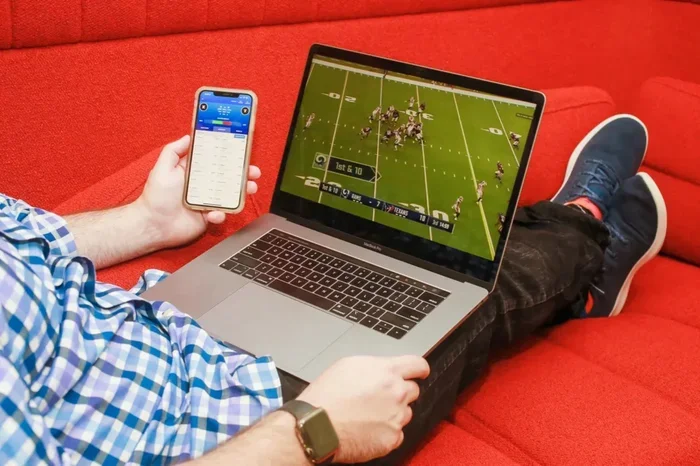
Yes, you can absolutely watch NFL on your laptop. Whether you use NFL Game Pass, streaming services, or free options, streaming football on your screen is simple and convenient. This guide walks you through every method, setup tip, and common fix so you never miss a touchdown.
Football season is one of the most exciting times of the year. Whether you are a die-hard fan or a casual viewer, you want to catch every play. But what if you are away from your TV? Can I watch NFL on my laptop? The short answer is yes. You have more options than ever to stream live games, replays, and highlights right from your screen.
Watching NFL on a laptop gives you freedom. You can watch from your couch, a coffee shop, or even on a road trip. This guide covers every method you can use. It also shares tips to improve your viewing experience and fix common problems. Let us dive in.
Key Takeaways
- Multiple ways to watch: NFL Game Pass, cable streaming apps, and free options all work on laptops.
- Check your laptop specs: Make sure your device has enough RAM and a good browser for smooth streaming.
- VPN helps unlock games: A VPN can fix regional blackouts and let you watch from anywhere.
- Use the right apps: NFL apps and browser-based streaming both work great on laptops.
- Troubleshoot common issues: Buffering, blackouts, and mouse problems all have simple fixes.
- Upgrade if needed: If your laptop struggles, consider upgrading your RAM for better performance.
📑 Table of Contents
- Why Watch NFL on Your Laptop?
- Best Ways to Watch NFL on Your Laptop
- What You Need for Smooth NFL Streaming
- How to Fix Common Streaming Problems
- Can Your Laptop Handle NFL Streaming? Performance Tips
- Comparison: NFL Streaming Options for Laptops
- Quick Tips for the Best NFL Laptop Experience
- Common Mistakes to Avoid When Watching NFL on a Laptop
- Final Thoughts
Why Watch NFL on Your Laptop?
Laptops are portable and powerful. You can take them almost anywhere. Streaming NFL games on a laptop lets you enjoy football without being tied to a living room TV. Here are some reasons why watching on a laptop works well:
- Portability: You can watch from any room or location.
- Screen size: Most laptops have screens between 13 and 17 inches, which is great for sports.
- Built-in speakers: No extra equipment needed for basic audio.
- Multiple streaming options: You can switch between apps and browsers easily.
- Convenience: Pause, rewind, or fast-forward with a click.
If your laptop has decent specs, you will have a smooth experience. But what if it does not? Keep reading. We will cover that too.
Best Ways to Watch NFL on Your Laptop
There are several ways to stream NFL games on a laptop. Each option has its own benefits. Let us look at the most popular ones.
NFL Game Pass
NFL Game Pass is one of the most popular ways to watch football. It offers live games, replays, and condensed game versions. You can watch every game of the season on demand. The service works directly in your web browser on a laptop. You just sign up, log in, and start watching.
Game Pass also lets you watch classic games and original shows. It is a great option if you want full access to NFL content. The downside is that live local games may be blacked out in your market.
Streaming Services with Live TV
Many cable replacements offer live NFL games. Services like YouTube TV, Hulu + Live TV, Sling TV, and FuboTV carry major networks. These include CBS, FOX, NBC, and ESPN. You can watch Sunday football, Thursday Night Football, and Monday Night Football through these apps.
Most of these services have laptop-friendly apps or browser versions. You just download the app or visit the website and sign in. A good internet connection is all you need.
Free and Legal Streaming Options
You do not always need to pay for a subscription. Some free options exist for watching NFL on a laptop. The NFL app offers select free games during the season. Network websites like CBS Sports and FOX Sports sometimes stream games for free in local markets. Pluto TV also has a free sports section with NFL content.
These free options may have ads. But they are a great way to enjoy football without spending money.
NFL Mobile App on Laptop
The NFL app is not just for phones. You can use it on a laptop through the Microsoft Store on Windows. The app gives you live scores, highlights, and streaming options. It works well for quick checks during the day. For full game streaming, you may still need Game Pass or a live TV service.
What You Need for Smooth NFL Streaming
Streaming football on a laptop needs the right setup. Without it, you might face buffering or poor quality. Here is what you need to make sure of before kickoff.
Internet Speed
A fast and stable internet connection is the most important thing. For HD streaming, aim for at least 10 Mbps. For 4K streaming, you need 25 Mbps or more. Wi-Fi works fine, but a wired Ethernet connection is even better. It reduces lag and keeps the stream stable.
Laptop Performance
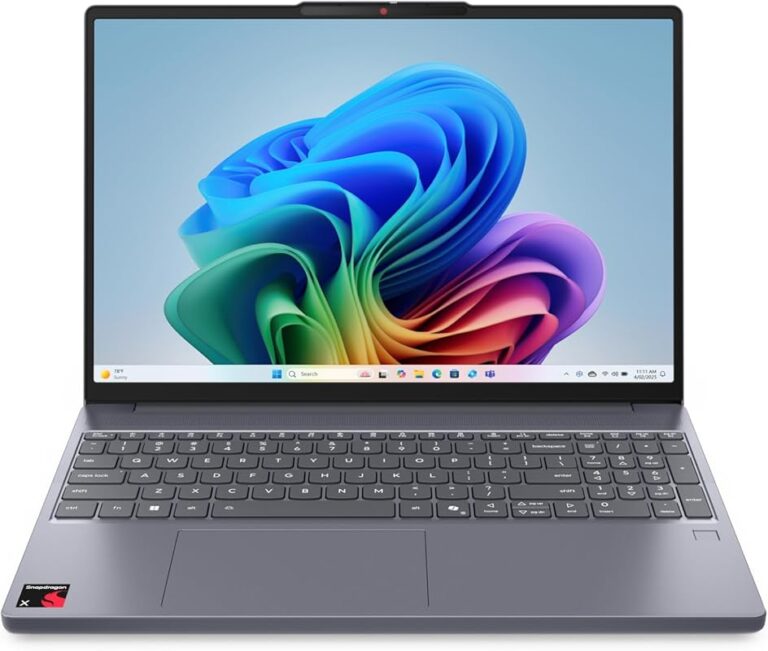
Your laptop needs enough power to handle streaming. If you have an older device, you might notice lag. Streaming uses your processor, memory, and browser all at once. You can check your RAM to see if your laptop is up to the task. Most modern laptops handle streaming easily. But if yours is older, consider closing other tabs and apps while watching.
Browser Compatibility
Most streaming services work best on modern browsers. Google Chrome, Mozilla Firefox, Microsoft Edge, and Safari all support NFL streaming sites. Make sure your browser is updated to the latest version. An outdated browser can cause playback issues or security warnings.
Audio and Video Setup
For the best experience, check your audio and display settings. Most laptops have built-in speakers that work fine. But if you want better sound, plug in headphones or external speakers. You can also connect your laptop to a TV using an HDMI cable for a bigger screen.
How to Fix Common Streaming Problems
Even with the best setup, you might run into issues. Here are common problems and how to fix them fast.
Buffering or Freezing
Buffering happens when your internet speed drops. The easiest fix is to pause the stream for a minute and let it buffer. You can also lower the video quality from 4K to 1080p or 720p. This reduces the data load and helps the stream play smoothly.
If buffering continues, try restarting your router. Move closer to your Wi-Fi source or switch to a wired connection. Closing other apps and browser tabs also helps free up bandwidth.
Blackout Errors
Blackouts happen when a local game is only available on a specific network in your area. NFL Game Pass often shows blacked-out local games. To fix this, you can use a VPN. A VPN changes your virtual location and may allow you to access the game through a different region. Choose a reliable VPN with fast speeds for the best results.
Mouse or Navigation Issues
Sometimes your mouse may not work properly on streaming sites. This can be frustrating when you are trying to pause or rewind a game. If your cursor is not responding, try fixing your mouse settings. Check your touchpad drivers or try plugging in an external mouse. A quick fix like this can save your game-watching experience.
Audio or Video Not Working
If you have no sound, check your laptop volume and browser settings. Make sure the correct output device is selected. For video issues, try clearing your browser cache. You can also switch to a different browser to see if the problem persists.
Can Your Laptop Handle NFL Streaming? Performance Tips
Not all laptops are created equal. Some handle streaming better than others. If you want to know whether your device is ready, here are some quick tips.
First, close all unnecessary programs before you start streaming. Background apps use memory and processing power. This can slow down your video playback. Second, make sure your laptop is plugged in or has a full battery. Streaming uses a lot of power, and you do not want your laptop dying mid-game.
Third, keep your laptop cool. Streaming can cause your device to heat up. Use a cooling pad or keep it on a hard surface. Overheating can slow down performance and cause crashes. Fourth, consider upgrading your laptop if it struggles often. You can upgrade your laptop RAM to improve streaming performance significantly.
Finally, keep your operating system and drivers updated. Updates often include performance fixes and security patches that help with streaming.
Comparison: NFL Streaming Options for Laptops
Choosing the right option can be confusing. Here is a quick comparison of the most popular ways to watch NFL on your laptop.
| Option | Cost | Live Games | Replays | Blackout Risk |
|---|---|---|---|---|
| NFL Game Pass | $99.99/year | Yes (some) | Yes | Yes (local) |
| YouTube TV | $72.99/month | Yes | Yes | Low |
| Hulu + Live TV | $76.99/month | Yes | Yes | Low |
| Pluto TV (Free) | Free | Limited | Yes | None |
| NFL App (Free) | Free | Select games | Yes | Yes (local) |
Your choice depends on your budget and how much NFL content you want. If you watch every game, a live TV streaming service is the best bet. If you just want replays and highlights, NFL Game Pass or free options work well.
Quick Tips for the Best NFL Laptop Experience
Here are some expert tips to make your NFL watching on a laptop even better:
- Use headphones: They improve sound quality and do not disturb others.
- Adjust brightness: Set your screen brightness to a comfortable level for long viewing sessions.
- Enable full screen: Press F11 in your browser for a full-screen viewing experience.
- Use a second screen: Keep your laptop open for live stats while watching the game on a TV.
- Download the NFL app: It gives you quick access to scores and highlights on the go.
- Check for deals: Many streaming services offer free trials at the start of the season.
Common Mistakes to Avoid When Watching NFL on a Laptop
Avoid these common mistakes to save yourself frustration during game day:
- Using an outdated browser: This can cause playback errors and security issues.
- Ignoring internet speed: A slow connection ruins the experience. Always test your speed first.
- Not using a VPN when needed: Blackouts can block your game. A VPN helps you get around them.
- Streaming on low battery: Your laptop might shut down during the game. Keep it plugged in.
- Leaving too many tabs open: This slows down your laptop and affects streaming quality.
Final Thoughts
So, can I watch NFL on my laptop? Absolutely. You have many great options to choose from. Whether you use NFL Game Pass, a live TV streaming service, or free platforms, watching football on your laptop is easy and enjoyable. Just make sure your internet is fast, your browser is updated, and your laptop is ready for the task.
With the tips in this guide, you are set for a great game-day experience. Grab some snacks, find a comfortable spot, and enjoy every quarter. Football season is too good to miss, and your laptop is the perfect screen to catch all the action.
Frequently Asked Questions
Can I watch live NFL games on my laptop for free?
Yes, you can watch some live NFL games for free. The NFL app offers select free games during the season. Network websites like CBS Sports and FOX Sports also stream some games for free in local markets. Pluto TV has a free sports section too. Keep in mind that blackouts may apply to local games.
Do I need a VPN to watch NFL on my laptop?
A VPN is not always required, but it can be very helpful. It helps you bypass regional blackouts and access games that are not available in your area. A VPN also adds privacy when streaming on public Wi-Fi. Choose a VPN with fast speeds for the best experience.
What internet speed do I need to watch NFL on my laptop?
For HD streaming, you need at least 10 Mbps. For 4K streaming, aim for 25 Mbps or more. A wired connection is better than Wi-Fi for stability. Test your speed before kickoff to avoid buffering during the game.
Can I use my laptop to watch NFL at a sports bar?
Yes, you can bring your laptop to a sports bar and watch NFL there. Just make sure the venue has good Wi-Fi. You can use streaming apps or websites to access games. A VPN can also help if you want to access out-of-market games while traveling.
Why is my laptop lagging when I stream NFL games?
Lagging usually happens due to slow internet or low laptop performance. Close other apps and browser tabs to free up resources. Lower the video quality to reduce the load. Make sure your browser is updated and your Wi-Fi signal is strong. If problems continue, check your RAM or consider upgrading your laptop.
Can I connect my laptop to a TV for a bigger NFL viewing experience?
Yes, you can connect your laptop to a TV using an HDMI cable. Most modern laptops have an HDMI port. This lets you display the game on a larger screen while still using your laptop as the source. It is a great way to enjoy NFL games with friends and family.