Accounting Software
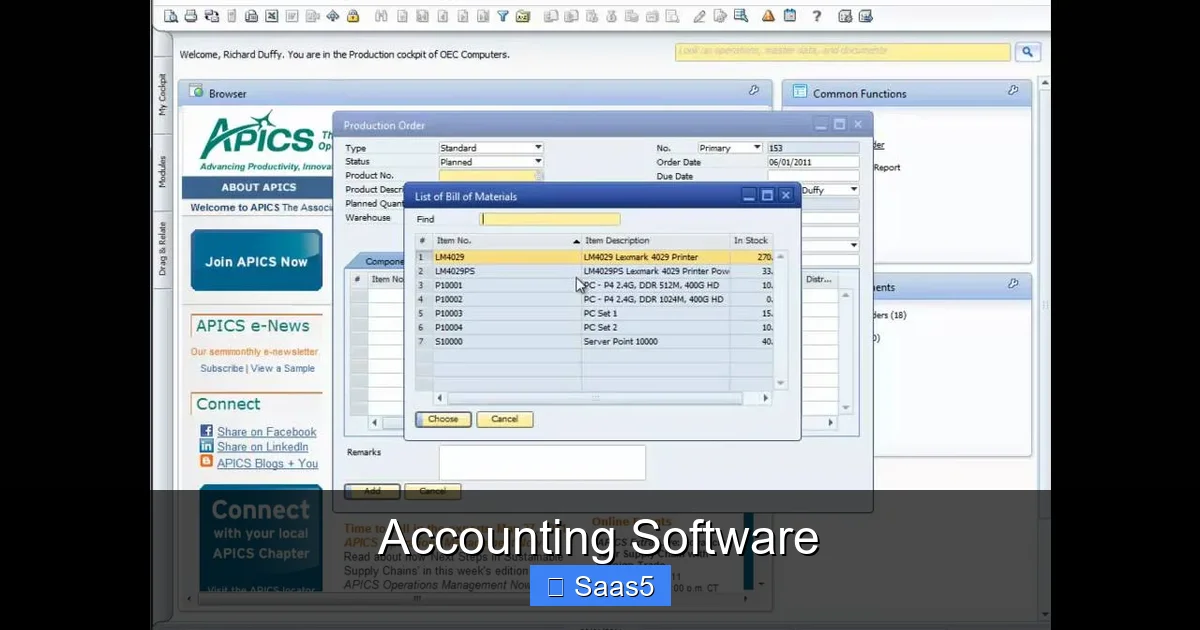
Accounting software transforms messy spreadsheets into clear, automated financial management. It helps small businesses and enterprises track income, expenses, taxes, and cash flow with ease. Choosing the right solution can save hours, reduce errors, and give you real‑time insight into your money.
Key Takeaways
- Automation saves time: Repetitive tasks like invoicing and bank reconciliation become one‑click actions.
- Cloud access is essential: Modern accounting software lets you work from any device, anywhere.
- Scalability matters: Pick a solution that grows with your business, from solo‑entrepreneur to multinational.
- Integration boosts efficiency: Syncing with CRM, payroll, and e‑commerce platforms eliminates data silos.
- Security can’t be an afterthought: Look for encryption, regular backups, and compliance with standards like GDPR.
- Pricing models vary: Subscription tiers, per‑user fees, and add‑on modules let you control costs.
- Free trials are your friend: Test core features before committing to a long‑term plan.
📑 Table of Contents
- Introduction: Why Accounting Software Is No Longer Optional
- 1. Core Features Every Accounting Software Should Have
- 2. Cloud vs. On‑Premise: The SaaS Advantage
- 3. Integrations: Making Your Whole Business Talk
- 4. Pricing Models: What to Expect
- 5. Top Accounting Software Solutions in 2024
- 6. Implementation Tips: Getting Up and Running Smoothly
- Conclusion: Choose Wisely, Reap the Benefits
Introduction: Why Accounting Software Is No Longer Optional
Imagine trying to run a business with nothing but pen, paper, and a handful of Excel sheets. It used to be the norm, but today the pace of commerce demands speed, accuracy, and real‑time insight. That’s where accounting software steps in. It turns chaotic numbers into clear stories, letting you focus on growth instead of grinding through receipts.
Whether you’re a freelancer invoicing clients, a boutique retailer managing inventory, or a multinational corporation consolidating dozens of subsidiaries, the right accounting platform can cut hours of manual work, reduce costly mistakes, and keep you compliant with tax laws. In this guide we’ll walk through the core features you need, how to pick the best fit, and which tools top the market in 2024.
1. Core Features Every Accounting Software Should Have
1.1 Automated Invoicing and Payments
Manual invoicing is a time‑suck. The best solutions let you create professional invoices in minutes, set recurring billing, and embed payment links. When a client clicks “pay,” the money lands in your bank and the transaction is recorded automatically.
Visual guide about Accounting Software
Image source: 3.imimg.com
1.2 Real‑Time Bank Reconciliation
Instead of downloading CSV files and matching rows, modern platforms connect directly to your bank via secure APIs. Transactions appear instantly, and the software suggests matches, letting you confirm with a single click.
1.3 Expense Tracking & Receipt Capture
Mobile apps let you snap photos of receipts. OCR (optical character recognition) extracts amounts, dates, and vendors, categorizing expenses automatically. This not only speeds up bookkeeping but also ensures you never miss a deductible expense.
1.4 Financial Reporting & Dashboards
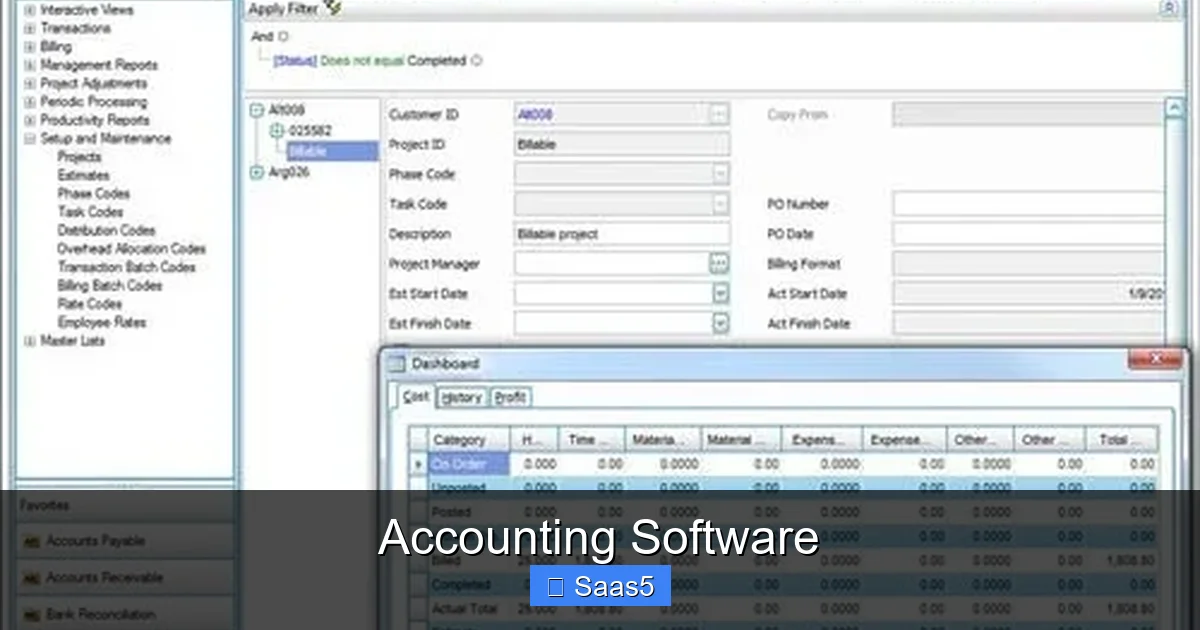
From profit‑and‑loss statements to cash‑flow forecasts, dashboards turn raw data into visual insights. You can set up custom reports that update in real time, helping you spot trends before they become problems.
1.5 Tax Management
Built‑in tax engines calculate sales tax, VAT, or GST based on location and product type. Some tools even generate ready‑to‑file tax forms, reducing the risk of penalties.
2. Cloud vs. On‑Premise: The SaaS Advantage
Traditional accounting software required you to install and maintain servers on your office network. Today, most providers deliver their product as Software‑as‑a‑Service (SaaS). This shift brings several benefits:
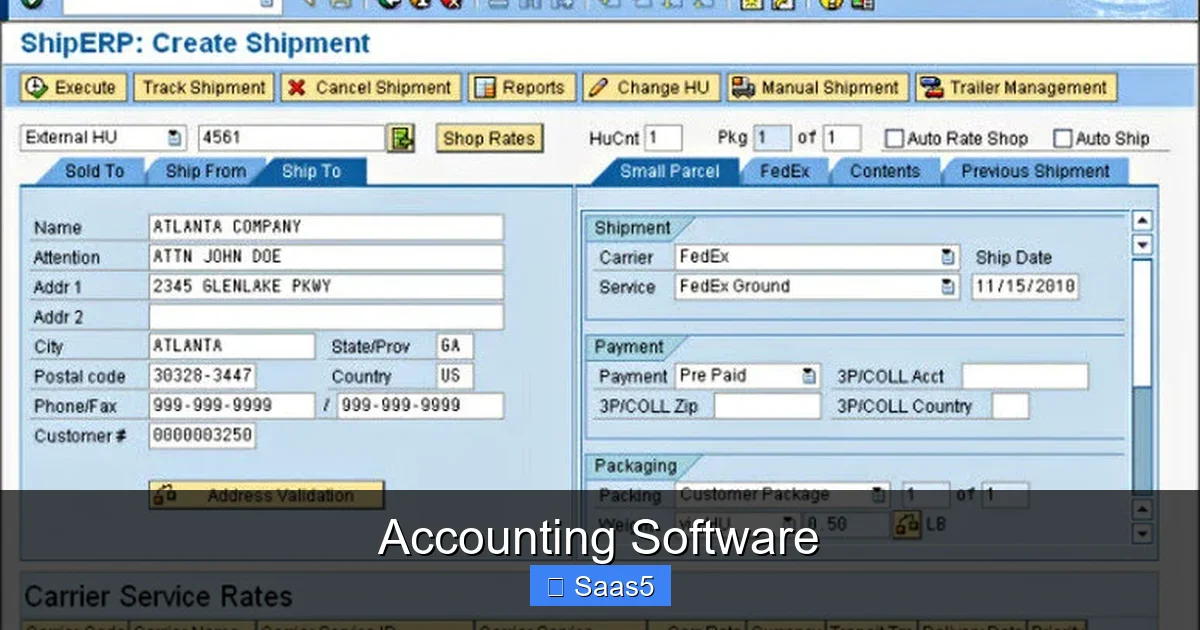
Visual guide about Accounting Software
Image source: erpfocus.com
- Always up‑to‑date: Updates roll out automatically, so you never miss a feature or security patch.
- Scalable pricing: Add or remove users without buying new licenses.
- Remote access: Log in from a laptop, tablet, or phone, which is perfect for hybrid teams.
If you’re curious about the broader differences between SaaS and traditional software, check out our article on the difference between SaaS and traditional software.
3. Integrations: Making Your Whole Business Talk
No accounting tool lives in isolation. The real power comes from linking it to the rest of your tech stack.
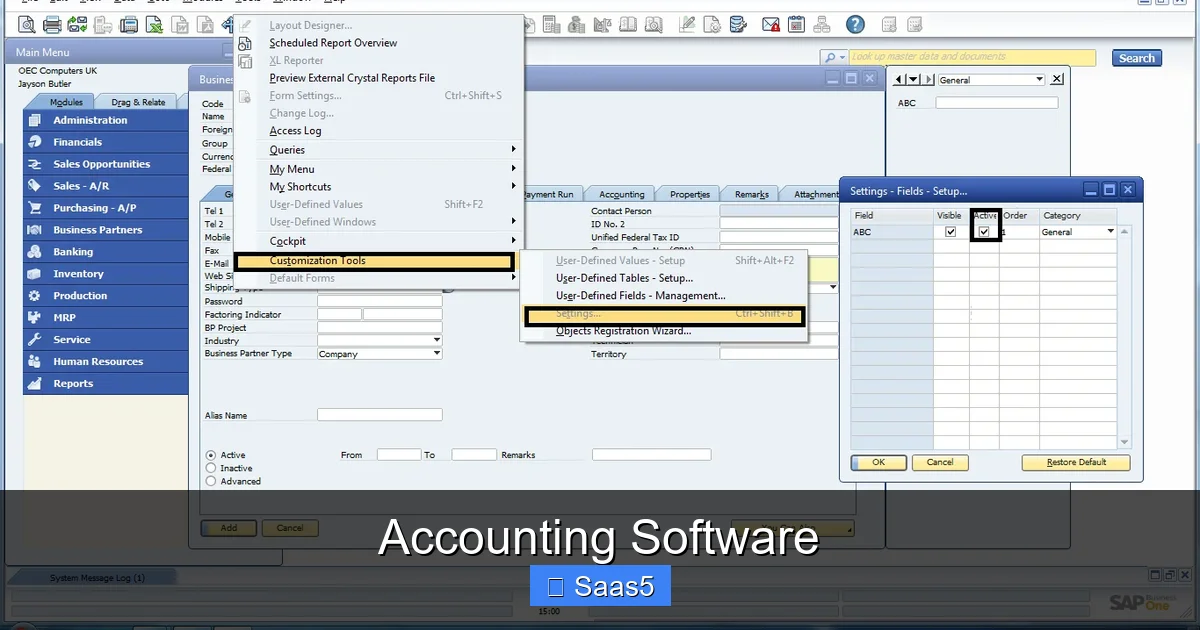
Visual guide about Accounting Software
Image source: community.sap.com
3.1 CRM Integration
When your accounting software talks to a CRM, invoices can be generated directly from sales opportunities, and revenue data flows back to your sales team for forecasting. For a deeper dive on CRM benefits, read our guide on what is healthcare CRM software—the principles apply across industries.
3.2 E‑Commerce Platforms
Sync orders from Shopify, WooCommerce, or BigCommerce, and inventory adjustments happen automatically. This prevents double‑selling and keeps your books accurate.
3.3 Payroll and HR
Payroll modules calculate taxes, generate payslips, and even handle benefits. When integrated, employee expenses are posted to the correct accounts without manual entry.
4. Pricing Models: What to Expect
Most accounting software follows a subscription model, but the details vary.
4.1 Tiered Plans
Basic plans often include invoicing, expense tracking, and basic reports. Mid‑tier adds inventory, multi‑currency, and advanced reporting. Premium tiers unlock custom workflows, API access, and dedicated support.
4.2 Per‑User vs. Per‑Feature
Some vendors charge per user, which is ideal for small teams. Others charge per feature—useful if you need a robust system but only a handful of users.
4.3 Add‑On Modules
Features like project accounting, time tracking, or advanced analytics can be purchased separately. This lets you start small and expand as needed.
5. Top Accounting Software Solutions in 2024
Below is a snapshot of the most popular platforms, grouped by business size and key strengths.
5.1 QuickBooks Online
Best for small to midsize businesses. It offers intuitive invoicing, automatic bank feeds, and a robust app marketplace. The “Essentials” plan starts at $30/month.
5.2 Xero
Known for beautiful dashboards and strong multi‑currency support. Ideal for growing businesses that operate internationally. Pricing starts at $25/month.
5.3 FreshBooks
Perfect for freelancers and service‑based businesses. Its time‑tracking and client portal are standout features. Plans begin at $15/month.
5.4 Sage Intacct
Enterprise‑grade solution with deep financial consolidation, multi‑entity support, and extensive API capabilities. Pricing is quote‑based, reflecting its custom nature.
5.5 Zoho Books
Part of the Zoho ecosystem, it integrates seamlessly with Zoho CRM, Projects, and Inventory. Great value at $9/month for the basic tier.
6. Implementation Tips: Getting Up and Running Smoothly
6.1 Start with a Clean Data Set
Before migration, reconcile your existing books. Remove duplicate entries and ensure all accounts have clear names. This prevents garbage‑in‑garbage‑out.
6.2 Map Your Chart of Accounts
Most platforms let you import a CSV of accounts. Align your existing chart with the software’s default categories to keep reporting consistent.
6.3 Train Your Team
Even the most user‑friendly software requires a short learning curve. Schedule a 1‑hour walkthrough for each department and create cheat‑sheet PDFs.
6.4 Set Up Automation Early
Configure recurring invoices, payment reminders, and bank feed rules within the first week. The sooner you automate, the faster you’ll see time savings.
6.5 Use a Free Trial Wisely
Most vendors offer a 14‑ or 30‑day trial. Test core workflows—invoice creation, expense capture, and reporting—against real data before you commit.
Conclusion: Choose Wisely, Reap the Benefits
Accounting software is no longer a back‑office luxury; it’s a strategic asset that can drive profitability, enhance cash flow, and free up valuable time. By focusing on core features, SaaS advantages, seamless integrations, and a pricing model that fits your budget, you’ll find a solution that grows with your business. Take advantage of free trials, involve your team early, and keep an eye on security. The right accounting platform will turn numbers into insights, and insights into smarter decisions.
Frequently Asked Questions
What is the biggest advantage of cloud‑based accounting software?
Cloud solutions provide real‑time access, automatic updates, and easy scalability, so you can work from anywhere and add users without buying new licenses.
Can I use accounting software if I have no accounting background?
Yes. Most modern platforms are designed for non‑accountants, offering guided setups, intuitive dashboards, and step‑by‑step wizards.
How secure is my financial data in SaaS accounting tools?
Reputable providers use encryption at rest and in transit, regular backups, and compliance certifications such as SOC 2 and GDPR to protect your data.
Do I need separate software for payroll?
Many accounting packages include payroll modules or integrate with dedicated payroll services, allowing you to manage wages without a separate system.
Is it worth paying for premium features?
If you need multi‑currency, advanced reporting, or API access for custom integrations, premium tiers can save time and reduce manual work, delivering a solid ROI.
How long does it take to migrate to a new accounting system?
Migration time varies, but with clean data and a clear plan, most small to midsize businesses can transition within a few weeks.