Content Management

Content management is the backbone of every modern digital operation. Whether you run a blog, an e‑commerce site, or a large enterprise, a solid system keeps your team productive and your audience engaged. Learn the fundamentals, choose the right platform, and implement proven workflows to get the most out of your content.
Key Takeaways
- Define clear objectives: Knowing why you need a content management system (CMS) guides every later decision.
- Pick the right platform: Open‑source, SaaS, or headless – each fits different business models.
- Structure content wisely: Taxonomies, metadata, and naming conventions make assets searchable.
- Automate repetitive tasks: Workflows, version control, and scheduled publishing save time.
- Focus on security and compliance: Permissions, backups, and audit trails protect your brand.
- Measure and improve: Analytics and user feedback help you refine content strategy continuously.
- Invest in training: A well‑trained team extracts the full value of any content management solution.
📑 Table of Contents
- Introduction: Why Content Management Matters More Than Ever
- 1. Setting the Foundation: Goals, Audiences, and Governance
- 2. Choosing the Right Content Management System (CMS)
- 3. Structuring Content for Findability
- 4. Building Efficient Workflows
- 5. Ensuring Security, Compliance, and Quality
- 6. Measuring Success and Continuous Improvement
- Conclusion: Turn Content Management into a Growth Engine
Introduction: Why Content Management Matters More Than Ever
Imagine trying to find a single photo in a folder with thousands of random files. Frustrating, right? That’s what unmanaged digital assets feel like for businesses today. With websites, social channels, video platforms, and internal knowledge bases all demanding fresh content, a chaotic system can cripple productivity and damage brand reputation.
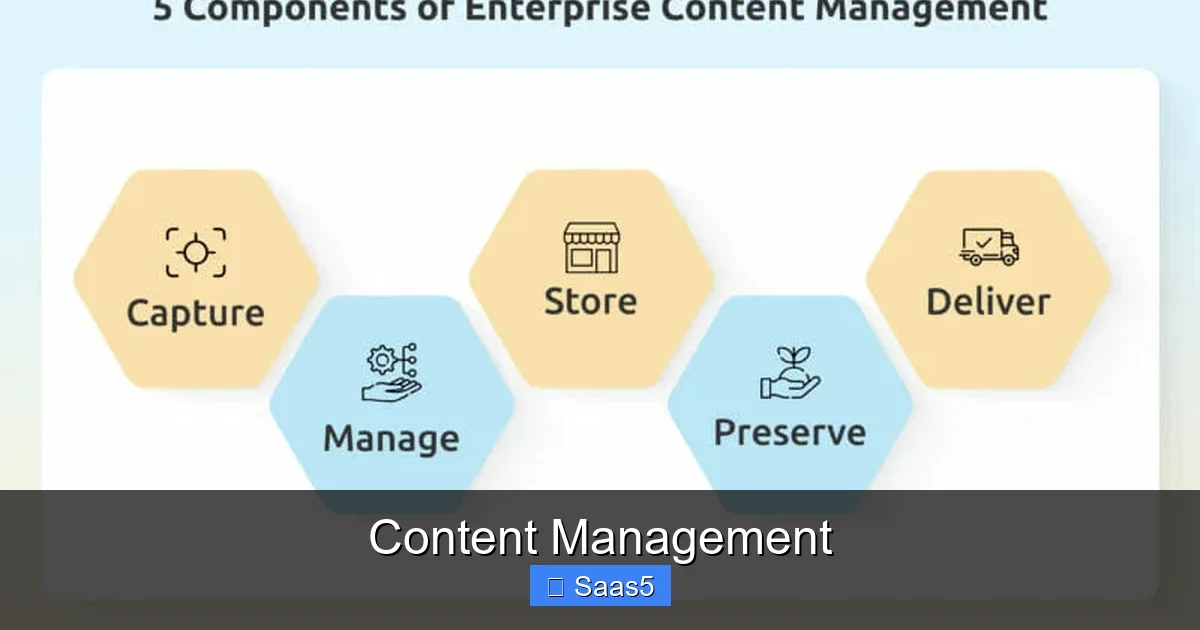
Content management isn’t just about a fancy software label. It’s a set of practices, tools, and people working together to create, store, organize, and deliver the right message to the right audience at the right time. In this article we’ll walk through the entire journey—from defining goals to picking a platform, building workflows, and measuring success—so you can turn content chaos into a competitive advantage.
1. Setting the Foundation: Goals, Audiences, and Governance
Identify Your Business Objectives
The first step is to ask “what are we trying to achieve?” Common goals include lead generation, brand awareness, customer education, or internal knowledge sharing. Write these goals down and tie each one to a measurable KPI (e.g., monthly website traffic, conversion rate, support ticket resolution time).

Visual guide about Content Management
Image source: static.vecteezy.com
Know Your Audience Inside Out
Different personas consume content in different ways. A B2B buyer may prefer whitepapers and webinars, while a Gen‑Z shopper looks for short TikTok videos. Mapping content types to audience preferences ensures you create material that actually gets consumed.
Establish Governance Rules
Governance covers who can create, edit, approve, and publish content. Create a simple matrix that defines roles—author, editor, reviewer, publisher—and the permissions each role holds. This prevents accidental overwrites and keeps compliance in check.
2. Choosing the Right Content Management System (CMS)
Open‑Source vs. SaaS vs. Headless
There are three main categories of CMS platforms:
Visual guide about Content Management
Image source: influencermarketinghub.com
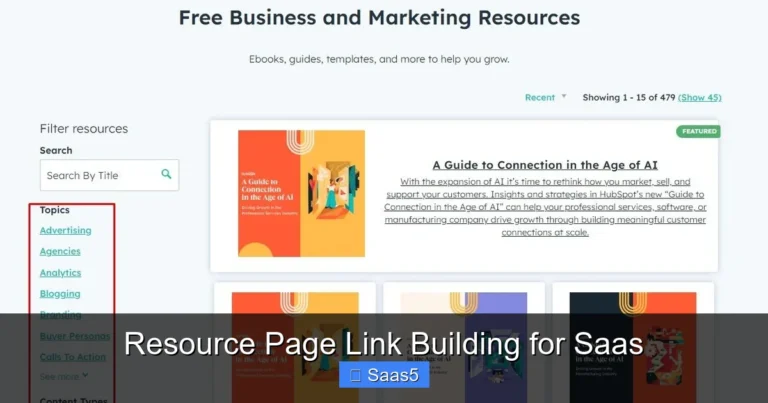
- Open‑source (e.g., WordPress, Drupal): Highly customizable, low licensing cost, but you manage hosting and updates.
- SaaS (e.g., Contentful, HubSpot CMS): Hosted and maintained by the vendor, easy scaling, predictable pricing.
- Headless: Content is stored centrally and delivered via APIs to any front‑end (web, mobile, IoT). Perfect for omnichannel strategies.
Key Evaluation Criteria
- Ease of use: Non‑technical marketers should feel comfortable creating pages.
- Scalability: Can the system handle a growing library of assets?
- Integration: Does it connect with your CRM, marketing automation, or analytics tools?
- Security: Look for role‑based access, SSL, and regular backups.
- Cost of ownership: Consider licensing, hosting, and long‑term maintenance.
Practical Example: Switching to a SaaS CMS
A mid‑size e‑commerce brand moved from a self‑hosted WordPress site to a SaaS CMS. The switch cut page‑load times by 30 % and reduced the need for internal IT support, freeing the marketing team to focus on campaigns.
3. Structuring Content for Findability
Taxonomies and Metadata
Taxonomies are the categories and tags you assign to content. A clear hierarchy (e.g., “Product → Electronics → Headphones”) makes navigation intuitive. Metadata—such as author, publish date, and SEO keywords—adds searchable detail.

Visual guide about Content Management
Image source: medical.tsumura.co.jp
Naming Conventions and File Organization
Adopt a consistent file‑naming pattern like YYYYMMDD_ProjectName_AssetType_Version.ext. Store assets in logical folders (e.g., /images/product‑launch/2024/). This simple habit saves hours when designers hunt for the right graphic.
Internal Linking for SEO and User Flow
Linking related articles or product pages boosts SEO and keeps readers on your site longer. For example, a blog post about “employee engagement” can naturally link to our guide on Employee Management Strategies For Success, providing extra value and reinforcing topical authority.
4. Building Efficient Workflows
Step‑by‑Step Publishing Process
A typical workflow might look like this:
- Idea generation: Content calendar brainstorming.
- Drafting: Author creates the first version.
- Review: Editor checks grammar, brand voice, and compliance.
- Approval: Legal or senior manager gives the final sign‑off.
- Scheduling: Publisher sets the go‑live date.
- Distribution: Content is shared across web, email, and social channels.
Automation Tools
Most SaaS CMS platforms include automation features like auto‑publishing, content expiry, and workflow triggers. Pair them with tools such as Zapier or Integromat to push new blog posts to social media automatically.
Tip: Use Version Control
Enable version history so you can revert to earlier drafts if needed. This safety net encourages creativity without fear of losing work.
5. Ensuring Security, Compliance, and Quality
Role‑Based Permissions
Assign the minimum necessary rights to each user. An author should never have publishing authority until content passes through an editor.
Regular Backups and Disaster Recovery
Schedule daily backups and test restore procedures quarterly. Cloud‑based CMS providers often include this as part of the service, but verify the retention period.
Compliance Checks
If you handle personal data, ensure your CMS supports GDPR, CCPA, or other relevant regulations. Use built‑in consent banners and audit logs to demonstrate compliance.
6. Measuring Success and Continuous Improvement
Key Performance Indicators (KPIs)
- Traffic & Engagement: Page views, average time on page, bounce rate.
- Conversion Metrics: Form submissions, product purchases, newsletter sign‑ups.
- Content Production Efficiency: Time from idea to publish, number of revisions.
Analytics Integration
Connect your CMS to Google Analytics, HubSpot, or a BI tool. Dashboards that pull in real‑time data help you spot trends—like which blog topics drive the most leads.
Feedback Loops
Encourage readers to leave comments or rate articles. Internally, run quarterly retrospectives with the content team to discuss what worked and what didn’t.
Conclusion: Turn Content Management into a Growth Engine
Effective content management is more than software; it’s a mindset that blends clear goals, the right technology, disciplined processes, and constant measurement. By defining objectives, choosing a platform that fits your needs, structuring assets for easy retrieval, automating workflows, safeguarding security, and tracking performance, you create a self‑reinforcing system that fuels marketing, sales, and customer success.
Start small—pick one piece of your workflow to improve today—and watch the ripple effect across your organization. With the right foundation, content management becomes the engine that drives brand consistency, operational efficiency, and sustained growth.
Frequently Asked Questions
What is the difference between a traditional CMS and a headless CMS?
A traditional CMS combines content creation and front‑end delivery in one system, while a headless CMS stores content centrally and delivers it via APIs to any front‑end, offering greater flexibility for omnichannel experiences.
How often should I audit my content taxonomy?
Conduct a taxonomy audit at least once a year or whenever you add a major new product line. This keeps categories relevant and ensures users can find content quickly.
Can I use a content management system for internal documentation?
Yes. Many organizations use the same CMS for public marketing assets and internal knowledge bases, simply applying different permission sets to separate audiences.
What are some low‑cost tools for automating content workflows?
Zapier, Integromat (Make), and native CMS automation features can handle tasks like publishing to social media, notifying reviewers, or updating spreadsheets without a large budget.
How does content management affect SEO?
Well‑structured URLs, consistent metadata, internal linking, and fast page loads—all governed by a good CMS—help search engines understand and rank your content higher.
Is it necessary to train every employee on the CMS?
Not every employee, but anyone who creates or edits content should receive basic training. Tailor sessions to roles—authors need a different depth of knowledge than administrators.